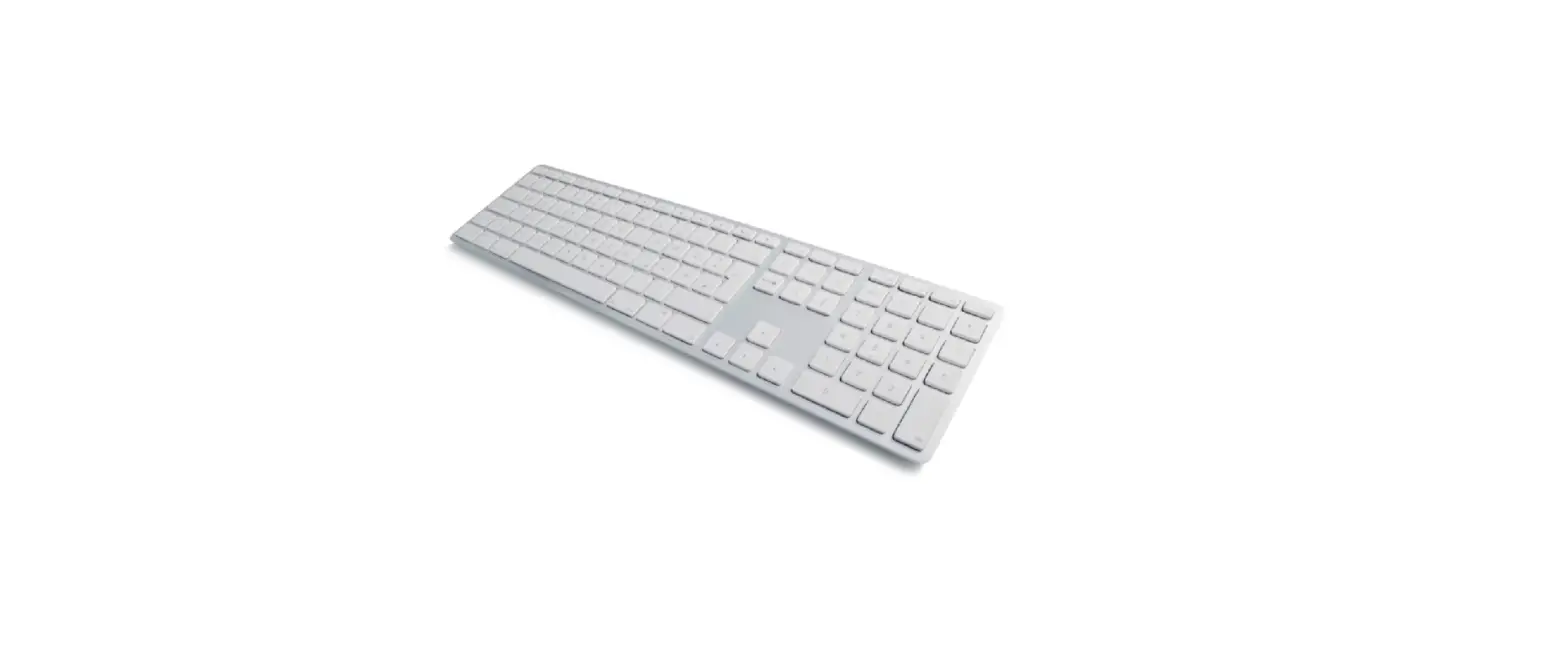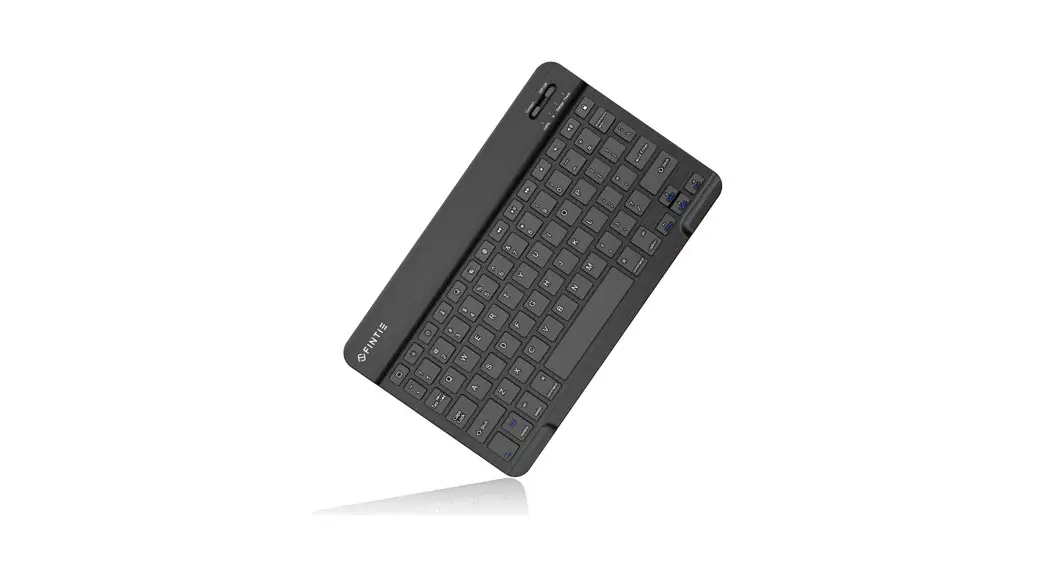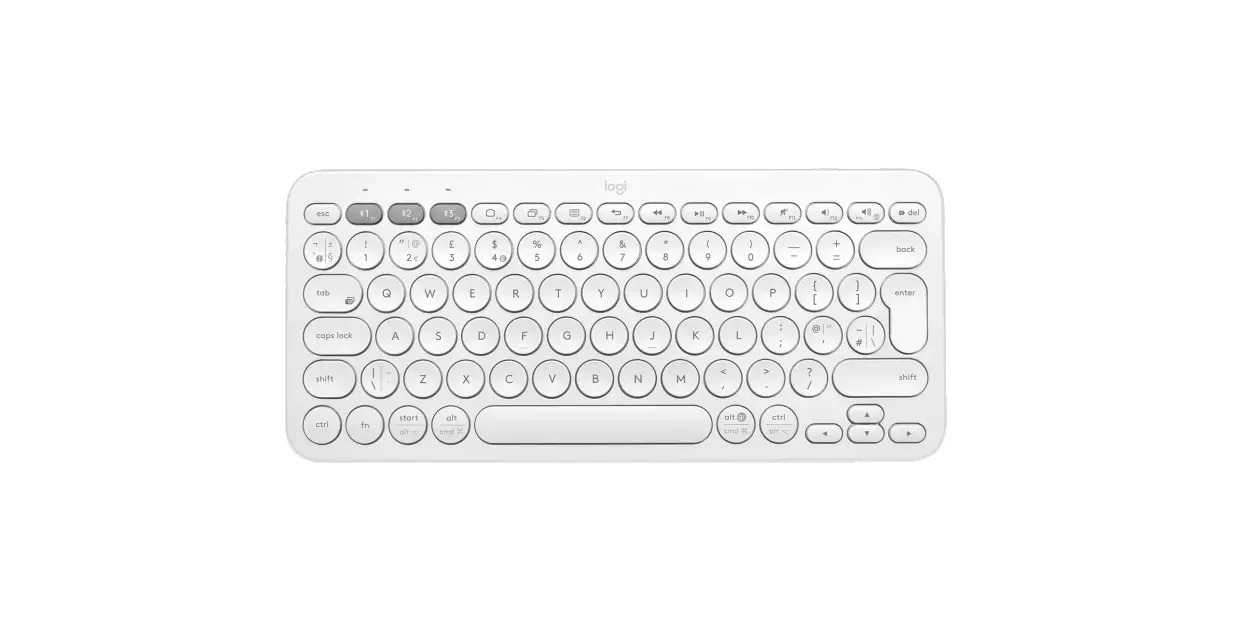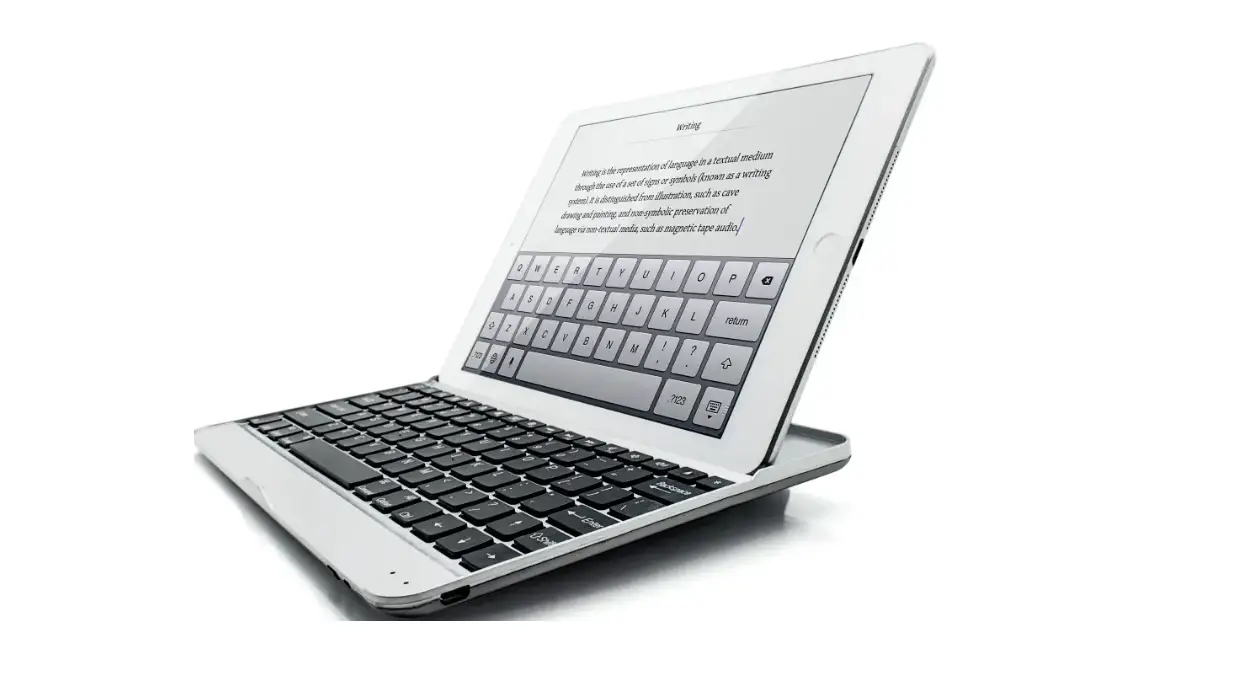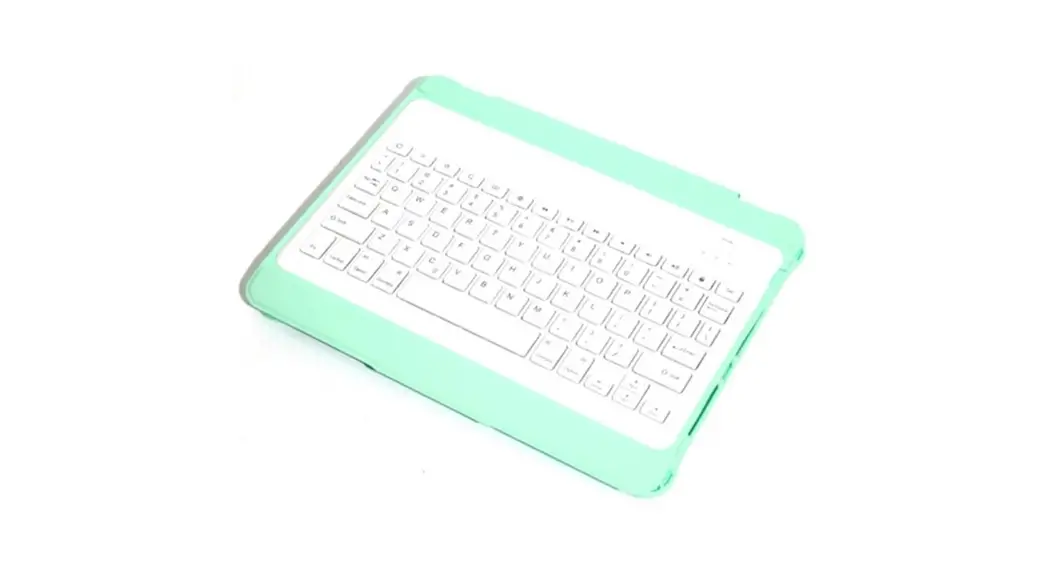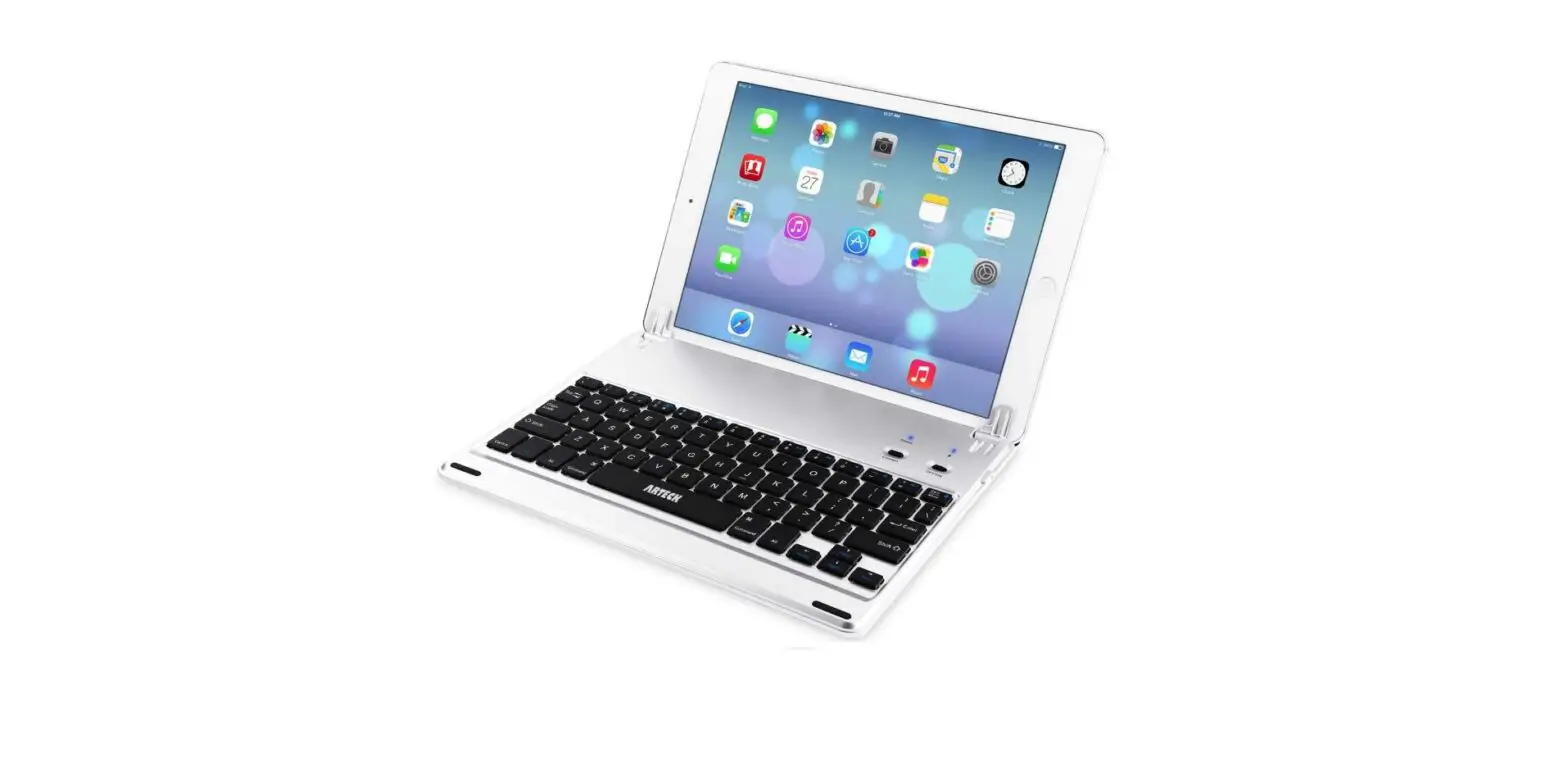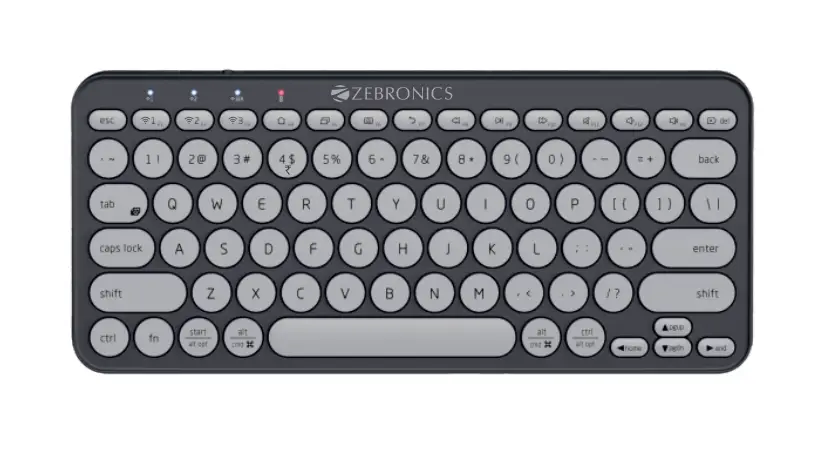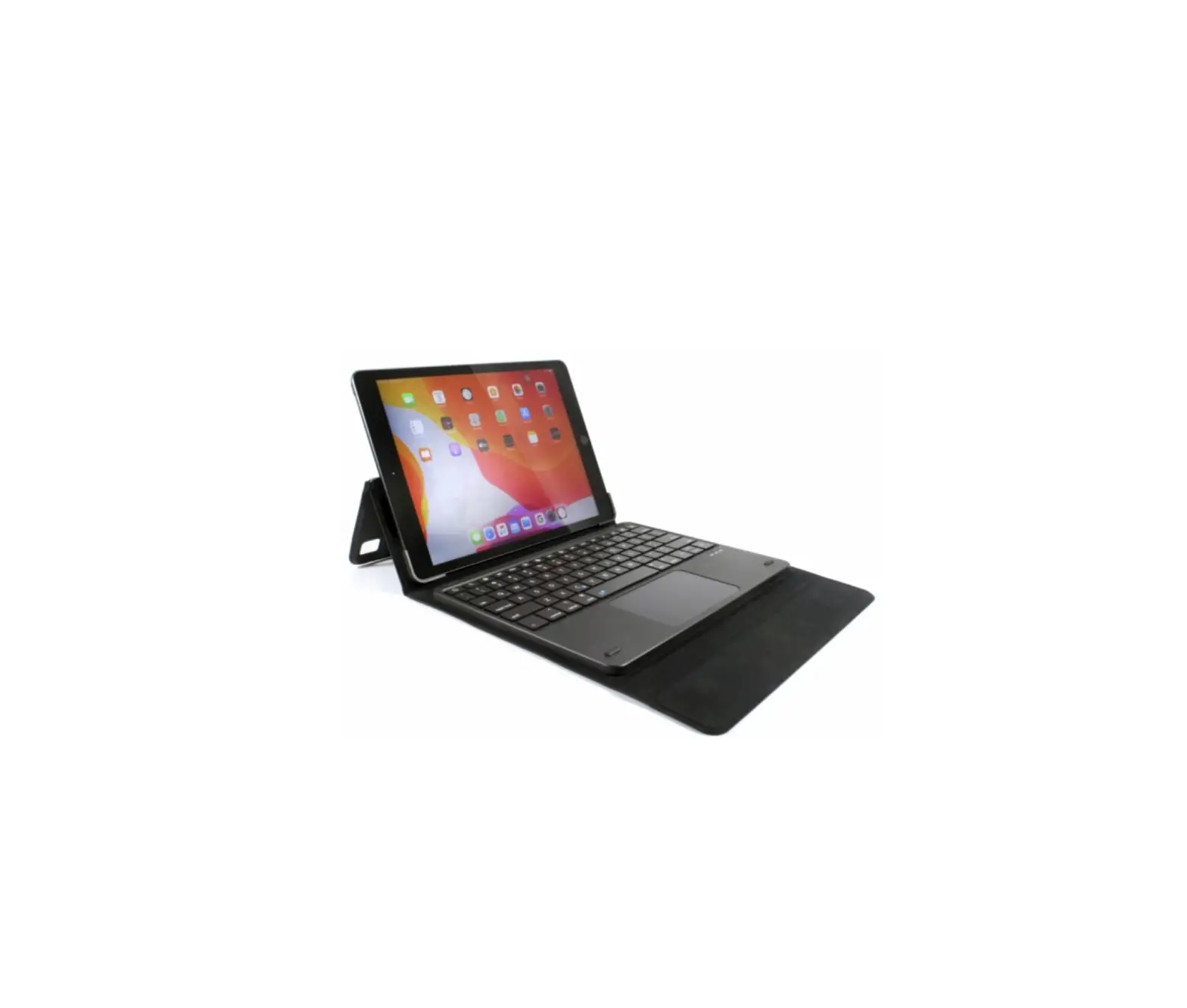
Ortek WKB850 Bluetooth Keyboard for ipadAir
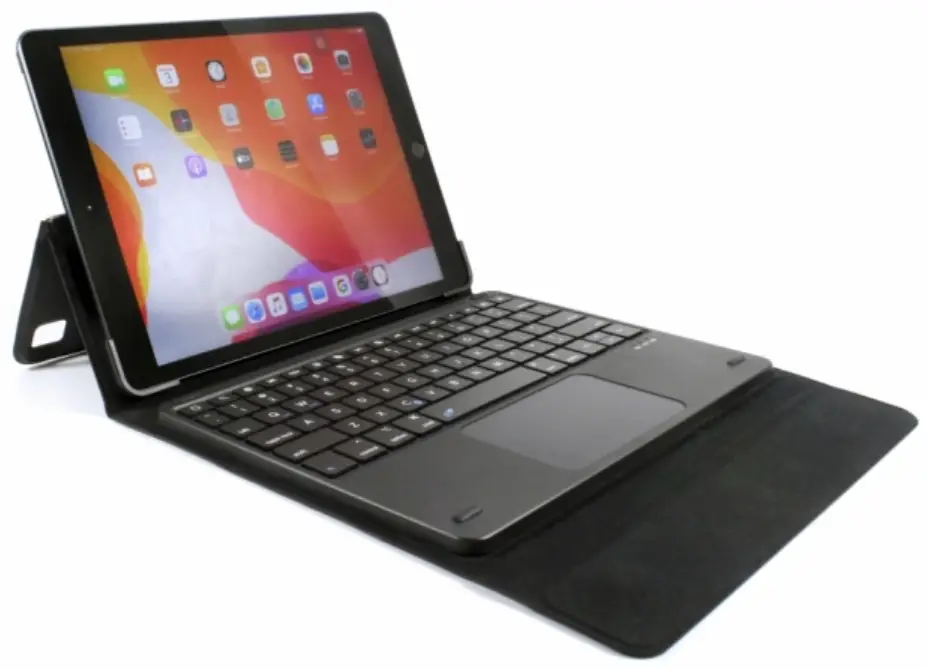
About This Manual
This manual is designed to assist you in installing and using the Bluetooth Keyboard. Information in this document has been carefully checked for accuracy; however, no guarantee is given to the correctness of the contents. The information in this document is subject to change without notice.
Edition
1st Edition,
Copyright
© Copyright 2020
This document contains proprietary information protected by copyright. All rights are reserved . No part of this manual may be reproduced by any mechanical, electronic or other means, in any form, without prior written permission of the manufacturer.
Trademarks
All trademarks and registered trademarks are the property of their respective owners
Introduction
Thank you for purchasing the Bluetooth Keyboard This User ‘s Manual contains information that wi ll help to operate the device as well as answering questions about certain special keys and buttons. Please keep this manual in a safe place for future reference
Technical Specifications
Keyboard devices: use HID coordination Bluetooth devices
Keyboard Size: 2Sl.3 x 182.2 x 6.0 mm
Battery Capacity: 300 mAh
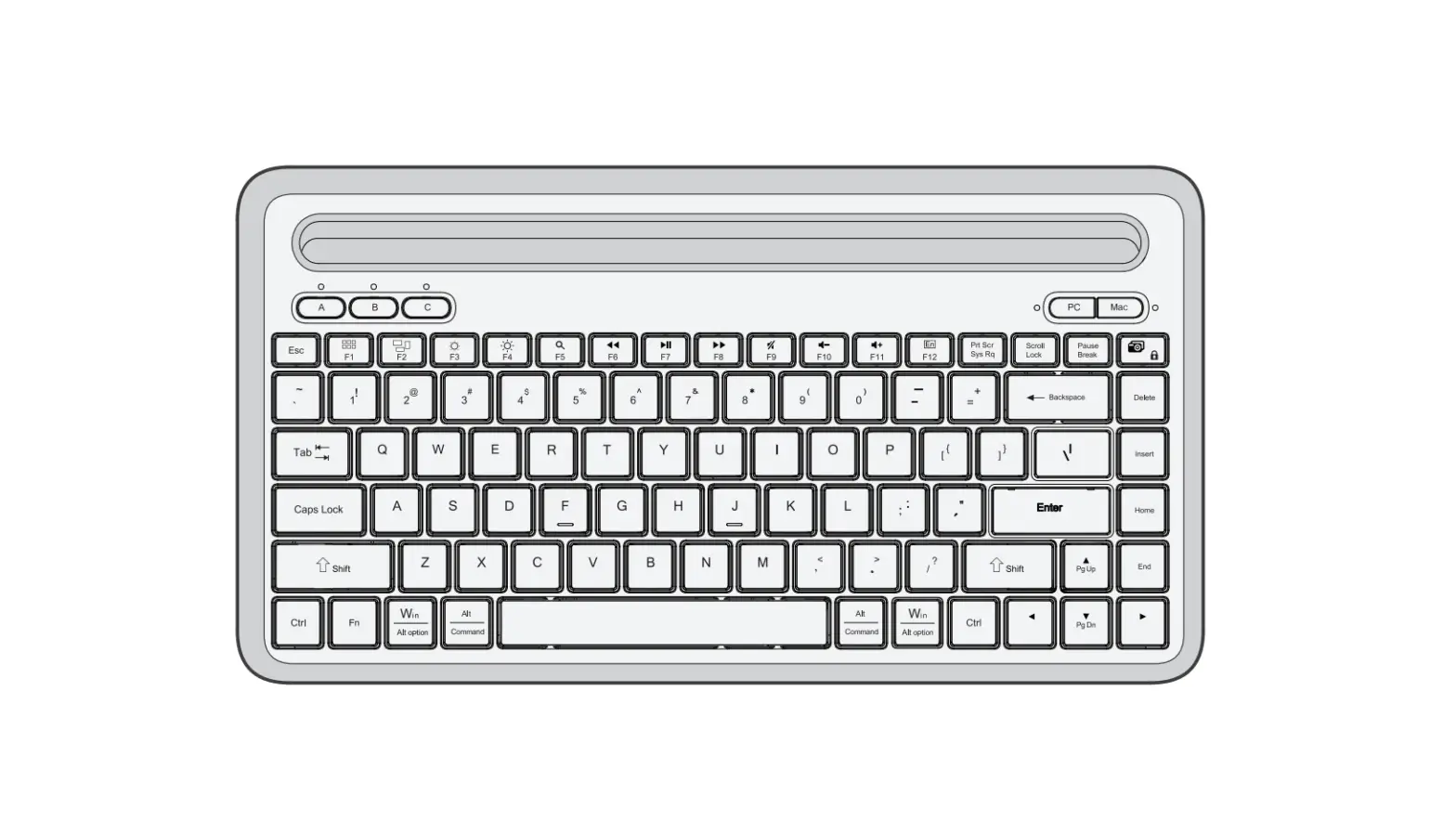
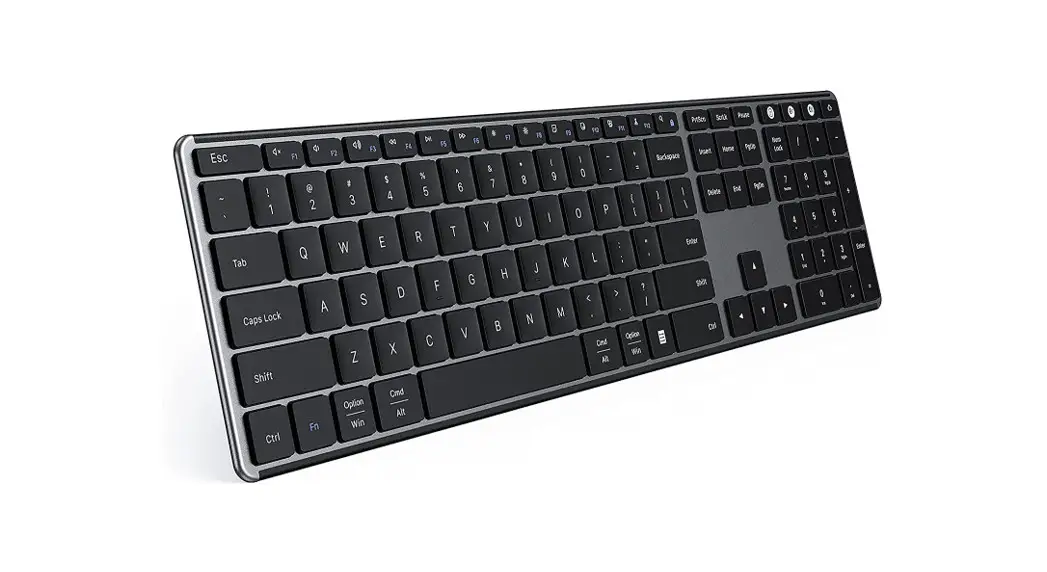
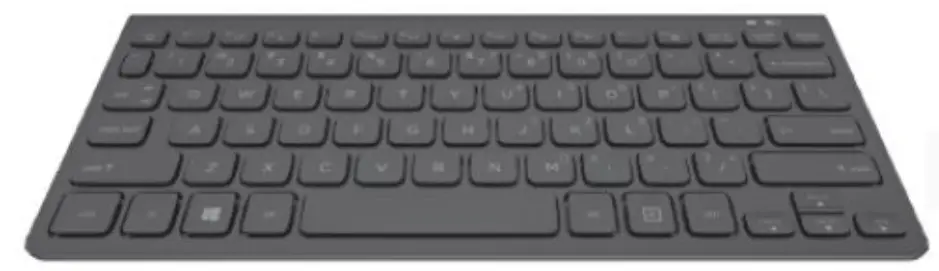
Keyboard layout:
80 keys Weight: 600g
Working voltage: 3.3-4.2 V
Working current: under lS mA
Standby current: 2.S-3.1 mA
Sleep current: under 60 uA
Charging current: 150 mA
Charging time: about 2.5hrs Awaken way: Press key
Continuous usage: about 20 hrs
Charging Method
- When in low battery, the red light will blink for charg ing reminder. The light will show on green while charg ing and wil l go off after fully charge
Remarks: In order to prolong the life of battery, please switch off the power when you do not use the keyboard for a long time
Keyboard Operation Instruction:
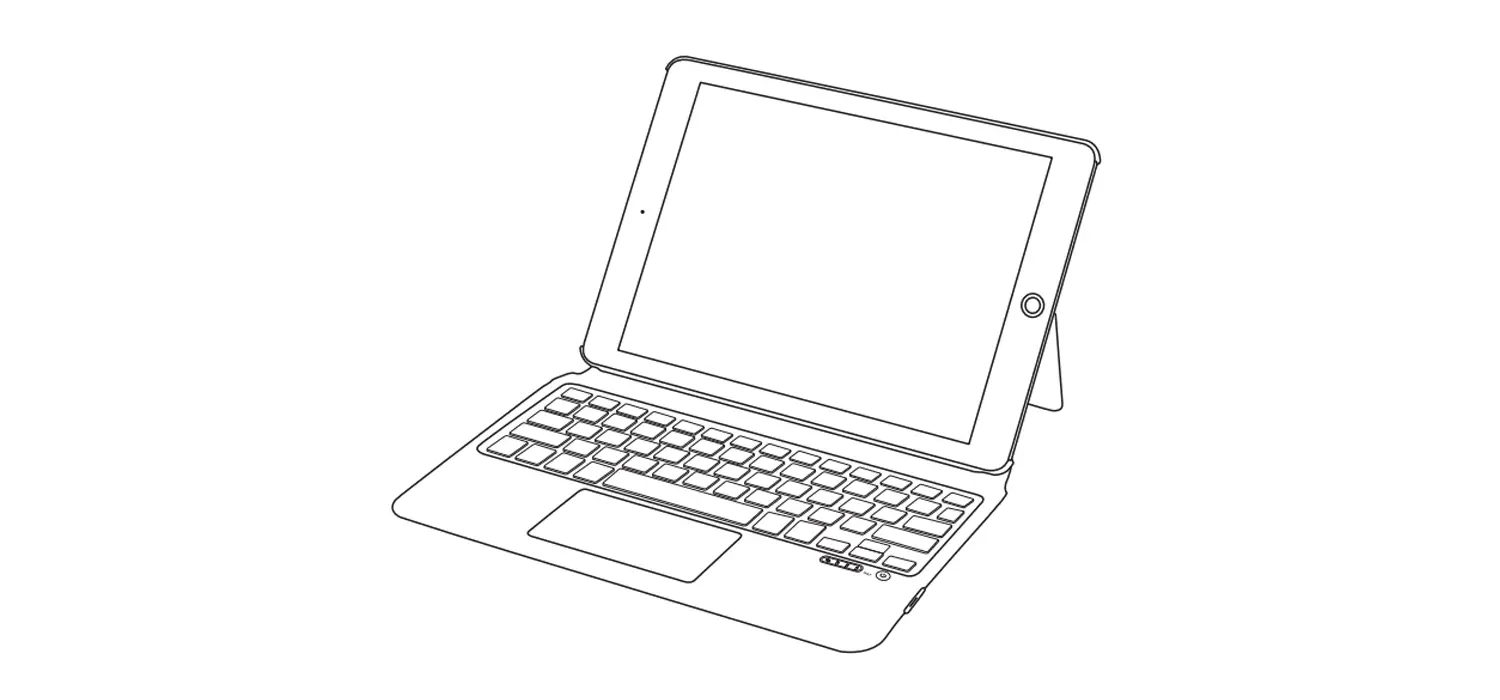
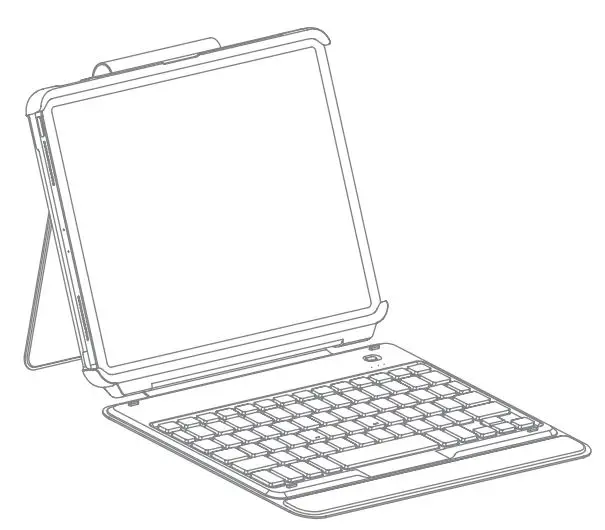
- Open your keyboard bag, Put iPad on the groove exactly.
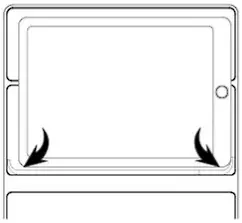
- Adjust the stand to preferred viewing angle.
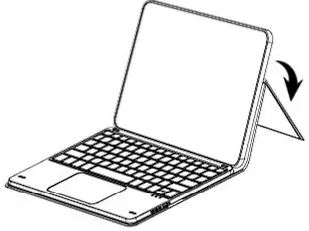
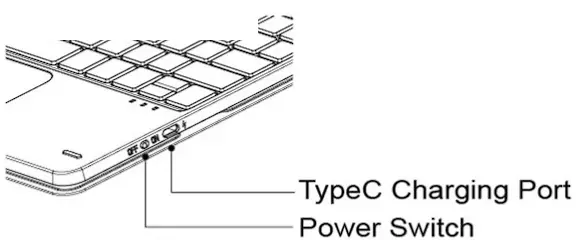
- Turn on the keyboard power switch, then pair the device with Bluetooth to completed.
- Close the iPad bag, iPad will enter into sleep mode.
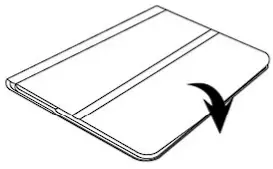
IOS Operating System Instruction:
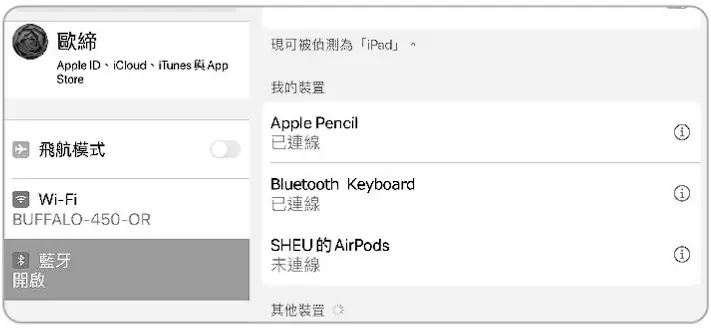
- Turn on the power switch on the side edge of the keyboard. The Bluetooth indicator lights up. After pressing the code matching button (Fn+Q or W) for 3S, you will see the blue Bluetooth indicator blinking.

- Open your iPad and select “setting” mode.
 Setting
 - Open your Bluetooth signal and search “Bluetooth Keyboard” click and press “Next”
- The pair is done successfully, enjoy the Bluetooth Keyboard.
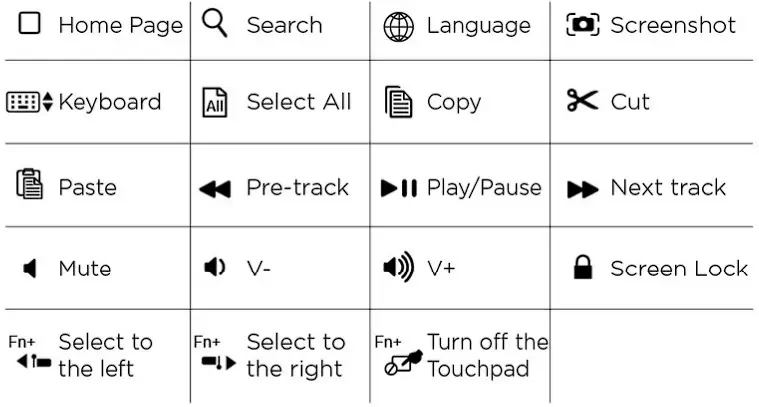
Multimedia function: Media and iOS hot keys may not support every OS and device.
Touchpad
| Gesture | Function | |
 | Tap | Tap |
 | Double-tap | Enter |
 | Drag |
|
 | Single-finger slides | Swipe |
 | Two-finger tap | Mouse right button |
 | Two-finger slides vertically |
|
 | Two-finger slides horizontally |
|
 | Two-finger separation/collapse | Zoom in/out |
 | Three-finger tap | Dock |
 | Three-finger slides up | Go Home |
 | Three-finger slides down | Shows all windows of the app you’re using |
  | Three-finger slides left/right | Switch between open apps |
 | Four-finger tap | Screenshot |
FEDERAL COMMUNICATIONS COMMISSION STATEMENT
You are cautioned that changes or modifications not expressly approved by the part responsible for compliance could void the user’s authority to operate the equipment This Equipment has been tested and found to comply with the limits for a class B digital device, pursuant to Part 15 of the Federal Communications Commission (FCC) rules. These limits are designed to provide reasonable protection against harmful interference in a residential installation. This equipment generates, uses, and can radiate radio frequency energy and, if not installed and used in accordance with the instructions. may cause harmful interference to radio communications. However, there is no guarantee that interference will not occur in a particular installation. If this equipment does cause harmful interference to radio or television reception, which can be determined by turning the equipment off and on, the user is encouraged to try to correct the interference by one or more of the following measures
- Reorient or relocate the receiving antenna
- Increase the separation between the equipment and receiver
- Connect the equipment into and outlet on a circuit different from that to which the receiver is connected
- Consult the dealer or an experienced rad io/TV technician for help.
Operation is subject to the following two conditions:
- this device may not cause interference and
- this device must accept any interference, including interference that may cause undesired operation of the device.
FCC RF Radiation Exposure Statement
This equipment complies with FCC radiation exposure limits set forth for an uncontrolled environment. End users must follow the specific operating instructions for satisfying RF exposure compliance. This transmitter must not be co-located or operating in conjunction with any other antenna or transmitter.