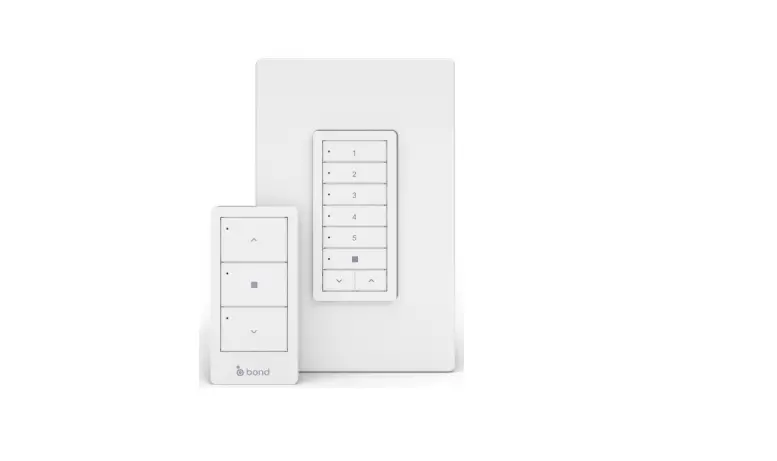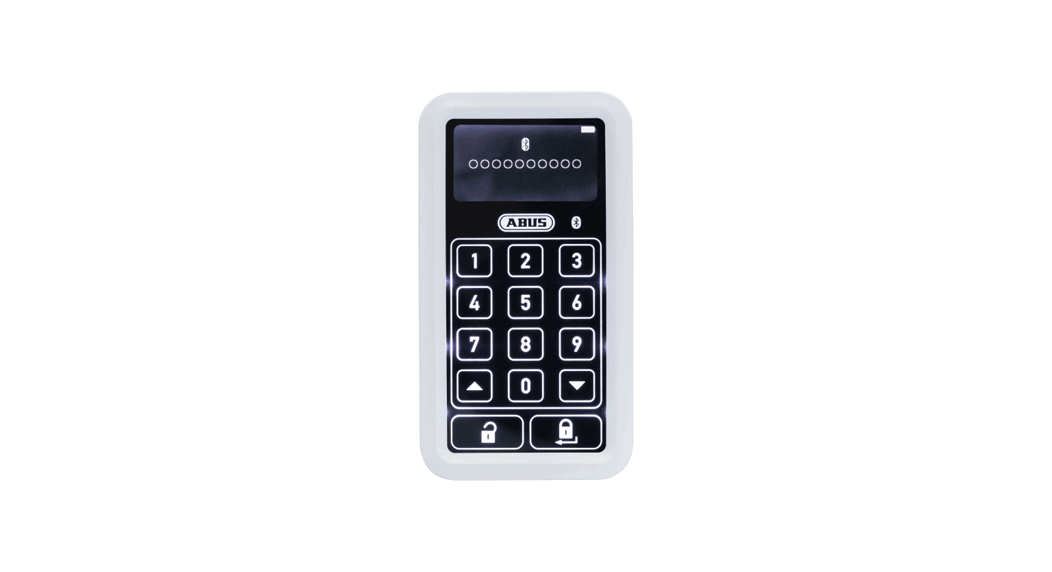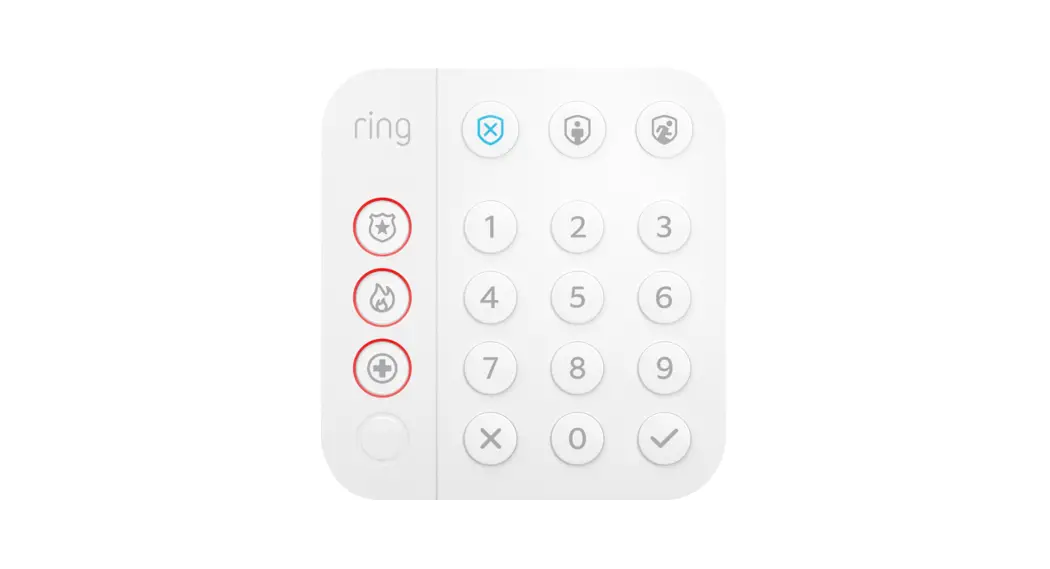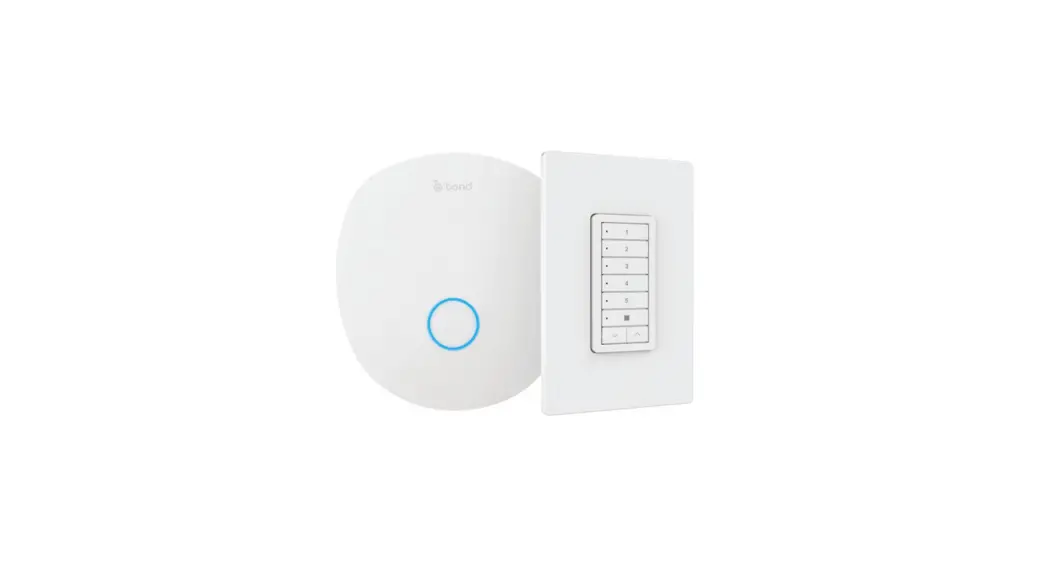
 Sidekick Scene Keypad
User Manual
Sidekick Scene Keypad uses Bond Bridge Pro to communicate key tap, double tap, and hold events to automation systems such as Control4, URC, Crestron, Josh.ai, and others. 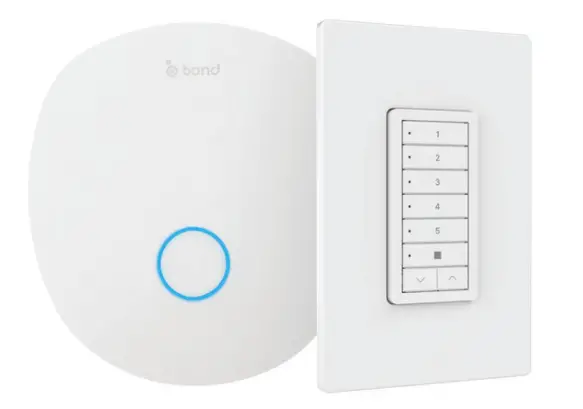
- Select the mode that you want to use
- Enter the Menu Code*
- All LEDs will blink to confirm
- Install the correspondent button set
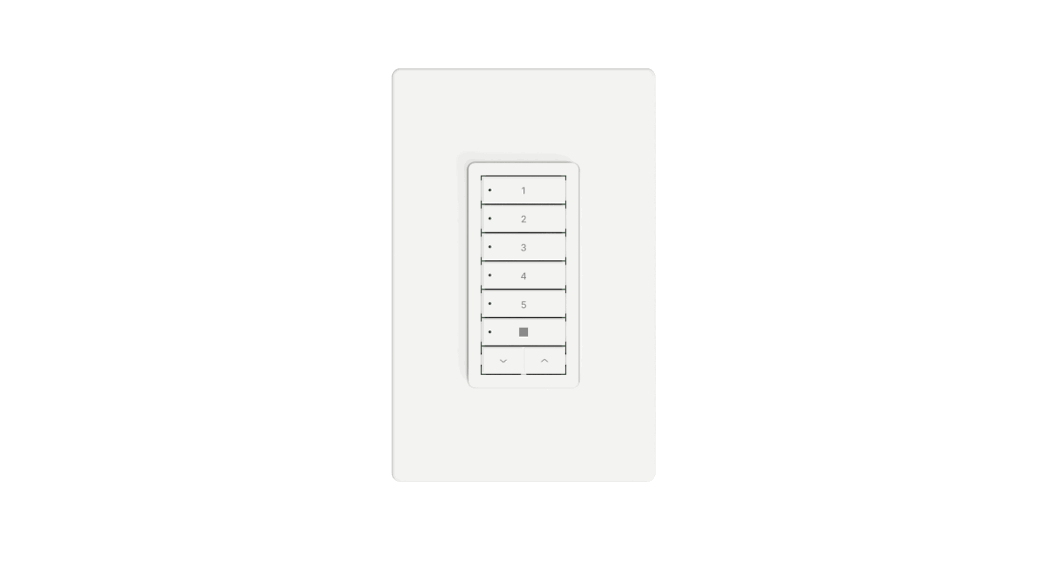
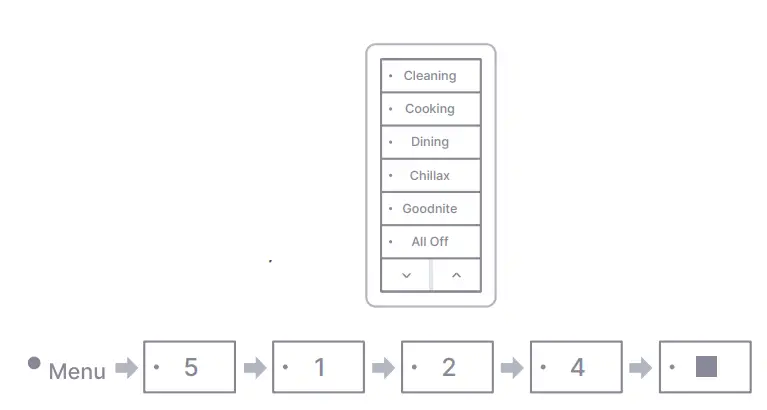
8-Scene Mode
You can set up to 8 scenes and even use the Up and Down buttons to control dimmer lights, volume, temperature, or whatever your imagination leads you!
To use this mode, enter the code below:
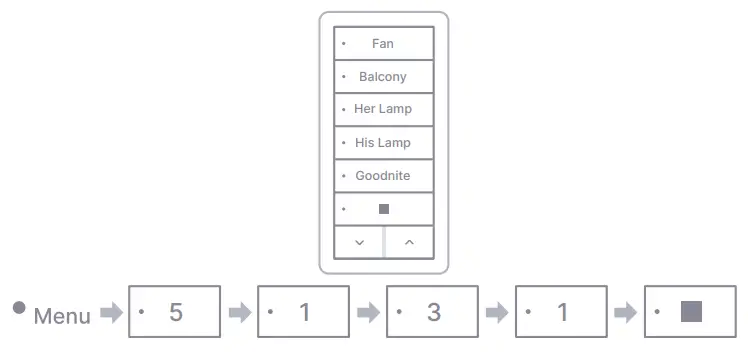
Mixed Mode (5 Scenes, 1 Shade)
In this mode, pair a single channel to your shades and use Stop, Up and Down buttons to control it directly. Use the remaining keys to create up to 5 scenes.
To use this mode, enter the code below:
 Josh.ai | Voice Control - Artificial Intelligence - Smart Home Automation