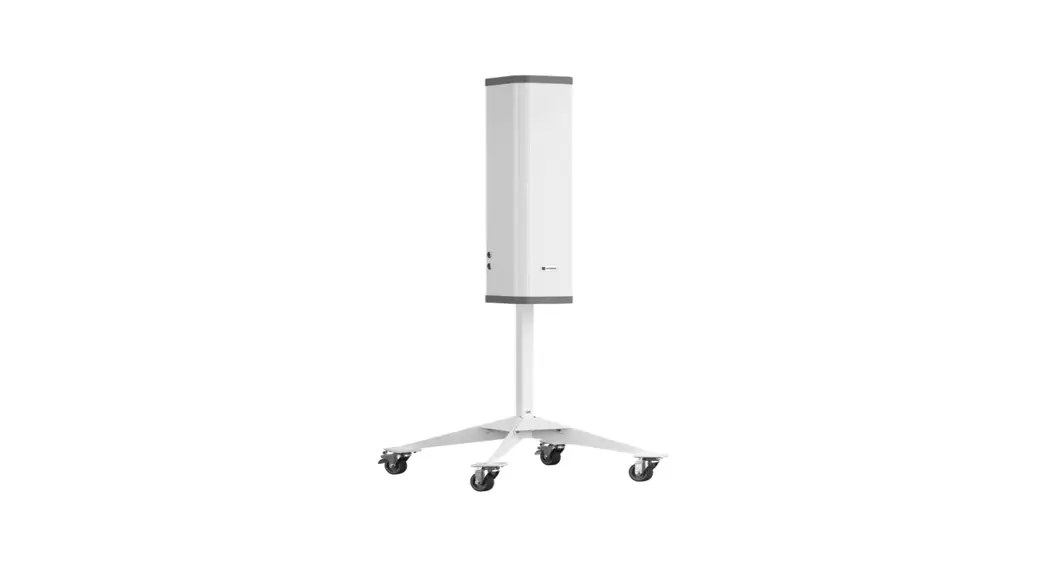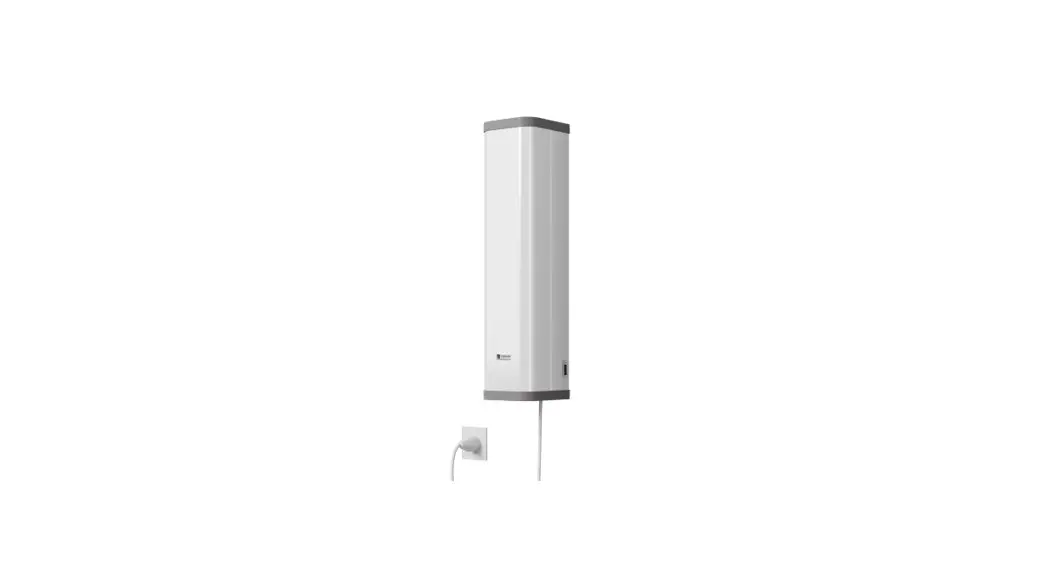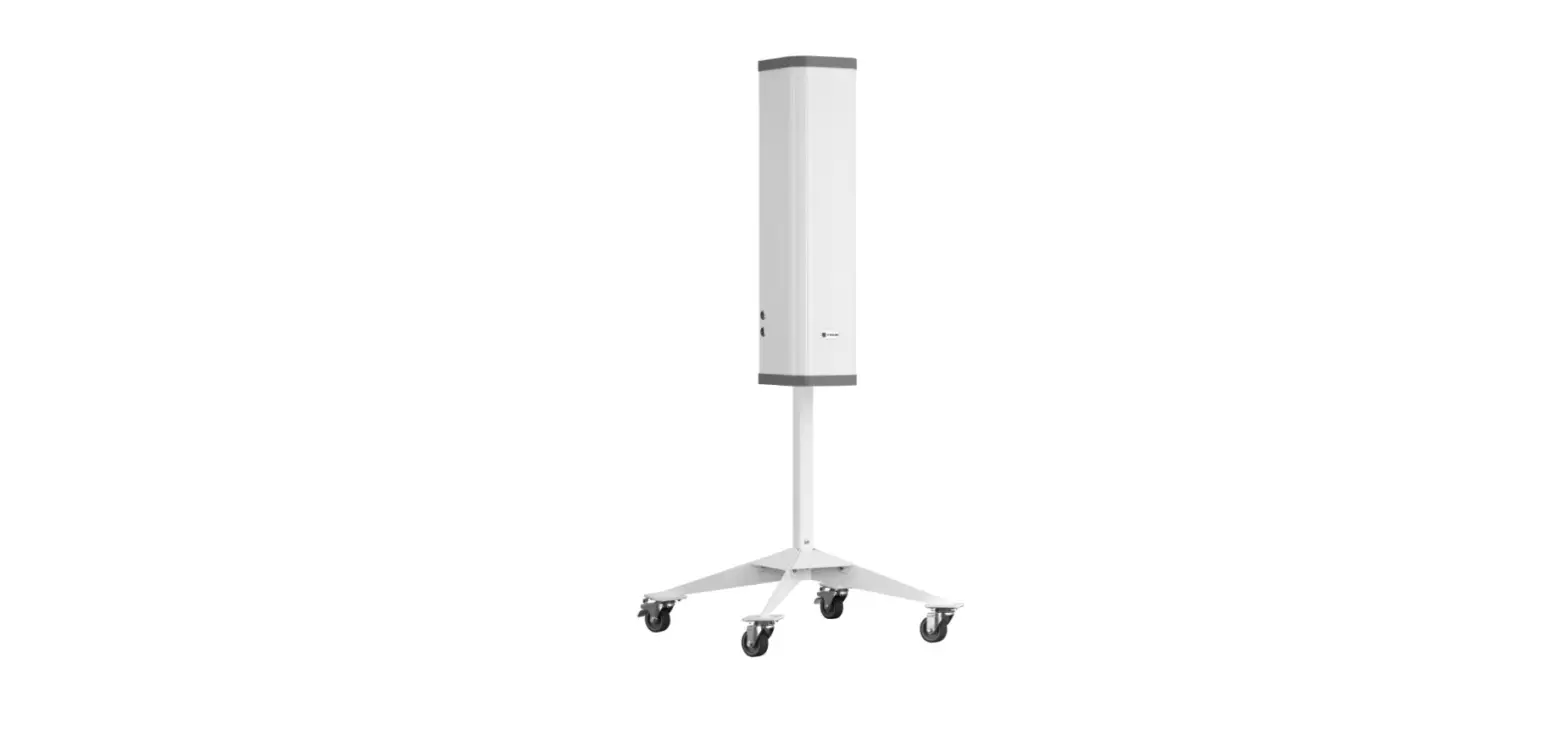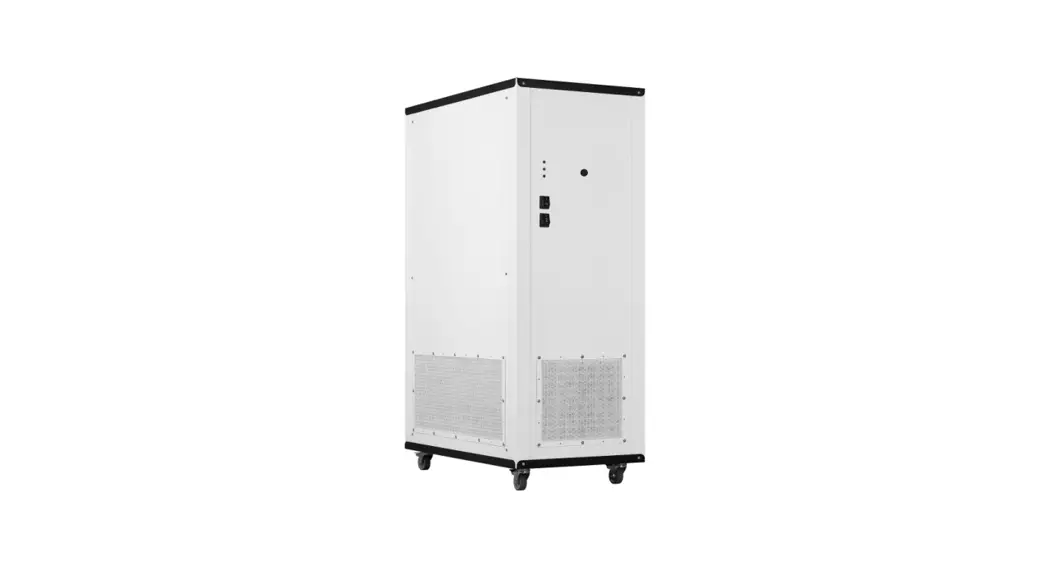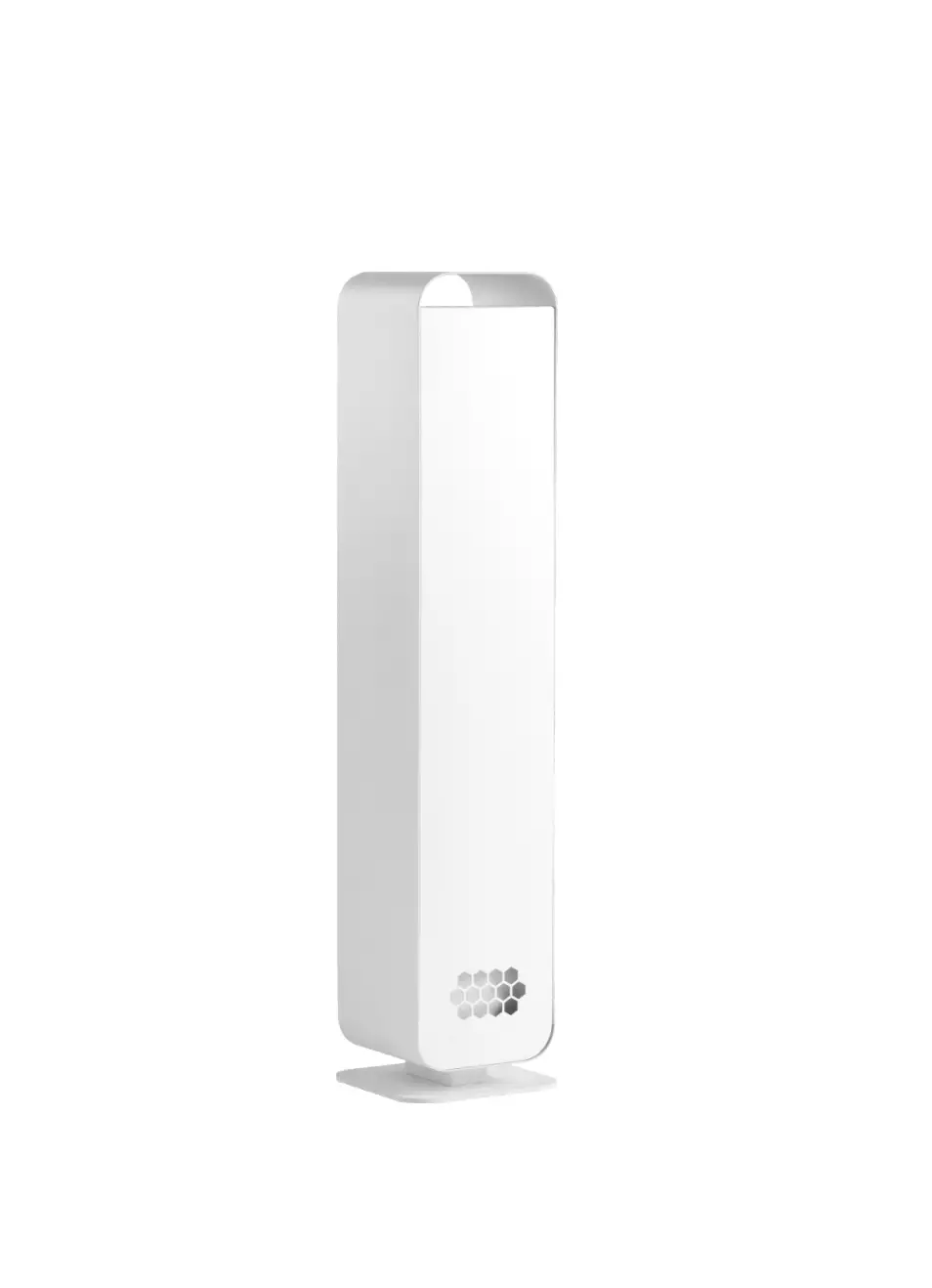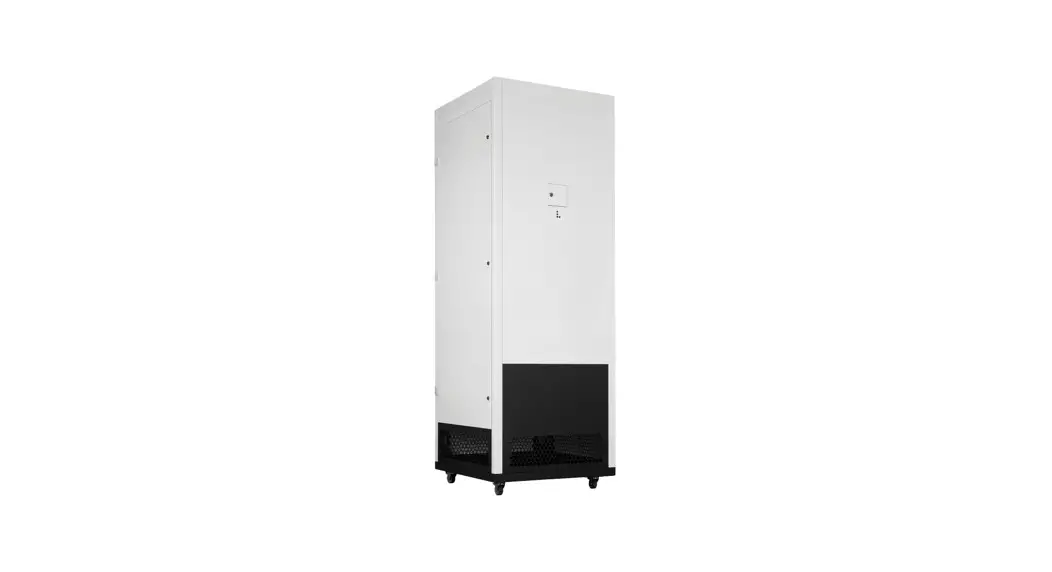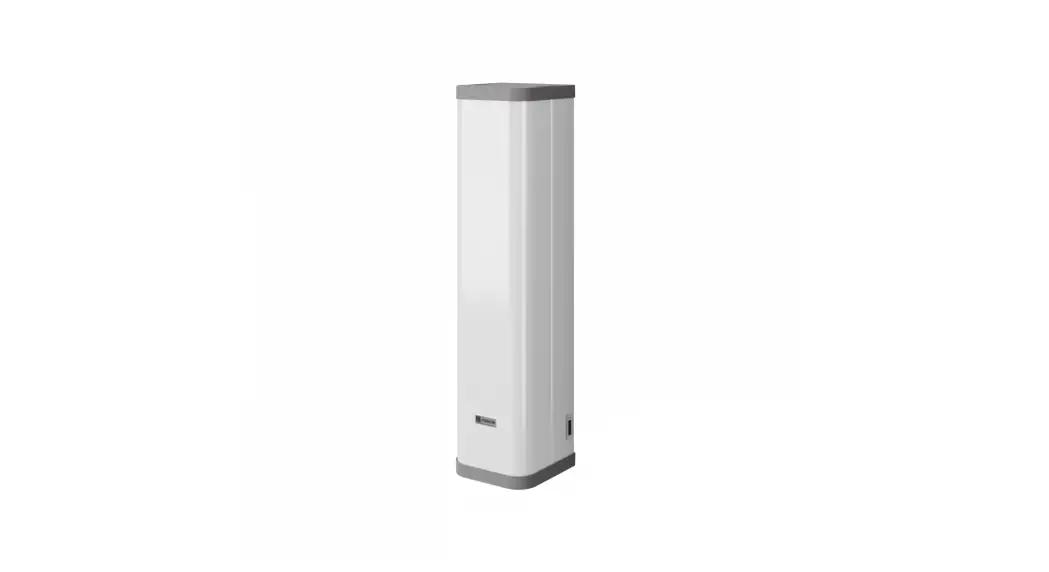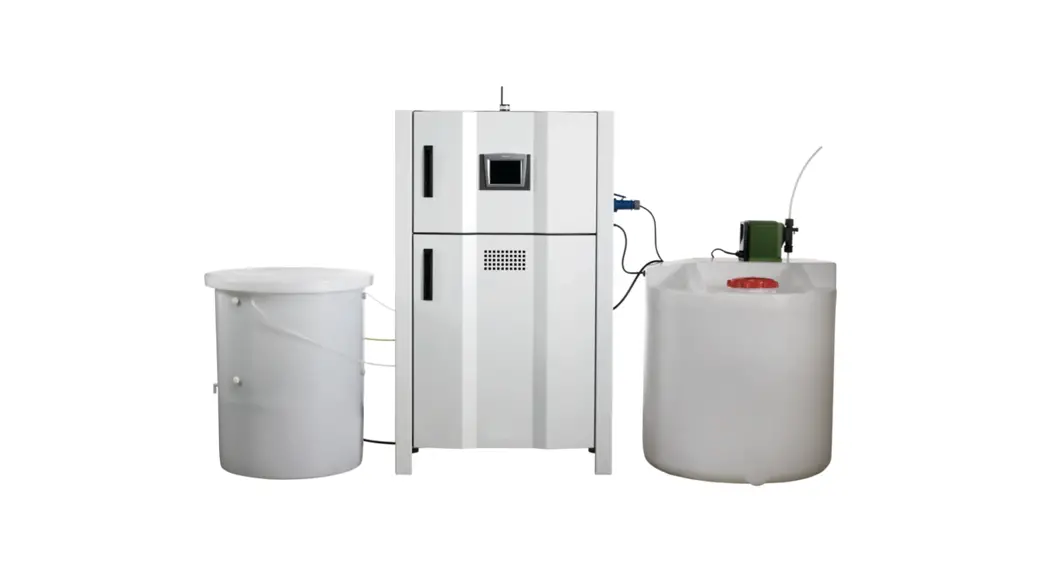
 Wind & Illumination Sterilizing system
DJ-D182 V2.1 version
Operational Guideline
DJ-D182 Wind and Illumination Sterilizing System
Notice:
- Don’t switch on the power supply before installation completed!
- Only the professional electricians are allowed to install or maintain the equipment!
- Reliable grounding is required for safety issue!
- Air blower current:<2A
- Illumination current:<2A
- Sterilizing current:<2A
Inspection before application:
Touch screen ————– 1
Control panel ———– 1
Transformer ———— 1
Touch Screen
1.1 You will enter the interface with“LOGIN” button 
1.2 Main interface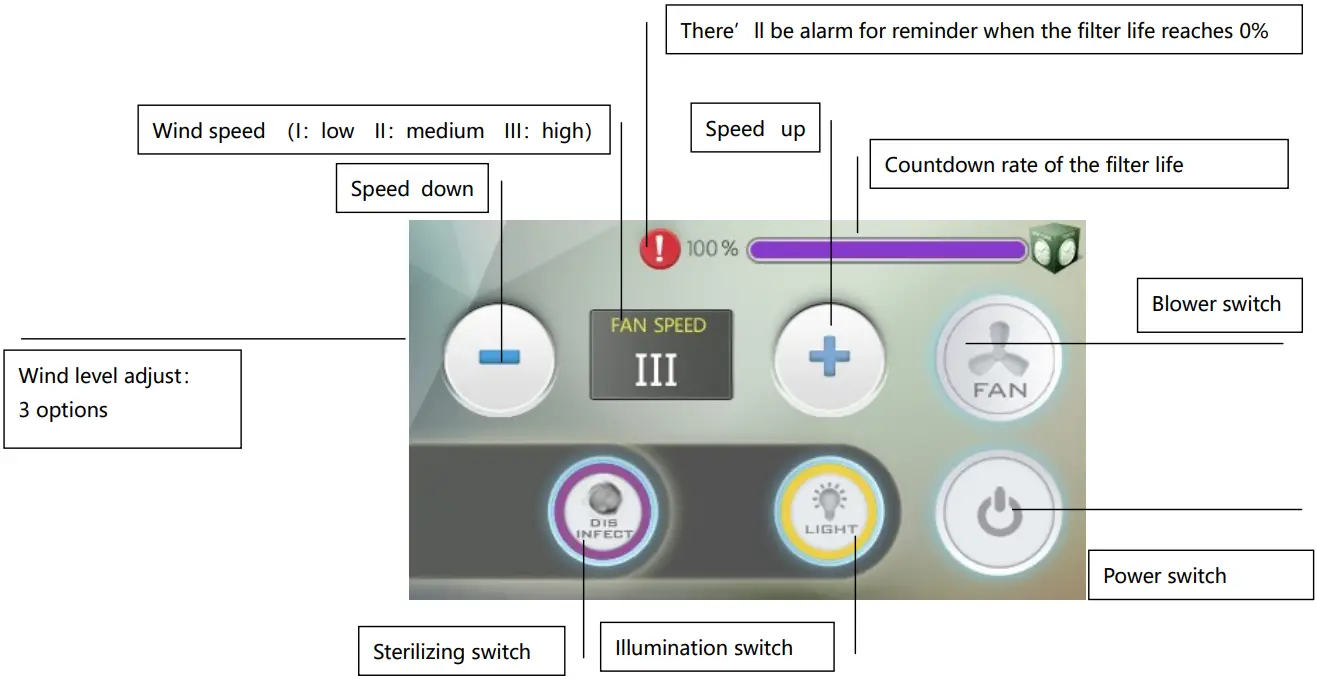
Functions
2.1 Blower switch: to switch on or off the blower  2.2 Wind SPEED: I~III,total 3 levels,last choice will be saved.
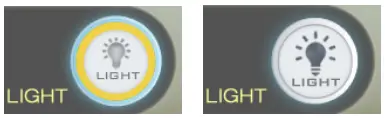
  2.3 Illumination switch:to switch on or off the light for illumination
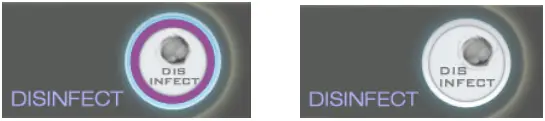
  2.4 Sterilizing switch:to switch on or off the sterilizing light
 2.5 Countdown rate of the filter life:resolution ratio based on the setting hours, for example 16000hrs totally, 20% means 3200hrs left. The left red sign will light up for alarming when the filter life ends.
  2.6 Resetting for filter life
Press the button of  on the main interface,and input password:3457,then press “Enter”to the resetting interface.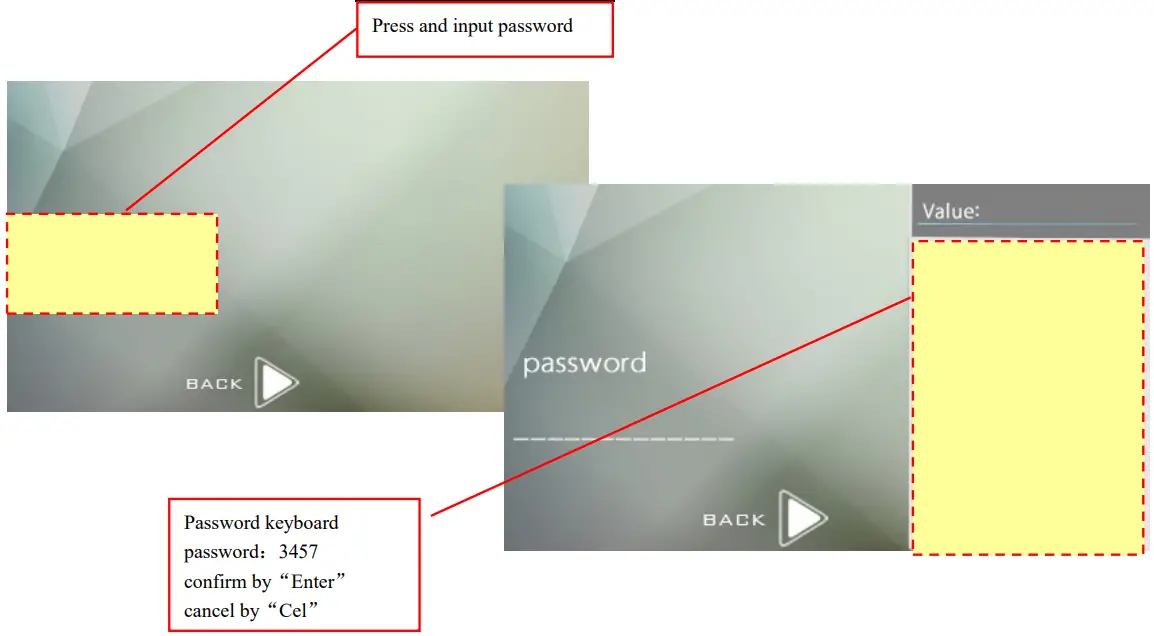
When enter the interface for life resetting, press“-”or“+”for resetting within the range of 1000~16000 (H). After resetting, press “BACK” to save your data and return to the main interface. 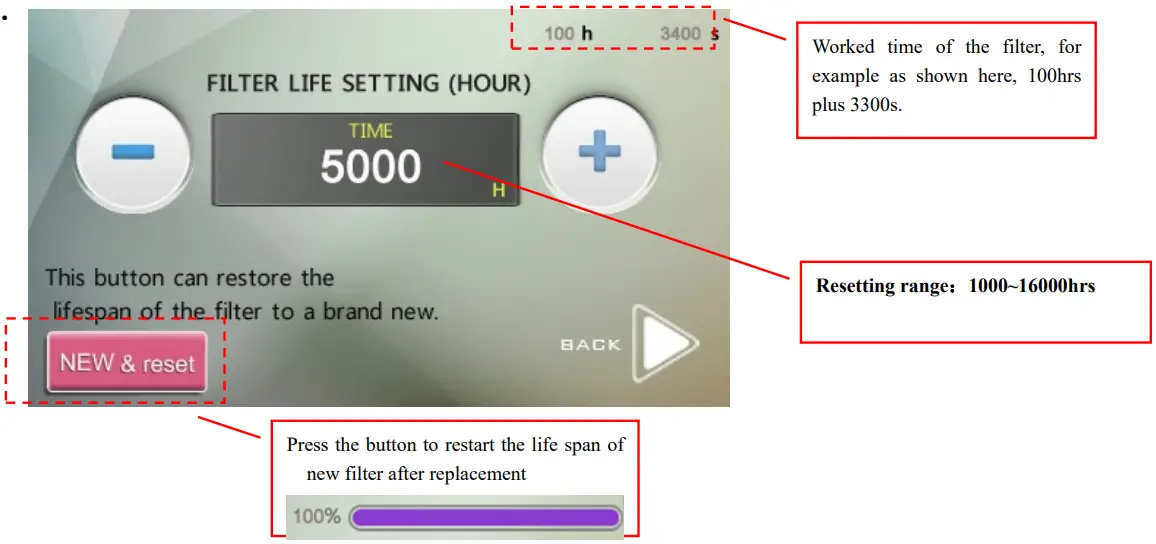
Warm reminding:
The filter working life will be based on the blower working hours.
Wiring diagram
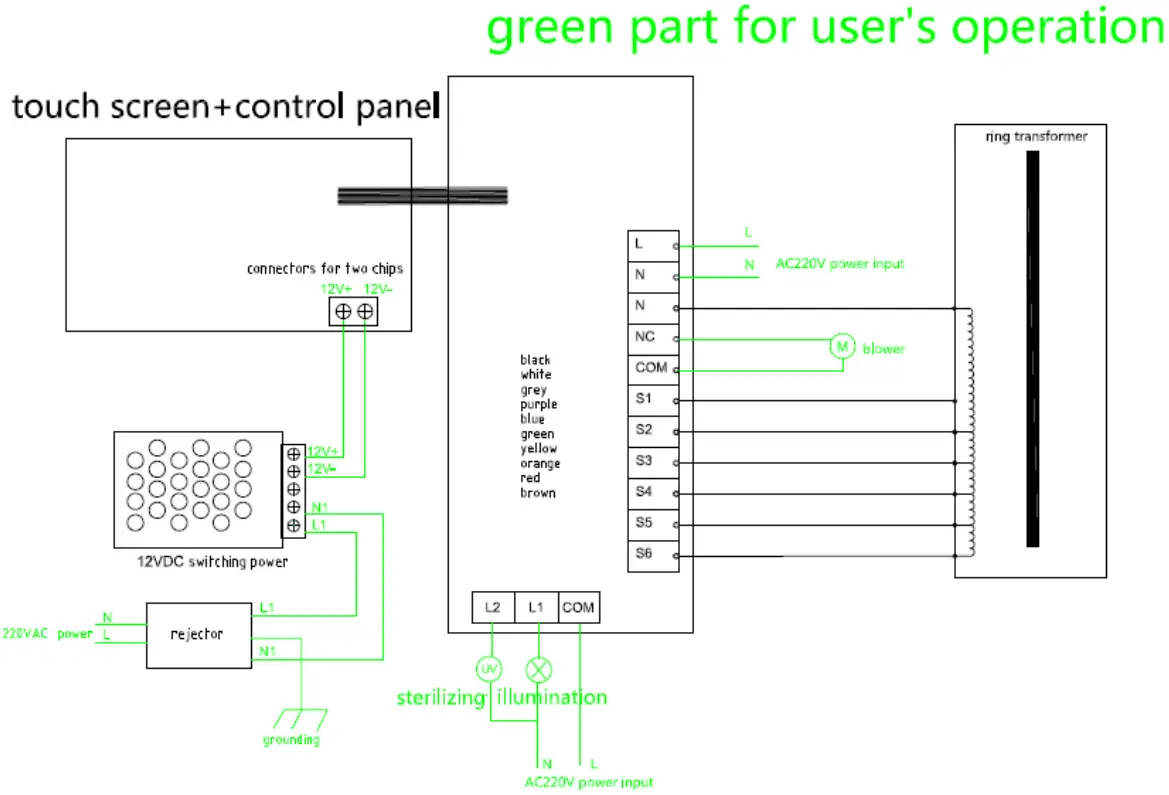 3,1 fixing of the touch Screen
Housing size W*H=87.7*130mm, safety depth>70mm, thickness of the housing frame D<3.5mm
Option 1: embed the screen into the housing frame and have it fixed with the 4 screws from back side. 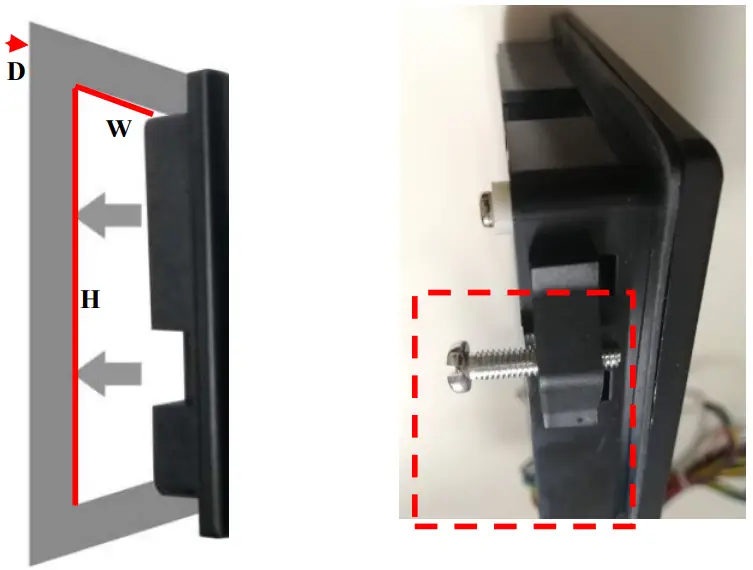 Option 2: embed the screen into the housing frame and have it fixed with glass cement or other non-corrosive glue.
3.2 Sizes of the switching power 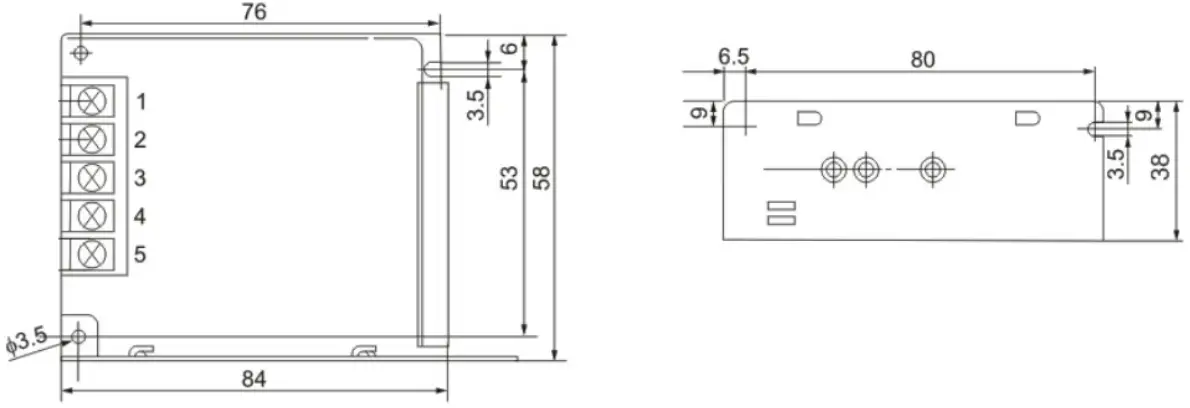
Add: 1331 183RD STREET #1054, CARRITOS, CA 90703, USA
URL:
https://www.toolots.com/marketplace/seller/profile/catec695
 Product Collection