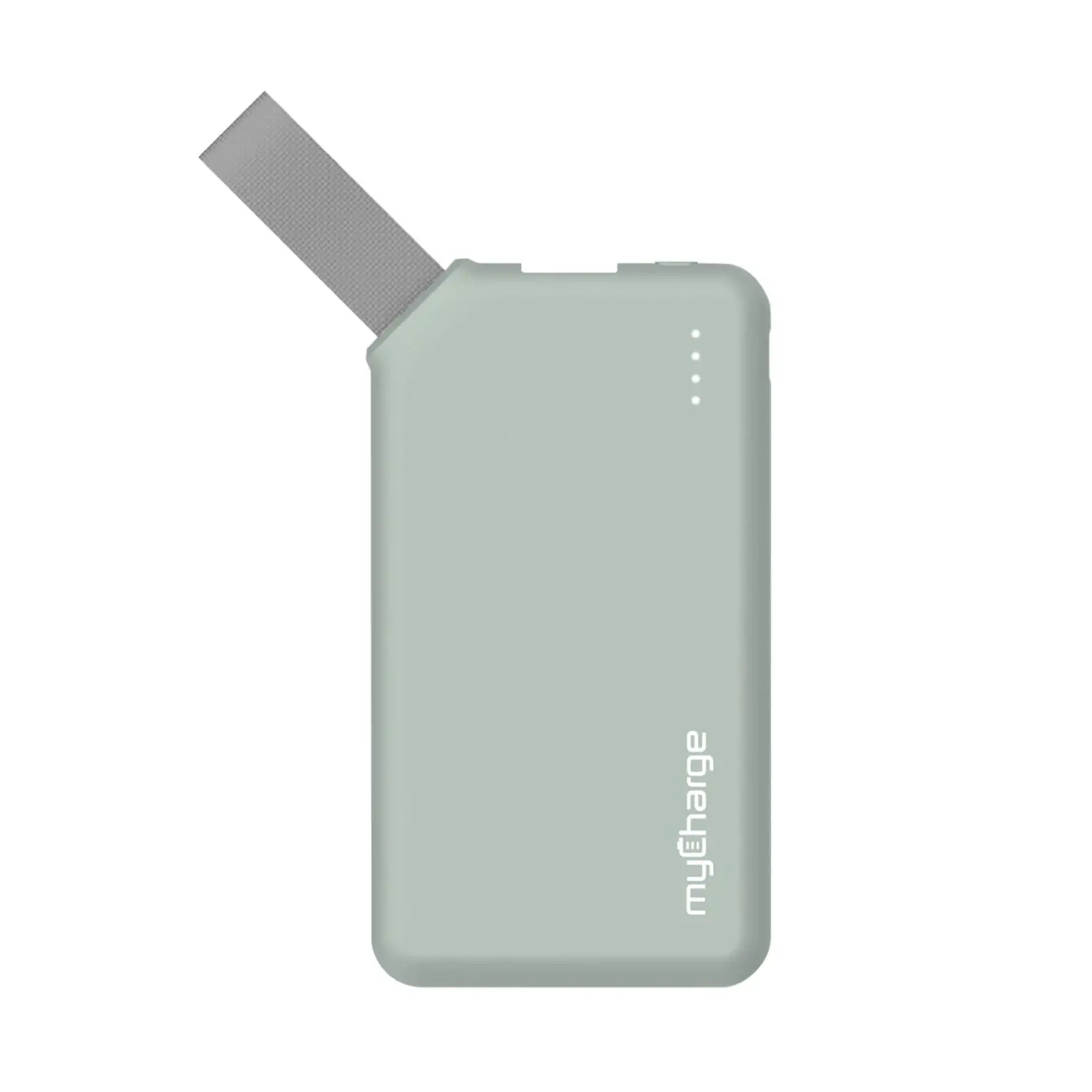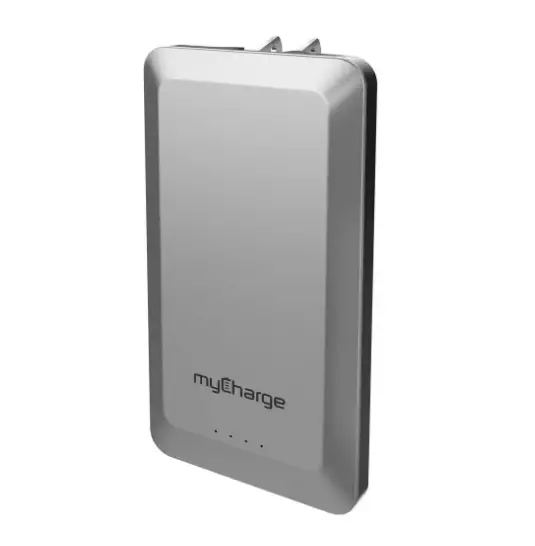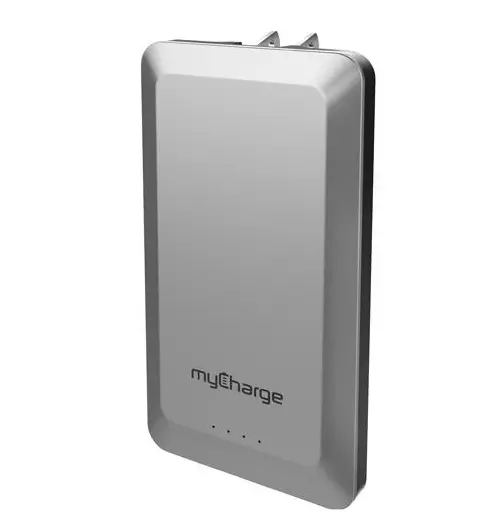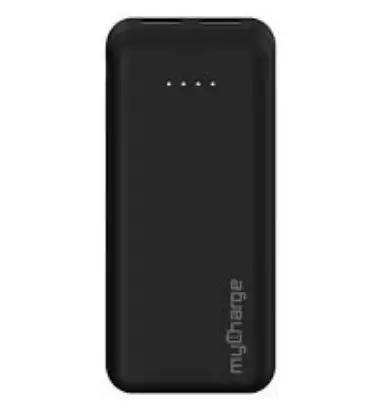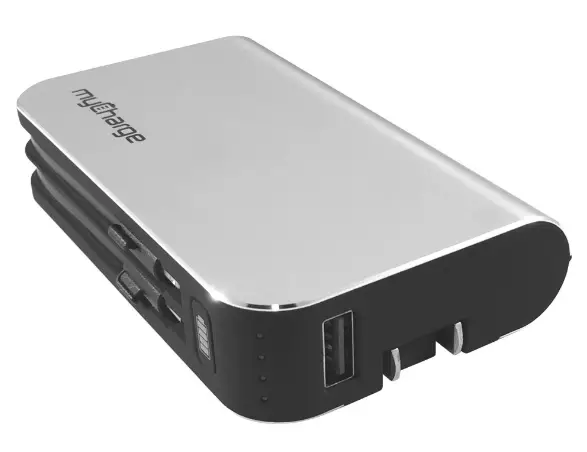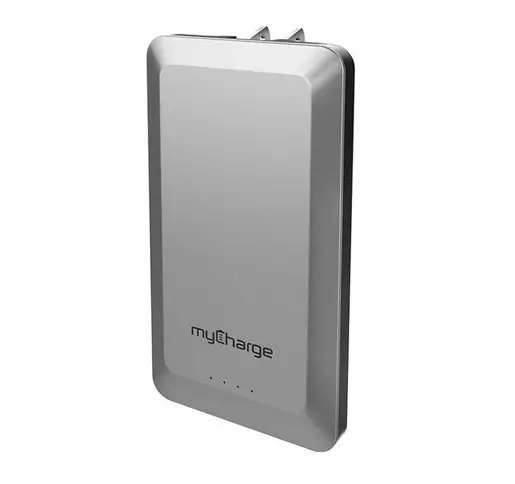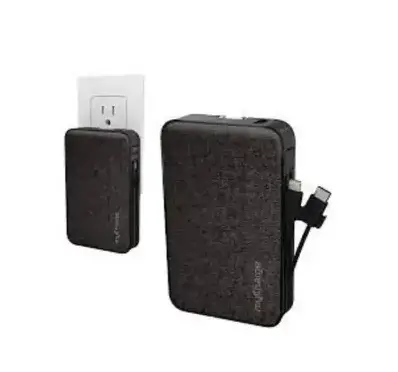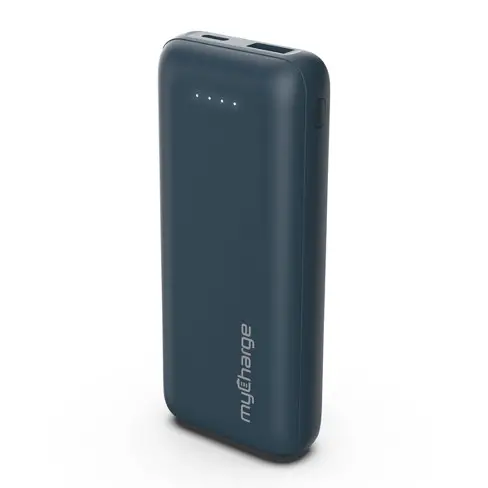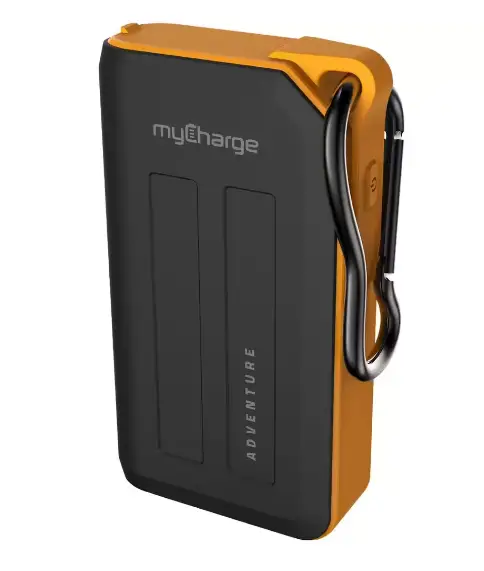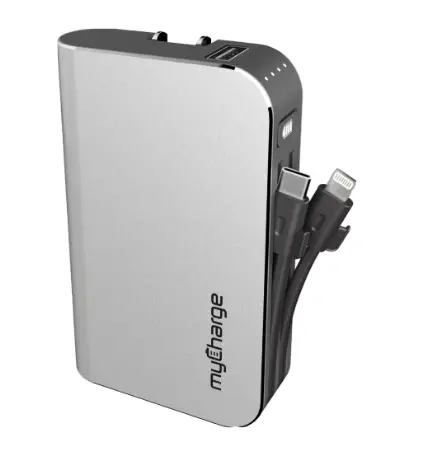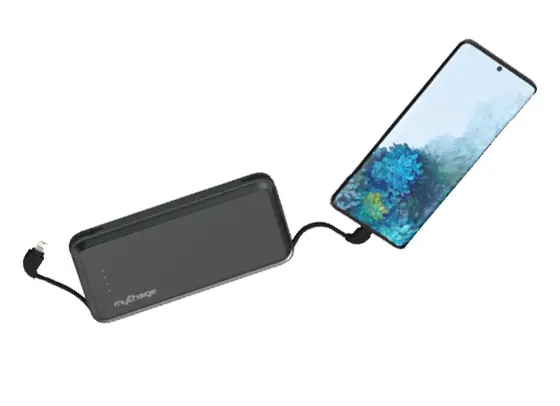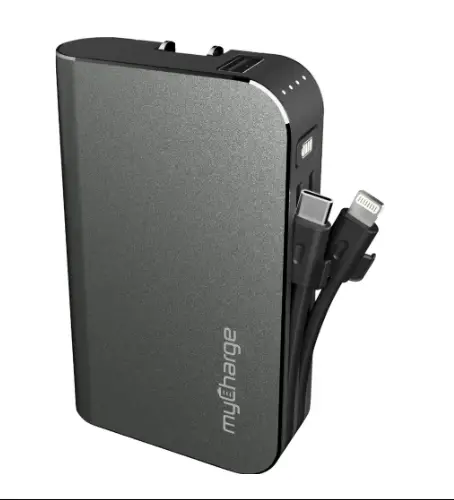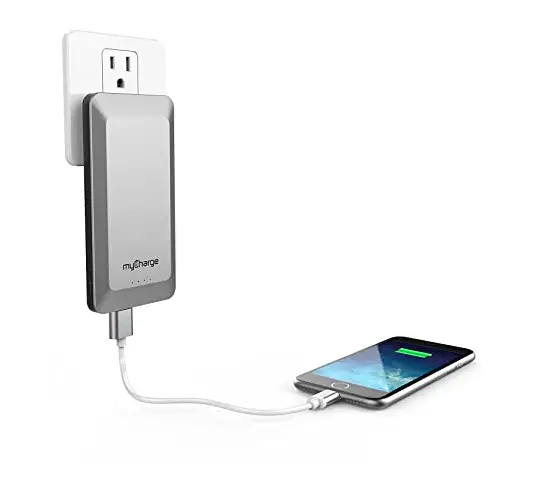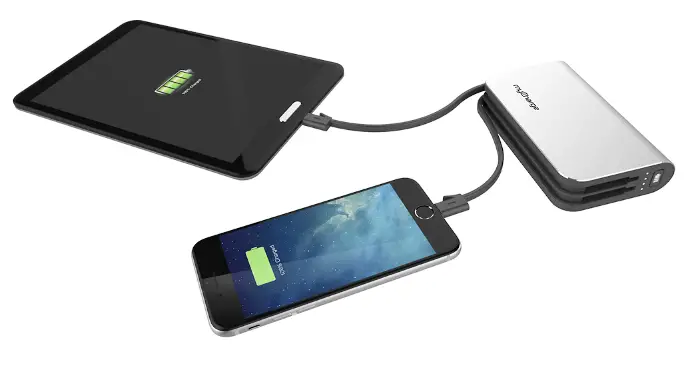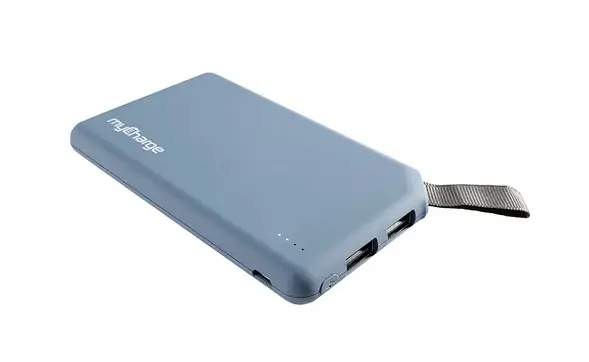
myCharge GoBig GO60BG GO60BV
QUICK START GUIDE
Thank you for choosing myCharge GOBIG
REGISTER your product at myCharge.com You will be entered to win one of our amazing gifts!
IN THIS PACKAGE
- GOBIG
- Recharging cable
- Ouickstart guide
RECHARGING GOBIG
Connect the included recharging cable to any USB power source. Fully charged unit shows 4 solid, non-blinking LEDs.
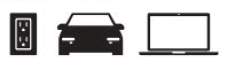
3 ways to recharge: From wall outlet, car, computer
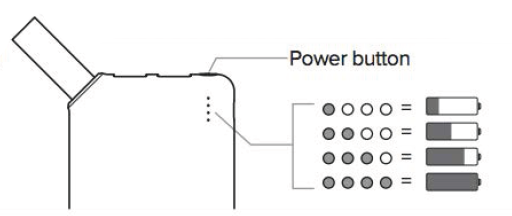
LED INDICATORS
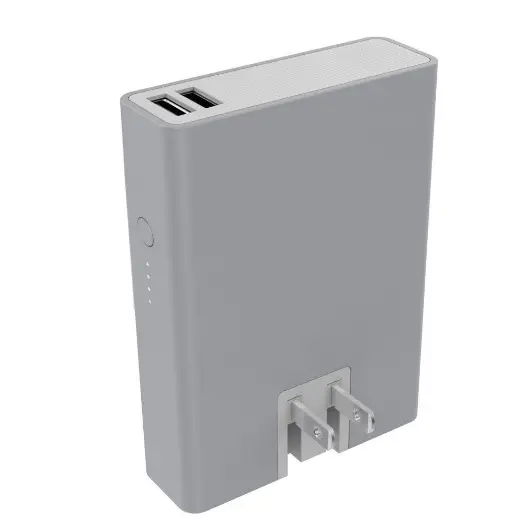
Press power button to see battery level
CHARGING DEVICES
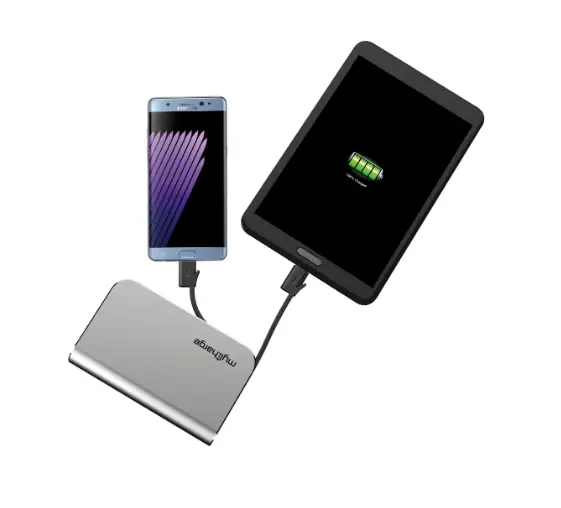
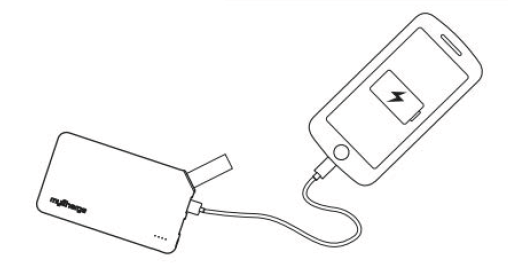
Using your own cable, plug the USB end into the GOBIG and the other end into your device.
Charging should begin automatically—if it doesn’t, press the power button.
2 built-in USB ports to charge multiple devices.
WARRANTY INFORMATION:
At myCharge, we’re dedicated to making the highest quality products possible. In that, we provide a one-year limited warranty from the date of purchase. Keep a copy of your receipt as proof of purchase and register your product at mycharge.com and check for the latest product updates as they develop. Failure to register your product and/or to provide proof of purchase may void the warranty.
Download
myCharge GoBig GO60BG GO60BV User Manual – [Download PDF]