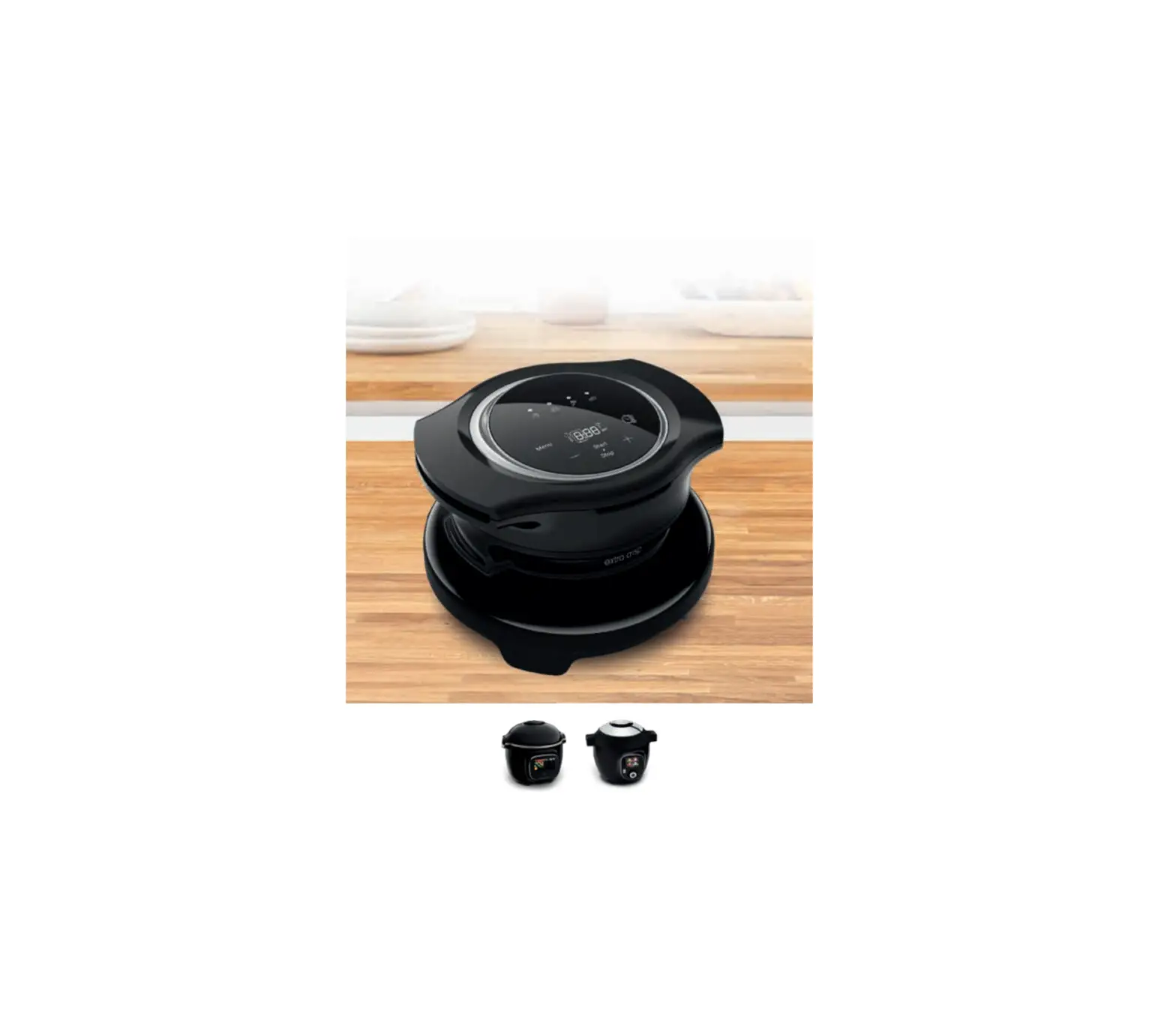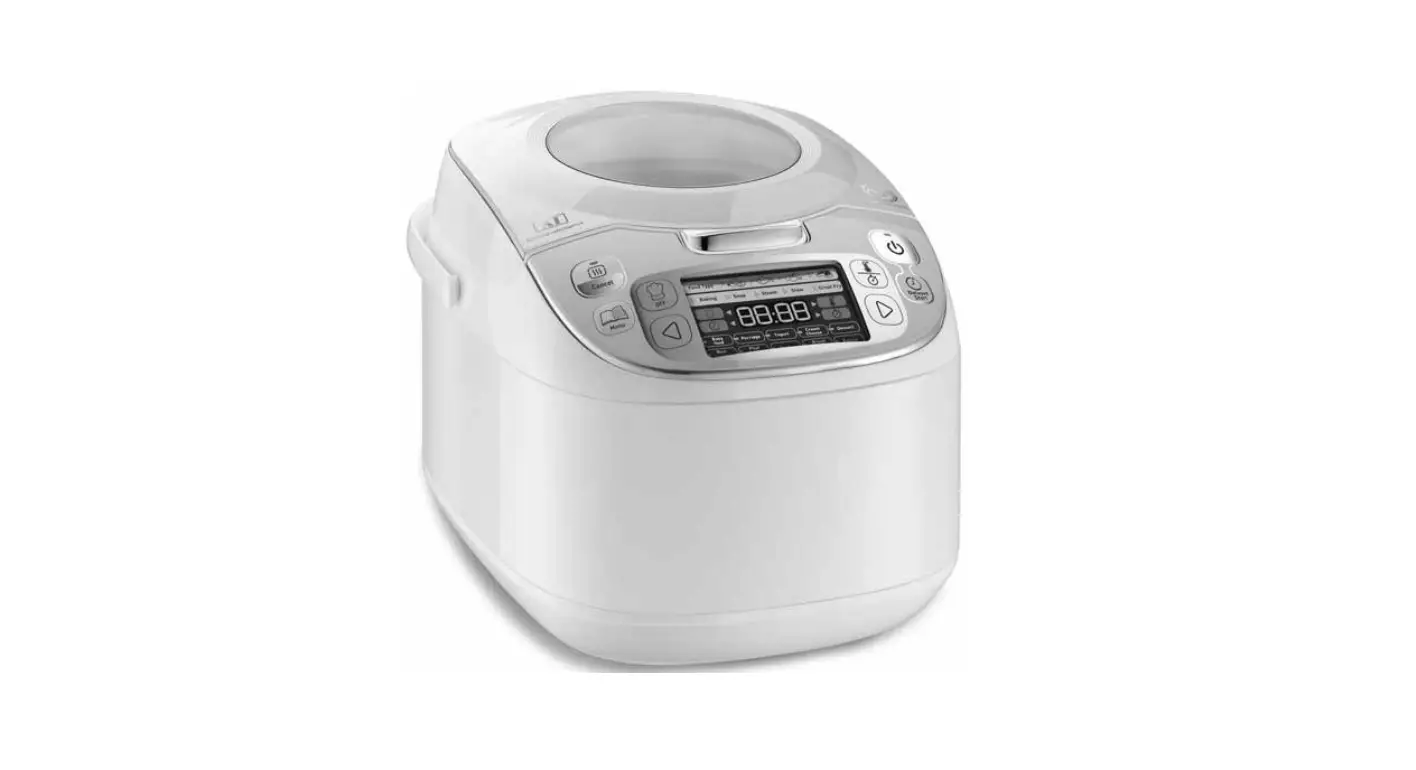
 CE855800 Grameez Multi-Cooker
User Guide
Identify your weighing scale
When using your product for the first time: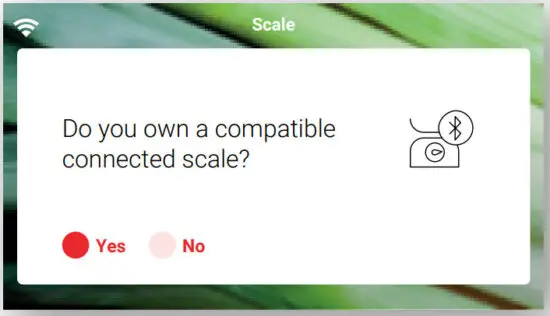
- Select “Settings” from your home screen
- In “My accessories” select “yes” in the screen
Connect your Cookeo to your scale
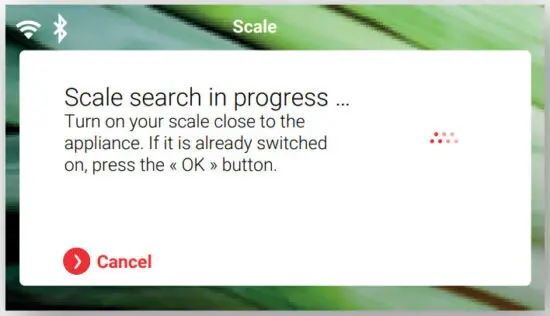
- When you select “weigh”, the device searches for the scale, and the
 logo flashes
 - When the scale is connected, the logo remains fixed
 logo flashes
Weigh your ingredients
 You can access the weighing function:
- From a recipe’s checklist
- From a recipe’s step by step
- From the “In my fridge” function
 Before weighing your food, make sure your scale is turned on.
 |  |
| FROM A RECIPE’S CHECKLIST | FROM A RECIPE’S STEP BY STEP |
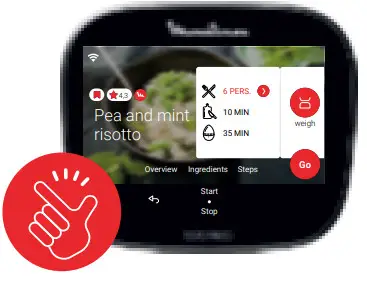
- Choose your recipe
- Go to the checklist

- Start your recipe
- In each step, you can select the “ingredient” button
 Ingredients
 Ingredient checklist
 |  |
| Weighing function available | Weighing function not available |

Choose the ingredient you want to weigh from the list
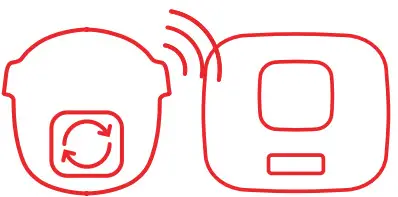
To connect your scale, switch it on or press OK
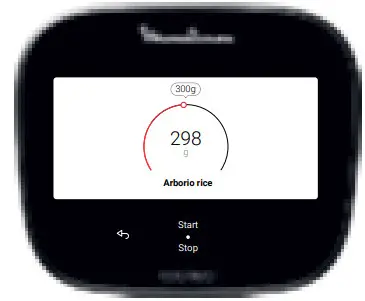
The screen indicates the targeted quantity

After weighing all of your ingredients, start your recipe or go to the next step
If the scale turns off during a recipe, turn it back on and restart the connection.
 FROM THE “IN MY FRIDGE” FUNCTION
 FROM THE “IN MY FRIDGE” FUNCTION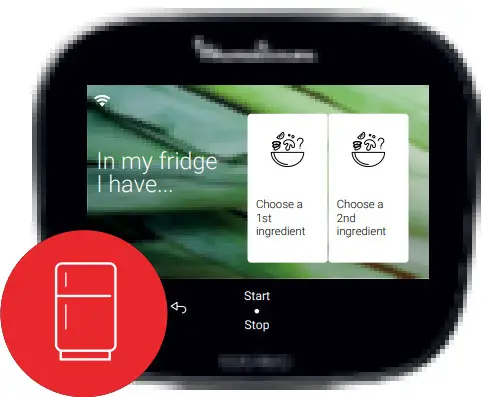

Enter the available ingredients in your fridge
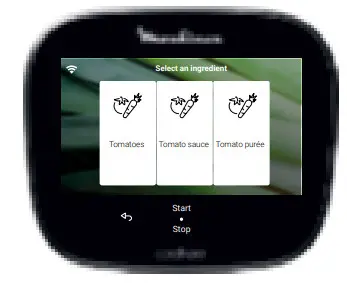 Select your ingredients
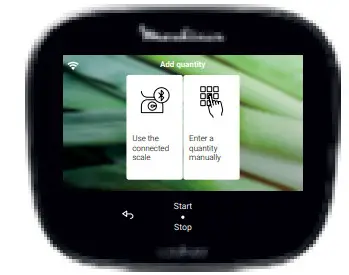
Select the weighing function
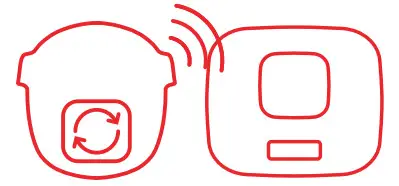
To connect your scale, switch it on or press OK
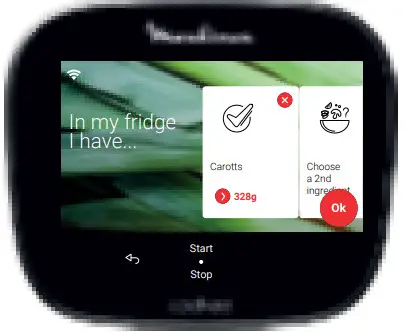 Weigh your ingredients and press OK
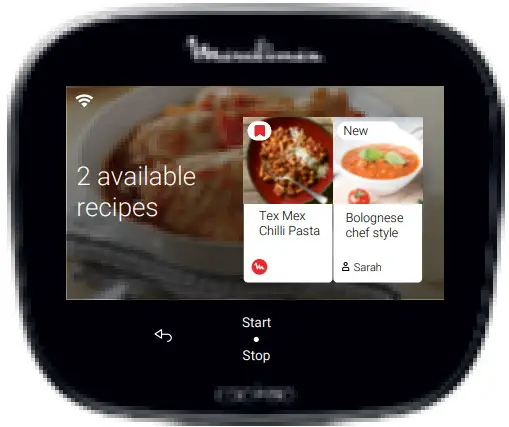 Choose your recipe

 Home - Tag