
Charge Fast, Live More
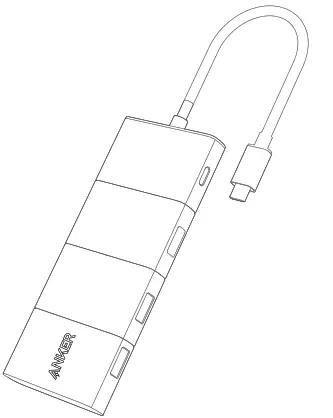
At a Glance
PowerExpand
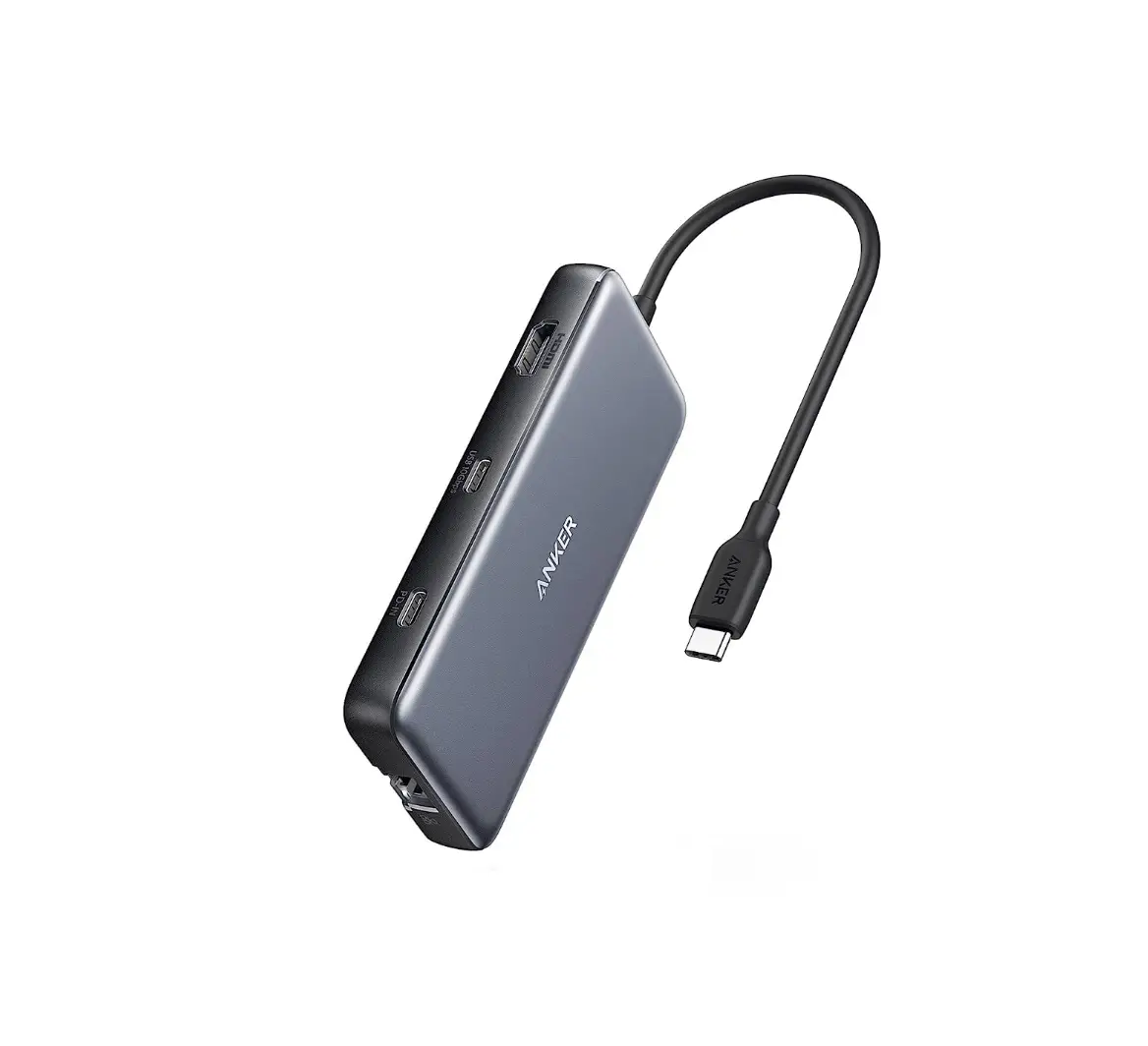
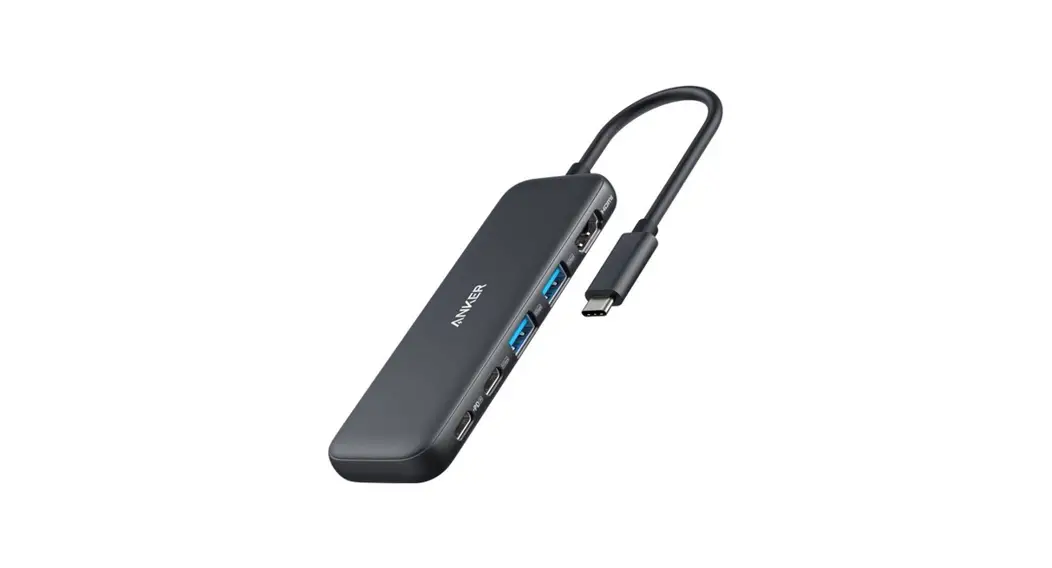
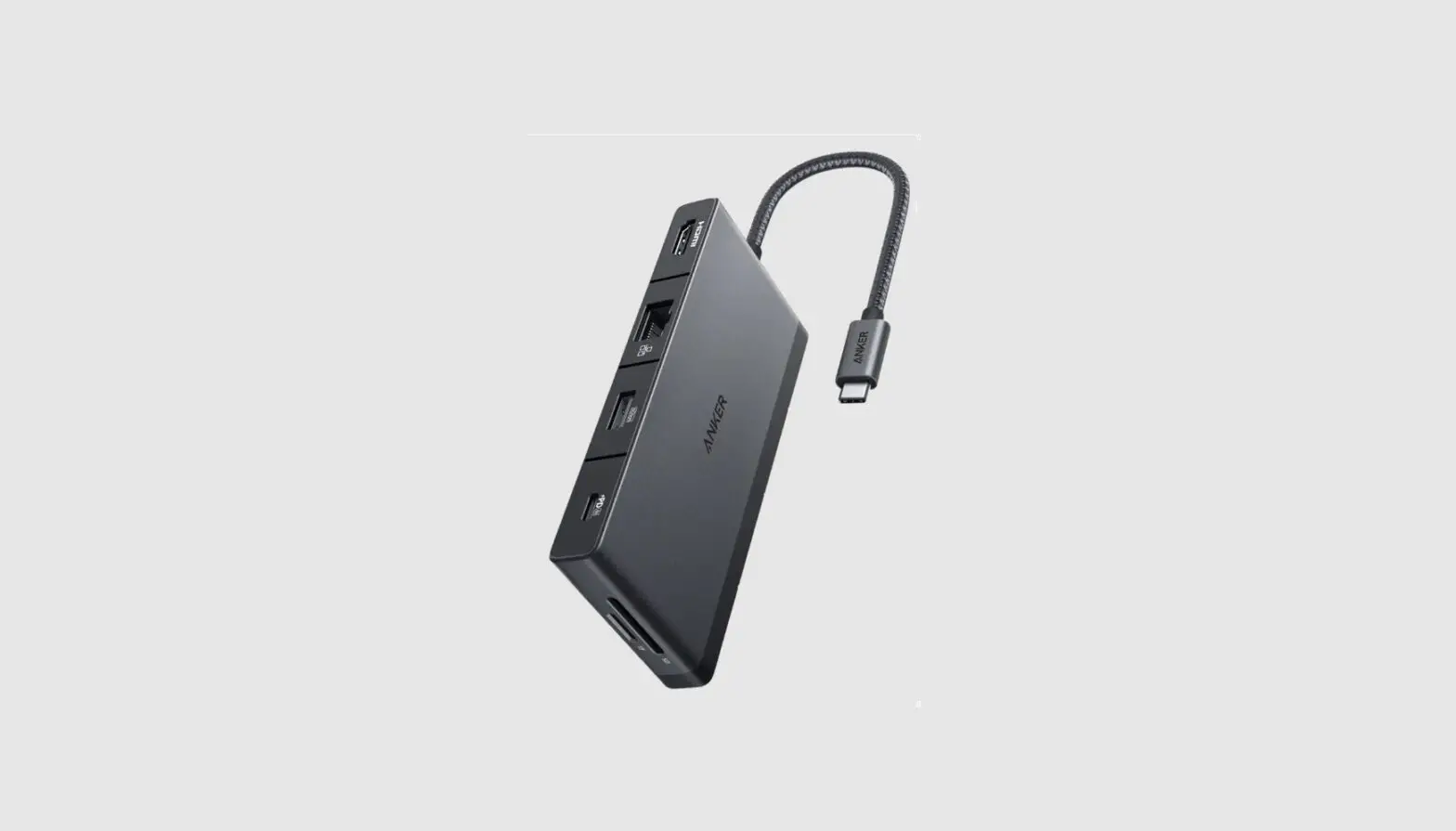
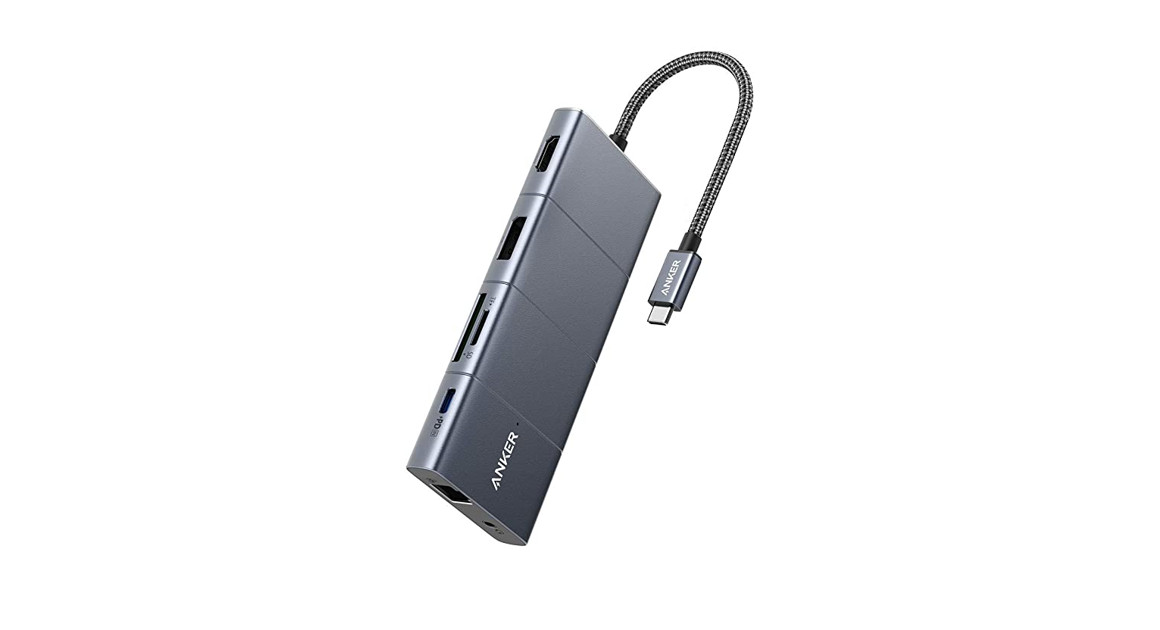
11-in-1 USB-C PD Hub
USER MANUAL
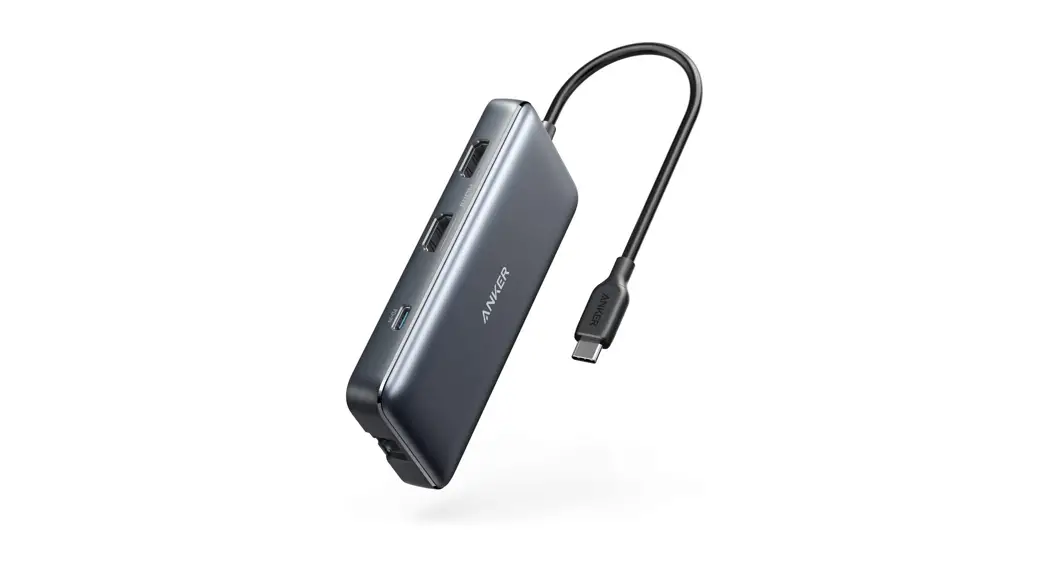
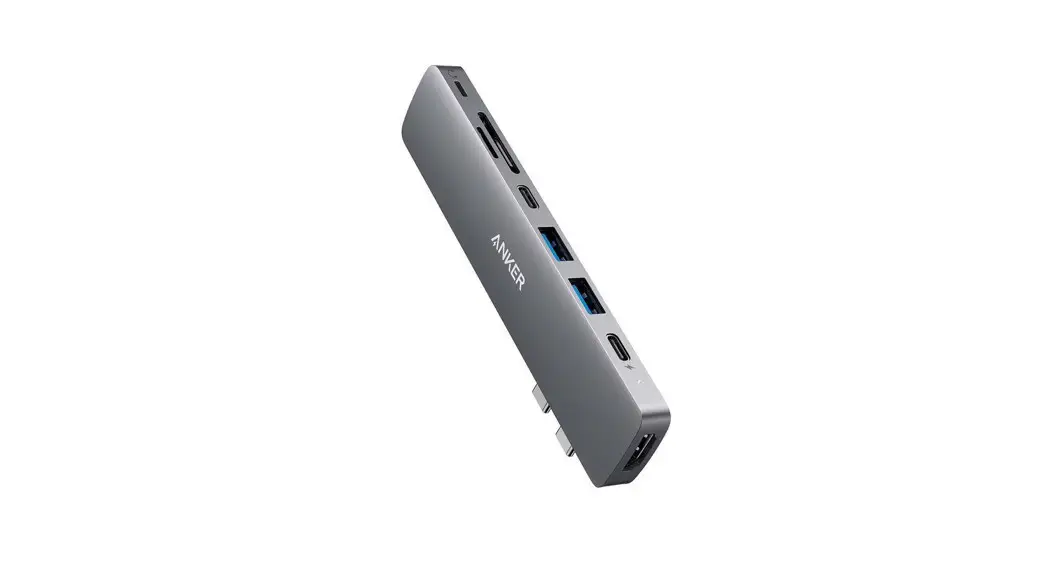
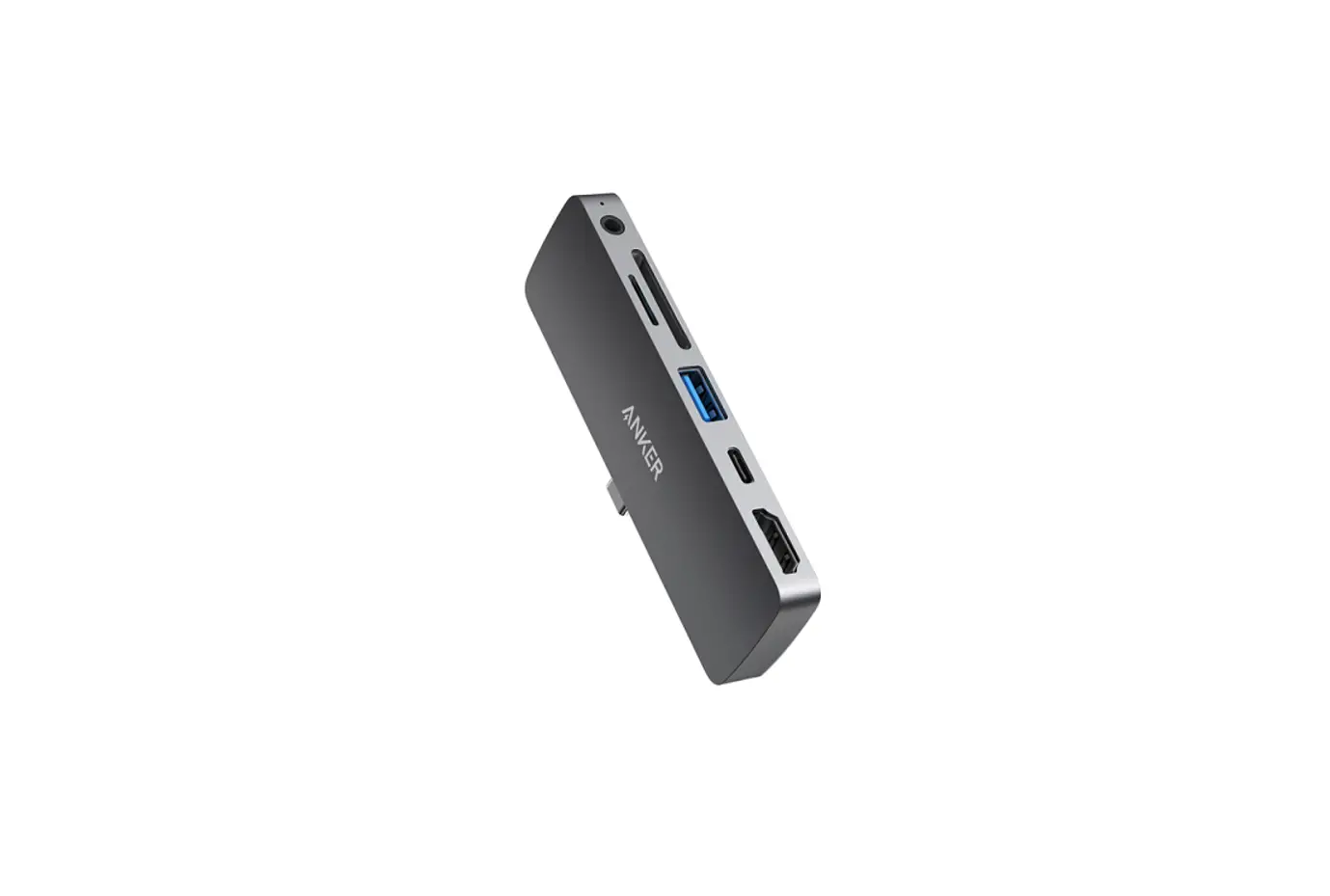
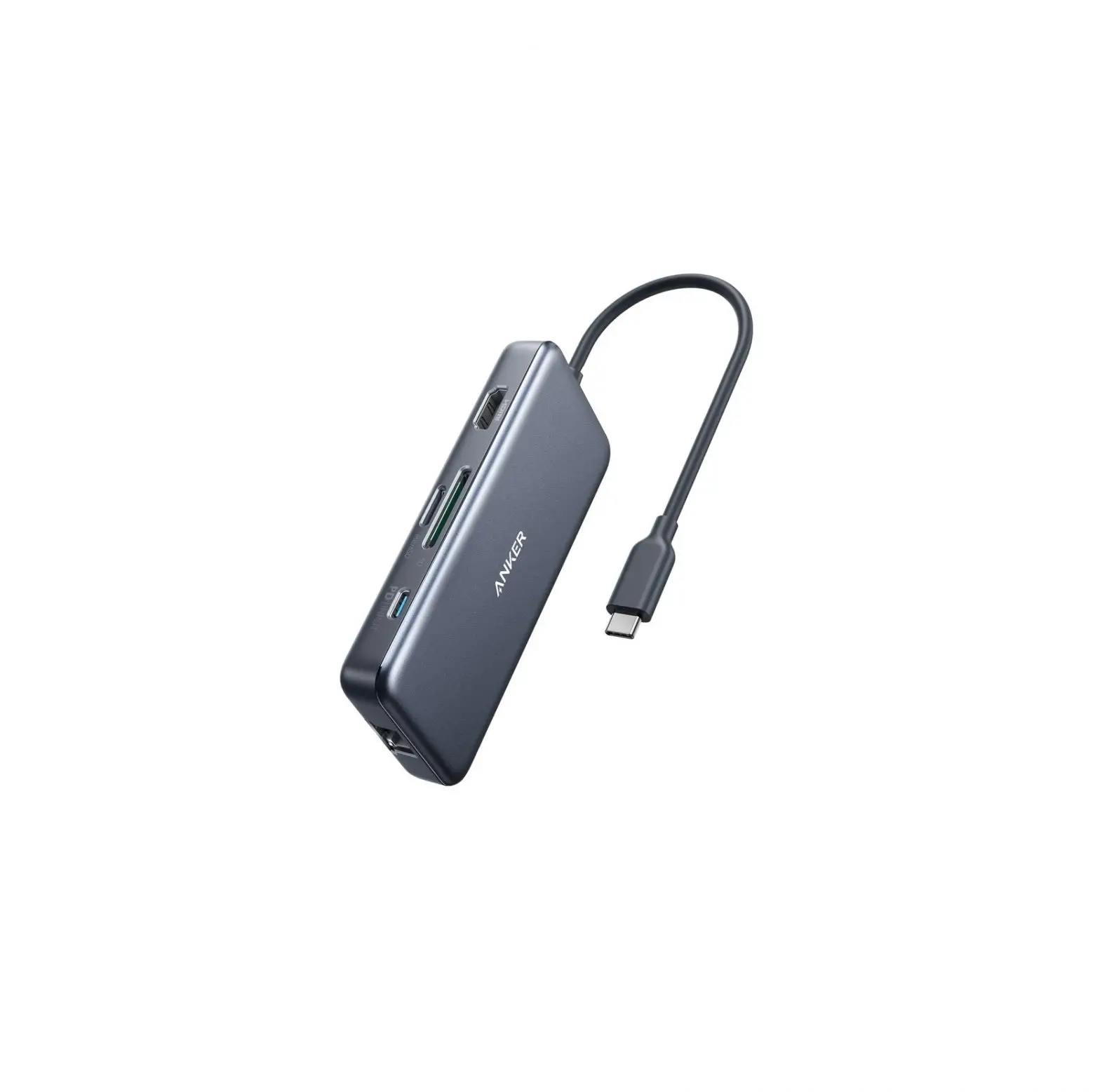
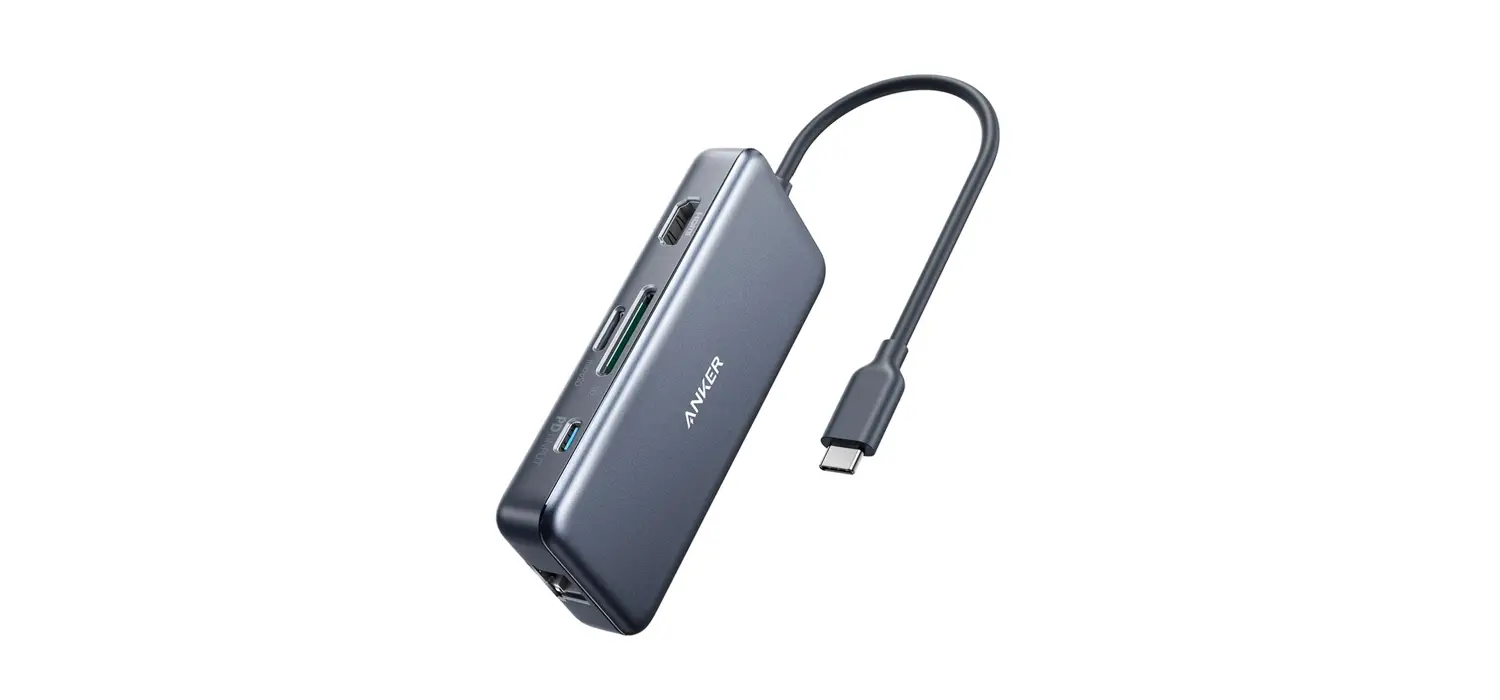
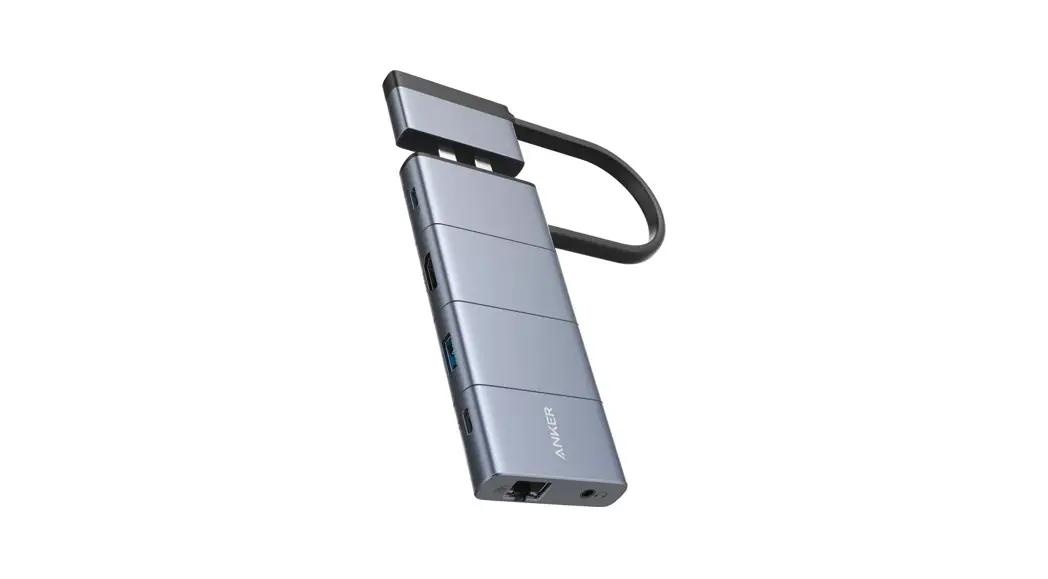
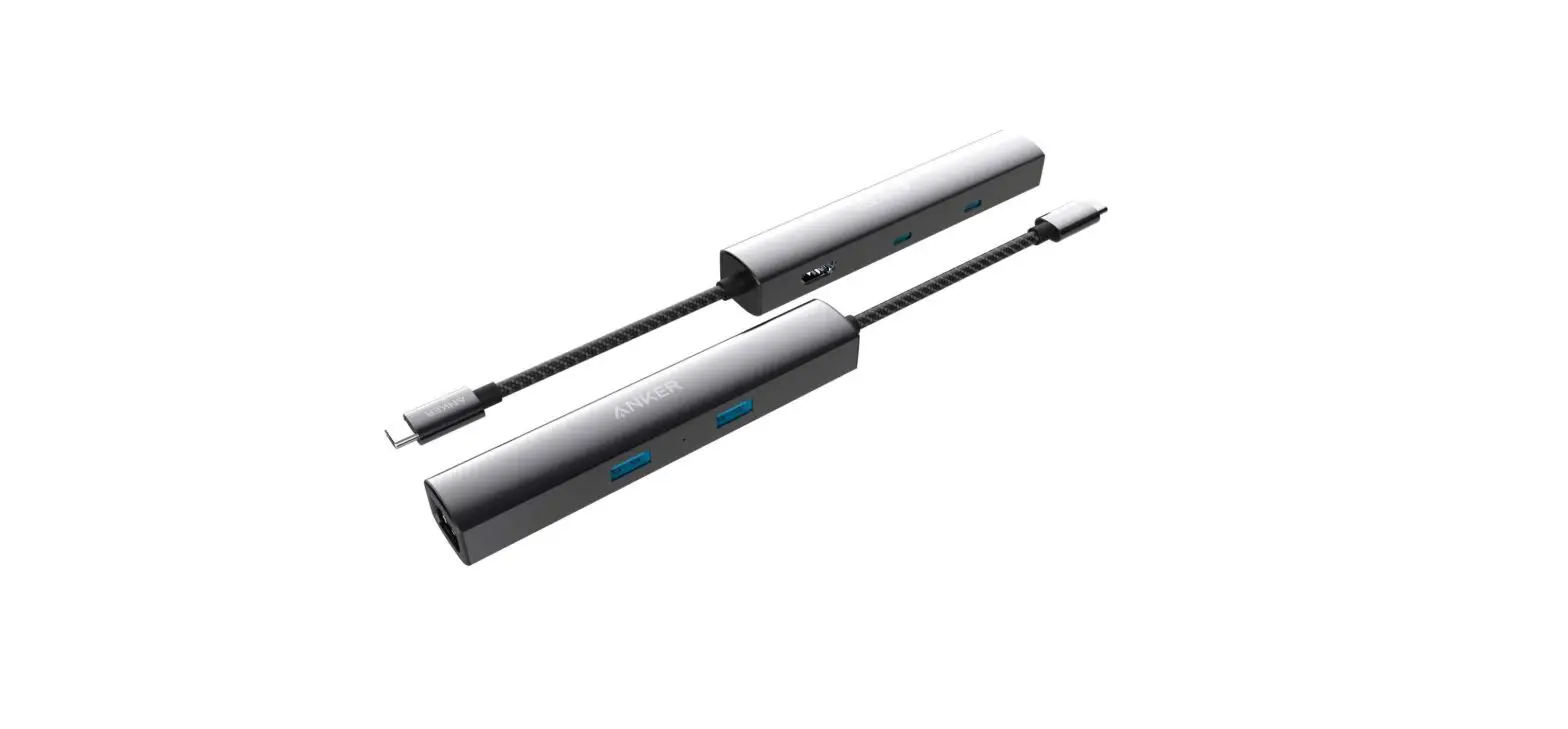
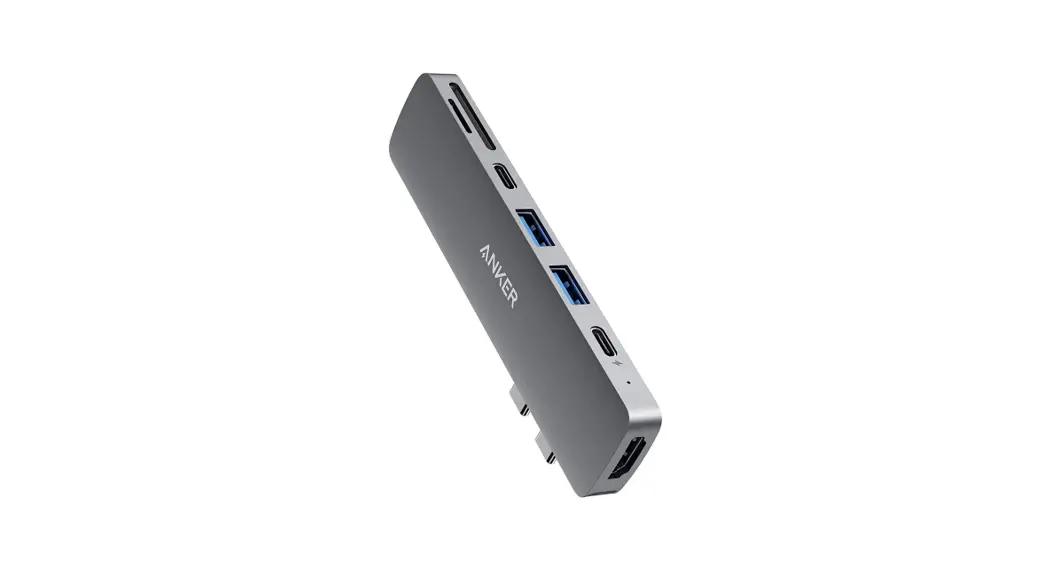
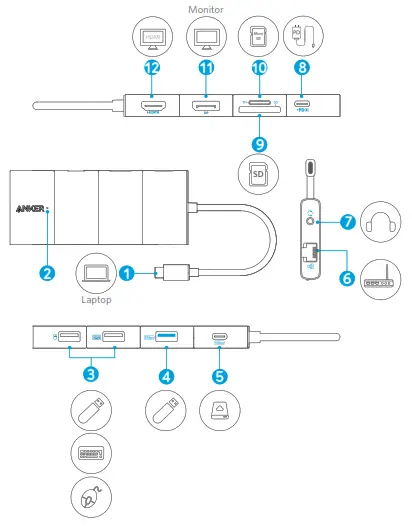
| Item | Description |
| 1. USB-C connector | Plug into the USB-C port of a USB-C compatible computer |
| 2. Power indicator | Turns white when connected to a laptop |
| 3. USB 2.0 USB-A port | Connect to a USB-A device to support data transfer at speeds up to 480 Mb/s |
| 4. USB 3.0 USB-A port | Connect to a USB-A device to support data transfer at speeds up to 5 Gb/s |
| 5. USB-C port | Connect to a USB-C device to support data transfer at speeds up to 5 Gb/s |
| 6. Ethernet port | Connect to a router or modem at 10/100/1000 Mbps |
| 7. Audio port | Connect to earphones or other devices with a 3.5 mm connector |
| 8. PD-IN port | • Connect to a PD charger to charge your laptop or tablet • Up to 100W input |
| 9. SD 3.0 Card slot | Insert an SD 3.0 card to copy files to and from your device |
| 10. microSD Card slot | Insert a microSD card to copy files to and from your device |
| 11. Display port | Connect to a device with a Display port to stream video at resolutions up to 4K@60 Hz |
| 12. HDMI port | Connect to a device with an HDMI port to stream video at resolutions up to 4K@60 Hz |
For FAQs and more information, please visit:
anker.com/support

 download - Anker US
 Anker | Live Charged. - Anker US