
User Manual

 Quick Installation Guide
W550CA
V 4.0
Caution
Please follow the instructions below to avoid physical injury or property damage:
 Caution & Warning
- This unit is indoor use and all the communication wirings are limited to inside of the building.
- DO NOT plug in, turn on or attempt to operate an obviously damaged unit.
- DO NOT allow anything to rest on the power cable, and do not place this product where people will stand or walk on the power cable.
- DO NOT use near water.
- DO NOT place near high temperature source.
- DO NOT disassemble the unit.
- DO NOT operate the unit in a location where the maximum ambient temperature exceeds 45°C.
- Ensure that the power source for the system is adequately rated to assure safe operation and provide current overload protection.
- Avoid impact stresses when handling connectors.
- Check the available voltage supply.
- Only use the unit in dry rooms.
- Set up the unit away from direct sunlight or other electrical equipment.
- Only connect approved accessories.
- It may only be repaired by authorized service personnel.
- This equipment is not suitable for use in locations where children are likely to be present.
 Limited Warranty
- Not covered under this warranty is defect and damage resulting from product disassembly by yourself. And also, such behavior may amount to intellectual property infringement.
Introduction
Package Contents
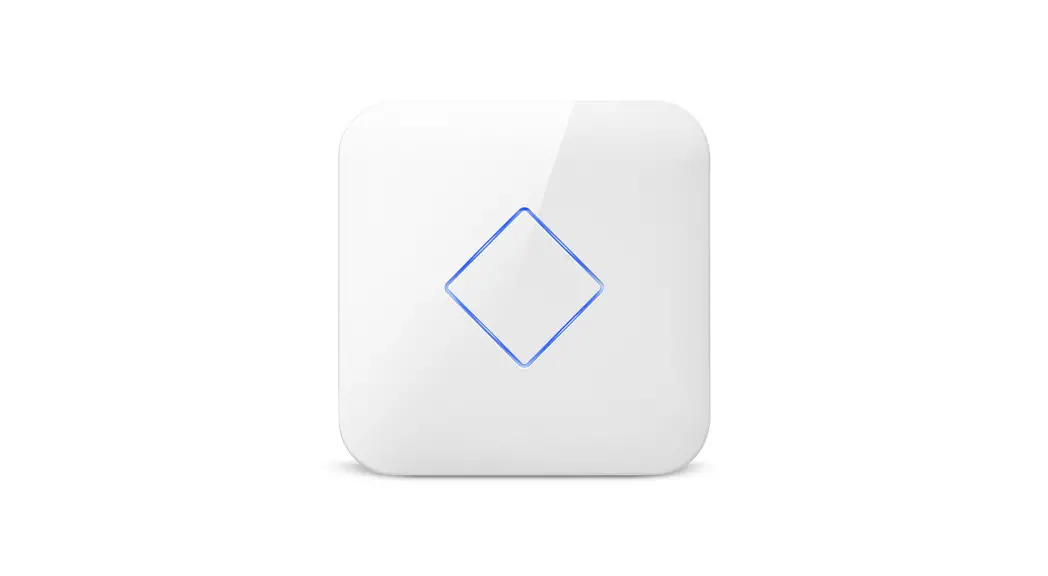
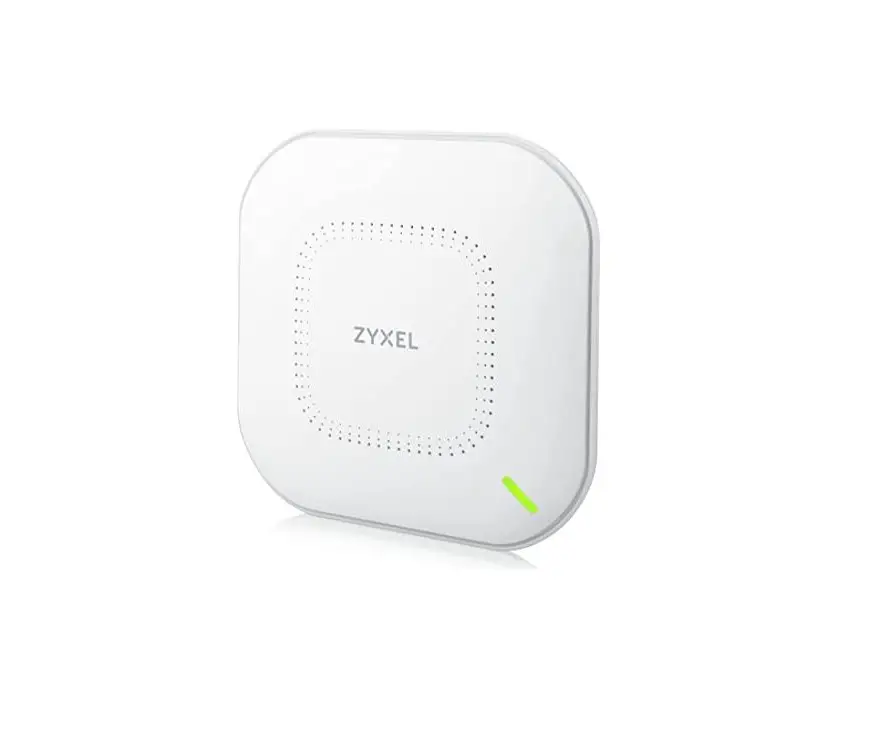
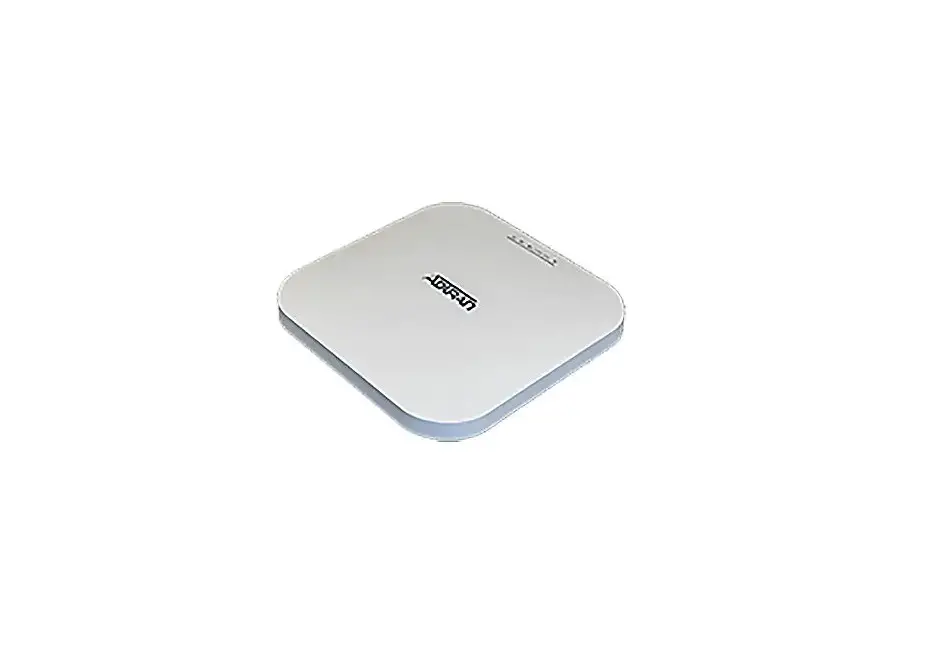
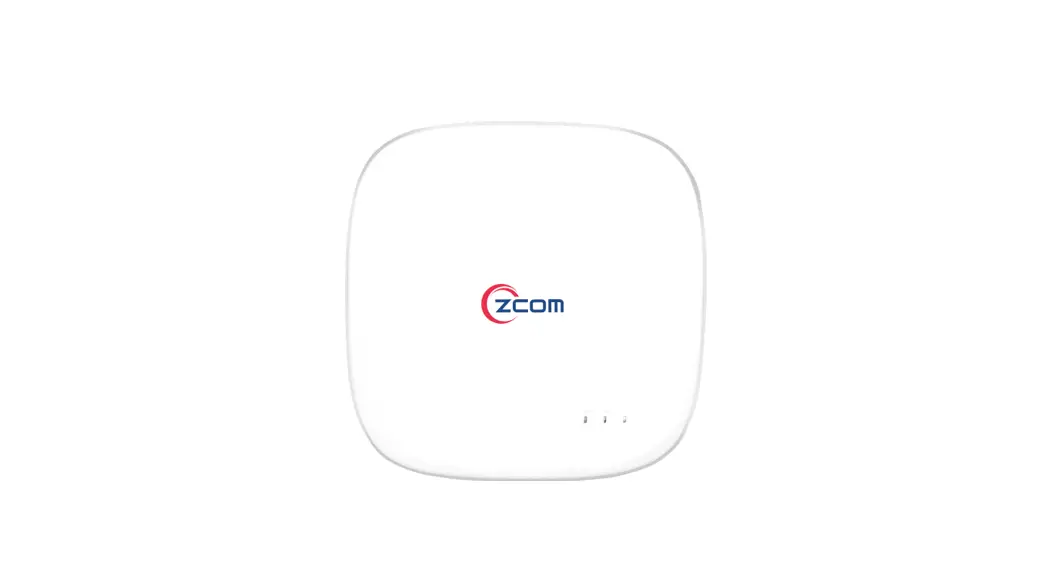
| • W550CA (Wi-Fi Access Point) | • Power Adaptor |
| • RJ45 UTP cable | • QIG (Quick Installation Guide) |
Specification
| Item | Specification |
| WAN | 1 10/100/1000Base-T port (RJ-45) |
| LAN | 3 10/100/1000Base-T ports (RJ-45) |
| Power Adaptor | 12VDC/1.5A |
| Wi-Fi | WiFi6 (2.4G/5G), 2×2 MIMO, Internal antenna |
| USB | 1 USB Host 2.0 |
| Operating Temp. | 32 to 113°F (0 to 45°C) |
| Operating Humidity | 0 to 90% (non-condensing) |
| Dimensions | 140 x 140 x 86.40 mm (W x D X H) |
| FCC | |
| Frequency Range | 2412MHz ~ 2462MHz / 5180MHz ~ 5825MHz |
| 802.11 protocol | 802.11a/b/g/n/ac/ax |
| Maximum RF Power | 2.4GHz : 24 dBm, 5GHz : 25 dBm |
| CE/UKCA | |
| Frequency Range | EU : 2412MHz ~ 2472MHz / 5180MHz ~ 5700MHz UK : 2412MHz ~ 2472MHz / 5180MHz ~ 5825MHz |
| 802.11 protocol | 802.11a/b/g/n/ac/ax |
| Maximum RF Power | 2.4GHz : 18.5 dBm, 5GHz : 25.5 dBm, 5.8GHz(UK) : 20 dBm |
Interface
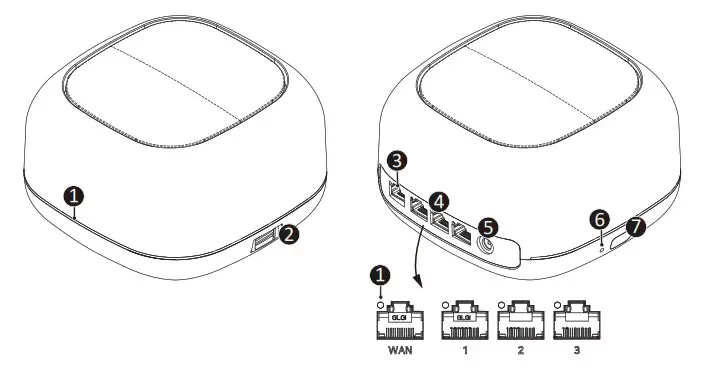
| Item | Description |
| LEDs | Operating status LEDs. |
| USB | Connect an external USB drive |
| WAN | Connect the unit to the Internet 1 10/100/1000Base-T interface |
| LAN | Connect to PC or LAN 3 10/100/1000Base-T interfaces |
| Power port | Connect an external power supply |
| RESET button | Reboot the unit |
| WPS button | Enables WPS process |
LED
| Label | Light | Status | Definition |
| Front | Red | On | System booting |
| Blue | On | Normal operation | |
| Green | Blink | WPS pairing process | |
| Off | Power off | ||
| WAN LAN 1-3 | Green | On | Linked |
| Blink | Data transmitting | ||
| Off | Pending or no signal | ||
| Green | On | Linked | |
| Blink | Data transmitting | ||
| Off | Link is down |
Installation
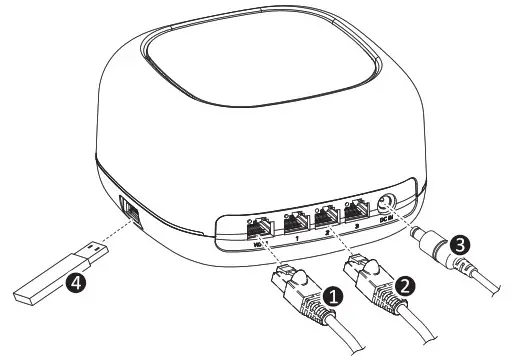
① Connect the Ethernet cable from WAN.
② Connect the Ethernet cable from LAN port to PC.
③ Connect the power cable from power port to an electrical outlet.
④ (Optional) USB interface for ancillary devices.
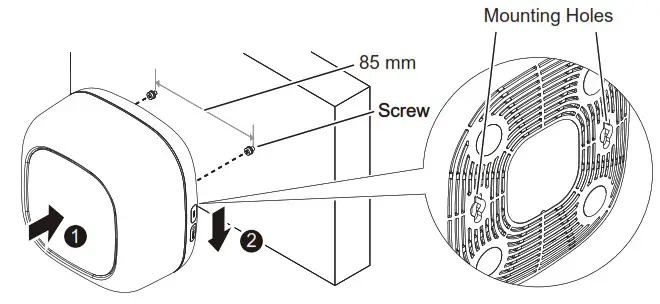
Mounting on a Wall
If necessary, you may have your unit mounted on a wall using mounting holes.
Web Access
You can access the unit through a web browser by using the following steps:
① Connect an Ethernet cable from your computer to LAN on the W550CA.
② Launch a browser or telnet session and point it to 192.168.55.1
③ Enter the username and password.
※ For username/password and a default SSID/PW, please check the label on the bottom panel of your unit.
Information furnished by DZS is believed to be accurate and reliable. However, no responsibility is assumed by DZS for its use, nor for any infringements of patents or other rights of third parties which may result from its use. No license is granted by implication or otherwise under any patent or patent rights of DZS. DZS reserves the rights to change specifications at any time without notice.