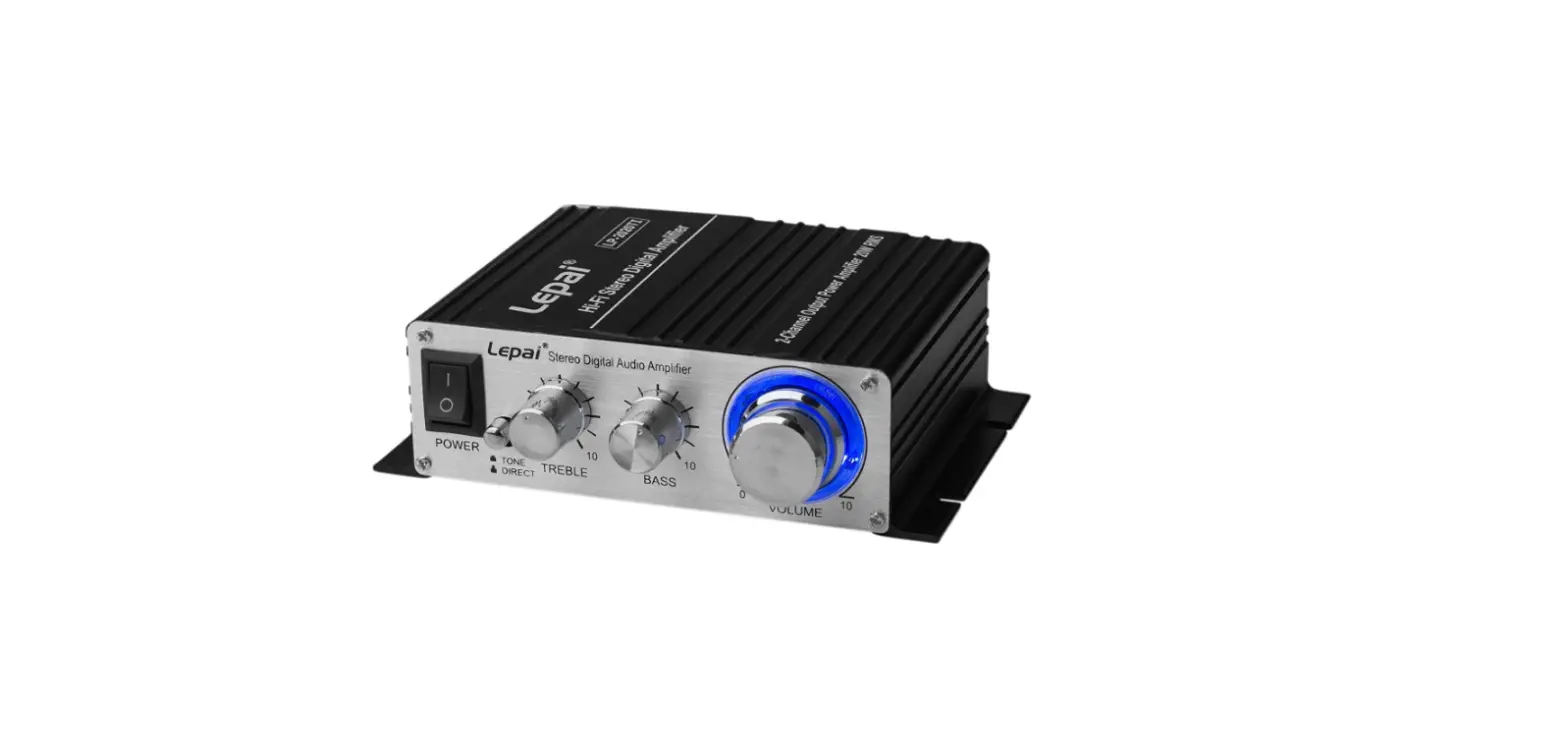
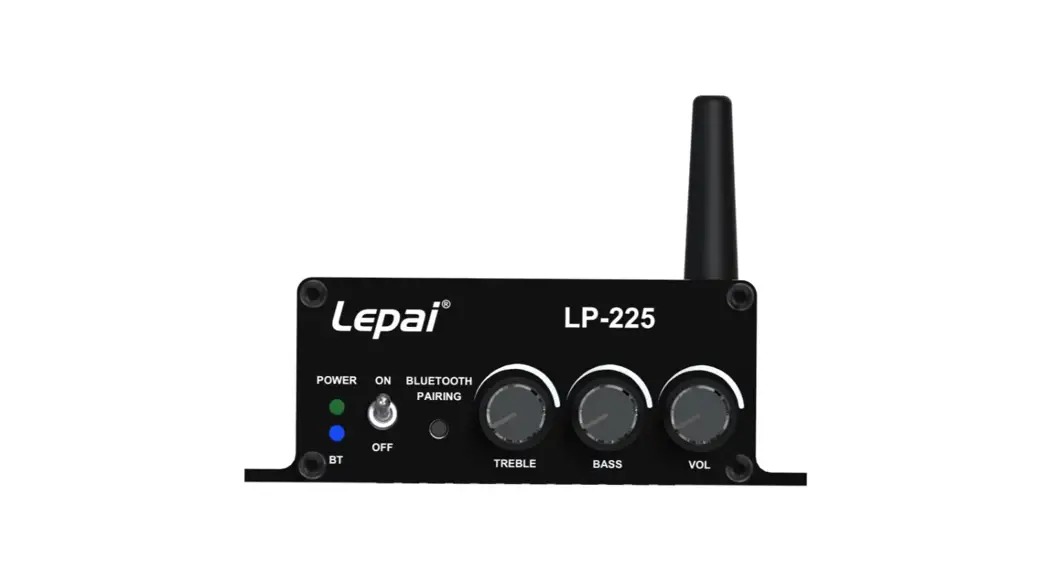
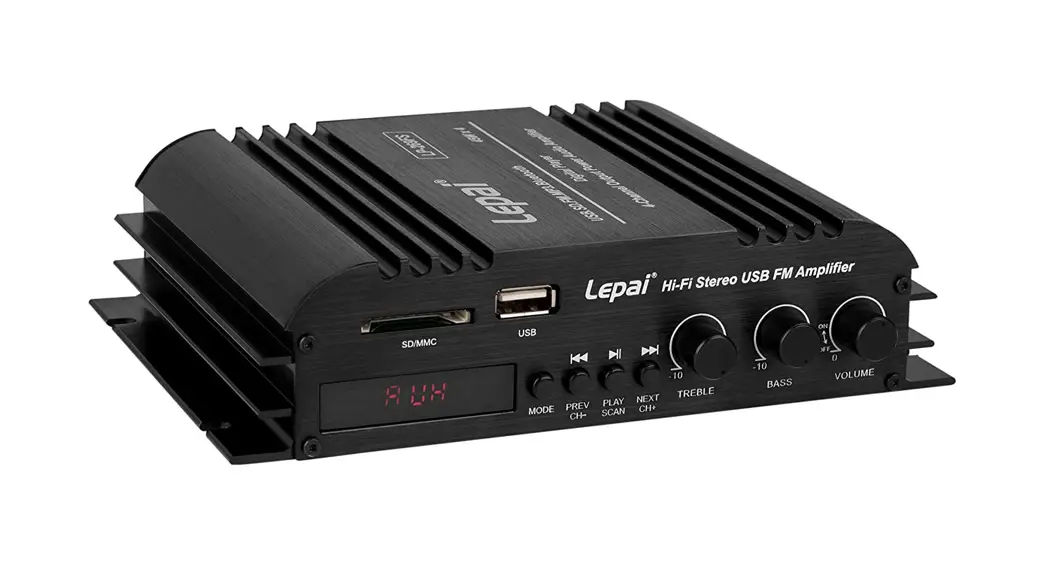
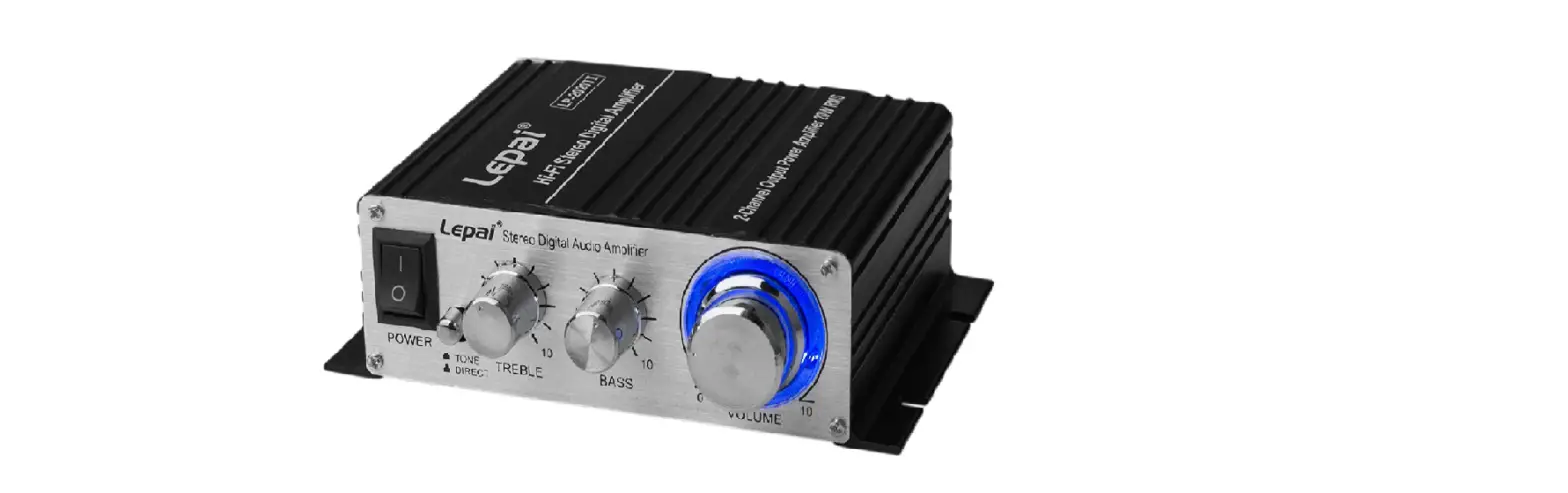
LP-2020BT HiFi Stereo Digital Bluetooth Amplifier
Product Information
| Input Power | 12 to 14 VDC >3A |
|---|---|
| Output Power | 2 x 10W RMS @ 4 Ohms |
| Speaker Impedance | 4-8 Ohms |
| Frequency Response | 20 Hz – 20 kHz |
| Minimum THD+N | 0.7% |
| SNR | 70 dB |
| Input Sensitivity | 200 mV |
Product Usage Instructions
Bluetooth Connection Instructions:
- Switch to Bluetooth mode using the button on the front panel or
IR remote. - Go to settings on your smartphone/tablet and select Bluetooth
wireless connection. - Search for the Bluetooth name “BT” and pair with it. Make sure
music mode on your phone is selected and turn call audio off. Turn
call audio routing to speaker on an iPhone.
Remote Control:
- Power on / off
- Repeat all or repeat current track
- Mode switch for LINE FM BT USB SD functions
- Choose channel, previous channel FM
- Select channel, next channel FM
- EQ for Bluetooth, FM, and Flash drive modes
- Previous track
- Next track
- Stop/play
- Long press volume down
- Long press volume up
- The number keys can be used in FM mode to enter the radio
frequency to search
Front Panel:
- Mode switch for LINE FM BT USB SD functions
- Repeat all or repeat current track
- Short press the previous track/FM channel, long press the
volume down - Short press the next track/FM channel, long press the volume to
increase - Short press to play/pause, long press to search for stations in
FM mode - Power on/off
- Bass
- Treble
- Volume
- SD/USB input
Rear Panel:
- Left audio input
- Right audio input
- 3.5mm audio input
- FM antenna
- Right channel speaker output
- Left channel speaker output
- DC 12V3A input
Specifications
Input Power:
12 to 14 VDC >3A
Output Power:
2 x 10W RMS @ 4 Ohms
Speaker Impedance: 4-8
Frequency Response: 20 Hz – 20 kHz
Minimum THD+N:
0.7%
SNR:
70 dB
Input Sensitivity:
200 mV
Lepai® is a registered trademark of Parts Express® Last Revised: 3/23/2023
MODE LP-2020BT
POWER
ON OFF
BASS
TREBLE
Hi-Fi Stereo Digital Bluetooth Amplifier
VOLUME
USB/SD INPUT
LP-2020BT HI-FI STEREO DIGITAL BLUETOOTH AMPLIFIER
USER MANUAL
Thank you for choosing this Lepai® Bluetooth amplifier/receiver for your music application. Lepai amplifiers are known worldwide for their great sound, useful features, and affordable price, proving that clean, handy, Hi-Fi amplifiers, can cost less money.
Contents: 1x Lepai LP-2020BT mini amplifier 1x 12 VDC, 3A power supply 1 x IR remote
The Lepai LP-2020BT mini power amplifier provides 20W RMS of clean power to any set of stereo speakers. It also adds the ability to play and control music wirelessly with Bluetooth 5.0 and IR remote control. The LP-2020BT still has stereo RCA/3.5mm inputs to connect any phone, tablet, CD player, TV, or computer. The LP-2020BT also has a FM radio and a media player for flash drives with MP3 music, 32GB max. The amp is perfect for using on any desk, countertop, workbench, and even in DIY projects or mobile audio applications. Built-in mounting brackets allow it to be mounted in, on or underneath nearly any surface or container. Add or subtract bass and treble with two control knobs for listening customization. The EQ button on the IR remote offers additional listening adjustments when in MP3, FM or Bluetooth mode.
Note: Power on defaults to Line input unless a flash drive is inserted. Flash drive becomes the default, but the mode option is still available.
Bluetooth connection instructions 1. Switch to Bluetooth mode using the button on front panel or IR remote. 2. Go to settings on your smartphone/tablet and select Bluetooth wireless connection. 3. Search for the Bluetooth name BT and pair with it. Make sure music mode on your phone
is selected and turn call audio off. Turn call audio routing to speaker on an iPhone.
Remote Control 1. Power on / off 2. Repeat all or repeat current track 3. Mode switch for LINE FM BT USB SD functions 4. Choose channel, previous channel FM 5. Select channel, next channel FM 6. EQ for Bluetooth, FM and Flash drive modes 7. Previous track 8. Next track 9. Stop/play 10. Long press volume down 11. Long press volume up 12. The number keys can be used in FM mode to
enter the radio frequency to search
Front Panel
12345
MODE
LP-2020BT POWER
USB/SD INPUT
ON OFF
BASS
TREBLE
Hi-Fi Stereo Digital Bluetooth Amplifier
VOLUME
67
8
9
10
1. Mode switch for LINE FM BT USB SD functions 2. Repeat all or repeat current track 3. Short press the previous track/FM channel, long press the volume down 4. Short press the next track/FM channel, long press the volume to increase 5. Short press to play/pause, long press to search for stations in FM mode 6. Power on/off 7. Bass 8. Treble 9. Volume 10. SD/USB input
Rear Panel
11 12 13 14
15
16
17
AUDIO INPUT
FM ANT
11. Left audio input 12. Right audio input 13. 3.5mm audio input 14. FM antenna 15. Right channel speaker output 16. Left channel speaker output 17. DC 12V3A input
LP-2020BT DC12V/3A
POWER
MADE IN CHINA
FCC Caution: This device complies with part 15 of the FCC Rules. Operation is subject to the following two conditions:(1) this device may not cause harmful interference, and (2) this device must accept any interference received, including interference that may cause undesired operation. Any changes or modifications not expressly approved by the party responsible for compliance could void the user’s authority to operate the equipment. NOTE: This equipment has been tested and found to comply with the limits for a Class B digital device, pursuant to Part 15 of the FCC Rules. These limits are designed to provide reasonable protection against harmful interference in a residential installation. This equipment generates, uses and can radiate radio frequency energy and, if not installed and used in accordance with the instructions, may cause harmful interference to radio communications. However, there is no guarantee that interference will not occur in a particular installation. If this equipment does cause harmful interference to radio or television reception,which can be determined by turning the equipment off and on, the user is encouraged to try to correct the interference by one or more of the following measures: — Reorient or relocate the receiving antenna. — Increase the separation between the equipment and receiver. — Connect the equipment into an outlet on a circuit different from that to which the receiver is connected. — Consult the dealer or an experienced radio/TV technician for help. To maintain compliance with FCC’s RF Exposure guidelines, This equipment should be installed and operated with minimum distance between 20cm the radiator your body: Use only the supplied antenna.