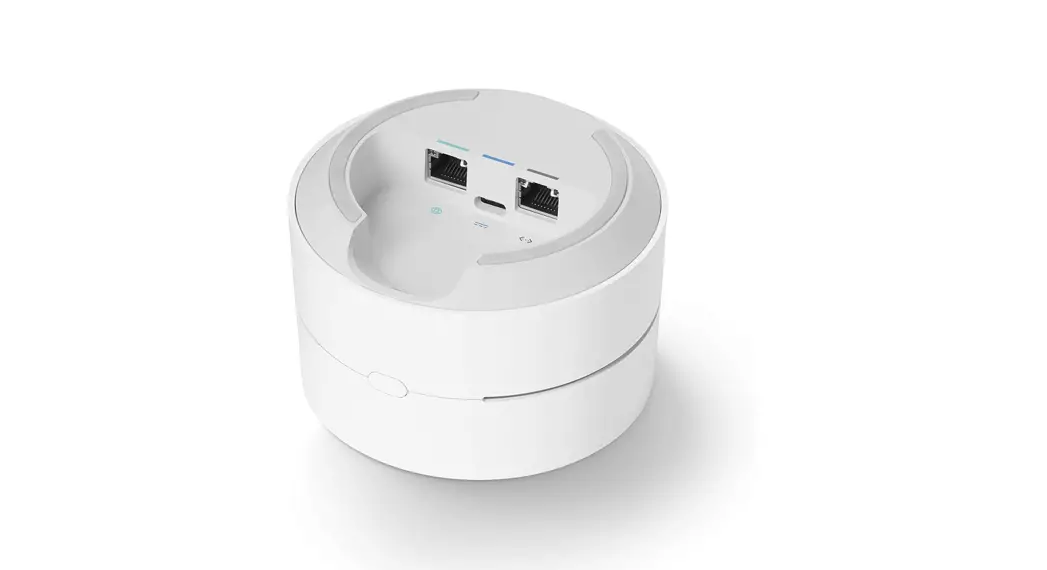
Gallery
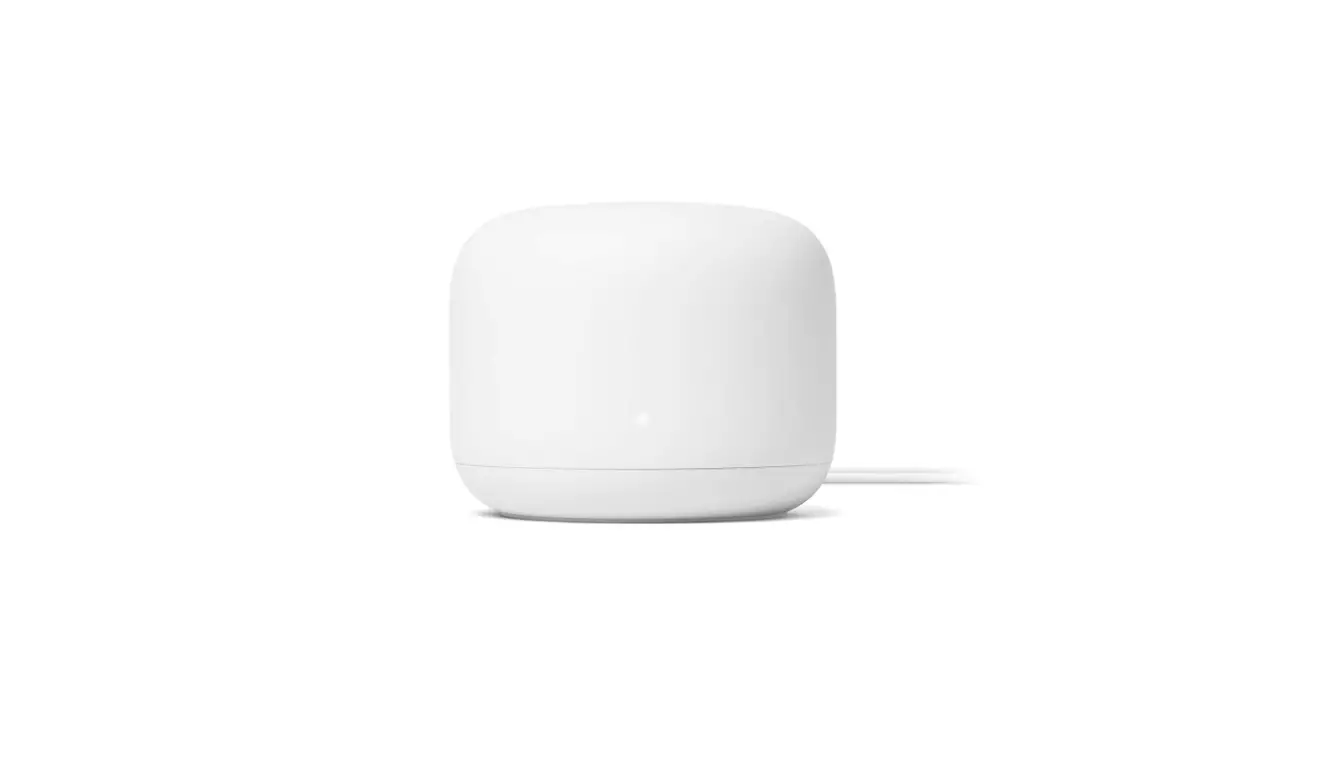
Front
Let’s get started
Inner spread
Setting up your Google Wifi points
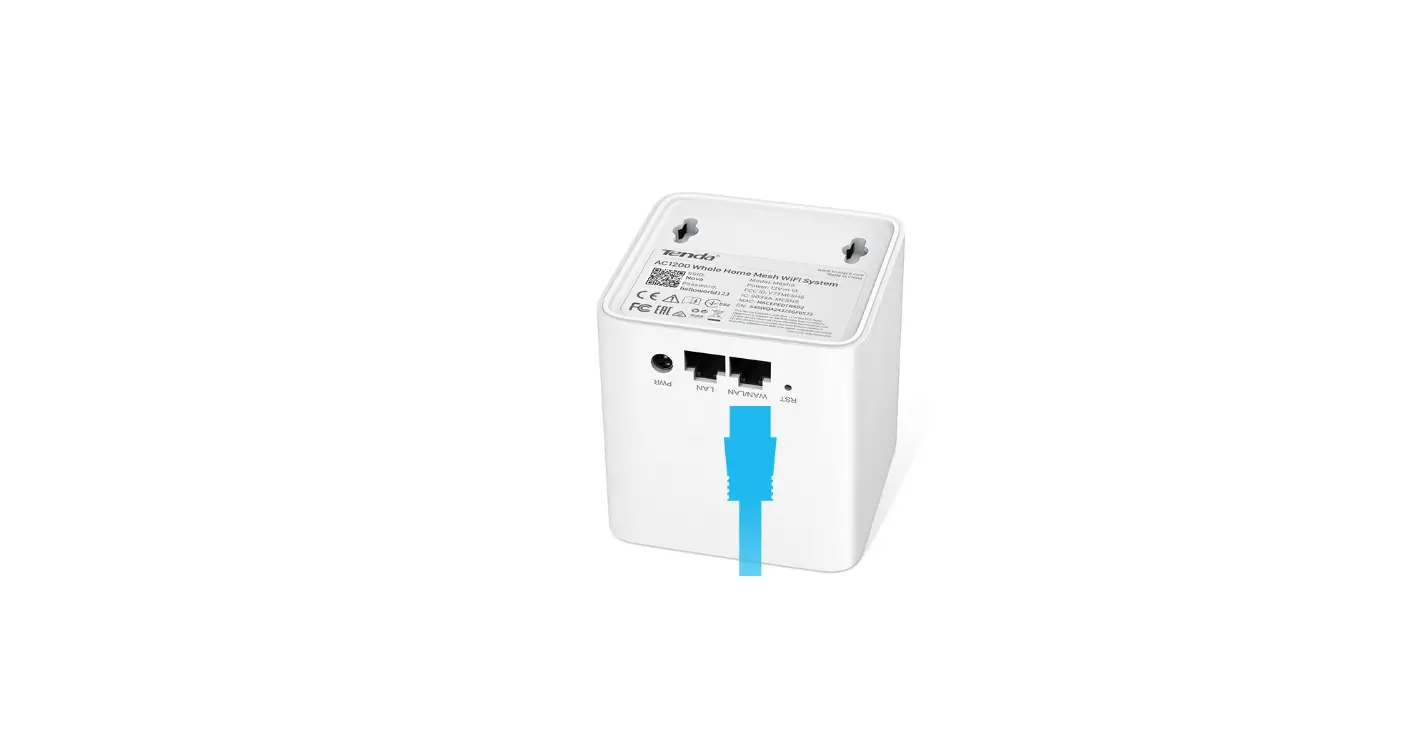
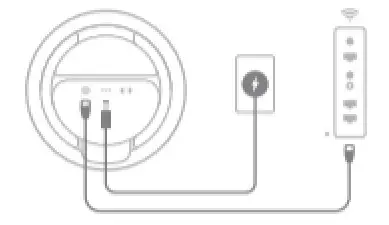
1.  | Puig in the first Google Wifi point Plug s power adapter Into any included paint and wall outtalk. Connect the point to your modem with the Ethemet cable |
2.  | Get the Google Home App |
3.  | Set up your devices Tap + in the Google Home app to add the point. Follow On screen steps to add the other point and first step |
Point Setup
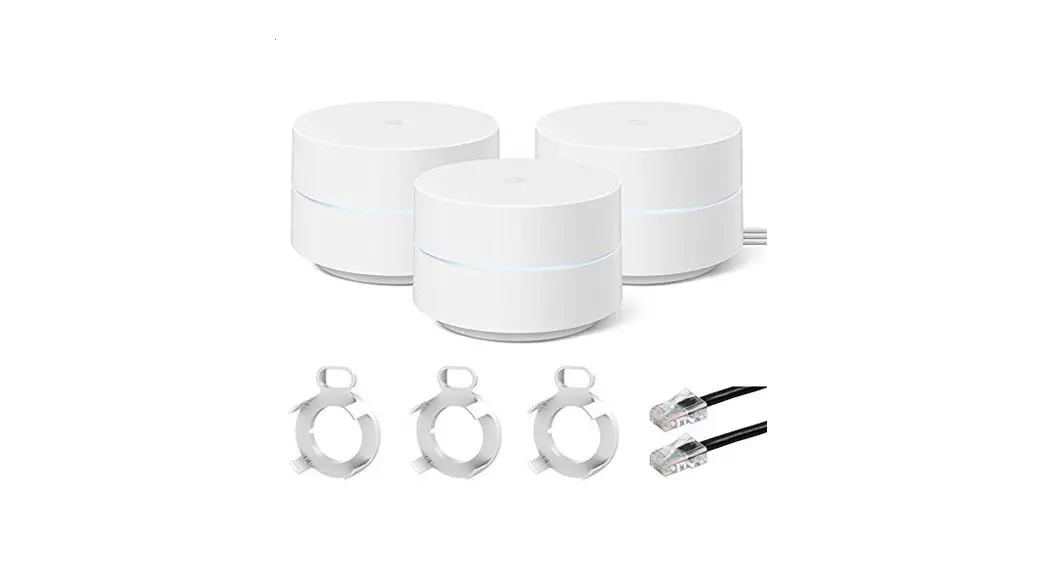
What’s included
 Google Wifi |  Power Poweradapter x 2 |  Ethemet Ethemetcable |
Learn mare
For tips on where to place your points, visit g.co/googlewifi/placement
We’re here to help
For online help. visit g.co/nest/help
To reach an axpert. visit g.co/nest/contact
For help with accessibility. visit g.co/disabilitysupport