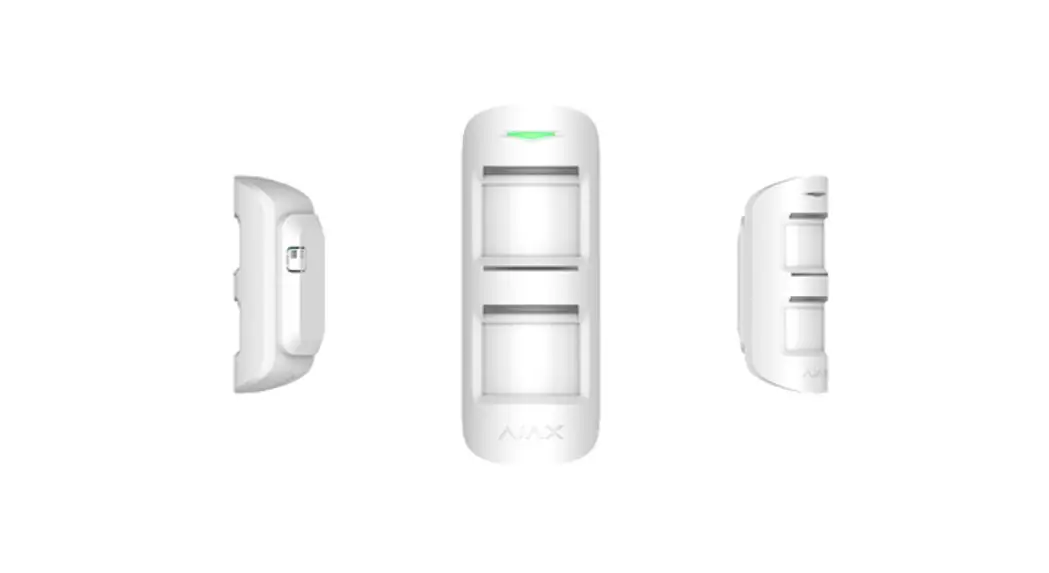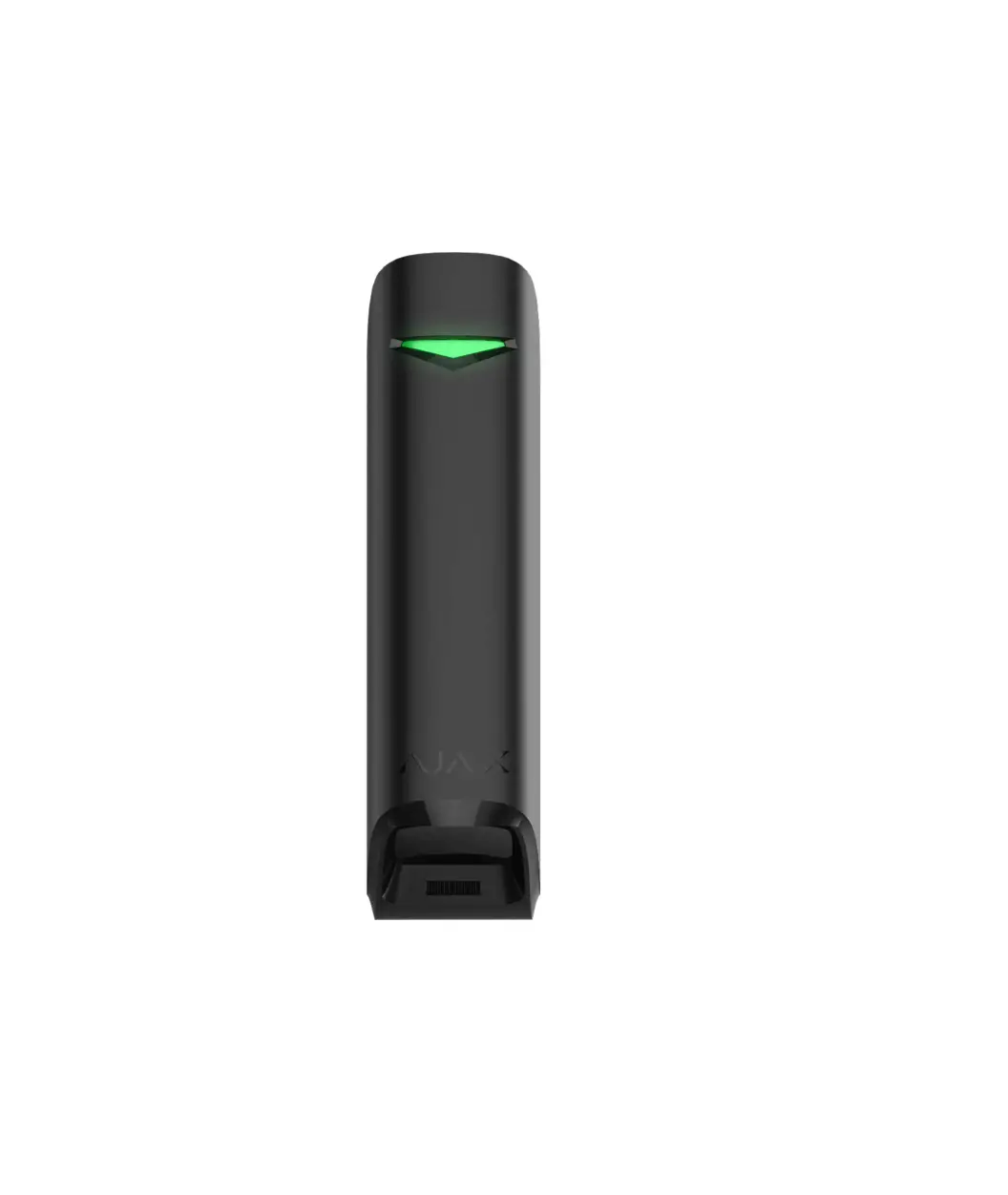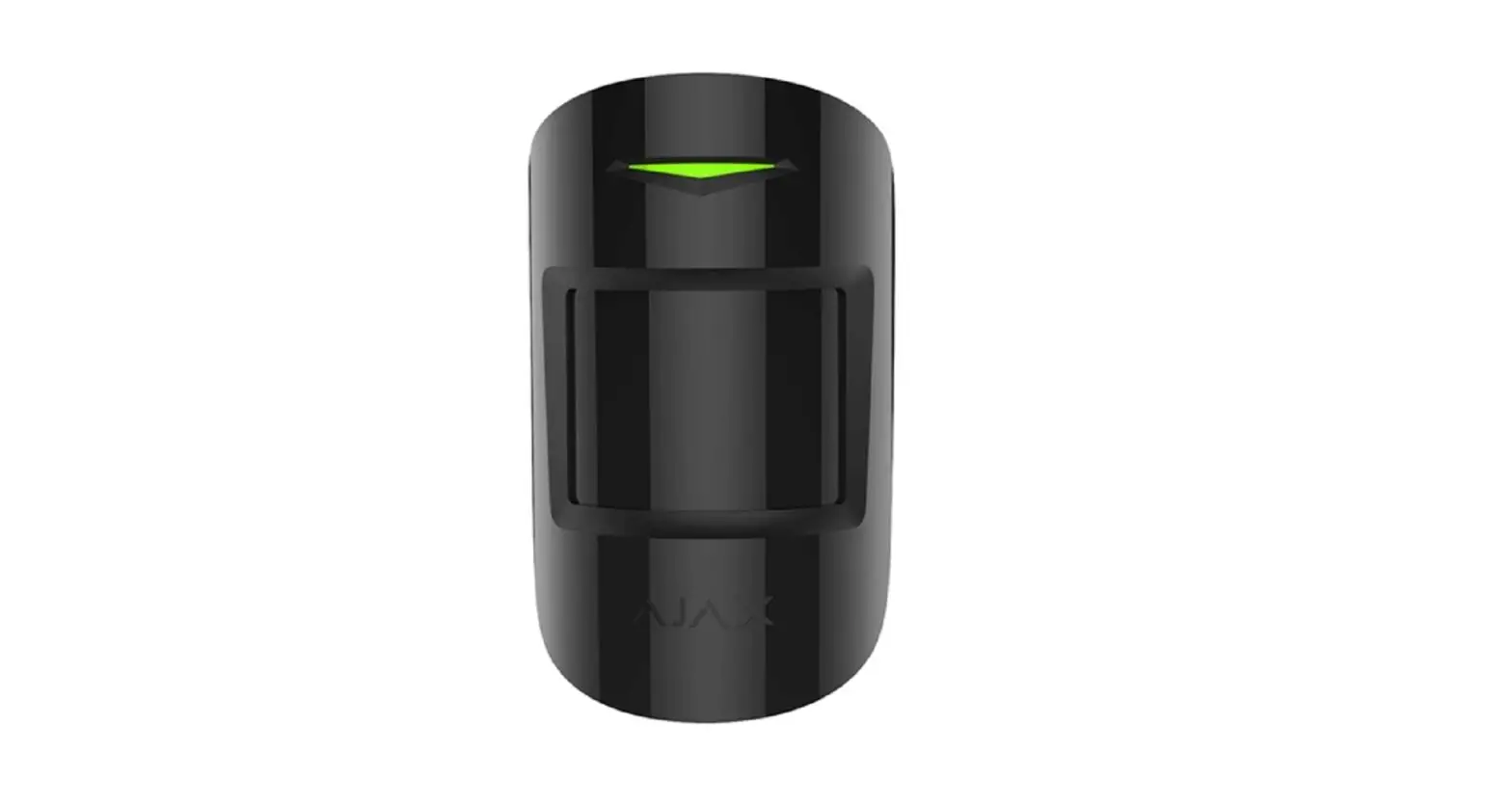
 AJAX AJ-CURTAINPROTECT-W Motion Protect
 AJAX AJ-CURTAINPROTECT-W Motion Protect
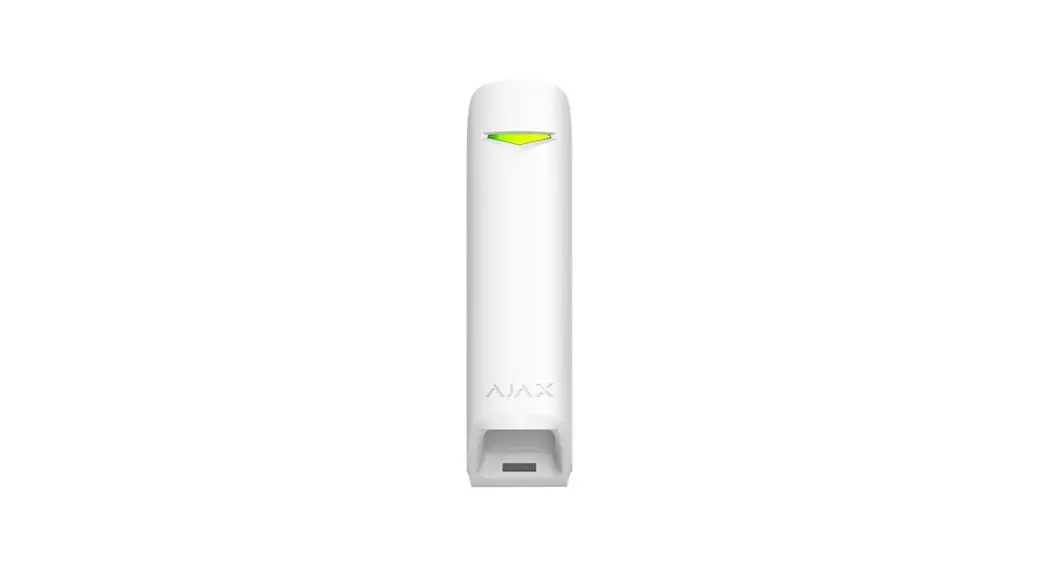
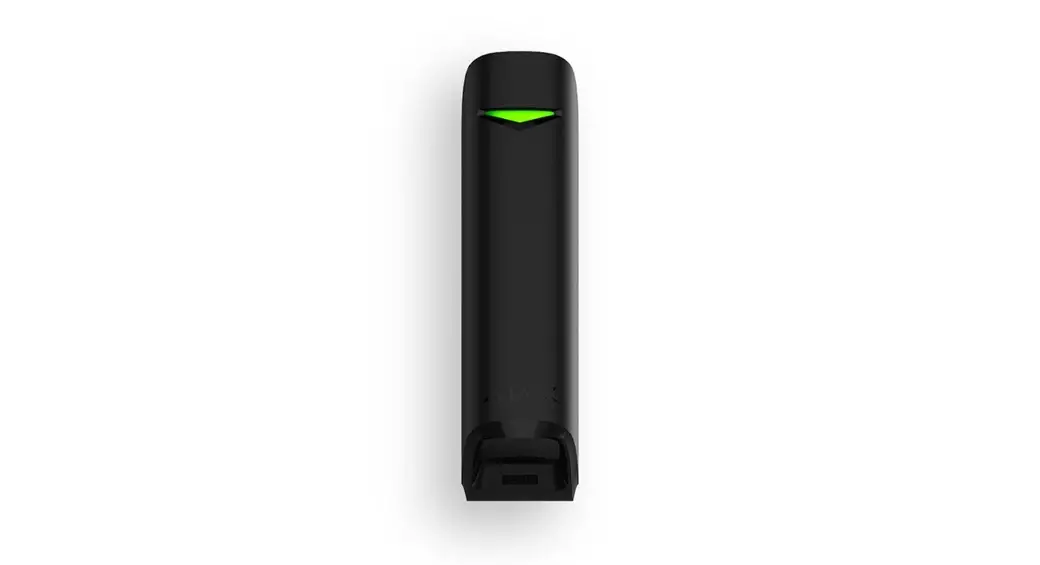
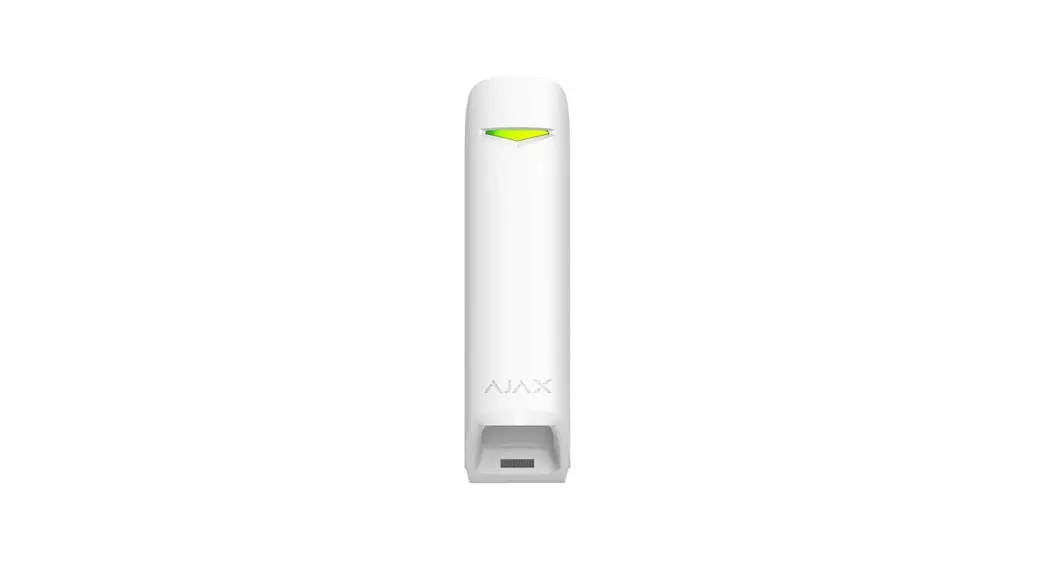
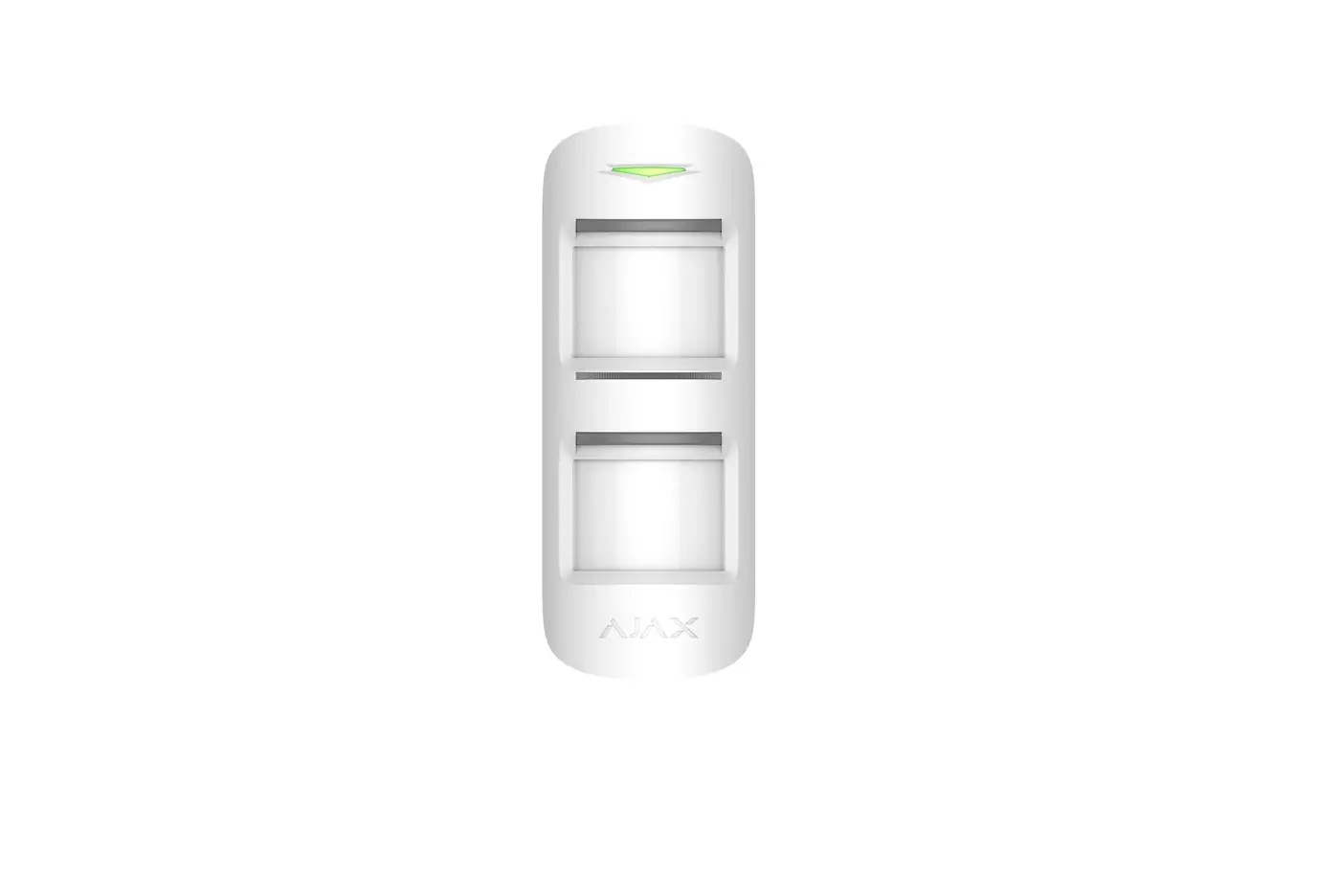
MotionProtect Curtain
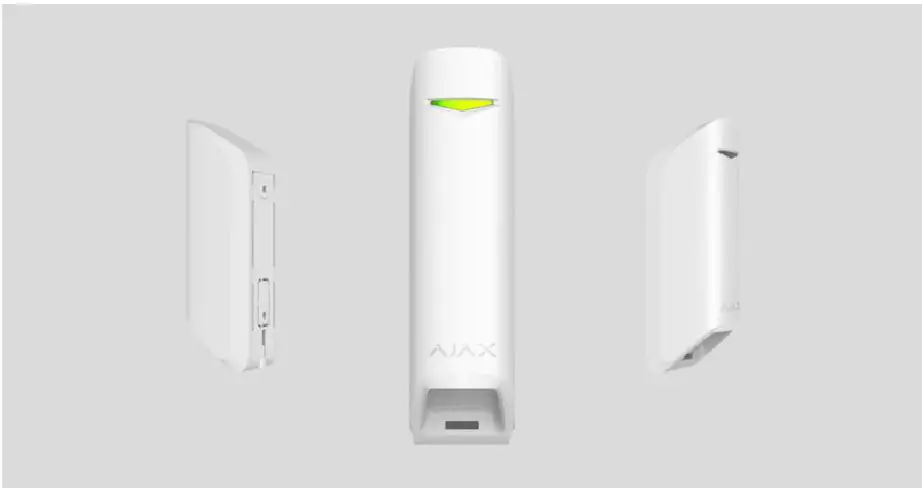
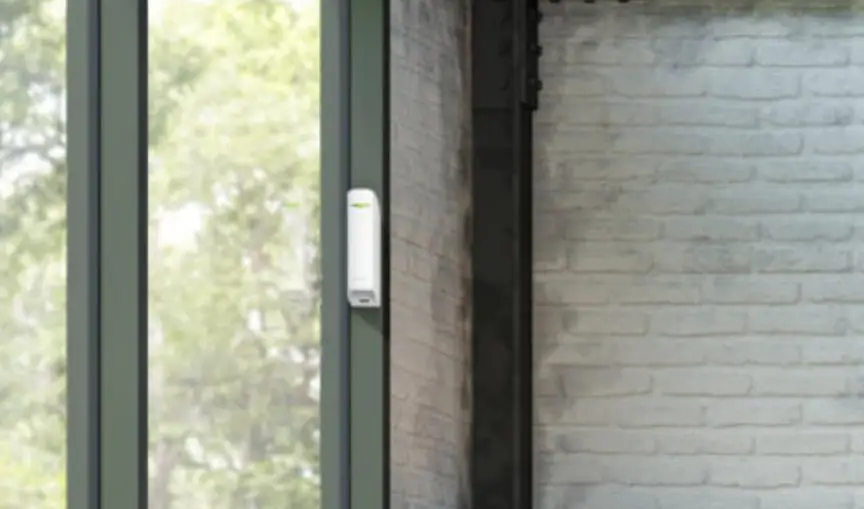
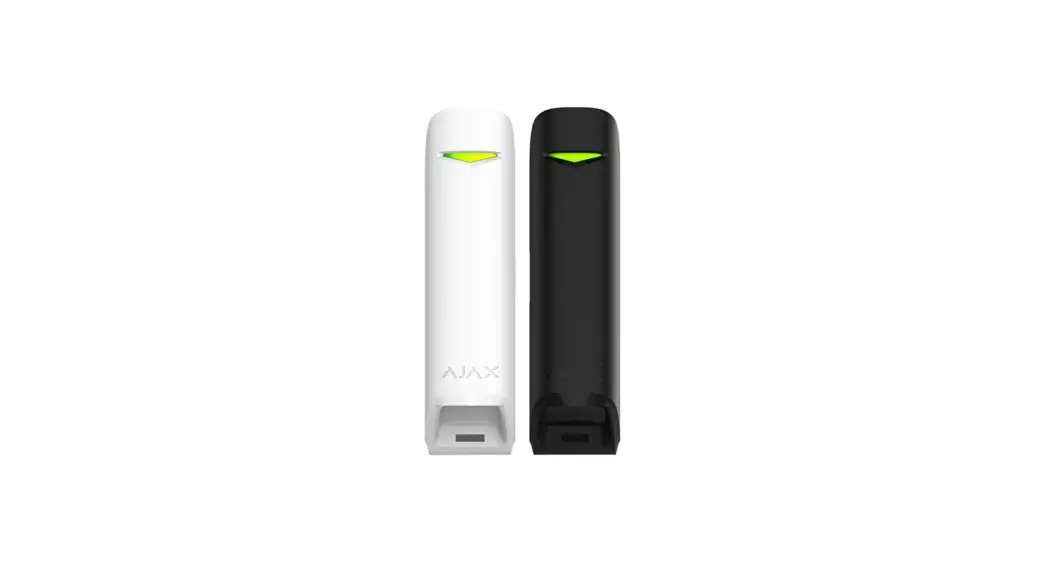
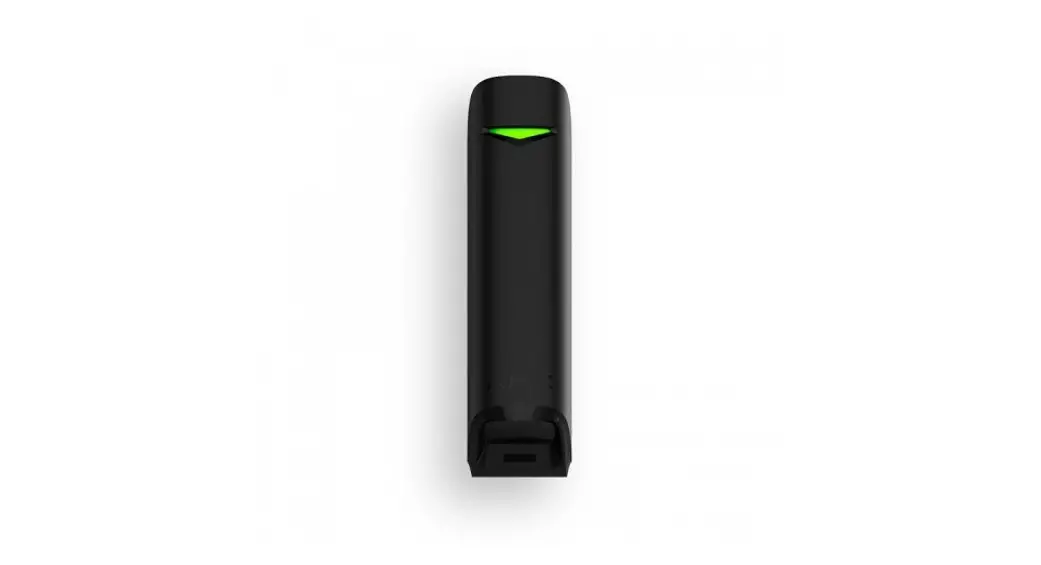
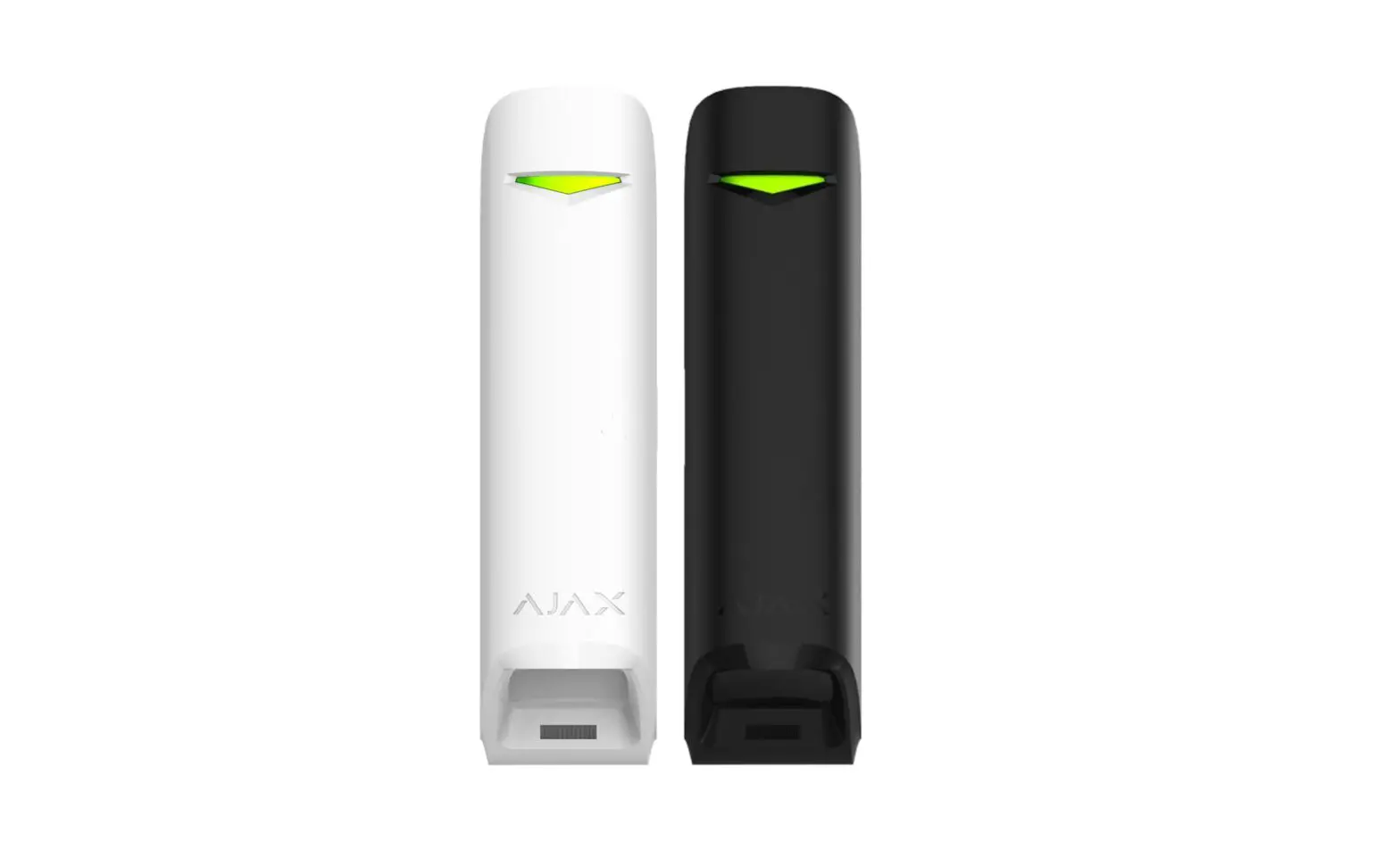
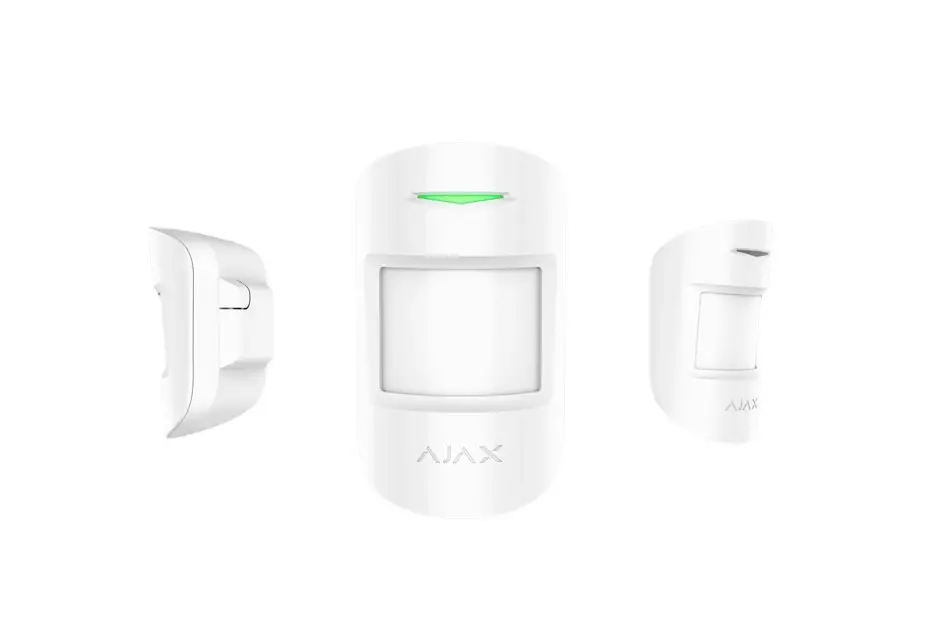
MotionProtect Curtain is a curtain-type wireless motion detector. The detector has a narrow horizontal detection angle and is designed for indoor perimeter control: windows, doorways, and other entrances or exits of the guarded facility. The maximum motion detection distance is 15 m. MotionProtect Curtain integrates into Ajax security systems, connecting to a through the secure protocol. Wireless coverage may reach up 1,700 m line-of-sight. The pre-installed battery ensures up to 3 years of autonomous operation. An iOS or Android is used for detector setup. It also noties the user about any events with push notifications, SMS, or calls (if enabled). Ajax can be connected to the central monitoring station of a security company.
Functional Elements
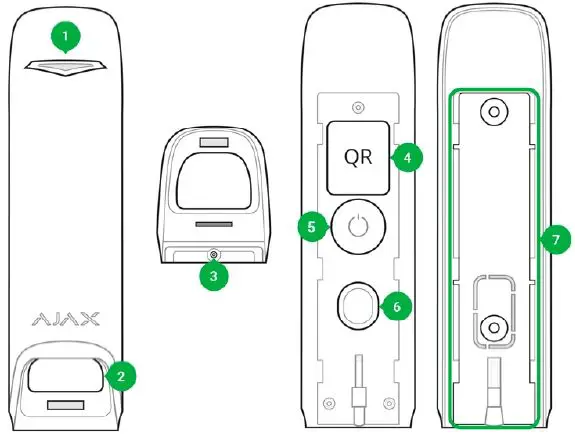
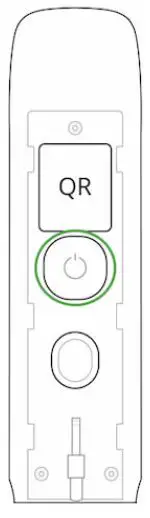
- LED indicator
- Detector light lter
- Screw aperture for SmartBracket attachment panel
- QR-Code
- Power button
- Tamper button
- SmartBracket attachment panel (the perforated part is a part of tamper protection for the cases when the detector gets pulled away from a surface)
Operating Principle
MotionProtect Curtain’s IR sensors detect intrusion into the premises by detecting moving objects having a temperature close to that of the human body. Once the system is armed, the detector starts polling its two IR sensors. If a motion is detected, an alarm state is instantly sent to the hub and green LED starts ashing on the device. Having caught an alarm state, the Hub triggers sirens and noties the user and the security company. Motion alarms are sent every 5 seconds To prevent false alarms, MotionProtect Curtain has a Correlation Signal Processing functionality that can be . Once it is active, the detector starts sending alarm states to the hub only if an identical motion signal is registered by both IR sensors. If it is disabled, MotionProtect Curtain sends an alarm state even with one of the two IR sensors triggered.
Pairing the Detector with a hub Before you start pairing the detector
- Turn on your hub and check the Internet connection (via Ethernet and/or GSM).
- Install the on your smartphone. Create an account, add your hub to the app, and create at least one room. Ajax application
- Check the status of the hub in the app to make sure it is disarmed and is not updating.
Pairing MotionProtect Curtain with a hub:
- In the Ajax mobile app, tap Add device.
- Name the device, scan the QR code or enter it manually (placed on the back of the detector body or its packaging), select the room for placement, and tap Add. The countdown will start.

- Turn on the detector by holding its power button for 3 seconds.

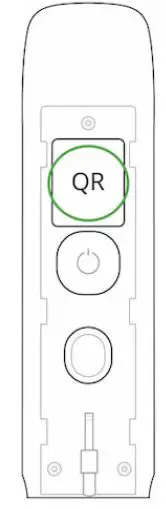
For detection and pairing to occur, the device must be within a hub’s wireless coverage (at the same facility). The connection request will be sent to the Hub only once the device turns on. If the MotionProtect Curtain fails to connect to the hub, it will automatically power down within 6 seconds after turning on. There is no need to turn off the device to retry. tap Add. The countdown will start. 3. Turn on the detector by holding its power button for 3 seconds. If the MotionProtect Curtain has already been paired with another hub, turn off the detector, and then follow the standard pairing procedure. After pairing, the detector will appear on the app’s hub device list. The frequency of the device status updates depends on the polling interval indicated in the hub’s settings (36 seconds by default). If the detector identies movement before the system is armed, it will activate not immediately but the next it is polled by the hub.
Statuses
- Devices
- MotionProtect Curtain
| Parameter | Value |
| Temperature | The detector’s CPU temperature (changes gradually) |
| Signal Strength | The strength of the signal between a hub and the detector |
| Battery Charge | Battery level of the device. Two states available: ОК Battery discharged |
| Lid | The status of the detector’s tamper device that responds to the detachment and removal attempts. |
| Delay When Entering, sec | The delay for security system activation when entering premises |
| Delay When Leaving, sec | The delay for security system activation when leaving premises |
| Connection | Status of the connection between the hub and the sensor |
| Sensitivity | Detector sensitivity: Low High Normal |
| Correlation signal processing | Status of the s ignal correlation |
| Always Active | If enabled, motion detection is active always |
| Temporary Deactivation | Shows the status of the device temporary deactivation function: No — the device operates normally and transmits all events. Lid only — the hub administrator has disabled notifications about triggering on the device body. Entirely — the device is completely excluded from the system operation by the hub administrator. The device does not follow system commands and does not report alarms or other events. By number of alarms — the device is automatically disabled when the number of alarms is exceeded (specified in the settings for Devices Auto Deactivation). The feature is configured in the Ajax PRO app. |
| Firmware | The detector’s firmware version |
| Device ID | Device identifier |
Detector Setup
- Devices
- MotionProtect Curtain
- Settings
| Setting | Value |
|
| Two options are available: Deactivate entirely — the device will not execute system commands or participate in automation scenarios, and the system will ignore device alarms and other notifications Deactivate lid notifications — the system will ignore only notifications about the triggering of the device tamper button The system can also automatically disable devices when the set number of alarms is exceeded. | |
| User Guide | Opens the detector User Guide |
| Unpair Device | Unpairs the detector from the Hub and resets its settings |
Detector Indication
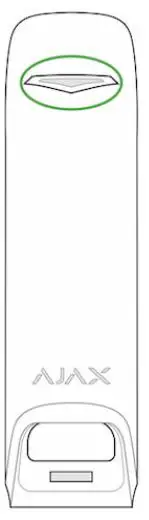
The MotionProtect Curtain indicator LED may turn red or green, depending on the status of the device.
Indication when pressing the power button
| Event | Indication |
| The power button is pressed (detector is on) | Lights up red while the button is held |
| Turning on | Lights up green while the device is turning on |
| Turning off | Lights up red, then flashes three times |
Active detector indication
| Event | Indication | Note |
| Connecting the detector to the hub | Lights up green for a few seconds | |
| Hardware error | Flashes red continuously | The detector needs to be repaired, contact support |
| Motion or tamper alarm triggered | Lights up green for about 1 second | |
| Battery replacement needed | Smoothly lights up green and goes off | For battery replacement procedure, see Battery replacement manual |
Integrity Testing
Ajax security systems can run tests to verify the integrity of connected devices. The tests start instantly, but no later than within 36 seconds by default. The test start time depends on the detector polling interval setting (see the Jeweller section in the Hub settings).
Detector Placement
The effectiveness of the security system depends on detector placement. Choosing a location to install MotionProtect Curtain, consider the direction of the light lter and obstacles that may affect the detector’s eld of view and the radio signal transmission. Consider the detection range as well as the beam width when installing the detector. Incorrect device placement can lead to false alarms or improper operation of the device.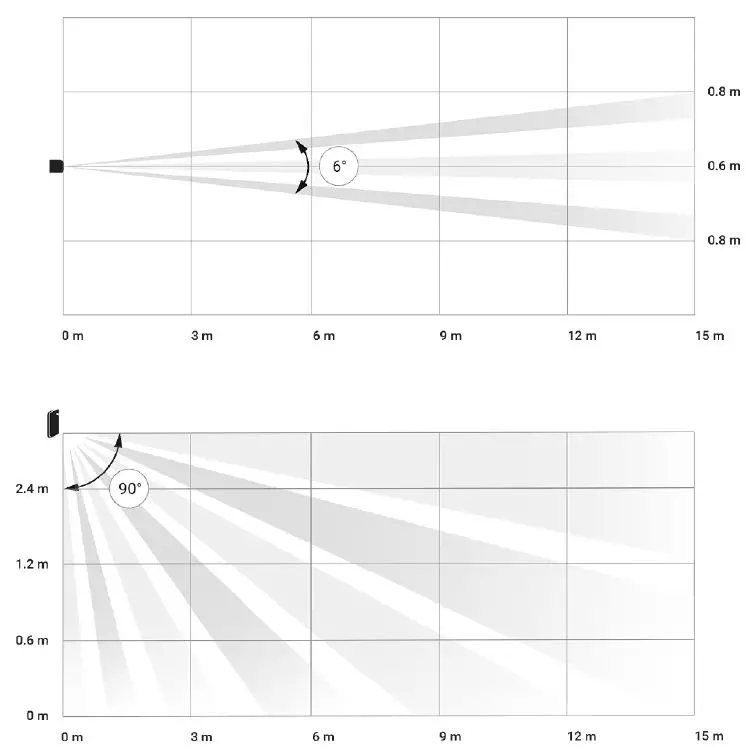
Horizontal and vertical detector’s angles of view
| Detection range | Beam width |
| 3 meters | 0.3 meters |
| 6 meters | 0.6 meters |
| 9 meters | 0.9 meters |
| 12 meters | 1.25 meters |
| 15 meters | 1.55 meters |
The device developed only for indoor use.
Do not install the detector
- Outside the premises (outdoors)
- In front of the windows within reach of direct sunlight
- Opposite of the objects that rapidly change temperature (e.g., electric and gas heaters)
- Opposite of the moving objects having a temperature close to that of the human body (curtains swaying above a heating radiator)
- In places with fast air circulation (near fans, open windows or doors)
- Near metal objects and mirrors that cause the attenuation or interfere with radio signals
- Within any premises with the temperature and humidity beyond the permitted range
- Closer than 1 m to a hub
If the detector keeps reacting to interference and raising false alarms, but it is impossible to install it anywhere else, the Correlation Signal Processing can be enabled in the settings.
Please note that if the Correlation Signal Processing is enabled, the range of motion detection is reduced depending on the detector sensitivity chosen
| Sensitivity | Motion detection range w/ Signal Correlation Processing * | Motion detection range w/o Signal Correlation Processing * |
| Low | Up to 6 m | Up to 11 m |
| Normal | Up to 7 m | Up to 13 m |
| High | Up to 8 m | Up to 15 m |
at an ambient temperature of 23°C If possible, avoid situations where the detector identies movement at a longer distance than required. The best place to install it is within an enclosed place. For instance, to detect movement in an archway, install the detector in it. This way, the detector will be triggered only by a person that enters it.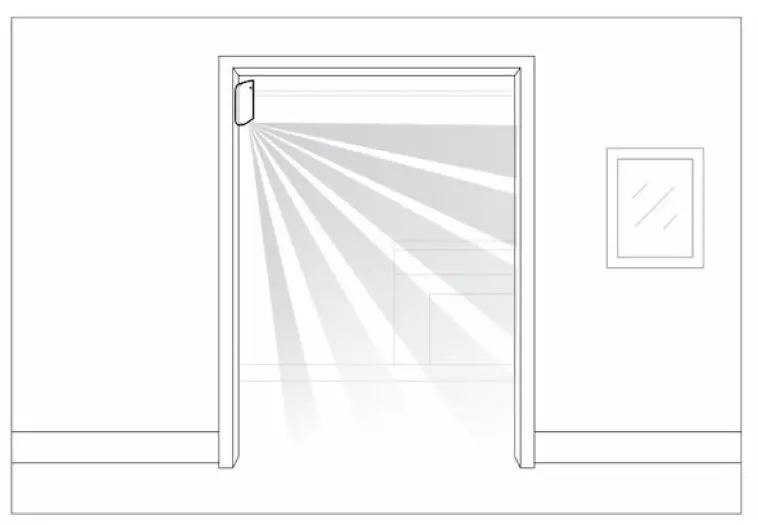
To prevent the detector from reacting to domestic animals, install it upside down, leaving space for the free movement of animals below the detection zone The placement of a MotionProtect Curtain also depends on the distance to a hub and whether there are any obstacles between the devices that may hinder the radio signal, e.g., walls, oor deck, or large objects in the room. 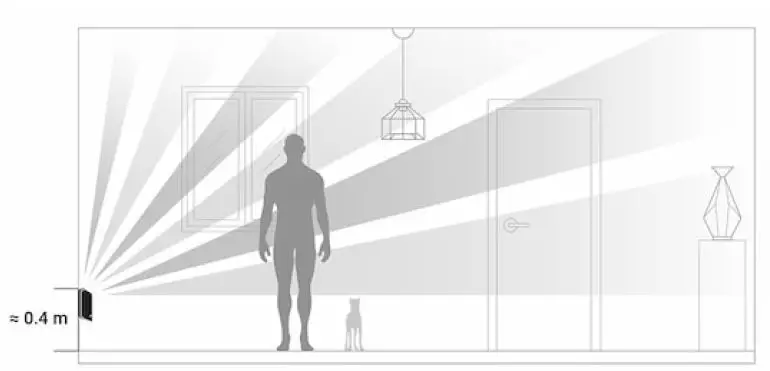
Check the signal strength at the placement location. If you have a signal level of one bar, there is no guarantee of the security system’s stable operation. Take all necessary precautions to ensure maximum signal level. At least try moving the device—even 20 cm can make a difference. If the device still shows low or unstable signal level even after you move it, use a The detector’s light lter should be directed perpendicularly to the expected entry path to the room! Make sure that no furniture, home plants, vases, decorative or glass structures are blocking the detector’s eld of view We recommend installing the detector at a height of 2.4 m!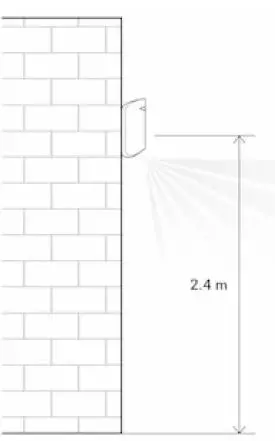
Installing the detector at any other height will narrow the detection zone, affecting the quality of motion detection. Keep in mind that MotionProtect Curtain does not detect movement behind the glass. Therefore, do not install the detector in places where glass structures may block its range of view, e.g., in places where an open window may obstruct the device’s eld of view.
Detector Installation
Before installing the detector, make sure that you have chosen an appropriate location as indicated in this manual.
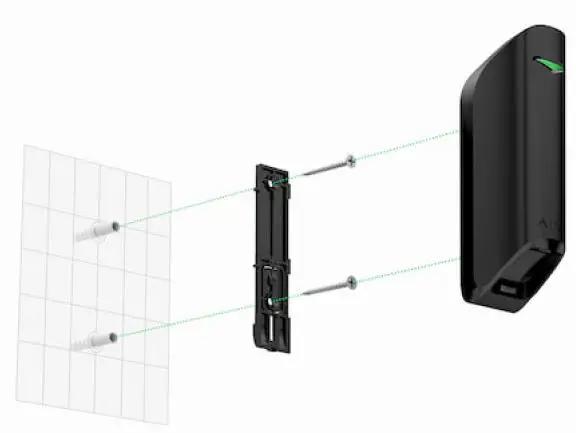
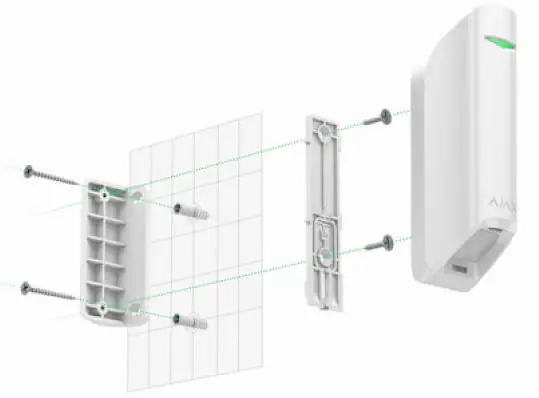
There are two options for installing MotionProtect Curtain:
- directly to a surface

- to the included bracket.

Installation procedure
- Attach the SmartBracket panel or a bracket to the surface with the included screws or other equally reliable fasteners. Screw the SmartBracket panel onto the included bracket.
- Attach the detector to the SmartBracket attachment panel.
- Mount the detector on the SmartBracket attachment panel using a screw.
The double-sided adhesive tape should be used only for the temporary installation of the detector. It will dry out eventually, becoming unable to reliably hold the detector and possibly causing false alarms in the security system. The fall of the device may also result in its damage. If the detector’s LED fails to light up after the device is attached to the SmartBracket, check the tamper status in the Ajax app and then check if it ts tightly onto the attachment panel. If you try to detach the detector from the surface or the panel, you will receive a notification.
Detector Care and Battery Replacement
Check the integrity of the MotionProtect Curtain detector regularly. Clean the detector body from dust, spider webs, and other contaminations as they appear. Use soft dry cloth suitable for equipment care. Do not clean the detector with any substances containing alcohol, acetone, gasoline, or any other active solvent. Wipe the lens carefully and gently—any scratches on the plastic may reduce the detector’s sensitivity. The pre-installed battery ensures up to 3 years of autonomous operation (at a polling interval of 3 min). If the detector battery is nearly depleted, the security system will send a notification, and the LED will smoothly light up and go out when the detector detects any motion or if the tamper is activated.
Specifications
| Sensor | PIR sensor, 2 pcs |
| Detection angles | Horizontal — 6°; vertical — 90° |
| Time for motion detection | From 0.3 to 2 m/s |
| Placement | Indoor only |
| Motion detection range | Up to 15/13/11 m (up to 8/7/6 m with Correlation Signal Processing enabled depending on sensitivity settings) |
| False alarm reduction | Available — Correlation Signal Processing |
| Tamper Protection | Available — detector body detachment and damage |
| Frequency bands | 868.0–868.6 MHz or 868.7–869.2 MHz depending on the region |
| Compatibility | Operates only with all Ajax h ubs, and range |
| RF signal strength | Up to 20 mW |
| Radio signal modulation | GFSK |
| Radio signal range | Up to 1700 m line-of-sight |
| Power supply | 1 battery CR123A, 3 V |
| Battery life | Up to 3 years |
| Installation method | Indoors only |
| Operating temperature range | From -10°С to +40°С |
| Protection class | IP54 |
| Overall dimensions | 134 × 44 × 34 mm |
| Weight | 118 g |
Complete Set
- MotionProtect Curtain
- SmartBracket panel
- Battery CR123A (pre-installed)
- Installation kit
- Quick Start Guide
- Bundled Bracket
Warranty
The warranty for the “AJAX SYSTEMS MANUFACTURING” LIMITED LIABILITY COMPANY products is valid for 2 years after the purchase and does not apply to the pre-installed battery. If the device does not work correctly, contact our customer support rst—in 50% the cases, technical issues can be solved remotely!
References
 End user agreement - Ajax Systems
-
Jeweller radio technology | Ajax Systems
-
Current product lines of the Ajax security system
-
Current product lines of the Ajax security system
-
Current product lines of the Ajax security system
-
MotionProtect Curtain — Curtain motion detector for indoor use
-
ocBridge Plus — Module for Ajax devices integration with wired systems
-
ReX — Intelligent radio signal range extender | Ajax Systems
-
uartBridge — Module for Ajax devices integration with third-party wireless alarms systems
-
Software | Ajax Systems
-
Warranty - Ajax Systems
-
How battery charge is displayed in Ajax apps | Ajax Systems Support
-
What is correlation signal analysis and how does it work | Ajax Systems Support
-
What is Devices Auto Deactivation and how it works | Ajax Systems Support
-
How to find out the device firmware version | Ajax Systems Support
-
How long Ajax devices operate on batteries, and what affects this | Ajax Systems Support
-
How to temporarily deactivate a device without removing it from the system | Ajax Systems Support
-
How to change batteries in the MotionProtect Curtain | Ajax Systems Support
-
What is Attenuation Test | Ajax Systems Support
-
What is Detection Zone Test | Ajax Systems Support
-
What is Jeweller Signal Strength Test | Ajax Systems Support
 End user agreement - Ajax Systems
 How battery charge is displayed in Ajax apps | Ajax Systems Support