FORTINET FortiWiFi 80F Series HW Plus 3yr Ase User Guide
FG 80F Series
Box Includes – FG 80F Series
FortiGate 80F/81F/Bypass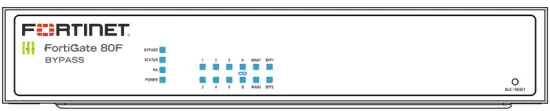
Quick Start Guide
Power Cable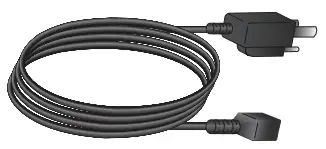
12V DC Power Adapter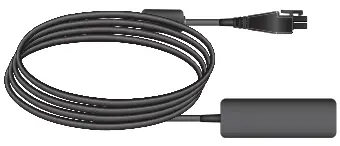
Ethernet Cable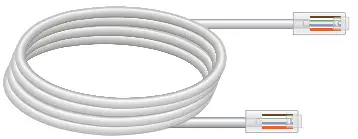
Wall Mount Kit (Not included, sold separately)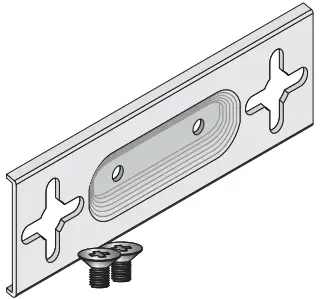
Wall Mount Hardware (Not included, sold separately)
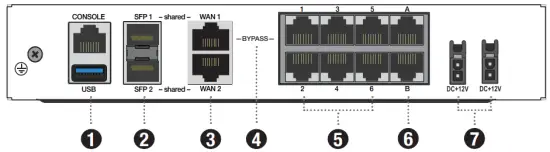
Back Panel – FG 80F Series
- Console (RJ-45) CLI management computer interface
USB (USB A) USB 3.0 server port - SFP Shared Ports 1 & 2 (SFP) 1 Gbps SFP interface
- WAN Shared Ports 1 & 2 (RJ45) 1 Gbps Ethernet interface
- BYPASS Port Pair (RJ45) 1 Gbps Ethernet interface
(FG 80F-Bypass model only. WAN1 & Port1 are the default configuration ) - Ports 1 to 6 (RJ-45) 1 Gbps Ethernet interface
- FortiLink Ports A & B (RJ-45) 1 Gbps Ethernet interface
- Power Input 12V DC 3A, 100-240V AC 50/60Hz
(optional redundant power adapter and cable available for purchase)
Back Panel – FG 80F Series
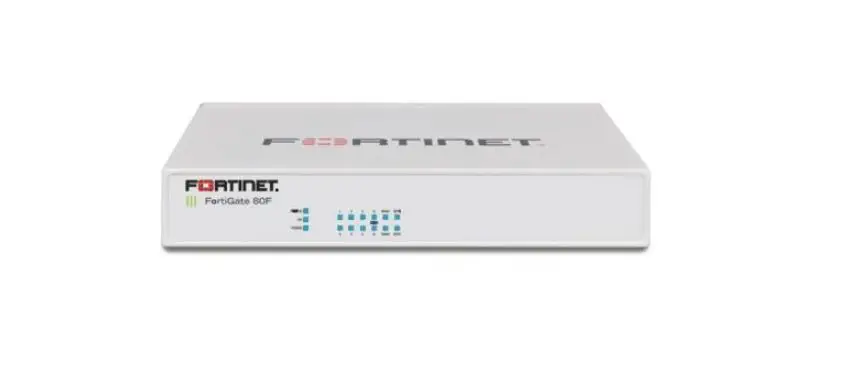
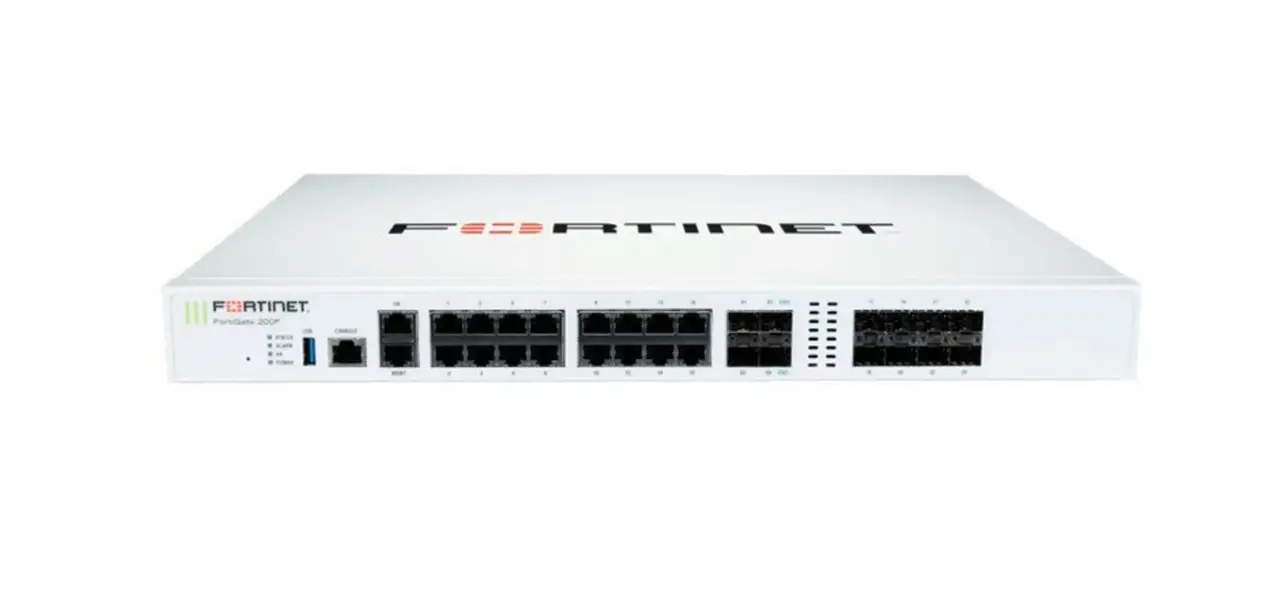
Front Panel – FG 80F Series
- LOGO
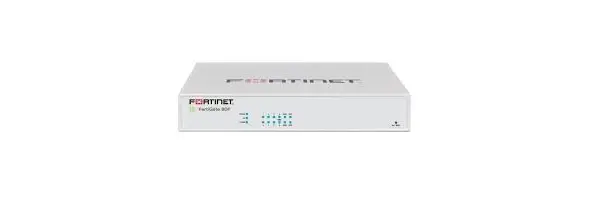
 FortiGate 80F
 Green: The device is on
 Off: The device is off FortiGate 80F – BYPASS Green: The device is on Off: The device is off
 - BYPASS
(FG 80F-Bypass model only)
Amber: Bypass Port Pair is active
Off: Bypass Port Pair is off
STATUS Green: Operating normally; BLE is off Flashing Green: Booting up
 Flashing Amber: BLE is on
HA Green: Operating in an HA cluster Amber: HA failover Off: Not in an HA cluster
POWER Green: Both power supplies are functioning Amber: One power supply is functioning Off: Power is off - PORT LINK/ACT Flashing Green: 1000M/100M/10M data activity Off: No link established
- WAN
(WAN & SFP are Shared Ports) Flashing Green :1000M/100M/10M data activity Off: No link established - SFPFlashing Green: 1000M/100M/10M data activityOff: No link established
- BLE/RESET
Restores factory default and BLE settings
 FortiGate 80F
 Off: The device is off
Box Includes – FWF 80F-2R Series
FortiWiFi-80F/81F/-2R
QuickStart Guide
Power Cable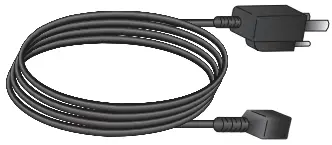
12V DC Power Adapter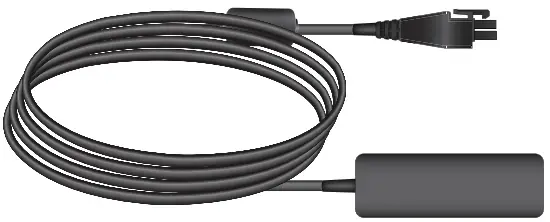
Ethernet Cable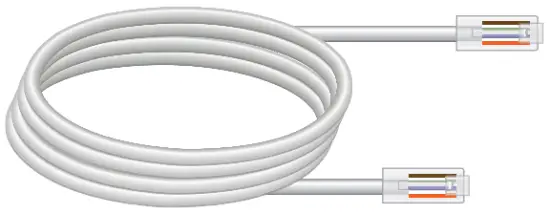
3 WiFi Antennas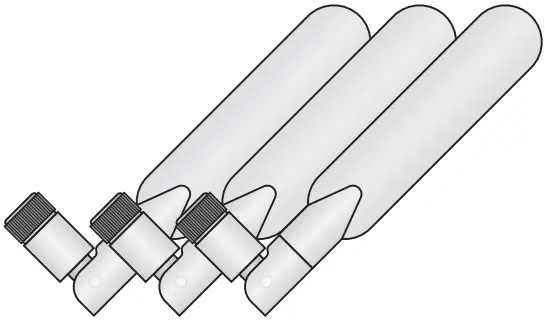
Wall Mount Kit (Not included, sold separately)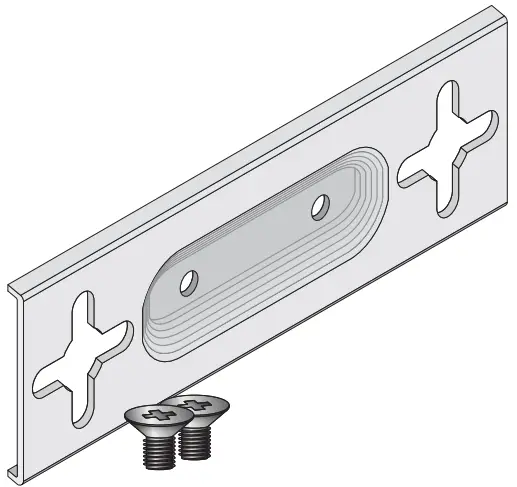
Wall Mount Hardware (Not included, sold separately)
Back Panel – FWF 80F-2R Series
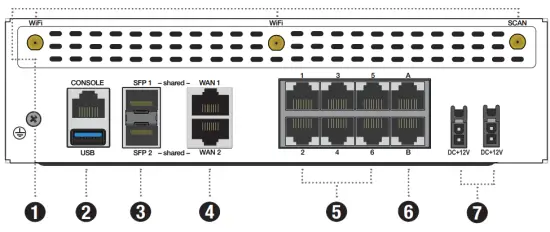
- Antenna Connection (SMA) passive directional antenna connection
- Console (RJ-45) CLI management computer interface
USB (USB A) USB 3.0 server port - SFP Shared Ports 1 & 2 (SFP) 1 Gbps SFP interface
- WAN Shared Ports 1 & 2 (RJ45) 1 Gbps Ethernet interface
- Ports 1 to 6 (RJ-45) 1 Gbps Ethernet interface
- FortiLink Ports A & B (RJ-45) 1 Gbps Ethernet interface
- Power Input 12V DC 5A, 100-240V AC 50/60Hz
(optional redundant power adapter and cable available for purchase)
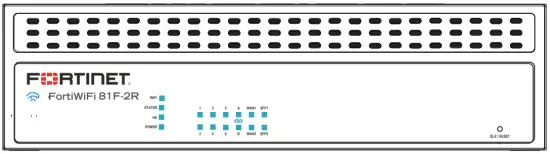
Front Panel – FWF 80F-2R Series
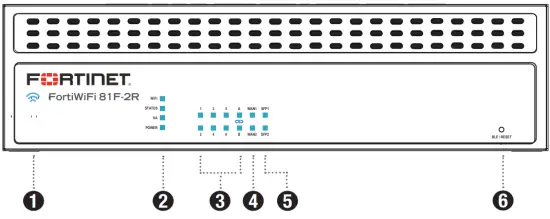
LOGO FortiWiFi 81F-2R
 Blue: The device is on
 Off: The device is off
STATUS Green: Operating normally; BLE is off
 Flashing Green: Booting up
 Flashing Amber: BLE is on
HA Green: Operating in an HA cluster Amber: HA failover Off: Not in an HA cluste
POWER Green: Both power supplies are functioning Amber: One power supply is functioning Off: Power is off
WIFI Green: WiFi connectedFlashing Green:
WiFi activity Off: WiFi is off
PORT LINK/ACT Flashing Green: 1000M/100M/10M data activity Off: No link established
WAN
(WAN & SFP are Shared Ports)Flashing Green: 1000M/100M/10M data activityOff: No link established
SFP Flashing Green: 1000M/100M/10M data activity Off: No link established
BLE/RESET Restores factory default and BLE settings
FWF 81F-2R-POE
Box Includes – FWF 81F-2R-POE
FortiWiFi-81F-2R-POE
Quick Start Guide
Power Cable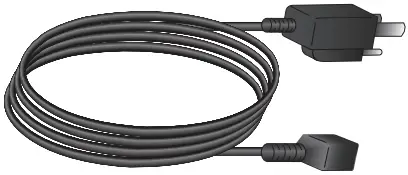
54V DC Power Adapter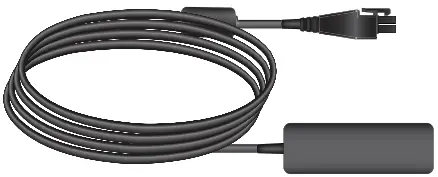
Ethernet Cable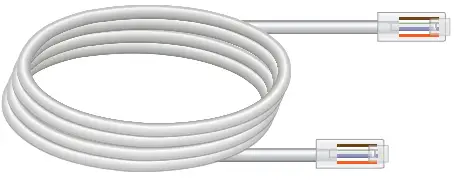
3 WiFi Antennas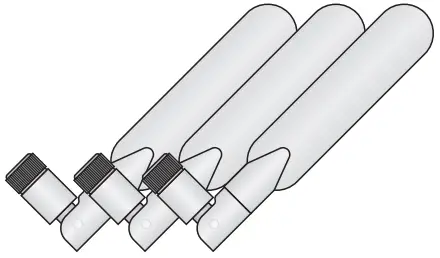
Wall Mount Kit (Not included, sold separately)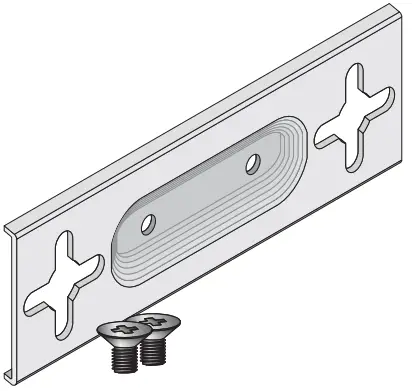
Wall Mount Hardware (Not included, sold separately)

Back Panel – FWF 81F-2R-POE
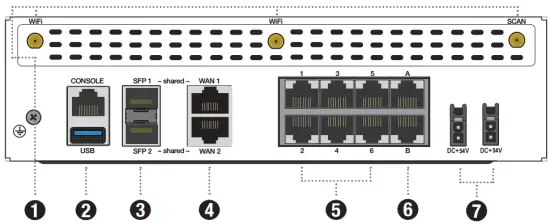
- Antenna Connection (SMA) passive directional antenna connection
- Console (RJ-45) CLI management computer interface
USB (USB A) USB 3.0 server port - SFP Shared Ports 1 & 2 (SFP) 1 Gbps SFP interface
- WAN Shared Ports 1 & 2 (RJ45) 1 Gbps Ethernet interface
- Ports 1 to 6 (RJ-45) 1 Gbps Ethernet interface
- FortiLink Ports A & B (RJ-45) 1 Gbps Ethernet interface
- Power Input 54V DC 2.78A, 100-240V AC 50/60Hz
(optional redundant power adapter and cable available for purchase)
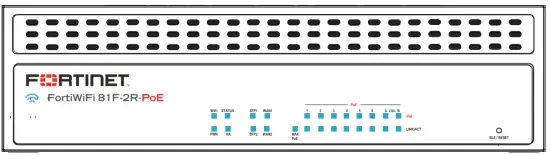
Front Panel – FWF 81F-2R-POE
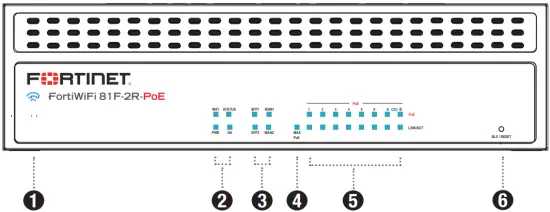
- LOGO
 FortiWiFi 81F-2R
 Blue: The device is on Off: The device is off
 - WIFIGreen: WiFi connected Flashing Green: WiFi activity Off: WiFi is off
- STATUS Green: Operating normally; BLE is off Flashing Green: Booting up Flashing Amber: BLE is on
PWRGreen: Both power supplies are functioning Amber: One power supply is functioning Off: Power is off
HA Green: Operating in an HA clusterAmber: HA failover Off: Not in an HA cluster - SFP/WAN (WAN & SFP are Shared Ports) Flashing Green: 1000M/100M/10M data activity Off: No link established
- MAX PoE
 Red: Providing Max PoE Power Off: PoE power available
 - Ports
PoE Green: PoE power on Off: PoE power off
LINK/ACT Flashing Green: 1000M/100M/10M data activityOff: No link established - BLE/RESET Restores factory default and BLE settings
 Red: Providing Max PoE Power
 Welcome