
 User manual
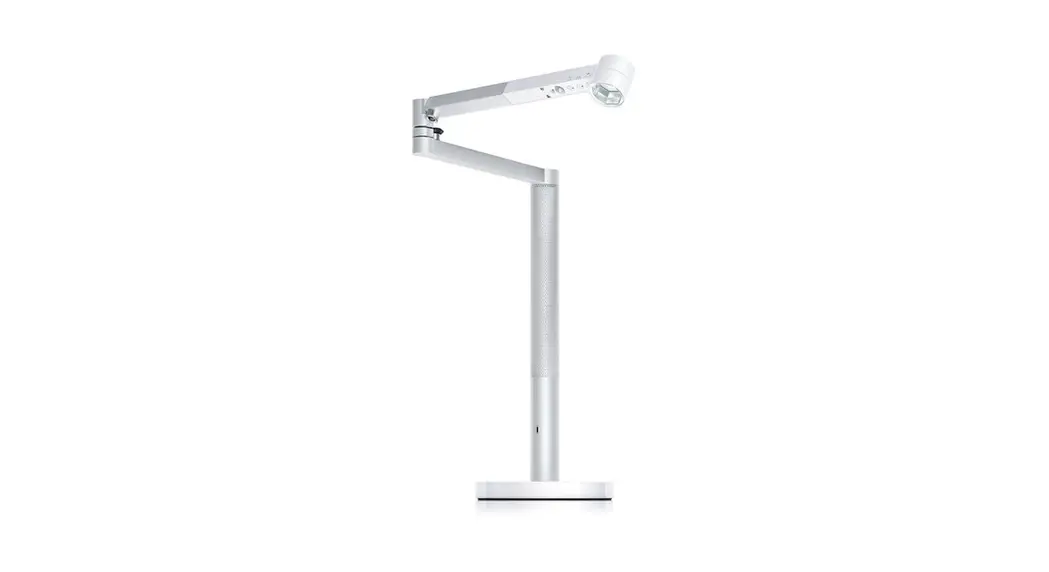
Thank you for choosing to buy a Dyson Light
Take full control with the Dyson Link app.
Get step-by-step setup and support.
Control how and when your Dyson Light operates.
Download the Dyson Link app
Download the Dyson Link app from the App Store or Google Play.
Open the app and follow the on-screen instructions to create a new account.
For further information and support:
www.dyson.com
866-693-9766

Apple and the Apple logo are trademarks of Apple Inc., registered in the U.S.
and other countries. App Store is a service mark of Apple Inc., registered in the U.S. and other countries.
Google Play and the Google Play logo are trademarks of Google Inc.
The Bluetooth® word mark and logos are registered trademarks owned by the Bluetooth SIG, Inc. and any use of such marks by Dyson is under license.
Your machine warranty
We don’t stop caring about our machines once they’re yours.
Even after your warranty has ended, we’ll still be on hand to help.
Your serial number can be found on the rating plate located on the bottom of your light.
Note your serial number for future reference.
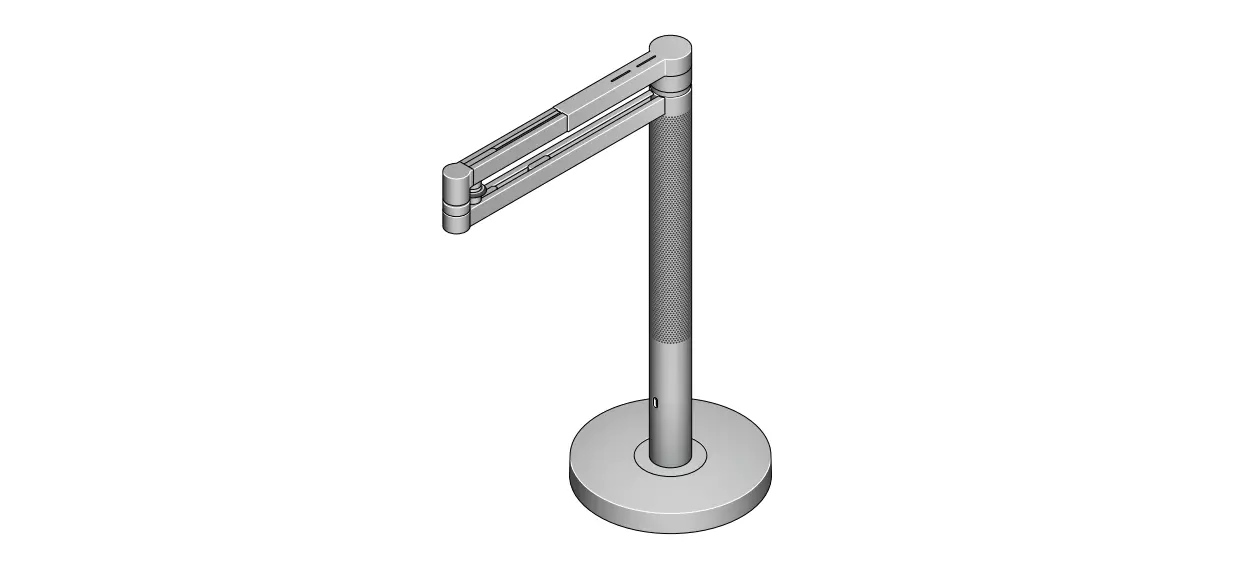
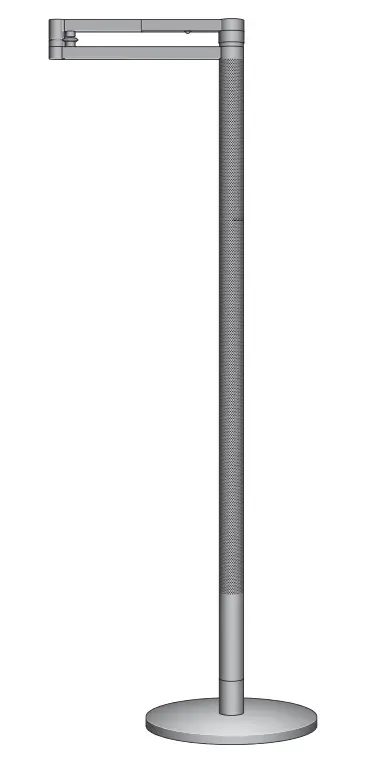
This illustration is for example purposes only.
Assembling your light
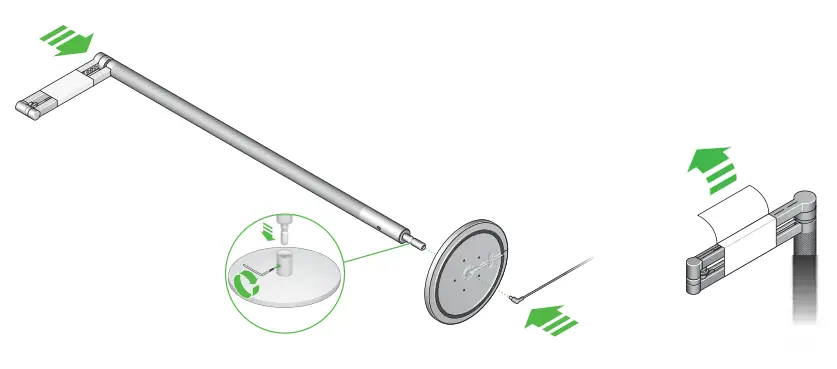 |  |
Don’t remove the protective wrapping from the horizontal arm before your light has been assembled.
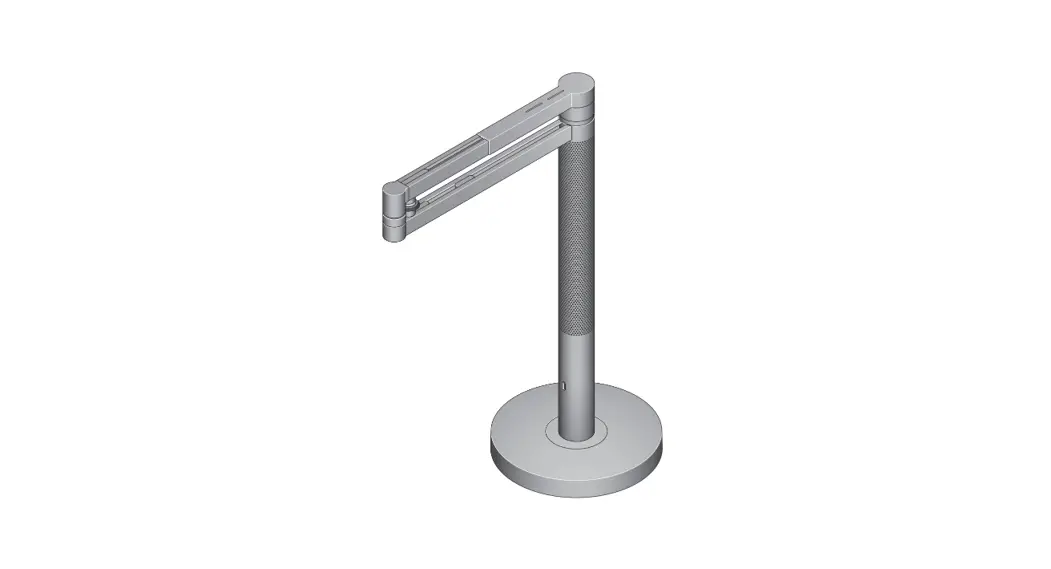
Place the base on the floor and insert the vertical stem into the base.
Insert the screw into the vertical stem and tighten fully,
with the tool supplied.
Insert the power cable into the base, making sure it sits in the cable guide.
Remove any protective wrapping from your light.
Plugin and switch on.
Download the Dyson link app and add your light.
Positioning your light
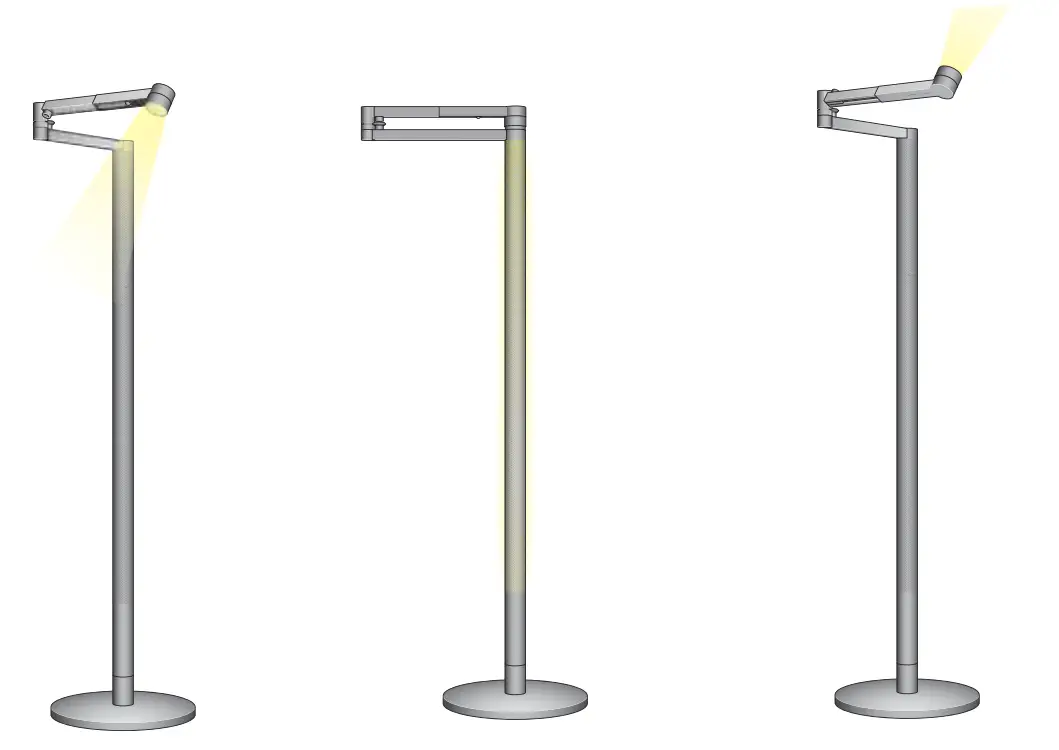
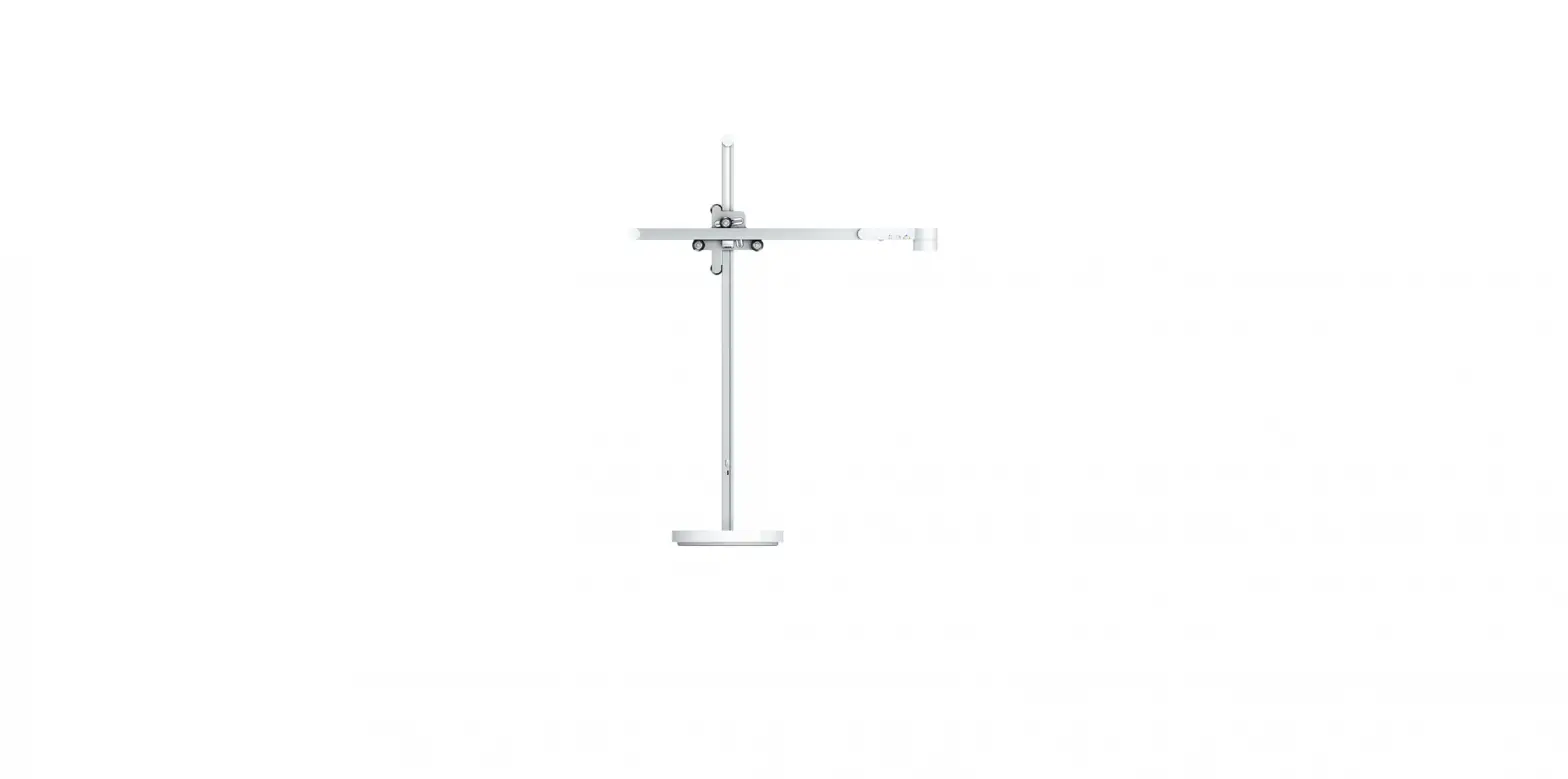
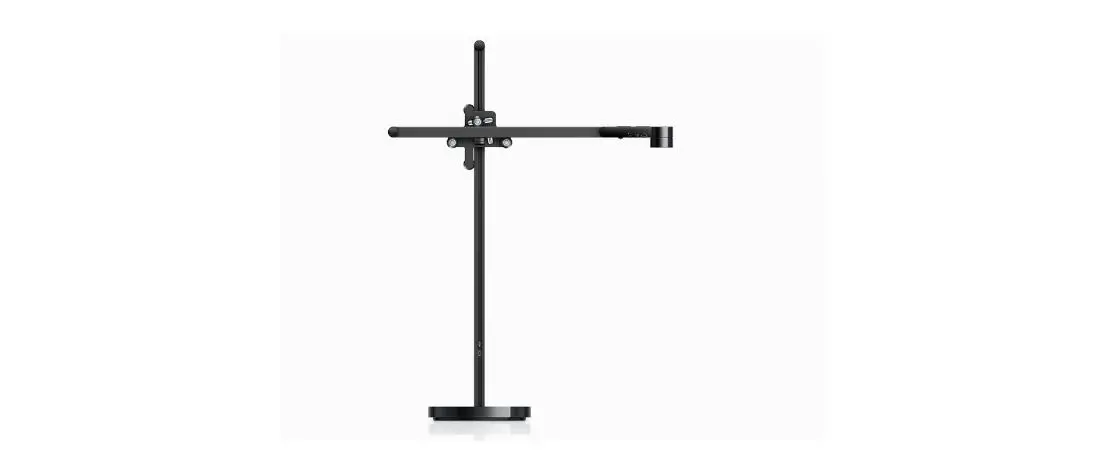
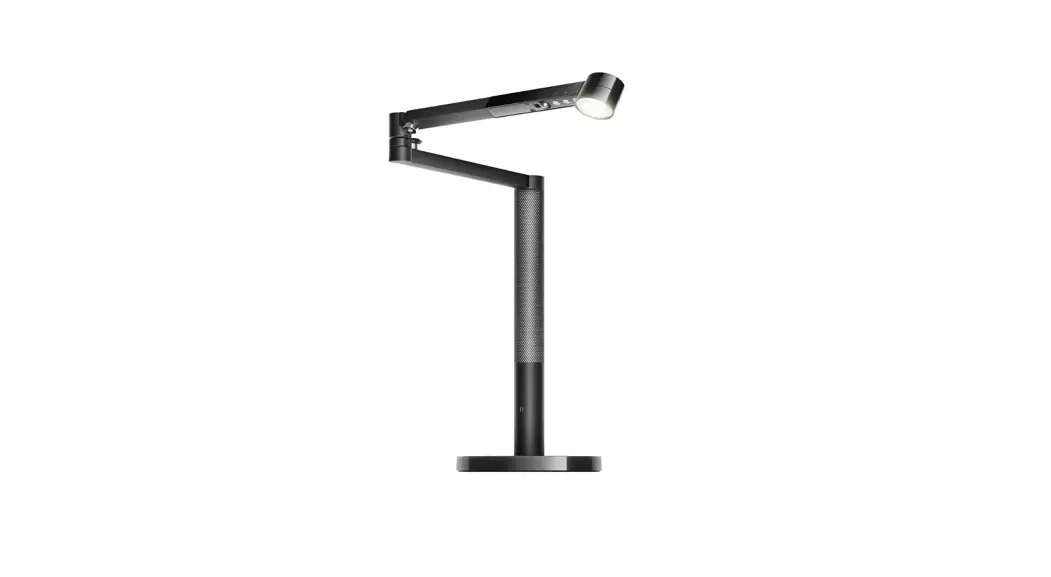
You can easily change the position of your light by independently rotating the optical head, arm, and stem up to 360°.
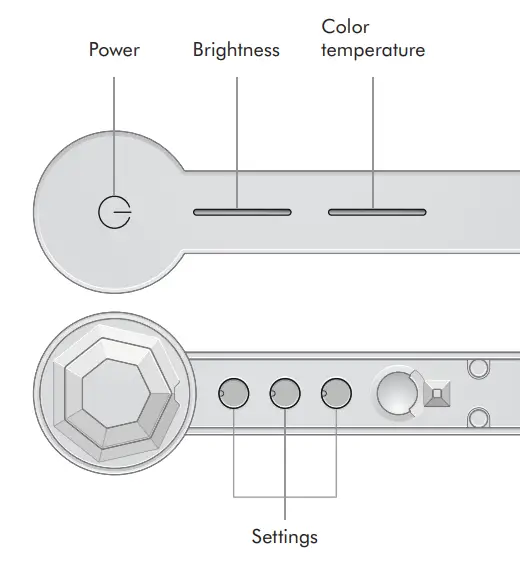
Color temperature and brightness
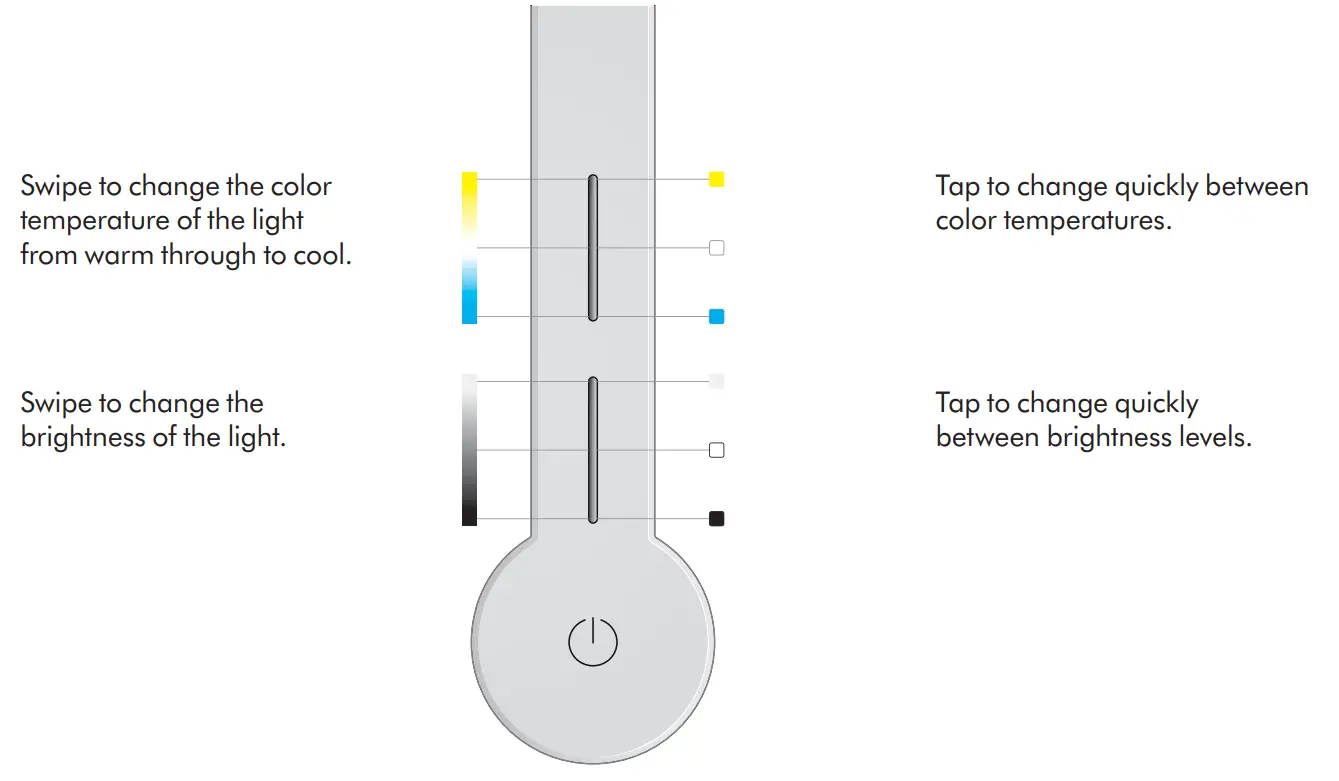
To find out more about color temperature and brightness levels, and to get the best from your light, go to the Dyson Link app or online at: www.dyson.com/support
Settings
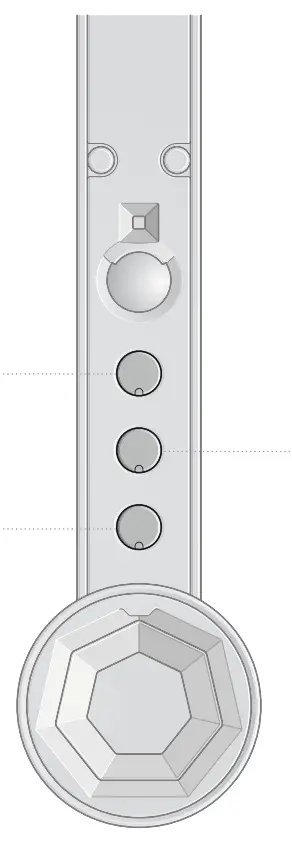

The light will adjust to background light conditions and keep the workspace at a constant brightness.
Automatically changes the brightness and color, according to your geographical location, throughout the day when connected by Bluetooth® wireless technology to the Dyson Link app.
The light will turn off after five minutes if no movement is detected.
For more information about using your light without connecting to the Dyson Link app: www.dyson.com/support
Disabling/Enabling Bluetooth® wireless technology
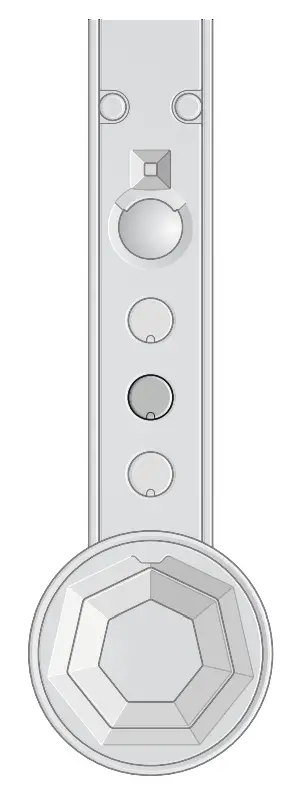
Your light has Bluetooth® wireless technology enabled by default.
Press and hold the middle button until the LED lights on the three buttons blink the main light source will turn off and then on again to show that Bluetooth has been disabled.
To re-enable Bluetooth, repeat the instructions above. The main light will blink twice to show that Bluetooth has been re-enabled.
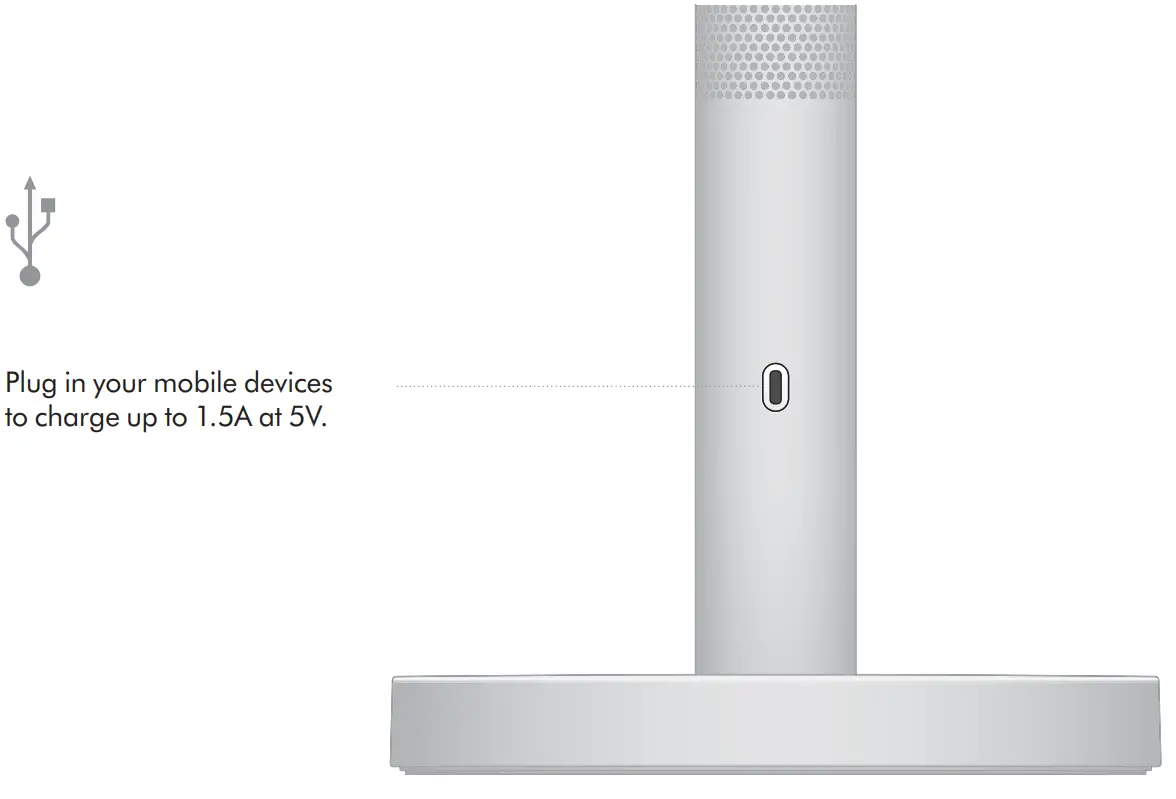
USB-C charging point
CD06 JN.00000 PN.000000-00-00
00.00.00 VERSION NO.01
 Dyson vacuum cleaners, hair dryers and stylers, fans, humidifiers, hand dryers and lighting | Dyson