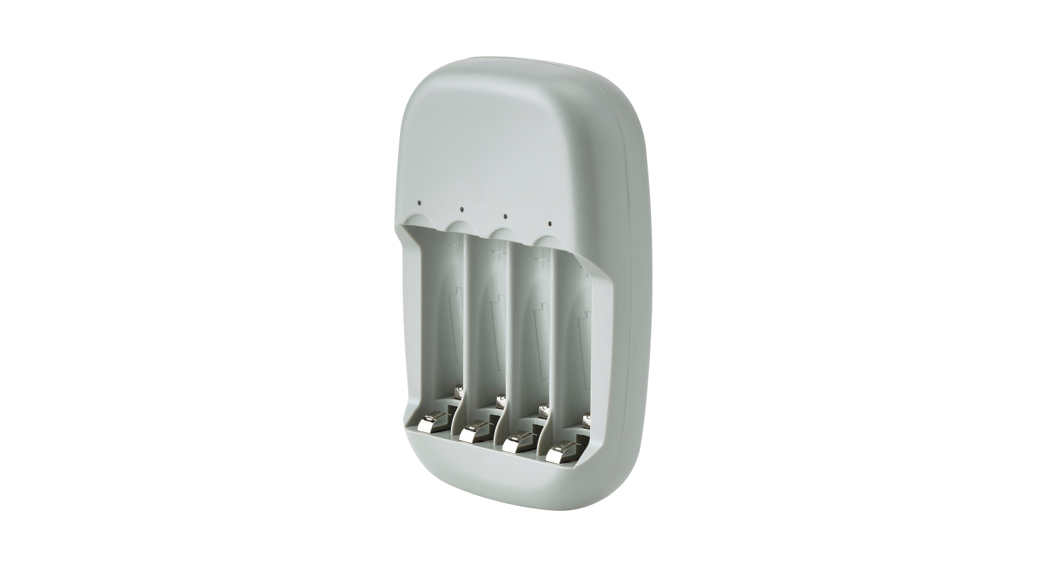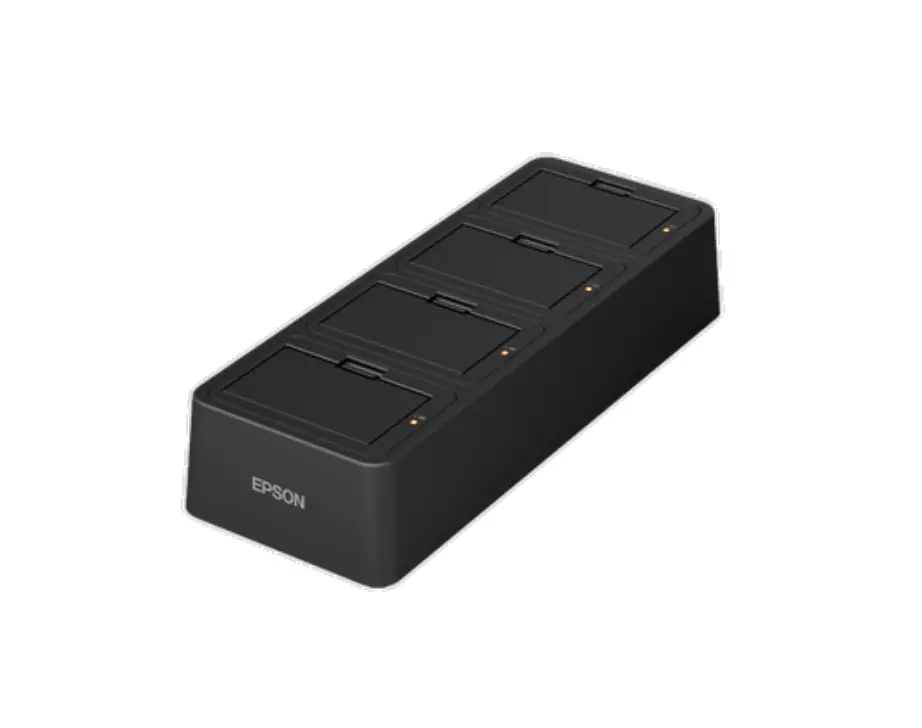
EPSON OT-SB20II Battery Charger
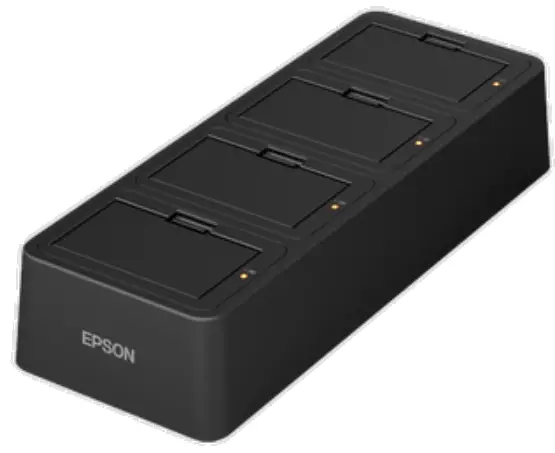
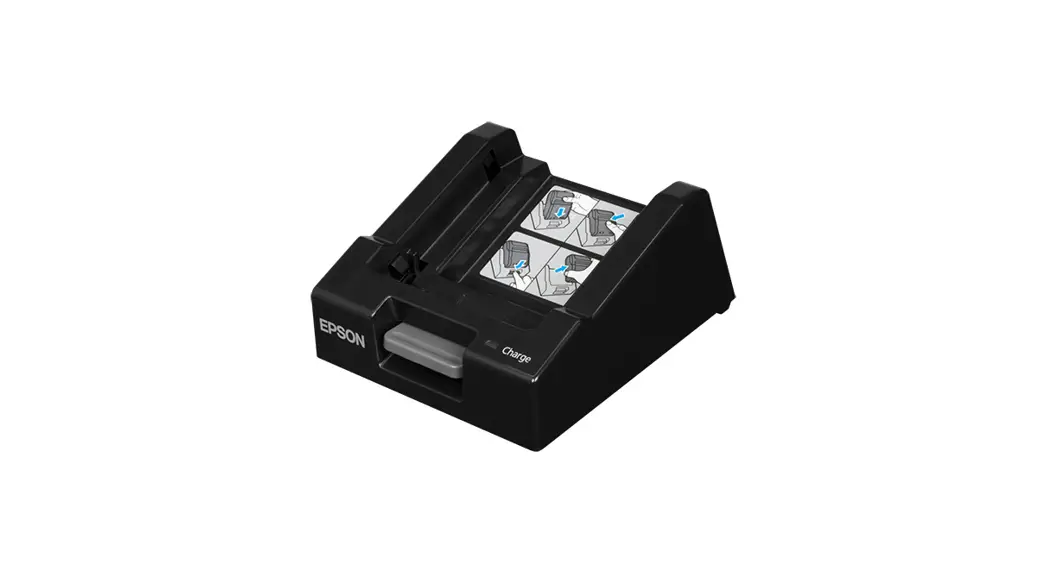
OT-SB20II/OT-CH20II is a battery charger exclusively for OT-BY20 battery. This manual describes how to use and specifications of each battery charger.
Unpacking
After unpacking, make sure you have all the accessories and that the charger and accessories are undamaged. If any parts are missing or damaged, please contact your dealer for assistance. The battery is not included with this product.
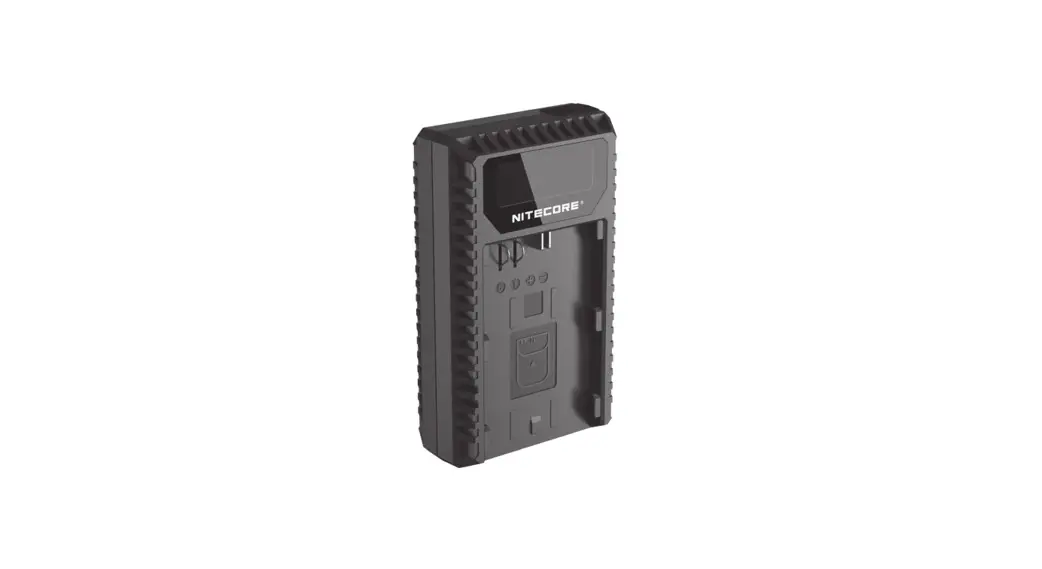
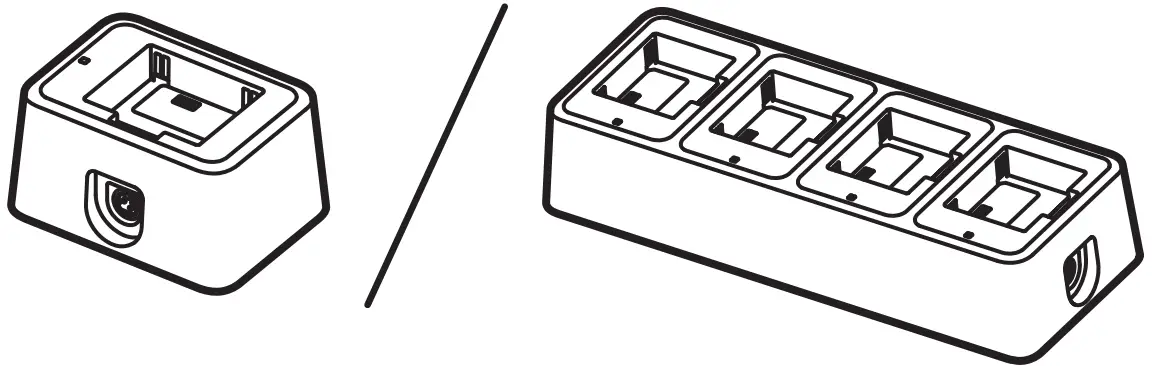 | Charger Left: OT-SB20II Right: OT-CH20II |
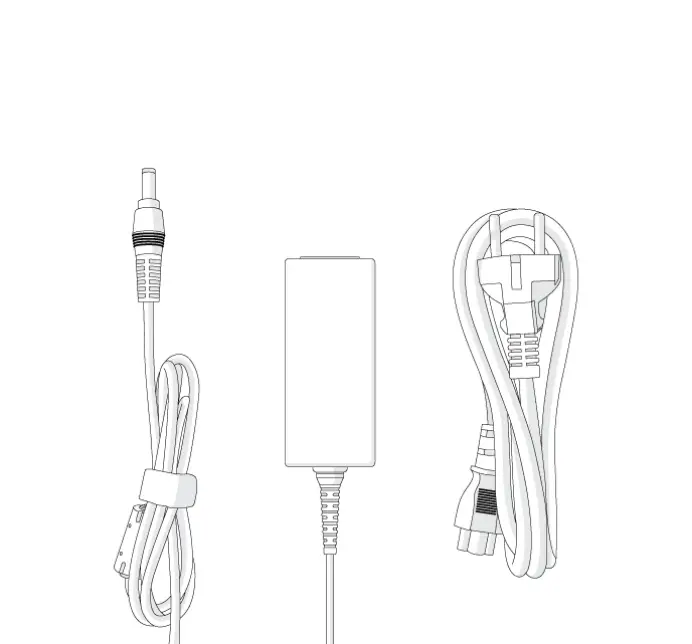
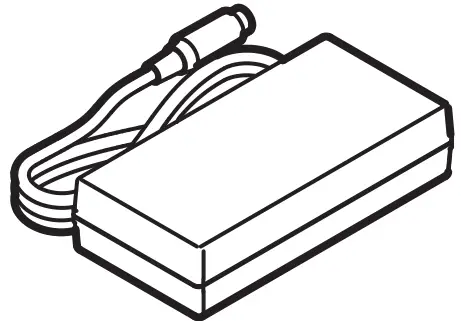 | AC adapter |
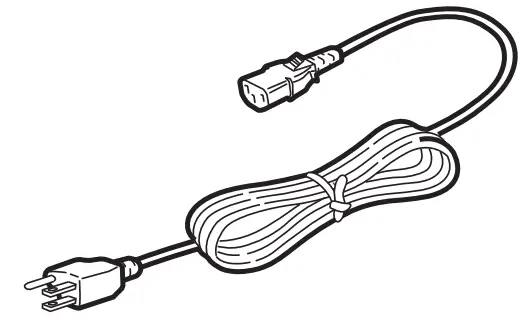 | AC cable *The AC cable may not be included depending on the charger model. |
 | Manual |
Part Names
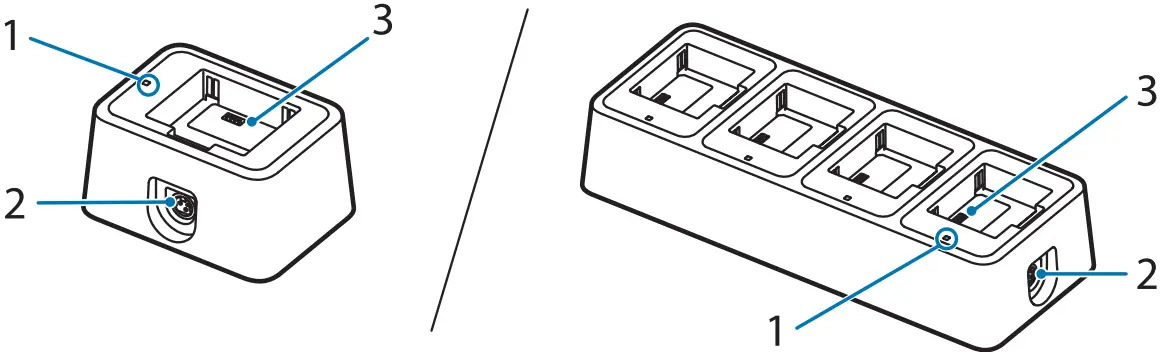
No. | Part name | Explanation | |
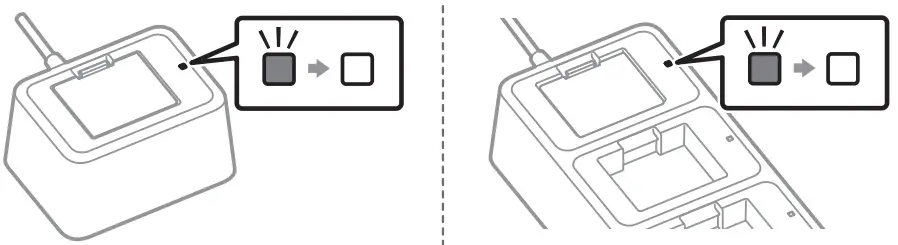
1 | Charge LED | Indicates whether the battery is charging or not. | |
| On | The battery is being charged. | ||
| Off | The battery is not being charged. The battery is not connected. | ||
| Flashing | Flashes when there is an abnormality in charging. The charger may be malfunctioning; disconnect the AC adapter from the outlet. | ||
2 | Power supply connector | Connects the DC cable for the AC adapter. | |
3 | Charging terminal | Connects the battery. | |
 NOTE
NOTE
To check the battery charge level, attach the battery to the printer and see the battery LED on the printer.
What to do when the Charge LED Flashes
 CAUTION
The charger may be malfunctioning; disconnect the AC adapter from the outlet. There are multiple causes for the charge LED to flash, as shown in the table below. It is not possible to determine from the charge LED alone whether the battery or the charger is at fault. Battery failure should be checked by attaching the battery to the printer. If the printer operates normally, the charger may be faulty. In this case, please contact your dealer or qualified service personnel.
| Cause | Explanation |
| Battery failure | The battery is faulty. |
| Out of chargeable temperature range | The chargeable temperature is approximately 0 to 40°C {32 to 104°F}. Charging is not possible at temperatures outside this range. |
| Timer error | Charging is not completed after 6 hours from the start of charging. Check whether the battery is faulty or the charger is faulty. |
| Overvoltage error | The charger is faulty. |
How to Charge the Battery
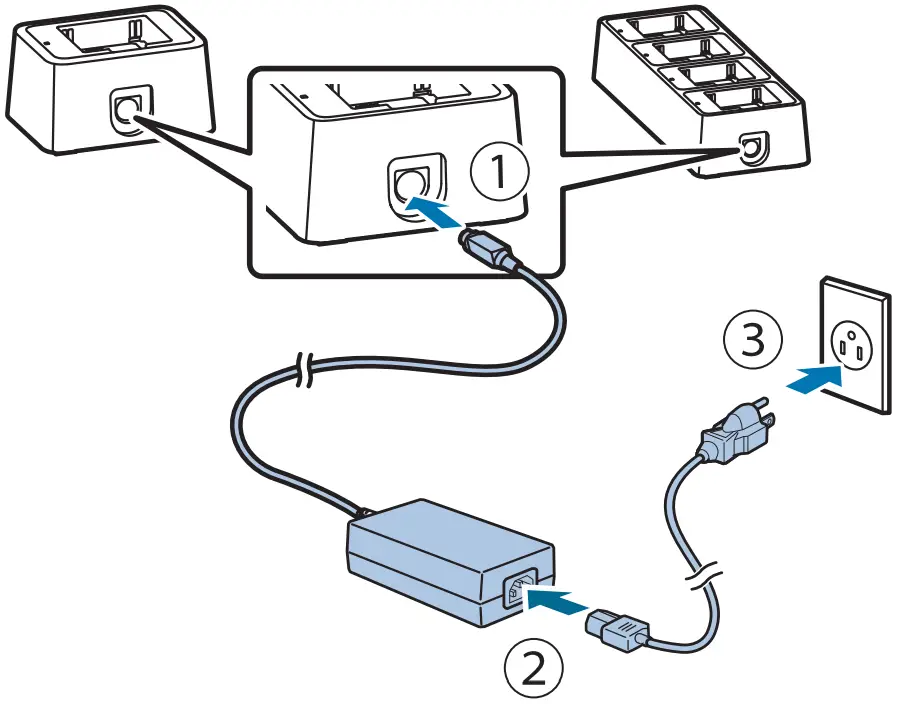
- Connect the AC adapter to the charger

 NOTE
NOTE
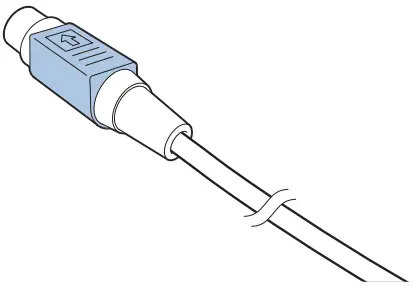
How to disconnect the DC cable
Make sure that the AC cable is not connected, and then hold the arrow-printed portion of the connector to pull it straight out.
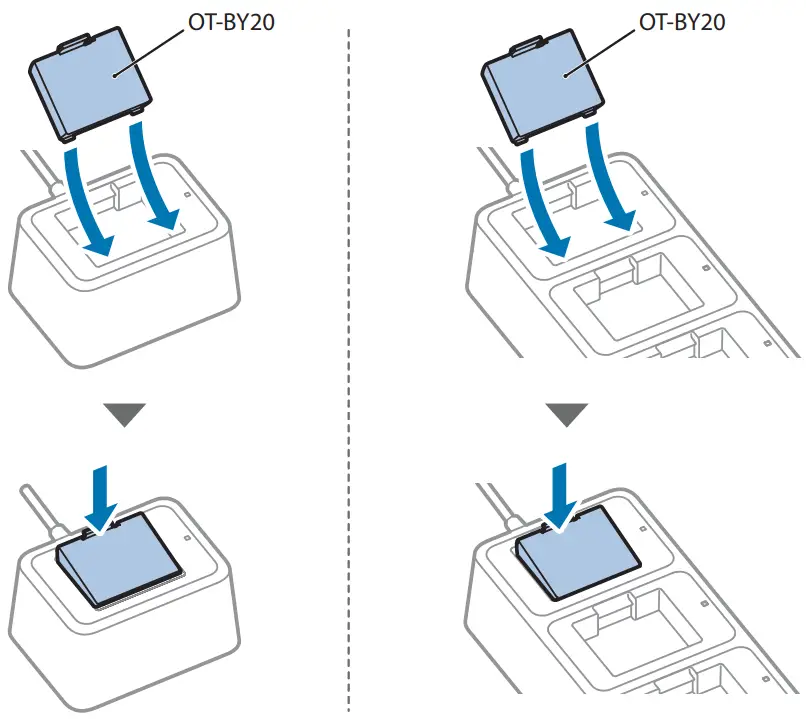
- Attach the battery.

- The charge LED lights up when charging is started. When charging is completed, the charge LED turns off.
NOTE
• The battery should be charged under the guaranteed operating ambient temperature of 0 to 40°C {32 to 104°F}.
• Charging will be stopped if the ambient temperature is outside the chargeable range. The charge LED flashes while charging is stopped.
• If charging is performed when the ambient temperature is 35°C {95°F} or higher, the charger will detect a rise in internal temperature and repeatedly stop and start charging, which may extend the charging time.
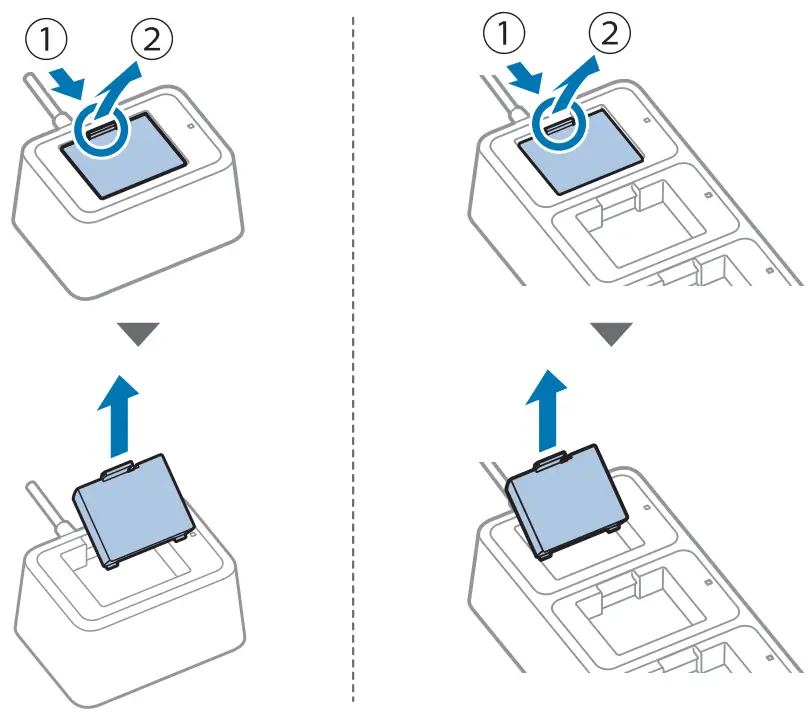
- Remove the battery.

Cleaning
If the exterior surface is noticeably dirty, follow the steps below to clean it.
CAUTION
Never clean the product with alcohol, benzine, thinner, or other such solvents. Doing so may damage or break the parts made of plastic and rubber.
- Disconnect the AC adapter from the power outlet.
- Wipe off the dirt with a dry or slightly damp cloth.
NOTE
Depending on the conditions during storage and shipping, some rust may form around the bottom edges of the charger.
Specifications
| Item | Specifications | |
| Power supply | Power is supplied by AC adapter [AC Adapter,C1 (model: M235B)] 24 V DC, 1.5 A | |
| Output voltage/current | ||
| Charging voltage | Up to 8.2 V DC | |
| Charging current | Up to 0.84 A | |
| Power consumption | ||
| Standby | 0.3 W / 230 V | |
| Charging | 10 W / 230 V | |
| Charging time* | Approx. 3 hours at a temperature of 10 to 40°C {50 to 104°F} Approx. 6 hours at a temperature of 0 to 10°C {32 to 50°F} * Using a new battery, measured time from approximately 0% remaining battery charge to full charge. | |
| Temperature / Humidity | ||
| Operating | 0 to 40°C {32 to 104°F} 10 to 90% RH | |
| Storage | No abnormality in charger operation even after it is left under the following conditions and then left at 25°C {77˚F} and 60% RH for two hours.
| |
| External dimensions | ||
| OT-SB20II | Approx. 76 x 103 x 56 mm {3.0 x 4.1 x 2.2 in.} (W x D x H) | |
| OT-CH20II | Approx. 268 x 103 x 56 mm {10.6 x 4.1 x 2.2 in.} (W x D x H) | |
| Weight | ||
| OT-SB20II | Approx. 195 g {0.43 lb} Excluding the battery and the AC adapter. | |
| OT-CH20II | Approx. 665 g {1.47 lb} Excluding the battery and the AC adapter. | |
| Designated battery | OT-BY20 (model: D171A) For information on the battery, refer to the battery manual. | |