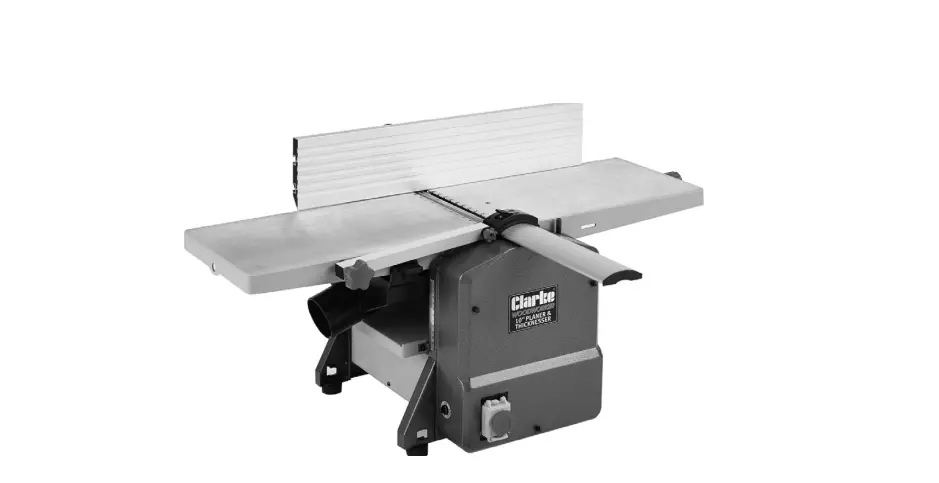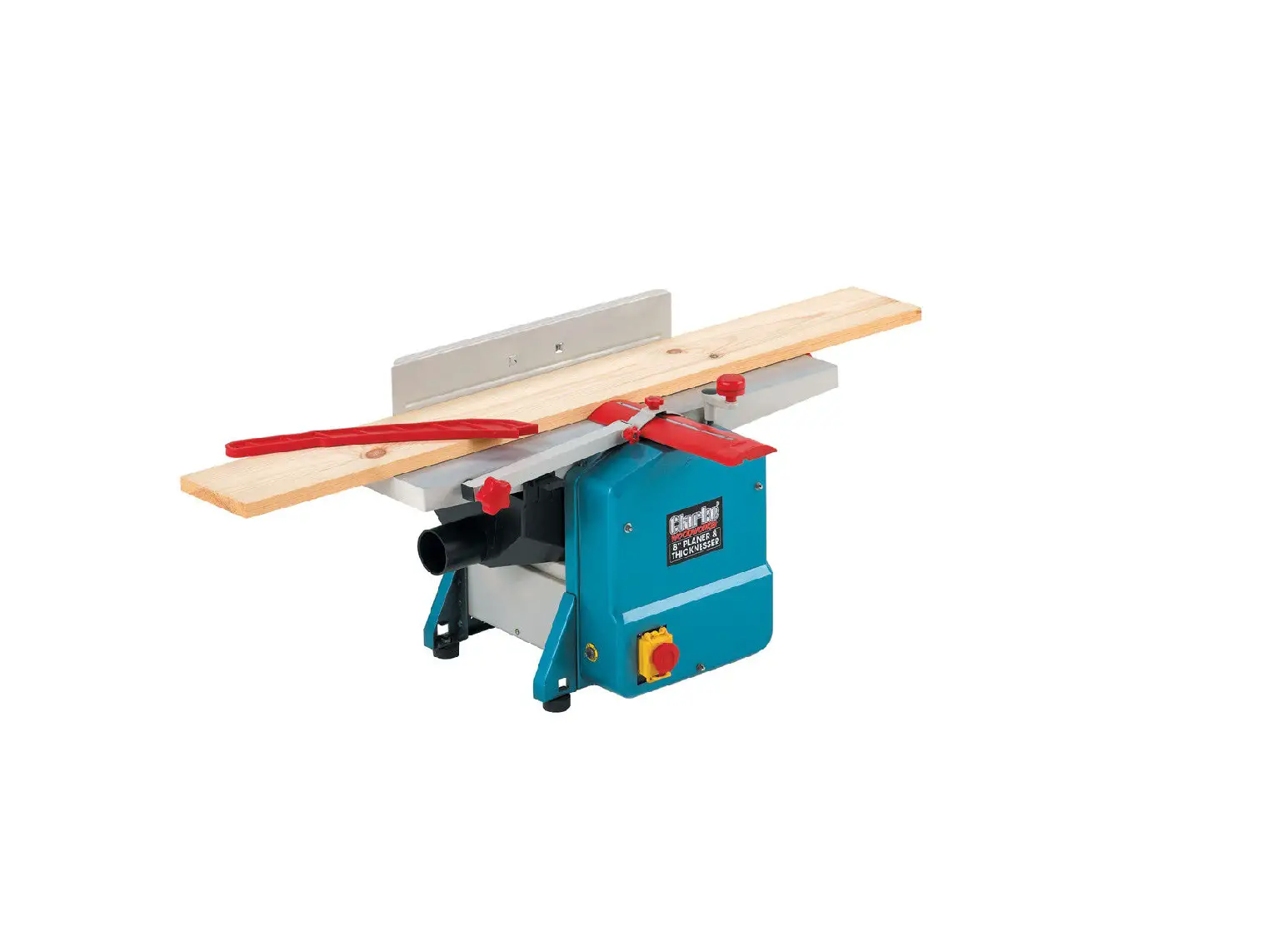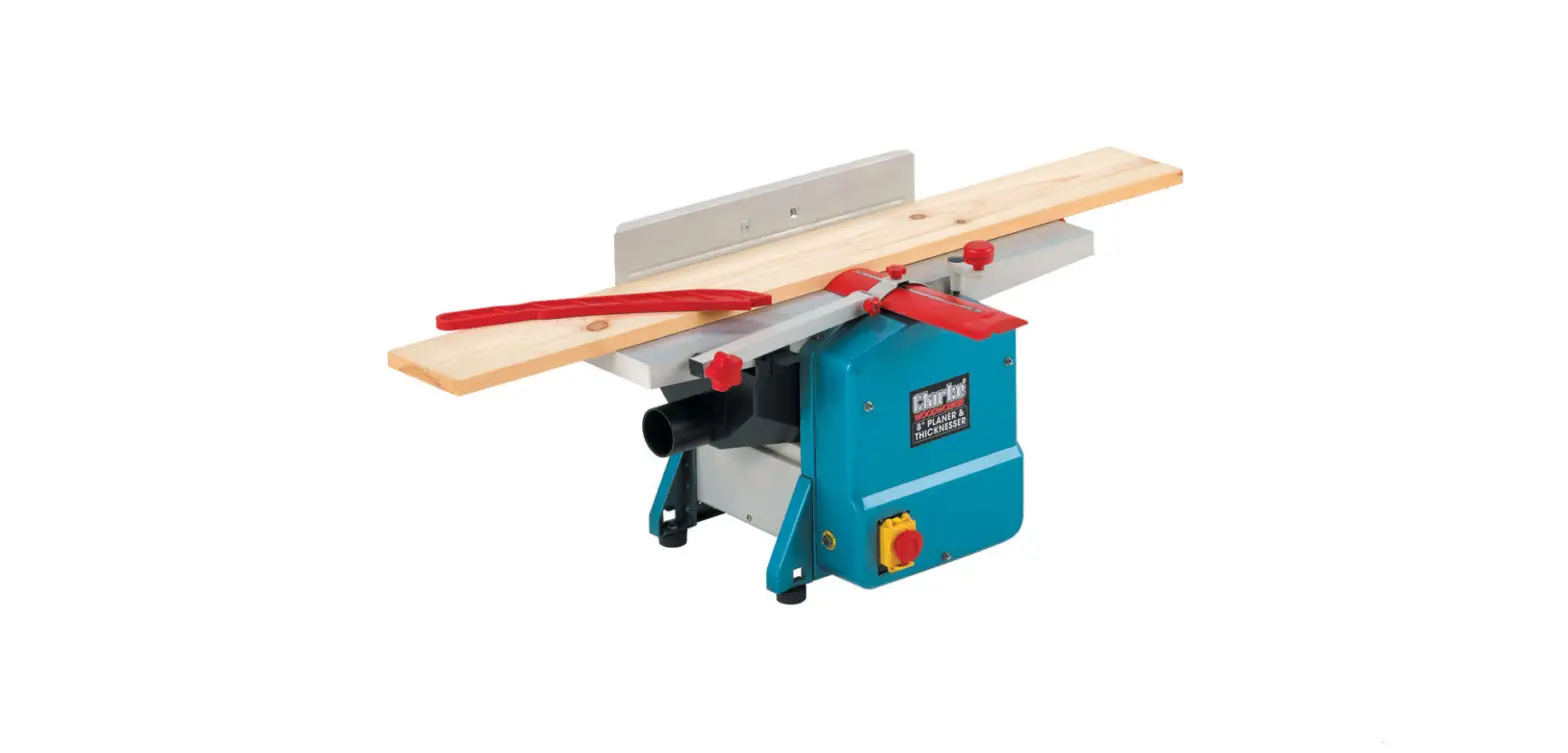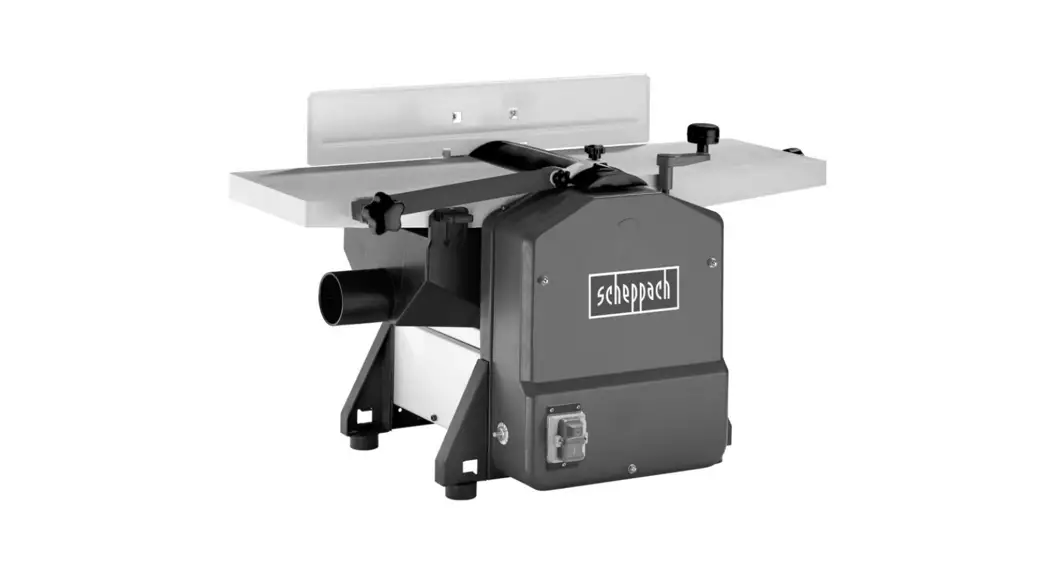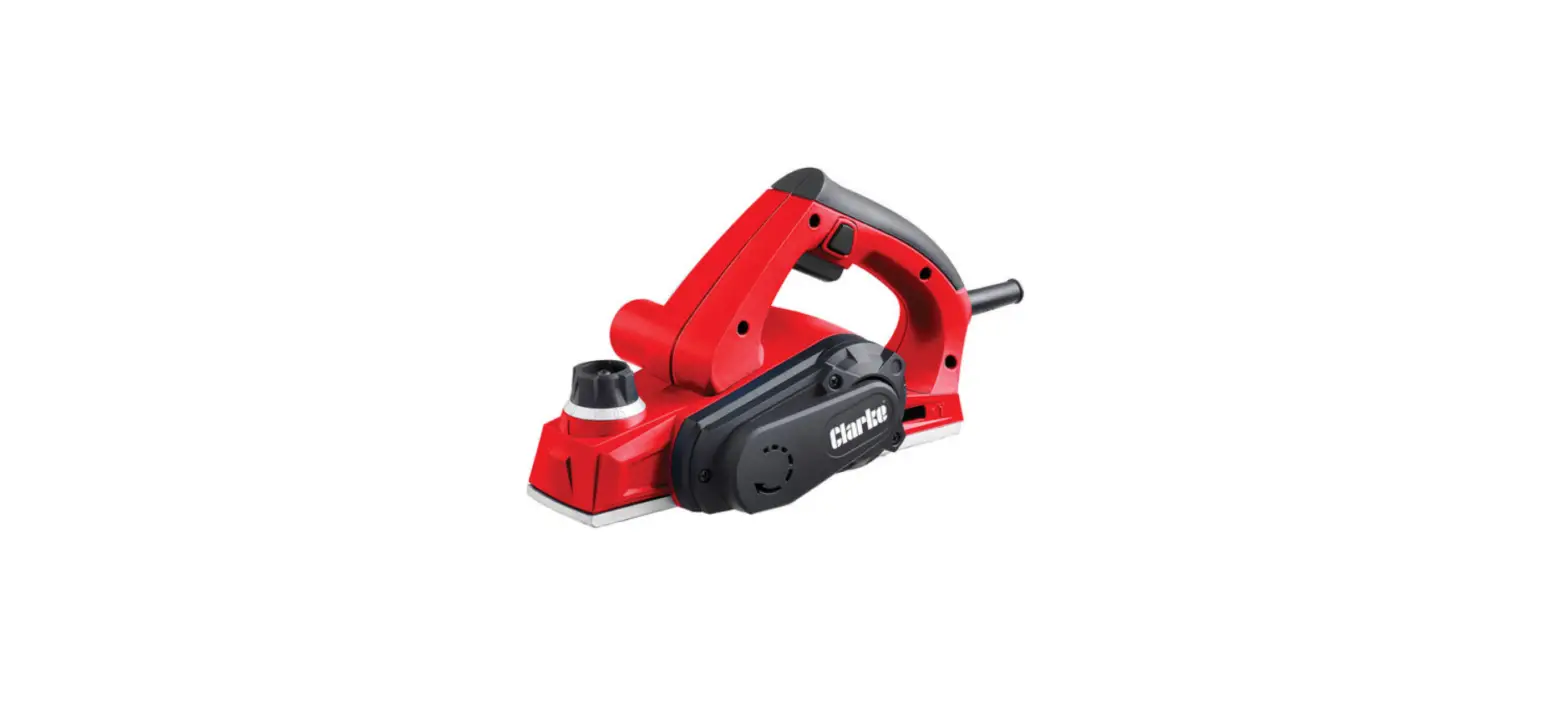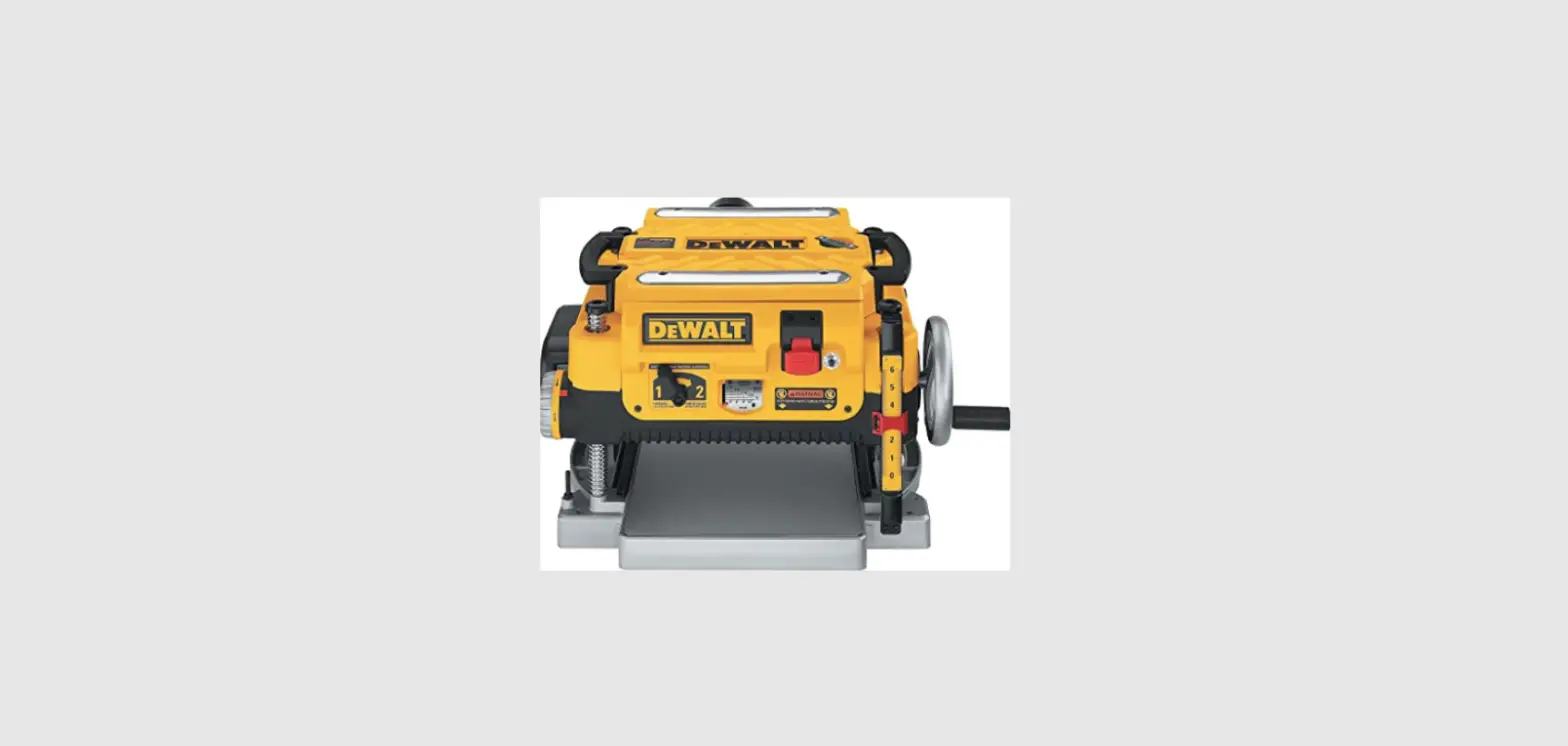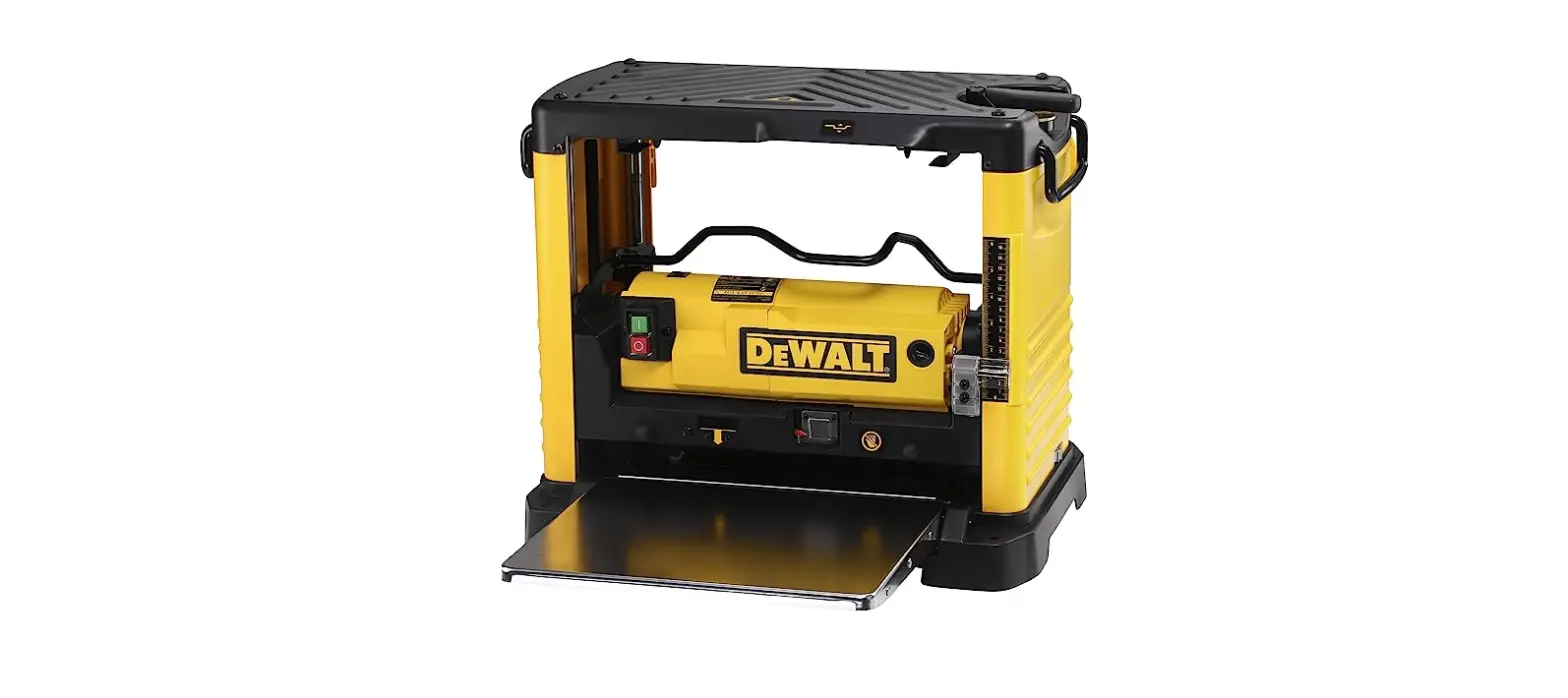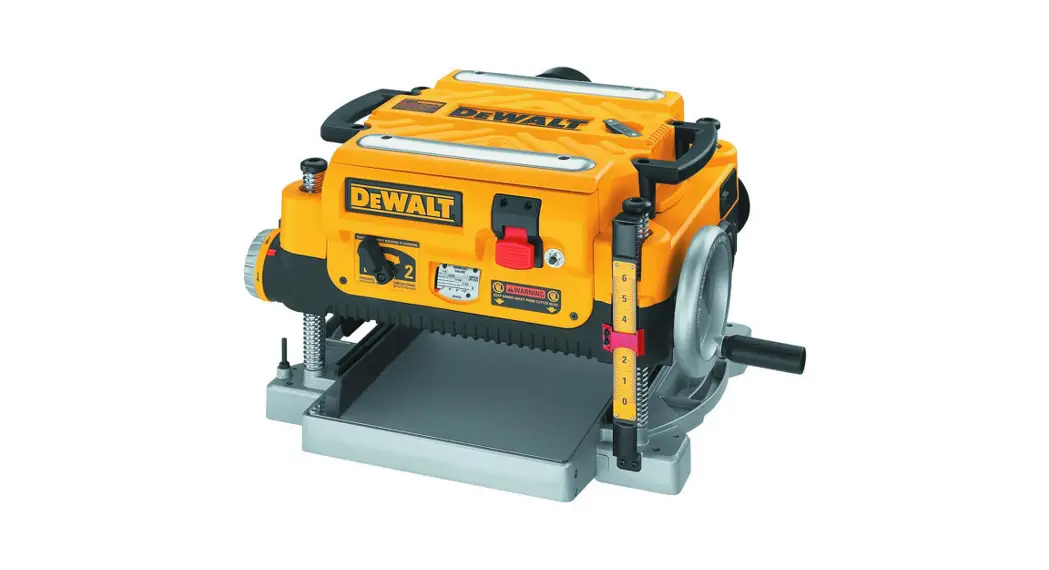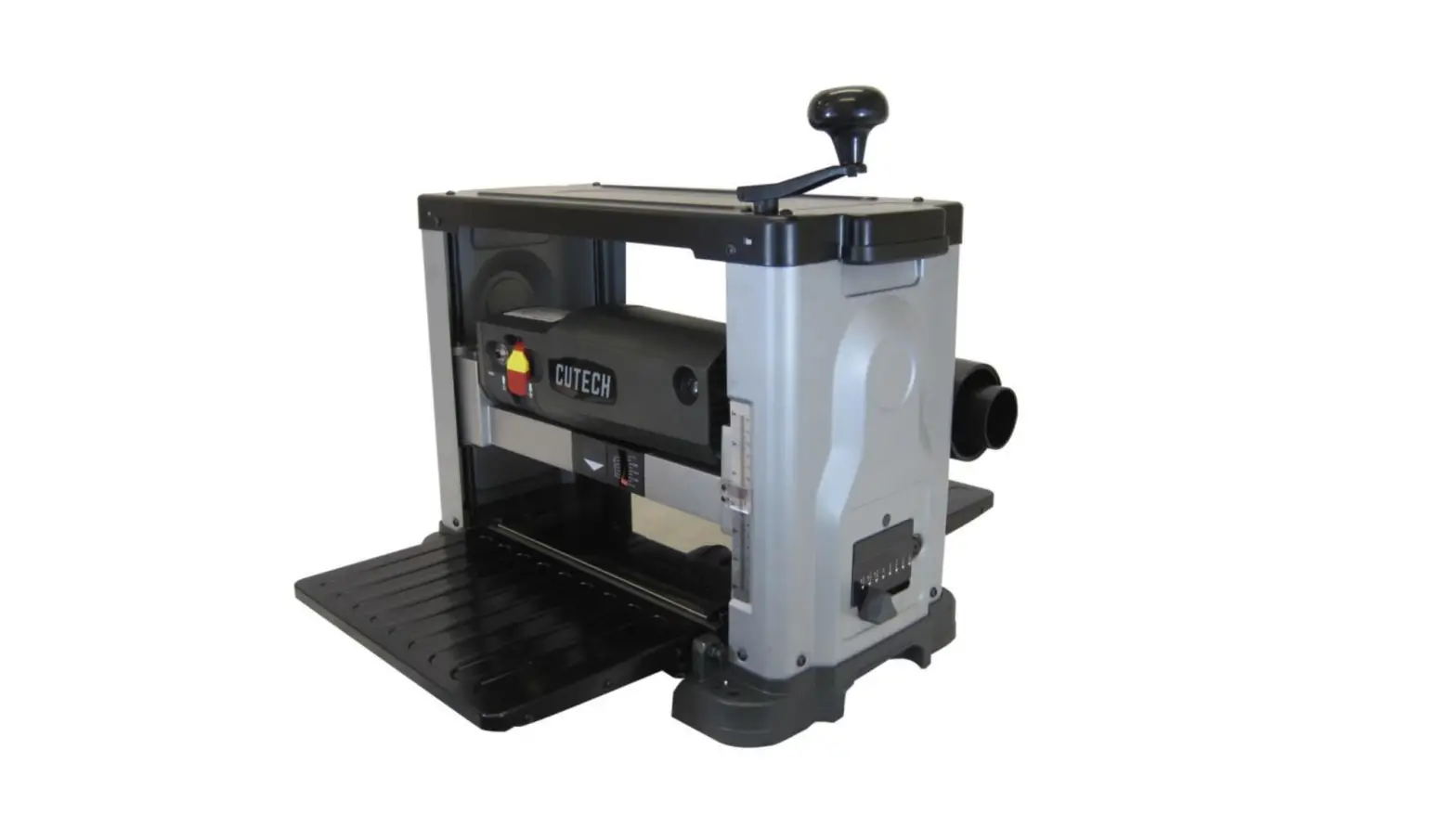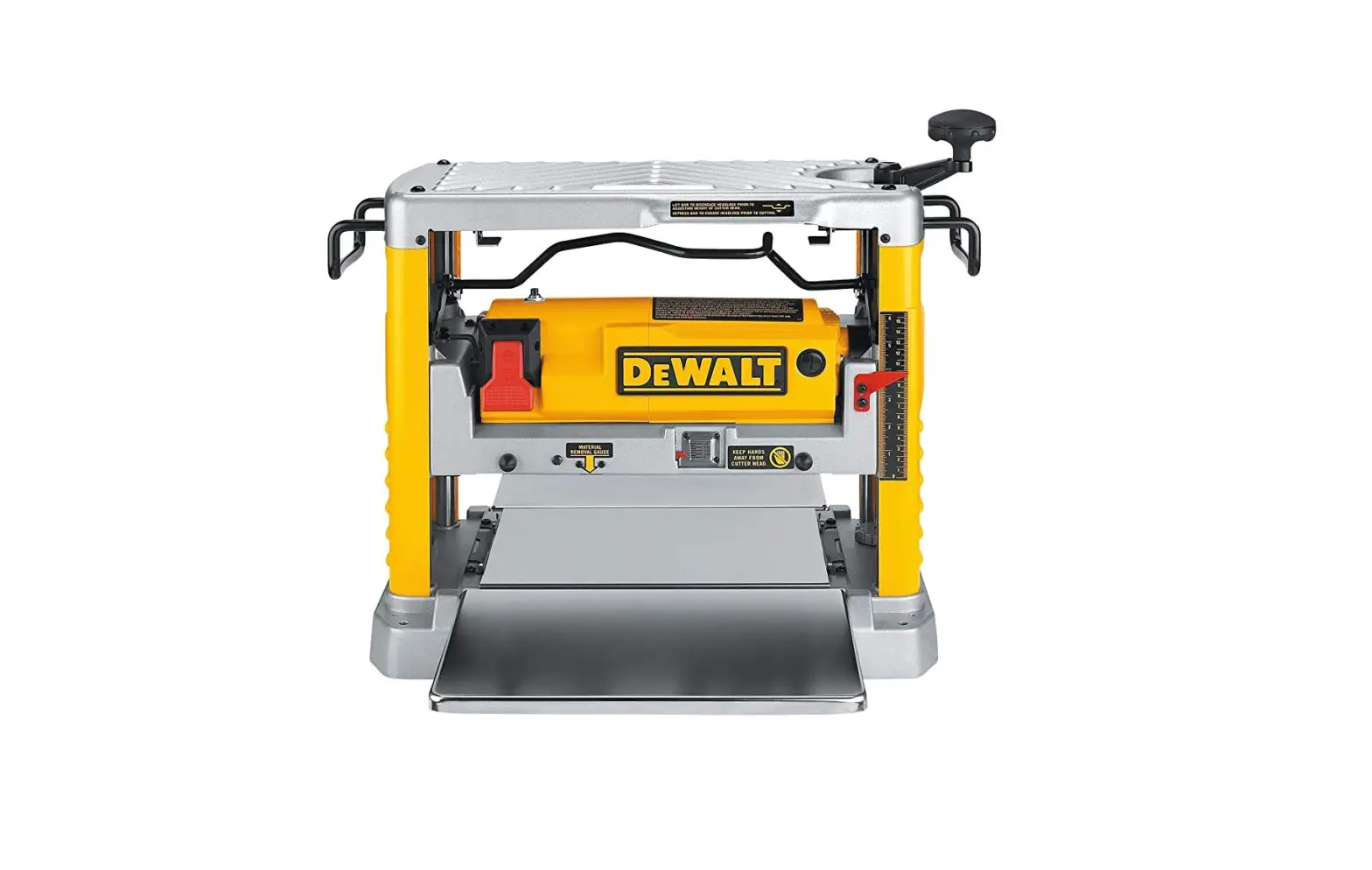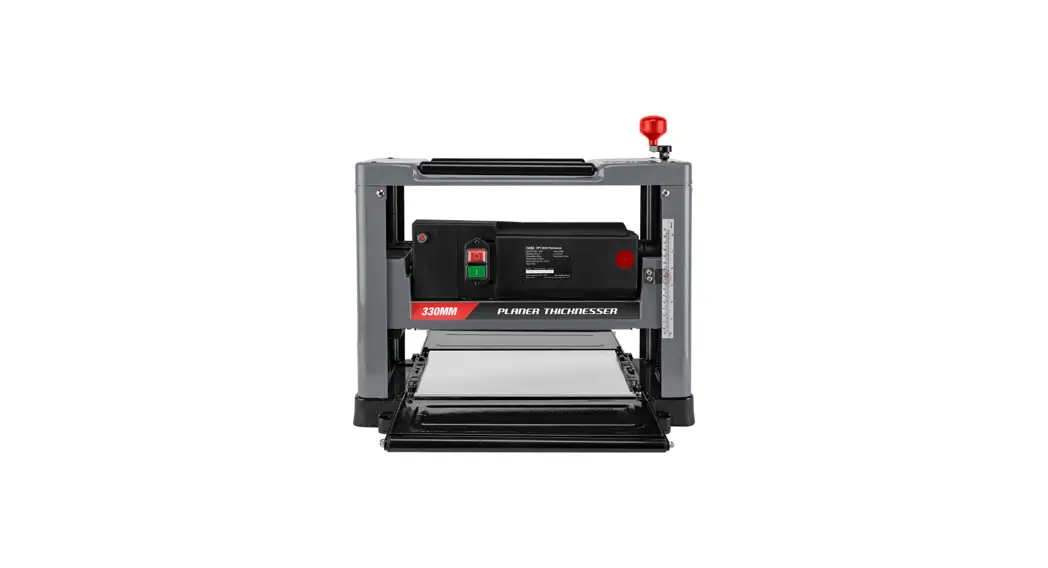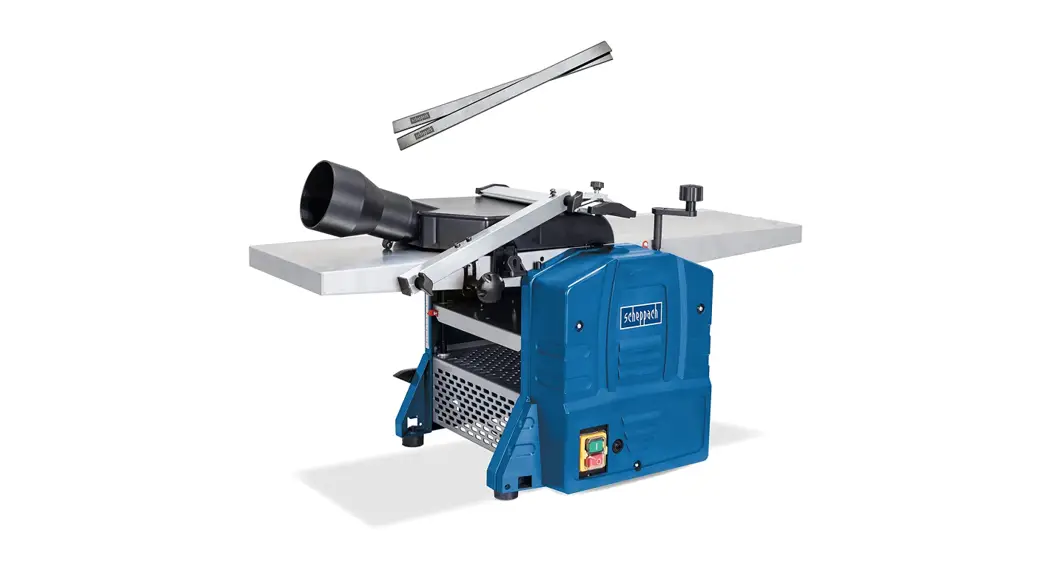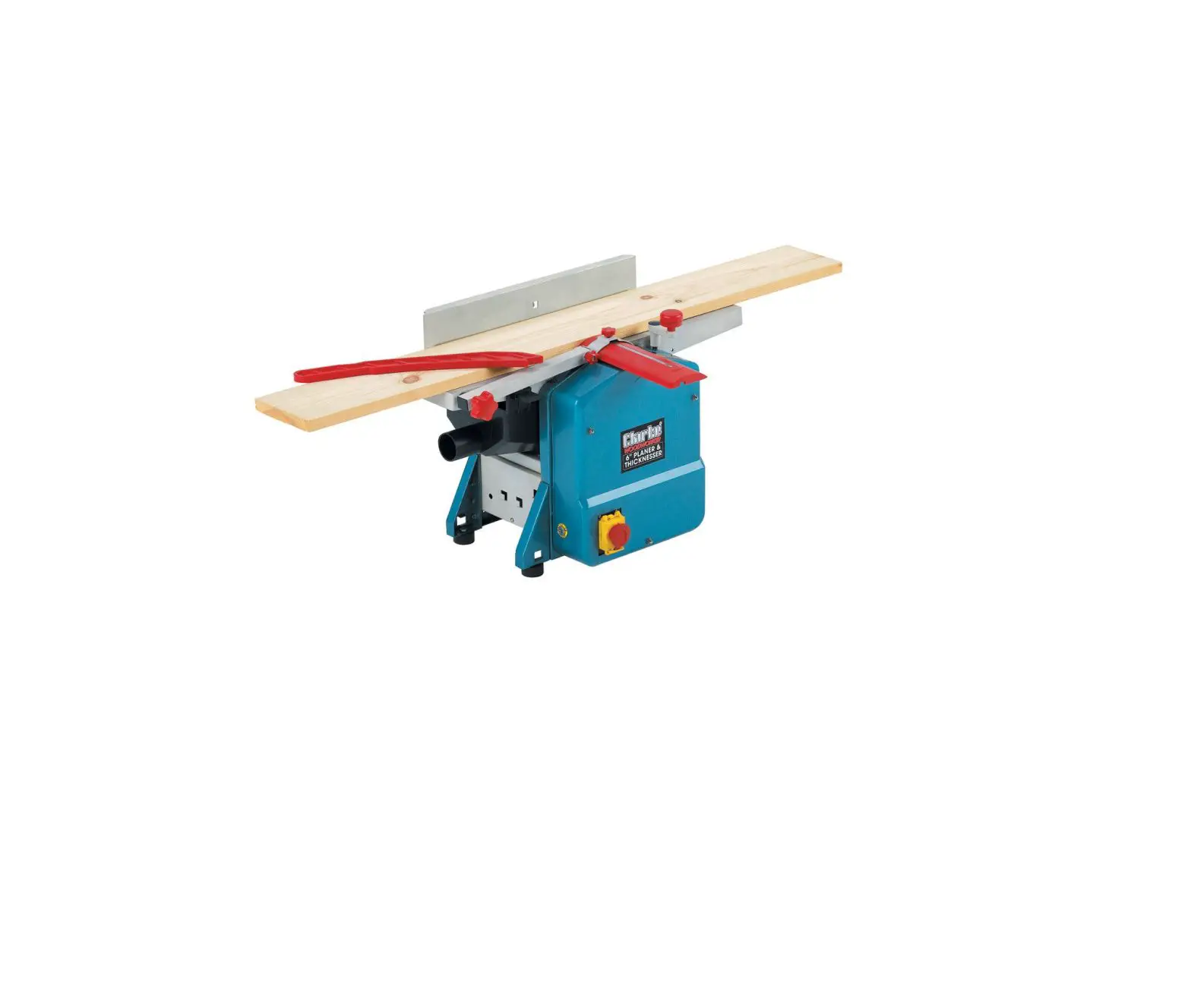

Clarke CPT600 Planer Thicknesser
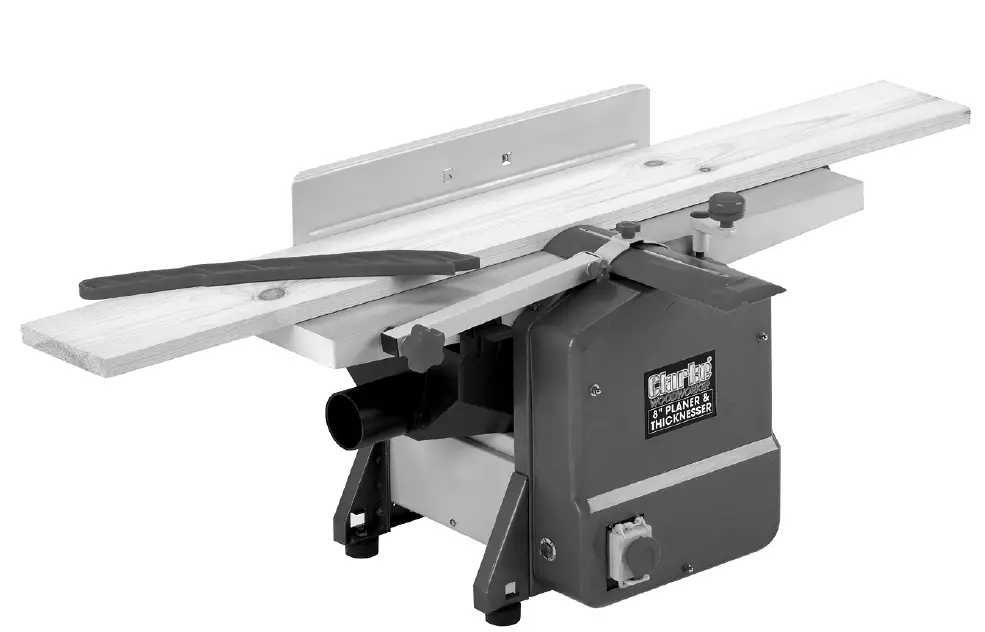
INTRODUCTION
Thank you for purchasing this CLARKE Planer/Thicknesser designed for DIY use.
Before using the machine, please read this manual thoroughly and carefully follow all instructions given. This is for your own safety and that of others around you and is also to help you achieve a long and trouble free service from your new machine.
SPECIFICATIONS
| Model | CPT600 |
| Voltage | 230V~ @ 50Hz |
| Rated Input Power | 1250W |
| Input Wattage -Max | 3.7 Amps |
| Maximum Depth of Cut | 2 mm |
| Max planing width | 152 mm |
| Min Timber Size -Thicknesser | 5-120 mm |
| Fence Angular Movement | 90o – 135o |
| Cutter Speed | 8700 rpm |
| Dust Extraction Port Diameter | 50 mm |
| Weight | 22 kg |
| Dimensions | 693 x 437 x 357 mm |
| Table Dimensions | 660 x 160 mm |
| Sound Power level-measured | 103.4 dBLwA |
ENVIRONMENTAL RECYCLING POLICY
Through purchase of this product, the customer is taking on the obligation to deal with the WEEE in accordance with the WEEE regulations in relation to the treatment, recycling & recovery and environmentally sound disposal of the WEEE.
In effect, this means that this product must not be disposed of with general household waste. It must be disposed of according to the laws governing Waste Electrical and Electronic Equipment (WEEE) at a recognised disposal facility.
SAFETY WARNINGS
WARNING: READ ALL SAFETY WARNINGS AND ALL INSTRUCTIONS. FAILURE TO FOLLOW THE WARNINGS AND INSTRUCTIONS CAN RESULT IN ELECTRIC SHOCK, FIRE AND/OR INJURY.
Save all warnings and instructions for future reference. The term “power tool” in the warnings refers to your mains-operated electric planer.
WORK AREA SAFETY
- Keep work area clean and well lit. Cluttered or dark areas invite accidents.
- Do not operate power tools in explosive atmospheres, such as in the presence of flammable liquids, gases or dust. Power tools create sparks which can ignite the dust or fumes.
- Keep children and bystanders away while operating a power tool. Distractions can cause you to lose control.
ELECTRICAL SAFETY
- Power tool plugs must match the outlet. Do not modify the plug in any way. Do not use any adapter plugs with earthed (grounded) power tools. Unmodified plugs and matching outlets will reduce risk of electric shock.
- Avoid body contact with earthed or grounded surfaces, such as pipes, radiators, ranges and refrigerators. There is an increased risk of electric shock if your body is earthed or grounded.
- Do not expose power tools to rain or wet conditions. Water entering a power tool will increase the risk of electric shock.
- Do not abuse the cable. Do not use the cable for carrying, pulling or unplugging the power tool. Keep cable away from heat, oil, sharp edges or moving parts. Damaged or entangled cables increase the risk of electric shock.
- When operating a power tool outdoors, use an extension cable suitable for outdoor use. Use of a cable suitable for outdoor use reduces the risk of electric shock.
- If operating a power tool in a damp location is unavoidable, use a residual current device (RCD) protected supply. Use of an RCD reduces the risk of electric shock.
PERSONAL SAFETY
- Stay alert, watch what you are doing and use common sense when operating a power tool. Do not use a power tool while you are tired or under the influence of drugs, alcohol or medication. A moment of inattention while operating power tools can result in personal injury.
- Use personal protective equipment. Always wear eye and ear protection. Protective equipment such as dust mask, non-skid safety shoes or hearing protection used for appropriate conditions will reduce personal injuries. This machine develops considerable noise when in use. ALWAYS wear Ear Defenders.
- Prevent unintentional starting. Ensure the switch is in the off position before connecting to power source.
- Remove any adjusting key or wrench before turning the power tool on. A wrench or a key left attached to a rotating part of the power tool can result in personal injury.
- Do not overreach. Keep proper footing and balance at all times. This enables better control of the power tool in unexpected situations.
- Dress correctly. Do not wear loose clothing or jewelry. Keep your hair, and clothing away from moving parts. Loose clothes, jewelry or long hair can be caught in moving parts.
- If devices are provided for the connection of dust extraction and collection facilities, ensure these are connected and correctly used. Use of dust collection can reduce dust-related hazards.
POWER TOOL USE AND CARE
- Do not force the power tool. Use the correct power tool for your application. The correct power tool will do the job better and safer at the rate for which it was designed.
- Do not use the power tool if the switch does not turn it on and off. Any power tool that cannot be controlled with the switch is dangerous and must be repaired.
- Disconnect the plug from the power source before making any adjustments, changing accessories, or storing power tools. Such preventive safety measures reduce the risk of starting the power tool accidentally.
- Store idle power tools out of the reach of children and do not let persons unfamiliar with the power tool or these instructions to operate the power tool. Power tools are dangerous in the hands of untrained users.
- Maintain power tools. Check for misalignment or binding of moving parts, breakage of parts and any other condition that can affect the power tool’s operation. If damaged, have the power tool repaired before use. Many accidents are caused by poorly maintained power tools.
- Keep cutting tools sharp and clean. Sharp cutting edges are less likely to bind and are easier to control.
- Use the power tool, accessories and tool bits etc. in accordance with these instructions, taking into account the working conditions and the work to be performed. Use of the power tool for operations different from those intended could result in a hazardous situation.
SERVICING
Have your power tool serviced by a qualified repair person using only identical replacement parts. This will ensure that the safety of the power tool is maintained.
PLANER SAFETY WARNINGS
- Always start the planer before the blade is in contact with the workpiece and let the blade reach full speed. The tool can vibrate or chatter if blade speed is too slow at beginning of the cut and possibly kickback.
- Check the workpiece for nails or screws. If there are nails/screws, either remove or set them well below intended finished surface. Kickback, damage to the blades and personal injury can result If the planer blades strike objects like nails.
- After changing blades, rotate the blade drum to make sure the blades are not hitting any part of the housing and that the blade locking screws are tight. Spinning blades could strike the tool housing and damage the machine as well as causing possible injury.
- Do not put your fingers or any objects into the shavings exhaust port or clean out shavings while the tool is running. Contact with blade will cause injury.
- Disconnect from the power source if it becomes necessary to remove woodchips. The blades are hidden from view and you may be cut if the blade is touched.
- Do not use dull or damaged blades. Sharp blades must be handled with care. Damaged blades can snap during use.
- Regularly check to ensure the ‘Anti-Kickback pawls operate correctly.
- NEVER plane a piece of wood without the Cutter Guard completely covering any exposed Cutter Blade
- ALWAYS ensure the blades are properly secured in the cutter block before use.
ELECTRICAL CONNECTIONS
WARNING: READ THESE ELECTRICAL SAFETY INSTRUCTIONS FULLY BEFORE CONNECTING THE TOOL TO THE MAINS SUPPLY.
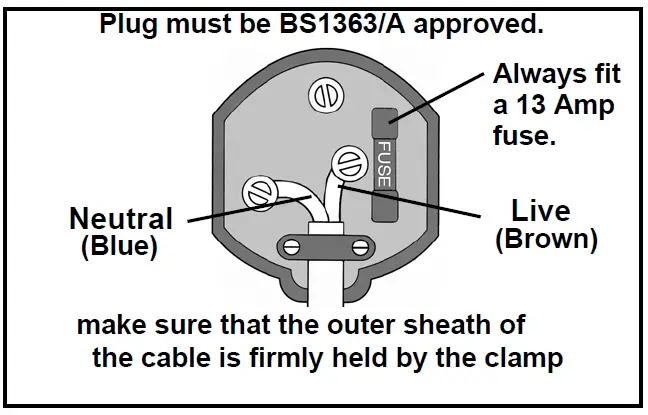
This product is provided with a standard 13 amp, 230 volt (50Hz), BS 1363 plug, for connection to a standard, domestic electrical supply. If the plug needs changing, make sure that a plug of identical specification is used.
WARNING: THE WIRES IN THE CABLE ARE COLOURED AS FOLLOWS: BLUE = NEUTRAL BROWN = LIVE YELLOW AND GREEN = EARTH
If the colours of the wires in the power cable do not correspond with the markings on the terminals of your plug, proceed as follows.
- Connect the blue wire to the terminal which is marked N.
- Connect the brown wire to the terminal which is marked L.
- Connect the yellow and green wire to the terminal which is marked E or
 .
.
 .
.
We recommend that this machine is connected to the mains supply via a Residual Current Device (RCD). If in doubt, consult a qualified electrician. DO NOT attempt any repairs yourself.
EXTENSION CABLES
Always use an approved extension cable suitable for the power rating of this tool (see specifications), the conductor size must be at least the same size as that on the machine, or larger.
UNPACKING AND PARTS IDENTIFICATION
Carefully unpack the components and lay them out, checking against the following list. Should any part be missing or damaged in transit, please contact your Clarke dealer immediately.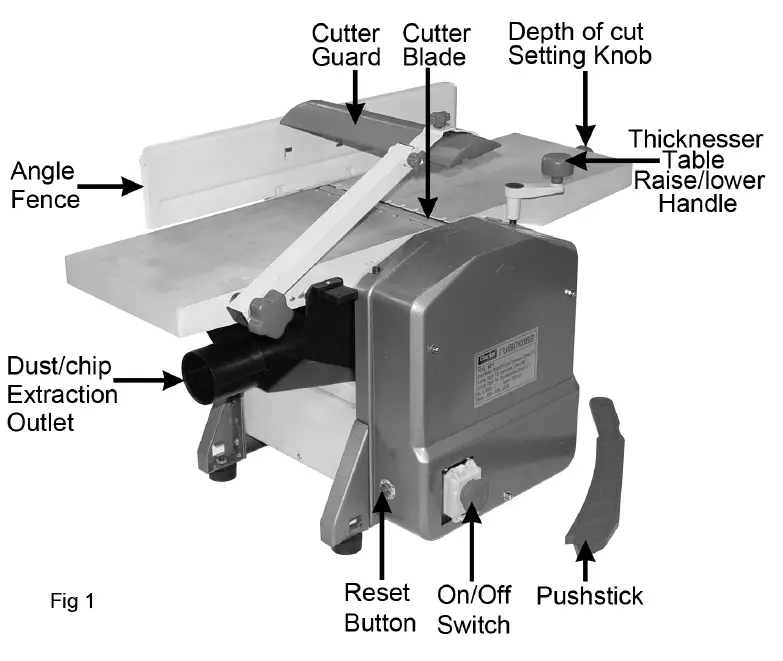
CONTENTS
- 1 x Planer/Thicknesser
- 1 x Side Fence
- 1 x 5mm Allen Key
- 1 x Thicknessing Table Raise/Lower Handle
- 1 x Push Stick
- 1 x Dust Extraction Chute
- 2 x Spare Drive Belts
ASSEMBLY AND INSTALLATION
- Ensure the planer is located where there is adequate light and a suitable power supply. If cable a extension is used, ensure it does not trail along the workshop floor as this could be extremely hazardous.
- There must be sufficient room for the workpiece to move through its entire length.
- Similarly, there must be sufficient room so that the operator does not need to stand in line with the wood during the planing process.
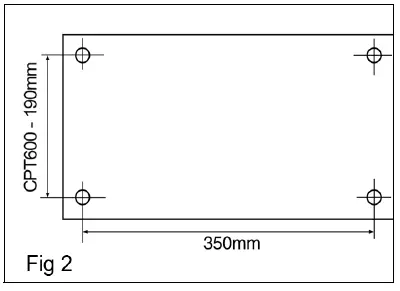
- The planer may be used as a mobile unit, but for greater stability we recommend it is bolted to a strong, firm workbench. The dimensions for the mounting holes are shown:
- Alternatively, mount the planer on a strong piece of plywood of at least 15mm in thickness, with length 550mm and width 380mm minimum. The plywood platform, with planer mounted, is then clamped firmly to a workbench when required.
ATTACHING THE ANGLE FENCE
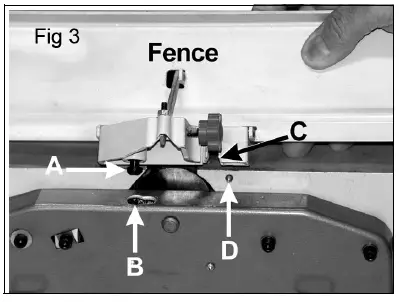
- The peg – ‘A’ locates in the slotted hole – ‘B’. It may be necessary to screw the peg down a little in order for the peg to locate properly.
- The Hex. socket head screw with washers (in the bag of loose parts), is used to secure the fence to the table, through slot ‘C’, into threaded hole ‘D’.
- The fence may be set and locked at any angle. Use a template or angle gauge if accuracy is required.
ATTACHING THE TABLE ADJUSTMENT HANDLE
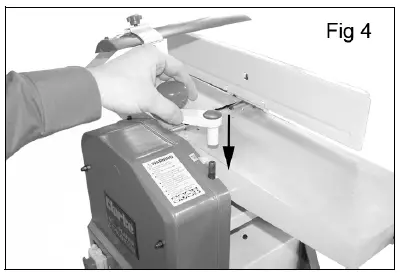
- Slide the table adjustment handle (16) onto the shaft (see Fig. 4).
- To raise or lower the table.
- Adjust the thicknesser table by turning the table adjustment handle:
- Lower the table – Turn anticlockwise. Raise the table – Turn clockwise.
ATTACH THE DUST/CHIP EXTRACTION CHUTE
IMPORTANT: Please note that the Dust Chute MUST ALWAYS be in place; the machine will not operate if is removed.
A. FOR PLANING
Lower the Thicknesser Table as far as possible by turning the table adjustment handle (see Fig.4) fully anticlockwise.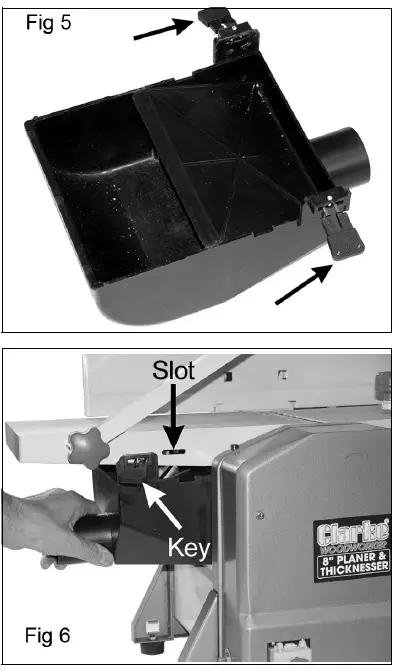
- Pull out the two locking keys (arrowed in Fig.5) and manoeuvre the chute into the space beneath the table.
- Ensure both locking keys are pushed firmly into the slots in the table, shown in Fig 6.I
B. FOR THICKNESSING
- B.1 Remove the Angle Fence.
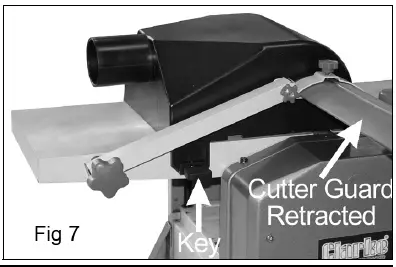
- B.2 Push the Cutter Guard out of its holder so that the Chute may be attached to the table, as shown in Fig.7.
- Ensure both locking keys are pushed firmly into the slots in the table, shown in Fig.6.
OPERATION
PLANING
ENSURE the timber is completely free of nails, screws and staples etc. before use.
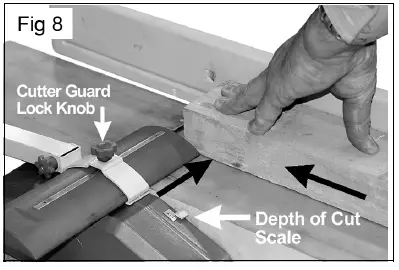
- Set the depth of cut, using the Depth of Cut Setting Knob – see Fig.1. Turn anti-clockwise to increase the cutting depth, clockwise to decrease, using the scale, indicated in Fig. 8, as a reference. For the initial cut, we recommend a depth of cut of no more than 1mm. The maximum depth of cut is 2mm.
- Ensure the fence is at the correct angle – for normal planing, this would be 90 degrees. For other angles, use a template or angle gauge for greater accuracy.
- Slide the cutter guard out of the way and place the workpiece on the table so that it rests snugly against the fence, with the lead edge a short distance from the cutter, noting that the direction of
feed is right to left, looking from the front of the machine.
- Slide the cutter guard up to lightly touch the workpiece as shown in Fig.8, thereby completely covering any exposed cutter. Ensure the guard is as low as possible and the Cutter Guard Lock Knob is tightened.
- Raise the cover of the ON/OFF switch and press the green ON button, marked ‘I’, and allow the machine to come up to full speed.
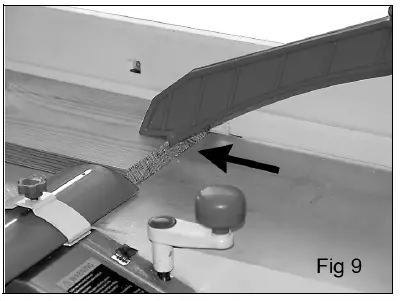
- Applying firm downwards pressure and keeping the workpiece against the fence, proceed to feed the work over the cutter. Do not feed too quickly.
IMPORTANT: When coming to the end of a piece, ALWAYS use the push stick to finish – see Fig.8. This is an important safety point. - To switch OFF, simply press the red button marked ‘O’ and close the cover ensuring it is properly latched.
When finished, remove all shavings and sawdust from the machine and surrounding area and dispose of safely, accumulation of dust and shavings is a fire hazard and should not be allowed to build up.
NOTES:
- In case of emergency, hit the switch cover firmly and quickly. The cover will latch down and motor will be switched OFF.
- The ON/OFF switch is a “No Volt Release” type, so that in the event of a power failure the machine will not restart automatically once the power is restored.
THICKNESSING
- Lower the thicknessing table sufficiently for the workpiece to be inserted beneath the cutter blade, ensuring the blade is at 6 o’clock. Work enters from the left and exits at the right of the machine.
- Raise the table until there is slight resistance. i.e. the work just touches the blade.
- Withdraw the workpiece, then wind the table upwards – turn clockwise, using the Raise/Lower Table knob, to the appropriate cutting depth, noting that one turn is equivalent to 3mm. Do not exceed 2mm depth of cut as this could cause kickback, and/or damage to the components or overheating of the motor.
NOTE: It is advisable when working with rough or warped wood to make very small depths of cut to begin with – 1mm should be sufficient. - Support the workpiece at the desired height, so that it is horizontal and feed it into the cutter, from the left hand side of the machine. The rollers will automatically feed the work past the kick-back pawls and into the cutter blade. Ensure it is well supported at the outlet side.
- DO NOT remove chips or shavings from the table until the machine has stopped completely and is isolated from the mains supply.
NOTE:
- The workpiece should always be 2-3 inches longer than the finished length as the ends tend to be uneven.
- The table should be lubricated with wax, frequently to ensure smooth operation.
RESET BUTTON
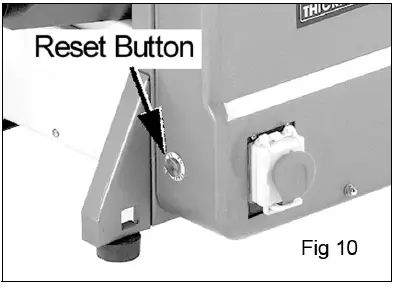
The planer is fitted with an thermal overload protector. If the motor stops running or fails to start.
- Close the safety switch cover and allow the motor to cool for five minutes.
- Press the reset button.
- Raise the cover of the ON/OFF switch and press the green ON button, marked ‘I’.

MAINTENANCE
- Always disconnect the machine from the mains supply before cleaning or performing maintenance tasks.
- This product is designed to operate with minimum of maintenance, however, as with all power tools, cleanliness is essential in ensuring work is carried out to a satisfactory standard. Always keep the table free of shavings/dust etc., and clean the machine thoroughly after use. Use a low pressure air supply to blow dust from air vents and other parts wherever possible.
- Apply a thin film of wax to the table periodically. This will help keep the table clean and allow the workpiece to slide more easily.
- Do not use solvents to clean the machine as this could damage plastic components.
CUTTING BLADE REMOVAL
- Cutter blades will require sharpening or replacing. Care should be taken at all times when handling them, they are very sharp, even when appearing to be dull.
- Blades must always be fitted as a pair and must be of the same type. Only fit blades recommended by the Clarke International. First, ensure the machine is switched OFF and isolated from the mains supply.
- Turn the cutter height adjuster so that it registers zero. i.e. turn the knob clockwise so that the depth of cut, registered on the scale, is zero.
- Remove the Angle Fence.
- Raise the Cutter Guard arm.
- Turn the cutter block to reveal the four hex. socket head screws securing the cutter blade, then carefully remove them.
- Turn the cutter block by 180 degrees and repeat the process.
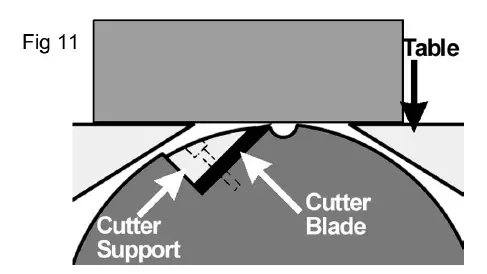
NOTE: ALWAYS hone/replace cutter blades as a pair. - Replace in reverse order, and, using a straight edge, ensure the cutting edges are level and in line with the table when they are at 12 o’clock – see Fig.10. Tighten the securing screws taking care not to over-tighten or damage the hex. sockets.
NOTE: It is recommended that sharpening is done professionally, using a jig, as blades must be sharpened as a pair to ensure they are correctly balanced. This avoids the possibility of vibration due to imbalanced cutters rotating at speed.
PERIODICALLY
- Wipe both the infeed and outfeed rollers with a damp cloth to remove all traces of contaminants.
- Wax the thicknesser table frequently to ensure a smooth and reliable feed.
- Inspect the kickback pawls before each operation to ensure they are intact and working properly. They should hang normally and loosely.
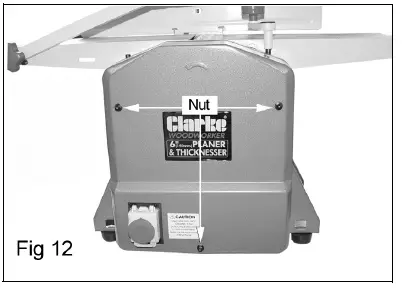
- Remove the front cover – 3 dome head nuts, and lightly oil all pivots, linkages and bearings with good quality machine oil. Ensure the enclosure and all components are perfectly clean before replacing the cover.
DRIVE BELT REPLACEMENT
- Remove the front cover – 3 nuts.
- Remove the worn or broken drive belt.

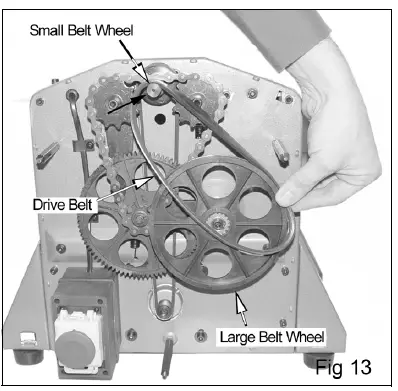
- Place the replacement drive belt over the small belt wheel.
- Position part of the drive belt over the large belt wheel as shown in fig 13.

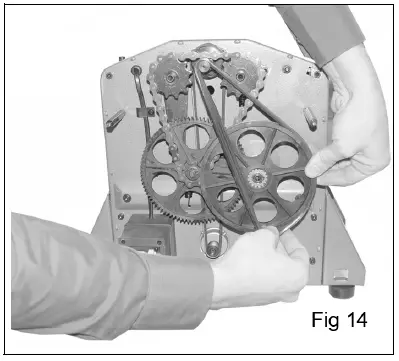
- Rotate the large belt wheel by hand in a clockwise direction whilst guiding the belt on to the belt wheel shown in fig 14.

CPT600 COMPONENT PARTS
| No | Description |
| 1 | Bolt |
| 2 | Cable stowage bracket |
| 3 | Side cover |
| 4 | Bolt |
| 5 | Locking washer |
| 6 | Rubber foot |
| 6A | Nut |
| 7 | Motor cover |
| 8 | Bolt |
| 10 | Nut |
| 11 | Locking washer |
| 12 | Washer |
| 13 | Angle plate |
| 14 | Bolt |
| 15 | Chain |
| 16 | Crank |
| 17 | Plug |
| 18 | Threaded spindle-short |
| 19 | Table |
| 19A | Threaded spindle nut |
| 19B | Sleeve |
| 20 | Pointer |
| 21 | Washer |
| 22 | Locking washer |
| 23 | Bolt |
| 24 | Chain wheel |
| 25 | Washer |
| 26 | N/A |
| 27 | Nut |
| 28 | Bolt |
| 60 | Bolt |
| No | Description |
| 29 | Sleeve |
| 30 | Bolt |
| 31 | Side plate (left) |
| 32 | Cutting depth scale |
| 33 | Bolt |
| 34 | Locking washer |
| 35 | Washer |
| 36 | Washer |
| 37 | Locking washer |
| 38 | Nut |
| 39 | Bolt |
| 40 | Rod (long) |
| 41 | Bolt |
| 42 | Cable clamp |
| 43 | Rubber buffer |
| 44 | Flat belt |
| 45 | Washer |
| 46 | Locking washer |
| 47 | Bolt |
| 48 | Rod (long) |
| 49 | Washer |
| 50 | Bolt |
| 52 | Plastic locknut |
| 53 | Strain relief |
| 54 | Reset button assembly |
| 55 | Locking line |
| 56 | Rubber set |
| 57 | Power cable |
| 58 | Protective hood |
| 59 | Switch box |
| 93 | Grooved ball bearing |
| No | Description |
| 61 | Thermo-protector |
| 62 | Bolt |
| 63 | Bolt |
| 64 | Bolt |
| 65 | Terminal |
| 66 | Switch |
| 67 | Nut |
| 68 | Locking ring |
| 69 | Washer |
| 70 | Chain wheel |
| 71 | Square sleeve |
| 72 | Gear wheel |
| 73 | Locking ring |
| 74 | Belt wheel |
| 74B | Lantern ring |
| 74C | Needle bearing |
| 75 | Pivot plate |
| 76 | Retracting spring |
| 77 | Arbor |
| 78 | Bolt |
| 79 | Locking washer |
| 80 | Washer |
| 81 | Chainwheel |
| 82 | Chain |
| 83 | Belt disc |
| 84 | Bolt |
| 85 | Bolt |
| 86 | Flat belt |
| 87 | Supporting plate |
| 88 | Post |
| 91 | Motor belt wheel |
| 92 | Motor |
| 124 | Scale |
| No | Description |
| 94 | Bearing cover |
| 95 | Locking washer |
| 96 | Nut |
| 97 | N/A |
| 98 | Washer |
| 99 | Bolt |
| 100 | Outfeed roller |
| 102 | Infeed roller |
| 103 | Retracting spring |
| 104 | Bearing bush |
| 105 | Rod |
| 106 | Washer |
| 107 | Ratchet |
| 108 | Bolt |
| 109 | Clamping device |
| 110 | Cutting blade |
| 111 | Cutter block |
| 111A | Bolt |
| 111B | Arbor |
| 112 | Bolt |
| 113A | Bolt |
| 113B | Washer |
| 114 | Bearing cover |
| 115 | Sheet metal deflector |
| 116 | Retracting spring |
| 118 | Front table top |
| 119 | Sliding block |
| 120 | Bolt |
| 121 | Hand knob |
| 122 | Cutter guard holder |
| 122A | Pin |
| 123 | Hand knob |
| 143 | Angle fence plate |
| No | Description |
| 125 | Stud bolt |
| 126 | Cover |
| 127 | Square tube |
| 127A | Cover |
| 128 | Washer |
| 128A | Locking ring |
| 128B | Locking ring |
| 129 | Hand Knob |
| 130 | Bolt |
| 131 | Limit Switch |
| 132 | Switch cover |
| 132A | Washer |
| 132B | Bolt |
| 133 | Stud bolt |
| 134 | Stop screw |
| 134A | Locking washer |
| 134B | Nut |
| 135 | Threaded spindle (long) |
| 136 | Nut |
| 137 | Locking washer |
| 138 | Washer |
| 139 | Rear table top |
| 140 | Cutter guard |
| 140A | Guard cap |
| 141 | Spindle |
| 142 | Stalk-short |
| No | Description |
| 145 | Nut |
| 146 | Bolt |
| 147 | Nut |
| 148 | Bolt |
| 149 | Hand knob |
| 150 | Angle piece |
| 151 | Stalk-long |
| 152 | Guide fence |
| 153 | Clamp plate |
| 154 | Washer |
| 155 | Locking washer |
| 156 | Bolt |
| 157 | Dust collector |
| 158 | Key assembly |
| 159 | Cover |
| 160 | Bolt |
| 161 | Push stick |
| 162 | Hex wrench |
| 163 | Bolt |
| 164 | Washer |
| 165 | Screw |
| 166 | Nut |
| 167 | Pointer |
| 168 | Washer |
| 169 | Bolt |
| 170 | Guide block |
GUARANTEE
The product is guaranteed against faulty manufacture for a period of 12 months from the date of purchase. Your receipt is required as proof of purchase. This guarantee is invalid if the product is found to have been abused, tampered with, or not used for the purpose for which it was intended. Faulty goods must be returned to their place of purchase, do not return it to us without prior permission. This guarantee does not effect your statutory rights.
QUALITY PRODUCTS
- AIR COMPRESSORS
From DIV to industrial, Plus air tools, spray guns and accessories. - GENERATORS
Prime duty or emergency standby for business, home and leisure. - POWER WASHERS
Hot and cold, electric and engine driven – we have what you need - WELDERS
Mig, Arc, Tig and Spot. From DIV to auto/industrial. - METALWORKING
Drills, grinders and saws for DIV and professional use. - WOODWORKING
Saws, sanders, lathes, mortisers and dust extraction. - HYDRAULICS
Cranes, body repair kits, transmission jacks for all types of workshop use. - WATER PUMPS
Submersible, electric and engine driven for DIV, agriculture and industry. - POWER TOOLS
Angle grinders, cordless drill sets, saws and sanders. - STARTERS/CHARGERS
All sizes for car and commercial use.