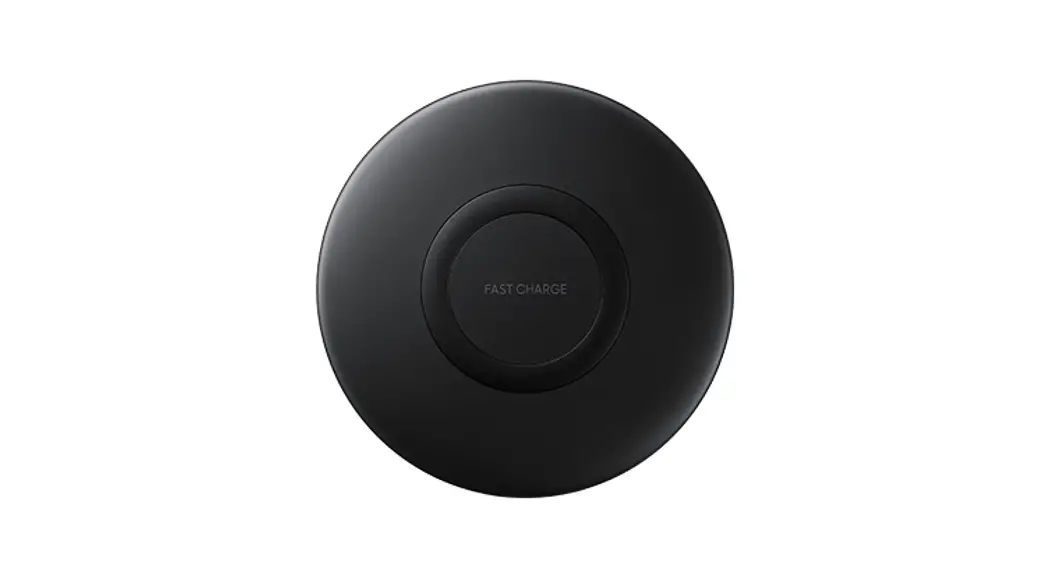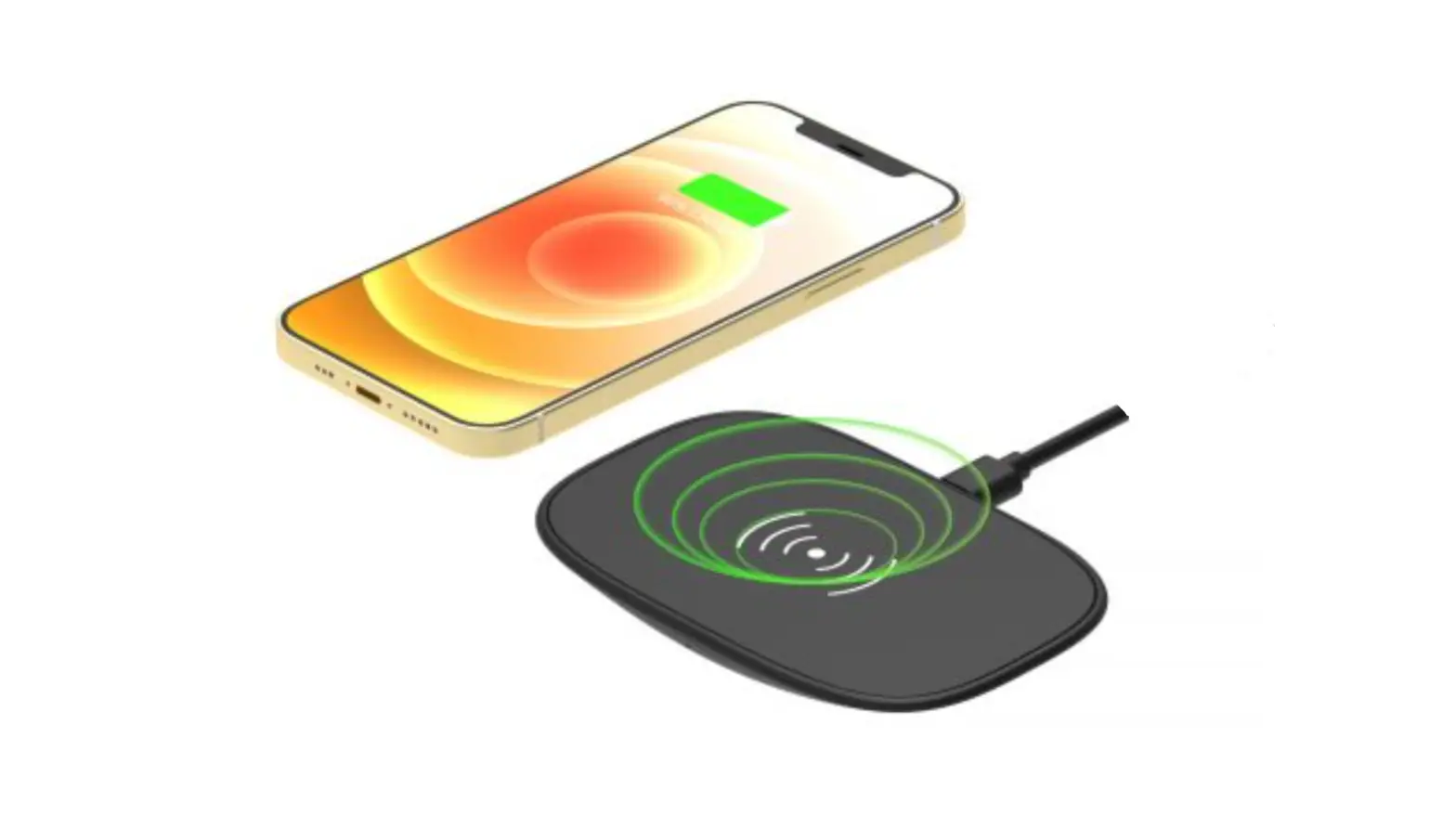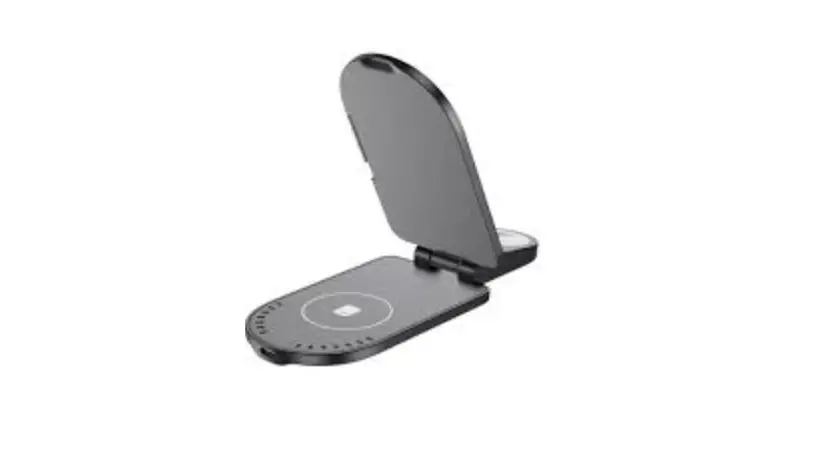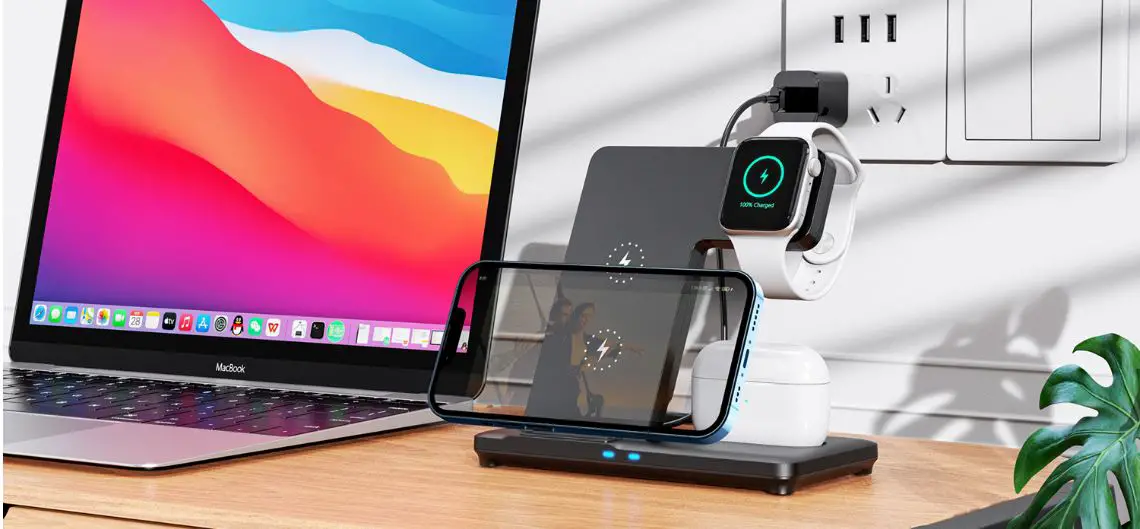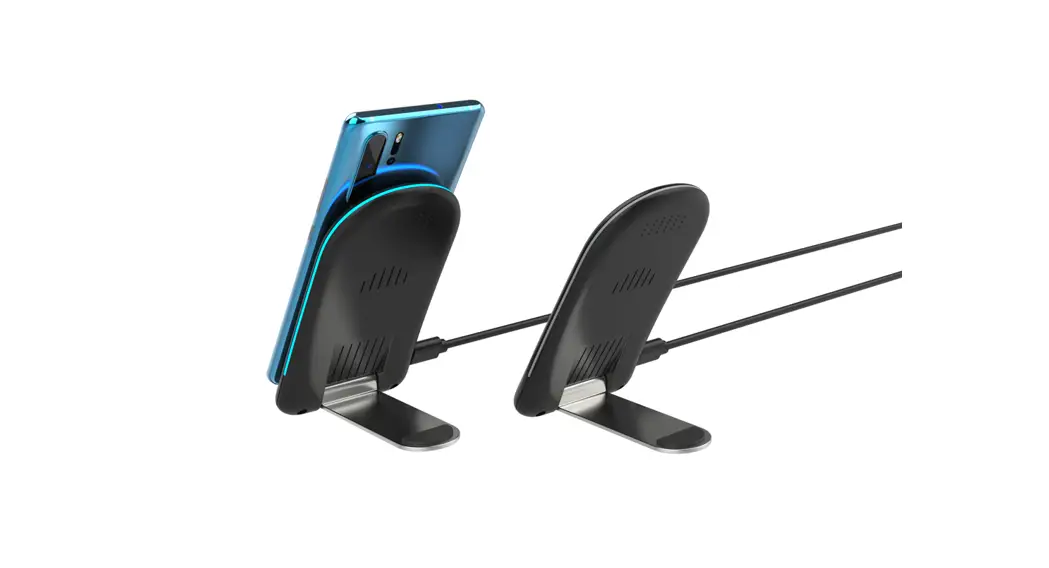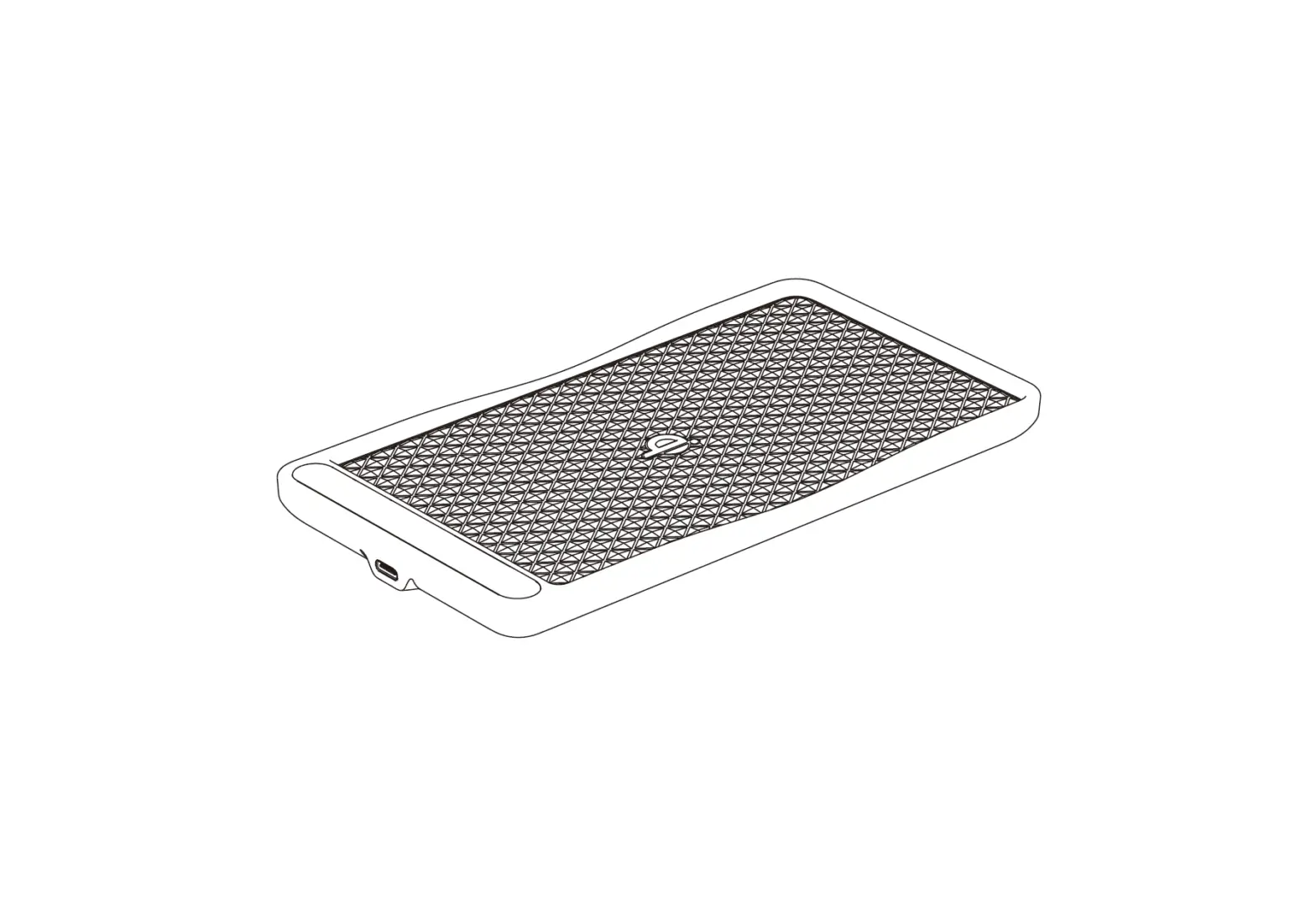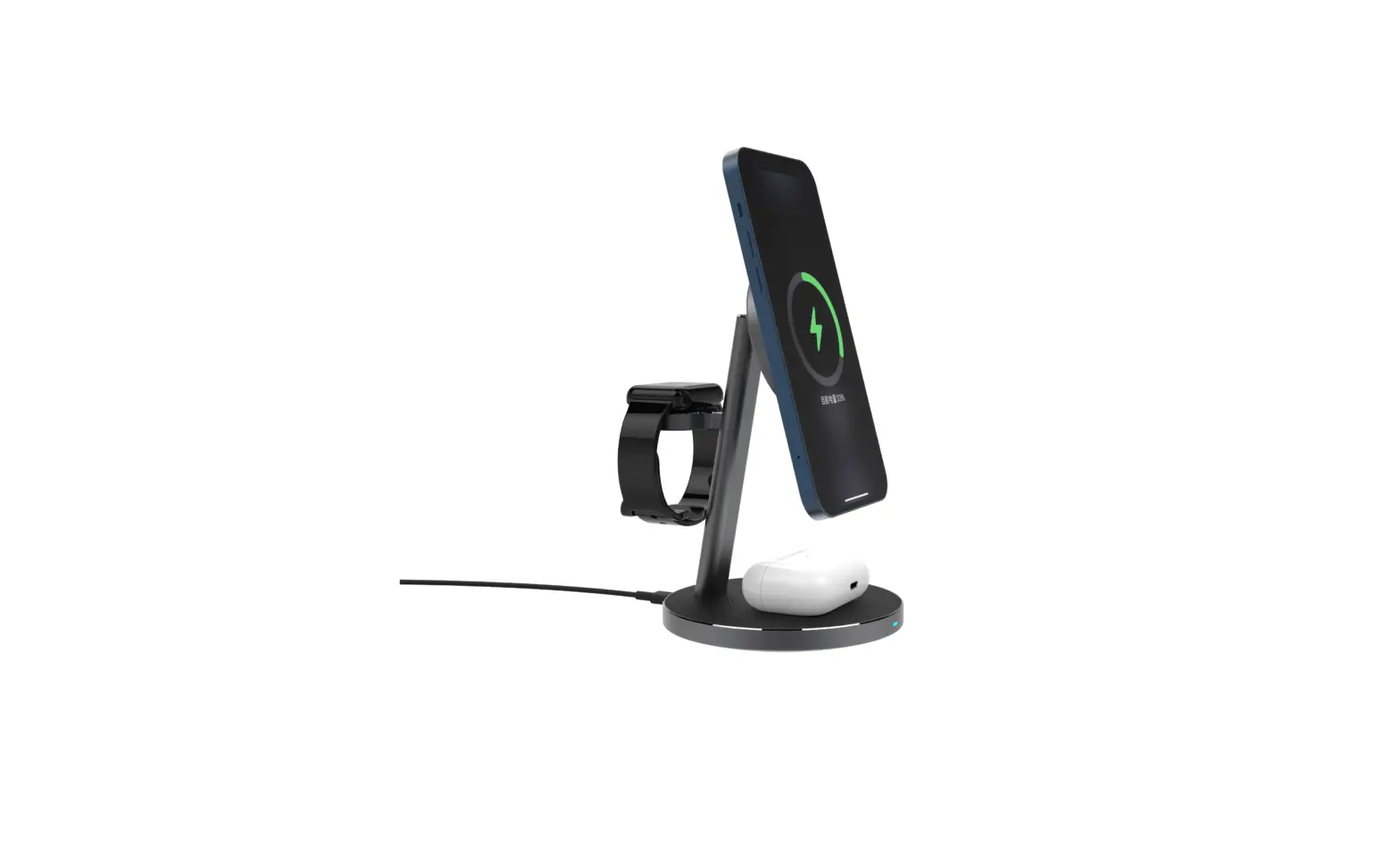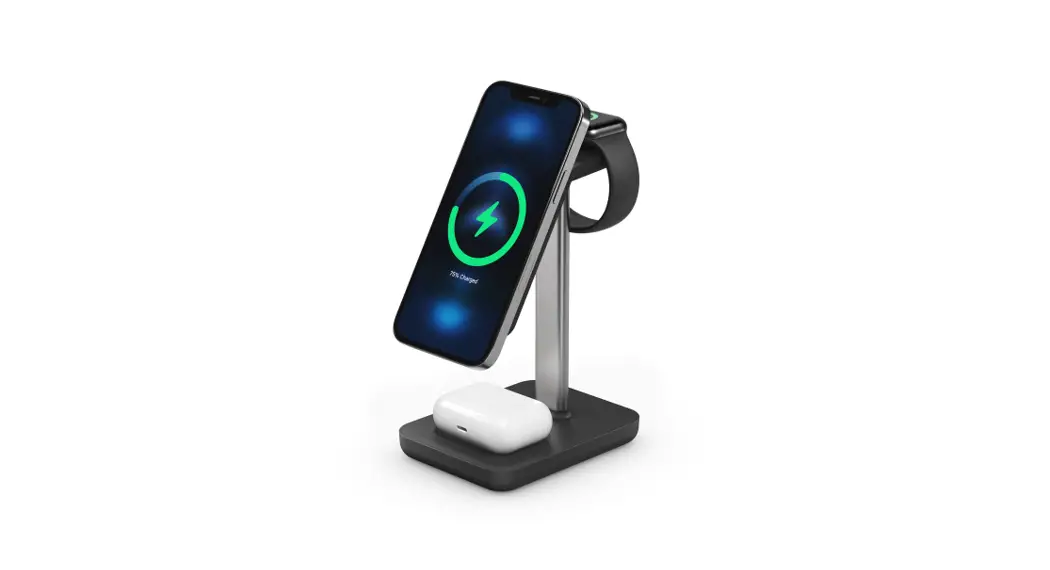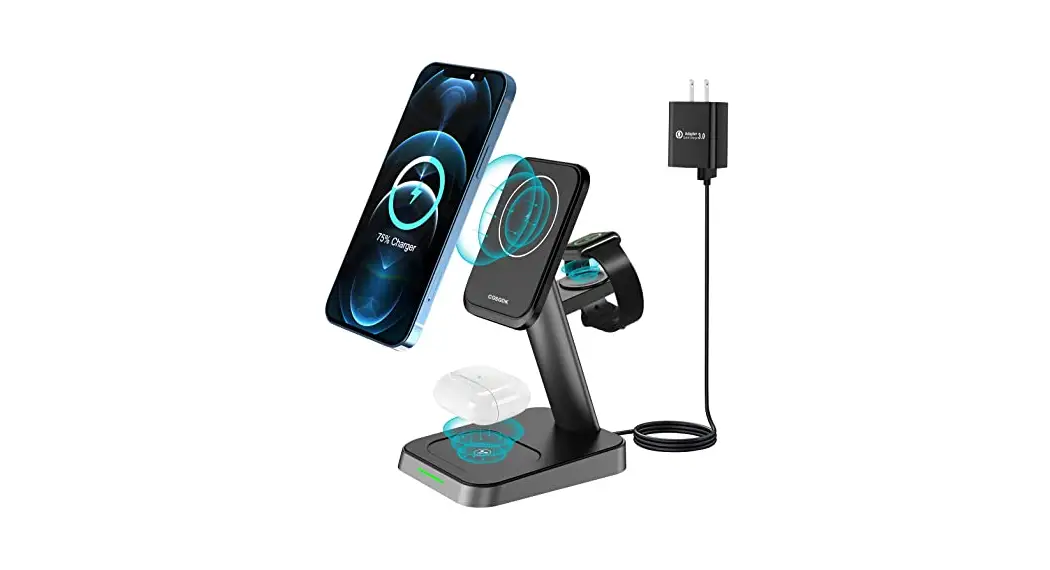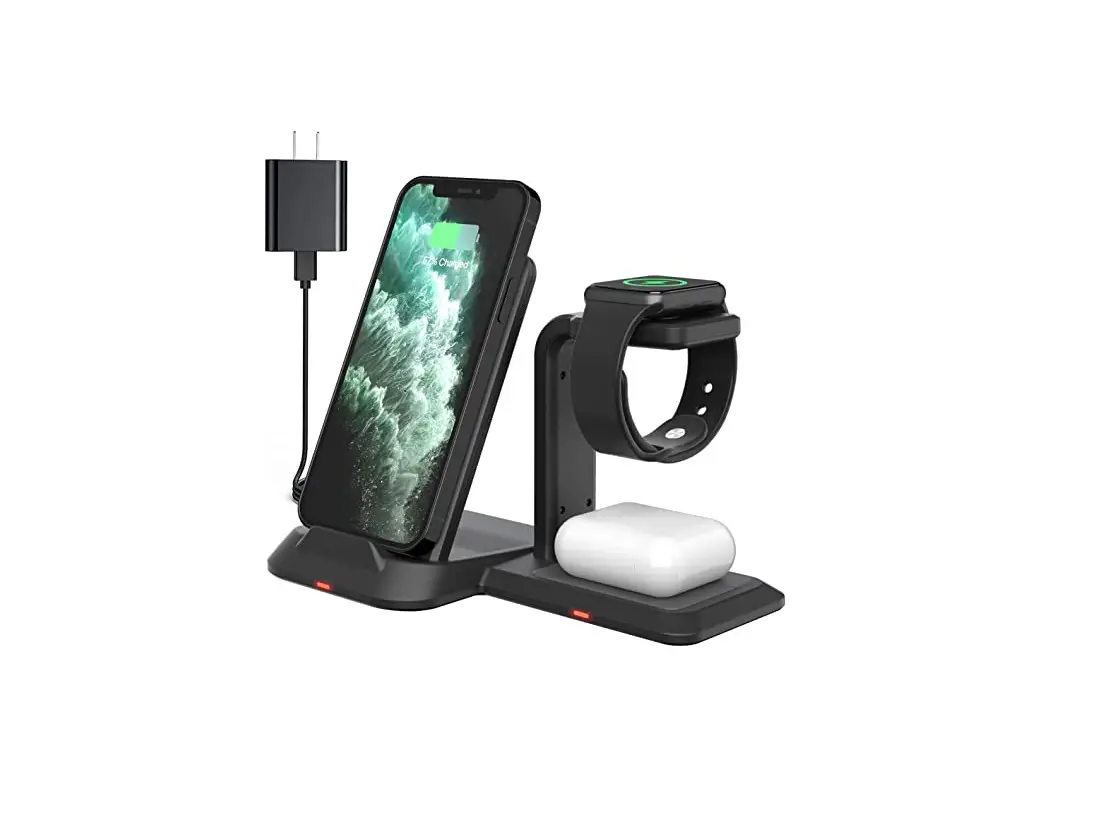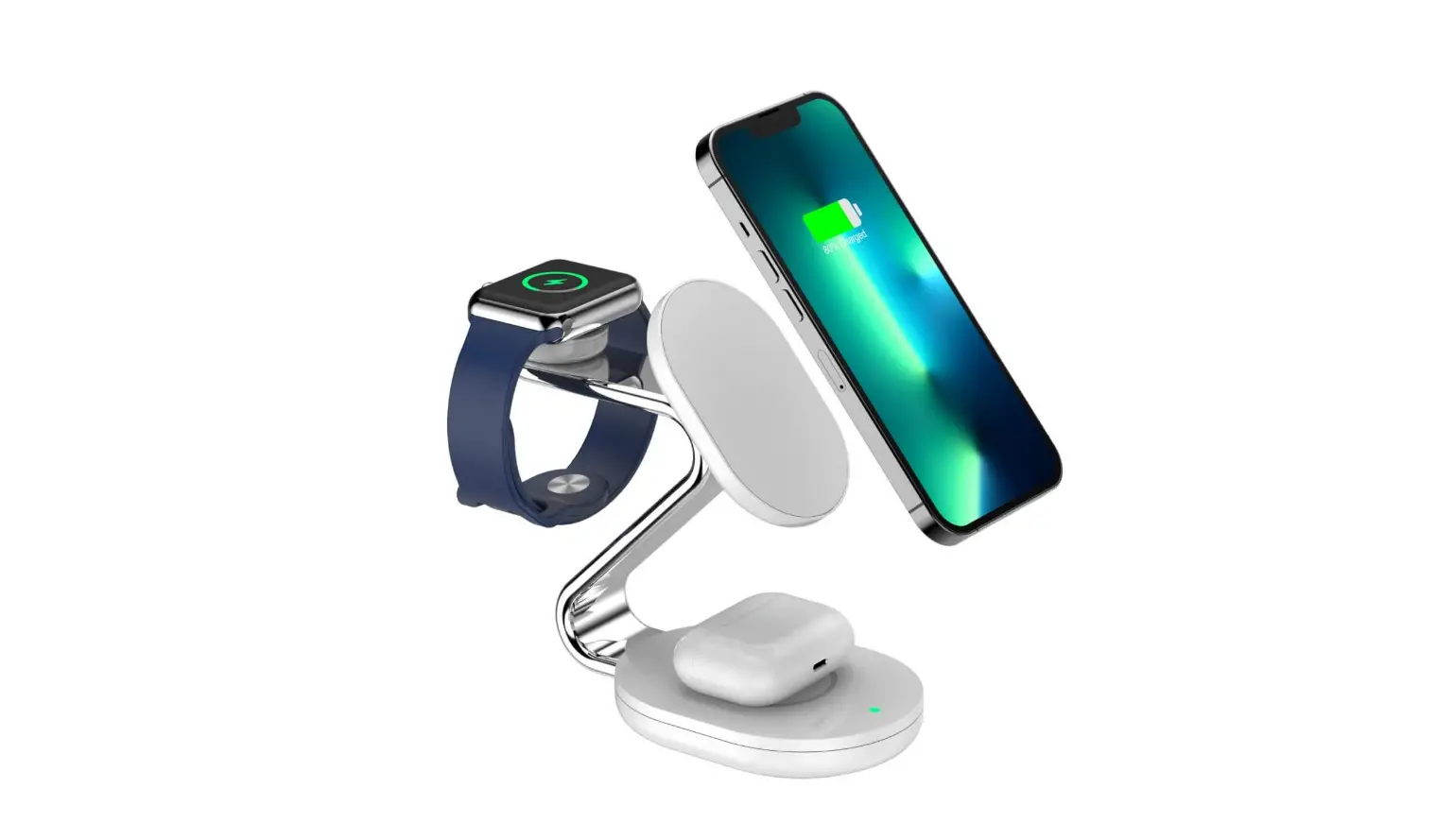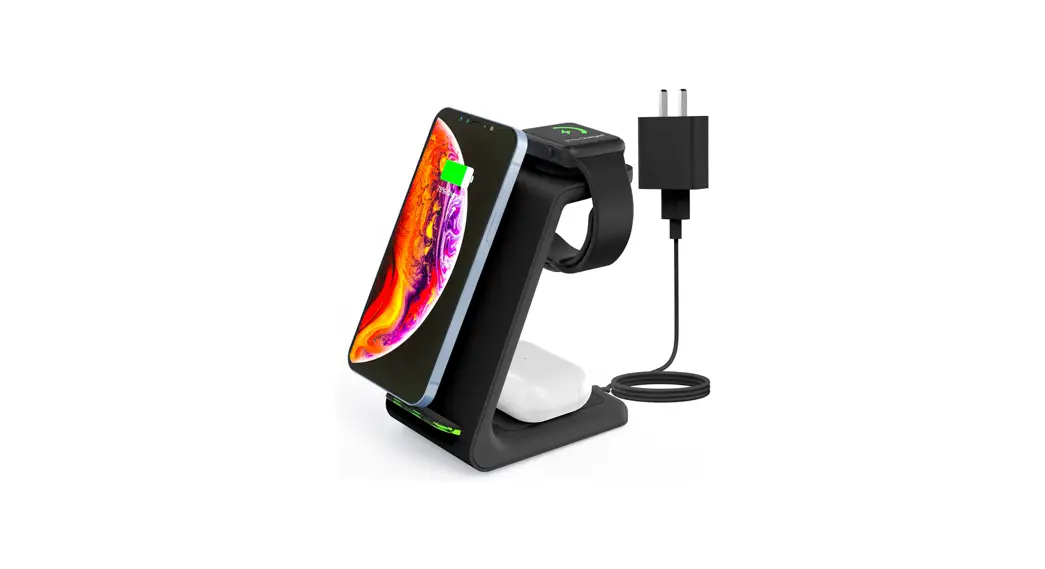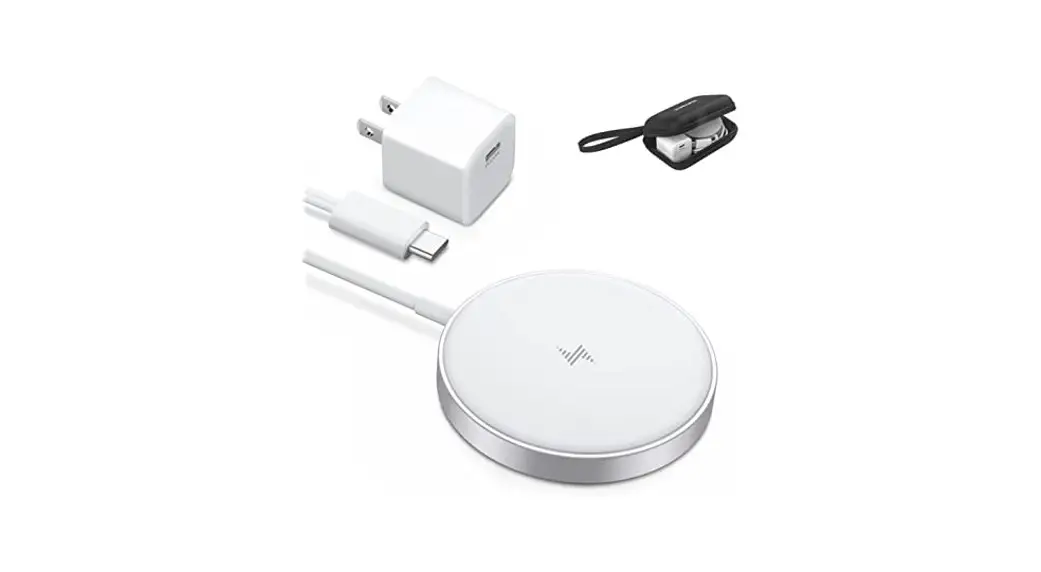
 Farer01 3-in-1 Wireless Charging Station
User Manual
Note:
Thank you for your purchase, the wireless charger is widely compatible with all Q1 devices, like [Apple]iWatch se/6/5/4/3/2/1; Aripods Pro/2, and others TWS; iPhone 12 mini, iPhone 12, iPhone 12 Pro, iPhone 12 Pro Max, iPhone SE 2020, iPhone 11, iPhone 11 Pro, iPhone 11 Pro Max, iPhone XS, iPhone XS MAX, iPhone X, iPhone XR, iPhone 8, iPhone 8 Plus; [SAMSUNG] Galaxy S 21/S20/S10/S10 Plus/S1 0E/S9/3 9 Plus/S8/S8 Plus/Samsung Galaxy NotelO/Note9/Note8/Galaxy S7 Edge/Galaxy S7/Galaxy S6 Edge Plus, [LG] G7 V30 V35 V40; G2, G3, G6, Lucid2(VS870), Optimus F5(AS870), Vu 3, Spectrum 2, Optimus G Pro, Optimus Vu II, Optimus LTE 2 [GOOGLE] Pixel 3, Pixel 3XL, NEXUS 4, NEXUS 5, NEXUS 6 [Xiaomi] Fast Charge. MIX 25, MIX 3 [SONY] Fast Charge: Xperia Z3v(D6708); XZ2, XZ2 Premium, XZ3.
SPECIFICATION
| Phone Output | 15W(Max) / 10W/ 7.5W / 5W |
| Watch Output | 3W(Max)(Apple Watch Series1,2,3,4,5) |
| Airpods Output | 5W(Max) (Apple Airpod2,3) |
| Power | 15W/ 10W/ 7.5W / 5W |
| Input | 5V/2A, 9V/2A, 12V/2A |
| Adapter Requirements | QC2.0/3.0/PD Fast Adapter |
| Charging Efficiency | 75c% |
| Charging Distance | 6 mm |
| Dimension | 7.2’2.7’0.62 inch |
| Weight | 5.14oz (146g) |
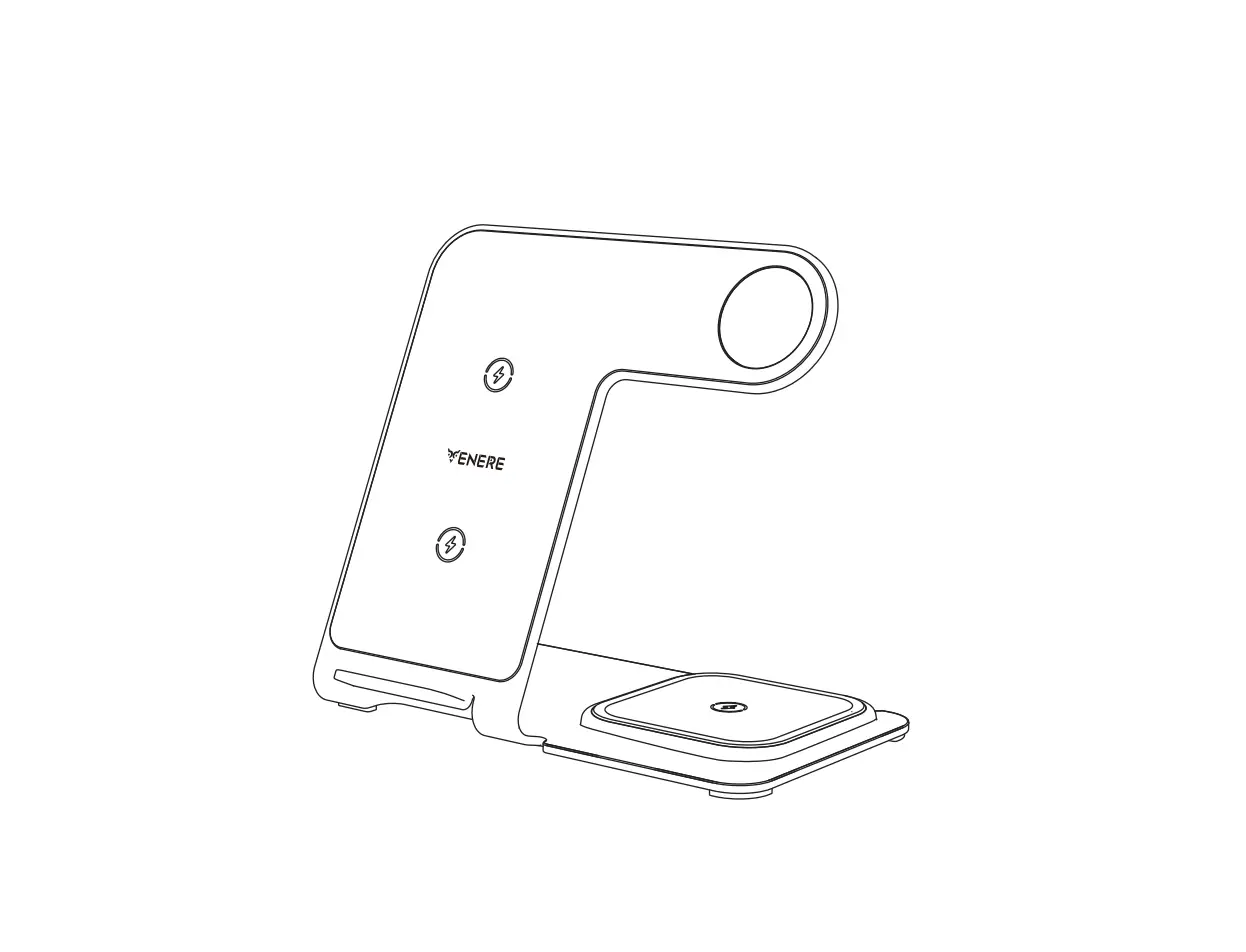
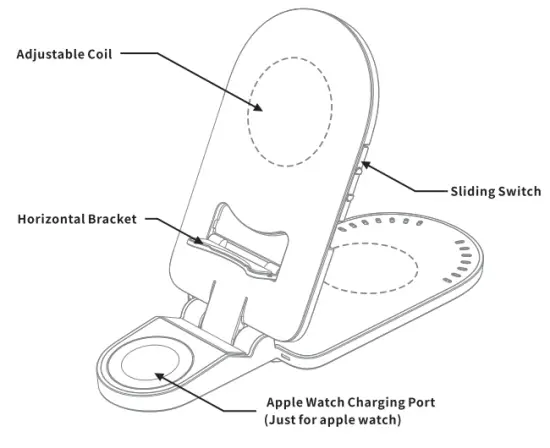
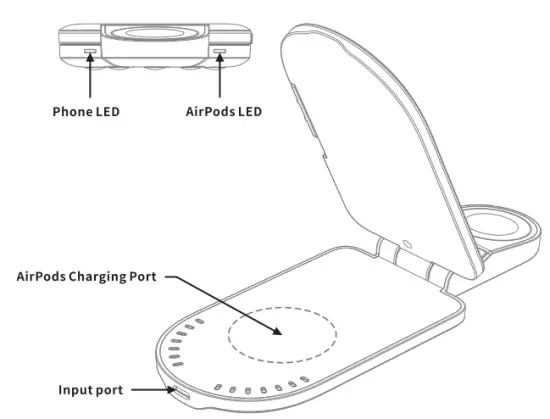
PRODUCT STRUCTION
 |  |
HOW TO USE
Connect the charging cradle to the wall adapter. 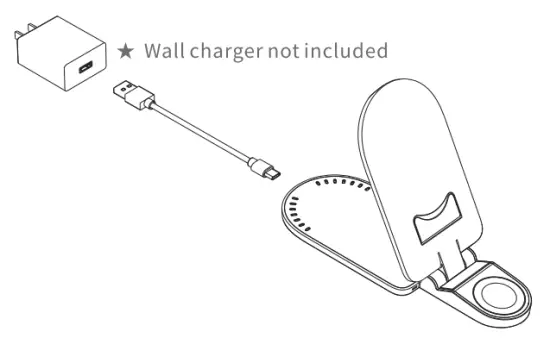
Charging the device
- Place your phone, Apple Watch, and AirPods on the center of the stand to ensure stable charging.
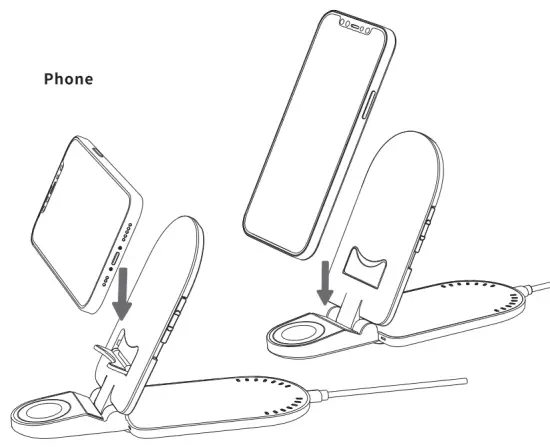
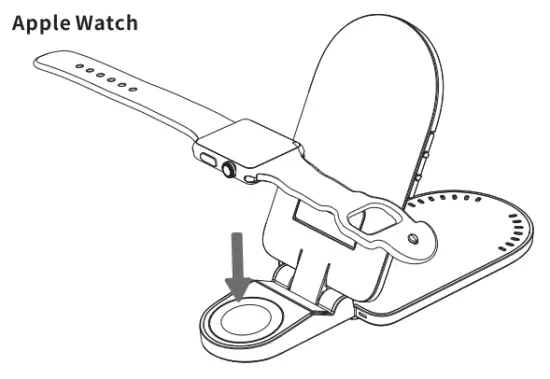
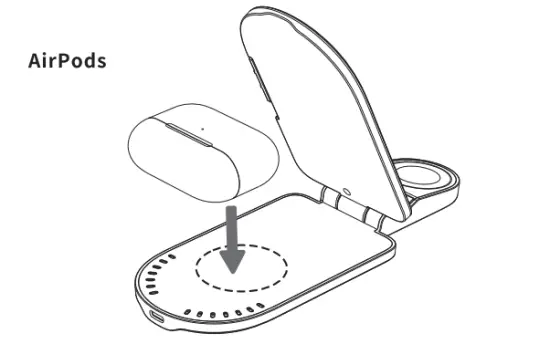
Notice:
- In order to suit models in different sizes, you need to adjust the button up or down on the right side to charge your device or get better performance.
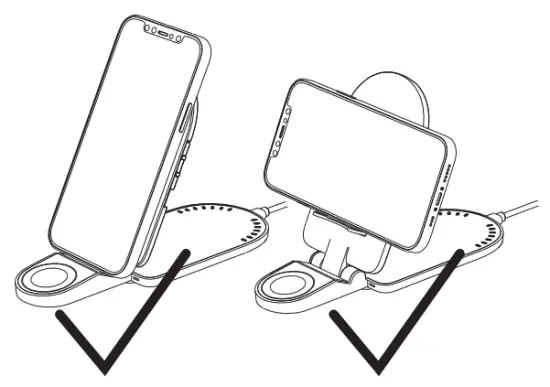
- For VERTICALLY charging, the height of the device (including the phone case) is:
- 148mm (5.82″) ( like iPhone 12 mini & iPhone 8), switch down to the LOW gear; 148mm (5.82″), switch up to the UPPER gear (Default mode);
- For HORIZONTALLY charging, switch down to the LOW gear and open the horizontal bracket, and put the cell phone on it;
- The wireless charger can charge cell phones, AirPods, and Apple Watch at the same time, then the maximum output power is 15W.

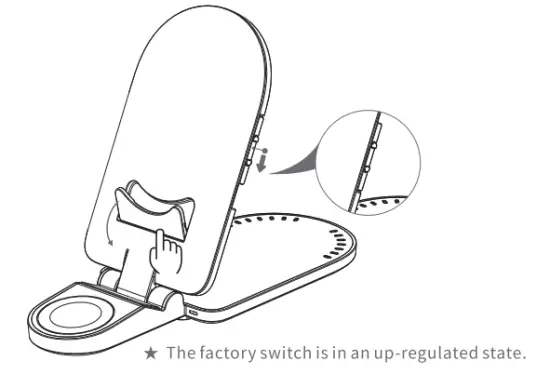
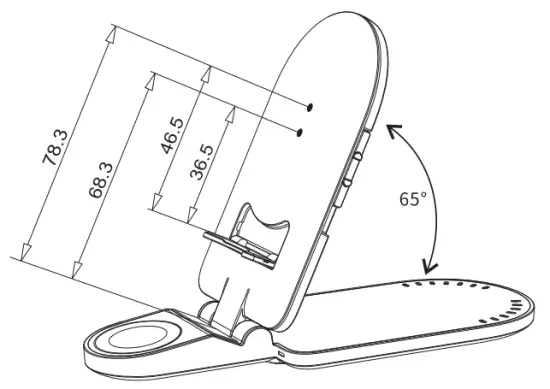
THE DIMENSIONS BETWEEN THE COIL AND THE BRACKET ARE AS FOLLOWS
CORRECT POSITION REFERENCE
 NO WIRELESS CHARGING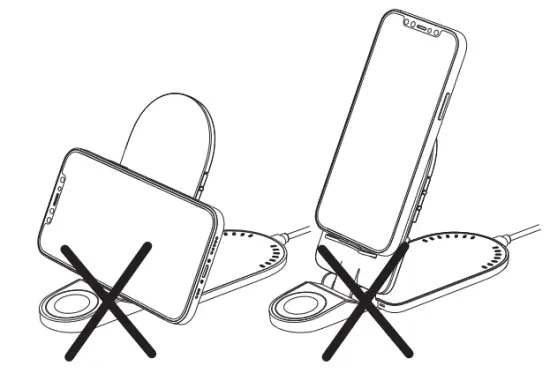
LED USAGE
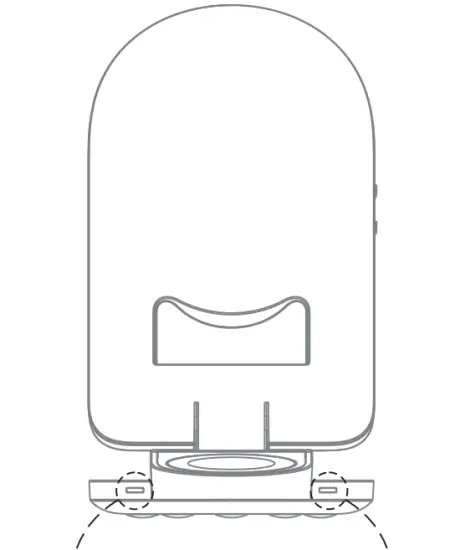
| Standby | Red LED Stays On |
| Working Properly | Blue LED Stays On |
| Fully Charged | Blue LED Stays On |
| Over-voltage/Low voltage | Red LED Flashes |
| FOD | Red and Blue LED Flashes |
REMARKS
- Quick charge QC2.0/ QC3.0/QC4.0/PD Fast Charger wall adapter required to access fast wireless charging .
- To ensure proper use, please use our USB-Type C cable (included) ) .
- It is normal for the wireless charger and your smartphone to get hot under working conditions, especially when the phone is being charged and used at the same time (such as playing music).
- Not works with 5V/1A or lower input. (such as PC powered or USB port from the socket).
- Attention: Not for SAMSUNG Watch and Only supports AirPods with wireless charging cases.

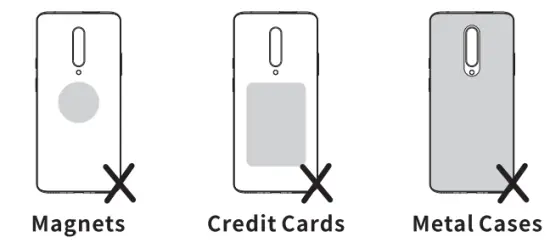
When your wireless charging is not working properly
- Clean the clutter on the wireless charger.
- Please make sure the wireless charging coil is correctly positioned with the phone coil.
- When the wireless charger is overheating, keep your mobile device away from the wireless transmitter. Please wait for the wireless transmitter to cool down before trying to charge it.
 Made in China