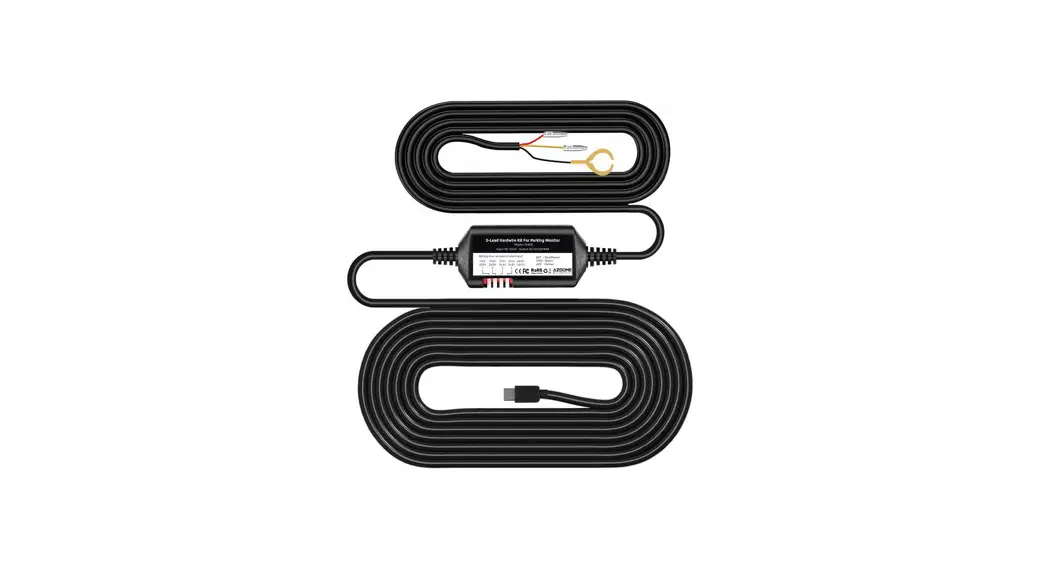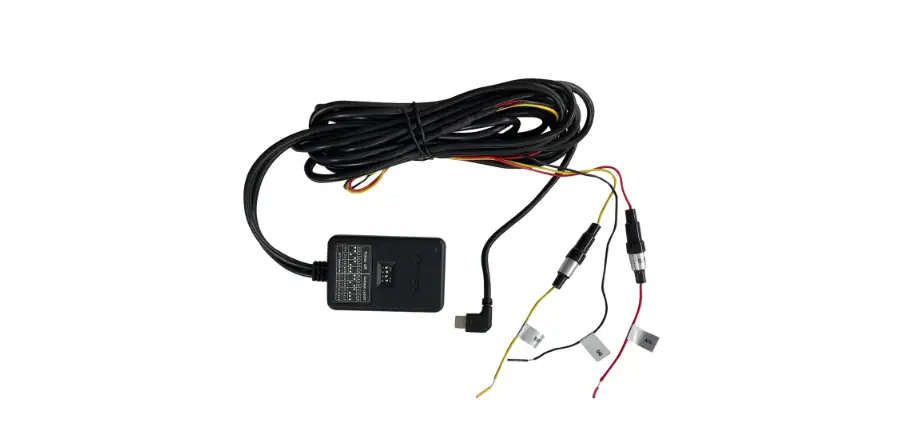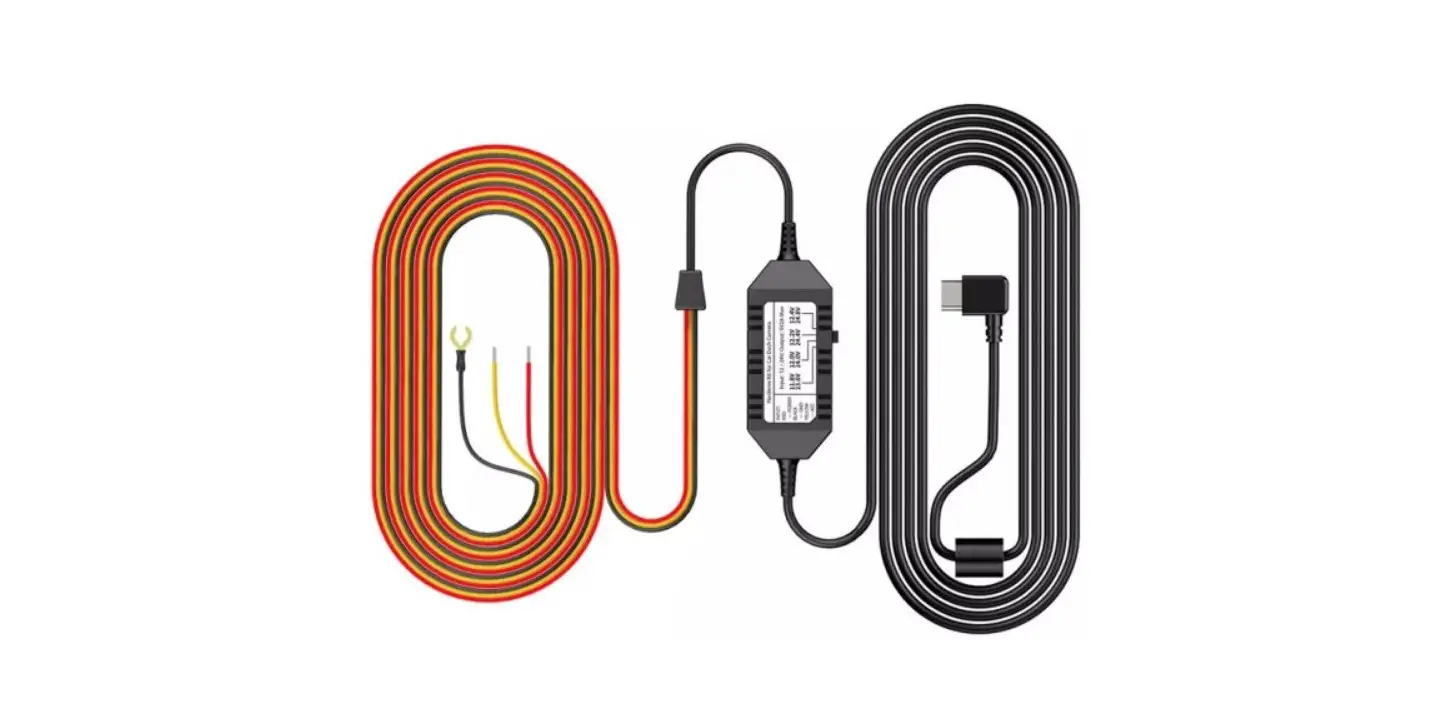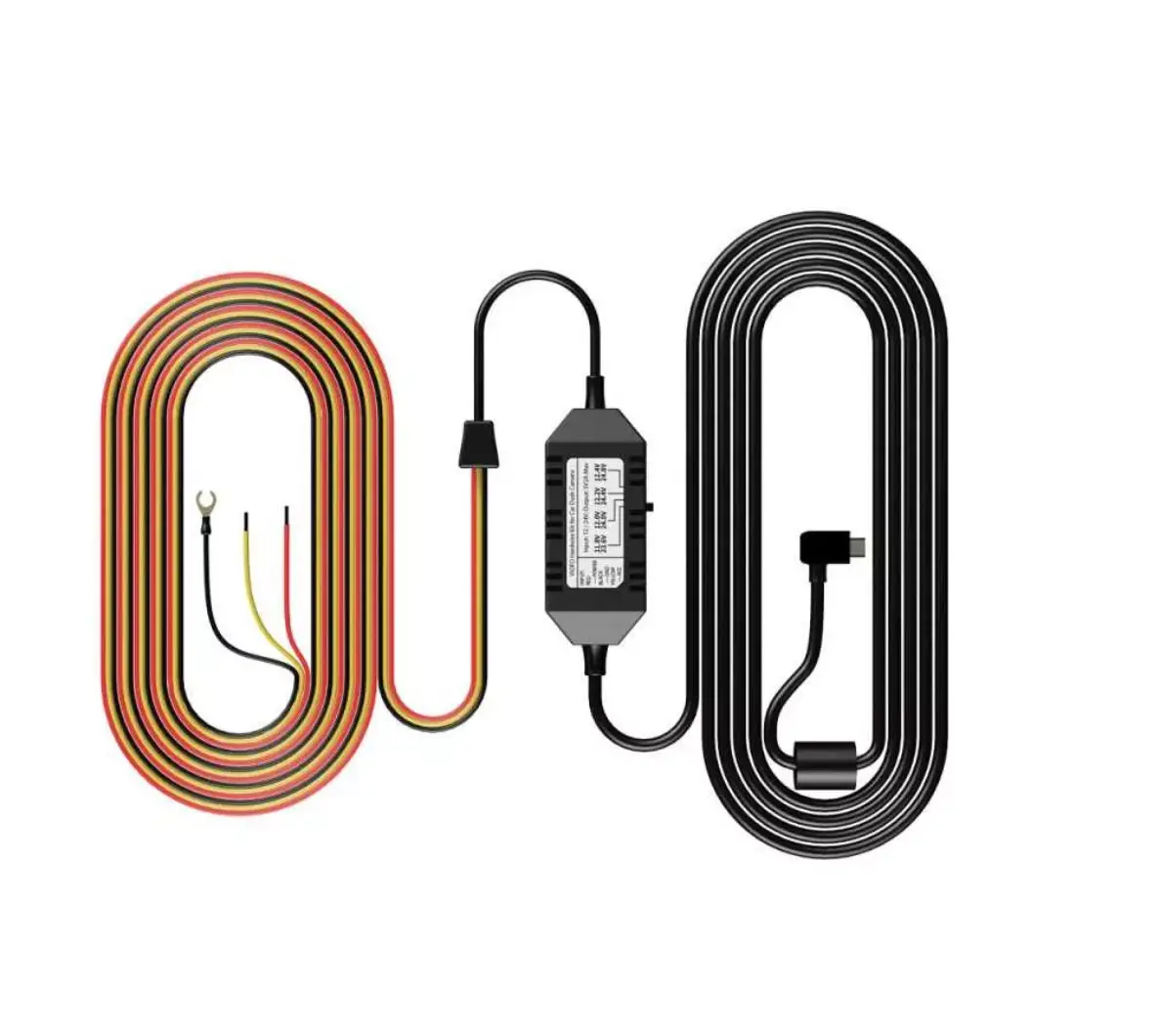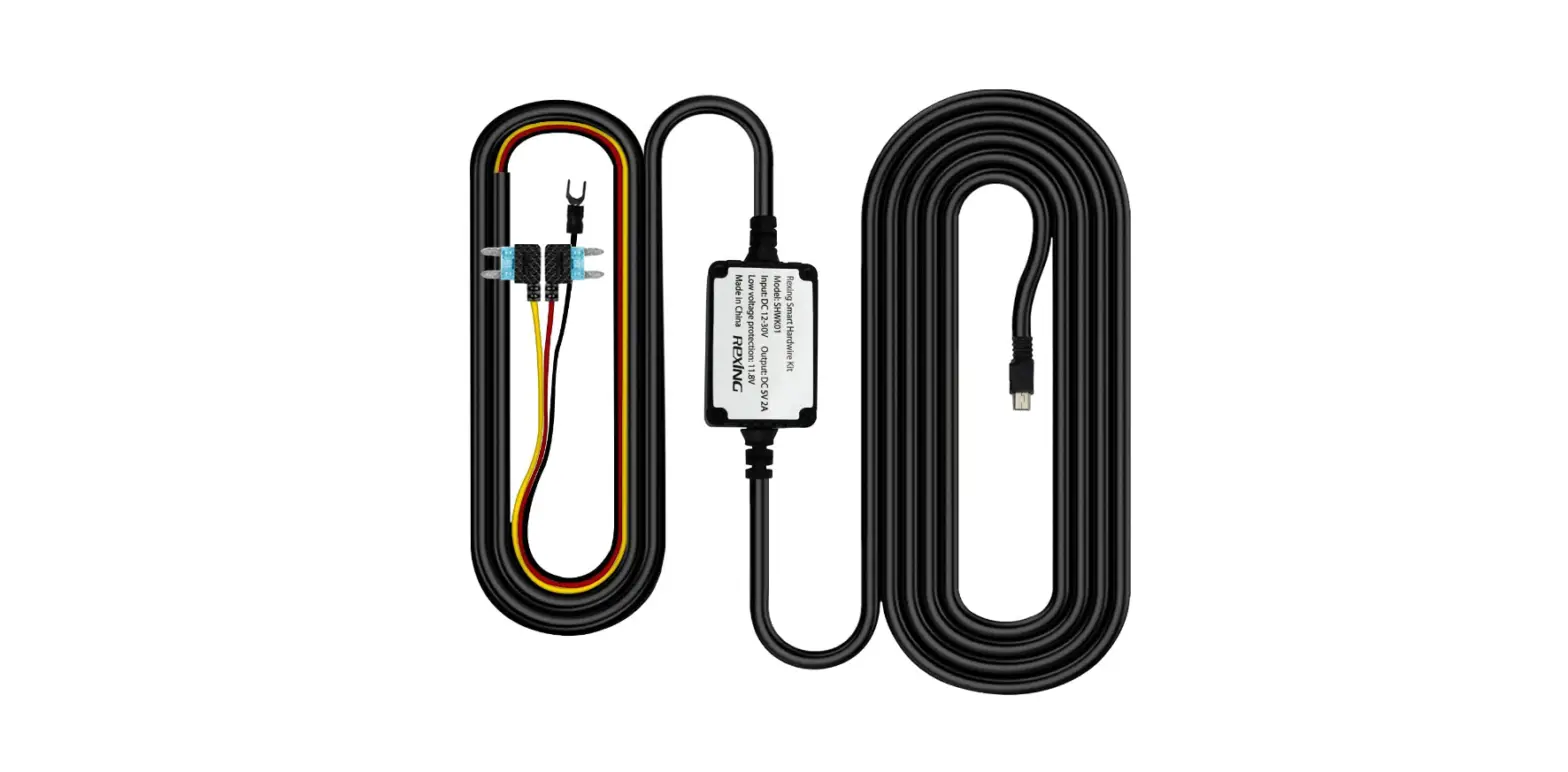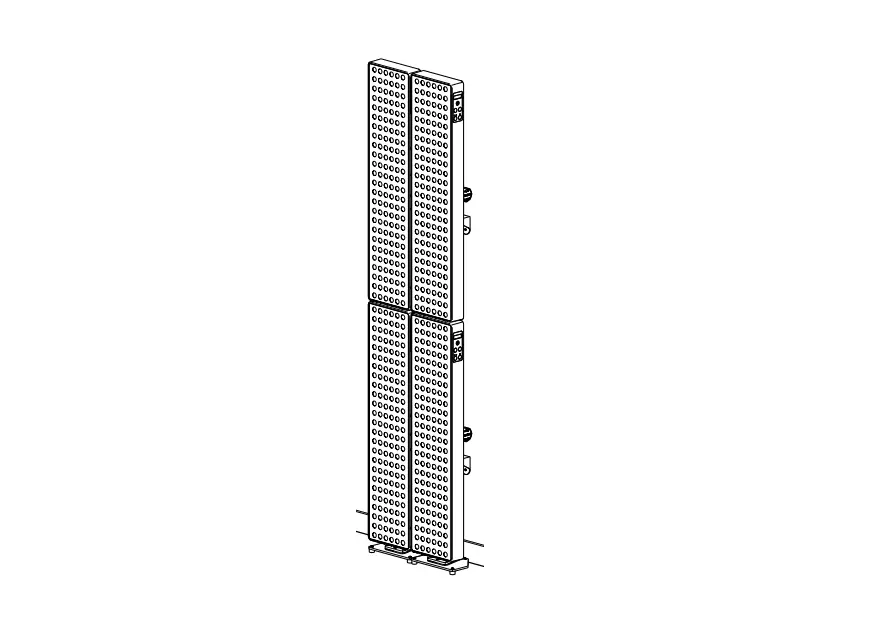

JOOVV 1155 Hardwire Pairing Kit
To pair your Multiple Device Setup using Pairing Cable Kit follow the steps listed below.
Reset All Devices
- Step 1
After applying power to the device using the main AC power cord, reset device by pressing and holding the Power and Light Mode buttons together for 4 seconds. - Step 2
Press the Power button twice or until the display reads FOLL. - Step 3
Press and hold the Power button for 4 seconds to confirm. - Unplug the power cord and leave the device in this state. The next time the device receives power it will
search for the Lead device. - Repeat steps 1-3 for each device before continuing.

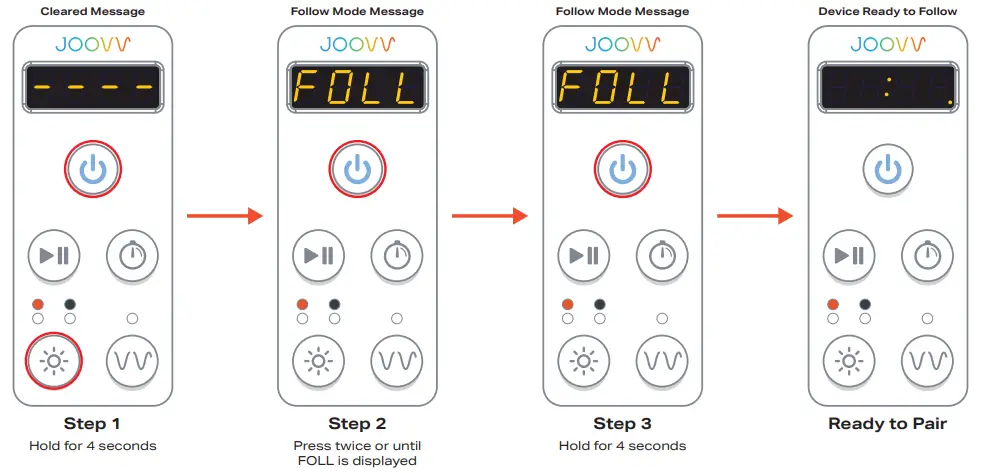
Pairing Cable Kit steps for Multiple Device Setup
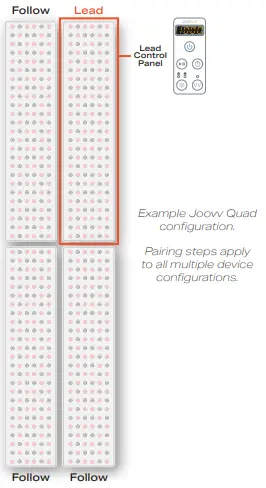
Assemble Joovv
- Step 4
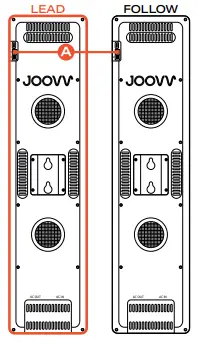
Assemble and mount devices then connect AC patch cables, main AC power cord, and hardwire pairing cables following the Wire Diagram section on pages 29-32 of the User Manual.
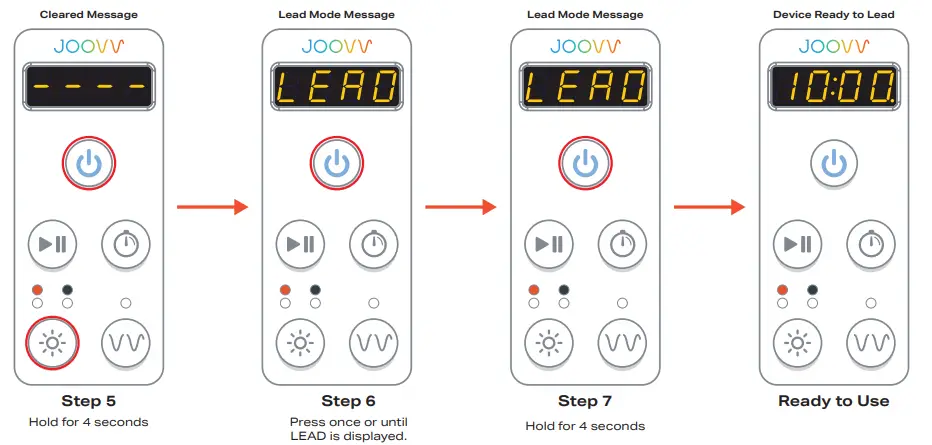
Set Lead Device - Step 5
Locate the Lead device control panel (Example Joovv Quad shown). Press and hold the Power and Light Mode buttons for 4 seconds to clear the device mode. - Step 6
Press the Power button once or until the display reads LEAD. - Step 7
Press and hold the Power button for 4 seconds to confirm. Devices will automatically pair and the Lead control panel will display the 10:00 minute session timer. The Lead device is now the controllable device for the configuration. - Great job! You’re now ready to start Joovvin’!

Device Configurations
with pairing cables displayed
- Joovv Half Max 3.0

- Joovv Duo 3.0

- Joovv Duo 3.0(horizontal)

- Joovv Max 3.0

The Horizontal Duo configuration is an alternative setup option and requires an additional accessory kit. Please reach out to [email protected] for more information. - Joovv Quad 3.0
- Joovv Elite 3.0



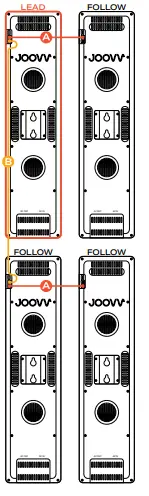
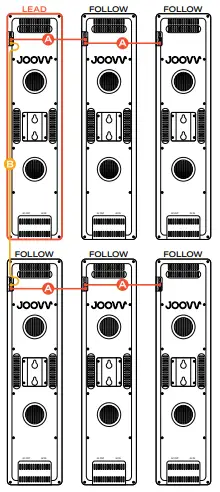
| Revision History | ||
| Date | Revision # | Description of Changes |
| December 2020 | JV-MKT-DOC-3523 (Ver.0) | Ver.0 Release to market |
| March 2021 | JV-MKT-DOC-3523 (Ver.1) | Ver.1 Updated Page 2 Illustration |
| April 2021 | JV-MKT-DOC-3523 (Ver.2) | Updated text/images |
 Red and Infrared LED Light Therapy Devices | Joovv

![Harman Jbl Party Xpert User Manual [pairing]](https://static-data1.manualsee.com/1/img/484/4552/2019/05/Harman-JBL-Party-Xpert.png "Harman Jbl Party Xpert User Manual [pairing]")
![Jbl Xtreme User Manual [extreme Pairing Instructions]](https://static-data1.manualsee.com/1/img/239/2490/2018/08/JBL-XTREAM-MANUAL-1.png "Jbl Xtreme User Manual [extreme Pairing Instructions]")