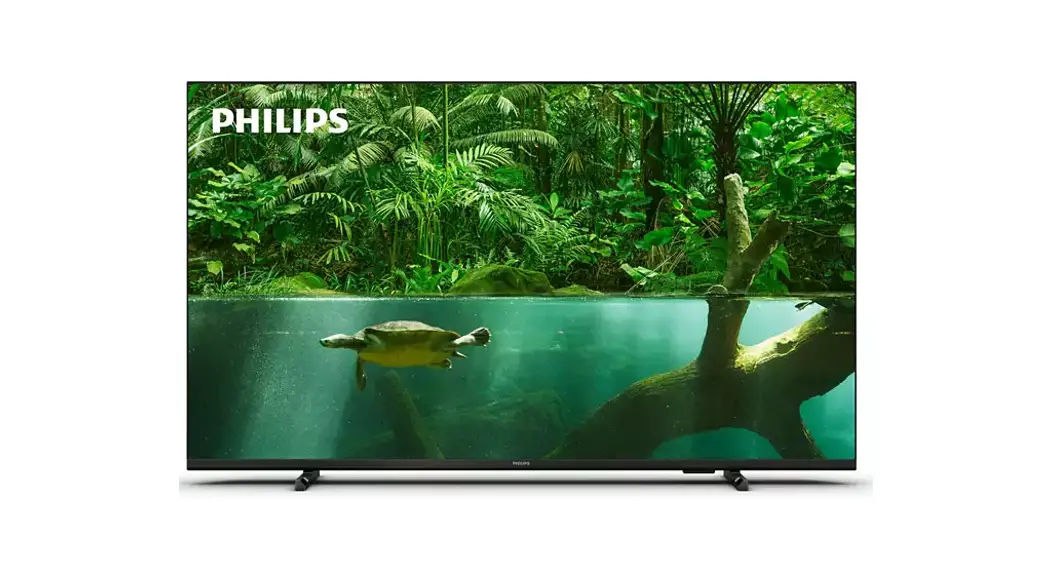
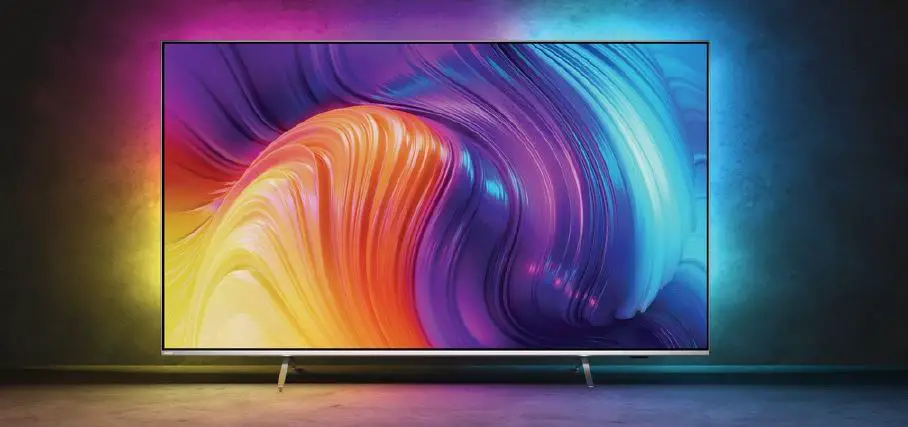
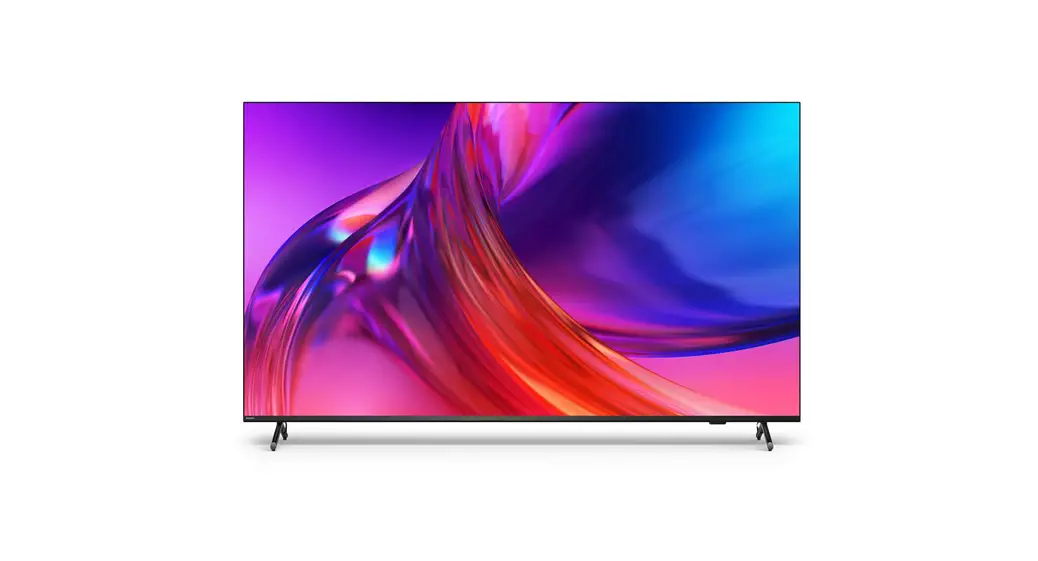
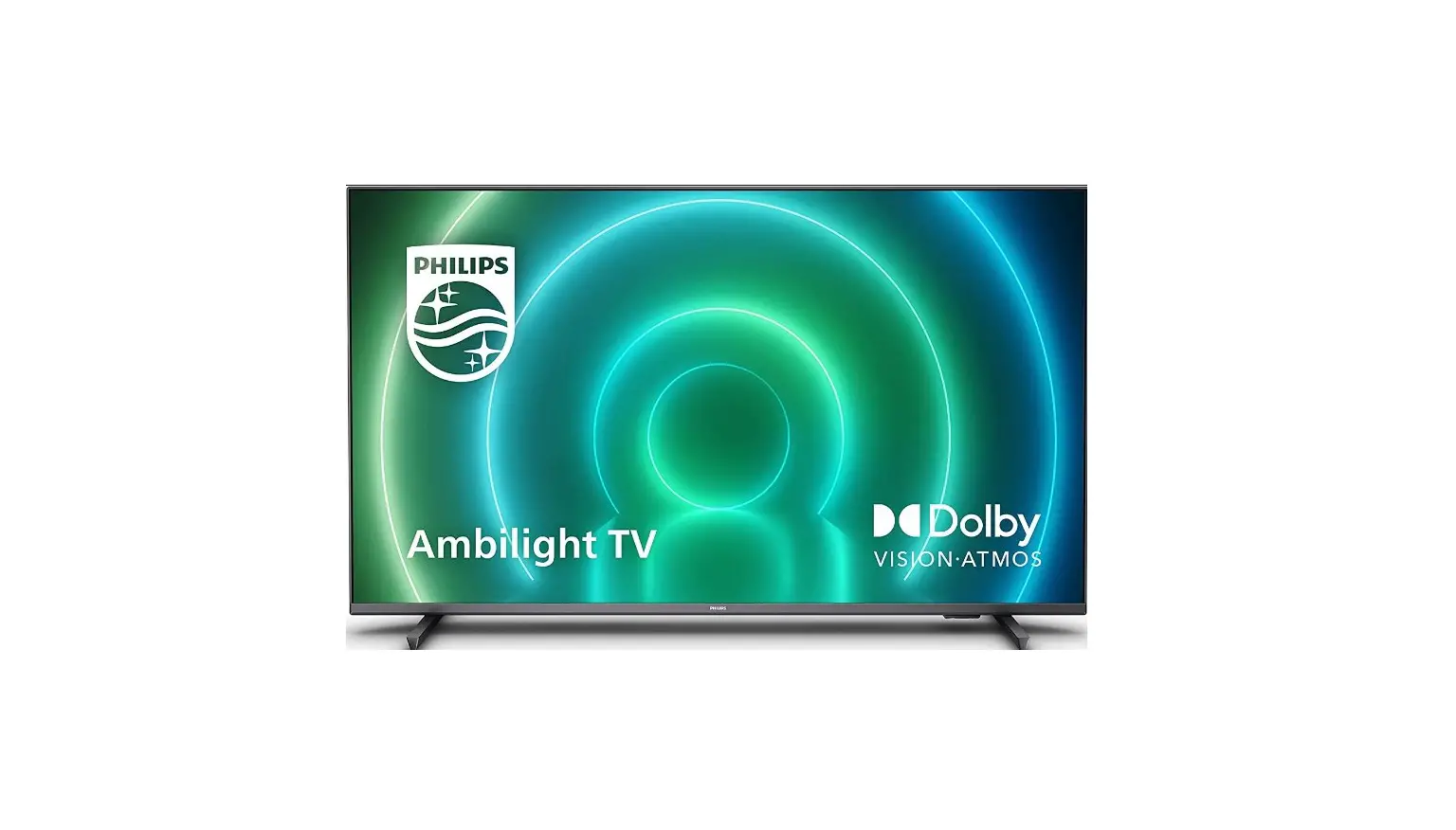
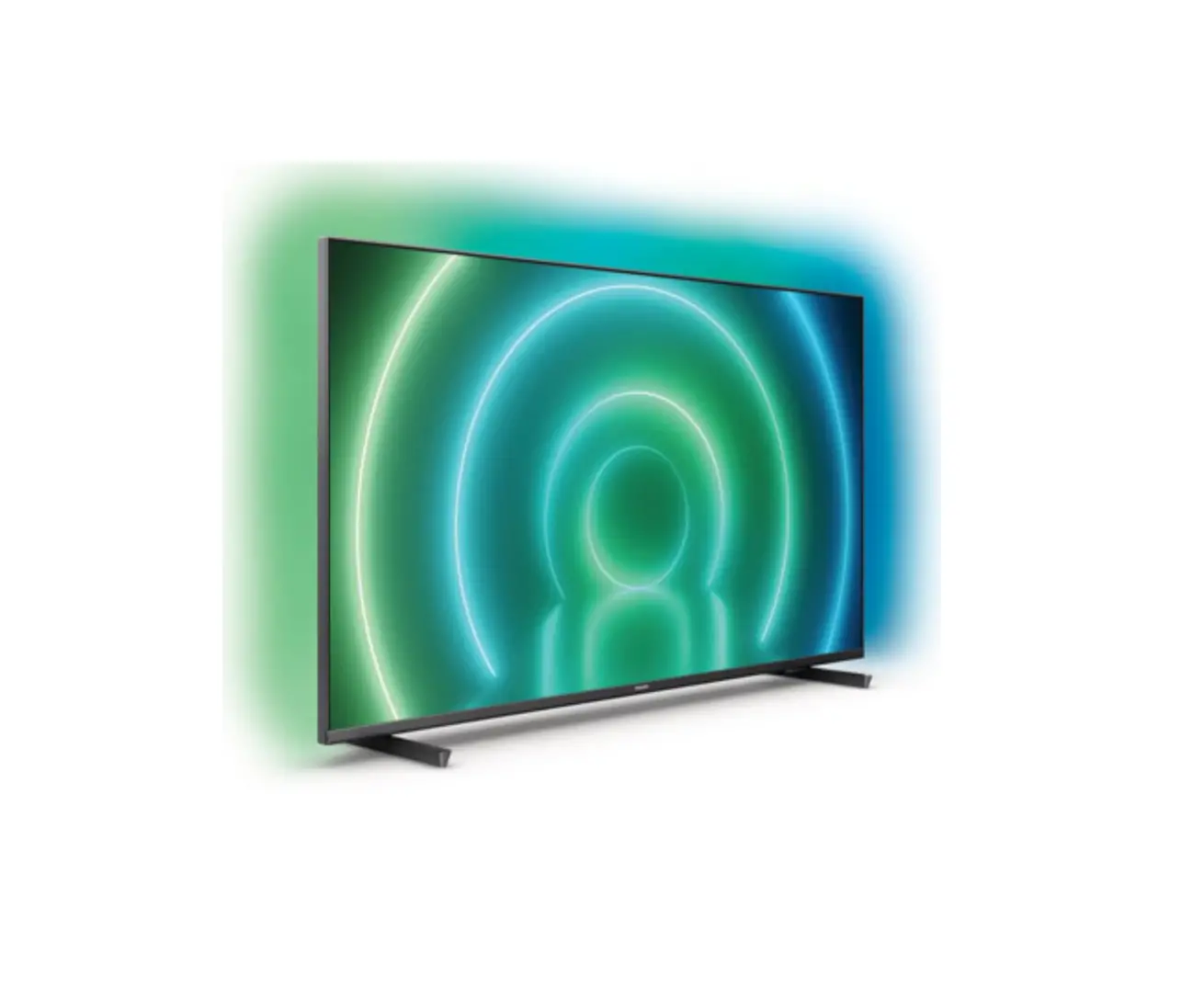
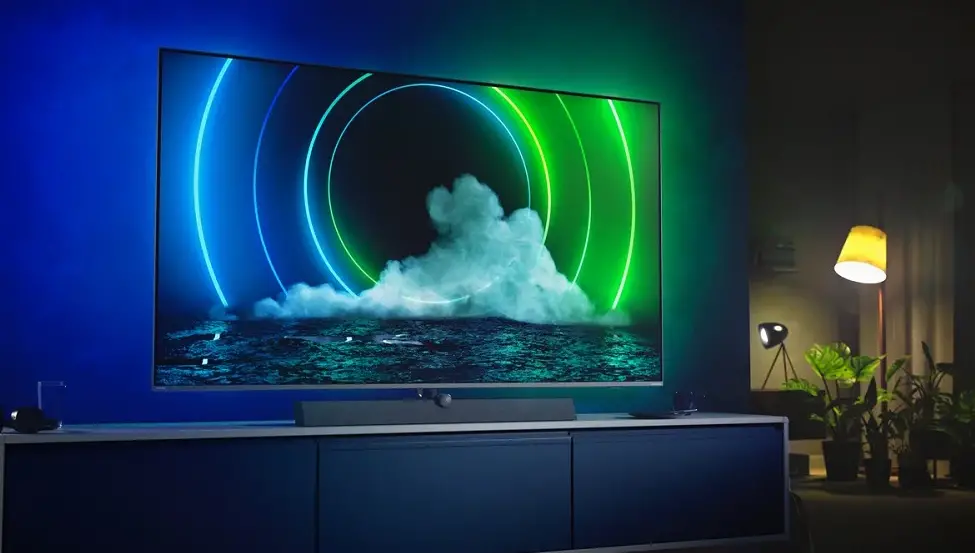
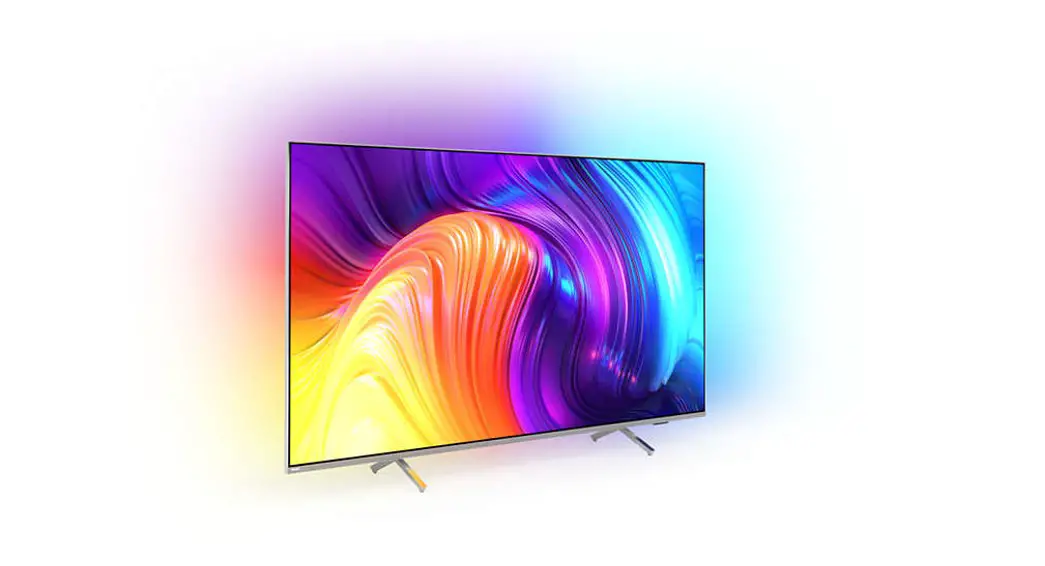
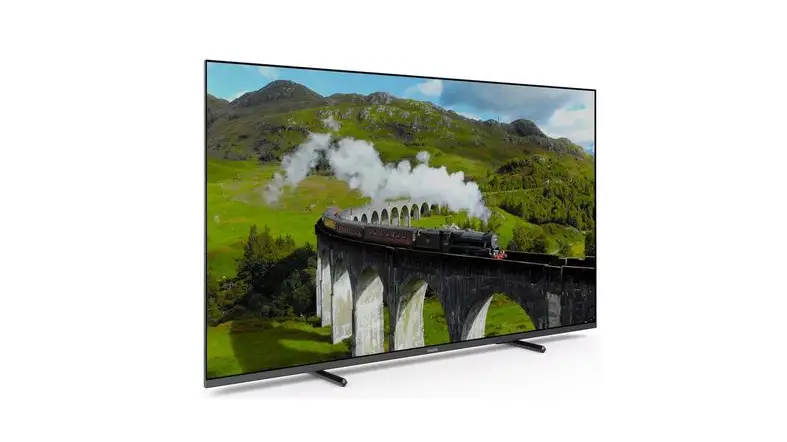
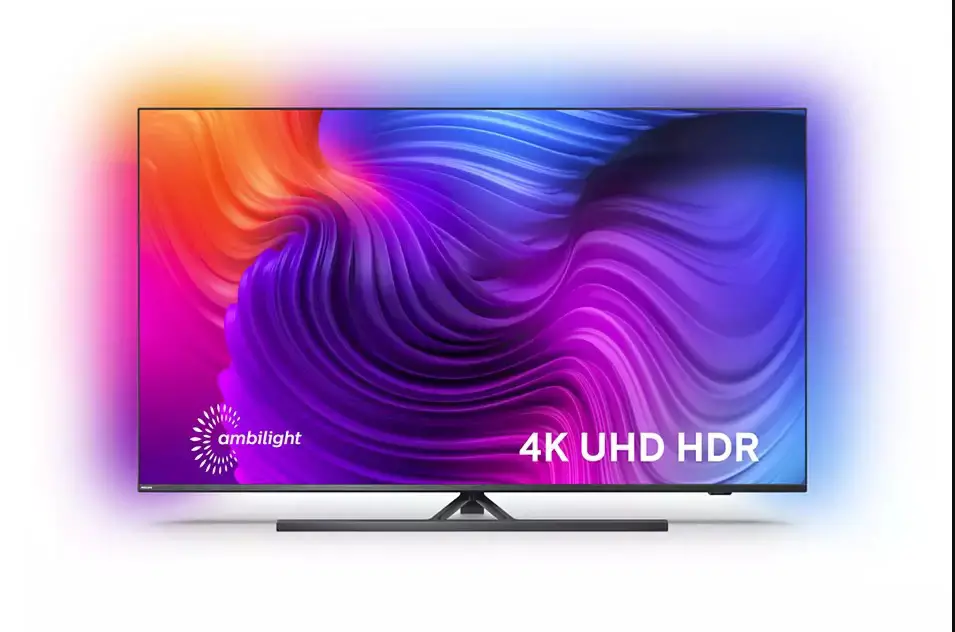
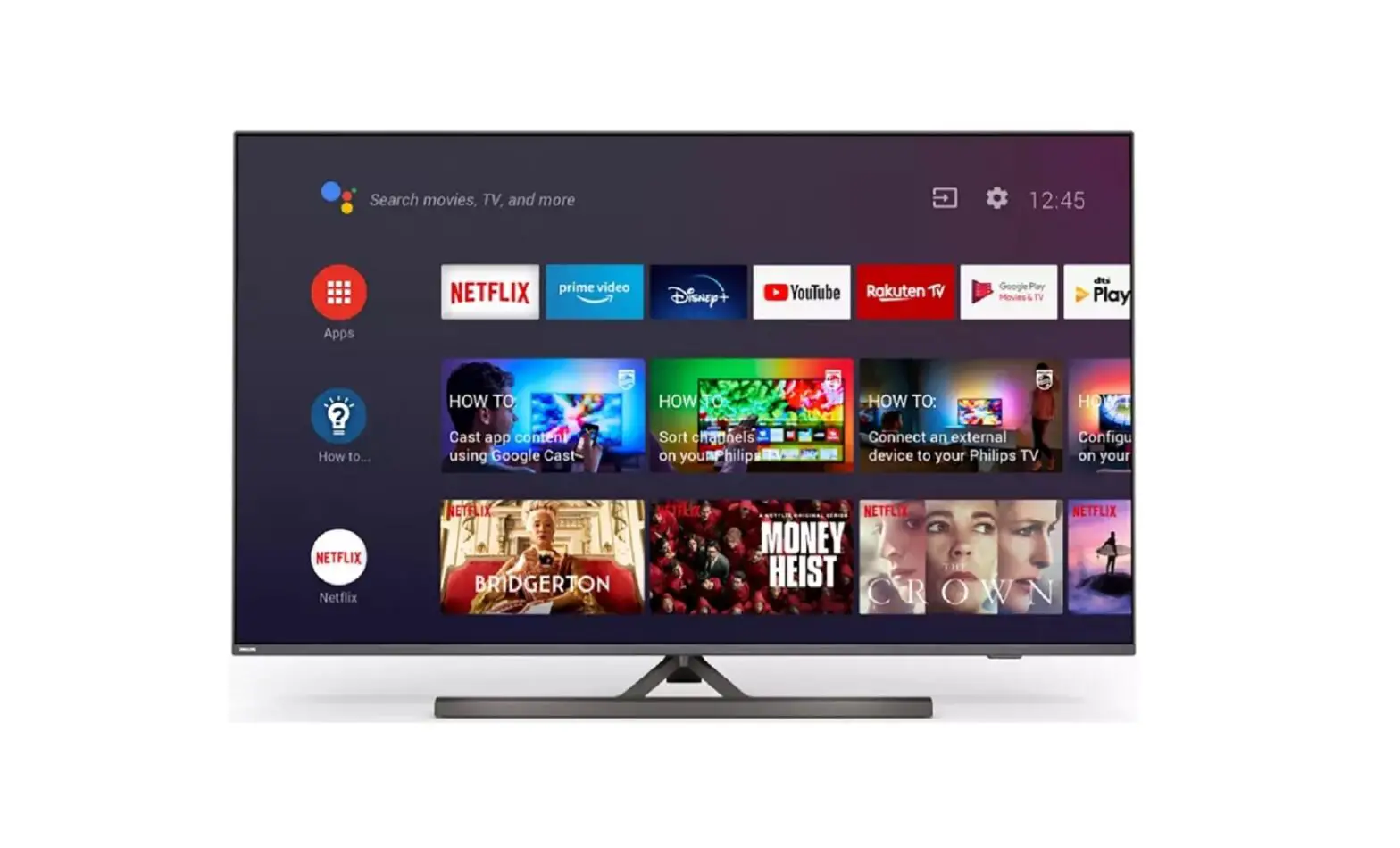
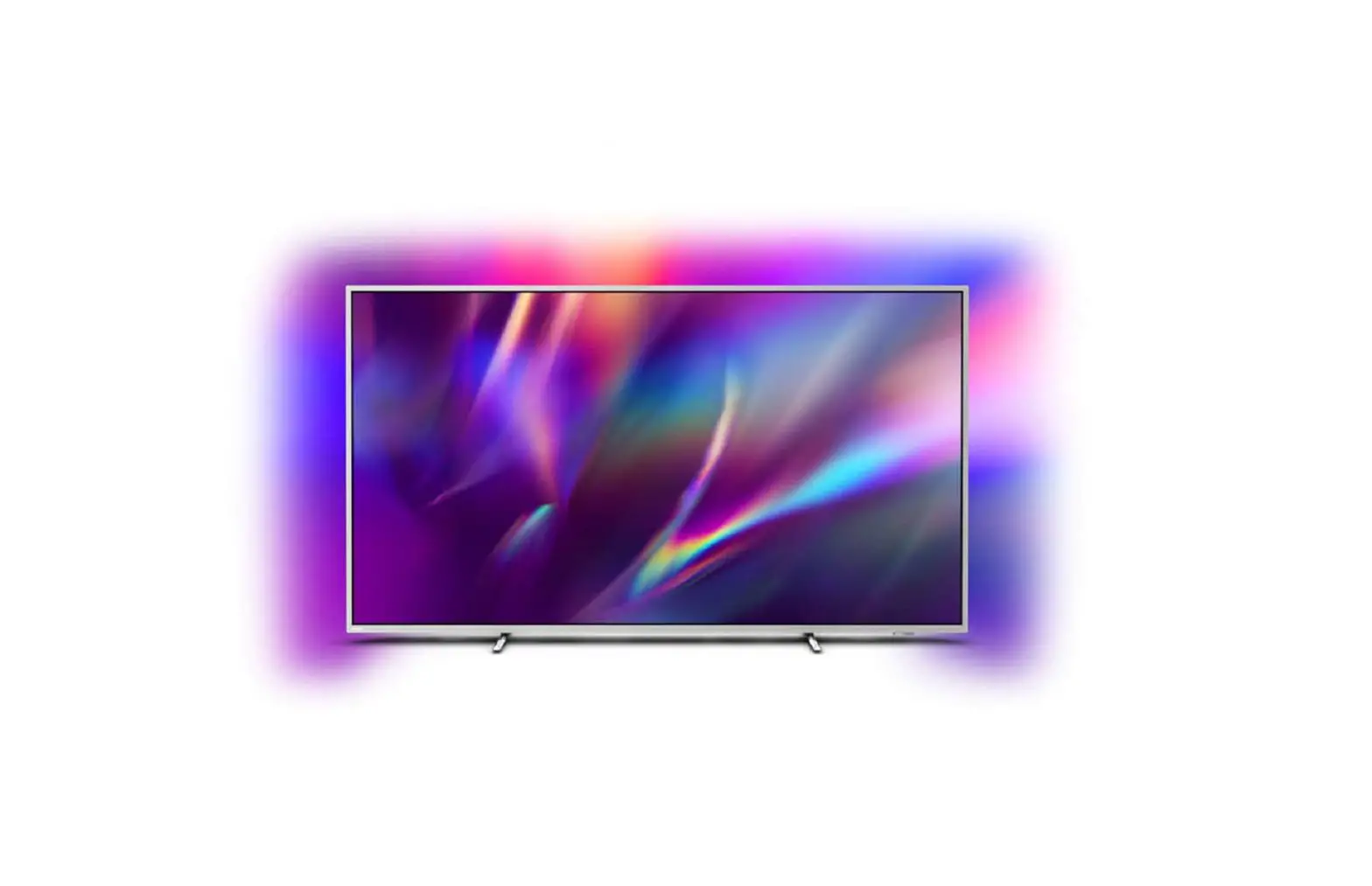
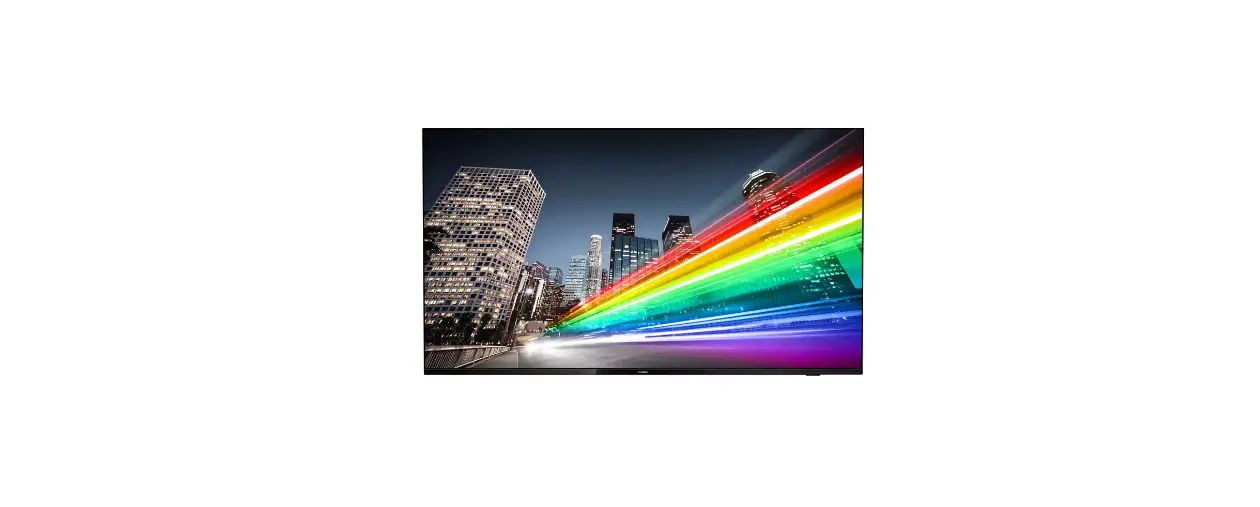
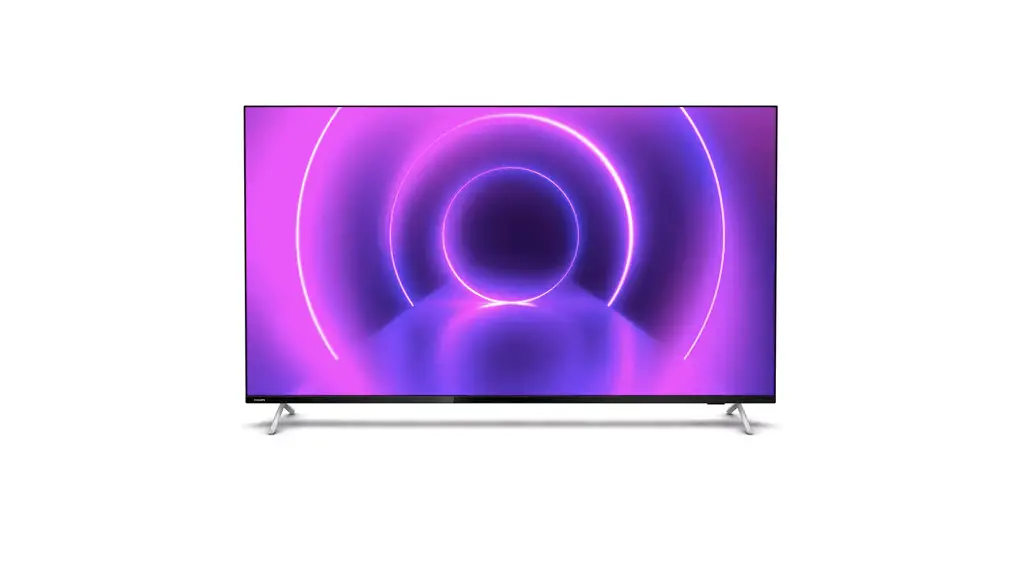
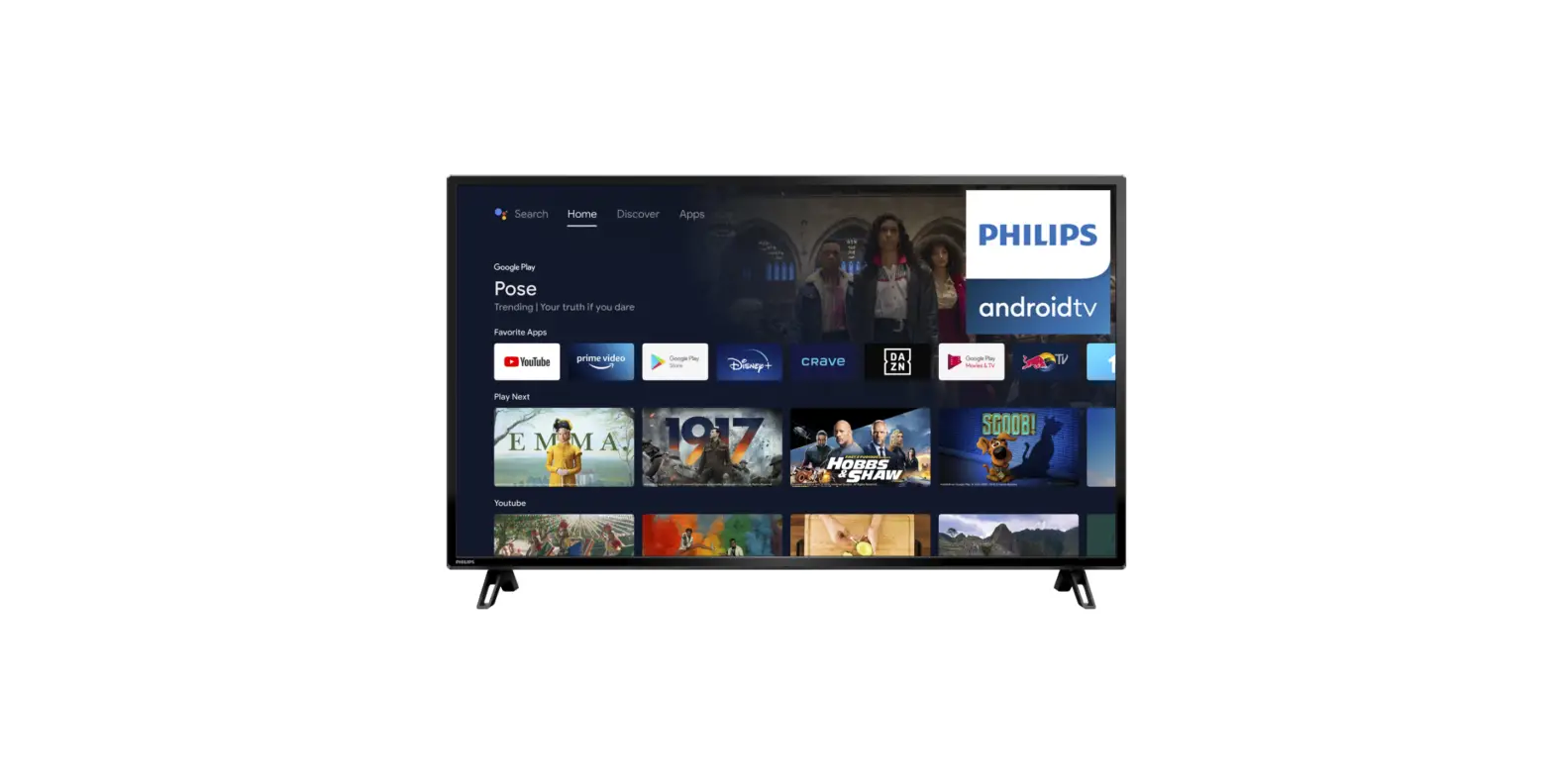
55PUS8808-12 The One 4K Ambi Light TV
Product Information:
Television Quick Start Guide 8808/8818/8848 8888 Series
The Philips Television Quick Start Guide is designed to make
setting up your TV quick and easy. The guide is compatible with the
8808, 8818, 8848, and 8888 series of Philips televisions. The TV
comes in two sizes: 43/50/55 and 65 inches. The TV supports a
variety of connectivity options such as USB, HDMI, and audio out.
It also supports wall mounting with recommended distances from 10
to 20 cm.
Wall Mount Dimensions:
The wall mount dimensions for the Philips Television are as
follows:
- 43 inches: 100x200mm M6 (L: 10mm~12mm)
- 50 inches: 200x300mm M6 (L: 10mm~16mm)
- 55 inches: 200x300mm M6 (L: 10mm~16mm)
- 65 inches: 300x300mm M6 (L: 12mm~20mm)
Product Registration:
To register your product and receive support, visit
www.philips.com/TVsupport.
Product Usage Instructions:
- Read the safety instructions before using the television.
- Connect the power cable to the POWER (EU) or POWER (UK) port on
the TV and plug it into an electrical outlet. - Insert two AAA LR03 1.5V batteries into the remote
control. - Connect your TV to a digital satellite or antenna using the
DIGITAL SAT (EU) or ANTENNA port. - Connect your TV to an audio system using the AUDIO OUT
port. - Connect your TV to a router using the NETWORK port.
- Connect your TV to external devices such as a USB or HDD using
the USB 1 or USB 2 ports. - Connect your TV to a wall mount using the wall mount dimensions
provided in the product information section. - Use the remote control to turn on the TV and follow the
on-screen instructions to complete the setup process.
Television
Quick Start Guide 8808/8818/8848 8888 Series
A 1a 43″/50″/55″
1b 65″
(EU) (UK)
43″/50″/55″(M4xL12) : x7 65″(M4xL16) : x4 65″(M5xL16) : x3
2
8888
3
Television Quick Start Guide
A
B
Television
B
Register to nd out more and get support
www.philips.com/TVsupport
Television series
User Manual
Register your product and get support at www.philips.com/TVsupport
4
5 43″/50″/55″/65″
6
7
1 65″
x2
2 Wall Mount dimensions (x, y)
65″(M5xL16) x3
43″ 100x200mm M6 (L: 10mm~12mm) 50″ 200x300mm M6 (L: 10mm~16mm)
108 cm 126 cm
55″ 200x300mm M6 (L: 10mm~16mm)
139 cm
65″ 300x300mm M6 (L: 12mm~20mm)
164 cm
8
9
10
11
TV
65″(M4xL16) x4
*
L
*
x
x4
y
R
R
L
1
2x AAA LR03 1.5V
2
2x AAA LR03 1.5V
(8888)
3
English Read the safety instructions.
Español Lea las instrucciones de seguridad. Polski
Zapoznaj si z instrukcjami
Svenska Läs säkerhetsinstruktionerna.
L
.
Cestina Hrvatski Dansk
Pectte si bezpecnostní pokyny. Procitajte sigurnosne upute. Læs sikkerhedsforskrifterne.
Deutsch Lesen Sie die Sicherheitshinweise.
Français Italiano Latviesu Lietuvi Magyar
Lisez les consignes de sécurité. Leggere le istruzioni di sicurezza. . Izlasiet drosbas nordjumus. Perskaitykite saugos instrukcijas. Olvassa el a biztonsági utasításokat.
bezpieczestwa.
Português Român
Leia as instruções de segurança. Citii instruciunile de siguran. .
Srpski
Procitajte bezbednosna uputstva.
Slovenscina Preberite varnostna navodila.
Türkçe Güvenlik talimatlarini okuyun.
.
FR
.
Eesti
Lugege ohutusnõudeid.
Nederlands Lees de veiligheidsvoorschriften.
Norsk
Les sikkerhetsforskriftene.
Slovenský Precítajte si bezpecnostné pokyny.
Suomi
Lue turvaohjeet.
FEUILLE
COMMON INTERFACE
CAM
USB 2
HDD
3 < = 1m
HDMI 4
POWER (EU) POWER (UK)
DIGITAL SAT (EU) ANTENNA AUDIO OUT
HDMI 1
4K 120Hz
HDMI 2
ARC/eARC 4K 120Hz
USB 1 NETWORK
HDMI 3
(8888)
Ultra High-speed HDMI cable
COAXIAL SATELLITE COAXIAL TOSLINK
4
5
(8888)
Click
(8888)
Wall
TV
Recommended distance to the wall 10 to 20 cm 0cm 1 2 3 4 5 6 7 8 9 10 11 12 13 14 15 16 17 18 19 20 21 22 23 24 25 26 27
(8888)
HDMI eARC
ROUTER ROUTER
All registered and unregistered trademarks are property of their respective owners.
Specications are subject to change without notice. Philips and the Philips’ shield emblem are trademarks of Koninklijke Philips N.V. and are used under license from Koninklijke Philips N.V. This product has been manufactured by and is sold under the responsibility of TP Vision Europe B.V., and TP Vision Europe B.V. is the warrantor in relation to this product. 2023© TP Vision Europe B.V. All rights reserved. www.philips.com/welcome
 TV Support | Philips