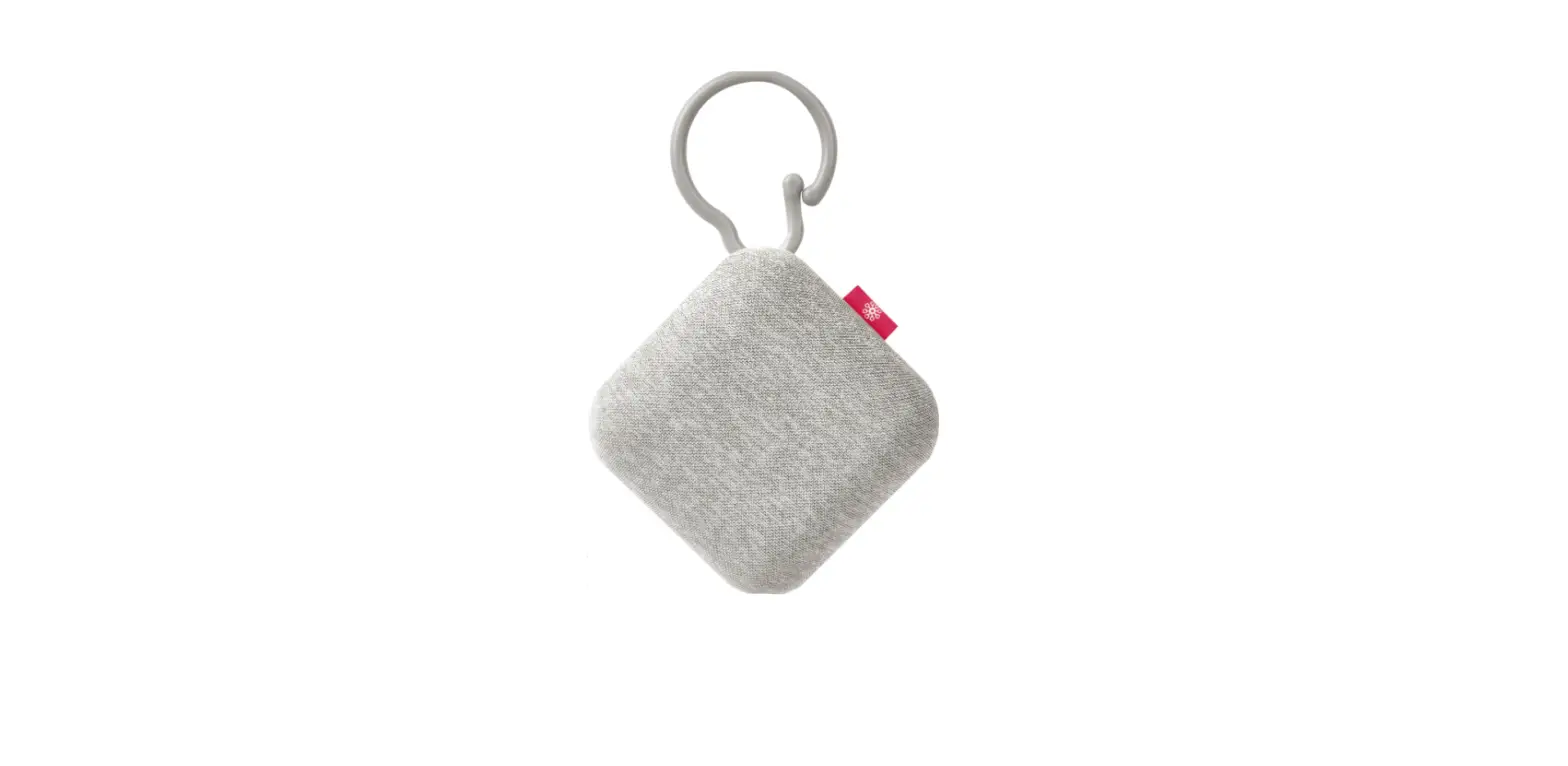

project nursery PNCSQ Portable Sound Soother
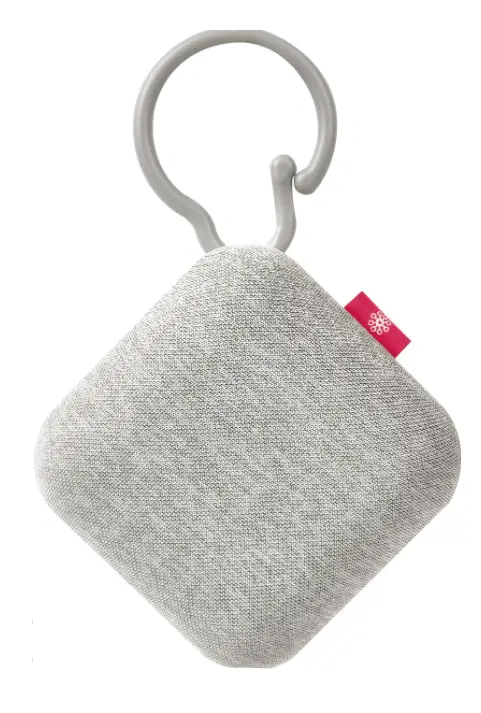
Install Batteries
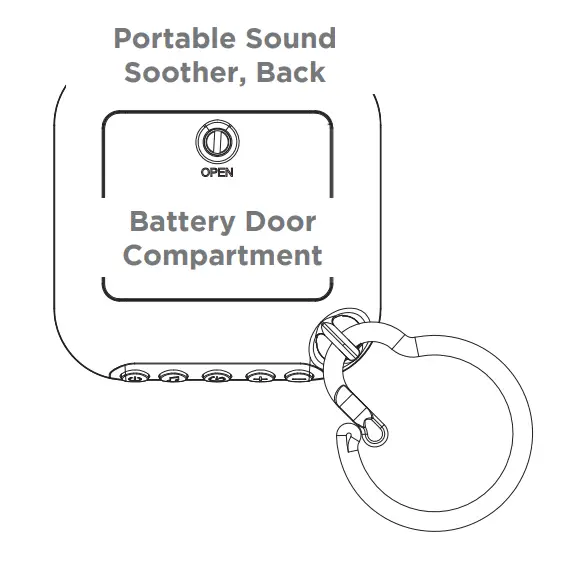
- Use a flat-head screwdriver to unscrew the battery door compartment on the back of the portable sound soother.
- Remove the battery door compartment and insert 3 AAA batteries (not included) matching the + and – markings on the inside of the compartment.
- Put the battery compartment door back on the back of the portable sound soother. Insert the screw and use a flat-head screwdriver to screw it back in place.

Using the Portable Sound Soother 
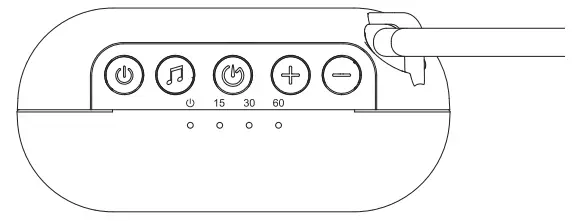
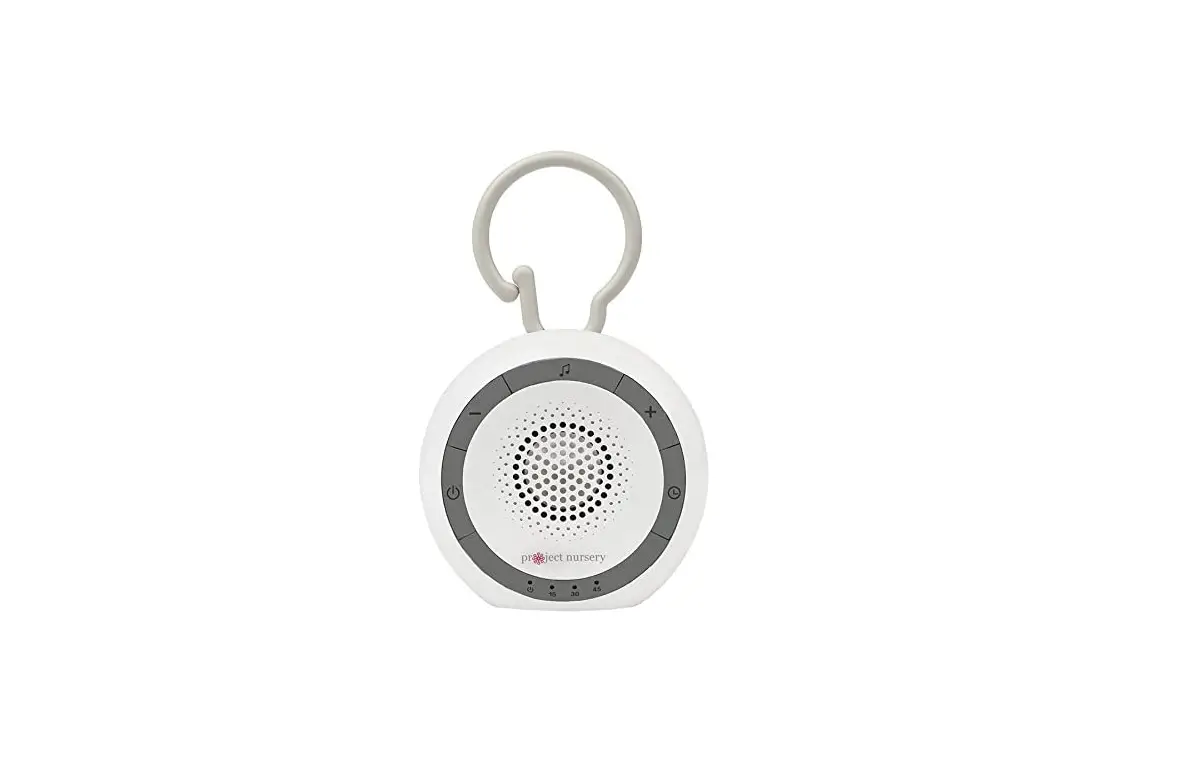
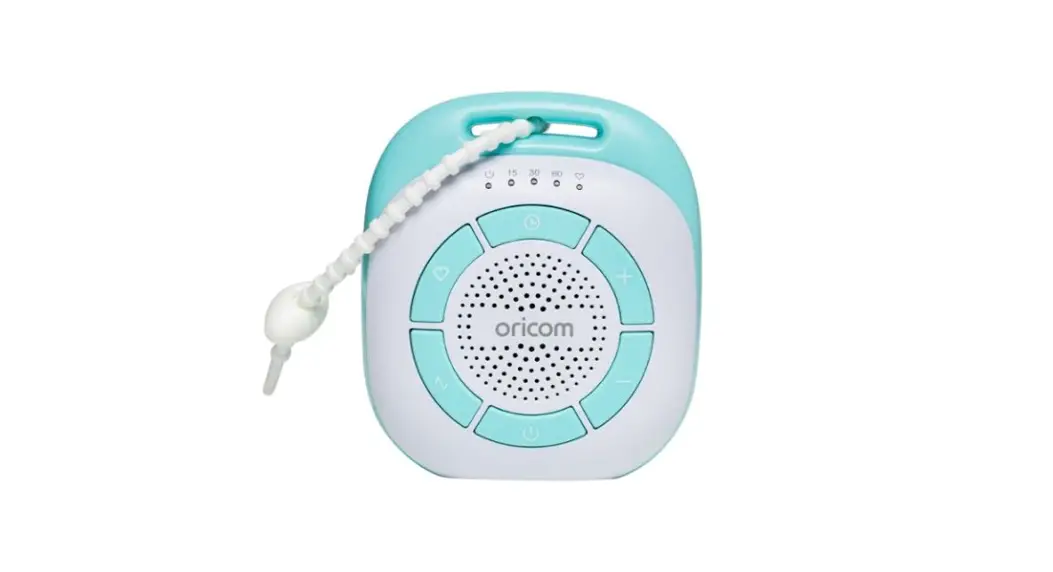
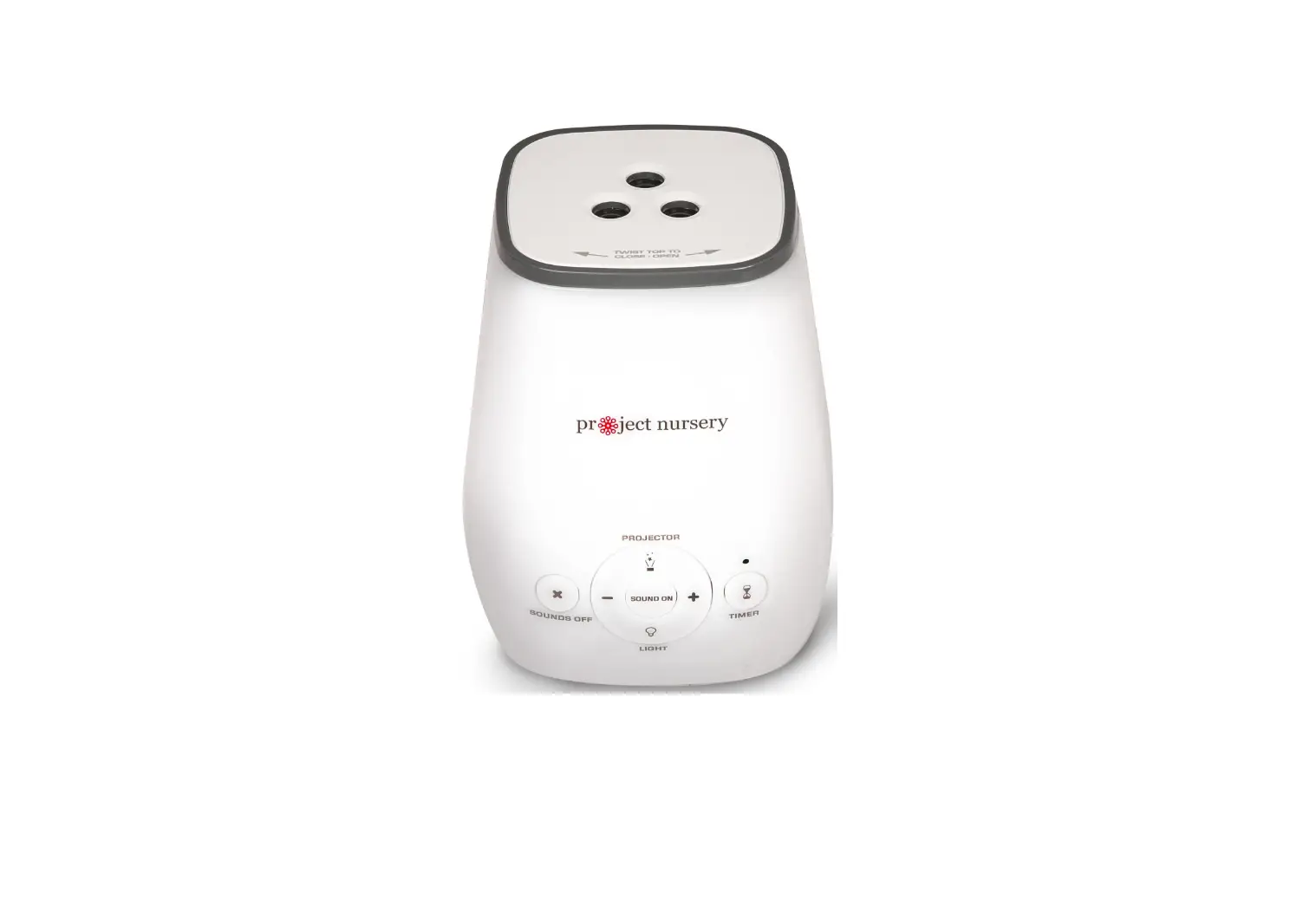
 turns the Portable Sound Soother on and off (press and hold).
  and
and  adjust the volume of the lullabies.
 turns lullabies on and off and cycles through the 8 sounds available.
 sets a sleep timer that automatically turns Sound Soother lullabies off after 15, 30, or 60 minutes. Press repeatedly to change the length.
- indicator lights show when the Portable Sound Soother is on ( ) and the length of the active sleep timer. If there are no lights next to the numbers, a timer has not been set and the portable sound soother will keep playing. To conserve battery life, we recommend using a timer.
 turns the Portable Sound Soother on and off (press and hold).
  and
and  adjust the volume of the lullabies.
 turns lullabies on and off and cycles through the 8 sounds available.
 sets a sleep timer that automatically turns Sound Soother lullabies off after 15, 30, or 60 minutes. Press repeatedly to change the length.