lytmi LBA10R LED Controller User Manual

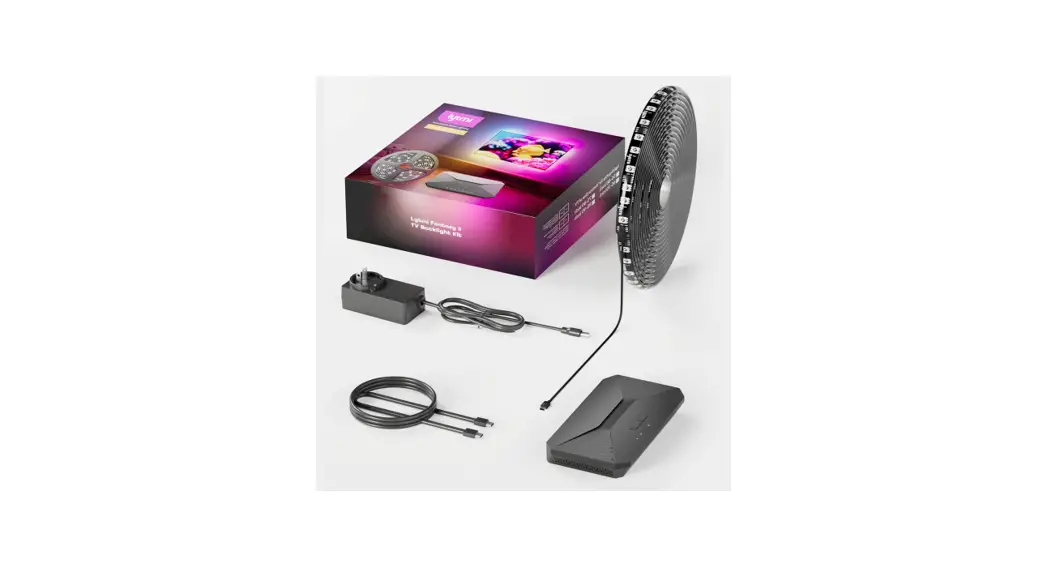
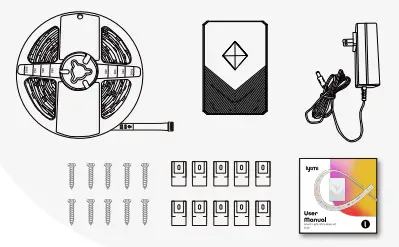
what’s in the box?
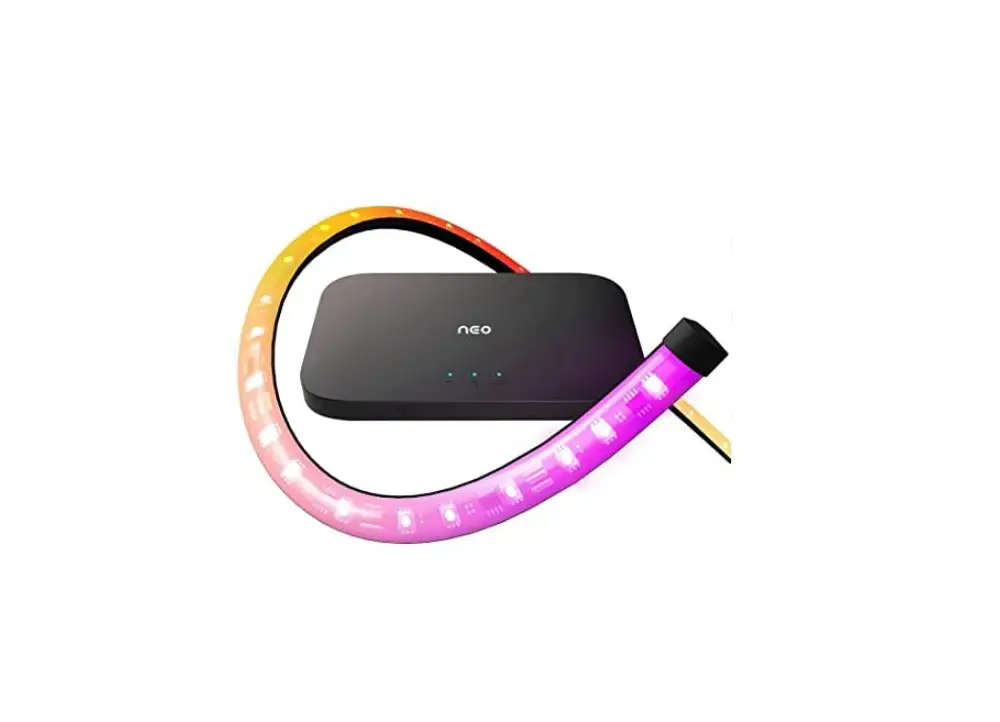
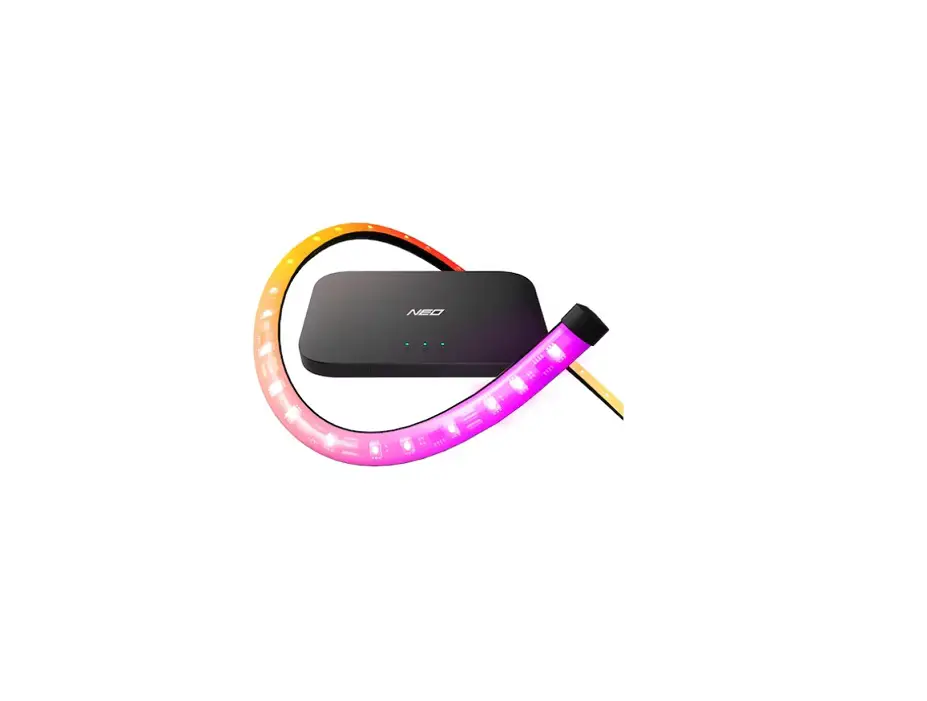
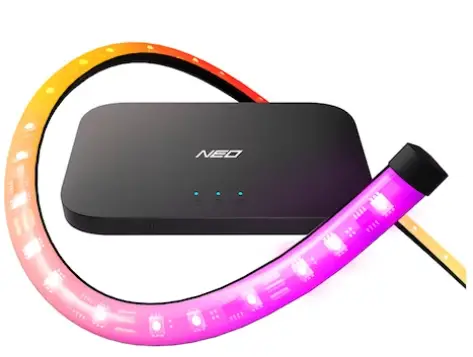
Light $;rip 1
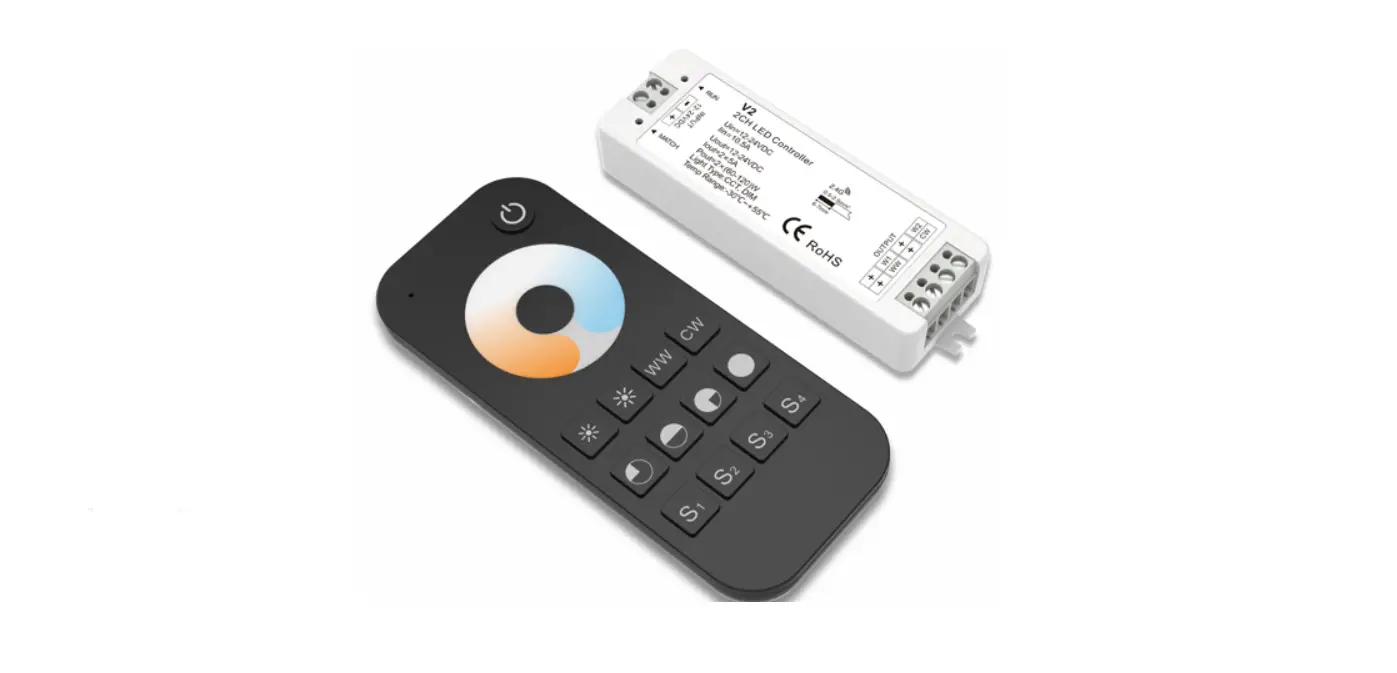
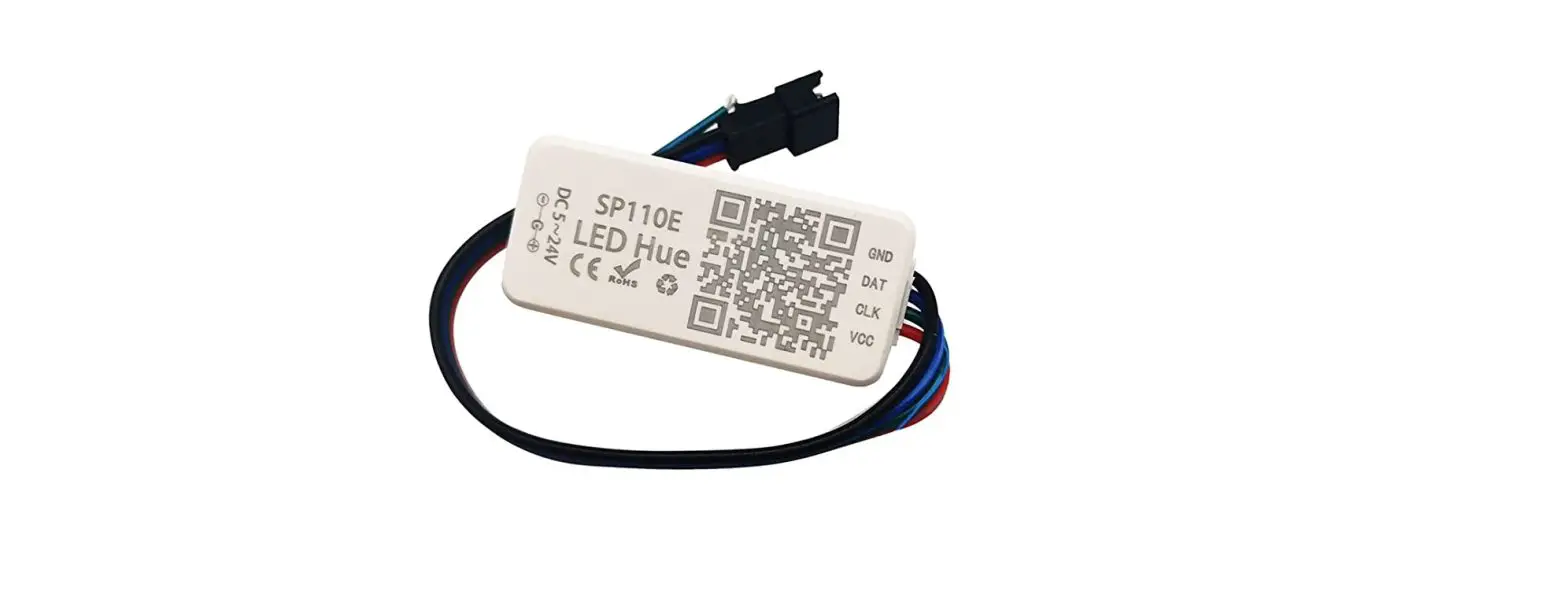
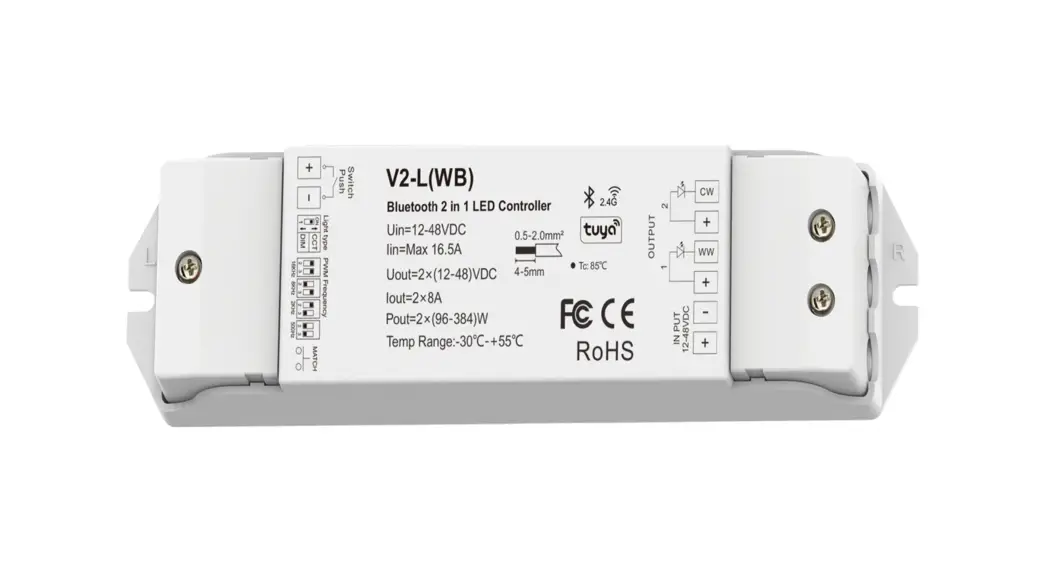
Smart RG3 Controller 1
:,c,.vcr AdaPtcr 1
Fixing Clips & SC'”8WS 10
User Manual 1
SpectFtcotton
Light strip Length 5rr / 1 6ft per roll
LED Color 5050RGA+:>835CW
Color Temperature 2l00k-6h00k
FoWQr Supply outpJt voltage DC2’1V
DCpowe<si.:e 5.5×2.1m-n
Maximum curren; 2A
Installation
- Clean the suiace to e1sure it’s dustless a1d cry

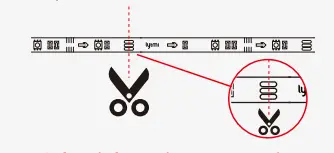
- Cut the l”glt strip(Optional) Cut the l”lllt strip coarcting to your need.

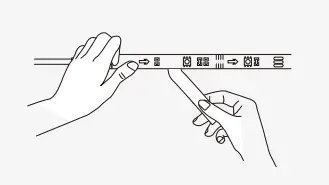
- Take off the protective iilm on the tape, stick t~e light strip oo and press o-,er it iirmly

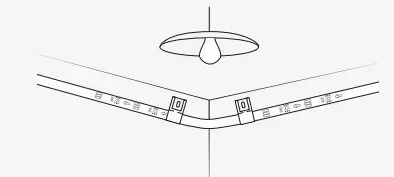
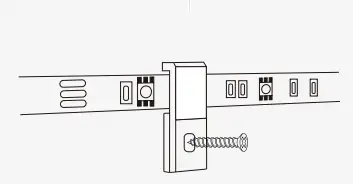
- Place the light strip on the clips when It Is necesS3’Y There are 2 ways for the flXlng clips:
a. Use the 3M stickers directly
b. Hei’lforce clips and screws provided - Take off the protective iilm on the tape, stick t~e light strip oo and press o-,er it iirmly.

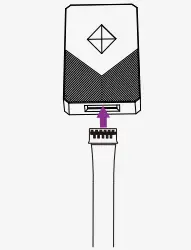
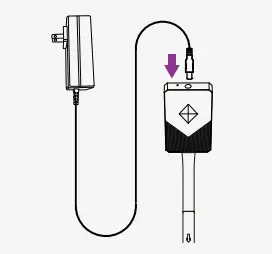
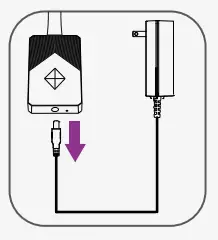
- Connect t1e power adapter with the controller, toen power” on

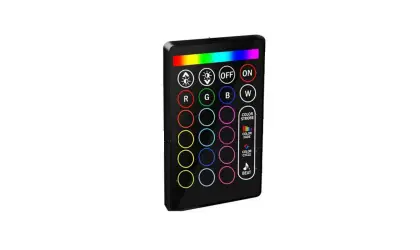
Oontf’0I the light
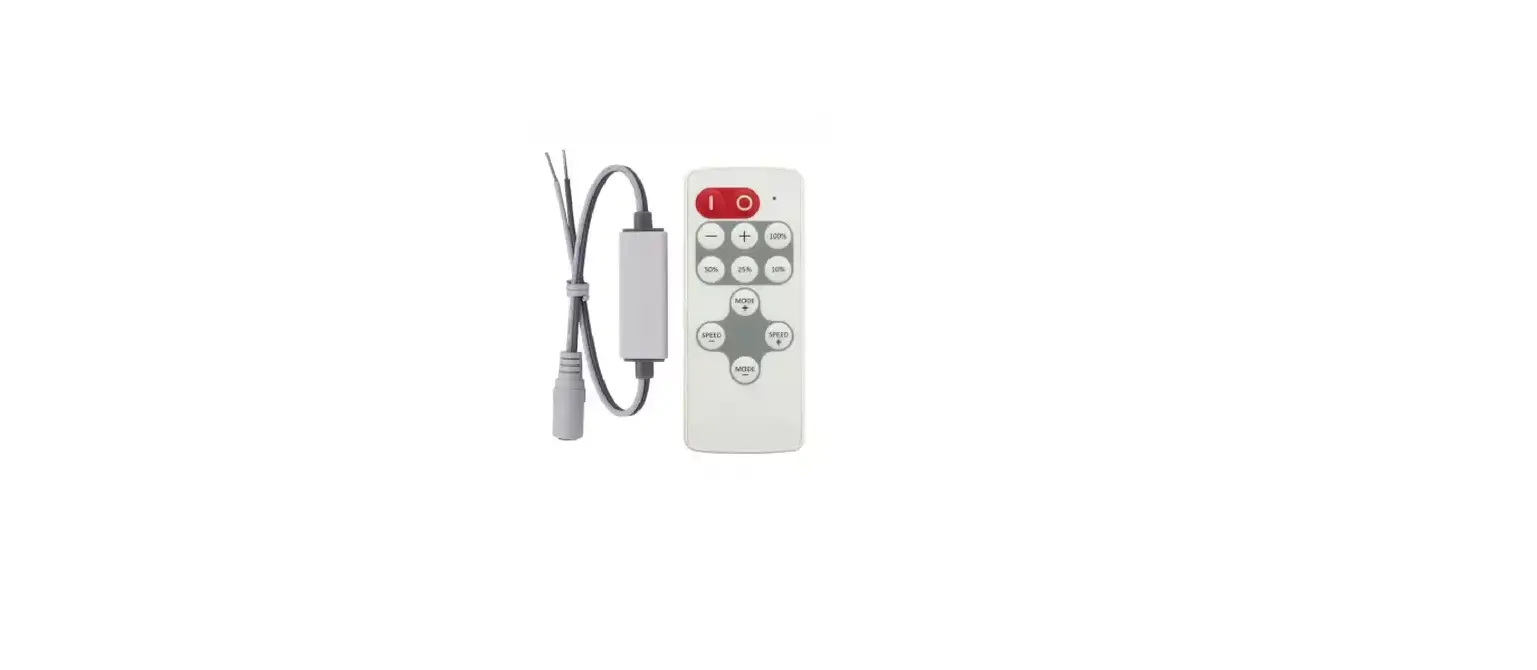
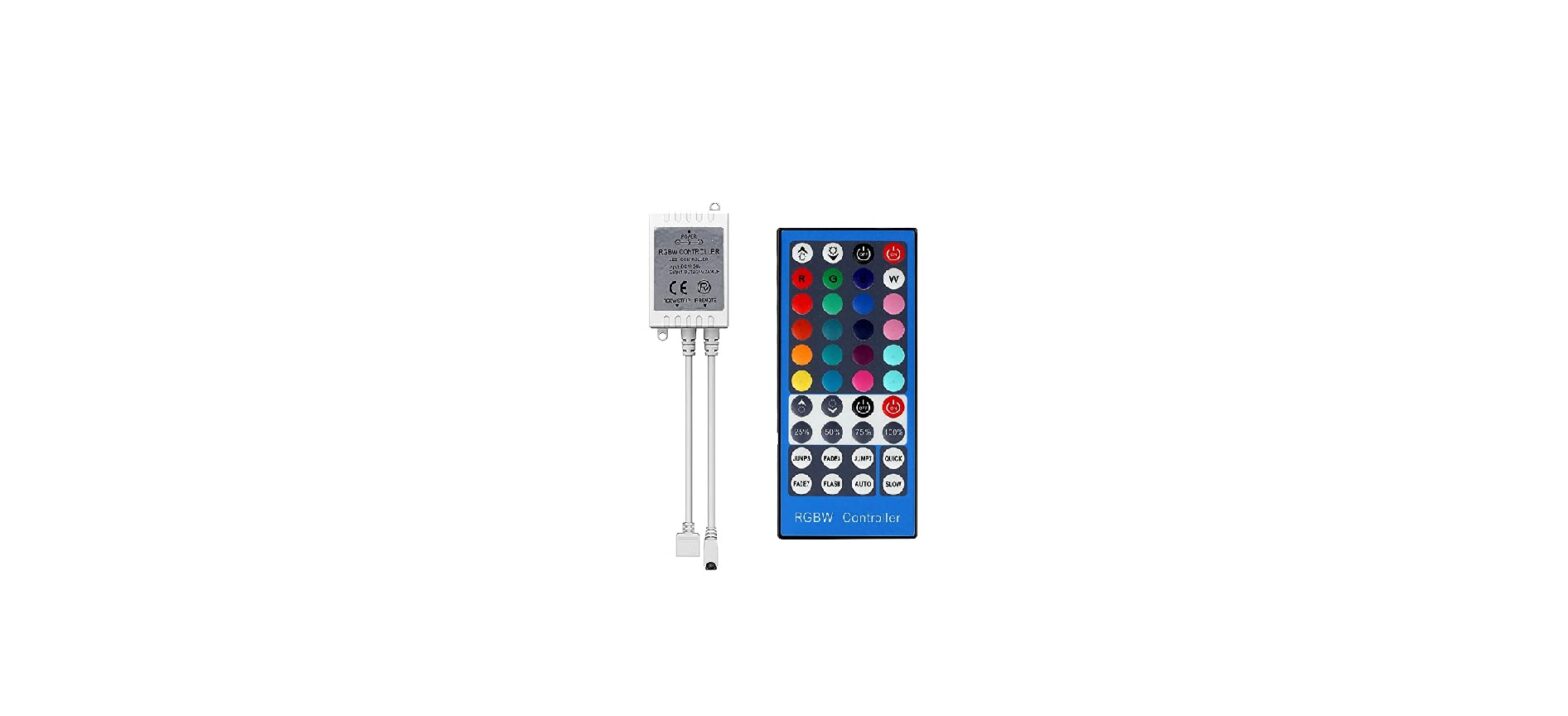
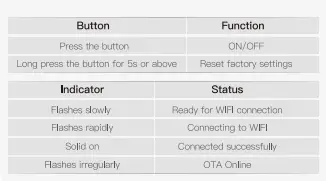
1. Control via the controller
Oontf’0I the light
2. Reset 1he light manually:
- Long press the button for 5s or above.
- >_ Remove the oevlce from the APP manually. Tap in the “Srrart light strip” anc remove it.
- Tum the device ON-OFF-ON-OFF-ON

3. Control via the APP (The sync mode cen be ooly controlled via APP)
3. 1 : Uownload Lytmi Af-‘P
3.?: Make sure ycur WIFI ts urder ?.4Gh1; Turn on Flluetooth anc GPS/locatlon on yoor phone.
3.3: On the APP, register ana log In. The APP WIii d8tect the “Smart Light Strip” eJtometicelly. I ap and Add it.
3.4 Top Setting -> Synchroniza to customize toa sync mode (N&O HDM12.0 sync box s-:andard ecition required)
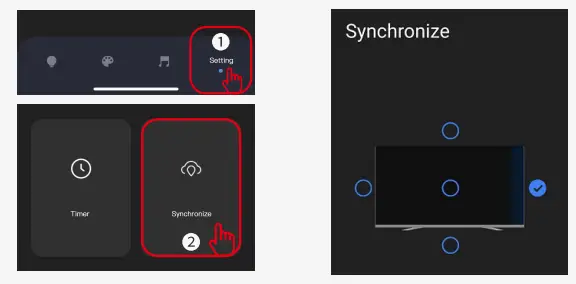
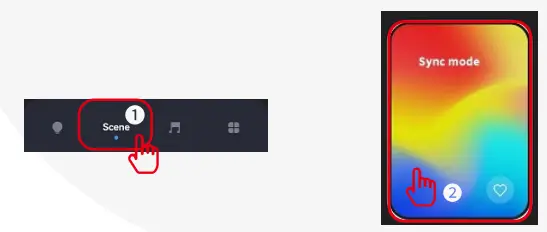
3.5 Tap Scene to select/dlange the light moce anc enjcy!
voice Oontrol
Support Voice Assistant like: Alexa, Google Assistent and Smart Things.
By “Lytmi Station” Desktop APP
Download the software on our official websi’.e: https://ilytmi.com/ (Only supports WIN1 0 above)
notice
- The sync mode requir&& Neo HDM12.0 sync box standard edlttoo r&qUIIW or PC Screen Strip Light; It also ~uln;s HDMI Sync BolC or Lytmi Station O&sktap APP in 1h& sam& WIFI rau1er. (lh& HDMI Sync Box Shauld b& on, otherw!S&, It cannot be synced)
- The light strip cen be extended an01fler 15 meters. (Maximum length of 20 meters II\ total)
- If th& llght stl’lp W8S cut, It cannot be extended anymor&.
Troubleshooting
- Cannot connect with Lytmi APP
A. Mak0 &JIB tl·e ight is well 001111e<.,”led a11u poW!lreu 011.
B. Make sure the B uctoo:h, G”S Is on and your WIFI is under 2.4Ghz.
C. Make sure the distance between the ccntroller and the phooe less thn 1 meter w~ile connecting.
D. Re-power on the strip and re-turn the Bluet001h in your phone to 11)’ again. - Cannot use 1he sync mode.
Please make sure you have Neo HDMl2 .0 sync box standard edition reQUired or Lvtmi Station Desktop APP for the sync mooe. - Tha strip lights do not work
A. Pull out e;ich connective part ;ind re connec-: them.
B. Tap ON/OFF bUTton on the controller or APP to exclude the light strlps IS&Je.
If you have sny problem ebovt the Item or something is urfounded in the package, fael free to contact us. au- email: suppo.-tOilylmi,com
Customer Service