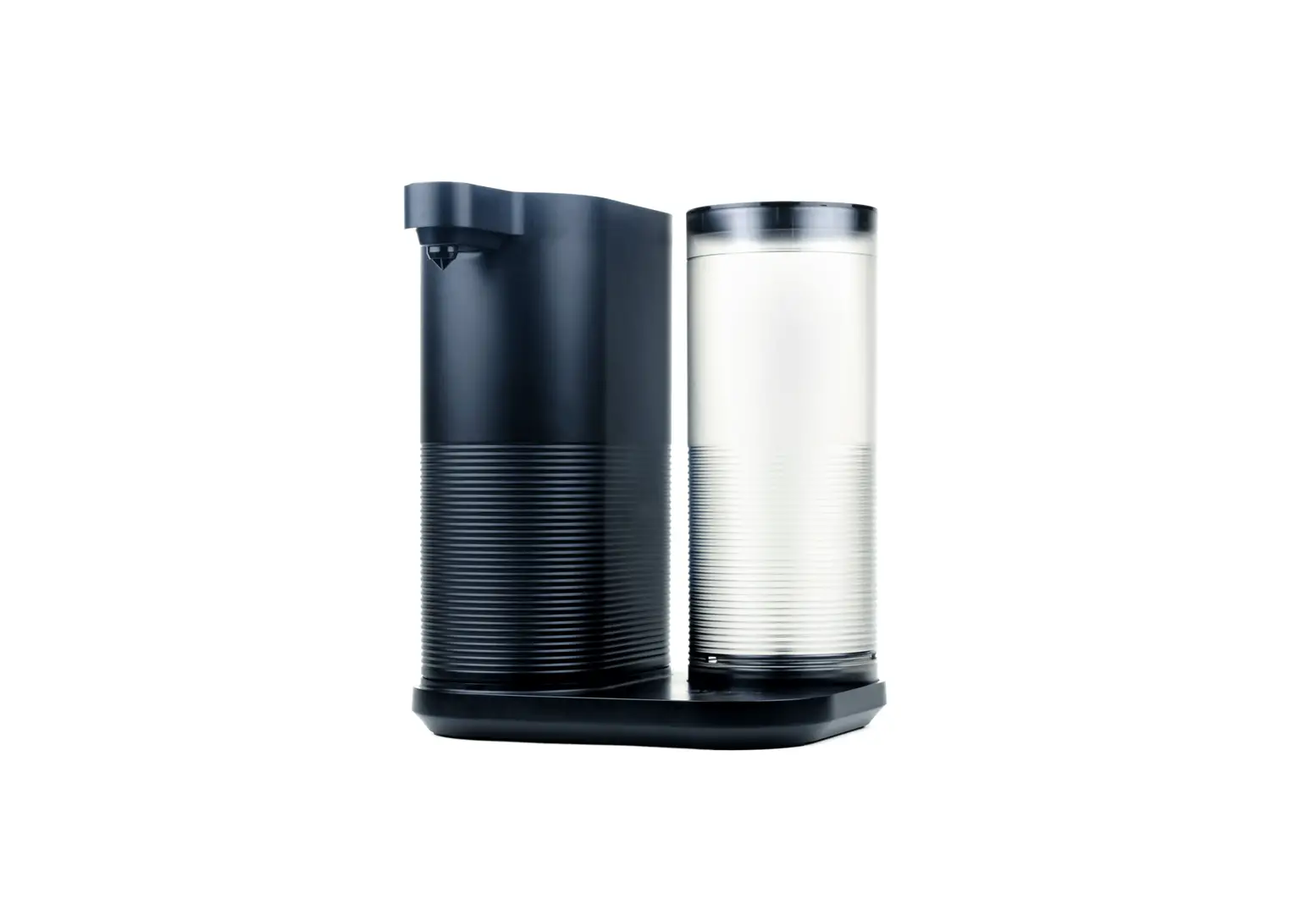
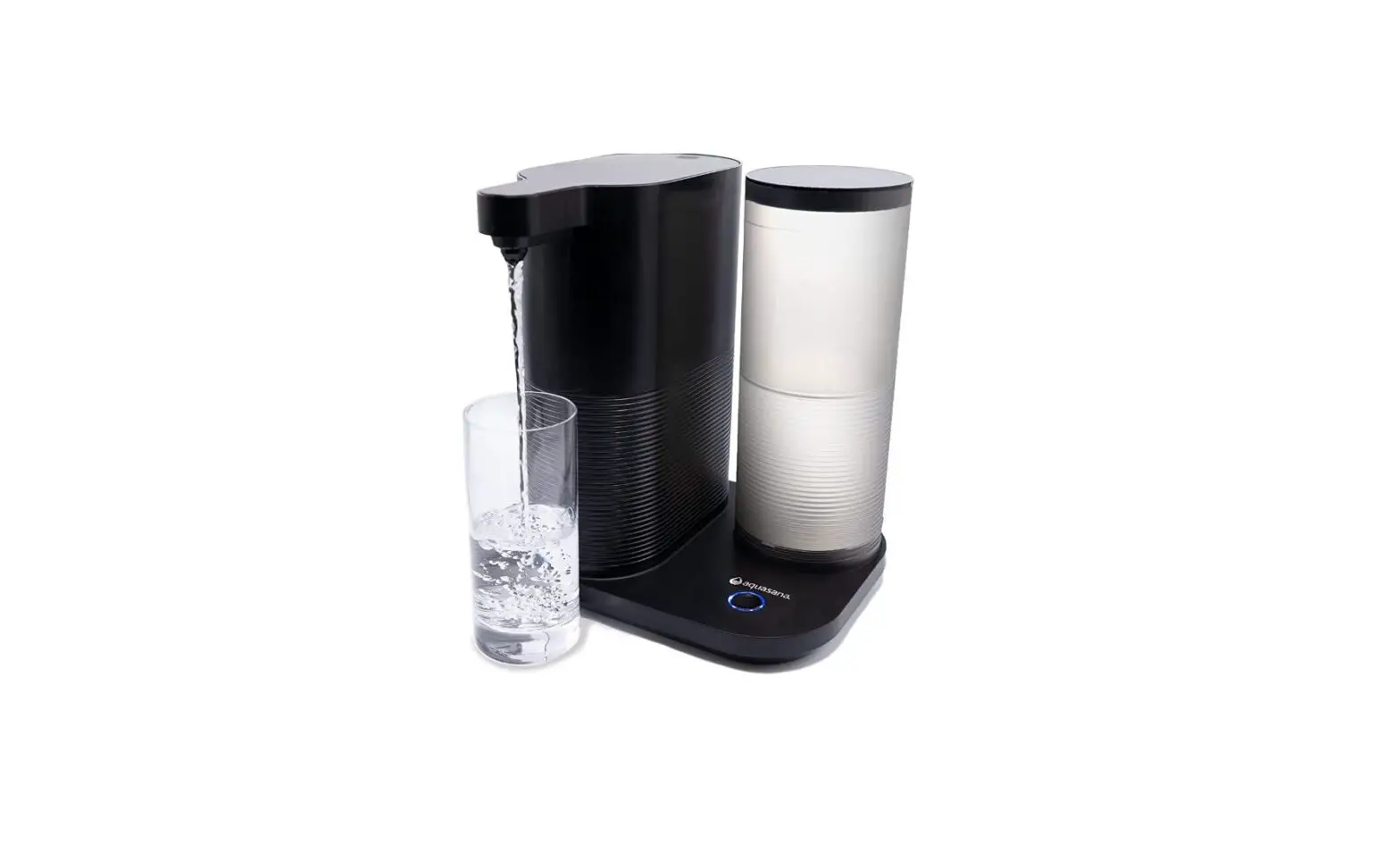
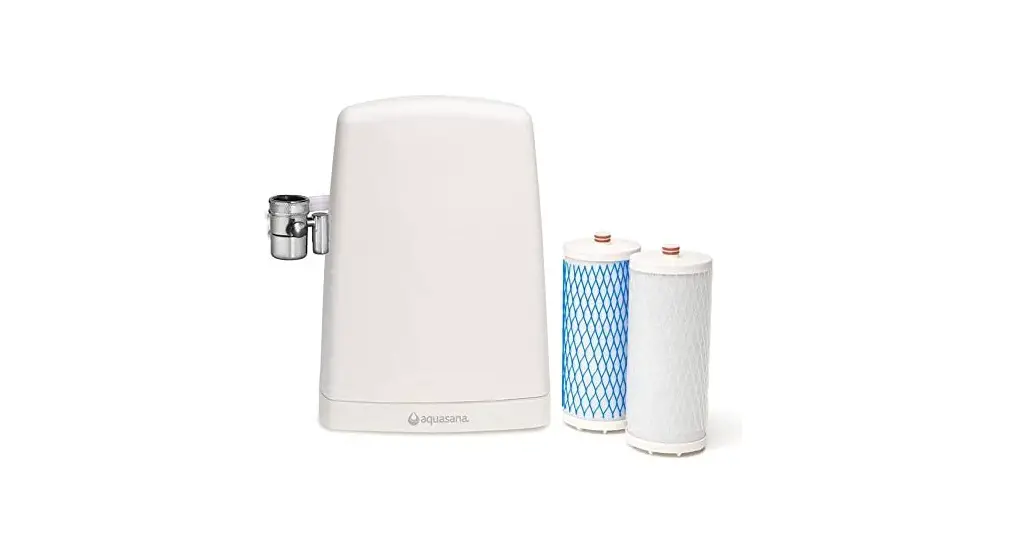
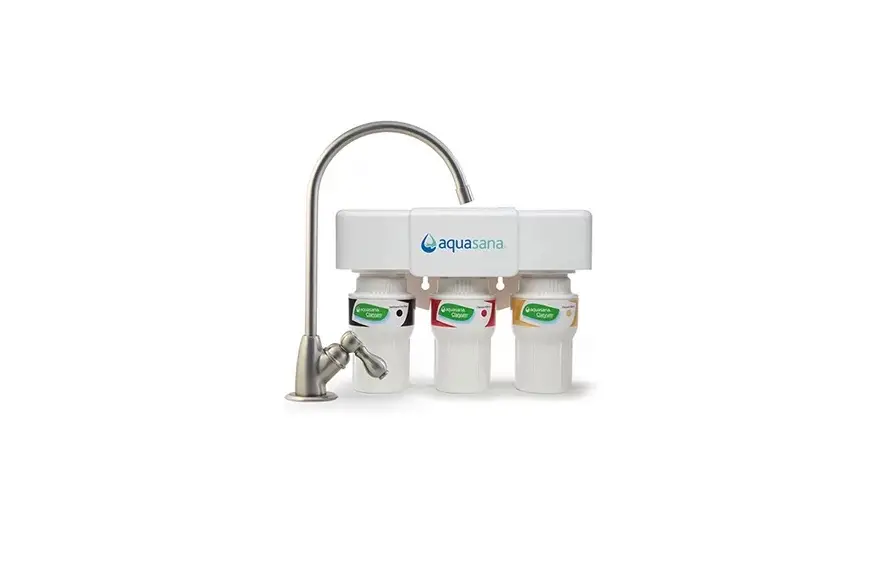
AQ-CWM2-R Clean Water Machine
Product Information:
- Product Name: Countertop Water Filter Clean Water Machine
- Model: AQ-CWM2-B
- Certifications: WQA certified to NSF/ANSI Standards 42, 53, and
401 - Recommended Replacement Frequency: Every 6 months or 300
gallons of use - Compatibility: Compatible with AQ-CWM2-B
Product Usage Instructions:
- Unbox replacement filters and remove the plastic.
- Remove the filter housing lid.
- Twist the filter chamber cap to the left and remove the old
filter from the cap. Discard the old filter. - Press the new filter into the filter chamber cap.
- Fill the water tank and place it on the housing unit dispenser
dock, ensuring a snug fit. - Insert the filled water tank into the housing unit dispenser
dock and twist it to the right to close. - Press the dock button three times quickly. The light will
illuminate red for 5 seconds. - While the red light is illuminated, press and hold the dock
button for 1 second. The light will blink red. The system will
flush, and the light will continue to blink red. The flush process
will take about 60 seconds. - As the flush completes, the light will blink blue.
- The light will illuminate blue for 5 seconds to confirm that
the flush is complete. Once the flush is complete, your system is
ready to use. - NOTE: Do not drink flushed water. Discard the flushed
water.
NOTE: Do not use the product with water that is
microbiologically unsafe or of unknown water quality without
adequate disinfection before or after the system.
For more information about replacement videos, the full list of
filtered contaminants, and performance data, please visit Aquasana.com.
To protect your investment and take advantage of extended
warranty, discount replacements, free shipping, and no contract,
contact us at [email protected].
Use only certified, genuine Aquasana replacement filters to
ensure continued contaminant removal and system performance.
Countertop Water Filter
Clean Water Machine
Replacement Filter Instructions
For use with AQ-CWM2-B
1. Unbox replacement filters and remove plastic. Remove filter housing lid. Twist filter chamber cap to the left and remove old filter from cap. Discard old filter.
2. Press new filter into filter chamber cap
3. Fill water tank and place on
ensuring a snug fit. Insert into housing unit dispenser dock.
and twist right to close.
4. Press dock button 3 times quickly. Light will illuminate red for 5 seconds.
5. While red light is illuminated, press and hold dock button for 1 second. Light will blink red. While system flushes, light will continue to blink red. Flush will take about 60 seconds. As flush completes, light will blink blue.
6. Light will illuminate blue for 5 seconds to confirm flush is complete. Once flush is complete, your system is ready to use.
NOTE: Do not drink flushed water. Discard water.
Press 3X Quickly Solid Red for 5 seconds
Press & Hold for 1 second Blinks Red for 60 seconds
Protect your investment and save money with our Water for Life program.
Extended Warranty
Discount Replacements
Free Shipping
No Contract
CONTACT US TO LEARN MORE [email protected]
Blinks Blue for 5 seconds Solid Blue for 5 seconds
NOTE: Do not use with water that is microbiologically unsafe or of unknown water quality without adequate disinfection before or after the system.
Scan to view replacement video.
For the full list of contaminants filtered, scan to view the Performance Data Sheet on Aquasana.com.
AQ-CWM2-R is certified by WQA to NSF/ANSI Standards 42, 53, and 401 when used in AQ-CWM2-B for the reduction of the claims specified on the Performance Data Sheet and at www.WQA.org.
The recommended replacement frequency for the AQ-CWM-B is every 6 months or 300 gallons of use.
Use only certified, genuine Aquasana replacement filters for continued contaminant removal and system performance.
Aquasana, Inc. 6310 Midway Road Haltom City, Texas 76117 USA 866.662.6885 · CAN877.332.7873 www.aquasana.com
 Aquasana Water Filters | Whole House Water Filtration Systems
 Aquasana Water Filters | Whole House Water Filtration Systems