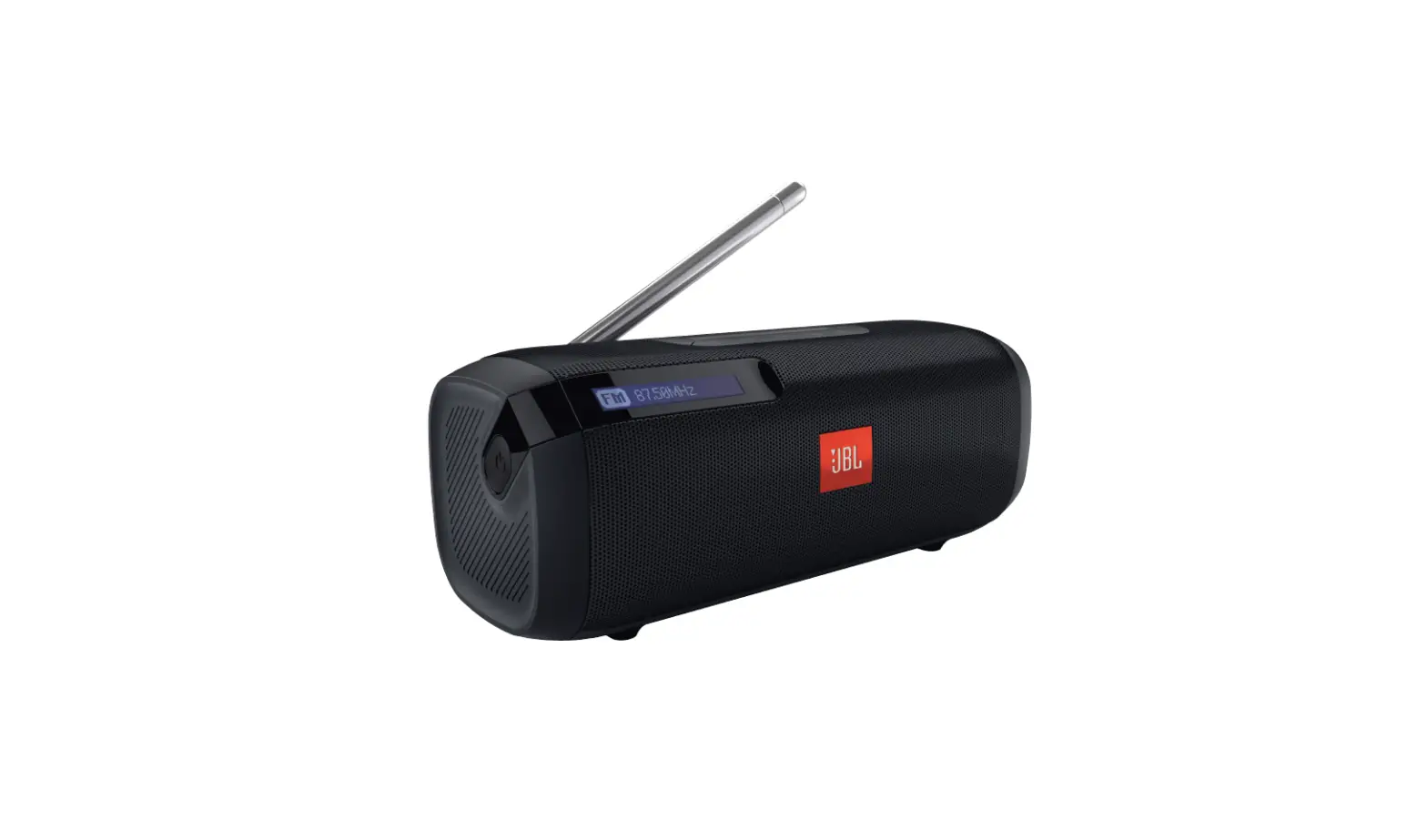

JBL Tuner FM Portable Bluetooth Speaker with FM Radio
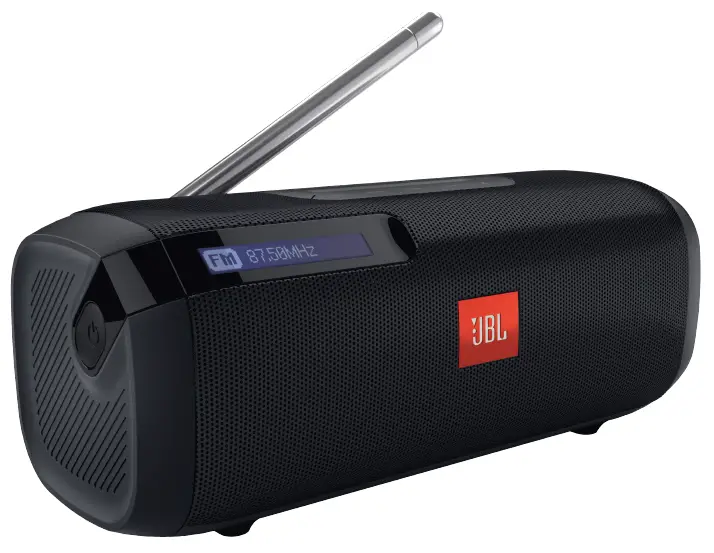
What’s in the box
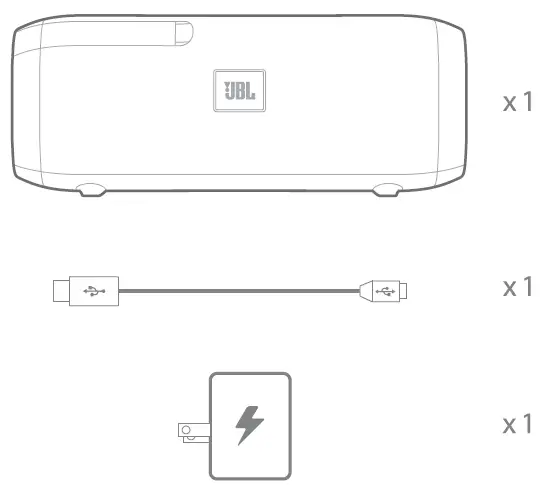
Connections

- Power On/Off
- FM Selection
- Auto Scan
- Manual tune down
- Manual tune up
- Bluetooth
- Preset

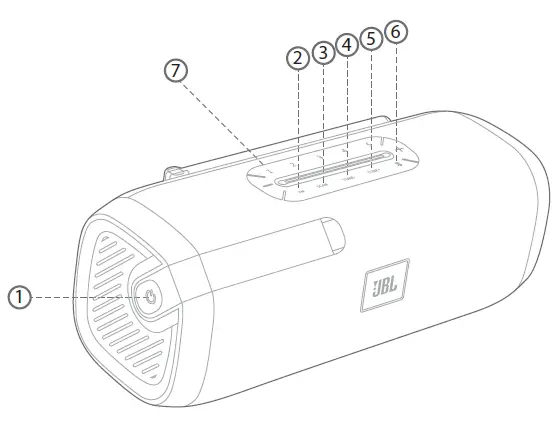
Language setting
- Press the power button to power on the radio speaker
- When it’s the first time you use Tuner or after factory reset, press Tune+ or Tune- to switch the language and press ‘SCAN’ to confirm * factory reset: press Bluetooth & volume+ for more than 5 sec.

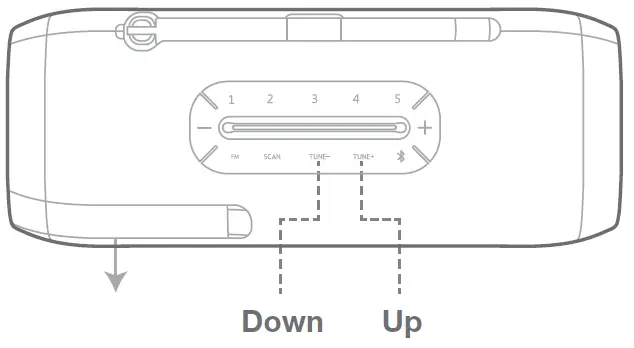
Tune in to the FM radio station
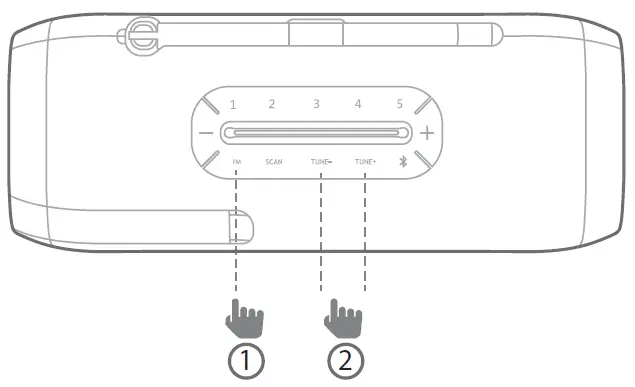
- Press the “FM” Button
- Tune up or Tune down to select a radio station
Preset and Listen to the station
- Select one of your favorite FM stations
- Long press (>2 seconds) preset button 1 (2,3,4,5) until the screen shows the station saved
- Press the reset button 1 (2,3,4,5) directly, the favorite station will play if it was presented
you can save a maximum of 5 preset radio stations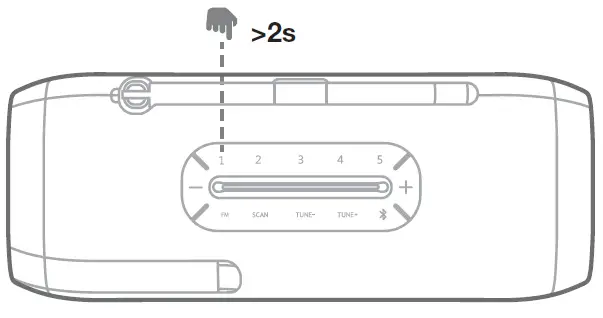
Auto scan radio
Press the “SCAN” button to start scanning automatically. In FM mode, JBL Tuner FM will automatically search for and tune to a available radio station.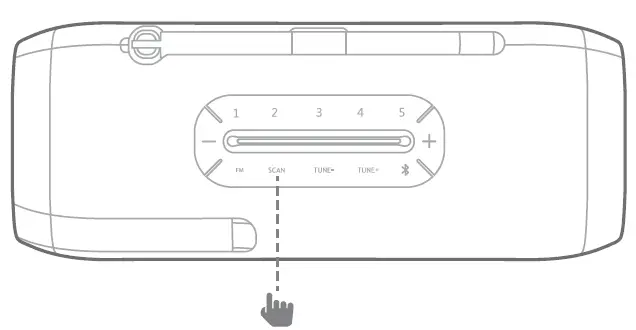
Bluetooth®
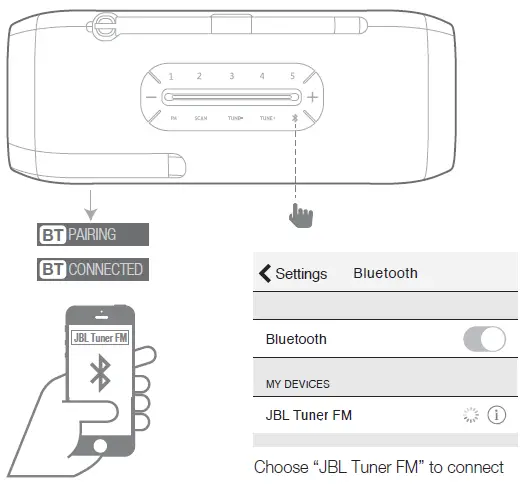
- Press the Bluetooth button to enter pairing mode
- Search and select “JBL Tuner FM” in your Bluetooth device
Warning
Severe stretch or snapping antenna will damage the antenna and affect signal reception. Please avoid the risky operation. If the speaker will not be used for a long time, please recharge the battery at least once every 3 months. Battery life will vary due to usage patterns and environmental conditions. Recommend using the bundled JBL USB adapter. Using other USB adapters may cause poor radio performance.
Specifications
- Transducer: 1 x 44.5mm
- Frequency response: 85Hz – 20kHz
- FM Tuning range: 76 MHz – 108 MHz (depend on country)
- Bluetooth version: 4.1
- Support: A2DP V1.2, AVRCP V1.5
- Rated power: 5WRMS
- Signal-to-noise ratio: >80dB
- Battery type: Lithium-ion polymer (3.7V/1500mAh)
- Battery charge time: 3.5 hours
- Music playtime: up to 8 hours (varies by volume level and audio content)
- Bluetooth transmitter power: 0-9 dBm (EIRP)
- Bluetooth transmitter frequency range: 2.402-2.480GHz
- Bluetooth transmitter modulation: GFSK / π/4 DQPSK / 8DPSK
- Dimension: 165 mm x 66mm x 66mm
- Weight: 450g
The Bluetooth® word mark and logos are registered trademarks owned by Bluetooth SIG, Inc., and any use of such marks by HARMAN International Industries, Incorporated is under license. Other trademarks and trade names are those of their respective owners.
 Anatel — Agência Nacional de Telecomunicações