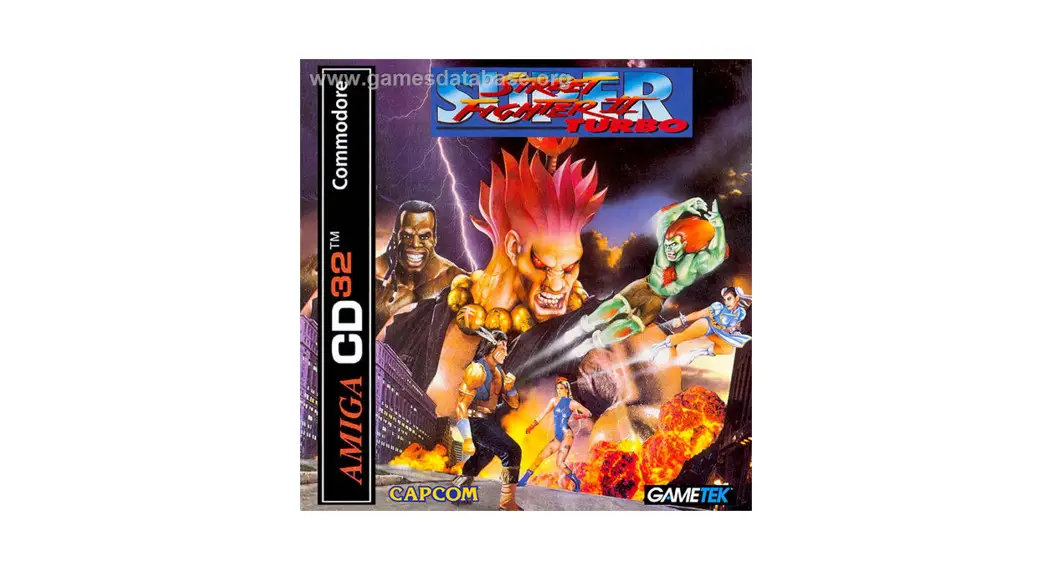
SUPER STREET
FIGHTER 2 TURBO
AMIGA 1200/CD32
INSTALLATION INSTRUCTIONS
LES INSTRUCTIONS POUR
INSTALLATION
SUPER STREET FIGHTER 2 TURBO – AMIGA 1200 AND CD32
This quickstart guide is supplied in addition to the manual, please refer to the manual for further details. Installation (Al200 only)
Super Street Fighter 2 Turbo for the Amiga 1200 is Hard Disk Drive installable only and requires at least 11 MB of free space. To install Super Street Fighter 2 Turbo onto your hard drive, please follow the instructions below :
- Boot your hard disk into Workbench.
- Make an “SSF2T” sub-directory on your hard drive.
- Insert disk one into any drive.
- Drag and drop the “Install_SSF2Turbo” icon from disk 1 into the created subdirectory.
- Double click on the “Install SSF2Turbo” icon from within the sub-directory.
- Follow the on-screen prompts.
To Run the Game
Al200
- Locate the SSF2T drawer/directory you have just created on your hard disk and open the window.
- Double click on the SSF2TURBO icon to load the game (not the Install Icon as they are similar).
- Your Amiga 1200 will now reset and run Super Street Fighter 2 Turbo please make sure all your files are closed to avoid data loss.
CD32
- Place the Super Street Fighter 2 Turbo CD into your CD32 and switch it on.
Controls
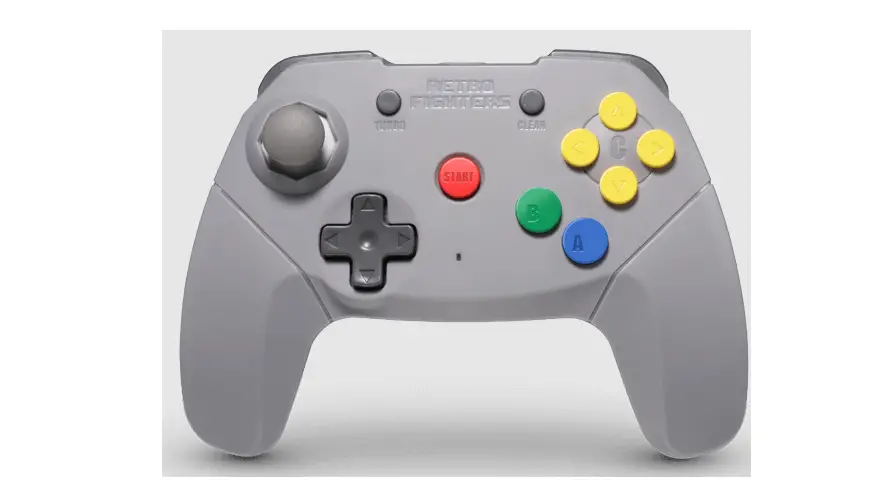
Super Street Fighter 2 Turbo can be controlled from the Joystick and Keyboard combined or a CD32 gamepad (from a CD32 or an Al200). Please refer to the manual for special moves.
| Keyboard Player 1 Joystick (Game port) Q or E A or S Z Left Amiga + Q or E Left Amiga + A or S Left Amiga + Z Keyboard Player 2 Joystick (Mouse Port) P or ] : or #/ Right Amiga P or ] Right Amiga : or # Right Amiga /ESC SPACE HELP CD32 GamePad Directional Pad Left Back Button Green Button Red Button Right Back Button Yellow Button Blue Button Start / Pause Button | Left, Right, Up and Down Light Jab or punch Medium or Strong punch Hard or Fierce punch Light kick Medium kick Hard kick Left, Right, Up and Down Light Jab or punch Medium or Strong punch Hard or Fierce Punch Light kick Medium kick Hard kick Returns to the main menu during the game Skips intro etc. Toggles pause on/off, Right, Up and Down Light Jab or Punch Medium or Strong Punch Hard or Fierce Punch Light kick Medium kick Hard kick Toggles pause on/off | (“+” on German keyboard) (“0” on German keyboard) (“_” on German keyboard) (“+” on German keyboard) (“0” on German keyboard) (“_” on German keyboard) |