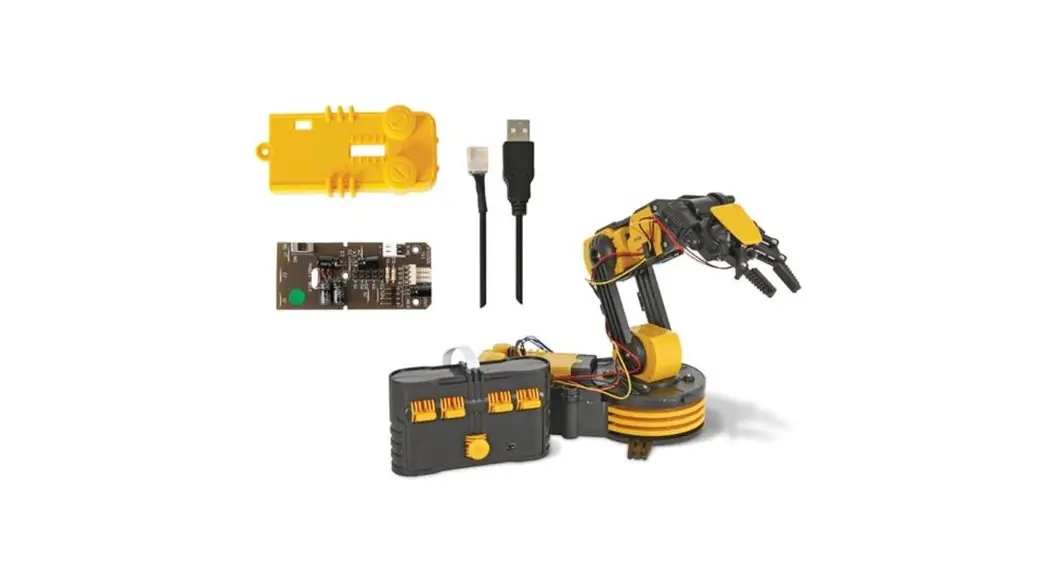
 USB INTERFACE KIT FOR ROBOTIC ARM:
 Assembly and Instruction Manual
OS
Windows® XP
Windows Vista ™
Windows® 7
Windows® 8 & 8.1
(work only with 32-bit version)
Windows® 10
(32-bit & 64-bit)
Product Introduction:
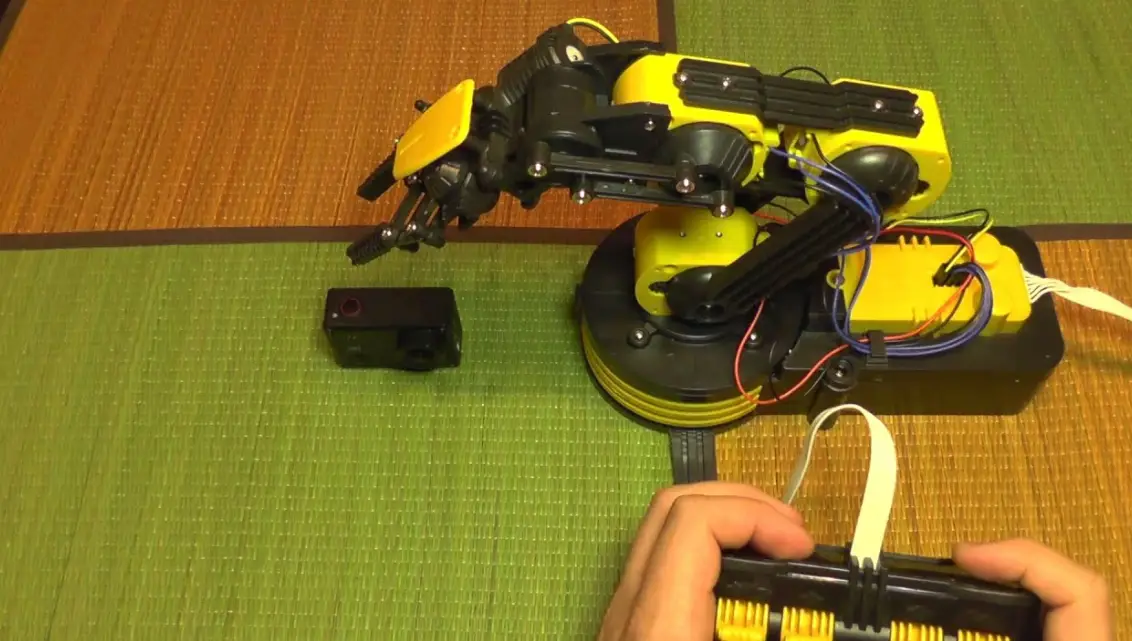
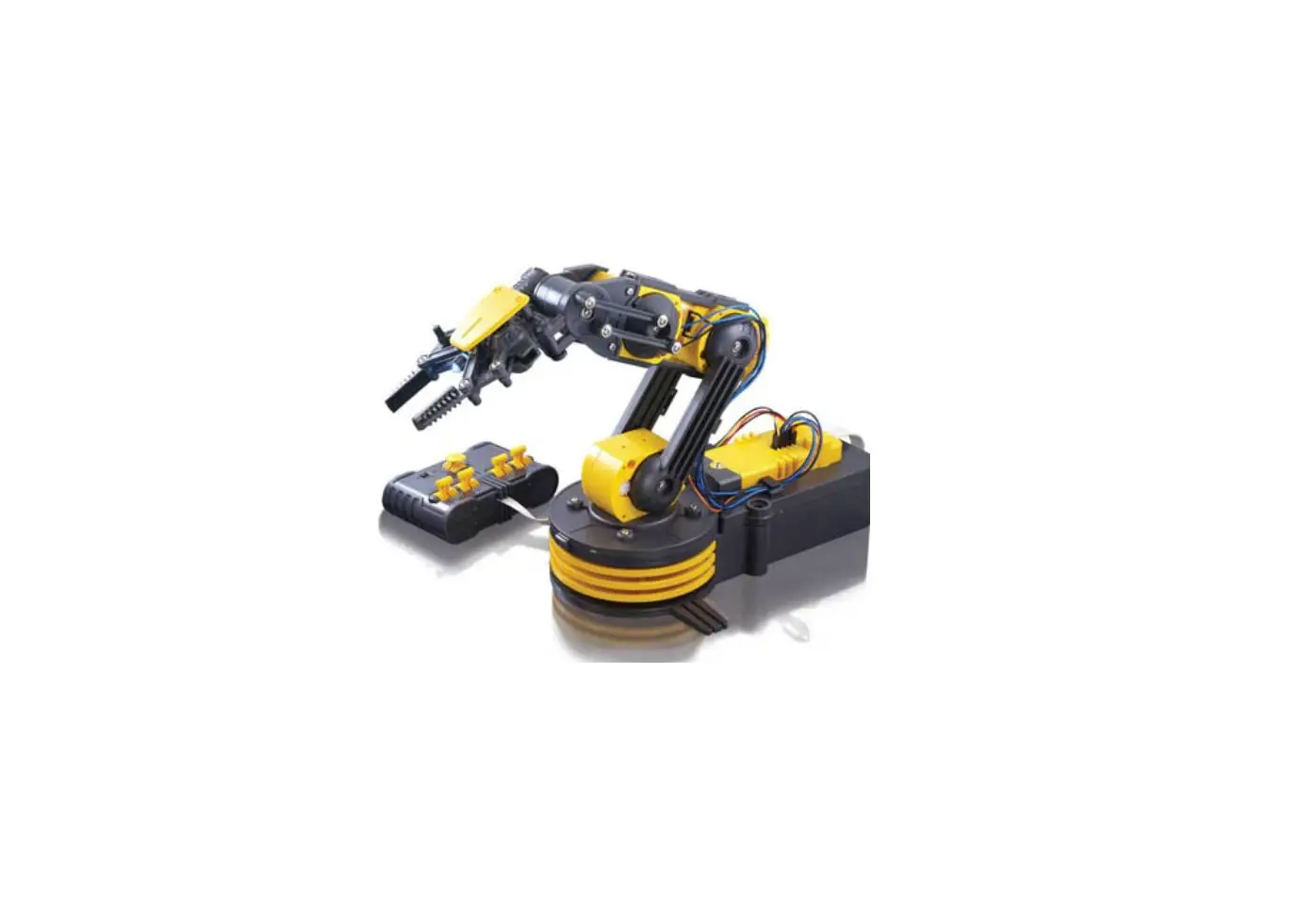
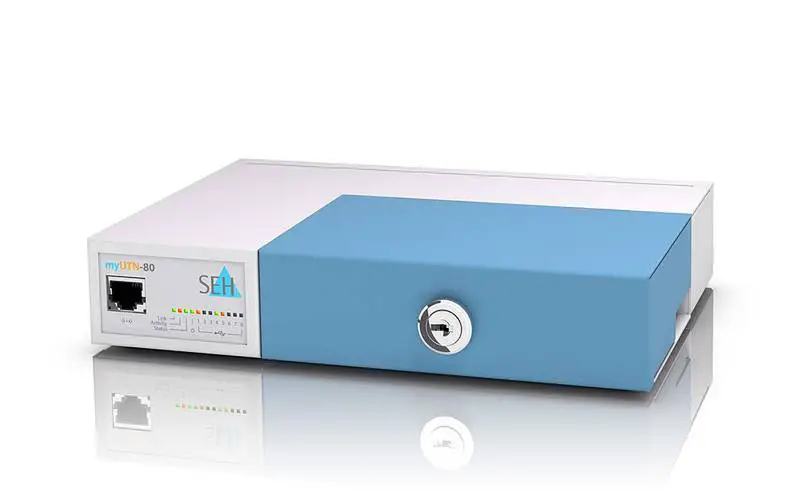
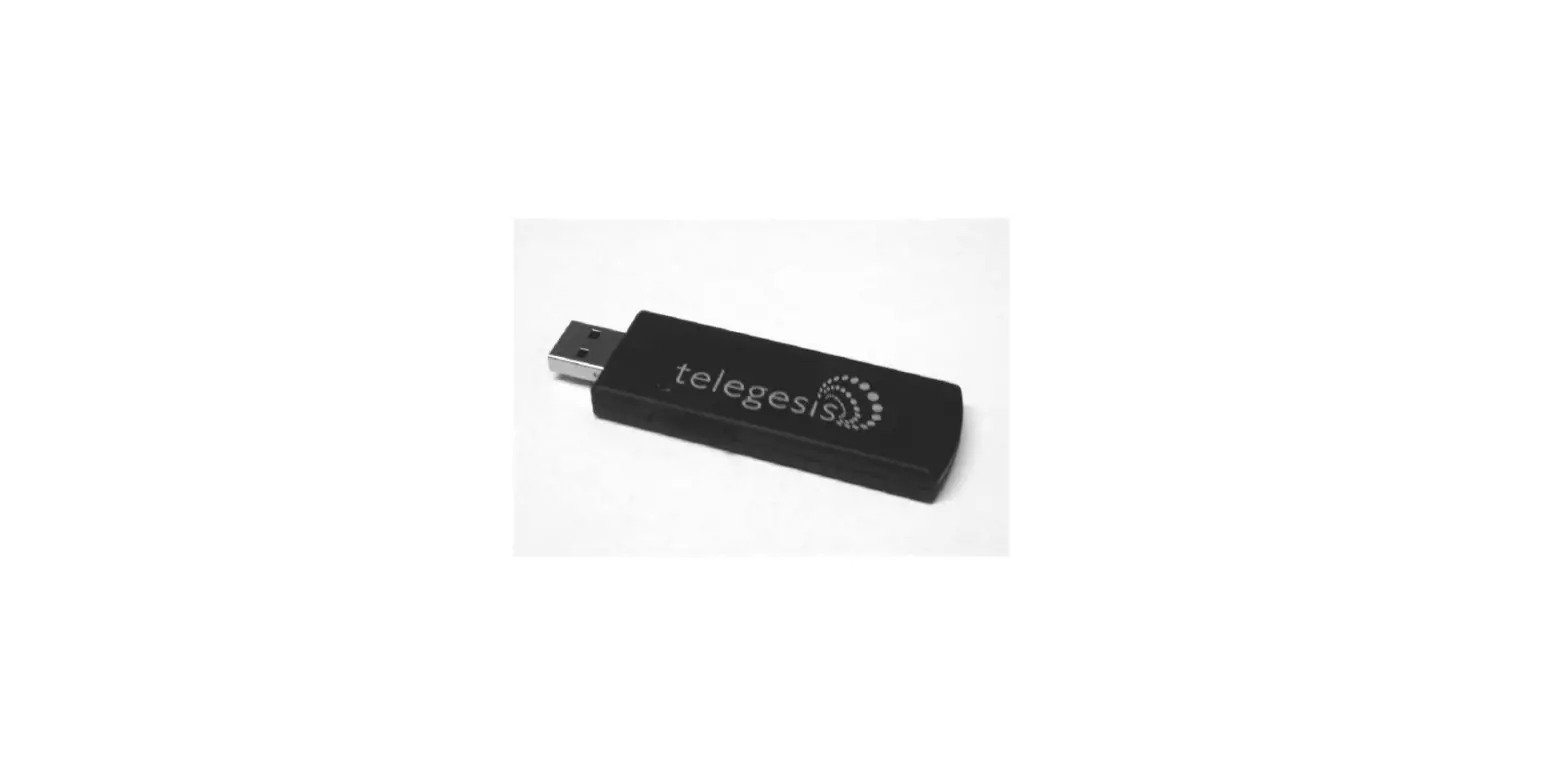
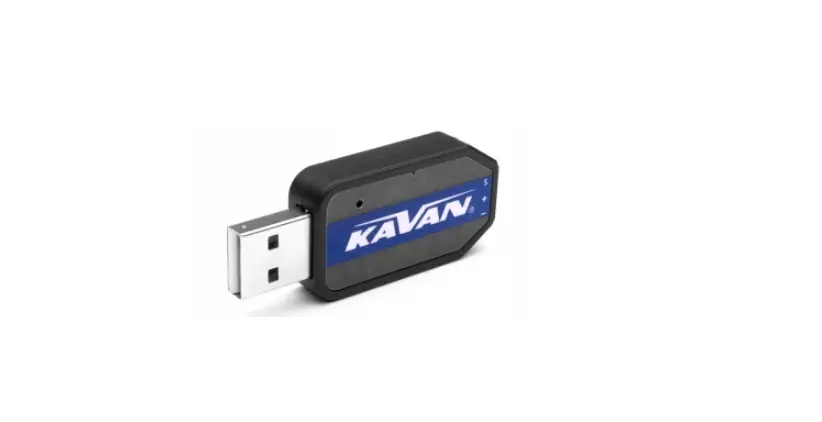
This is an optional USB Interface Kit which connects Robotic Arm to Windows personal computer USB port.
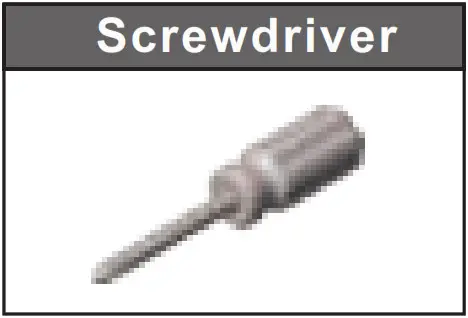
Tools You May Need:
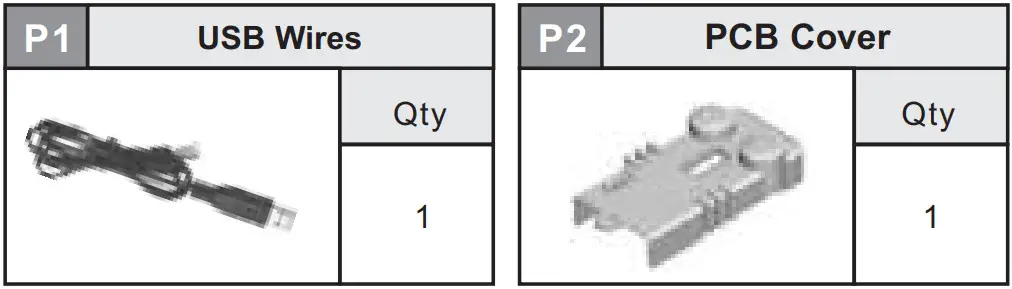
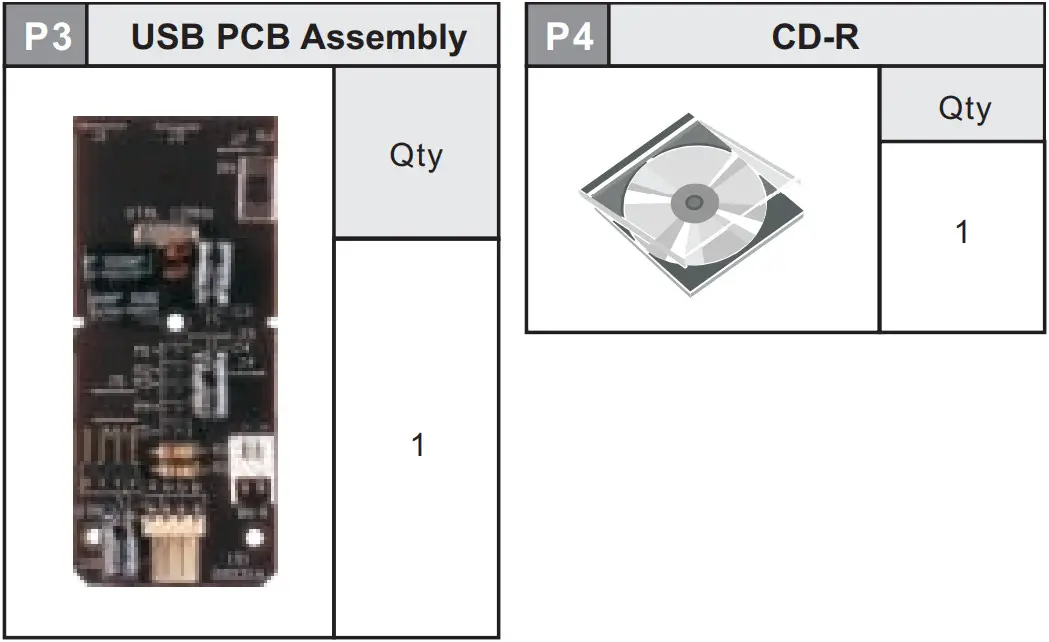
Mechanical Parts List:
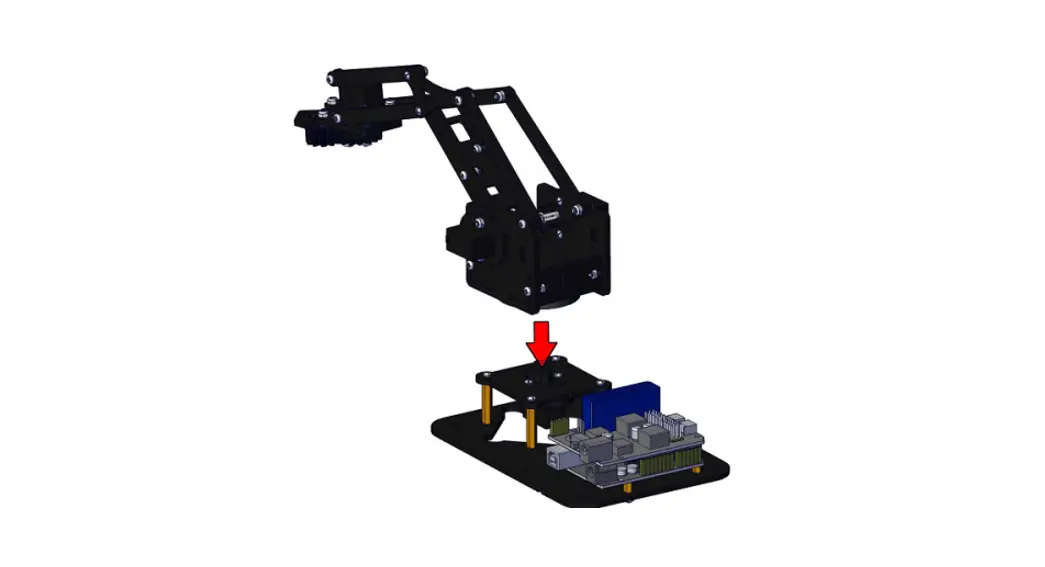
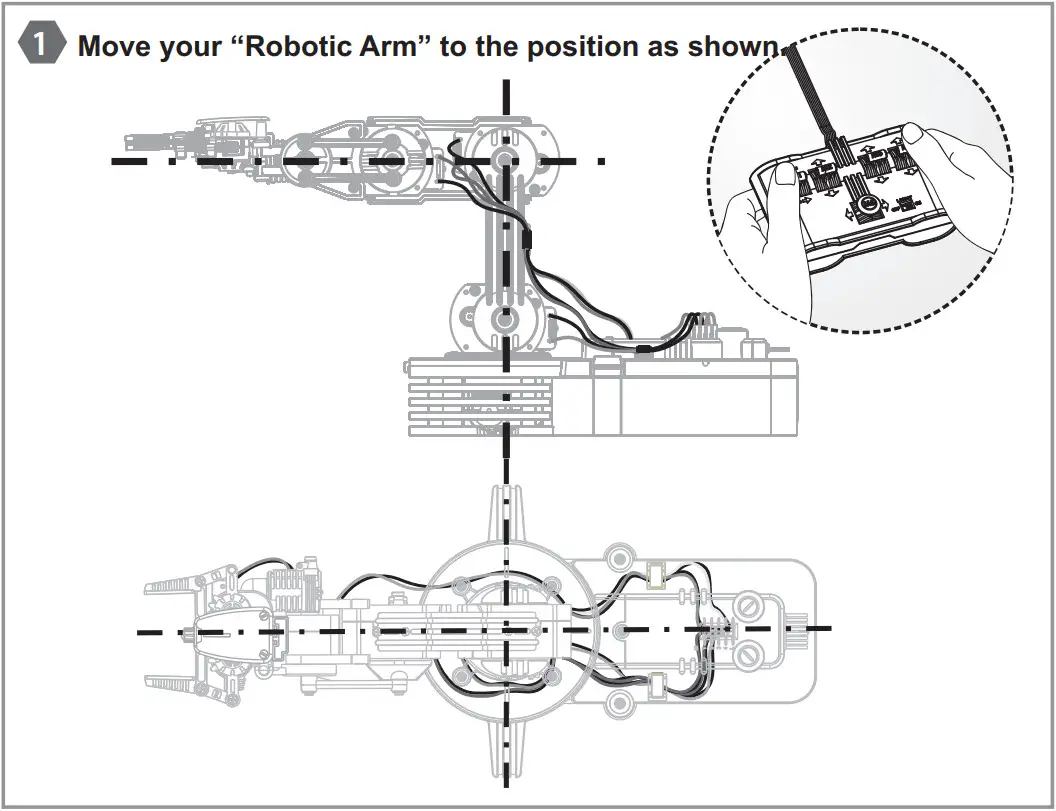
Disconnect the wired controlle and PCB from Robotic Arm:
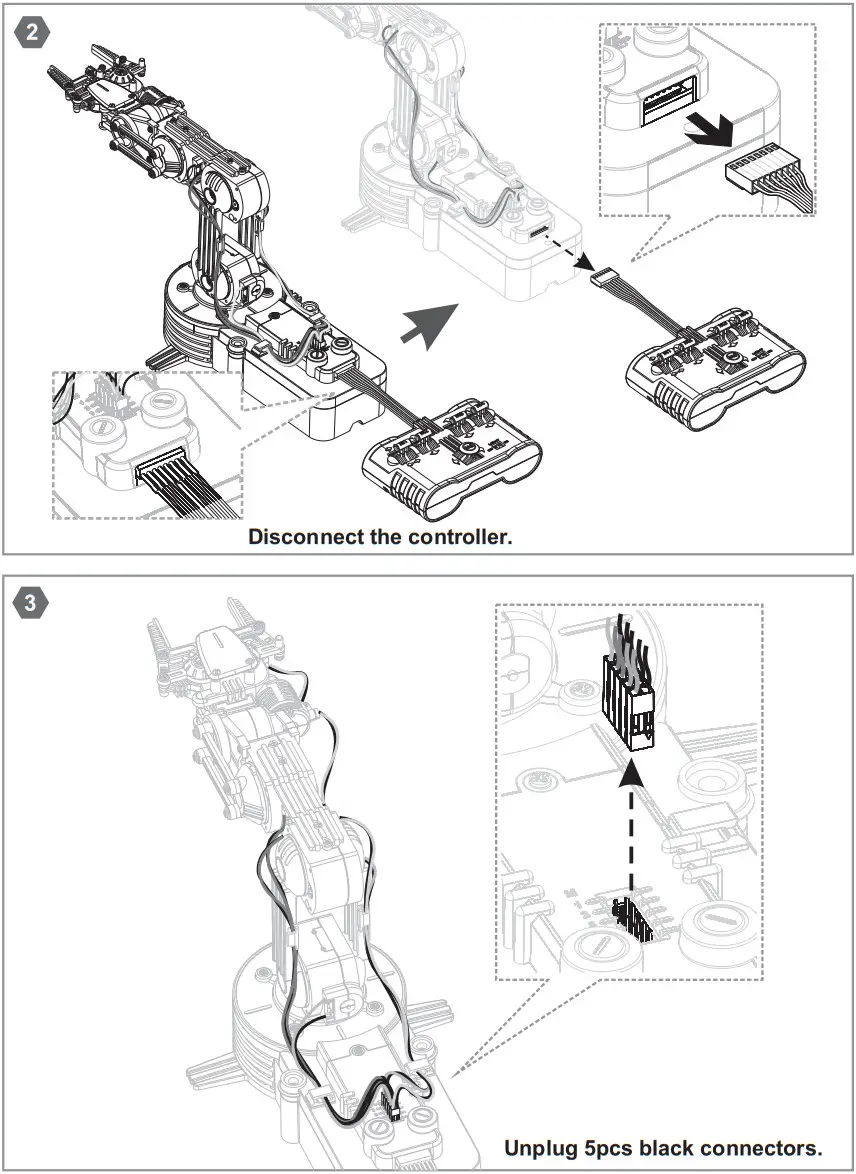
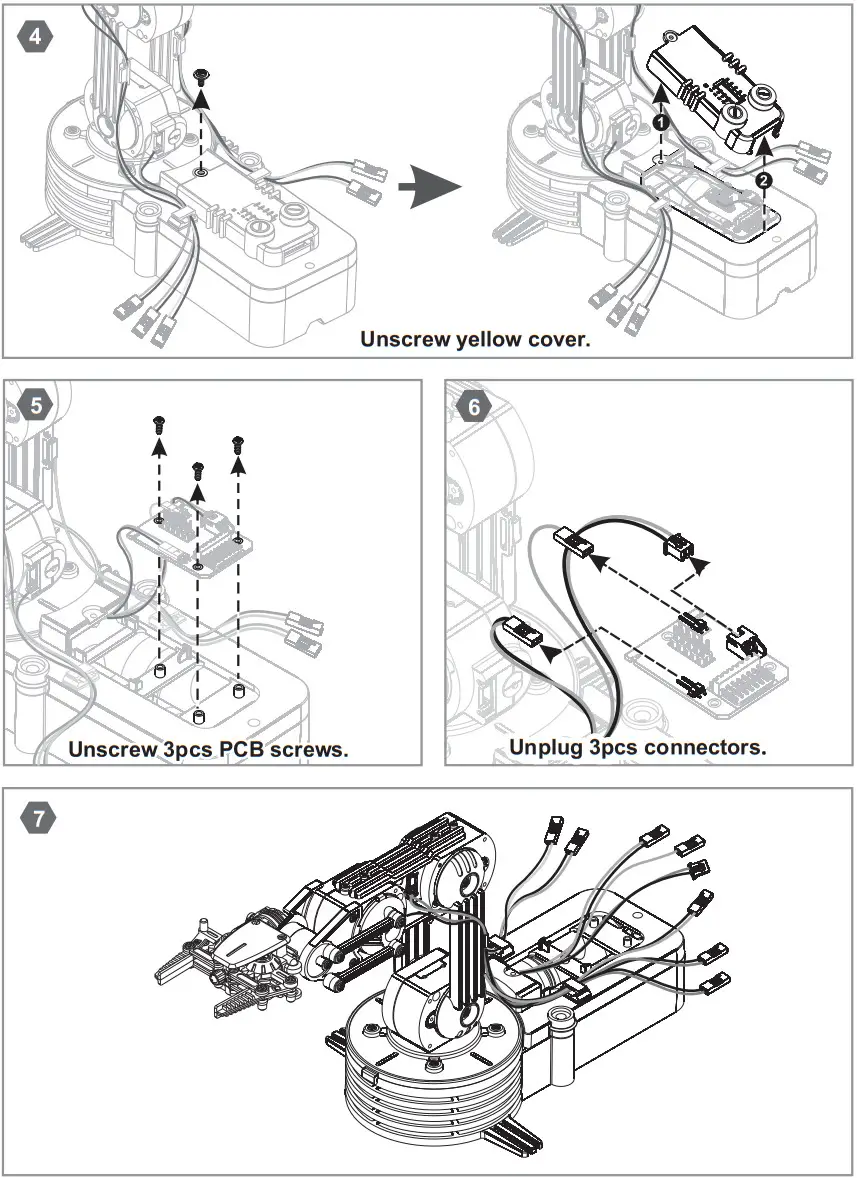
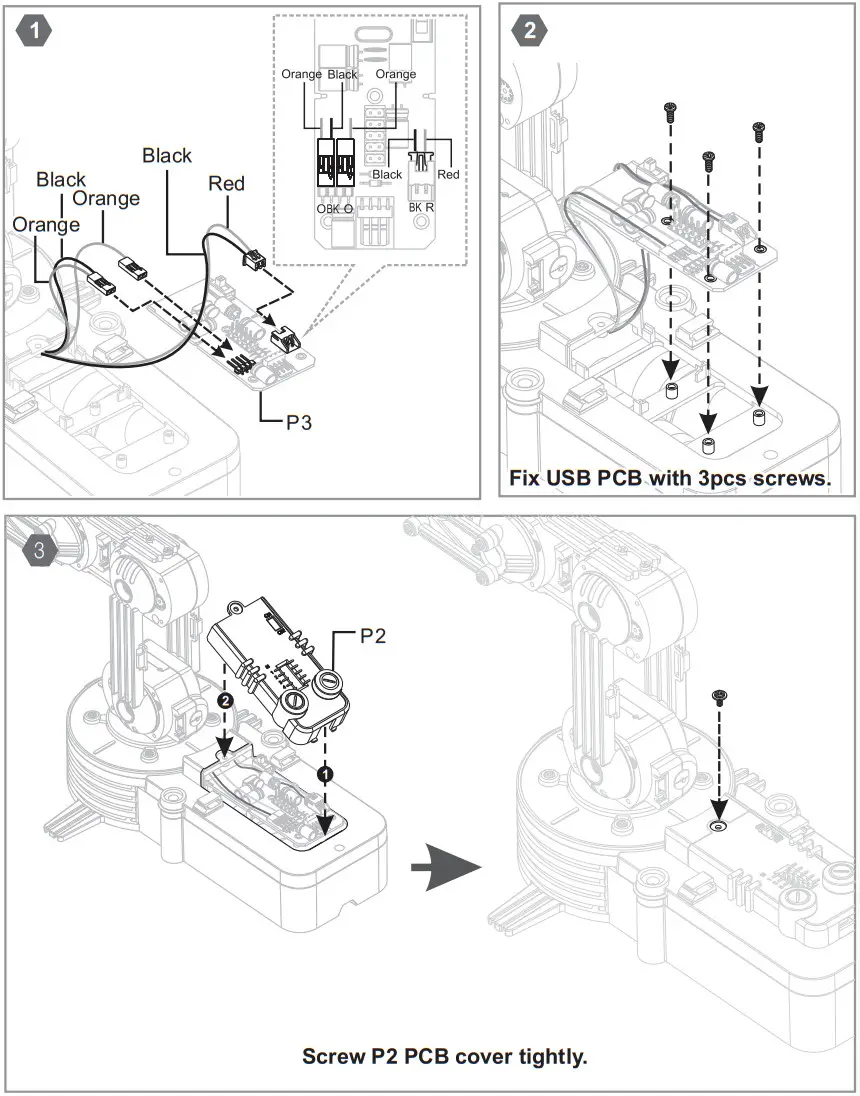
Install USB PCB And Cover:
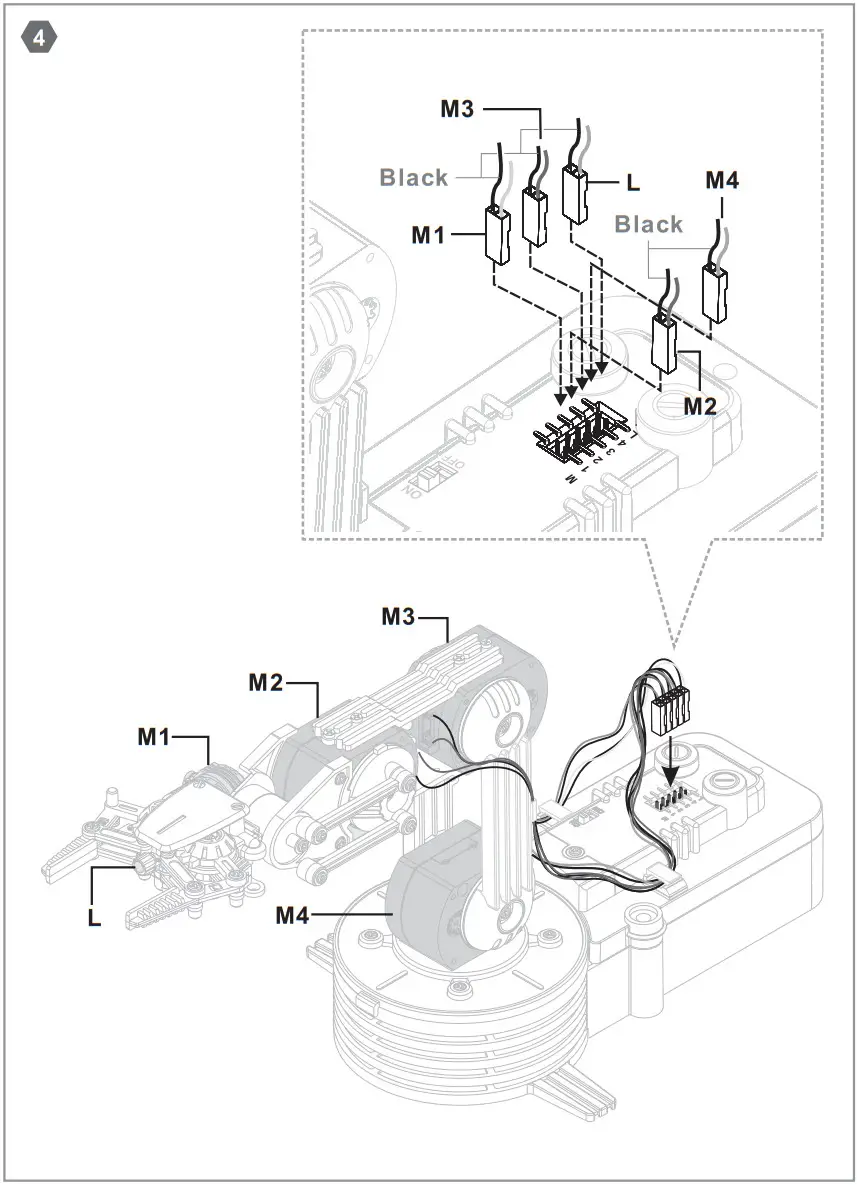
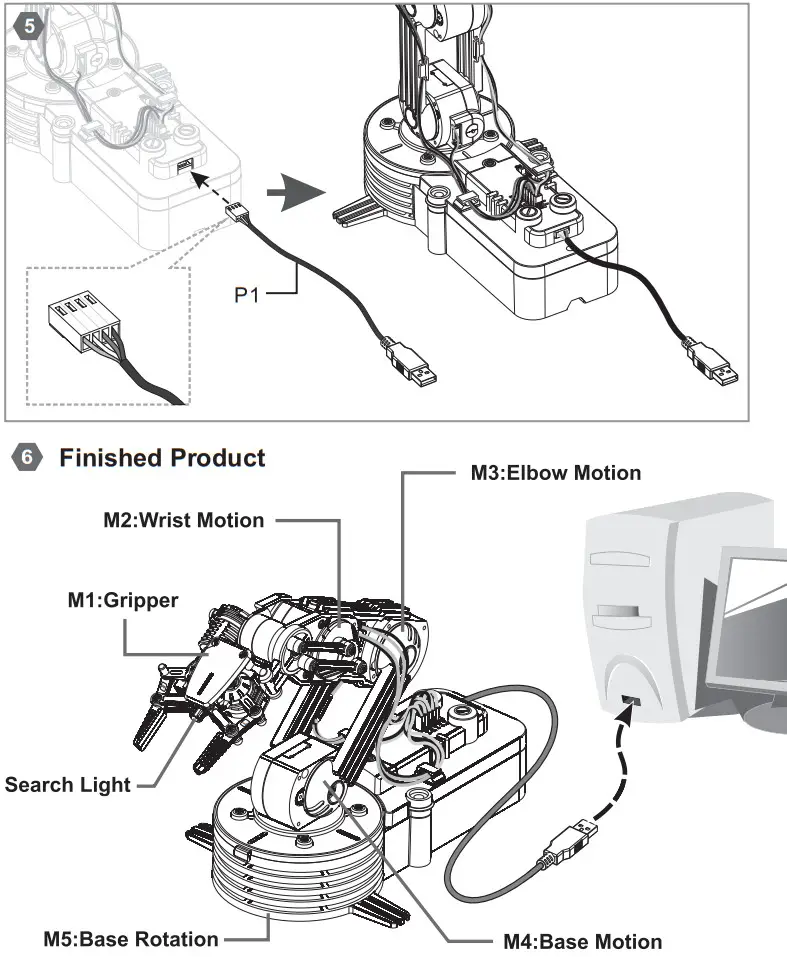
How It Works:
*See operation details from the enclosed CD-R.
Note:
- All the five gearboxes equipped with safety gear, when the arm open, close, up or lower to the maximum position, and user keeps pushing the buttons, the safety gear will start to work to protect the gearbox and make ‘da, da, da…’sound.
- To extend the life of gearbox, release the buttons once you hear the safety gear emit ‘da, da, da’ sound.
- Please download Adobe Acrobat Reader for the Robotic Arm Use’s Manual.(www.adobe.com)
 WARNING: CHOKING HAZARD
Small parts Not for children under 3 years
4350001511D
 Adobe: Creative, marketing and document management solutions