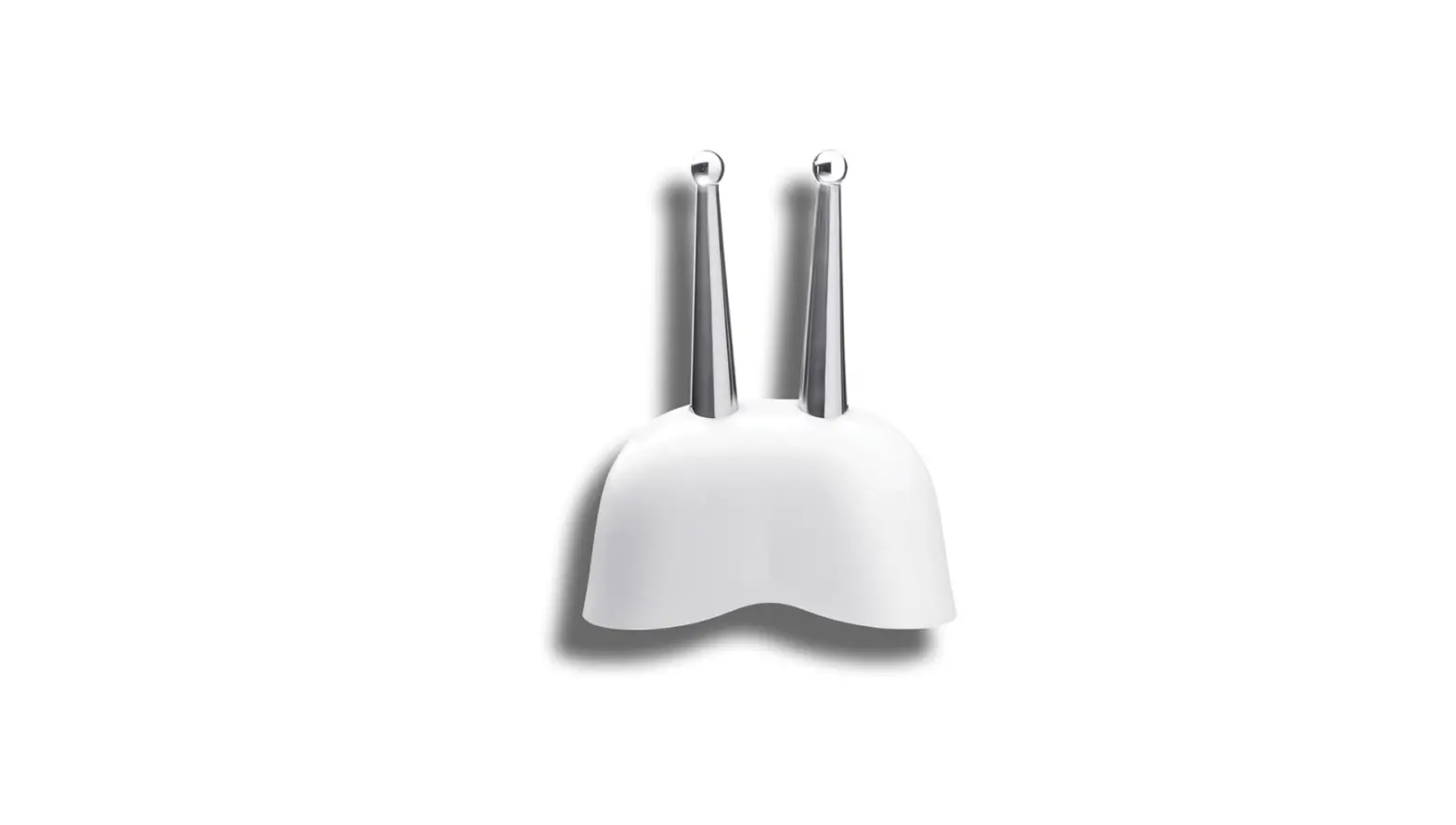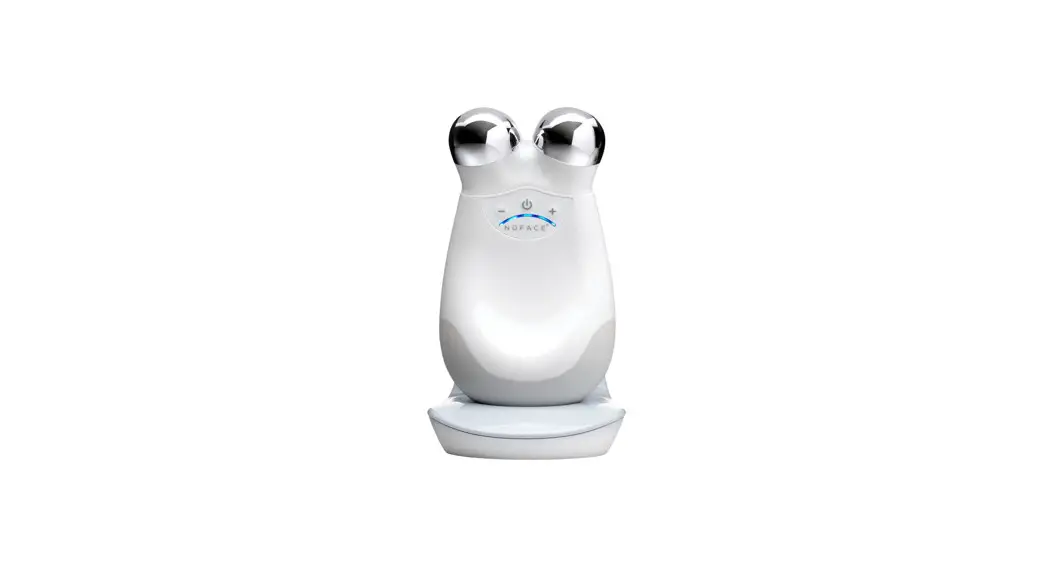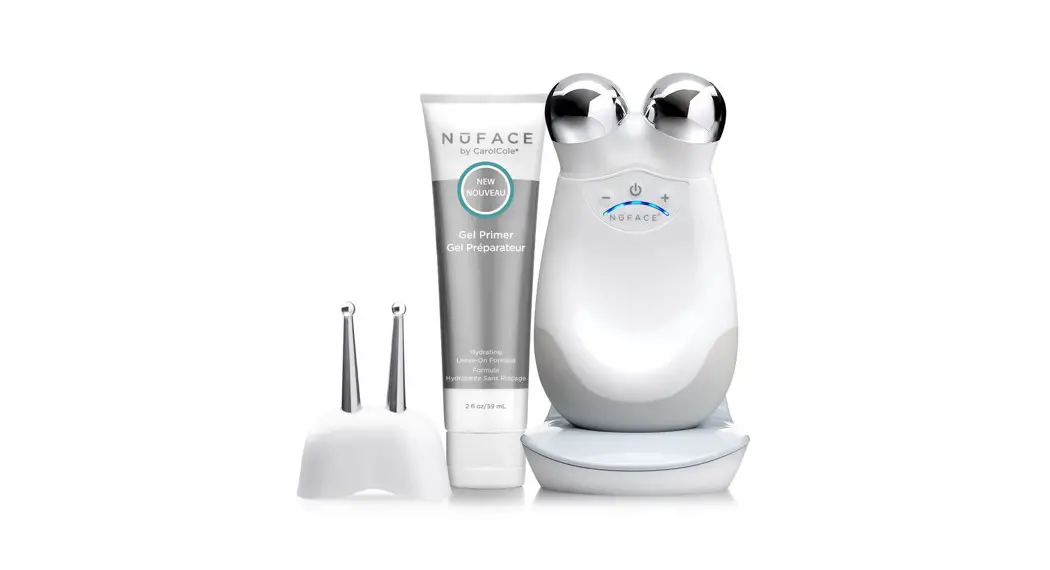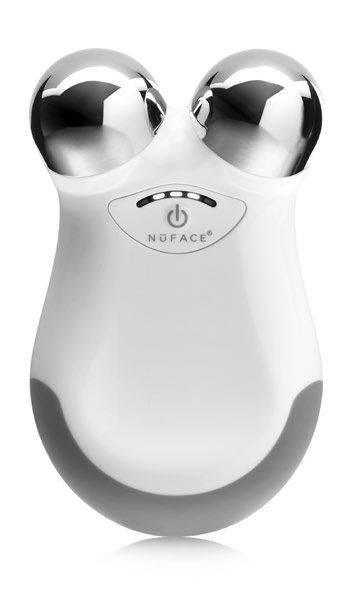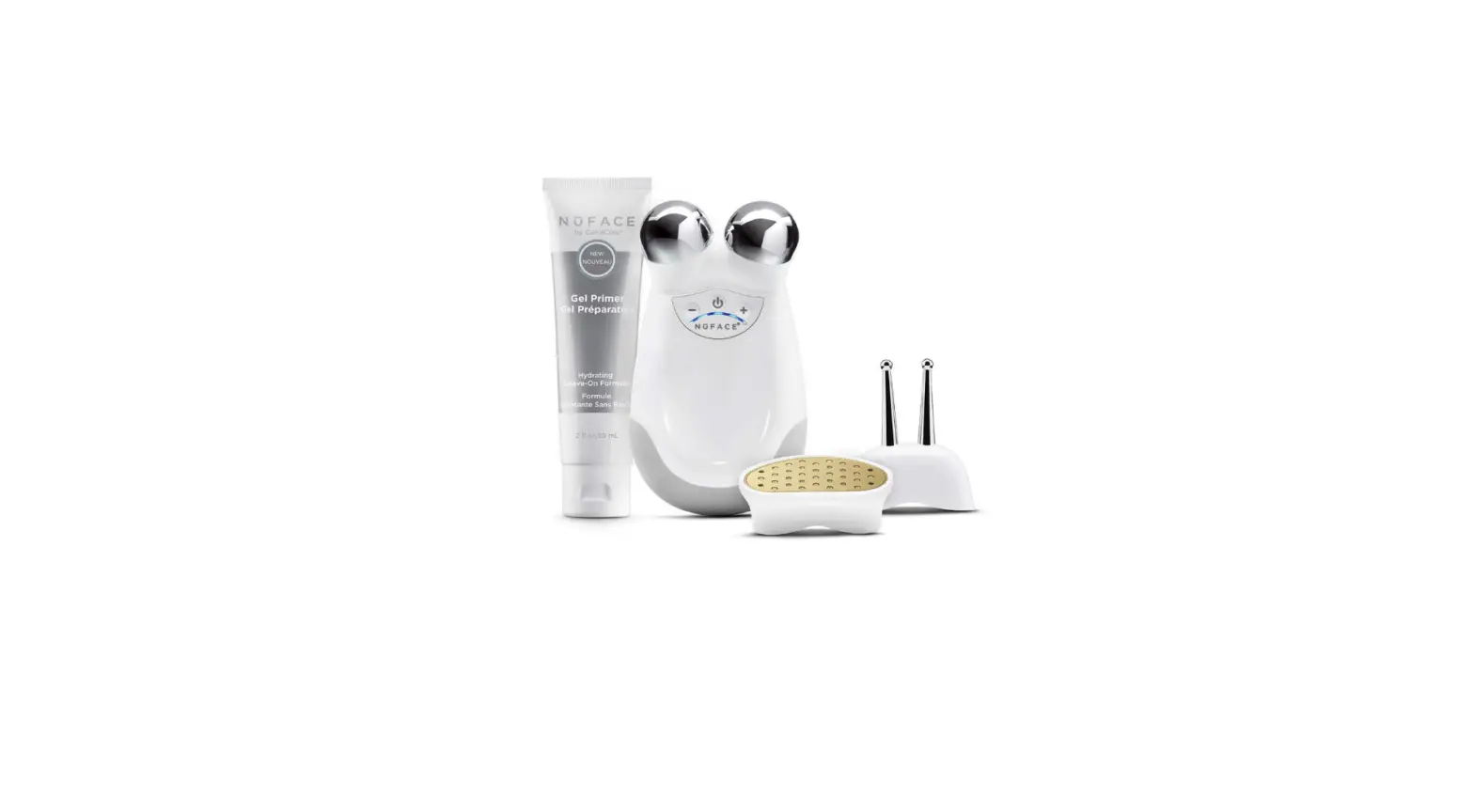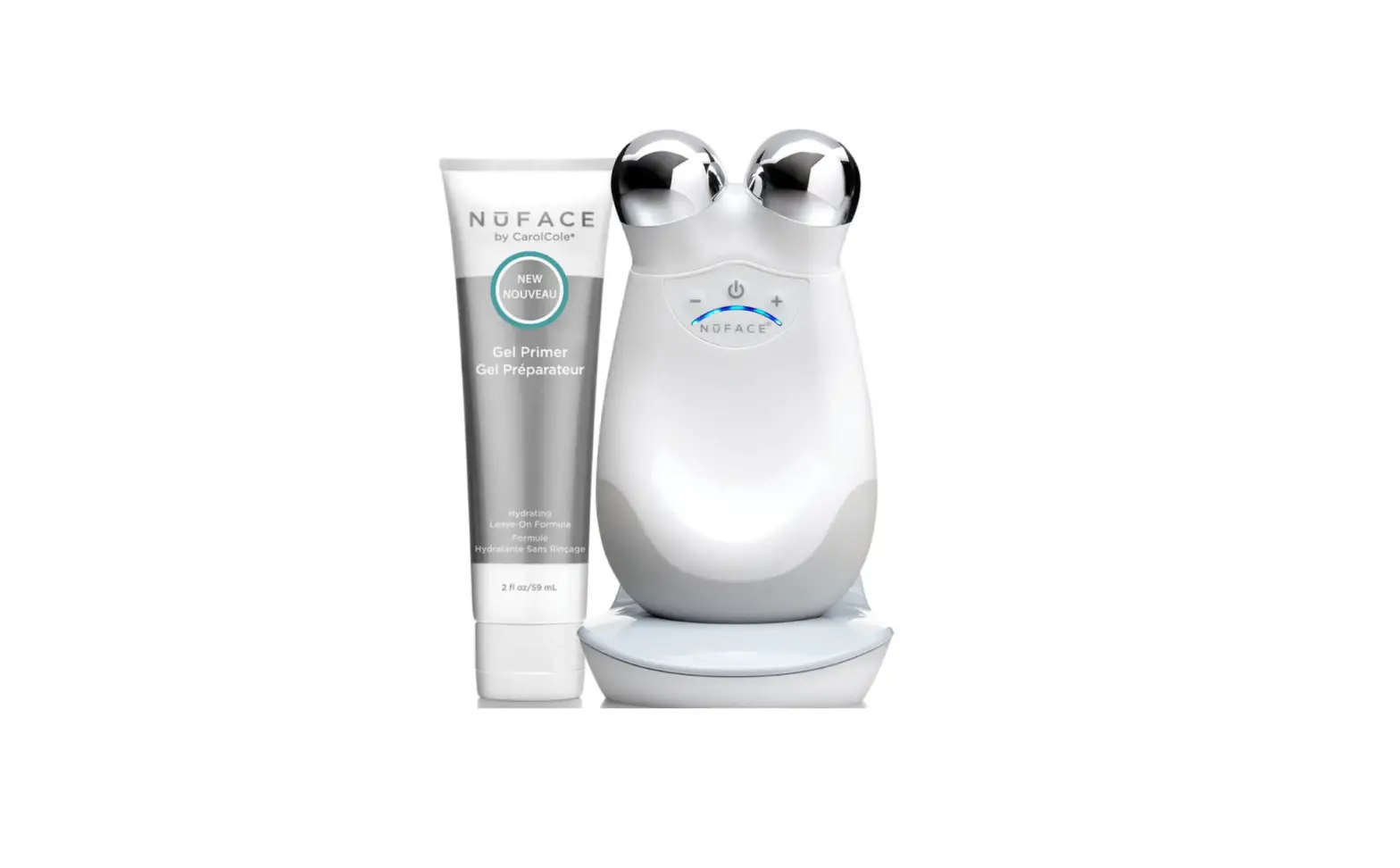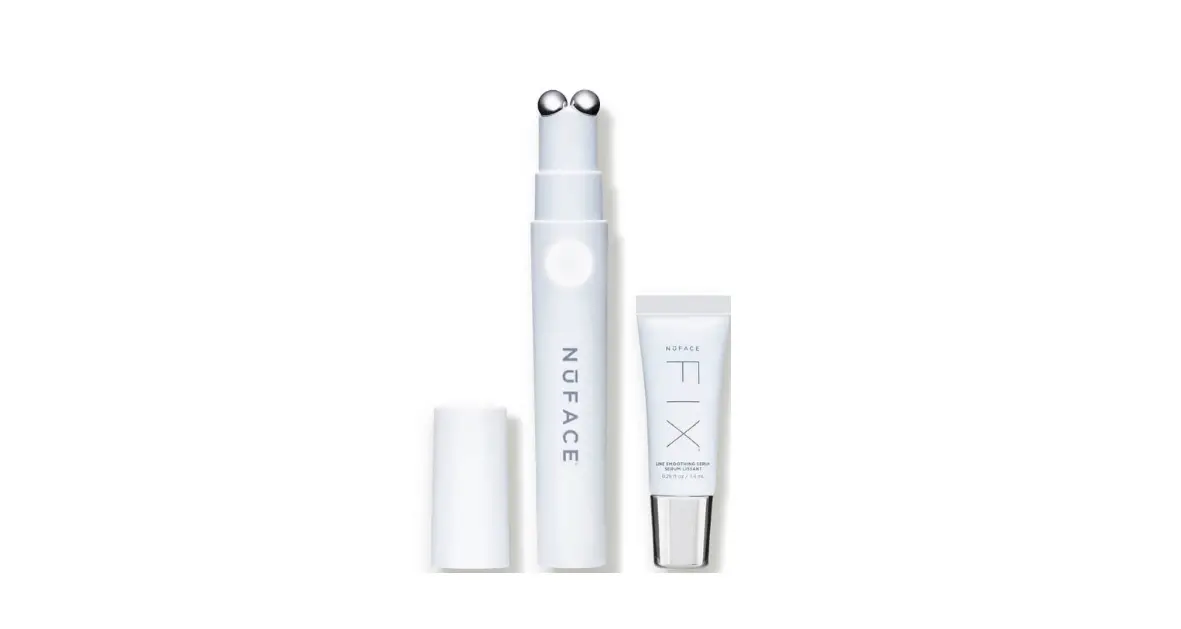

NUFACE FIX Line Smoothing Device 
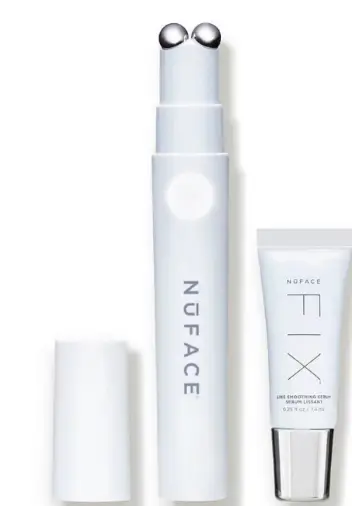
BEFORE YOU POWER UP
CHARGE DEVICE FOR 8 HOURS
Before your first treatment, charge your new NuFACE FIX®
Line Smoothing Device and read the enclosed user manual.
SEE HOW EASY TO USE!
Get more out of your new device by visiting useNuFACE.com to watch step-by-step tutorials and learn more.
GETTING STARTED
4 SIMPLE STEPS
- PREP
Cleanse skin using an oil-free cleanser. This will wash away any excess oils that could otherwise block or prevent an effective microcurrent treatment. - ACTIVATE
Apply a mask-like layer of FIX® Serum. Use enough formula to ensure the device glides easily along the skin. - SMOOTH
Push the ON/OFF button on your FIX® Device; the white LEDs will illuminate, and the energizing hum will begin. Select a preferred treatment technique. Begin treatment using a quick erasing motion while applying light to medium pressure. - FINISH
When complete, massage in remaining FIX® Serum for added skincare benefits.
Visit useNuFACE.com to see how easy to use!
3-MINUTE TREATMENTS 
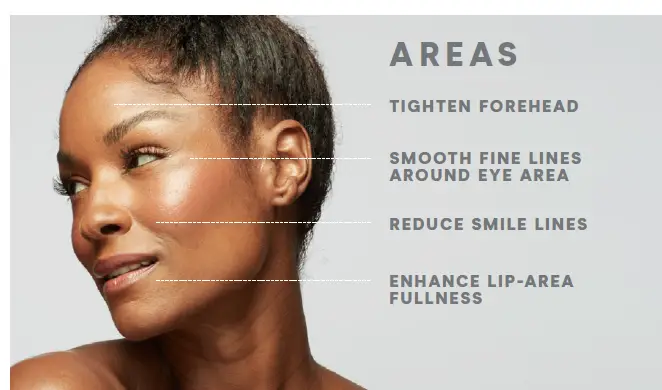
TECHNIQUES
HORIZONTAL
GLIDING MOTION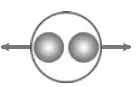
VERTICAL
GLIDING MOTION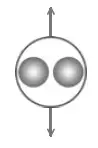
CIRCULAR
MOTION 
Optimal results are achieved with regular use.
ACTIVATE YOUR RESULTS
ESSENTIAL FIRST STEP:
MICROCURRENT ACTIVATOR
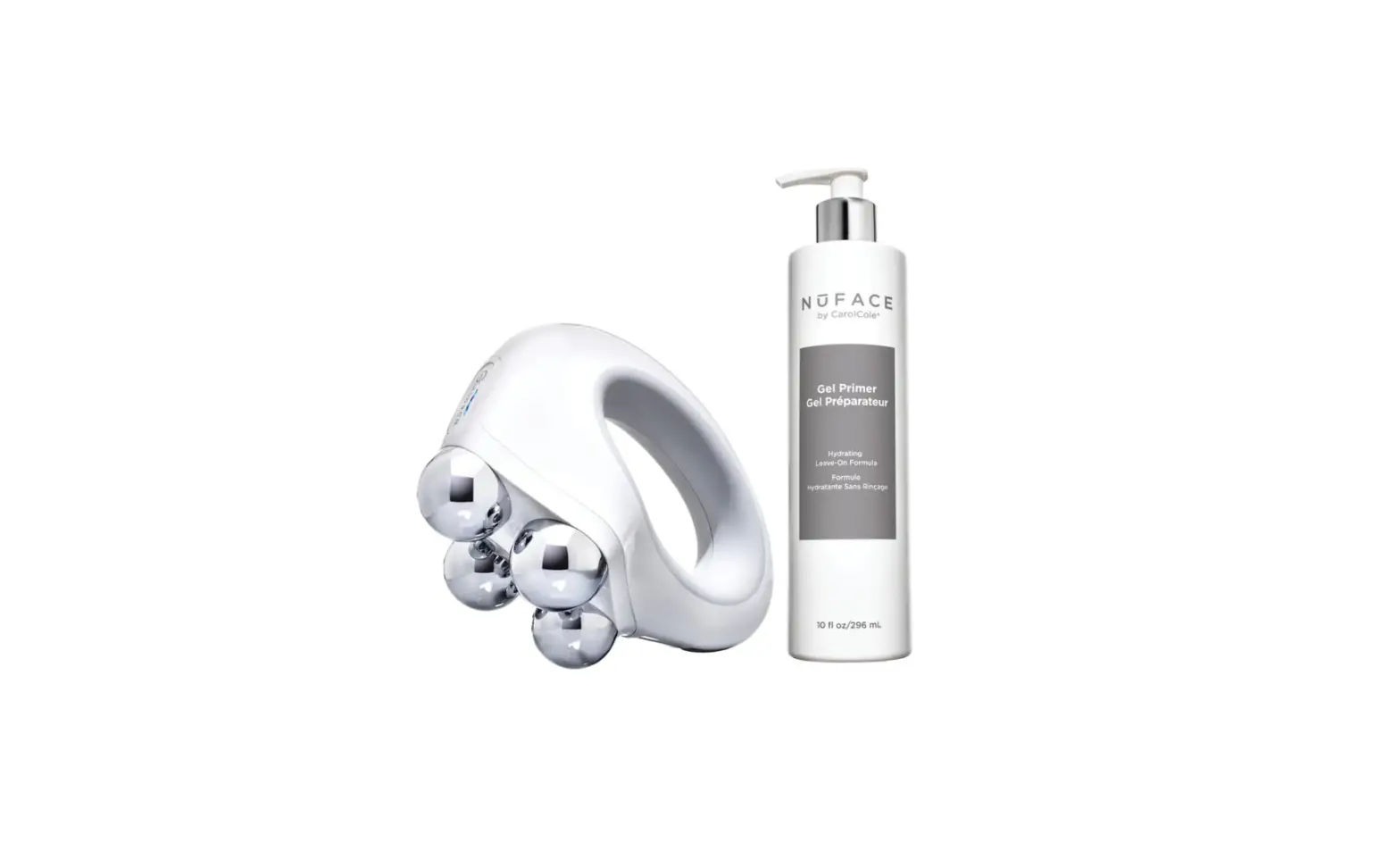
Always prime your skin with NuFACE® Microcurrent Activators before treatment. Each ionized formula is specially formulated to deliver microcurrent to the skin at every level for optimal results and is supercharged with active hydrating or anti-aging ingredients.
FIX® Line Smoothing Serum
Diminishes the look of fine lines and wrinkles, while tightening and brightening for a radiant appearance.
 How to Use Your NuFACE® Device