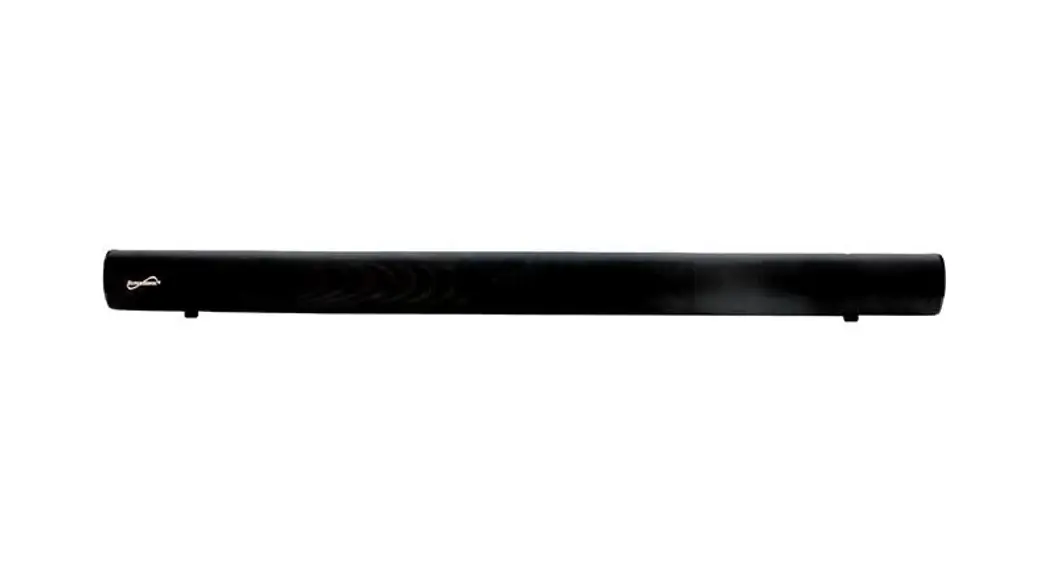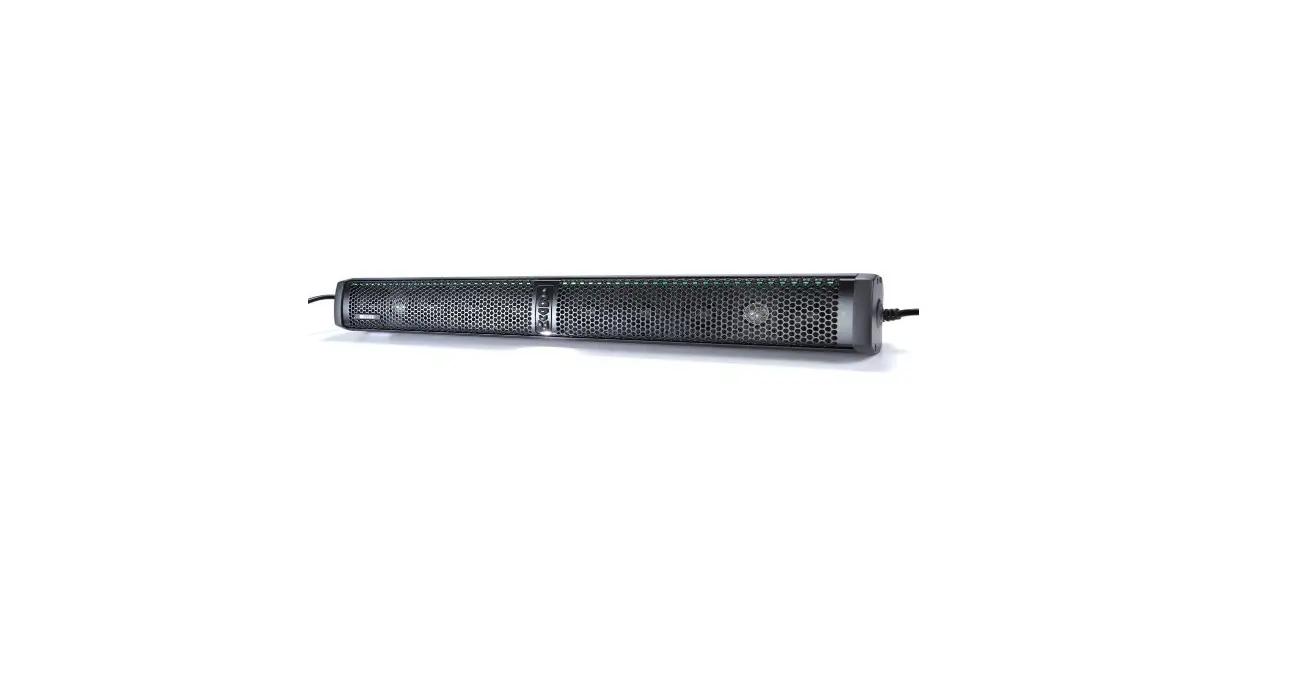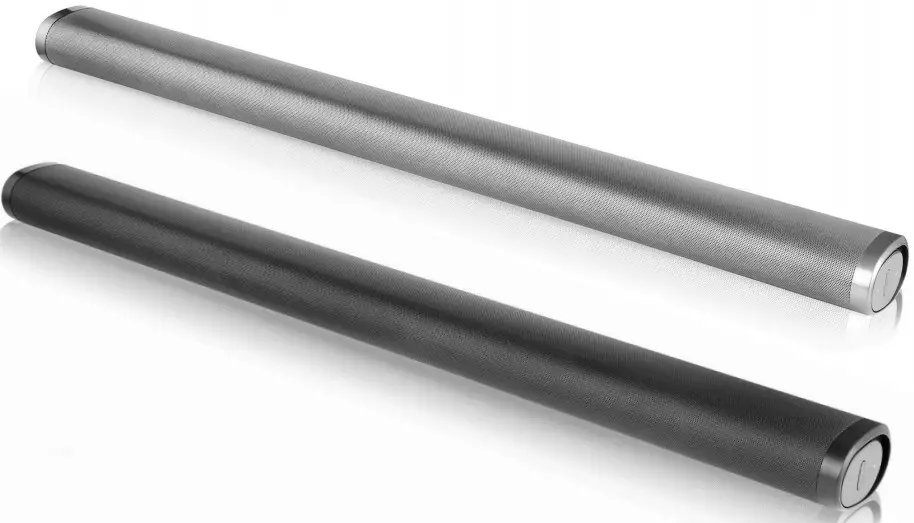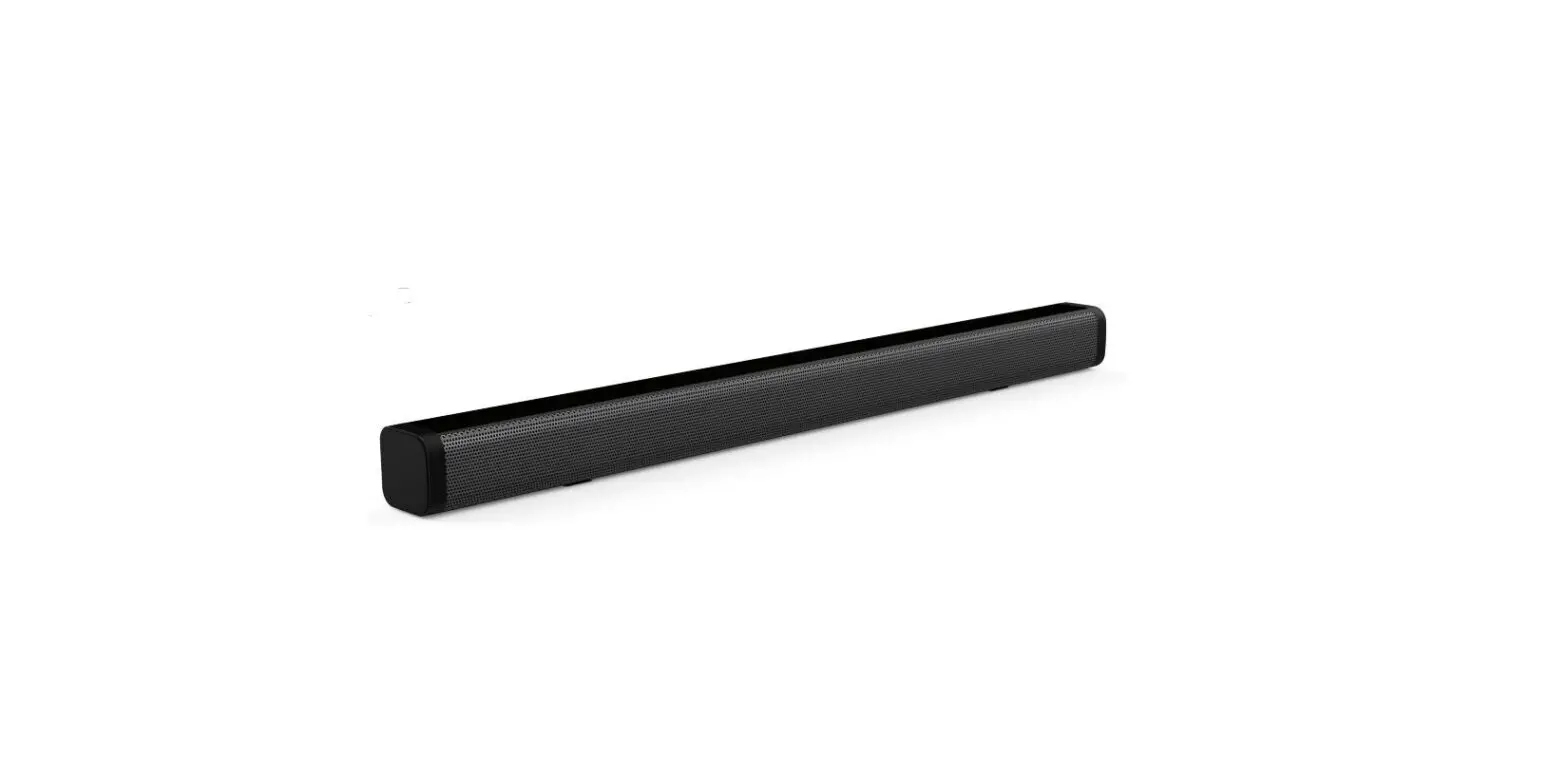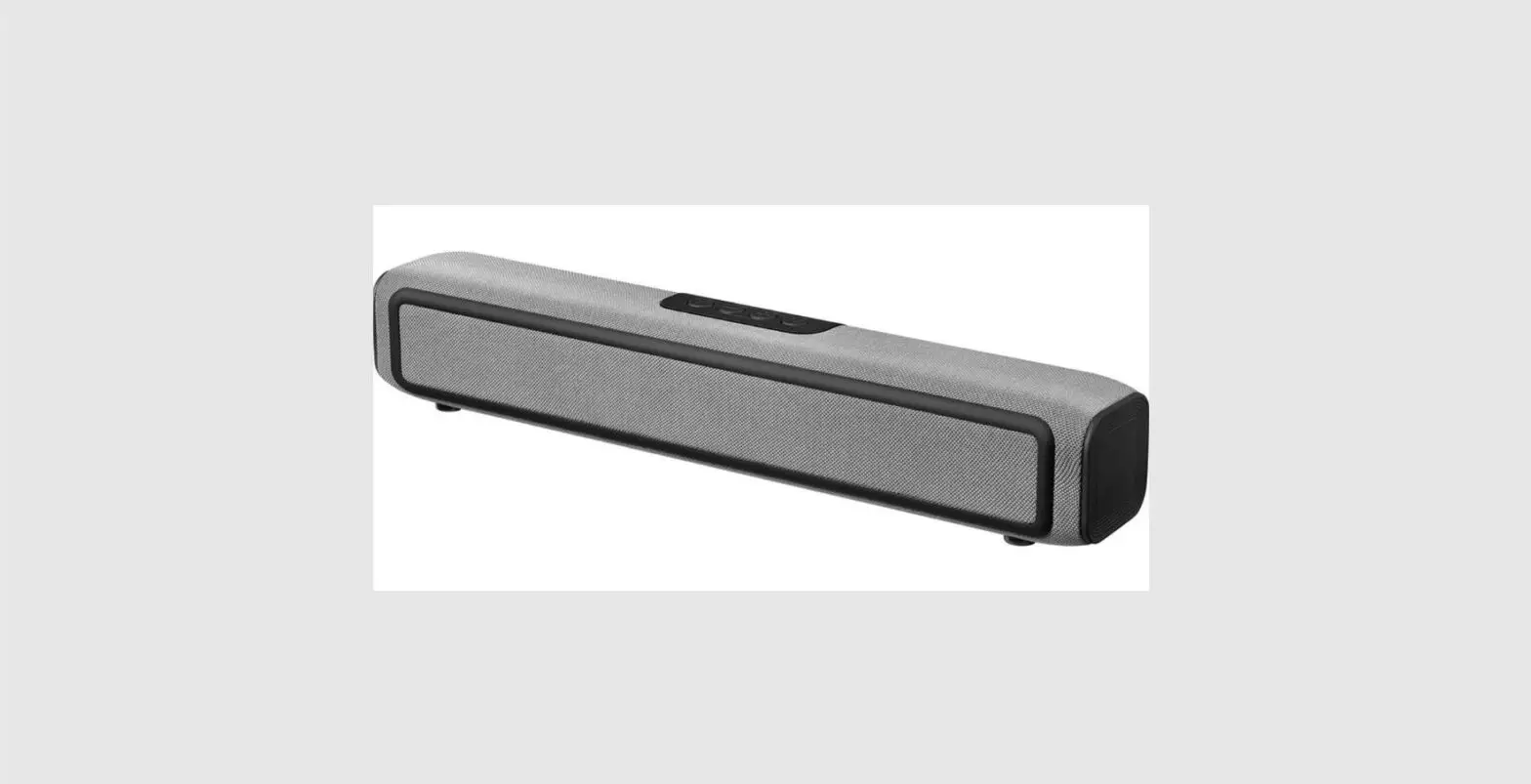

Sandberg 126-35 Bluetooth Speakerphone Bar
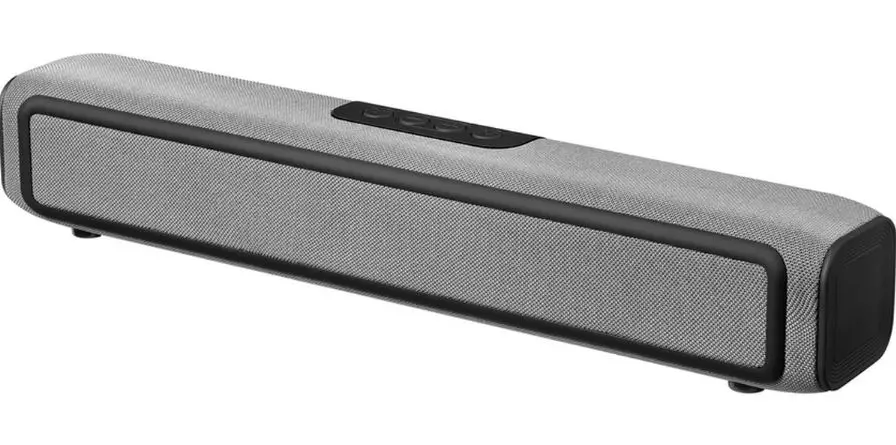
Product overview
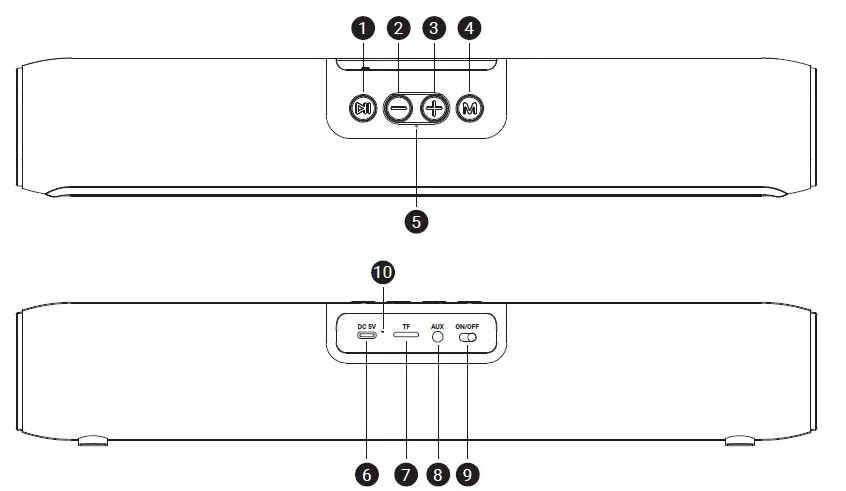
- Play/Pause button
- Previous track (Short press)
- Volume down (Long press)
- Next track (Short press)
- Volume up (Long press)
- Switch mode
- Microphone
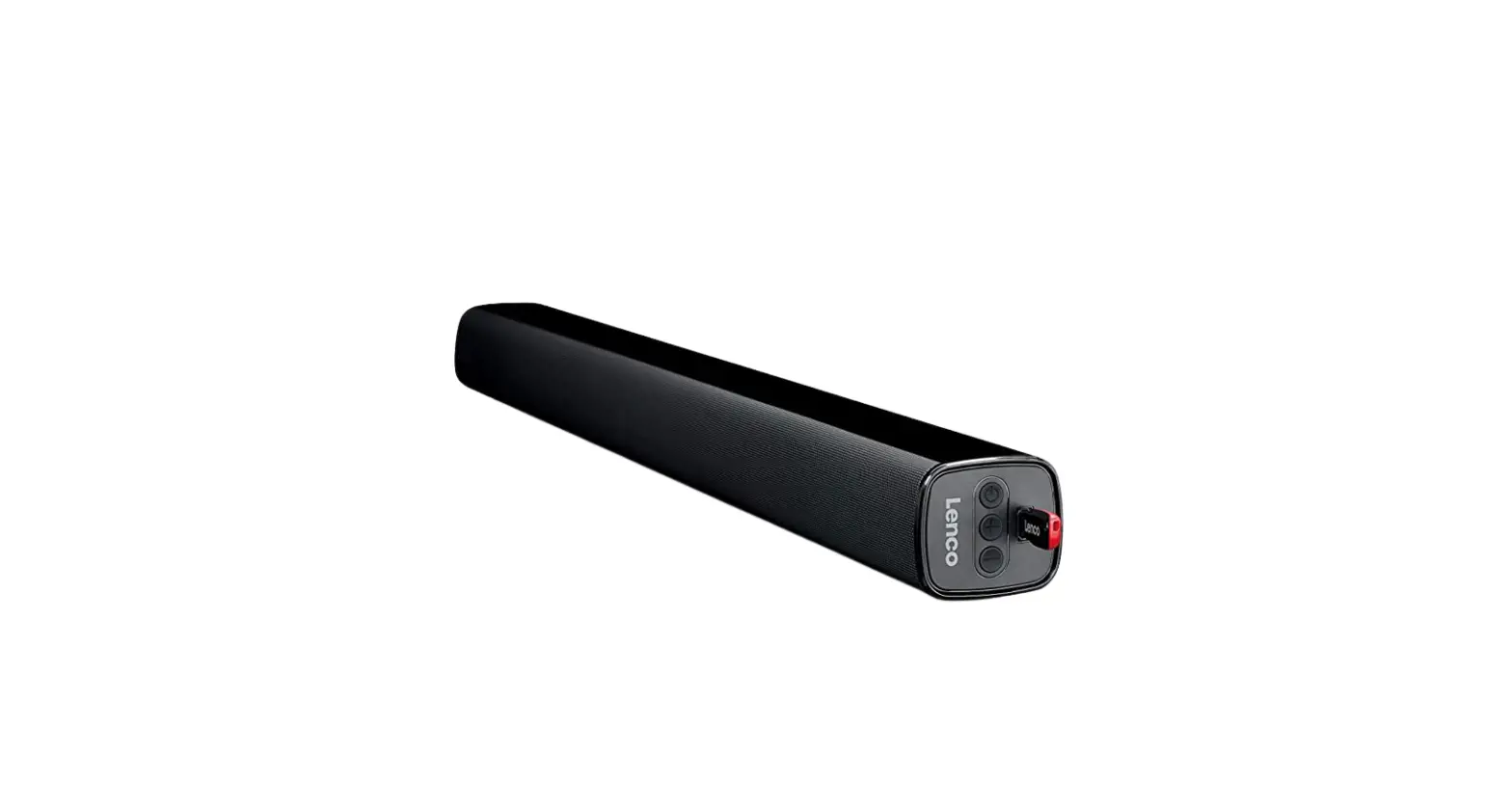
- USB-C DC input
- TF card input
- AUX IN
- Turn on/off
- Status LED
| Item | Description | Handling | Function | Function on phone |
| 1 | Play/Pause button | Short press | Play/Pause music (if active) | |
| Double short press | Redial latest call | |||
| 2 | Volume down button | Long press | Volume down (stepwise) | Volume down (stepwise) |
| Short press | Skip track backwards to previous | |||
| 3 | Volume up button | Long press | Volume up (stepwise) | Volume up (stepwise) |
| Short press | Skip track forward to next | |||
| 4 | Mode button | Short press | Toggle between 3 input modes if connected | |
| 5 | Microphone | Speak | Record your voice | Record your voice |
| 6 | USB-C DC input | Plug in USB-C power source | Charge battery or keep on for continuous use | |
| 7 | Card reader slot | Insert Micro-SD or TF card | Auto play audiofiles in MP3/WAV/FLAC/APE | |
| 8 | AUX IN (Mini-Jack) | Insert AUX Mini Jack line audio | Connect to headphones out from PC/mobile etc. | |
| 9 | ON/OFF Switch | Click ON or OFF | Turn speaker ON/OFF | |
| 10 | Status LED | Check Scheme for status LED |
Audio messages
| Audio messages | |
| Speak | Status / Action |
| Low power | Charge battery |
| Connect Succesfully | Bluetooth host connected OK |
| Disconnected | Connect other Bluetooth device |
| Music Mode | Input by card reader |
| Audio-in Mode | Input by AUX port |
| Bluetooth Mode | Input by Bluetooth |
| Volume max | Release volume button |
Status LED functions
| Status LED functions | |
| Light pattern | Meaning |
| Blinking fast blue | Ready to pair/connect Bluetooth |
| Constant blue | Bluetooth connected |
| Blinking slow blue | Audio streaming by Bluetooth |
| Constant orange | Charging |
| No light after charge | Charging completed |
Bluetooth pairing procedure
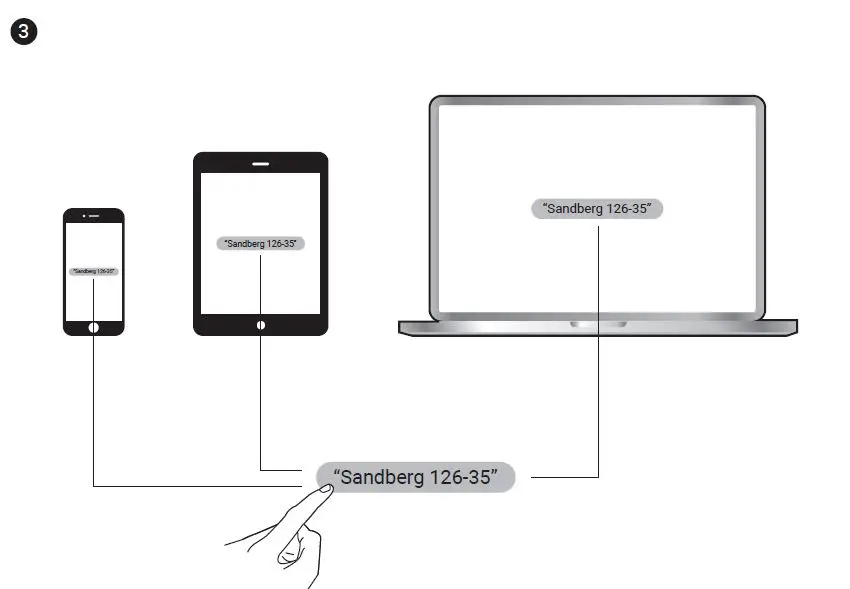
- Turn on Bluetooth on your mobile phone or tablet or computer.
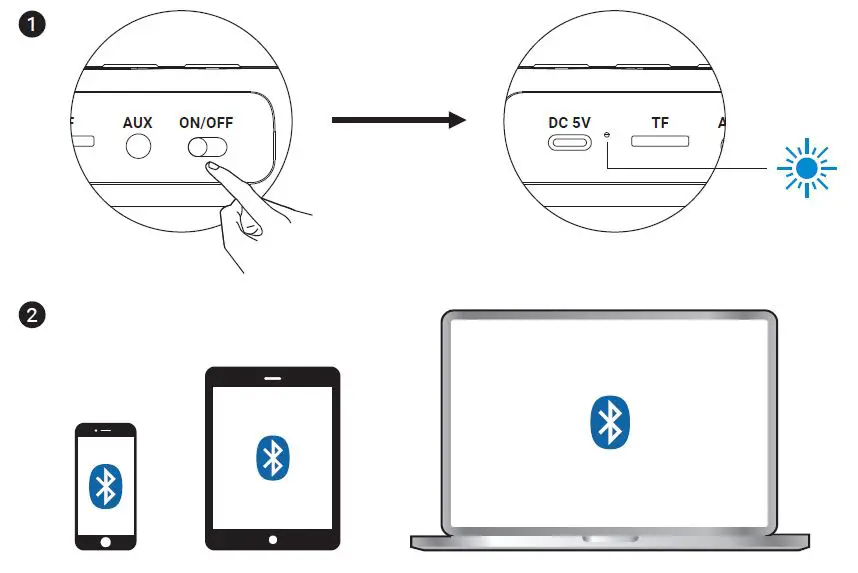
- Look for “Sandberg 126-35” to appear and click for pairing.

Declaration of Conformity
- Manufacturer: Sandberg A/s
- Address: Bregneroedvej 133D, 3460 Birkeroed, Denmark
- Product Description: Bluetooth Speaker
- Product name/1ype no: Sandberg Bluetooth Speakerphone Bar 126-35
CE letter of conformity
- (EMC) 2014/30/EU
- (RED) 2014/53/EU
- (RoHS 2.0) 2011/65/EU
The following standards were applied:
EMC
- EN 301 489-1 V2.2.0
- EN 301 489-17 V3.2.0
RED
- EN 62479:2010
- EN 60950-1: 2006
- EN 60950-1: Al1:2009
- EN 60950-1: A1:2010
- EN 60950-1: A12:2011
- EN 300 328 V2.1.1
RoHS
- EN 62321 Ed1.0:2013
Date: 22nd October 2021
Location: Birkeroed, Denmark
Name: Anders Petersen
Signature
Support
Warranty
- There is a five-year warranty on your Sandberg product. Please read the warranty terms and register your new Sandberg product at www.sandberg.world/warranty
For information on handling electronic waste, see www.sandberg.world/weee