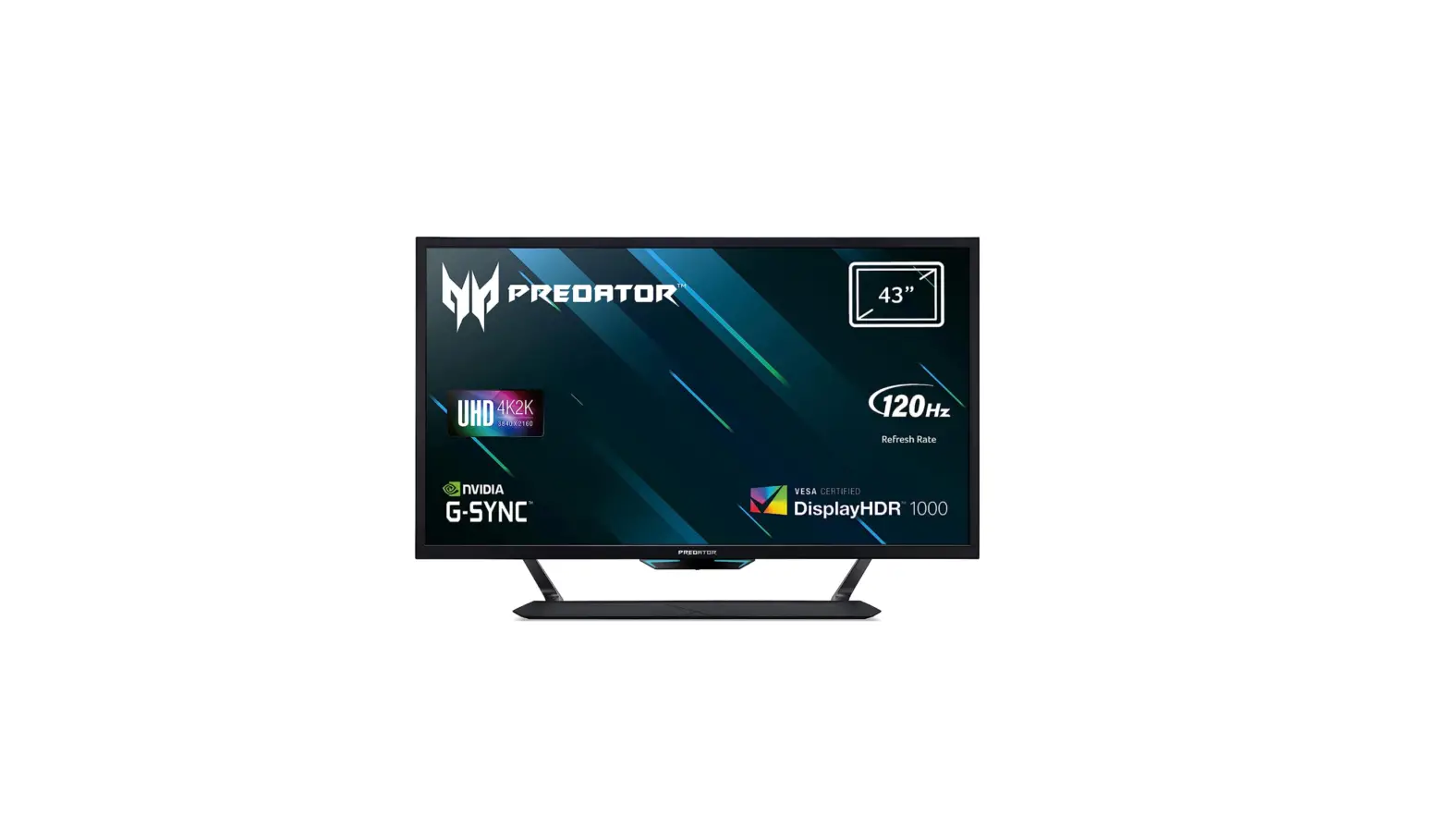
 300 572 15.6 Inches Predator Helios 300 Gaming Laptop
User Manual
300 572 15.6 Inches Predator Helios 300 Gaming Laptop
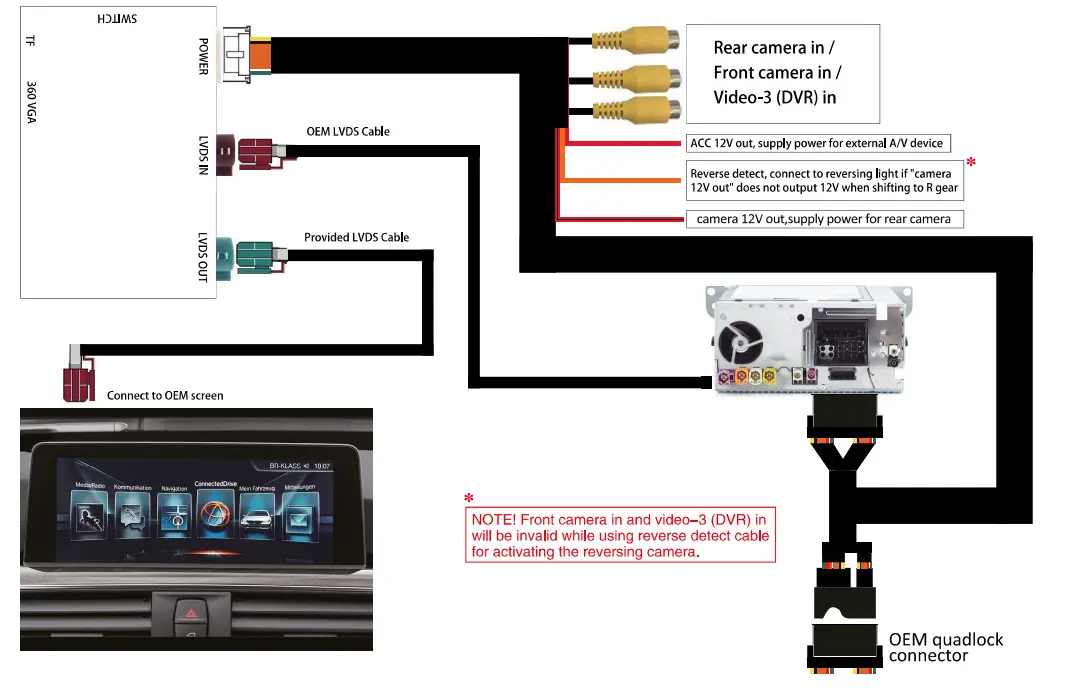
DIP switch settings
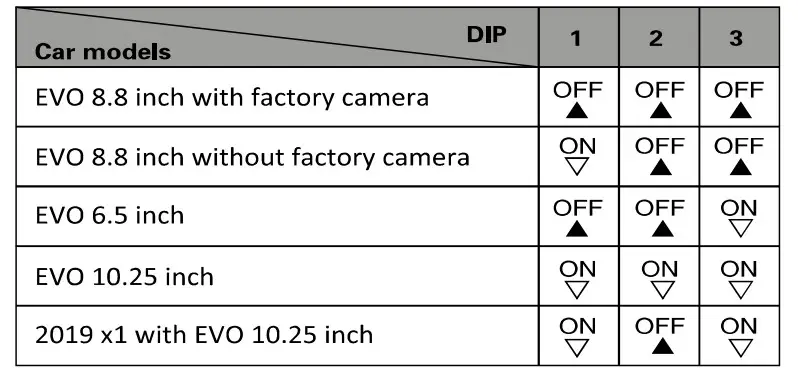
| PIN | ON (▼) | OFF(▲) |
| 4 | Disable PDC | Enable PDC |
| 5 | Disable parking guideline | Enable parking guideline |
| 6 | ||
| 7 | Disable front camera for 10s automatically after shifted from “R” gear | Disable F-cam |
Some common DIP shortcuts
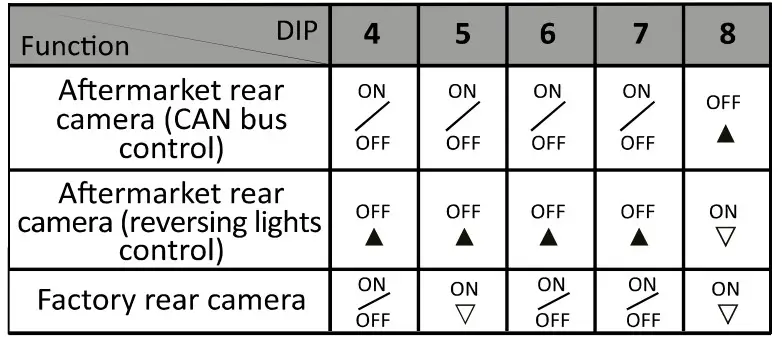
How to adjust parking guideline position
NOTE I This function is not available for car with OEM rear camera or 6.5-inch screen.
How to adjust parking guideline position
NOTE This function is not available for car with OEM rear camera or 6.5-inch screen. 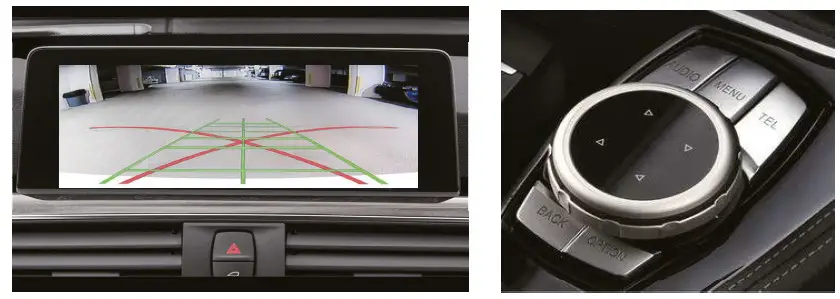
- Set DIP #4 and #6 to ON
- Shift to Rgear
- Press “MENU” button and hold more than 205
- Rotate iDrive joystick to move parking guideline horizontal position.
- Press “MENU” and hold more than 205 again
- Rotate iDrive joystick to move parking guideline vertical position.
- It will save after exiting Rgear
How to display video-3
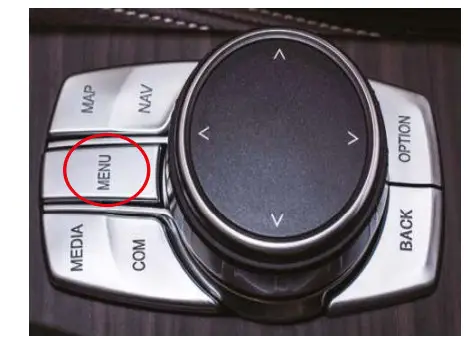
Press and hold “MENU” button on iDrive joystick for 2S to display external video.
Art. 300 572