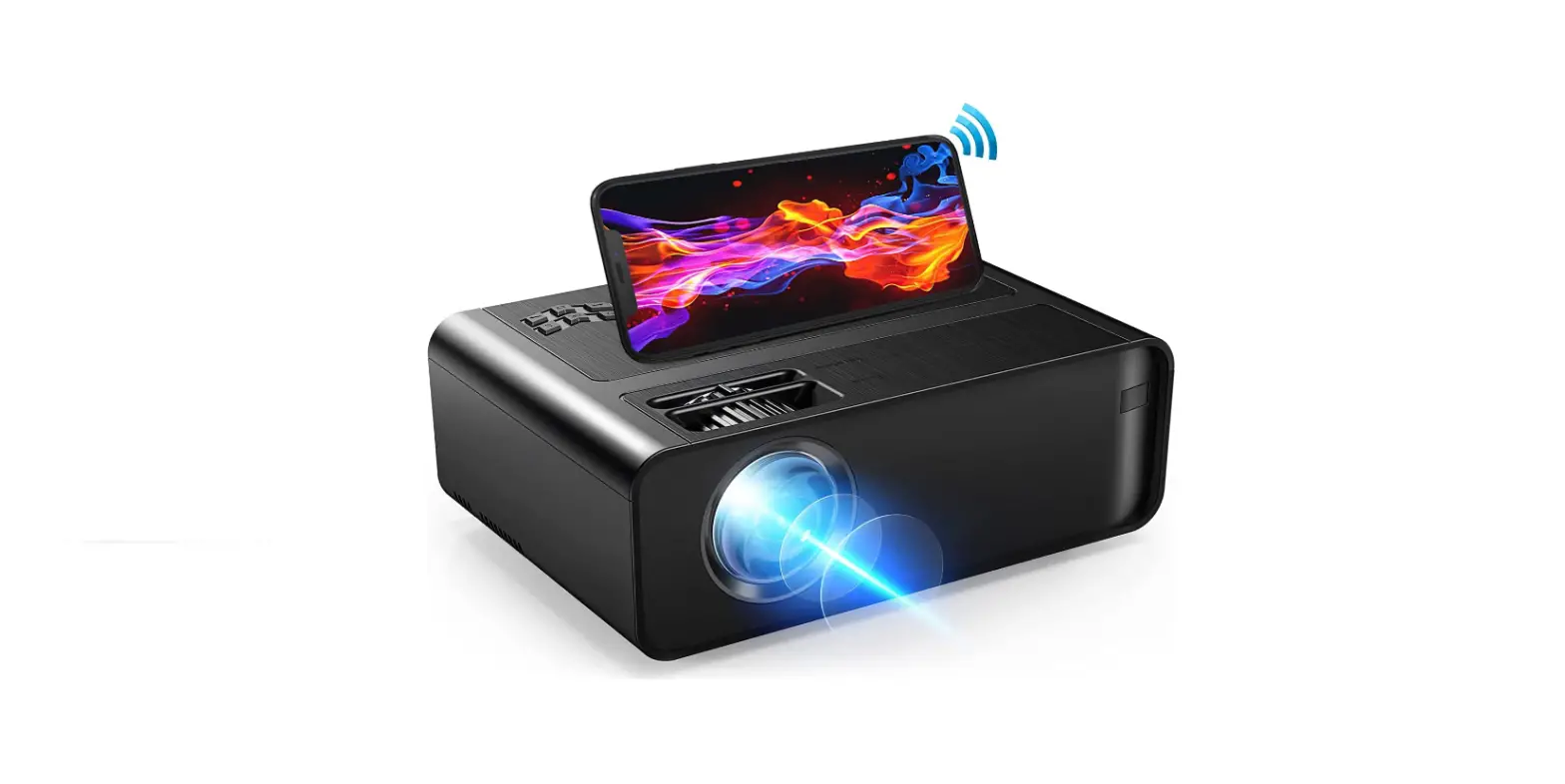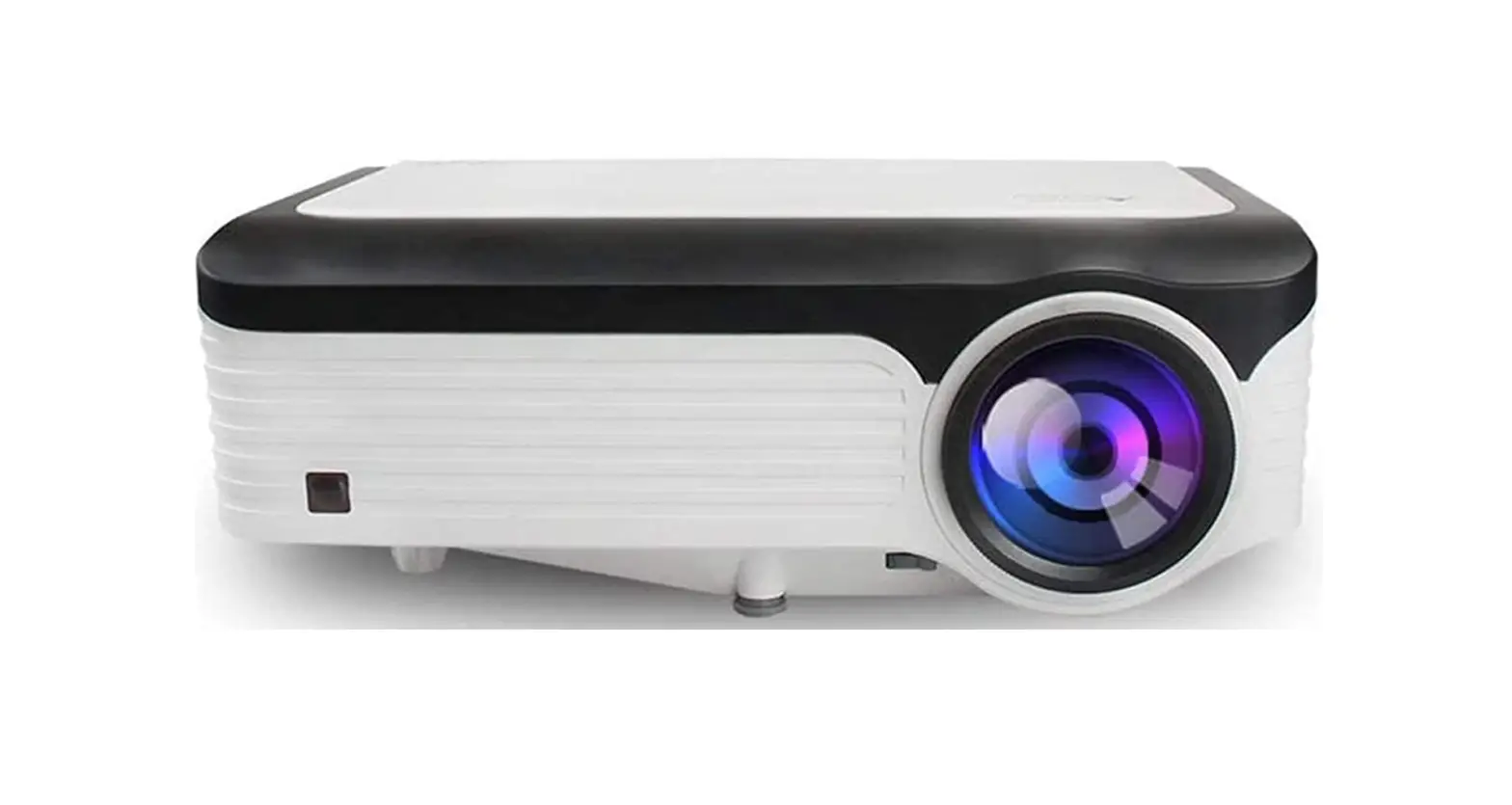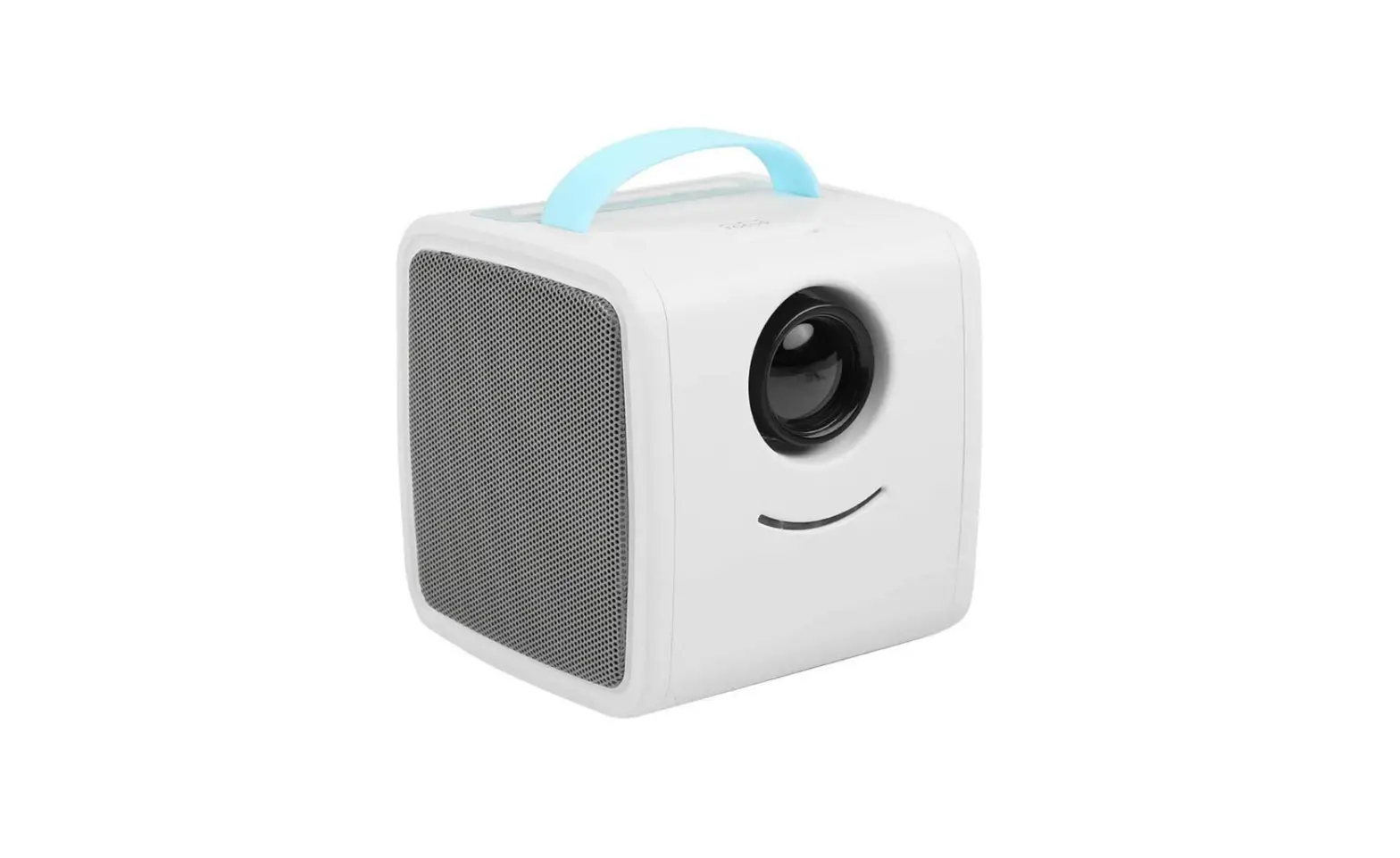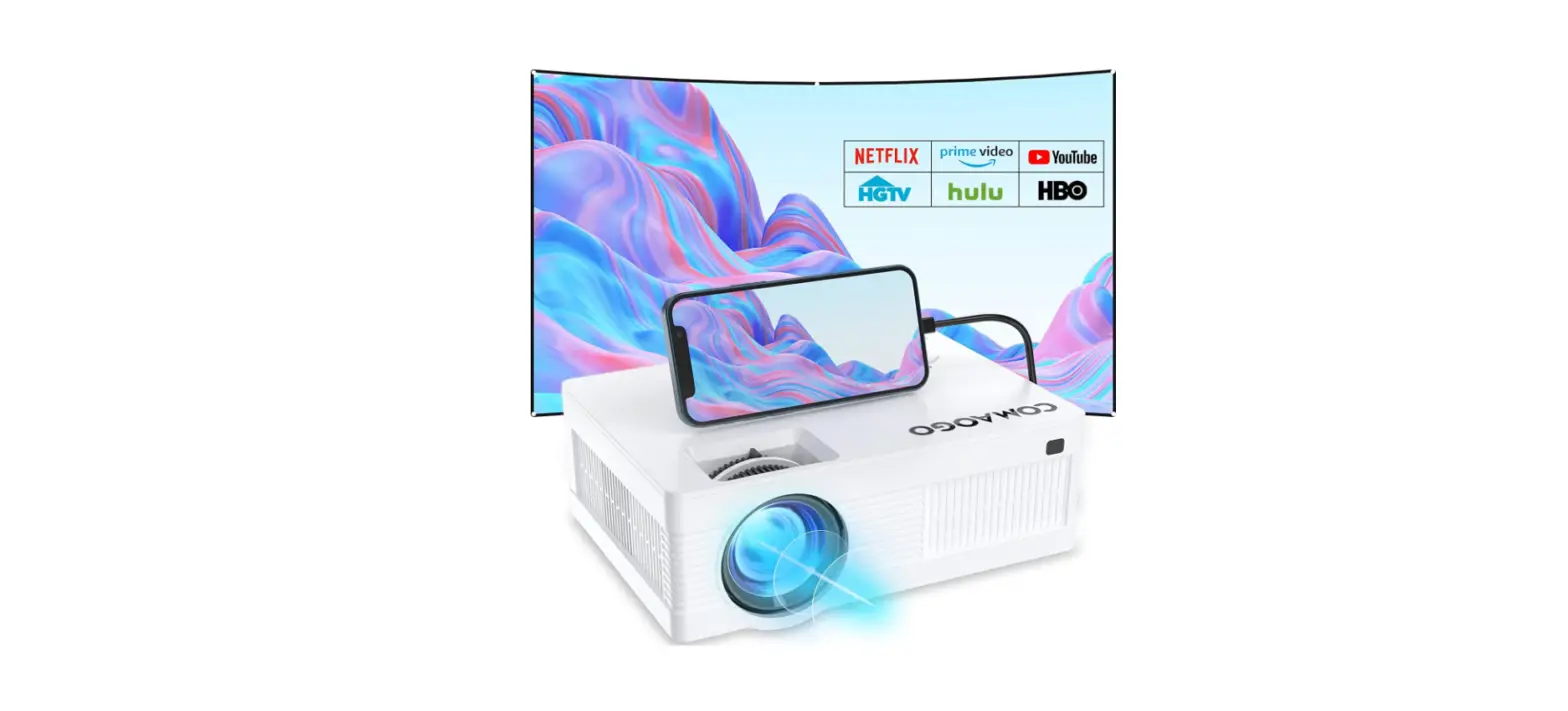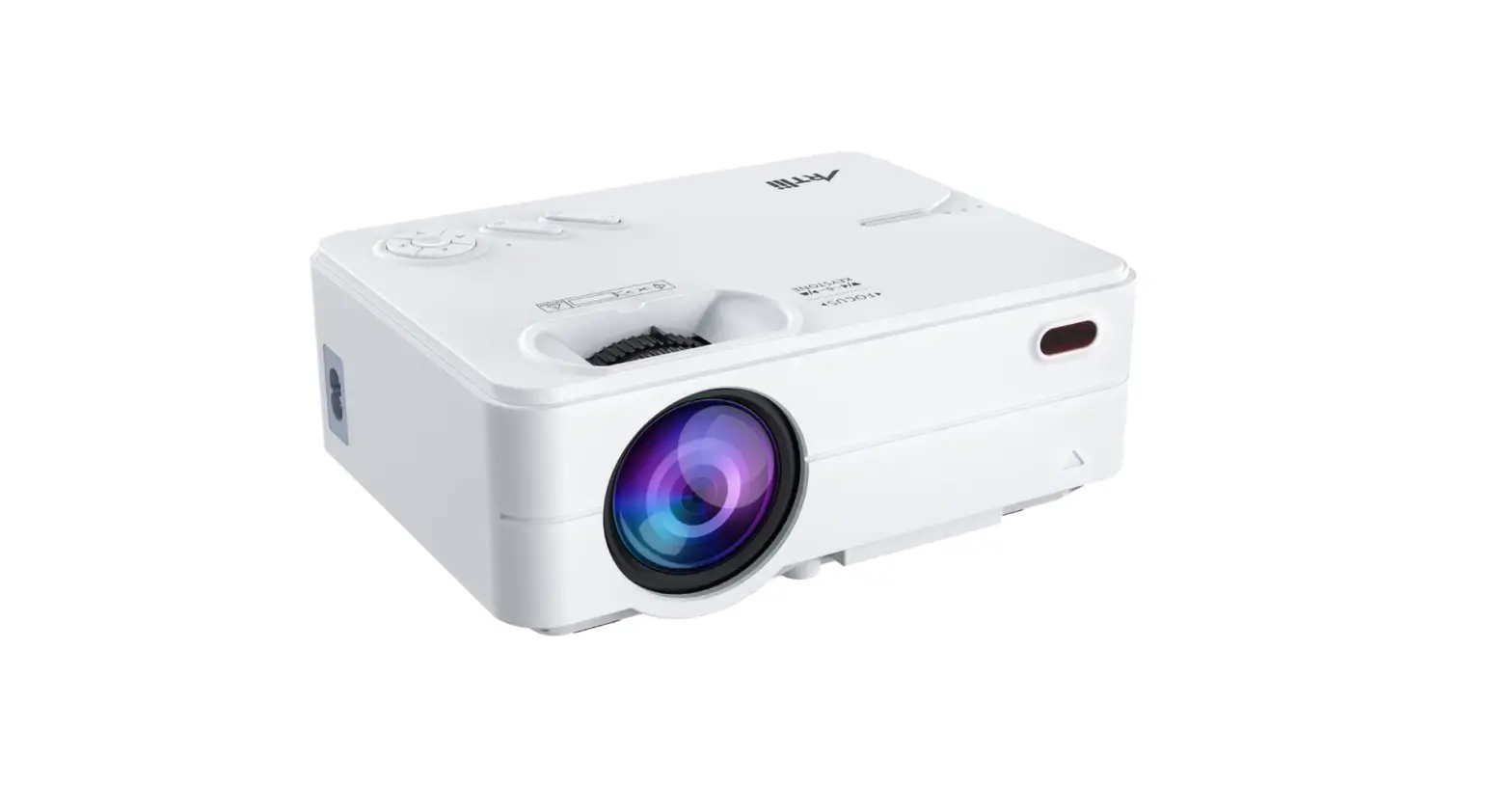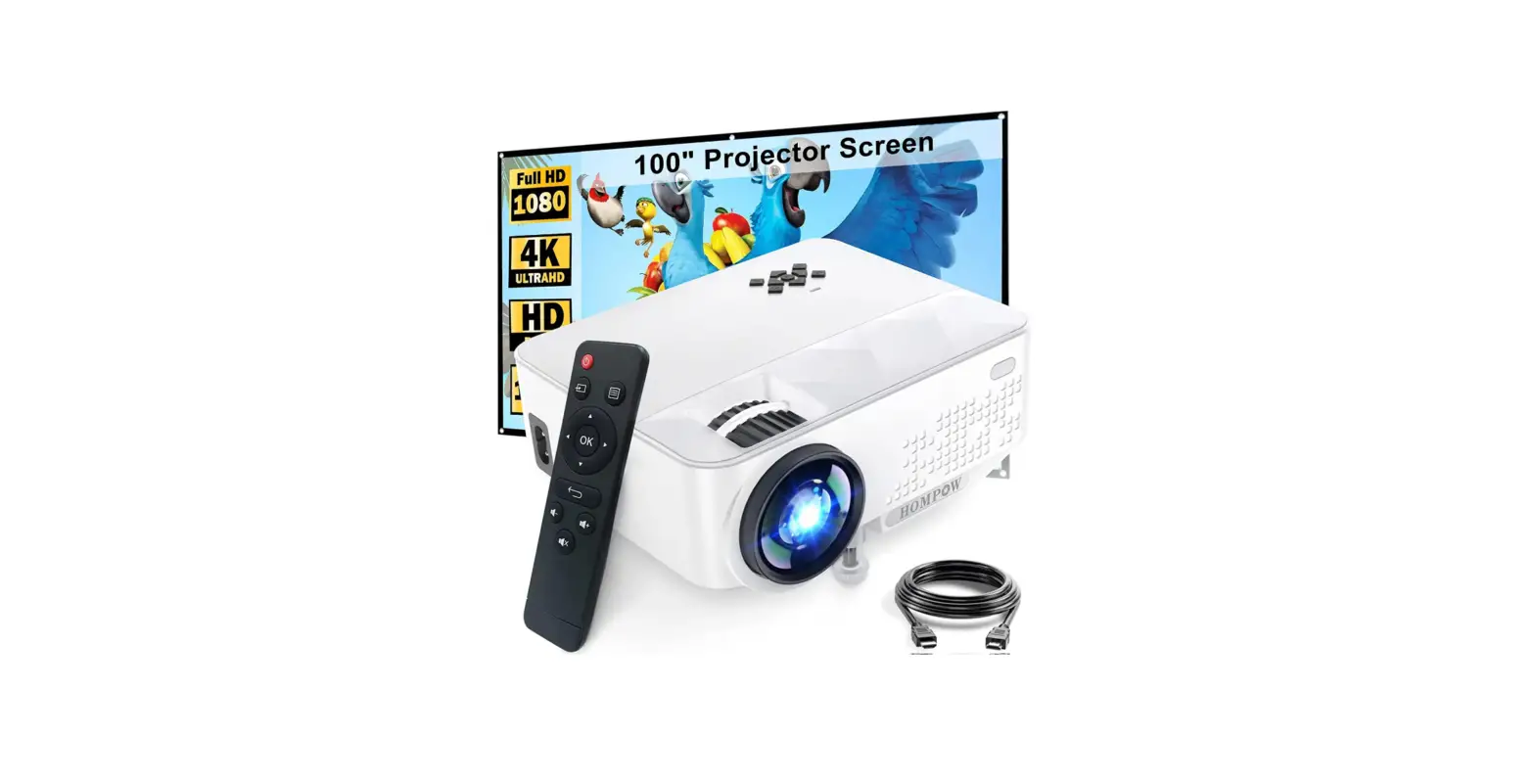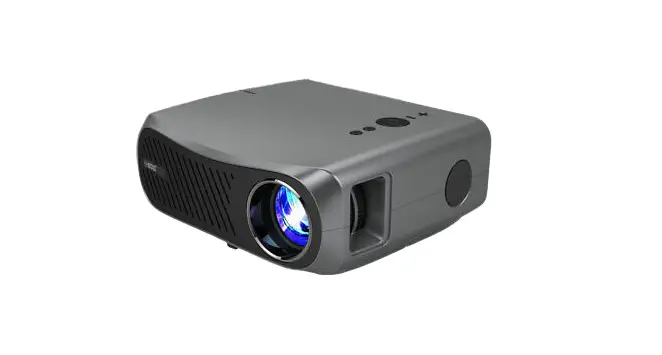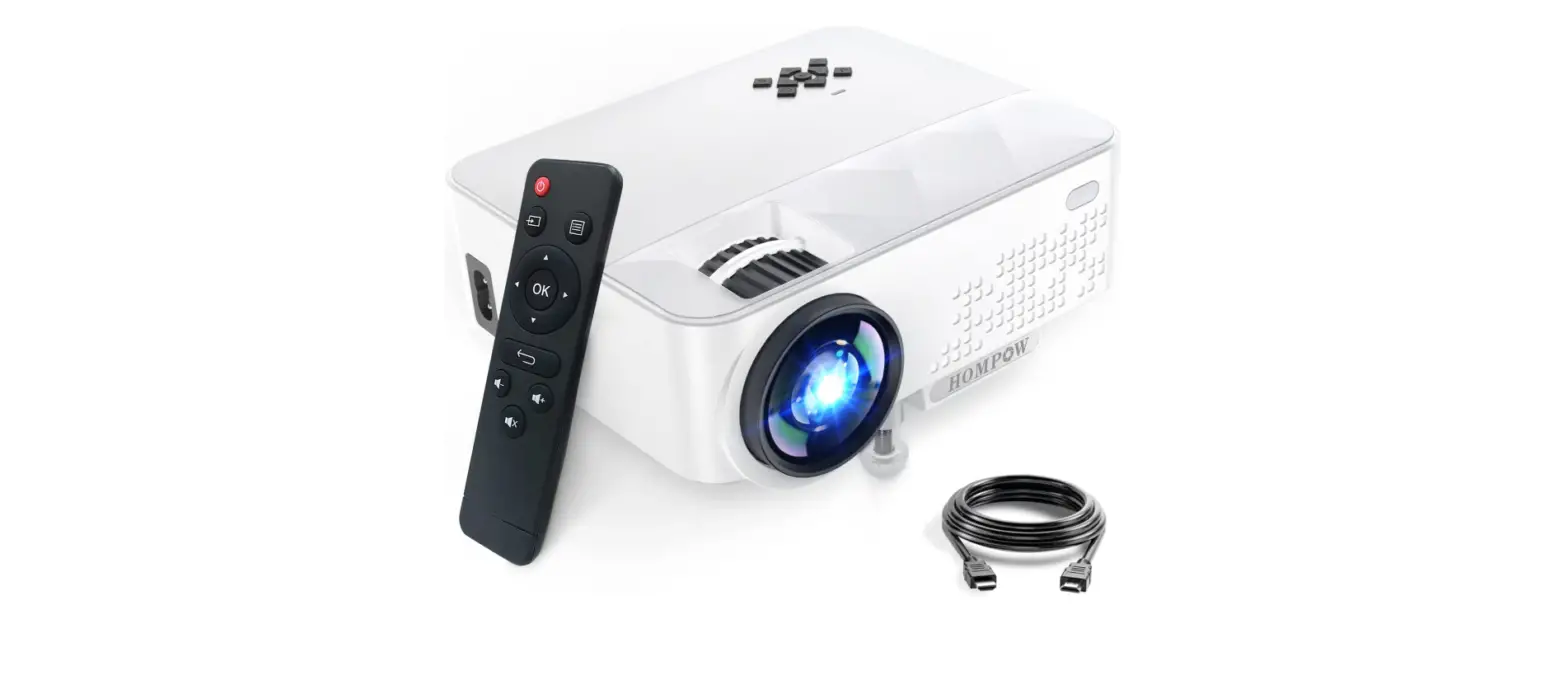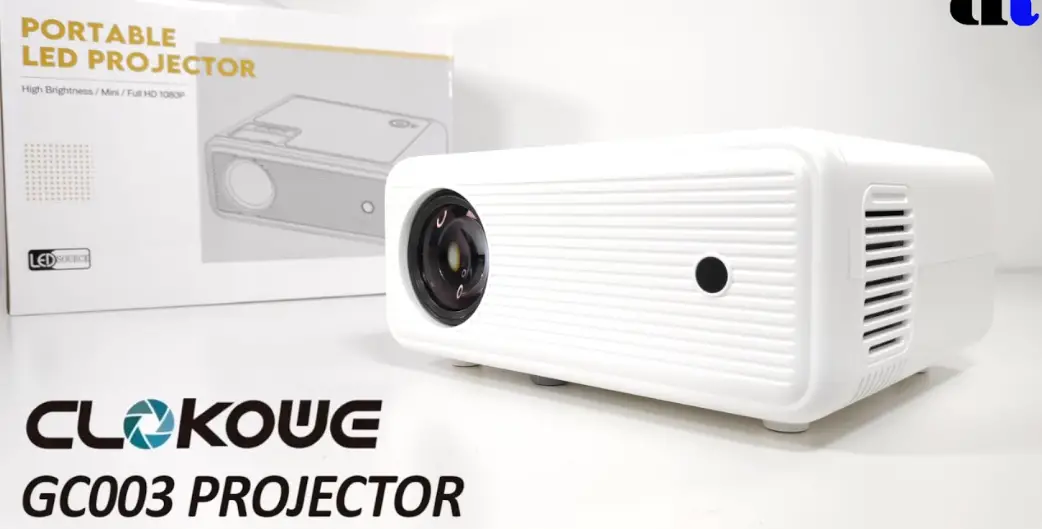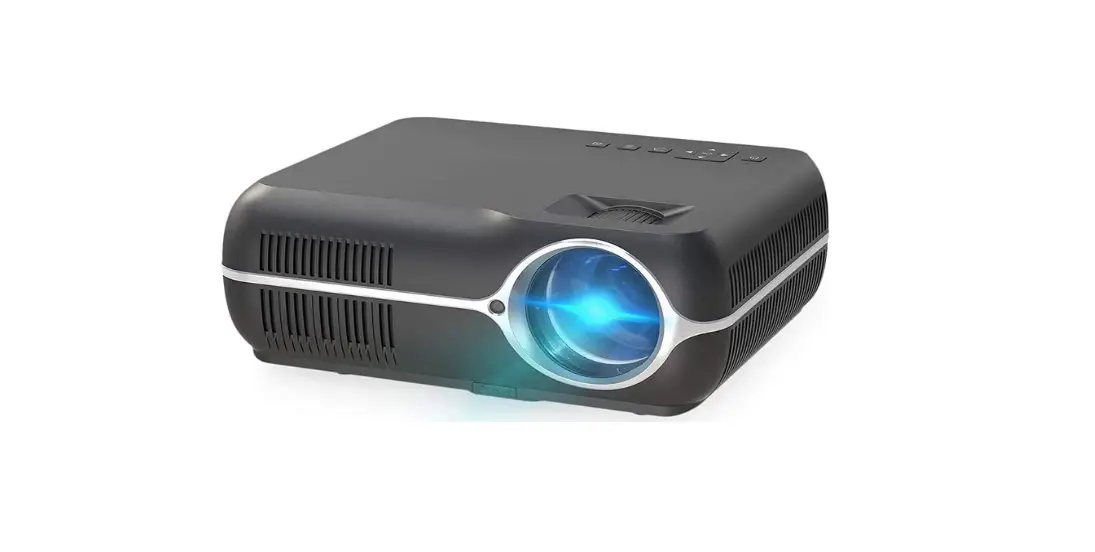

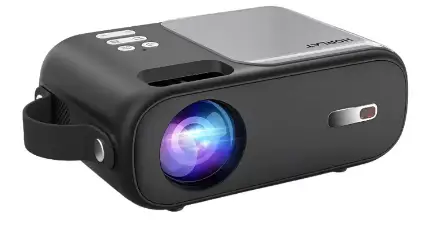
HORLAT Q2 Mini Projector for iPhone Video Projector
Warm Tips
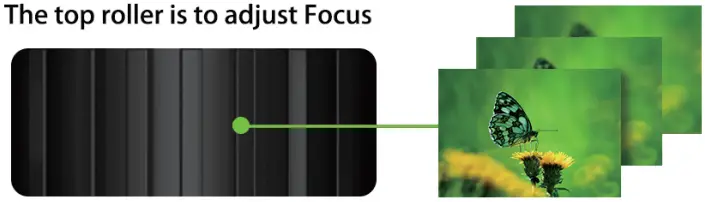
What should I do if the projected image is blurry?
- Please turn the roller on the top to adjust the focal length until the picture is clear. (with the roller picture above)
- Please place the projector at an appropriate projection distance, the best-recommended distance is 0.8M-1.8M
When connecting with the laptop via HDMI cable, if occurs the below case, please refer to the following instructions:
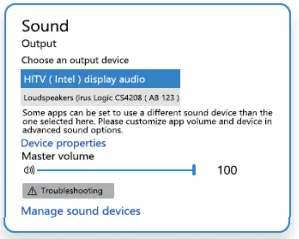
- With image but no sound. Just enter the Setting of Sound, choose the HITV (Intel) display audio”

- No Sound and no image. Press the
 key at the same time, then select ” Copy ” in the popup
 key at the same time, then select ” Copy ” in the popup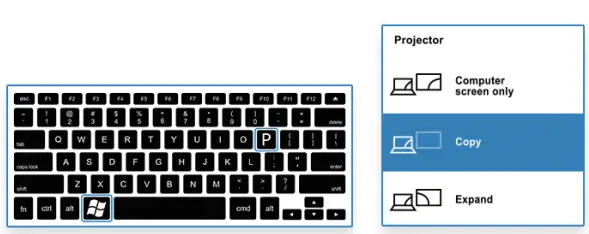
ios Devices Connect
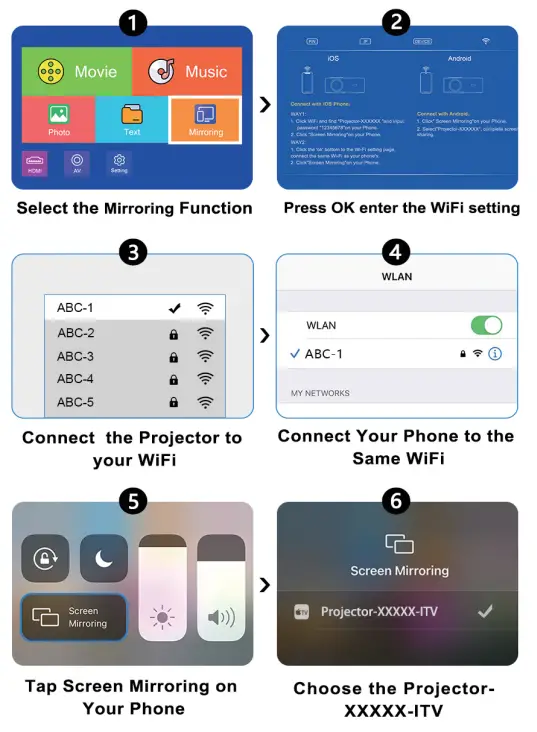
Android Decives Connect
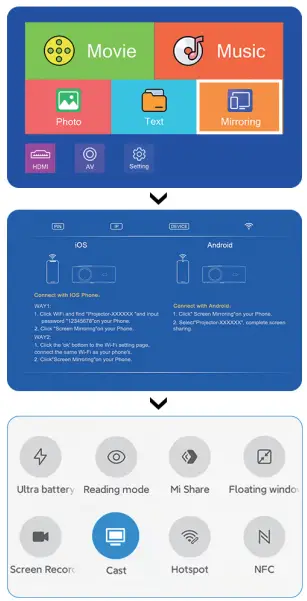
find Multi-Screen/Miracast/Smart View function on your Andriod devices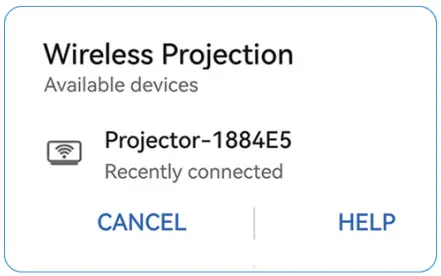
Connect Your Phone to the Same WiFi