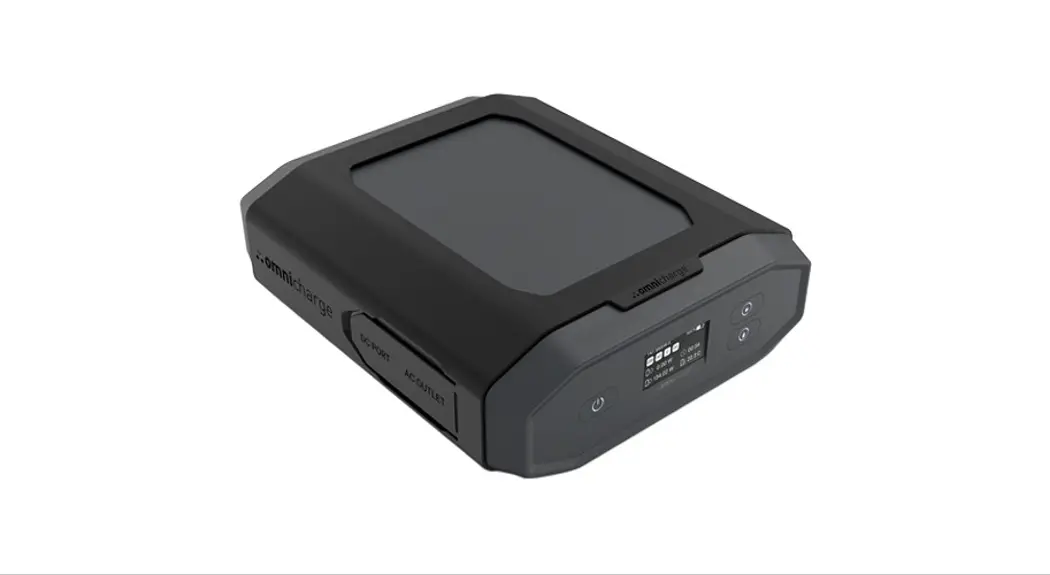

Omni 20+
Manual
120V/230V AC
www.omnicharge.co
POWER YOUR NEXT ADVENTURE
For more information visit our support page at www.omnicharge.co/support
BEFORE USING
Calibrate the battery
To make sure the battery percentage reading is correct, make sure to calibrate the battery within the first seven days of receiving the product.
It’s easy to do. Follow these steps:
- Fully discharge Omnicharge until the screen turns off. Press the Power Button and you should see an empty battery icon on the screen.
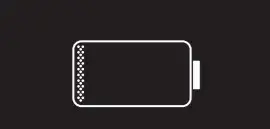
- Fully charge your Omnicharge to 100% to finish the calibration.
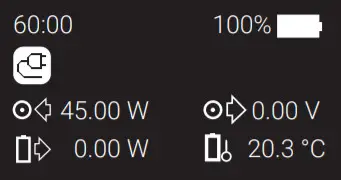
Note: The Omnicharge battery needs to be recharged at least every 6 months to avoid over depletion. Failure to do so can cause the battery to malfunction and is not covered by warranty.
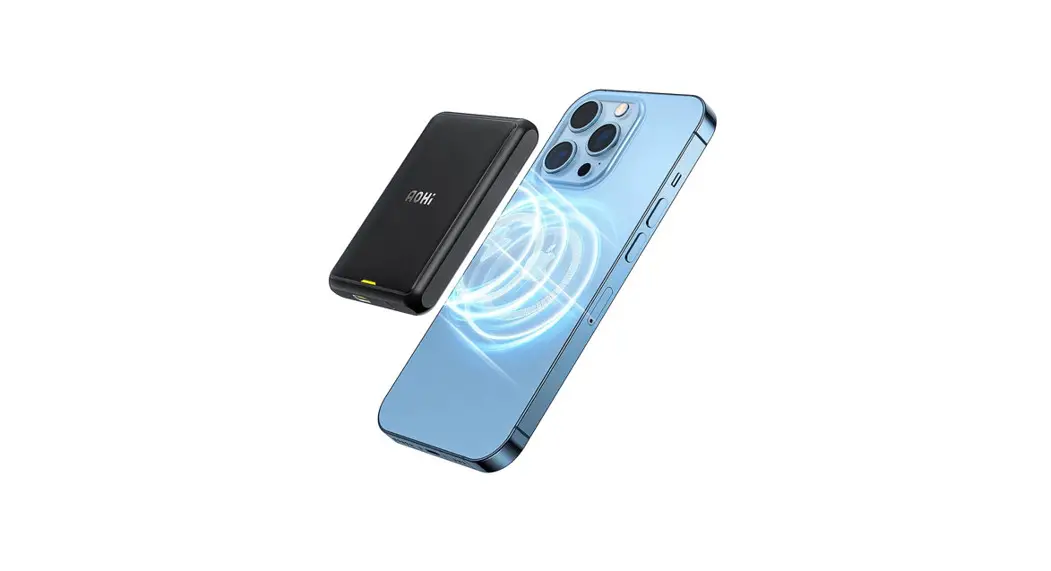
Note: For optimal wireless charging, place the phone horizontally towards the back of the Omnicharge.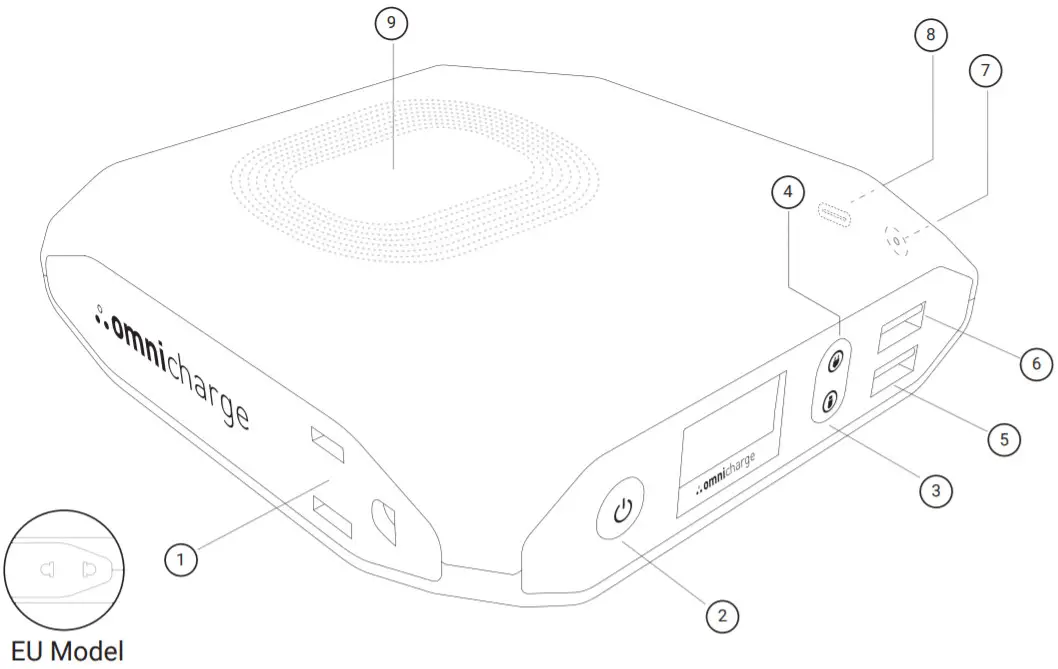
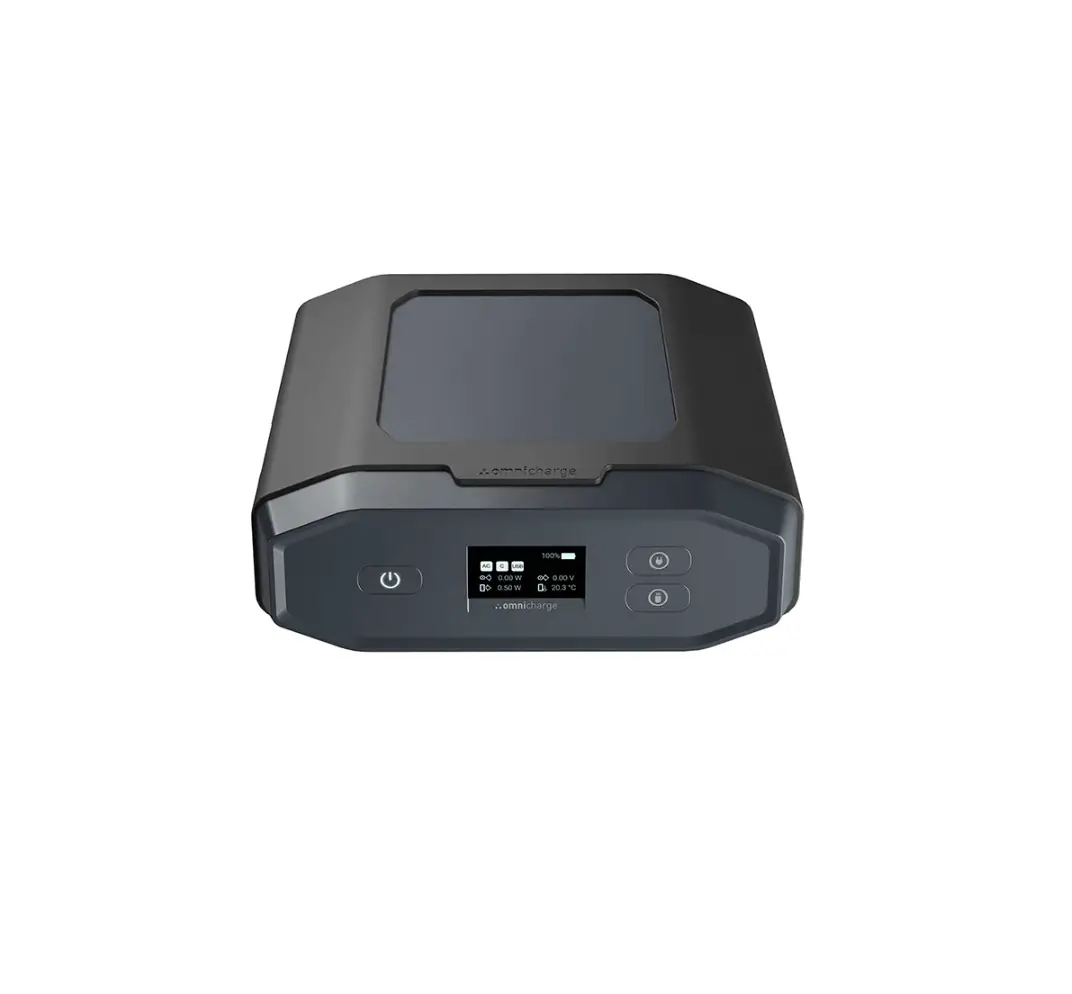
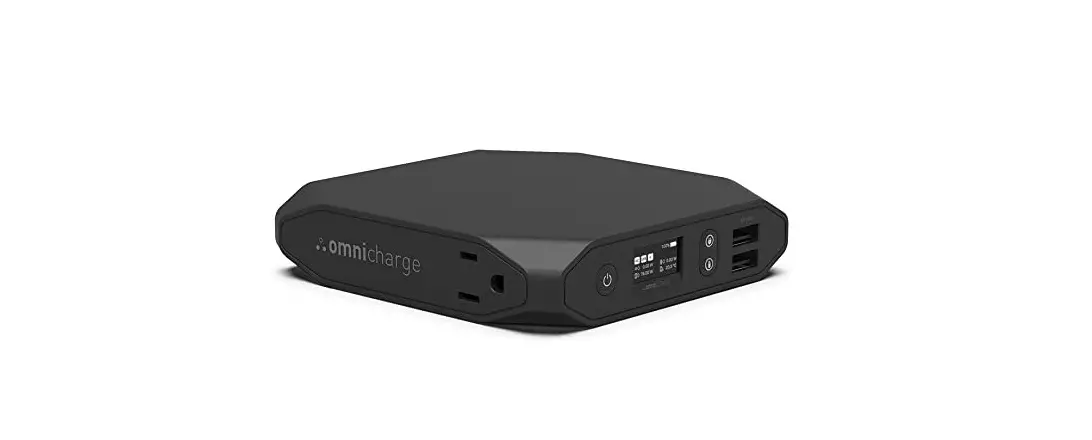
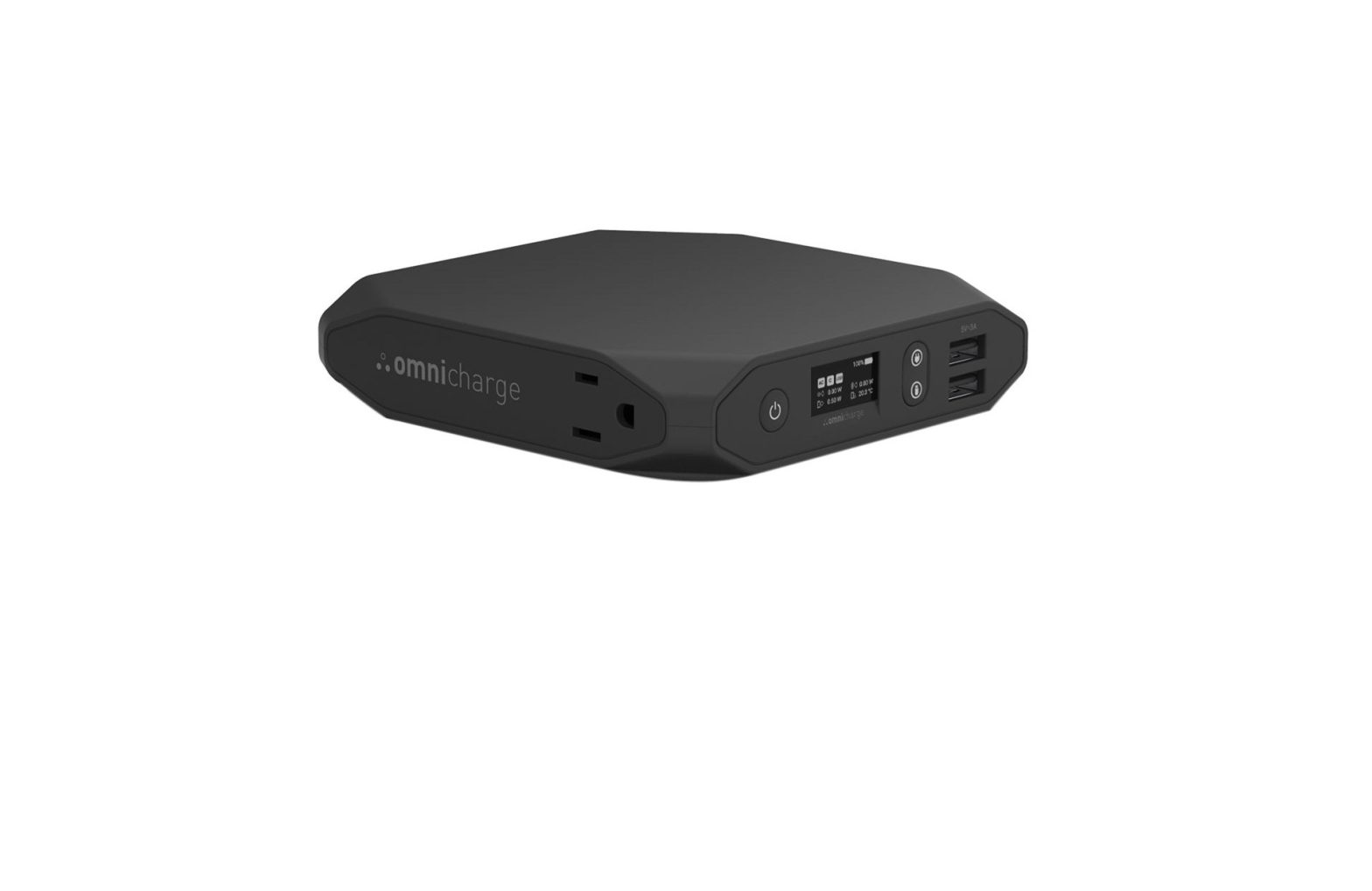
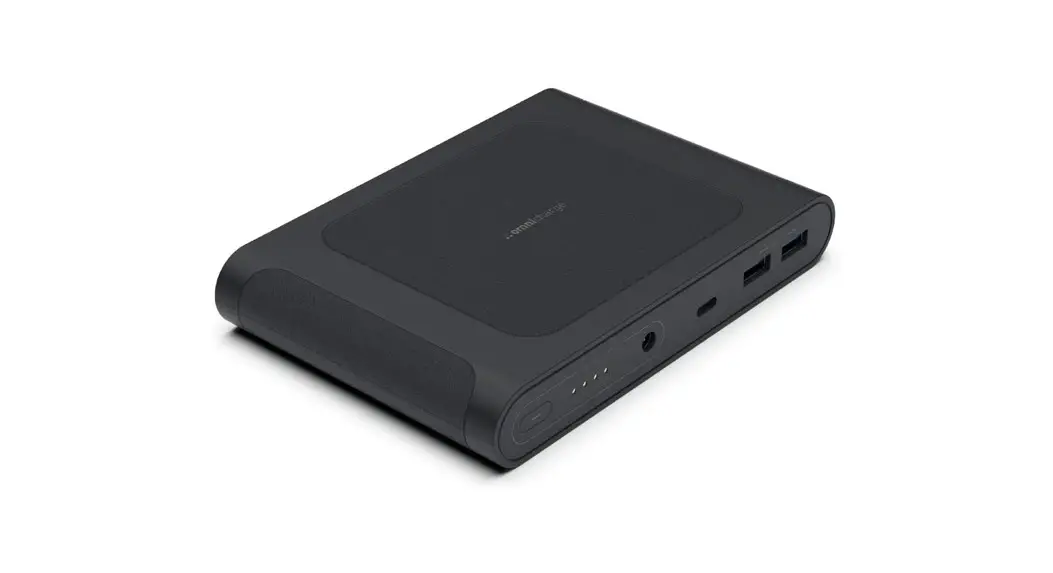
| 1. AC Outlet 2. Power and Menu Button 3. USB Button 4. AC Outlet Button | 5. Quick Charge USB (QC 3.0 Compatible) 6. 5V/3A USB-A Port 7. DC Input/Output (5.5 x 2.1mm Barrel Port) 8. USB-C Input/Output 9. Wireless Charging |
PRIMARY CONTROLS • Long press to power on • Long press to power on• Long press to power off | 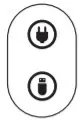 • On/Off AC Outlet • On/Off AC Outlet• On/Off USB Ports |
| MENU CONTROLS• Double press to enter the menu • Quick press to select | • Move Up • Move Down |
SCREEN
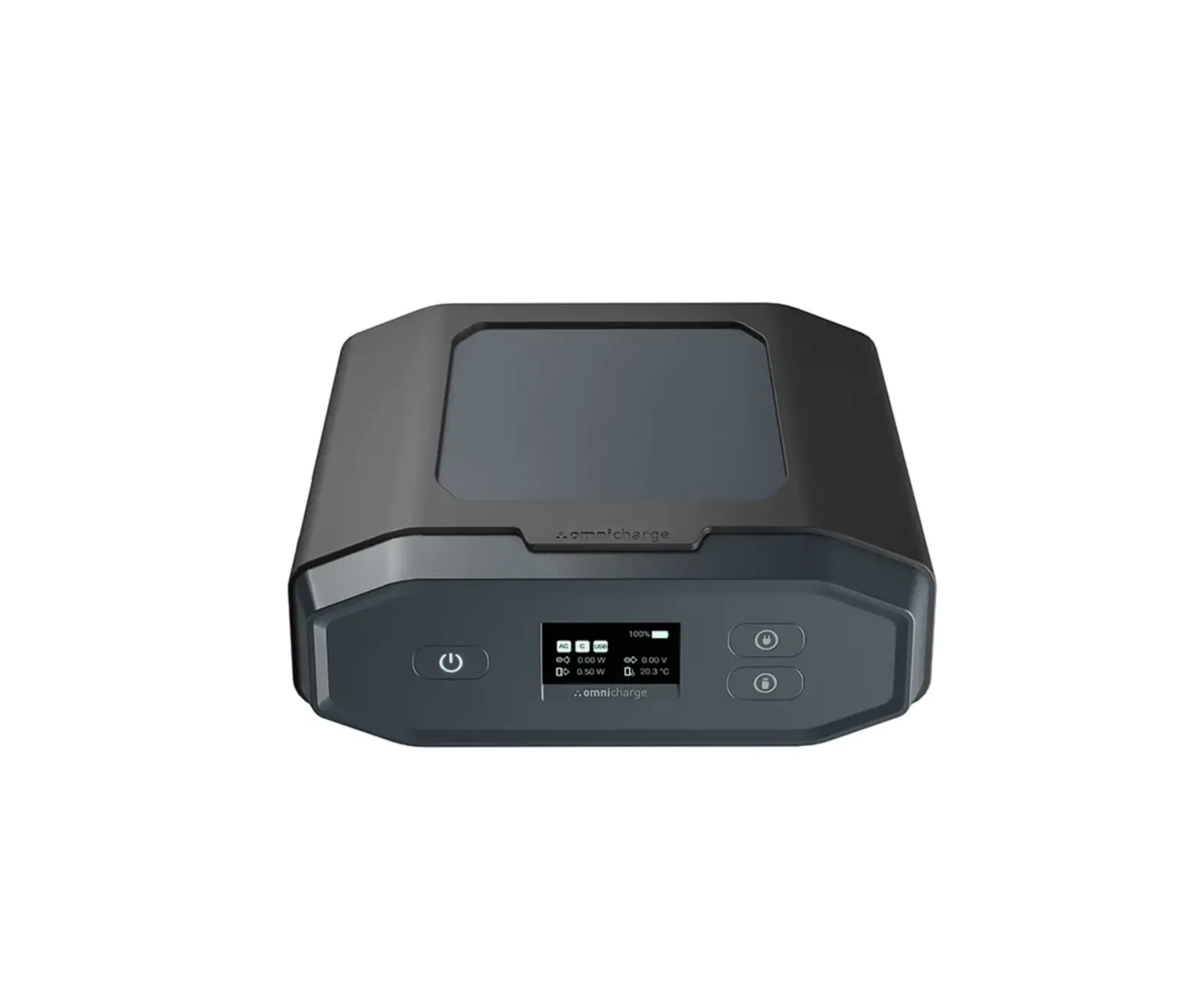
OLED screen with real time metrics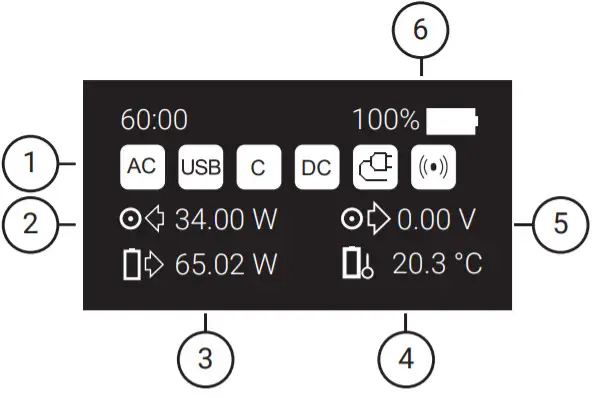
- Status Icons
- Power Input (watts)
- Battery Power Output (watts)
- Battery Temperature
- DC Output Voltage
- Battery Percentage
Note: When you are pass-through charging, the battery output field will show a lower value and can even show 0W output, since the output field is showing how much power is output from the battery and not how much is output from the port.
SCREEN ICONS
 AC AC OUTPUT AC AC OUTPUTAC outlet is activated. |  USB OUTPUT USB OUTPUTUSB ports are turned on. |
 HVDC OUTPUT HVDC OUTPUTHVDC (high voltage DC) is activated. |  CHARGING INPUT CHARGING INPUTYour Omnicharge is being charged. |
 USB-C OUTPUT USB-C OUTPUT60W USB-C output is activated. |  OPTIMAL CHARGING OPTIMAL CHARGINGCharging at maximum power. |
 ADJUSTABLE DC OUTPUT ADJUSTABLE DC OUTPUTAdjustable 5V-25V DC output is activated. |  SOLAR CHARGING SOLAR CHARGINGCharging from solar power. |
 LOW-TEMPERATURE PROTECTION LOW-TEMPERATURE PROTECTIONThe battery’s temperature is too low, the charging circuit is shut off. |  Wireless Charging Wireless ChargingWireless charging is active. |
 LOW POWER PROTECTION (ONLY DURING PASS-THROUGH) LOW POWER PROTECTION (ONLY DURING PASS-THROUGH)Occurs when outgoing power is higher than incoming power and the battery is empty. Omnicharge will cut off the outgoing power until a sufficient battery level has been reached. | |
 OVERPOWER PROTECTION OVERPOWER PROTECTIONThe device is drawing too much power. Omnicharge will limit or cut off the output power. | |
 OVERHEATING PROTECTION OVERHEATING PROTECTIONThe battery temperature is too high. Omnicharge will limit or cut off its input and output power. | |
 OVERVOLTAGE PROTECTION OVERVOLTAGE PROTECTIONBarrel input voltage exceeds the 36V limit. The input charging circuit is shut off. | |
- DC OUT
Turn on DC output and set the voltage and amperage. - WALL SOCKET
Choose whether the AC outlet will output 120V AC or 150V HVDC - USB
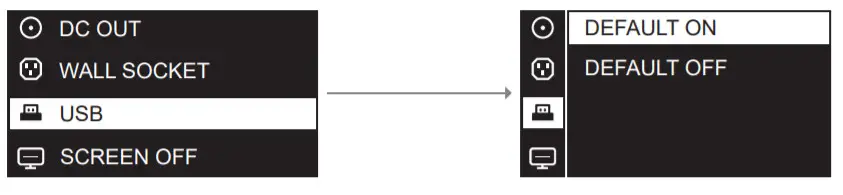
Choose whether your USB-A ports are on or off when you turn on your Omnicharge. The default setting is on. - SCREEN OFF TIMER
Set the screen auto shut-off time here. The default setting is 5 min.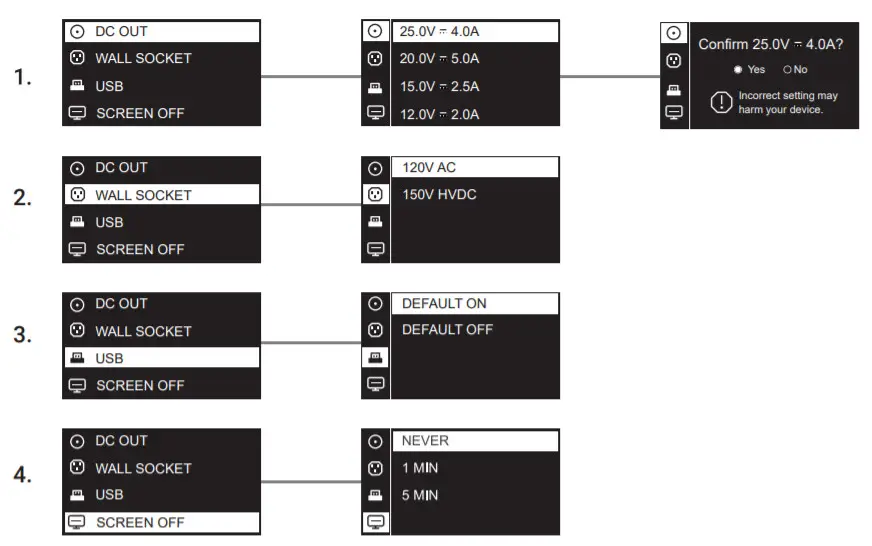
- AUTO SHUT DOWN
Set the power auto shut-off time here. The default setting is 5 min. - TEMPERATURE
Choose whether your temperature is displayed in Celcius or Fahrenheit - BUTTON LIGHT
Choose whether the button lights are on or off. The default setting is on. - ABOUT
Find the model name, capacity, firmware version, and serial number information here.
AC OUTLET
Max output power: 100W
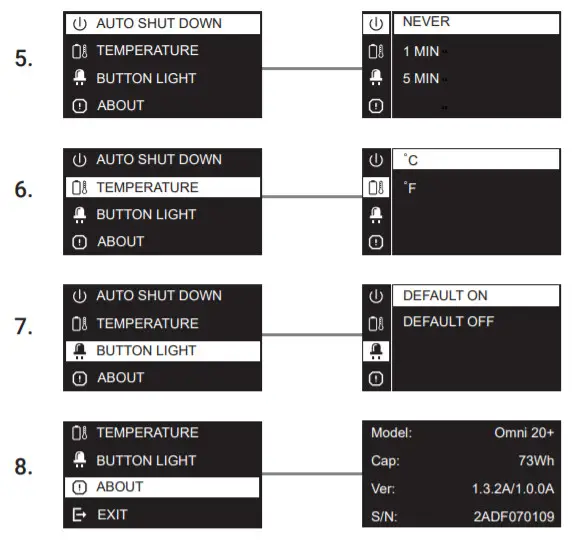
To change the AC output mode, double press the Power Button to enter the menu and select Wall Socket.
- Choose 120V AC/150V HVDC mode in the menu
 Note:
Note:
Only choose 150V HVDC if you are using a switch-mode power supply, such as a laptop’s AC power adapter. Check our support page at www.omnicharge.co for more detailed information. - When AC/HVDC is active, the following icons should appear on the screen

- Power any device.

DC OUTPUT
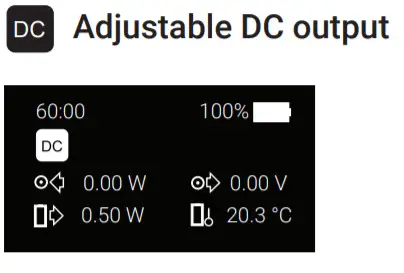
5V – 25V with 0.1V Accuracy, up to 5A (100W max)
The DC output feature can directly charge your laptop without needing your laptop charger.
Warning: Before using DC Output make sure you know the correct voltage for your laptop.
Using the wrong voltage can damage your device.
Note: For more information visit our support page at www.omnicharge.co/support
Set voltage and amperage through the menu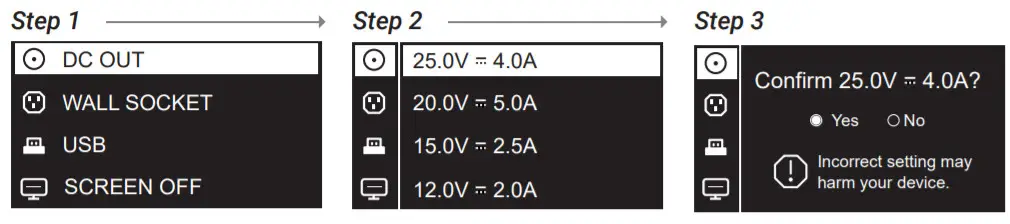
Omnicharge keeps 4 voltage presets. You can press and hold the power button while selecting a preset to customize the voltage and amperage.
| Once active, the DC icon will appear. | Power your device through the DC port. |
 | 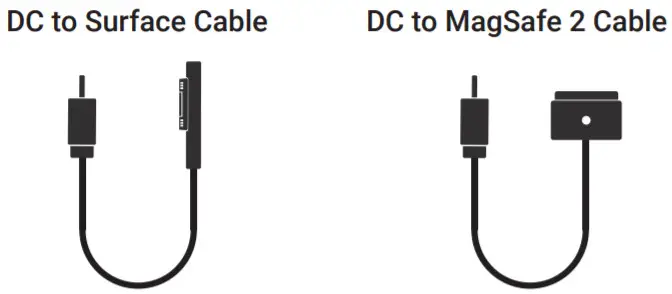 |
You can purchase additional DC cables from our website. For more information about available accessories, please visit www.omnicharge.co/products
USB-C PORT
USB-C port max output: 60W
The USB-C port is plug-and-play. Plug your USB-C device into the USB-C port to start charging
Note: If your USB-C output does not start charging, try to reconnect the USB-C cable.
Power any USB-C device.
RECHARGING FROM THE USB-C PORT
USB-C port max input: 45W
Fully recharge in 3 hours
Plug in a USB-C wall charger and it will start recharging the Omni 20+.
Note: If the Omnicharge does not detect incoming power, try to plug in your USB-C charger while the Omnicharge is turned off. Once charging has started, you can power on the Omnicharge to utilize pass-through charging.
Note: The USB-C and barrel ports operate on the same circuit and cannot operate simultaneously.
RAPID-CHARGING
USB PORTS
USB Port 1: 5V/3A, USB Port 2: QC 3.0
- Choose whether the USB output is on or off by default.
RECHARGING FROM THE BARREL PORT
DC Input 4.5V-36V, Up to 3A (2W – 45W)
Charging your Omnicharge
Use the included USB charging cable to recharge your Omnicharge. A fast charger is included in certain models and can also be purchased separately.
Note: Make sure the output voltage of your adapter falls within the 4.5V – 36V range.
The Omni 20+ only accepts 5.5 x 2.1mm barrel plugs.

TECHNICAL SPECIFICATION
| GENERAL Weight: 1.35 lbs (611 g) Dimension: 5.0″x 4.8″x 1.1″(12.7 x 12.2 x 2.7 cm) | USB-C Bidirectional Input/output charging Input: USB-PD, 5V~20V, up to 3A, 45W max Output: 5V/3A,9V/3A,12V/3A,15V/3A,20V/3A, up to 3A, 60W max |
| USB-A Output Port1: QC 3.0,5V/3A,9V/2A,12V/1.5A Port2: QC 3.0,5V/3A,9V/2A,12V/1.5A | DC Port Bidirectional Input/output charging Input: 5~25V, up to 3A, 45W max Output: 5~25V, up to 5A, 100W max |
| AC PORT 120V AC, 60Hz, 100W max US version 230V AC, 50Hz, 100W max EU version | WIRELESS CHARGING Output: 10W |
| CAPACITY 6 cells, 70Wh max at 3.7V | OPERATING ENVIRONMENT Temperature 0°C-40°C Humidity 30-70% Altitude ≤2000m |
CUSTOMER SUPPORT
All Omnicharge products have gone through quality inspection. If you find your Omnicharge or any Omnicharge accessory is experiencing or demonstrating any abnormal behavior, immediately stop all product use and contact us at [email protected].
FOLLOW US
 https://www.facebook.com/omnicharge
 https://www.instagram.com/omnicharge
 https://www.youtube.com/c/omnicharge
 https://twitter.com/omni_charge
THANK YOU
www.omnicharge.co
MADE IN CHINA
© 2019 Omnicharge.is a trademark of Omnicharge Inc.
© 2017 Omnicharge.
Omnicharge is a trademark of Omnicharge Inc.
 Laptop Power Banks for Mobile Professionals | Omnicharge
 twitter.com/omni_charge
 Omnicharge - Powering Professionals On The Go - Home
 Login • Instagram
 Omnicharge - YouTube