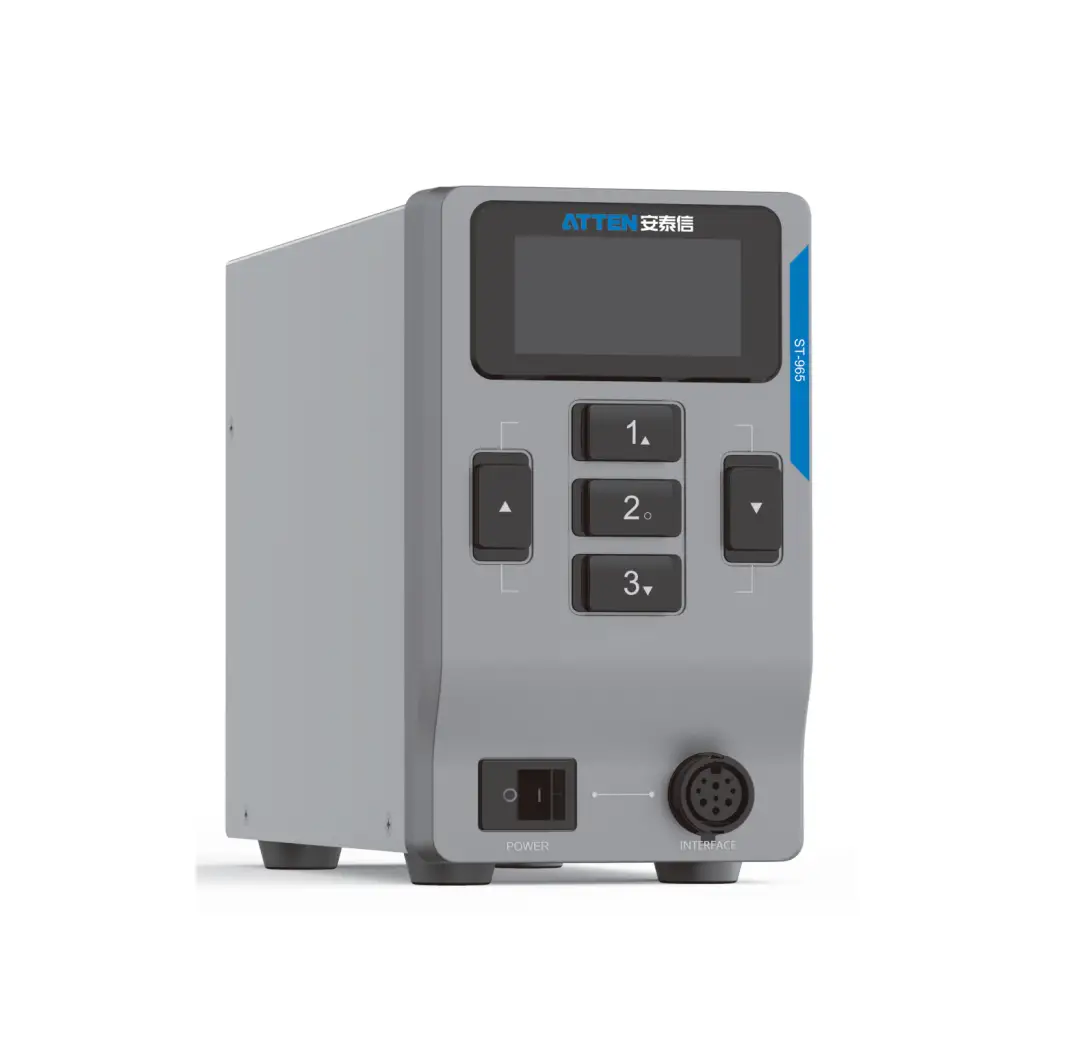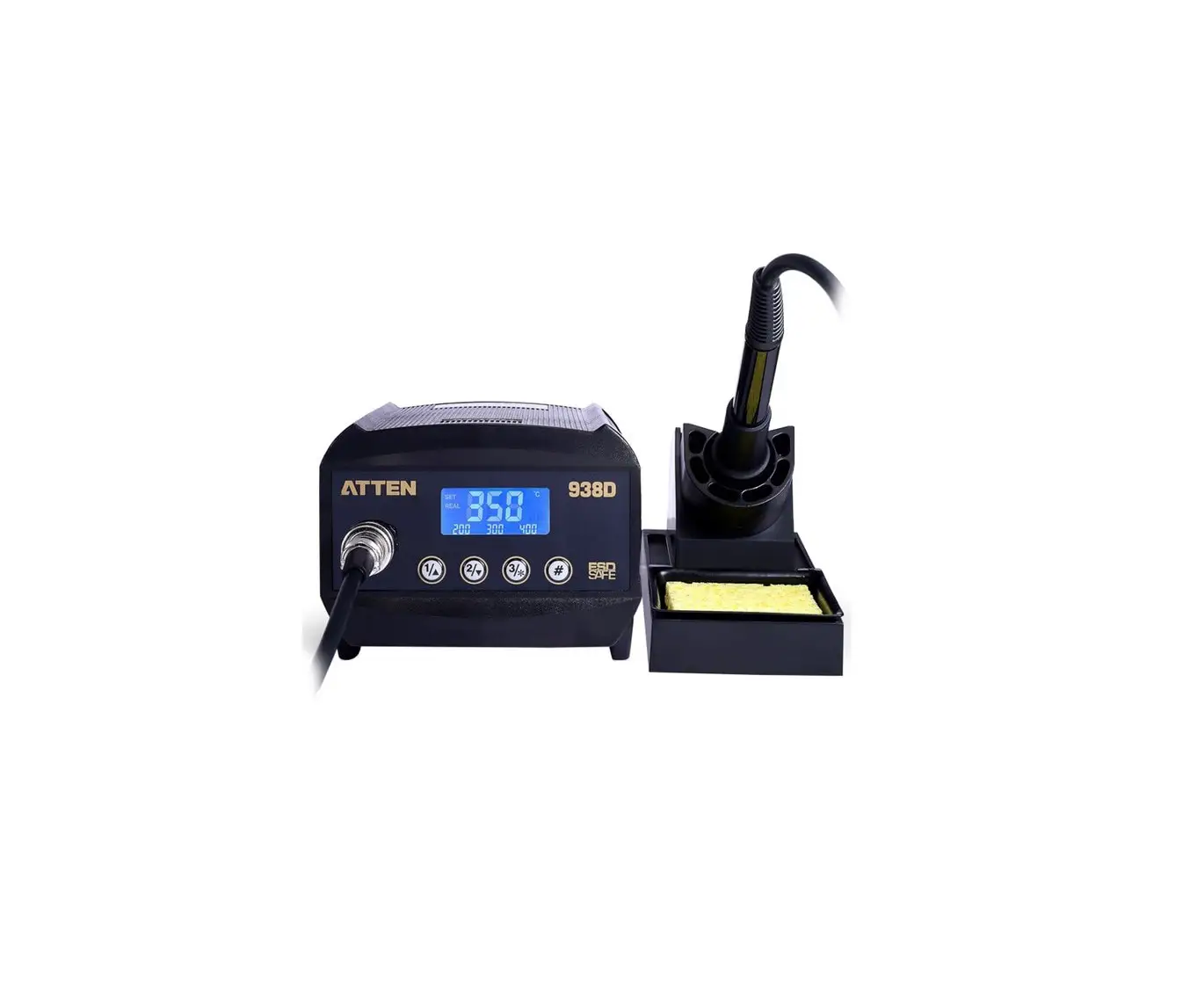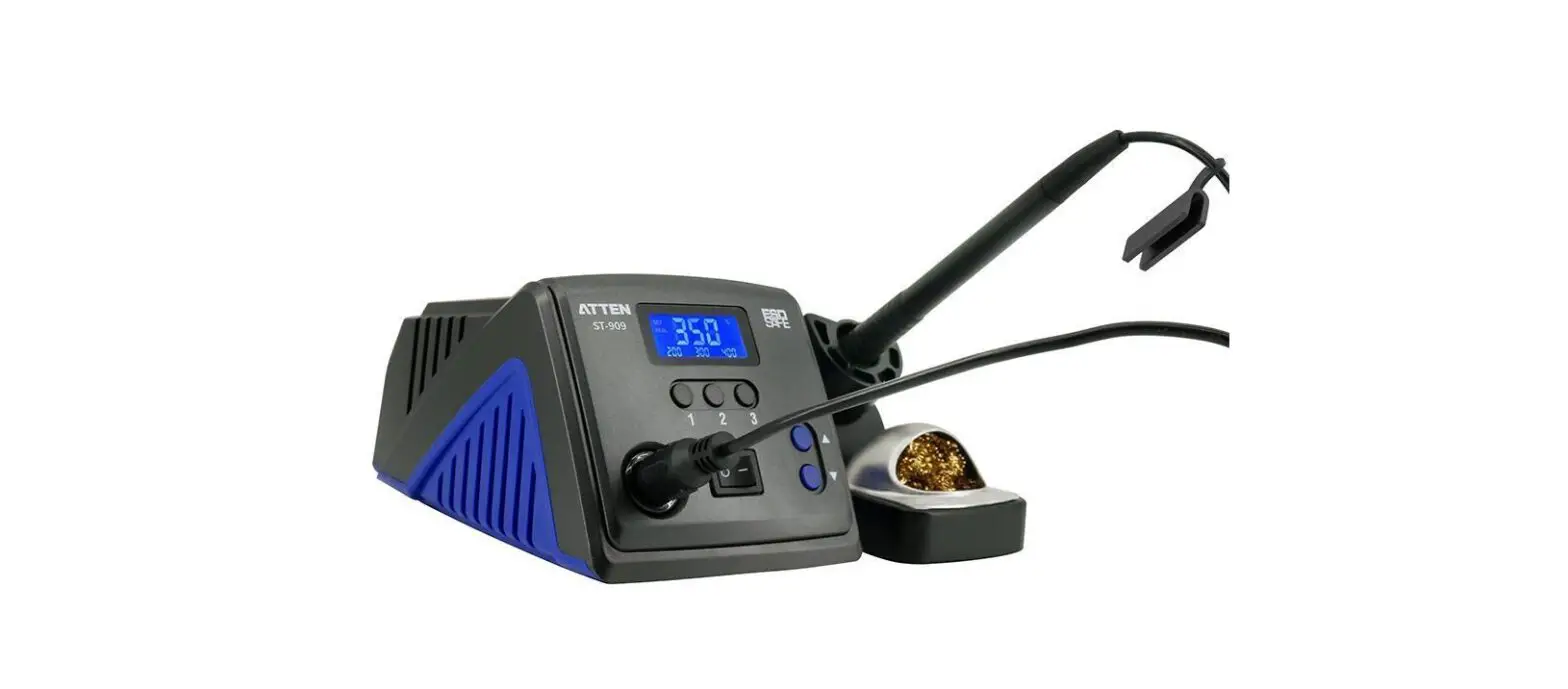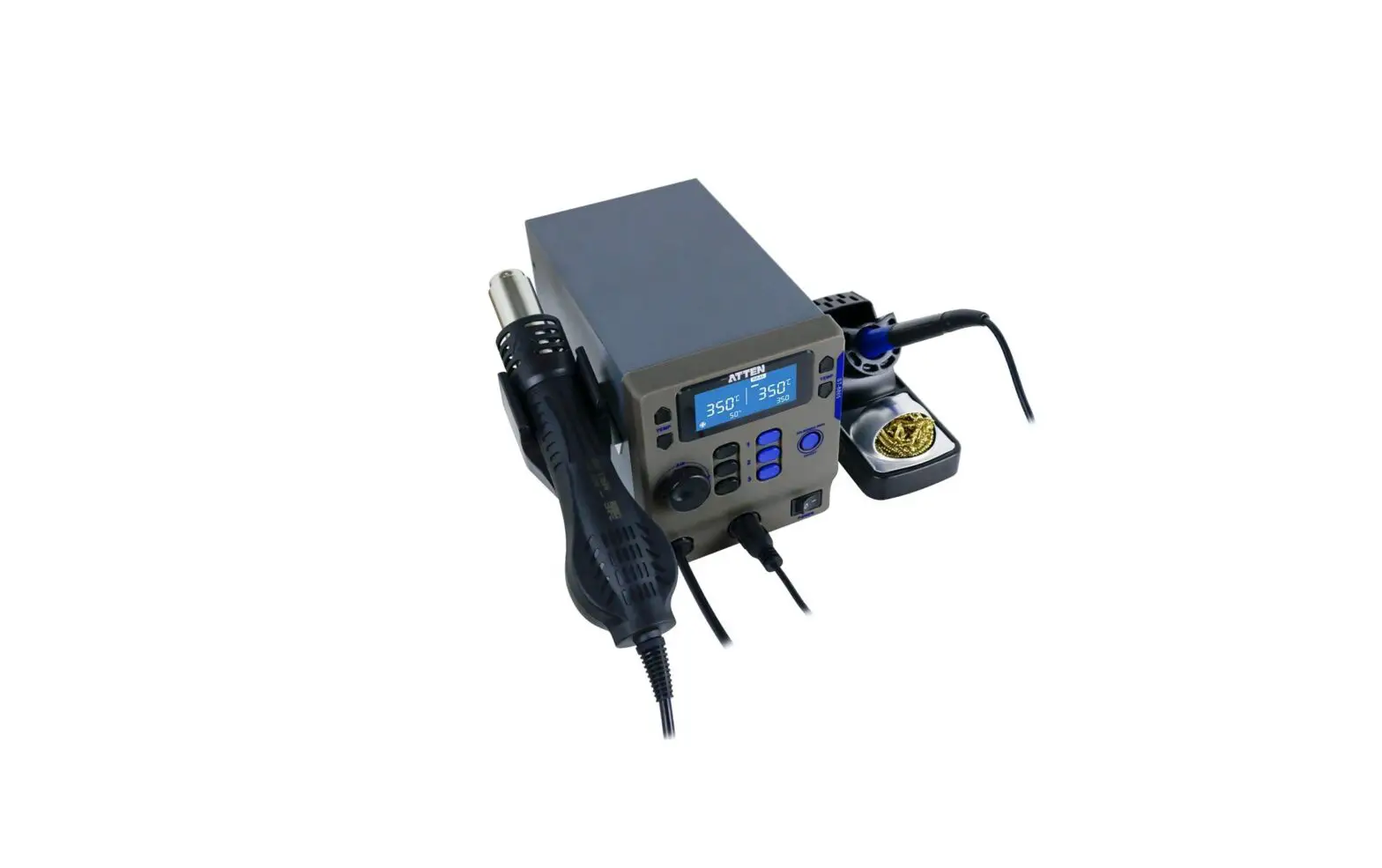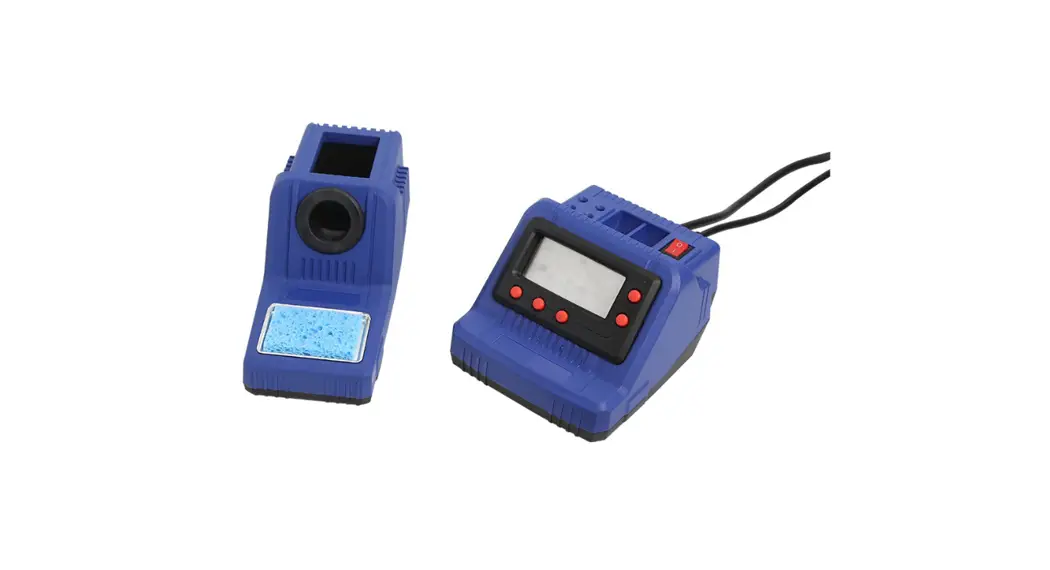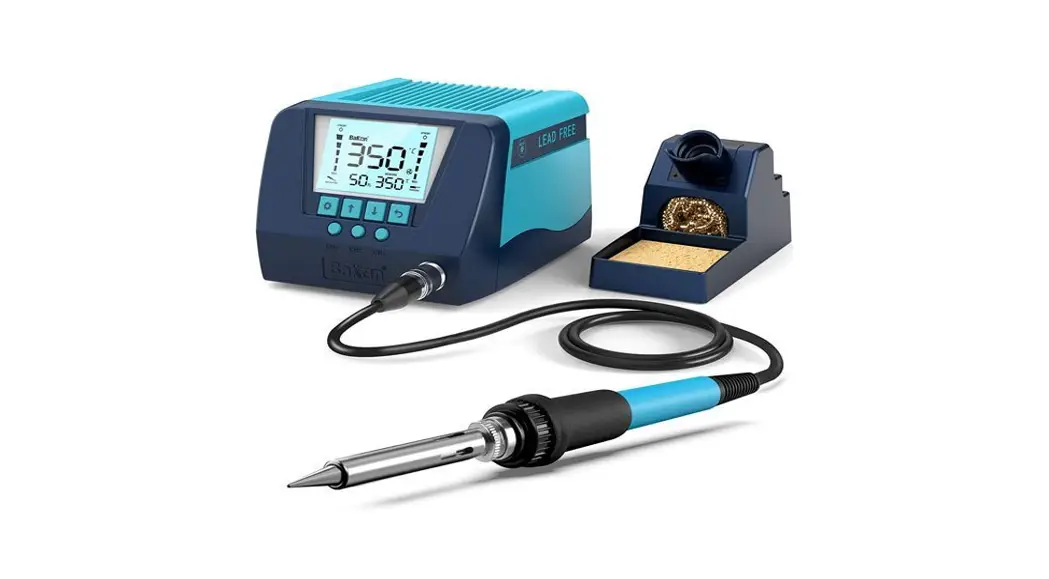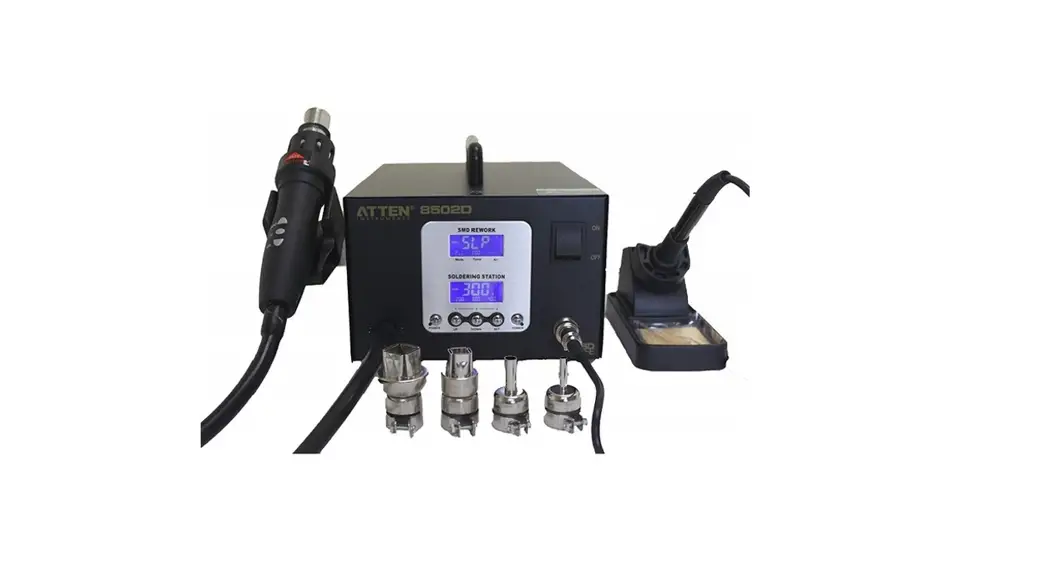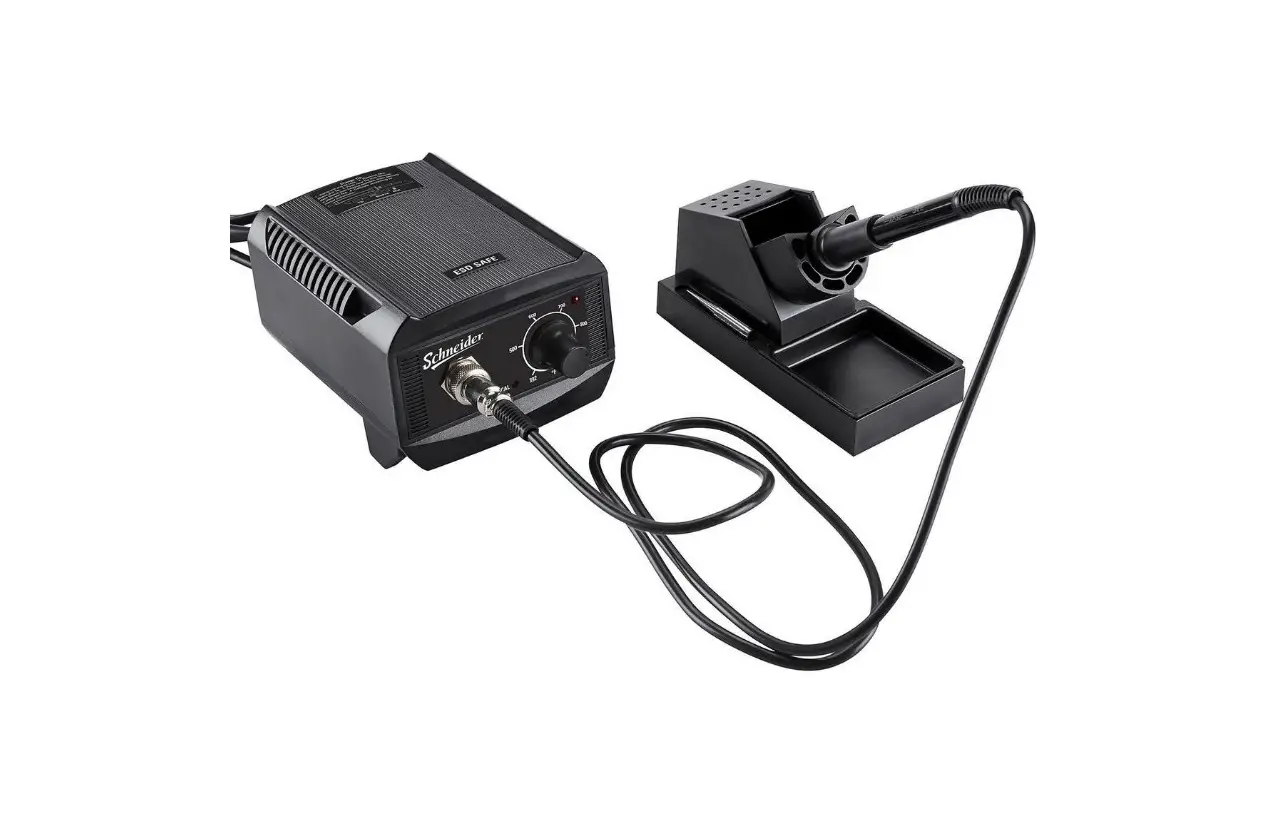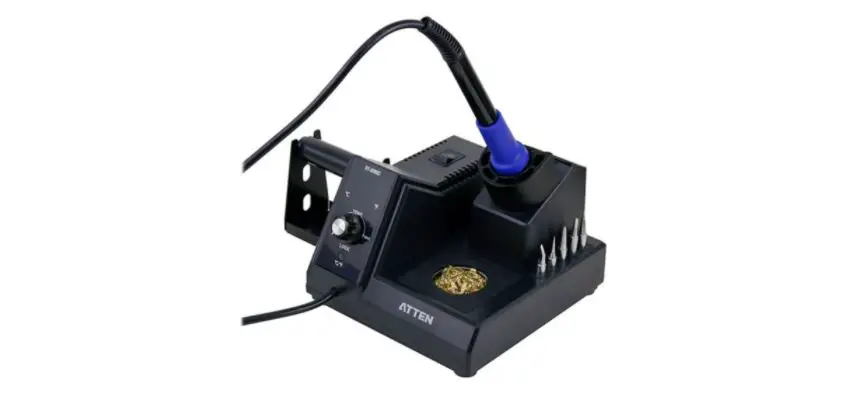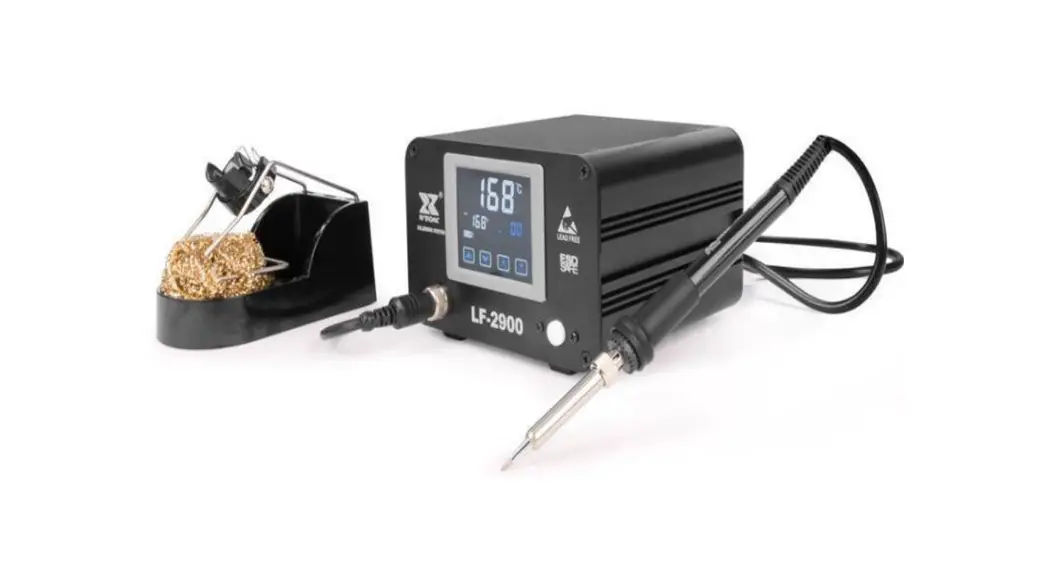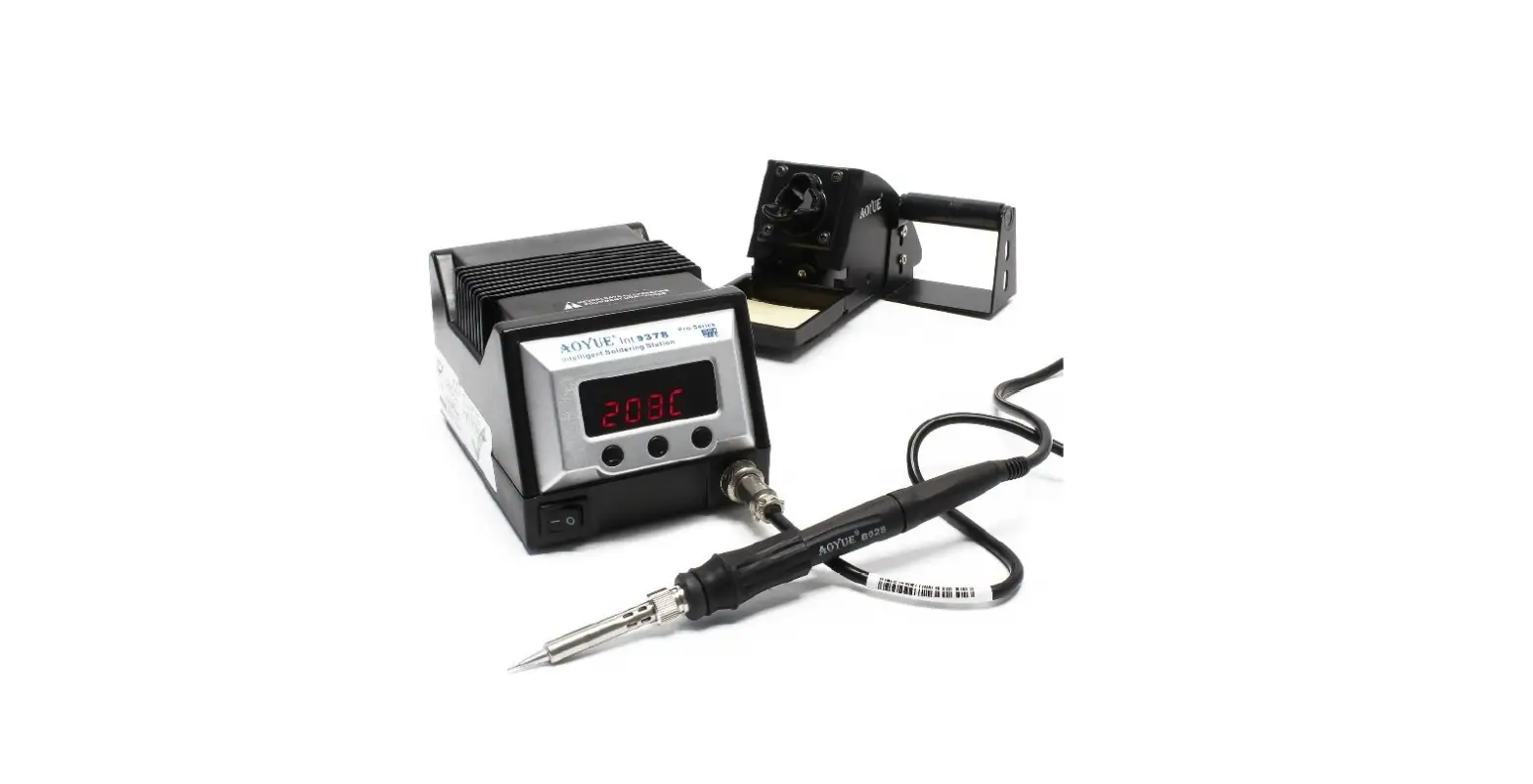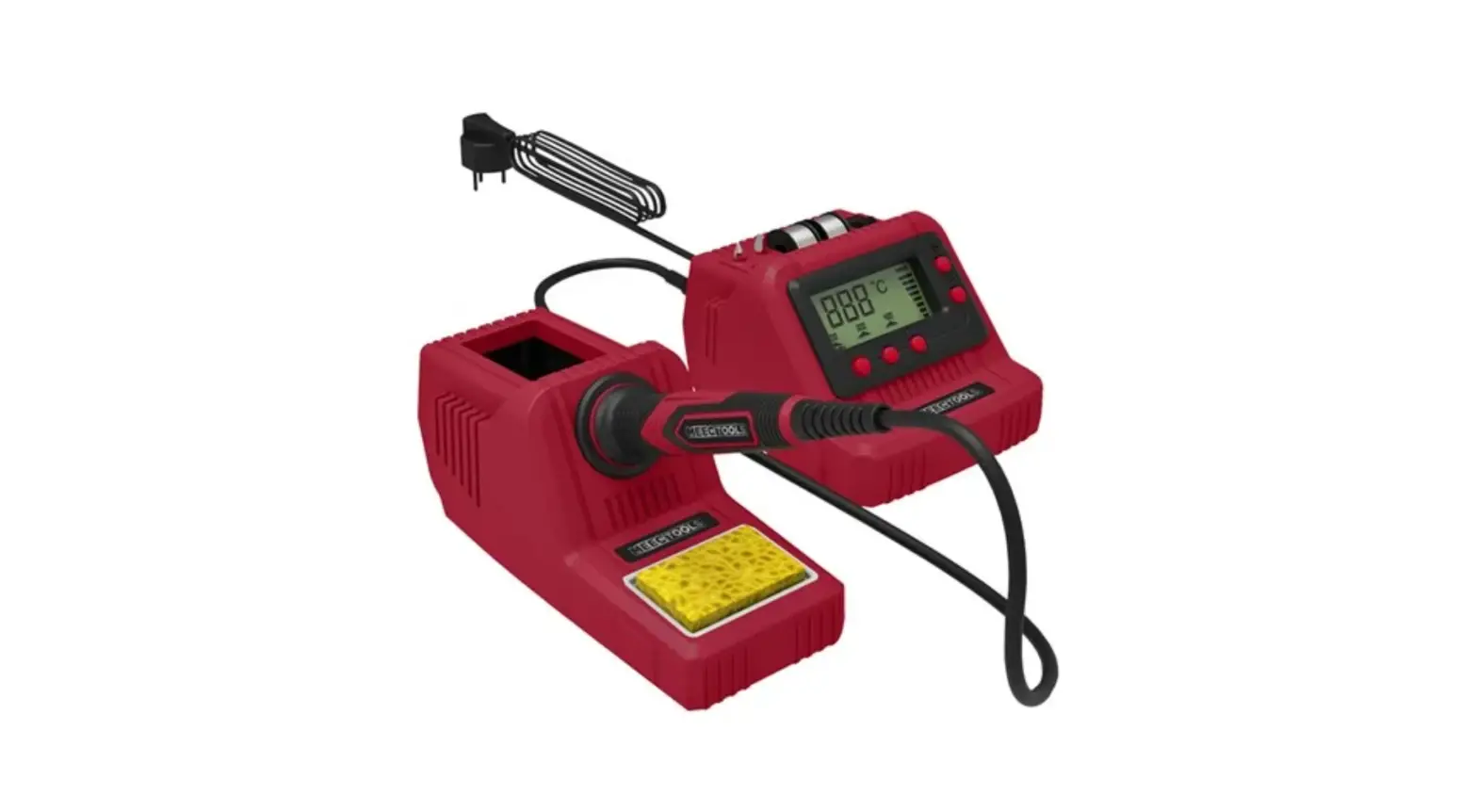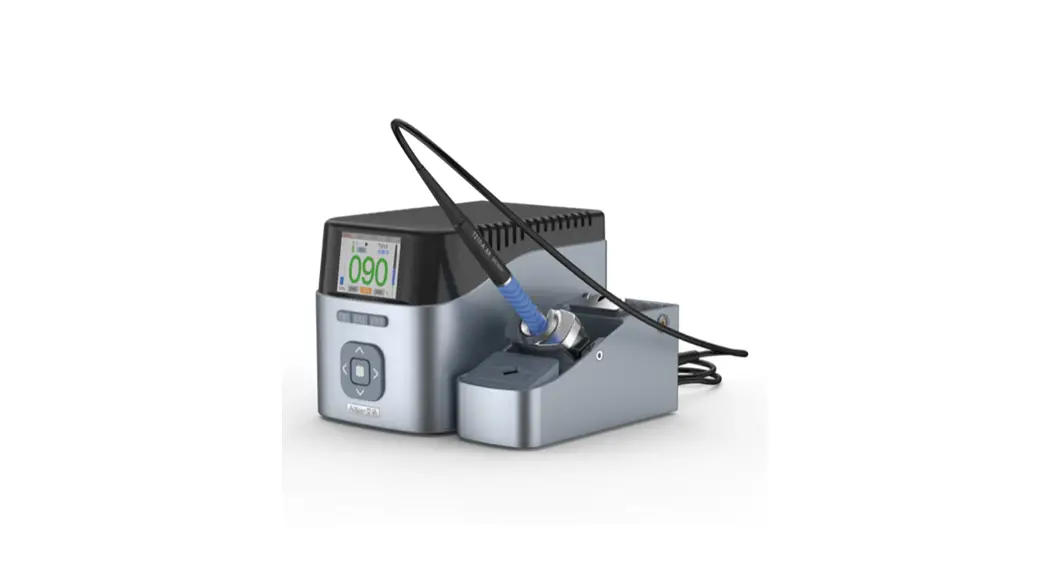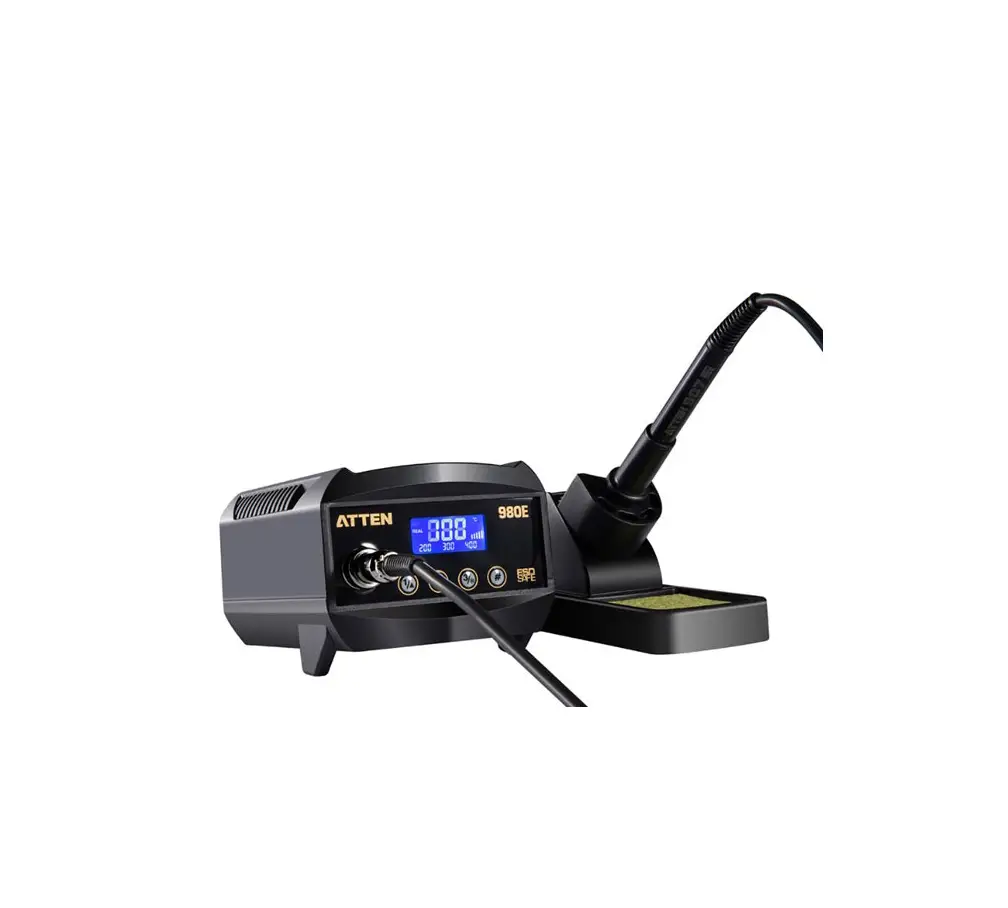
ATTEN AT980E 60W Digital & Lead-free Soldering Station

Thank you for purchasing the Atten Soldering station. Please read this manual before operating the equipment. Keep manual in accessible place for future reference. Warning:
Temperature of iron tip will be up to 150 – 480 °C ) after connecting power, so it may lead to injury or fire because of improper usage. Please abide the following terms:
Don’t touch the iron tip or surrounding metals.
Never operate it near the flammable gas or substance.
Disconnect from power source if the unit will not be used for long periods. Switch off power during short breaks.
Replace accessories or iron tip after turning off the station and let it cool down.
Never operate this device, if you don’t have soldering experience or enough knowledge to use.
Keep away from children.
Safety Precautions:
Caution: Improper usage can cause serious injury to personnel and/or damage to equipment. For personnel safety, please follow these precautions Never use it to do other work except soldering.
Do not subject the main unit to physical shock. Never drop or sharply jolt the unit.
Don’t change the device at will Replace loss items with original accessories of ATTEN.
Don’t put it in water or operate with wet hands Don’t pull the cable but hold tightly the plug when you take it out of plug.
Please keep the operate place well ventilated since soldering process produce smoke.
Don’t play with other people or would be easy to hurt others or yourself.
This appliance can be used by children aged from 8 years and above and persons with reduced physical, sensory or mental capabilities or lack of experience and knowledge if they have been given supervision or instruction concerning use of the appliance in a safe way and understand the hazards involved. Children shall not play with the appliance.
Cleaning and user maintenance shall not be made by children without supervision.
If the supply cord is damaged, it must be replaced by the manufacturer, its service agent or similarly qualified persons in order to avoid a hazard.
WARNING: This tool must be placed on its stand when not in use.
What’s Included
| Device | 1 PC |
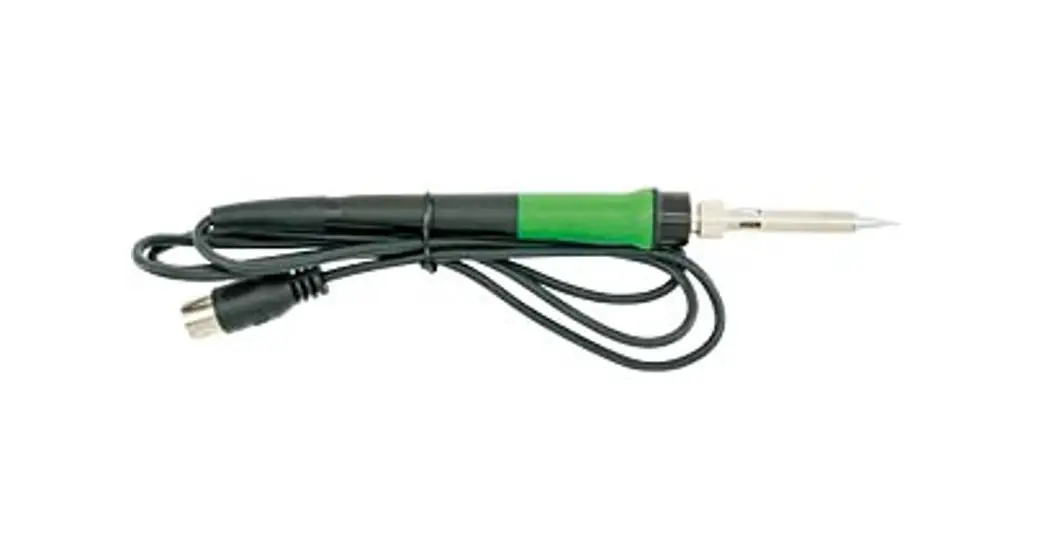
| Soldering Iron | 1 SET |
| Iron holder | 1 PC |
| Power Cord | 1 PC |
| Manual | 1 COPY |
| Clean sponge | 1 PC |
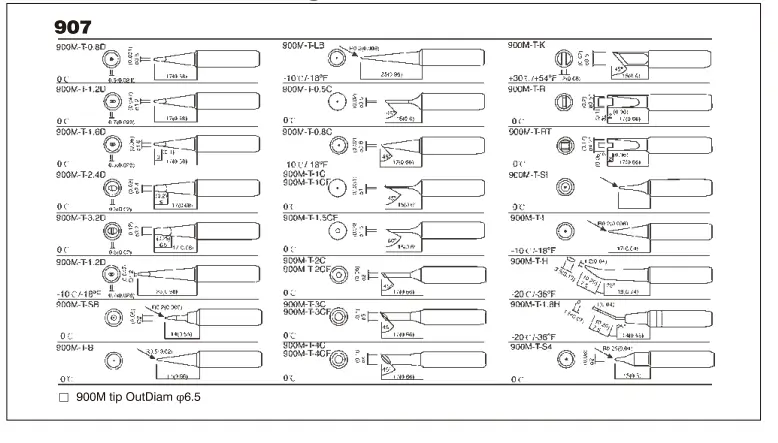
INTERCHANGEABLE SOLDERING TIPS OF SOLDERING STATION (AT-900M)
Specification
| Model | AT980E |
| Input voltage | AC 220V/60Hz |
| Power consumption | 80W(MAX) |
| Temperature controlling range | 1so·c 4so·c ( 302″F-896″F) |
| Output voltage | 26VAC |
| Temperature stability | ± 2°C (static) |
| Display | LCD |
| Max surrounding temperature | 40°c |
| Calibrating method | Digital calibration |
| Temperature range for calibration | so°C~-so°C ( 90 °F ~ -90 °F ) |
| Ground impedance | <2 n |
| Ground voltage | <2mV |
| Locked temperature | Locking state on display |
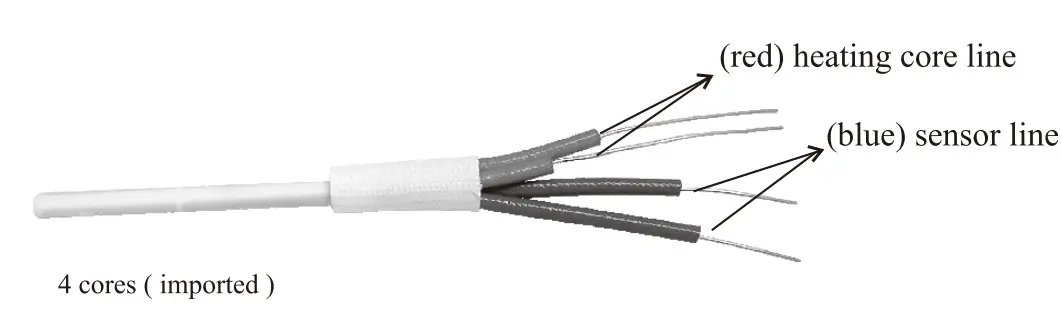
| Heating element | High end quad-wire heater |
Heating element (pie)
AT980 Control Panel Guide: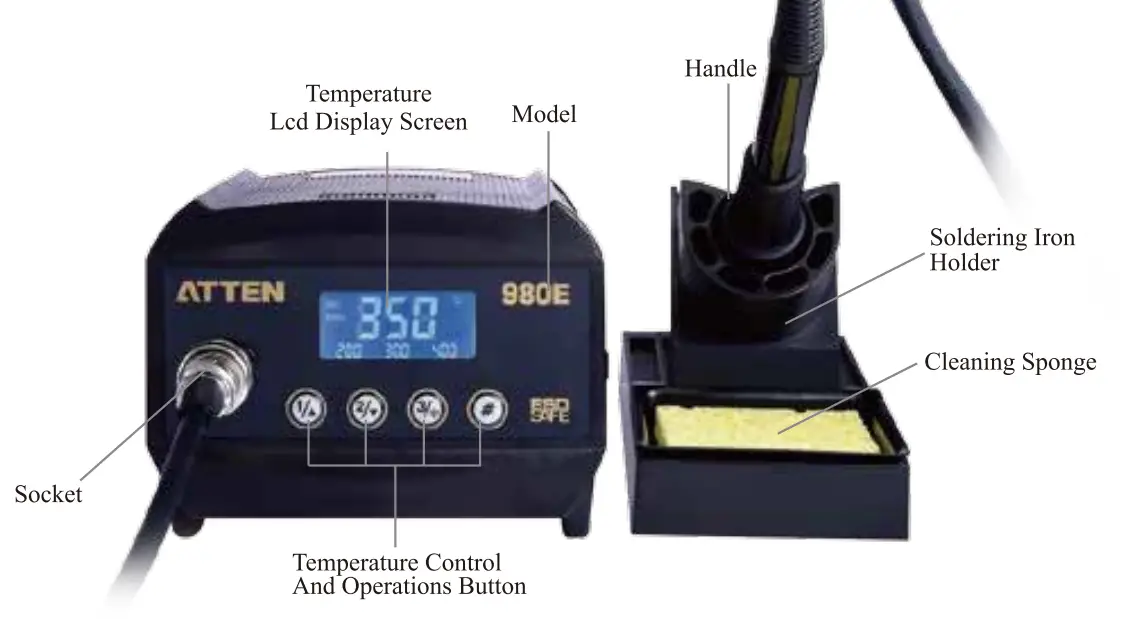
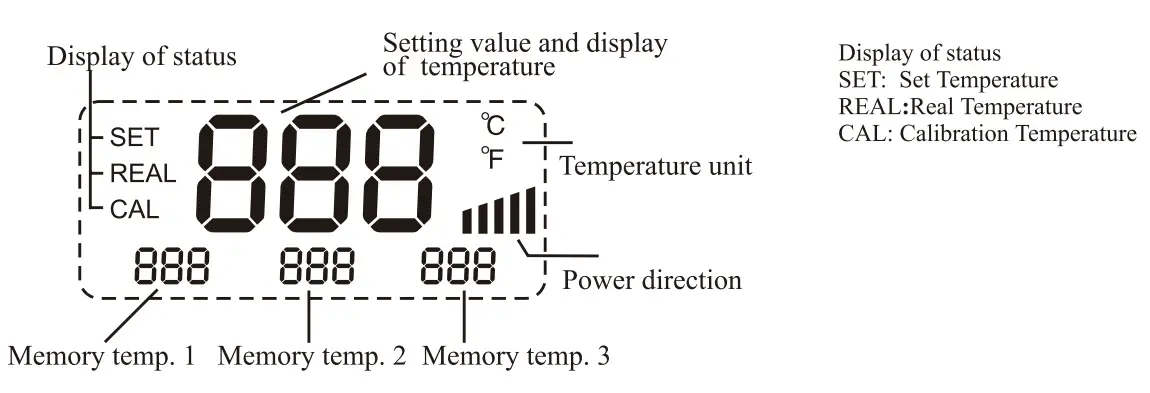
Introduction for LCD display
Features
- New appearance design, big LCD screen, for clear and convenient reading.
- PID power control loop with constant temperature set by MCU computer for more precision temperature control.
- Imported temperature-beard materials with long life. Cleaning Sponge
- It is convenient that the device adopt three programmable knobs in different condition.
- Display the temperature between Fahrenheit and Celsius flexibly, convenient for the type of operators.
- Computerized temperature calibration can correct the difference between the actual and display temperature quickly.
- Heating element malfunction alert.
Care and Maintenance
- Keep the soldering station dry; if it gets wet, dry it immediately.
- Use the soldering station only in normal temperature environments.
- Keep the soldering station away from dust and dirt.
- The soldering iron tip should be cleaned after use by wiping it on the damp sponge found in the soldering iron stand. This is to get rid of burnt solder or fluxes that cause oxidation on the tip.
Changing Soldering Tip
- Always turn the power OFF when removing or inserting a tip
- Let the tip to cool down to room temperature before holding it with heat resistant pads
- Unscrew the metal cap nut G).
- Pull out the shaft of the soldering iron®·
- Replace it with a new soldering tip.
- Put back the shaft and securely lock with the metal cap nut
Correct Disposal of this product
 | This marking indicates that this product should not be disposed with other household wastes throughout the EU. To prevent possible harm to the environment or human health from uncontrolled waste disposal, recycle it responsibly to promote the sustainable reuse of material resources. To return your used device, please use the return and collection systems or contact the retailer where the product was purchased. They can take this product for environmental safe recycling. |
Replacing the heating element
Note: diagram ⑧ is soldering station AT980E, heating core resistance (red) about 2.5~3.50, sensor (blue) resistance about 43~580.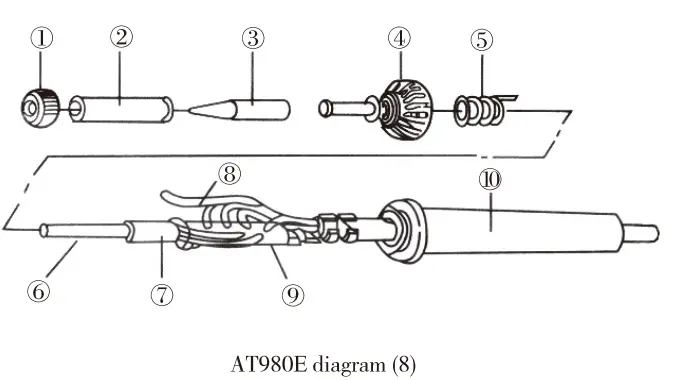
- Power off the unit and unplug the device. Wait for the heating element to cool down.
- Loosen the nut ①,
- Remove the tip retainer ② and soldering tip ③
- Unscrew heating contact ④, remove grouping spring⑤
- Remove the full heat wire group⑥.
- Please reference to diagram Section ⑧
- Replace the old one the good condition heating element
- Reverse the process to secure the heating element in the handle.
Operating Guidelines
Please refer to the “Control Panel Guide” section for buttons and display panel details
Connection
- Insert soldering iron’s plug into the socket and tighten the nut on the plug securely and place it in iron holder.
- Inset station’s power cord into power plug on the back panel and plug the cord into a power source.
Power on
- Turn on the unit
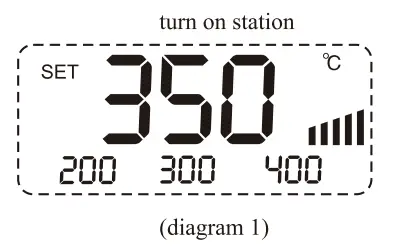
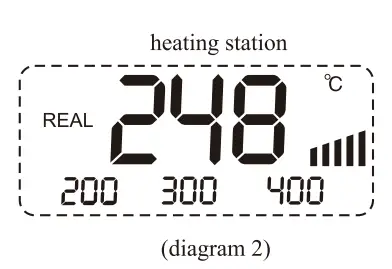
- The Digital display will initially display the current set temperature (the value of last time using) for 3 seconds. After few seconds it would display the actual temperature with temp unit “°C or °F”. (diagram 1), (diagram 2)


Adjusting temperature
Under normal working condition, pressing and holding button “. .” or “
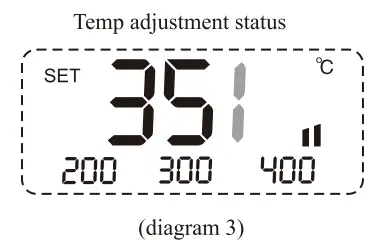
 “, you can either increase or decrease the temperature quickly. Keeping the knob in pressed will adjust the temperature setting quickly; short pressing knob, you can adjust temp step by step. The display screen shows the temperature value simultaneously. Release knob for 3s to store. (Diagram 3)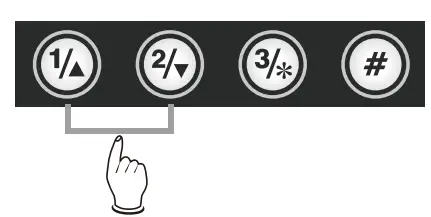
Quickly adjusting temperature
- Under working condition, you can set working temperature quickly by programmable buttons. Press the button once to extract setting temperature stored in button “l, 2 & 3”, this way you can easily set the working temperature.

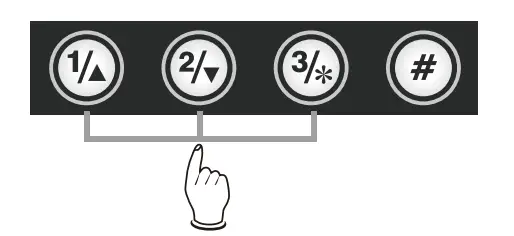
- Pressing button”#” and buttons “l, 2, 3”, you can store the setting temperature into fast channel knobs “l, 2, 3”.

- Temperature hotkey
A. Hotkey 1 is usually applied to store a 200°C or lower temperature value at which level machine ands by and on rest.
B. Hotkey 2 is a shortcut of temperature between 300°C to 350°C at which level a general soldering job can be done. C. Hotkey 3 is a fast channel to high temperature of380°C specificied for special welding job.
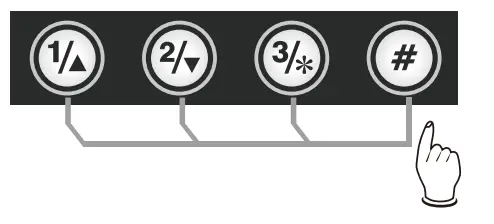
Temperature calibration
You need calibrate the temperature of tip after you replace with a new heating element or tip.
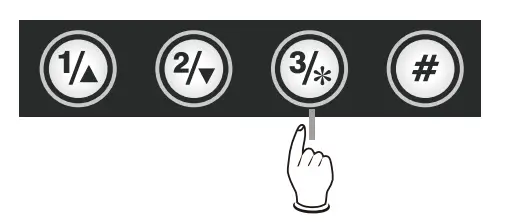
- Enter into calibrating station by long pressing knob”*” (>3s).
- You can directly adjust the value of calibration by pressing knob”
 ” or”
” or” “.
“. - The value of calibration is temperature measured minus the settings. ( e.g. Actual value 3 80°C – setting value 350 °C = +30 °C. Pressing knob”” adds 30 °C; Actual value 320 °C -setting value 350 °C=-30 °C. Pressing knob ” ” minus 30 °C).
- The calibrating temp range is +50 °C ~ -50 °C.
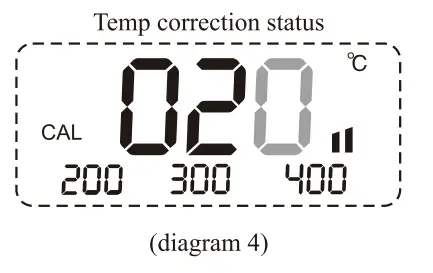
- You can press knob”*” to store after you finish calibration. (diagram 4)


Temp. unit exchange
In the power off condition, press and hold knob “#”, then turn on the station, the temp unit will be changed between “°C” and “”F” and store automatically.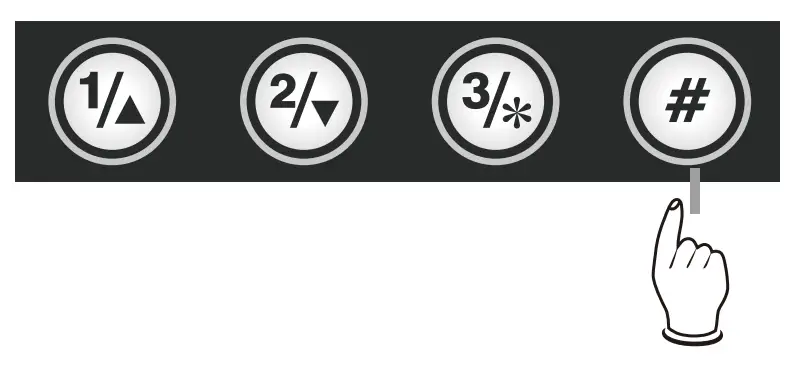
Temperature lock function
Temperature Lock Display: “Loe”, short of Lock, located in right bottom of LCD display screen. Temperature lock &unlock function can be realized by pressing “#” for three second or longer. Whenever the machine is locked as above photo shows, the functional key in panel lose effect.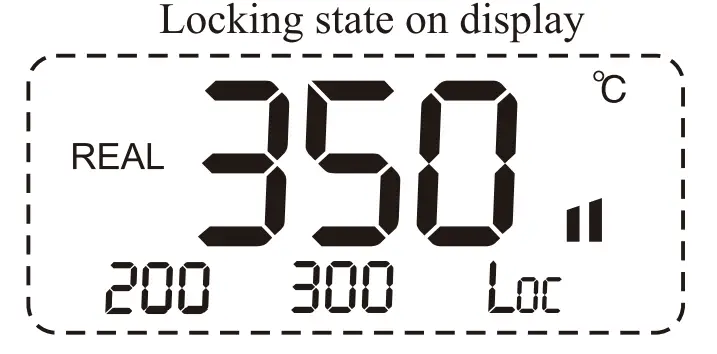
False alarm
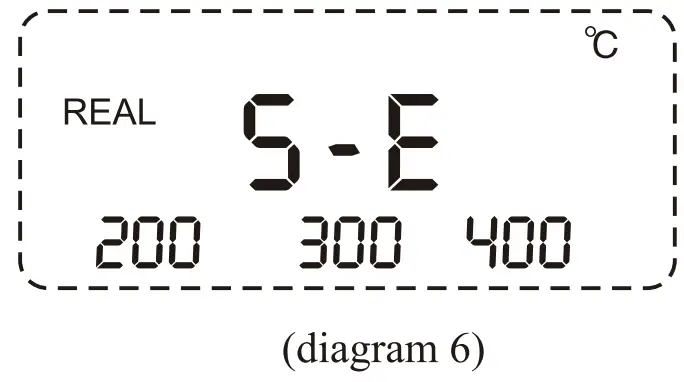
When “H-E” or “S-E” is displayed on the screen, there is some wrong in heating element or the circuit. ( diagram 5, 6). Turn off the unit and follow the instructions to replace the heating element.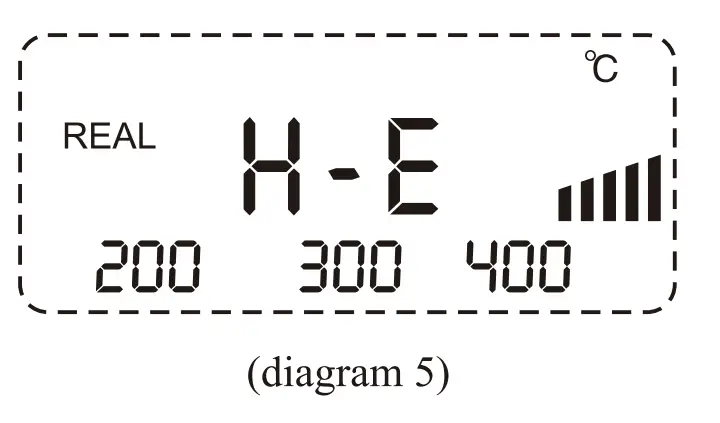
SHENZHEN ATTEN TECHNOLOGY CO., LTD.
Add: Floor 8,Building 2,Senyang High-tech Park,7 West Road
High-tech Park, Guangming New district, Shenzhen 518132, China
Tel: +86-755-2697 6387
Fax: +86-755-86021337
Web: www.atten.com.cn(CN)
www.atten.com(EN)
Email: [email protected]