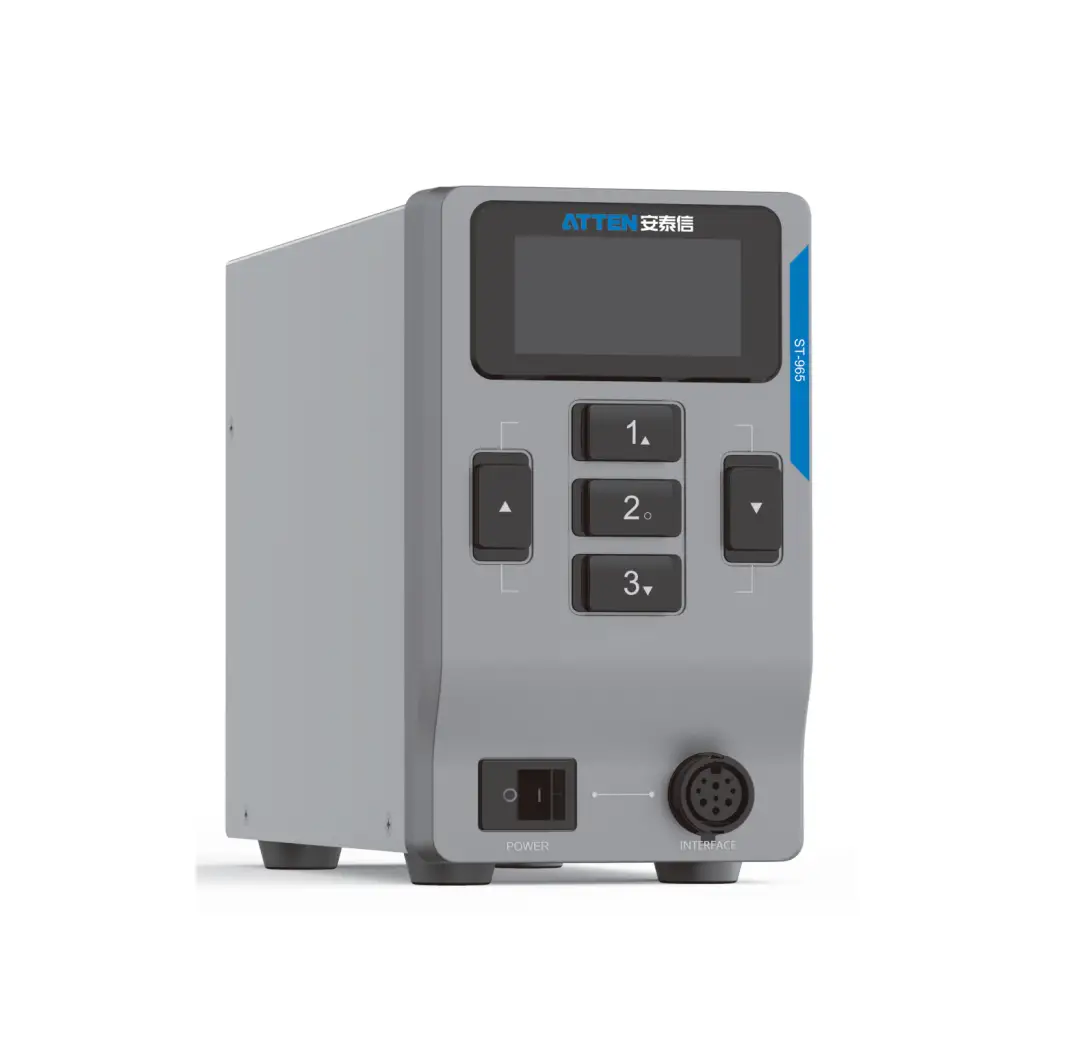
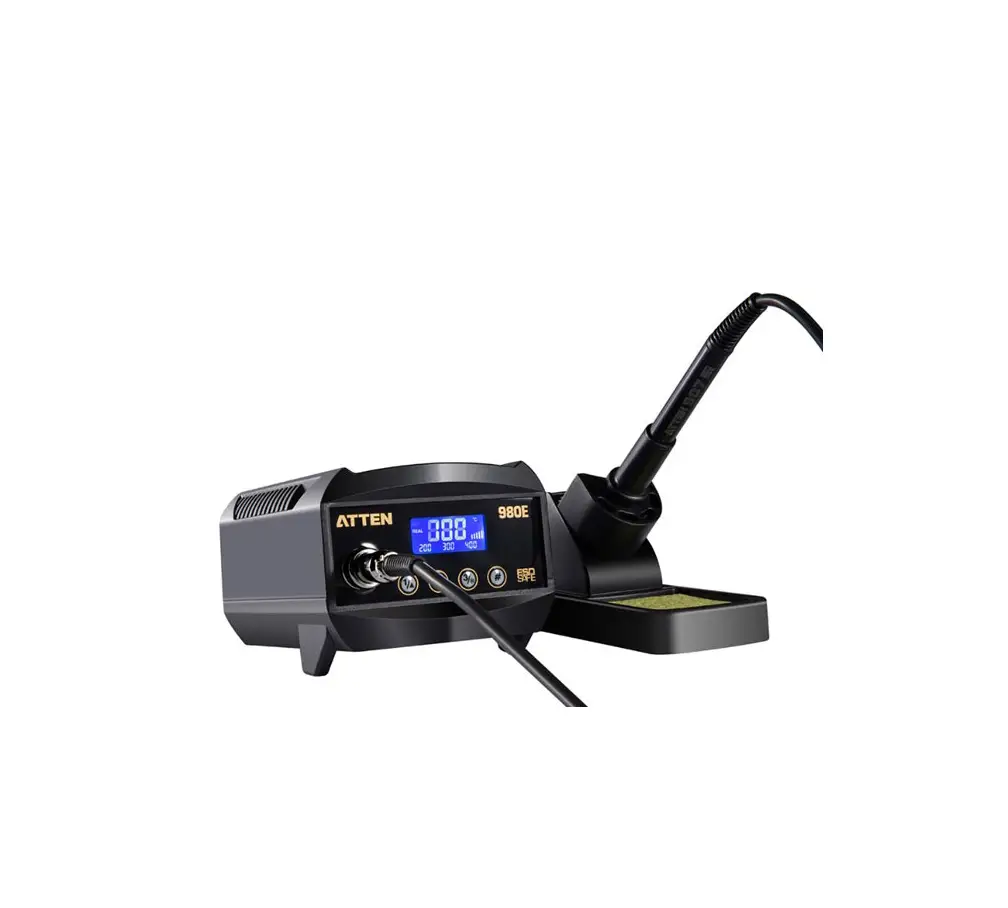
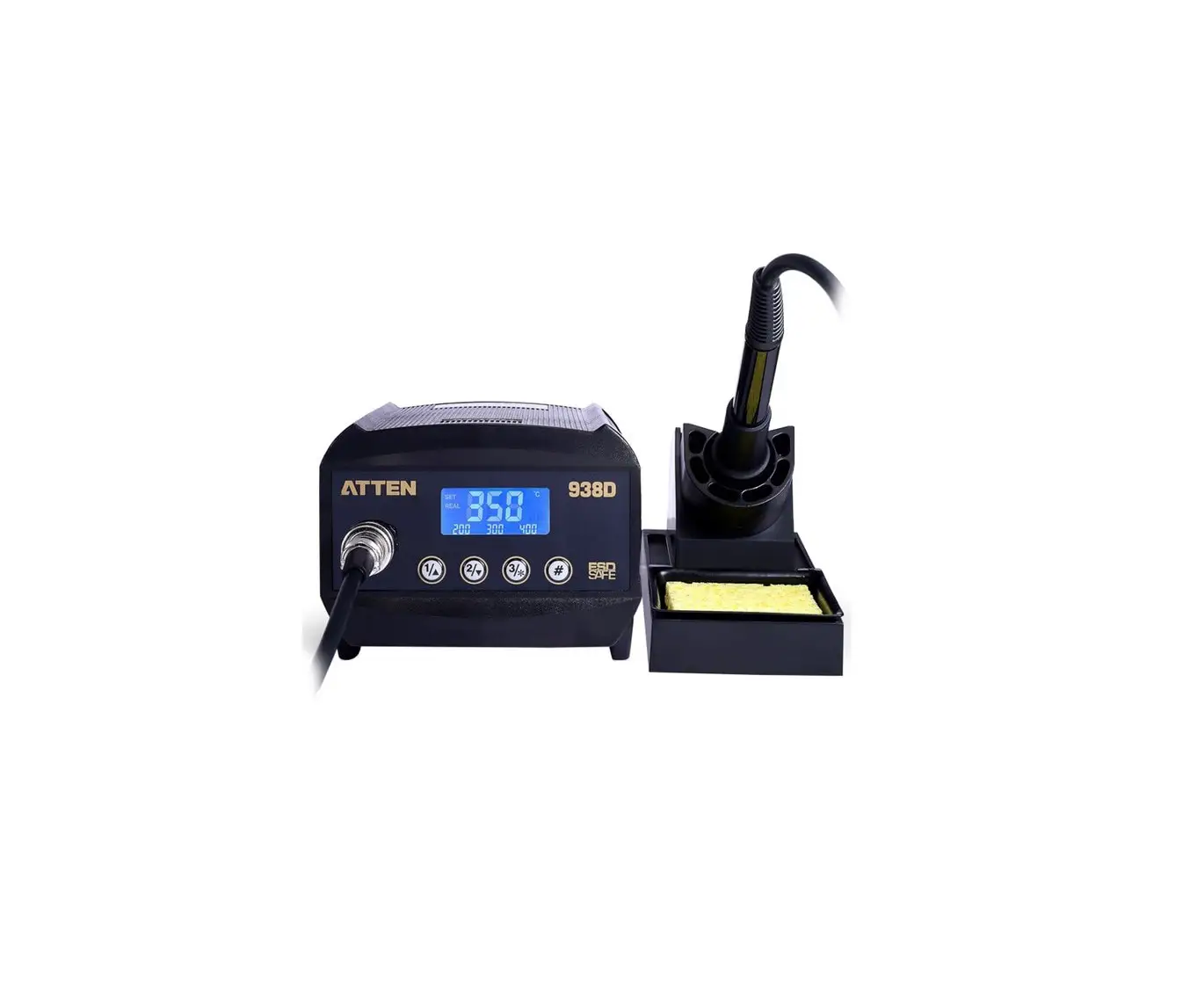
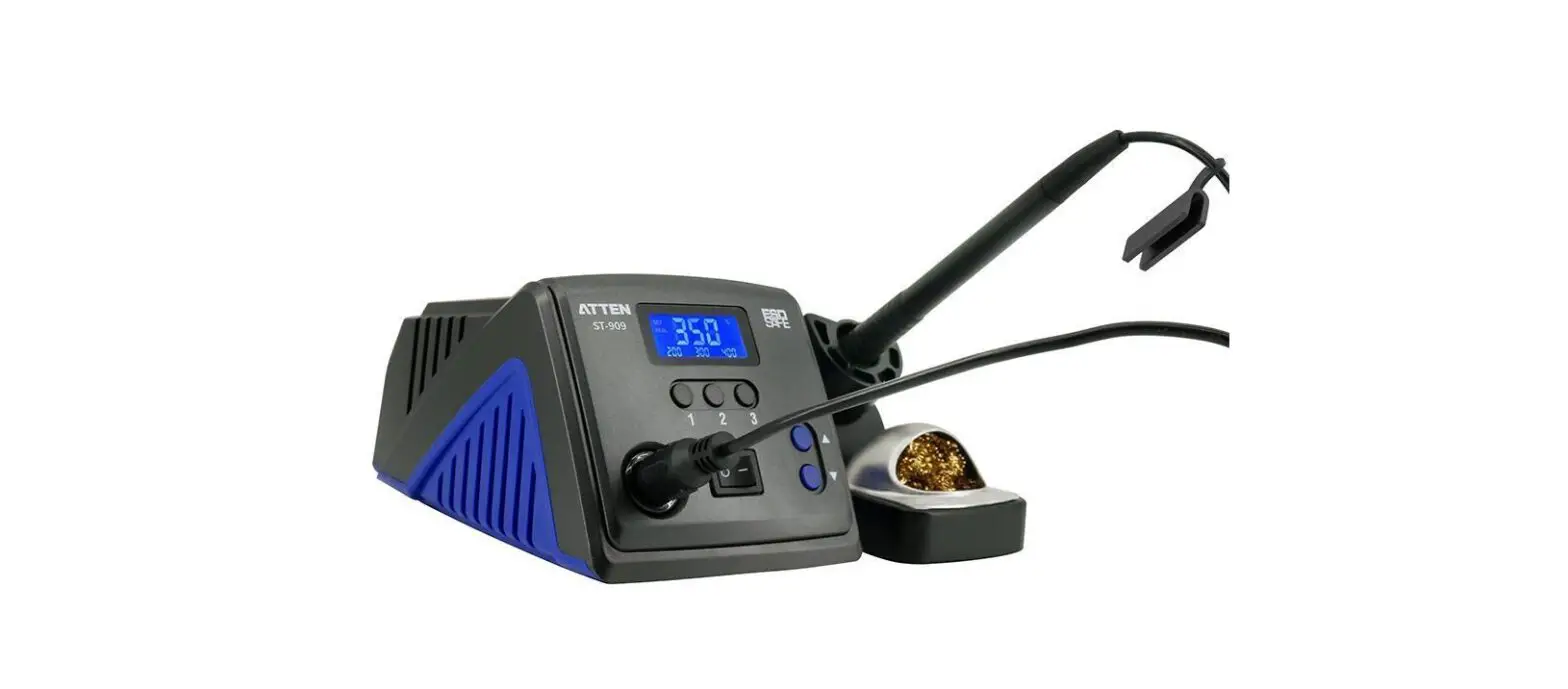
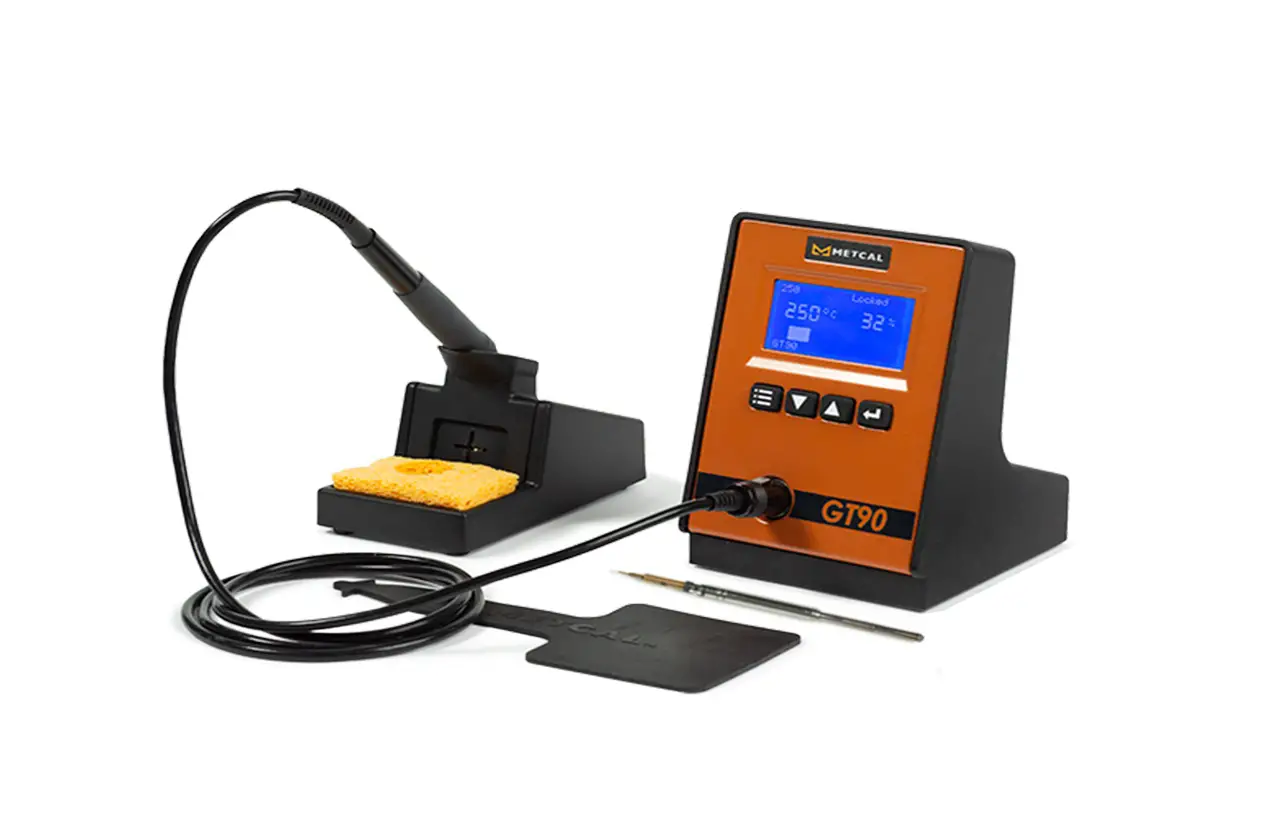
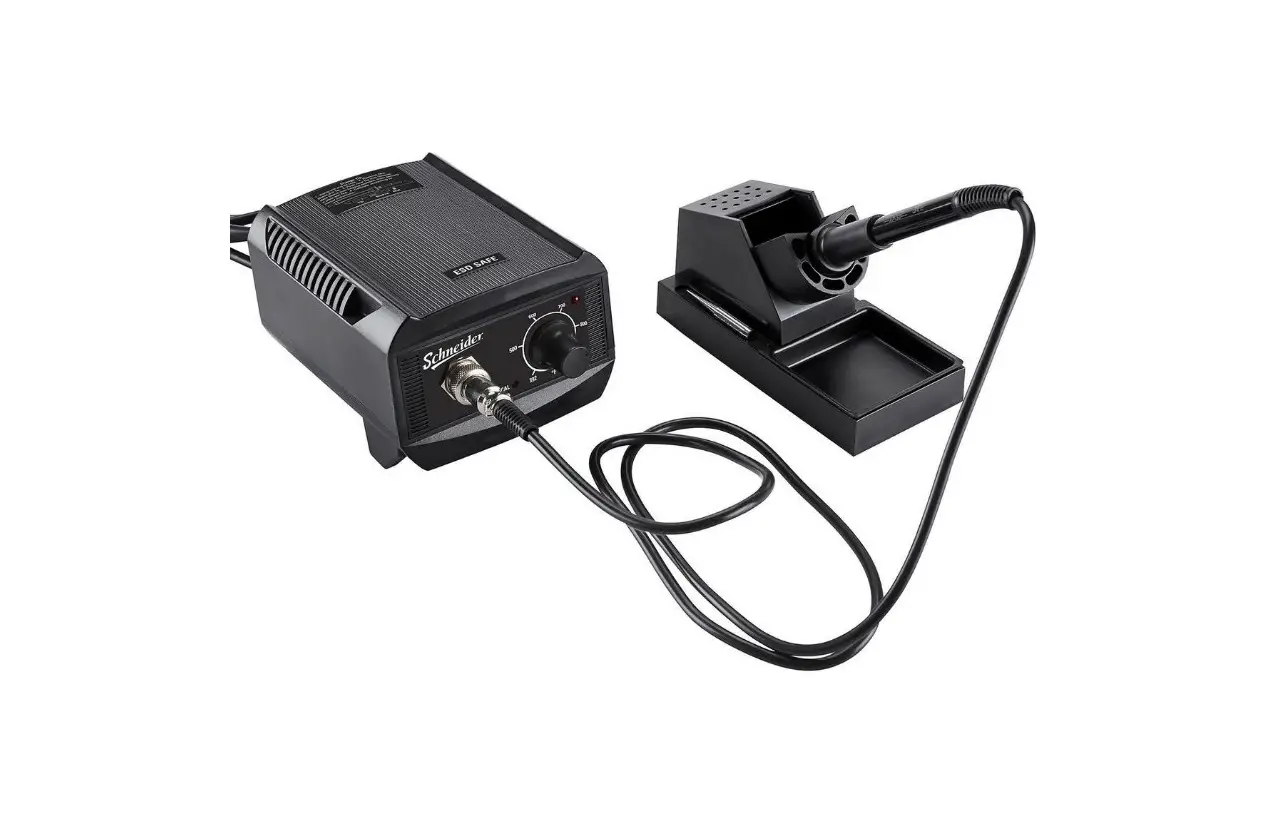
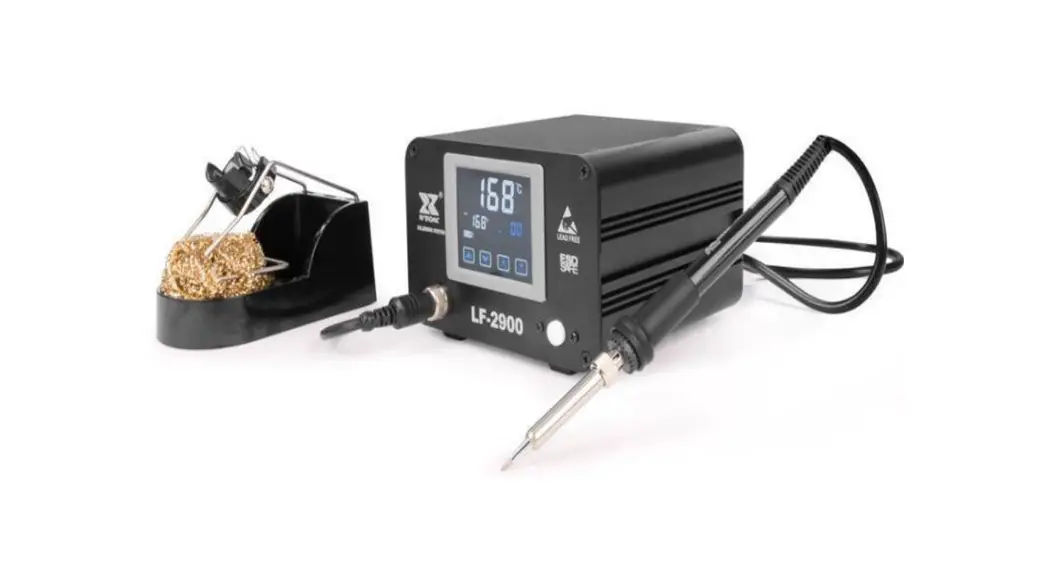
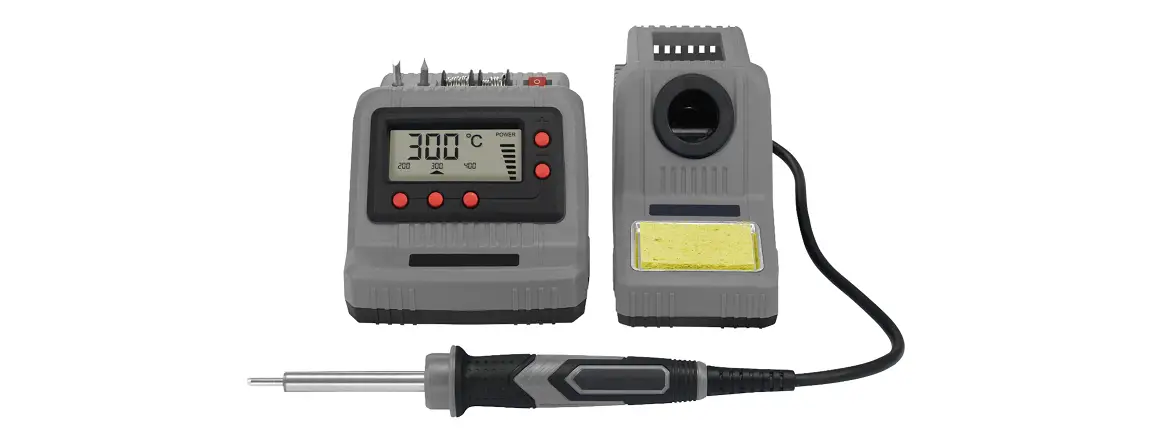
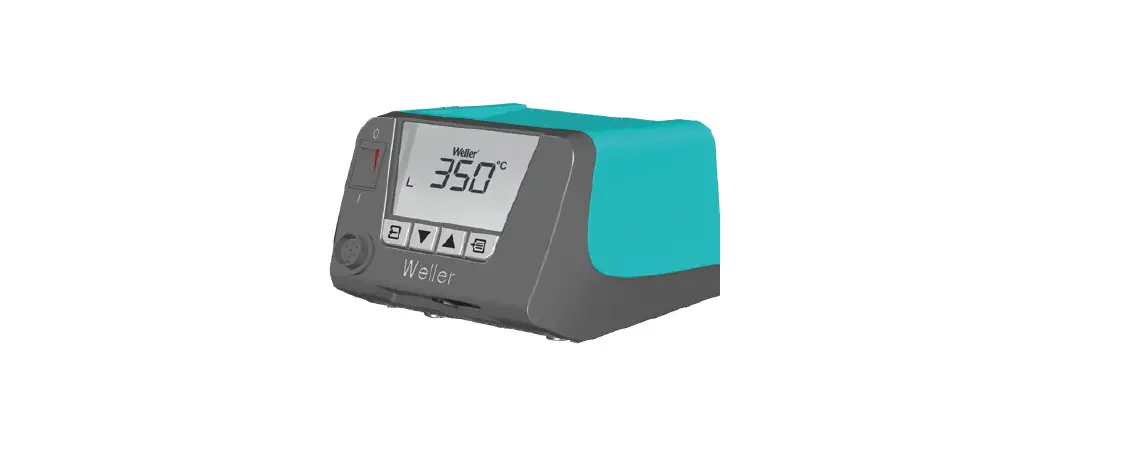
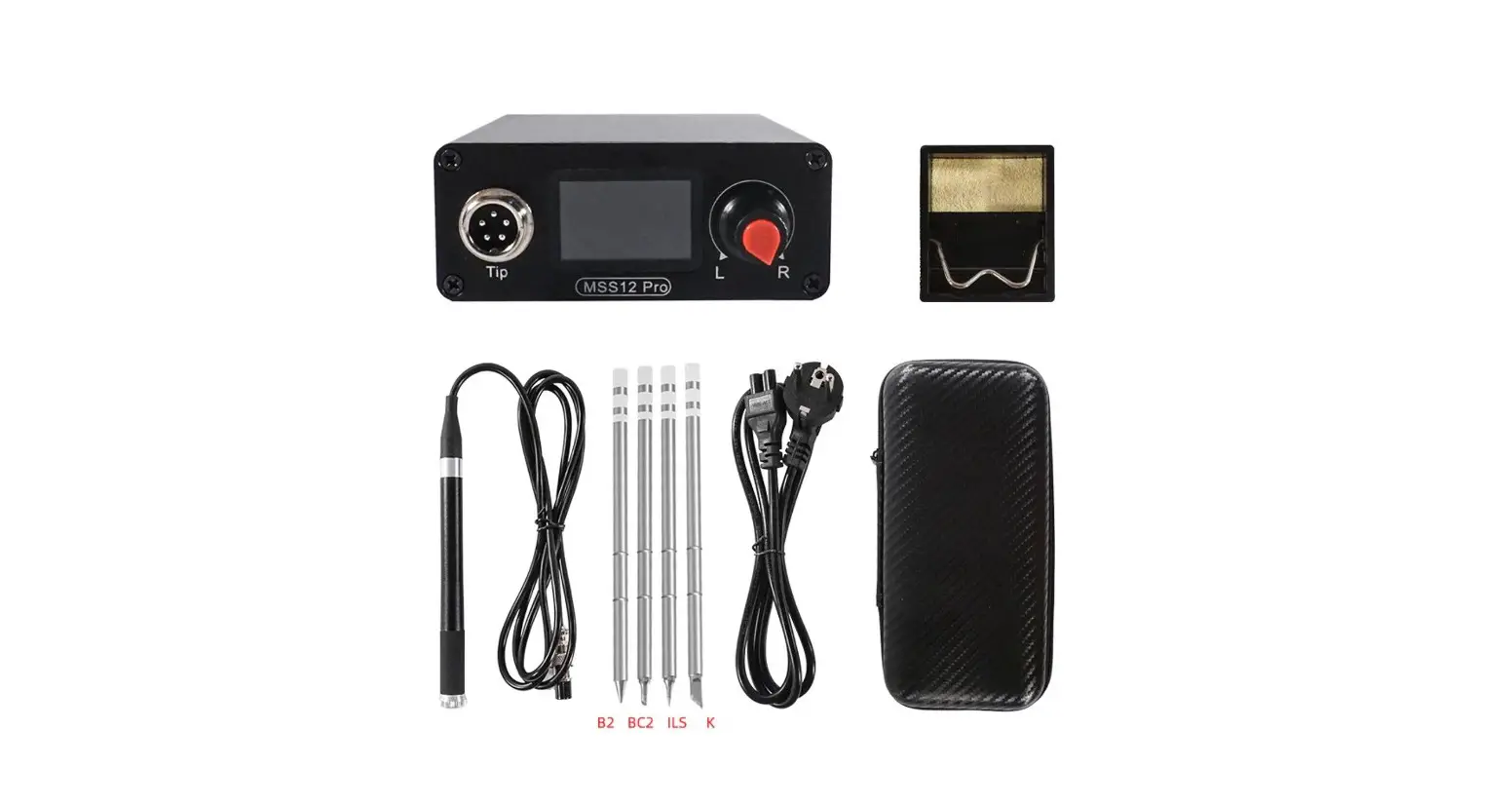
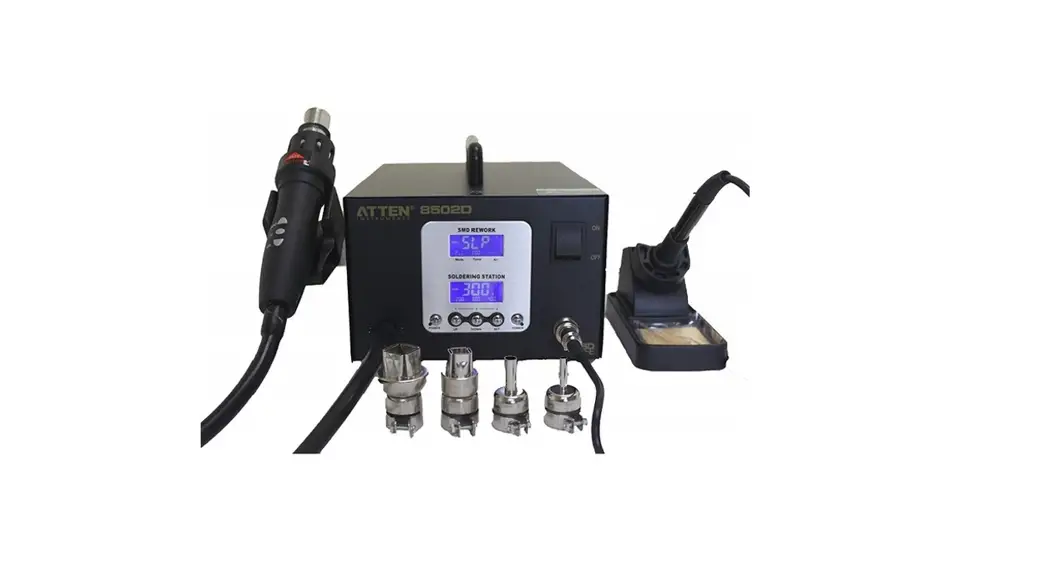
GT-6150 150 Watt Soldering Station
CBN029642©
18
27 28
28
1
2
27
4 .Real-time curve display and save
Real-time curve Display area
Display channel options Save
Real-time curve saving address setting
Ticked the channel that needs to display the real-time temperature curve and the curve will be displayed in the real-time curve display area.
Click “Path..” to set the the storage address of real-time temperature curve data. Click “Save”, the real-time curve data will be saved to the set target address.
26
3
.System setting interface (sys set): For setting language, temperature unit, key tone, factory reset, serial number/software version of the device.
Temperature unit options
Key tone
Factory reset Serial number
Software version
.Text setting interface (text set): For setting the auto-sleep time/temperature, auto-standby time/temperature, shortcut temperature, temperature upper and lower limits of each channel.
Temperature compensation/ auto-sleep time
standby temperature standby time setting
shortcut temperature
temperature upper/
lower limits of each channel
4
25
Communication ports are available in the following ways:
Only by filling in the address is the same as the address in the device menu can it communicate correctly. Note:Before communication connected, the device working mode should be set to
slave mode. Otherwise, normal communication and connection cannot be carried out.
3.Parameter Settings/sub-menu function options
GT series soldering stations have 3 sub-menu interfaces: .Channel parameter setting interface (text): For parameters setting of each channel
and displaying real-time data.
Sub-menu function options
Temperature switch/ temperature lock
Temperature parameter setting
Real-time status display
Shortcut temperature options
Channel 2
24
5
PC Software User Manual 1. Software running system
The PC software can be used under the following operating systems: win XP win 7
2. Interface description
Software interface include 4 function modules: . Communication module: display product model, communication mode, net address,
communication port, etc. . Parameter setting module: display product parameter setting and real-time data. . Info tip module: info tips including errors, important operating hints, etc. . Real-time temperature curve display module: display real-time temperature curve of
each channel and curve data of saved temperature.
3. Operation instruction
1. Double click the icon (right click + open file) to open GT_TOOL_20181016a PC software. 2. Choose product model, communication mode, net address, communication port, click
“Open”for communication connection. After connected successfully, corresponding info tip will be shown in info tip module.
6
23
22
7
8
21
20
9
10
19