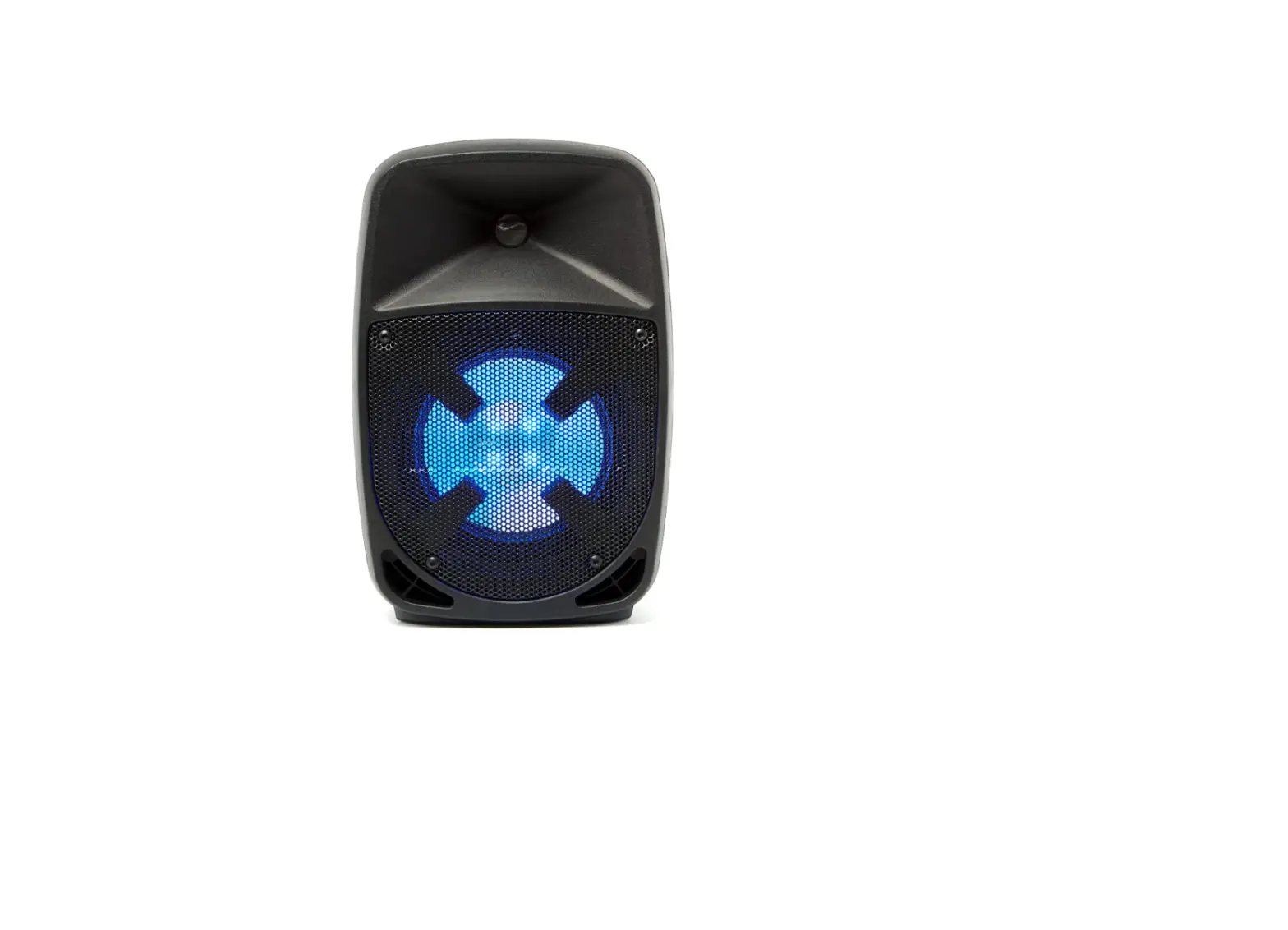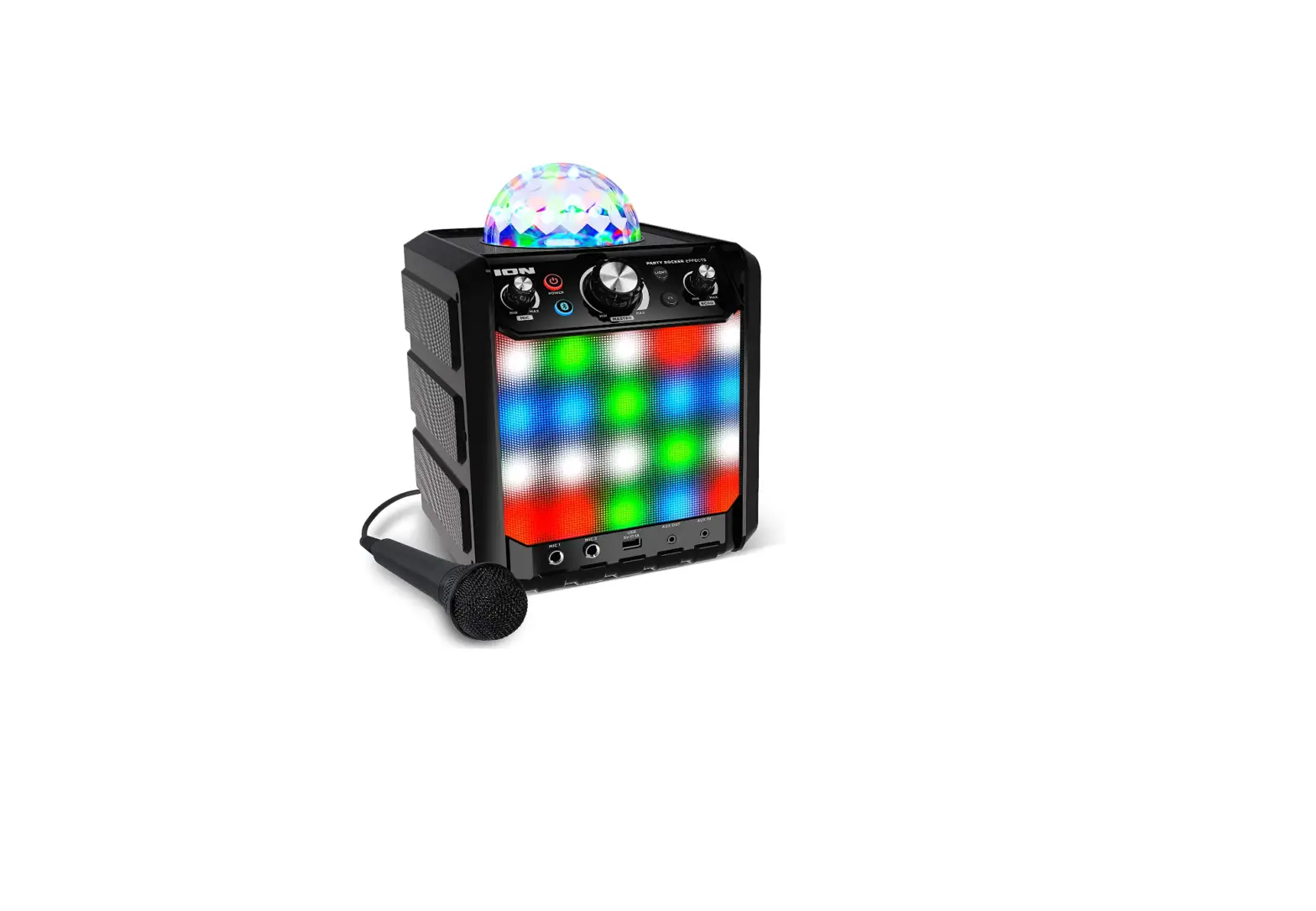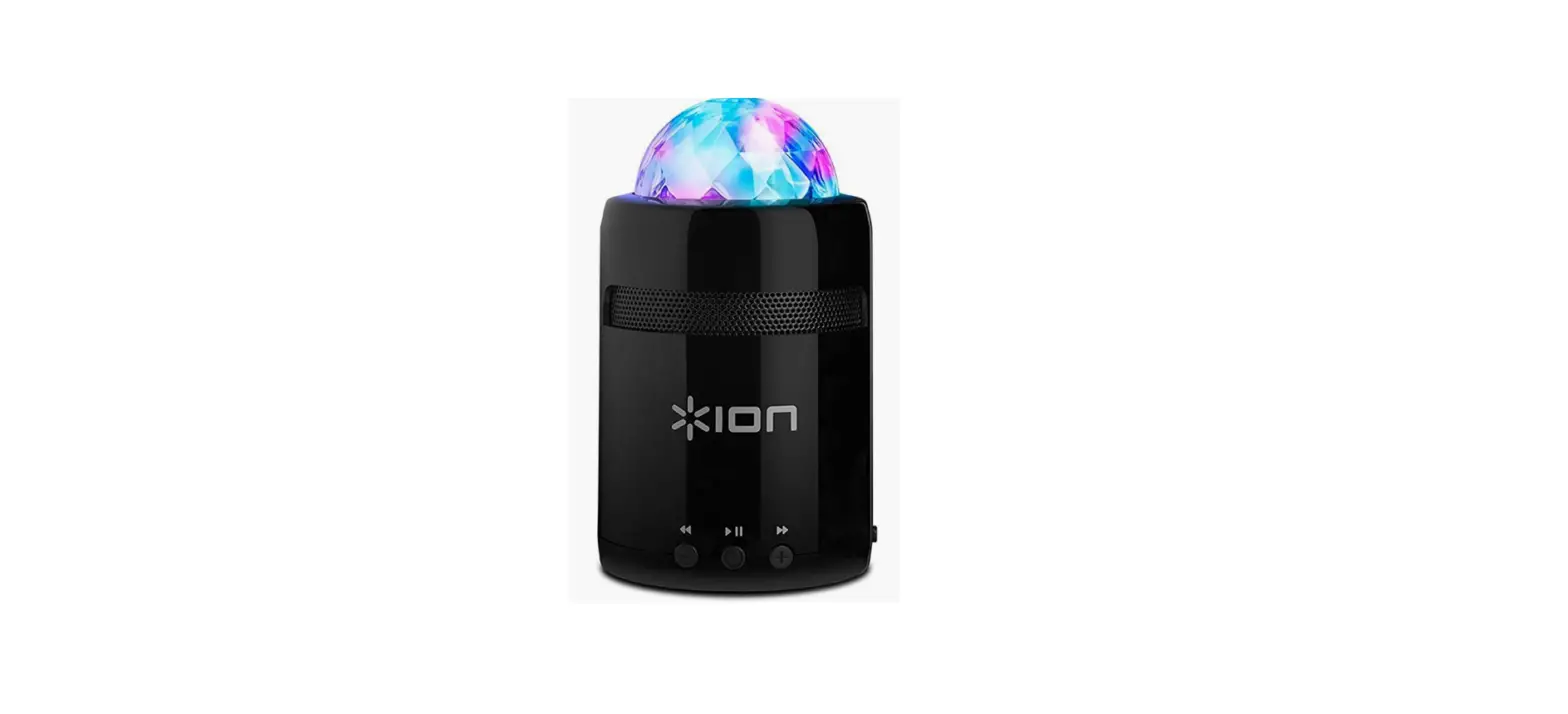

ION Party Starter Audio Pocket-Sized Bluetooth Speaker
Introduction
Box Contents
- Party Starter
- USB Charging Cable
- Quickstart Guide
Support
- For the latest information about this product (system requirements, compatibility information, etc.) and product registration, visit ionaudio.com.
- For additional product support, visit ionaudio.com/support.
- For safety and warranty information, see ionaudio.com/warranty.
WARNING:
- DO NOT splash or immerse in water or other liquids. Not for use in rain. Use only in dry locations.
- DO NOT look directly into the dome light.
Charging Party Starter
If the party lights or LEDs appear dim, or if your music cuts out or fails to play, your battery may require recharging. Use the included micro-USB cable to connect Party Starter to (A) a USB power adapter connected to a power outlet or (B) your computer (powered on) for 3 hours.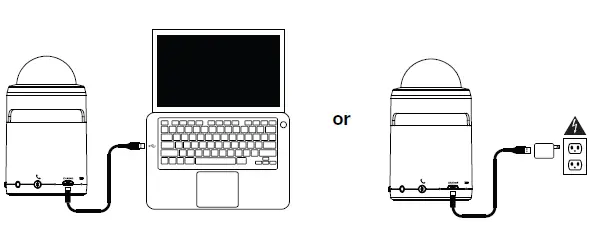
Party Starter Features
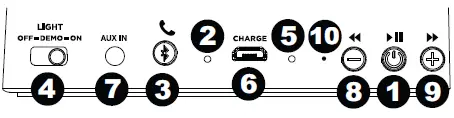
Power / Play / Pause
- Press and hold this button for 2 seconds to power Party Starter on/off. Press this button to play/pause a paired Bluetooth device.
- Bluetooth Pairing Light: When Party Starter is first powered on, the blue LED will blink to indicate it is in pairing mode. When a Bluetooth connection has been made, the LED will be solid blue.
- Bluetooth Reset / Call Answer: When there is no incoming phone call, or no call is active, press this button to disconnect a previously paired Bluetooth device. To receive an incoming phone call, press this button to answer the call. To end an active call, press the button again. When a call is incoming, a ring tone plays and repeats until the call is answered, or is no longer incoming.
- Party Light Switch: This 3-position switch turns the LED lights on and off, or puts Party Starter into Demo mode.
- Off: LEDs are not lit. Party Starter will power off after 5 minutes if no audio is being played.
- On: LEDs are lit immediately when powered on. LED lightshow synchronizes to the music. Party Starter will power off after 15 minutes if no audio is being played.
- Demo: LEDs are lit immediately when powered on. LED lightshow synchronizes to the music. Party Starter will power off after 2 minutes if no audio is being played.

Note: Party Starter ships in Demo mode to test the sound and lights in stores. Adjust this switch to the desired setting.
- Power / Battery Light: Indicates whether Party Starter is powered on and shows the state of the battery. If the party lights or LEDs appear dim, or if your music cuts out or fails to play, your battery may require recharging. See the Party Starter LED Activity section for more information on the LED states.
- Micro-USB Charging Port: Connect the included micro-USB cable to connect Party Starter to a USB power adapter connected to a power outlet or to your computer.
- Aux Input: This stereo 1/8” input can be used to connect a smartphone, MP3 player, or other audio sources. If an Aux cable is connected, Bluetooth audio will still play through.
- Volume – / Previous Track: Press this button to skip to the beginning of the playing track (or the previous track depending on the player or position in the song). Press and hold this button to decrease the track volume.
- Volume + / Next Track: Press this button to skip to the next track. Press and hold this button to increase the volume.
- Microphone: Speak here after answering an incoming phone call.
Party Starter LED Activity
- Power LED:
- Green LED = Party Starter is powered on
- Orange LED = Battery is charging with the power on
- Red LED = Battery is charging with the power off
- Bluetooth LED:
- Solid Blue LED = Paired to a Bluetooth device
- No LED = Party Starter is unpaired/in pairing mode (but powered on)
Connecting with a Bluetooth Device
- Turn on your Bluetooth device.
- Press and hold the Power button for two seconds to power on Party Starter.
- Open Bluetooth settings on your music device (smartphone, tablet, etc.).
- Navigate to your Bluetooth device’s setup screen, find Party Starter and connect.
- If your Bluetooth device is not able to pair to Party Starter, press the Bluetooth Reset button on Party Starter to break the previous Bluetooth connection and reset the Bluetooth module.
- The Paired LED will light up solid when it is paired.
- To disconnect a paired Bluetooth device, press the Bluetooth Reset button on Party Starter.
Troubleshooting
Technical Specifications
| Power | 3.7V, 500mAh lithium ion battery (charges via micro-USB) |
| Battery Life* | Up to 10 hours |
| Battery Recharge Time | 1.5 hours |
| Speaker Wattage | 3W |
| Bluetooth Range** | Up to 30’ / 9.1 m |
| Frequency Range | 20 Hz – 20 kHz |
| Dimensions
(Depth x Width x Height) | 2.6” x 2.6” x 4.4”
65 mm x 65 mm x 110 mm |
| Weight | 0.42 lbs.
0.19 kg |
Trademarks and Licenses
ION Audio is a trademark of ION Audio, LLC, registered in the U.S. and other countries. The Bluetooth word mark and logos are owned by the Bluetooth SIG, Inc. and any use of such marks by ION Audio is under license. All other product or company names are trademarks or registered trademarks of their respective owners.
FAQS
Yes they do! It makes for a fun night on the patio!
ON support here! Thank you for reaching out. There is a switch on the back of the speaker that will allow you to turn off the lights. If you have any other questions, please feel free to email me directly at [email protected].
ION support here! You can only connect to one at a time. If you have any other questions, please feel free to call or email us using the contact information on ionaudio.com/support.
It uses just any standard smartphone / USB charger.
ION support here! Although we haven’t tested it specifically with Bluetooth microphones, it should still work just fine. If you have any other questions, please feel free to email me directly at [email protected]
It isn’t not relaxing, more of a party light so it’s still pretty fast.
I purchased this speaker as a gift to my nieces. I have not personally seen them, but I did ask them if they worked ok and they both responded, yes. My nieces ages are 14 & 13.
No, it doesn’t. The colors change and move through.
ION support here! This speaker can still be used while it’s plugged in and charging. If you have any other questions, please feel free to email me directly at [email protected].
No, it will only do one pattern but it changes. All colors are on all the time.
ION support here! Absolutely. The lights can be turned off while the music remains on. If you have any other questions, please feel free to email me directly at [email protected]
Yes! My quit working after two days. The lights still work. It won’t connect to the Bluetooth. I give it to my two year nephew because it was small and he can hold it. He love the night.
As long as you have Bluetooth on your phone any cell phone it works! Love this little speaker
No the battery cannot be replaced. But you can use it while plugged in.