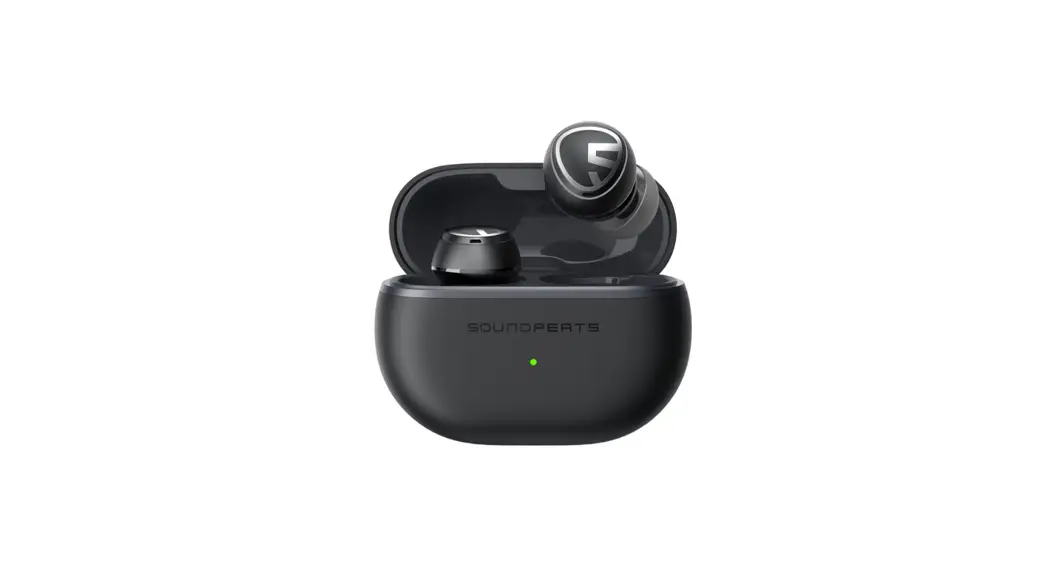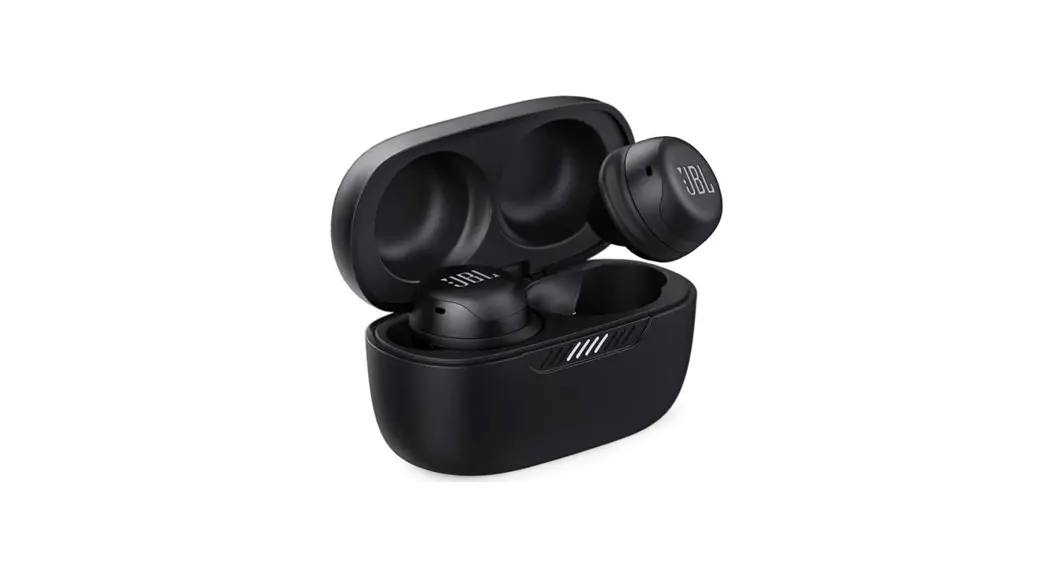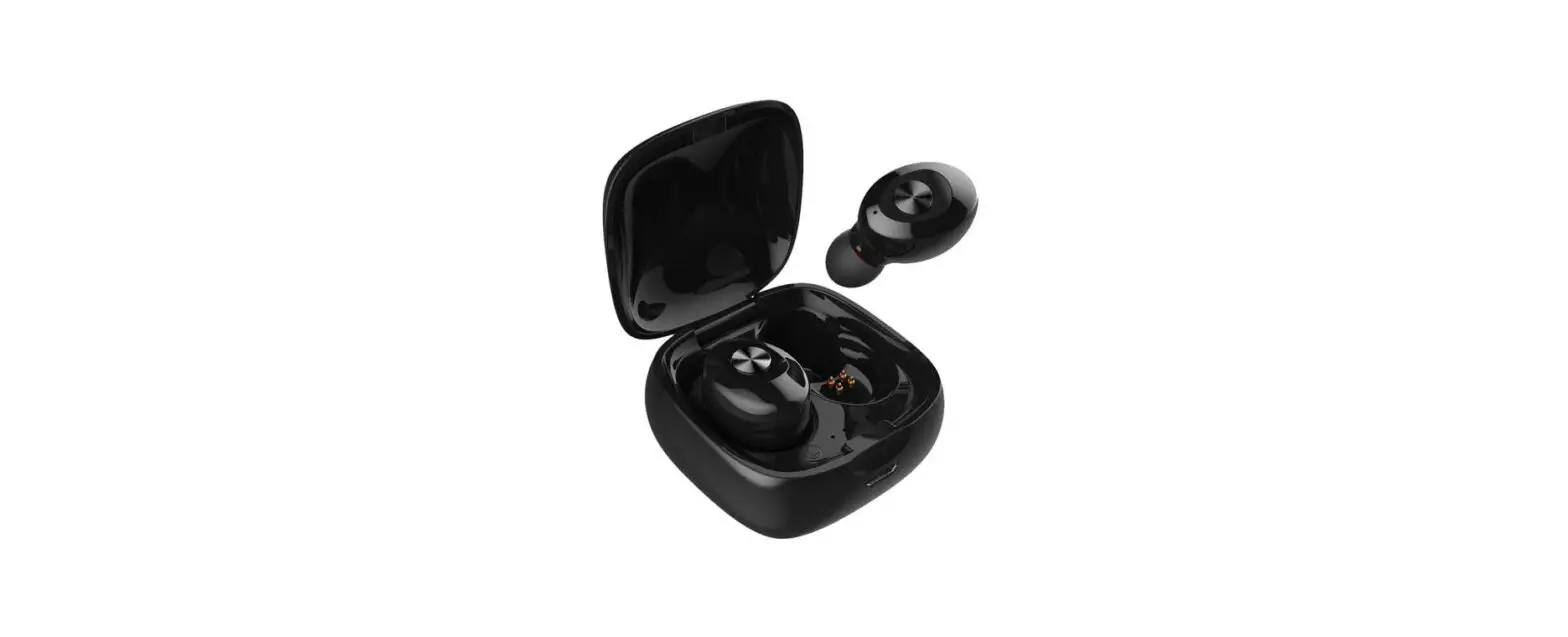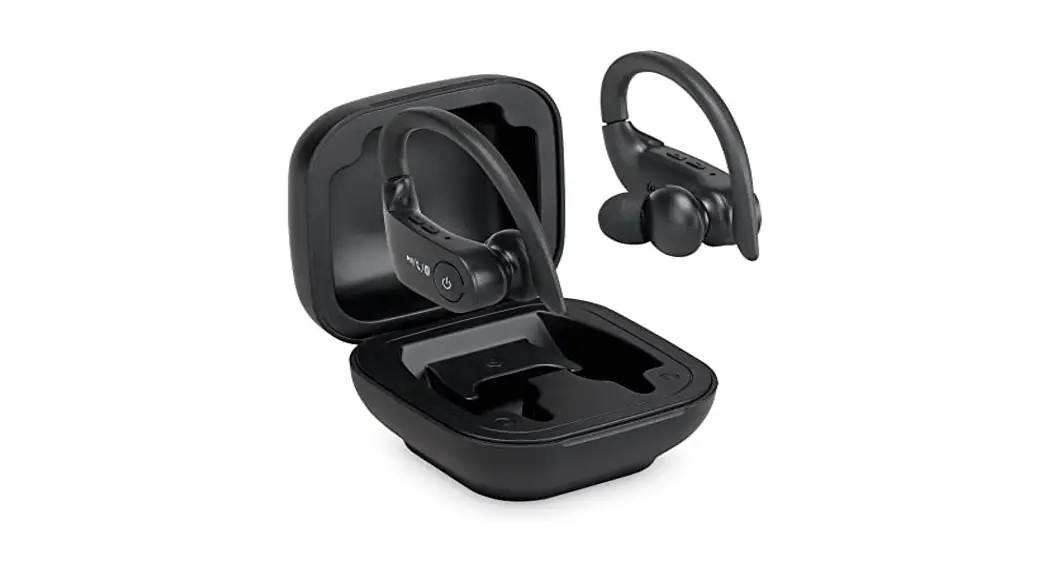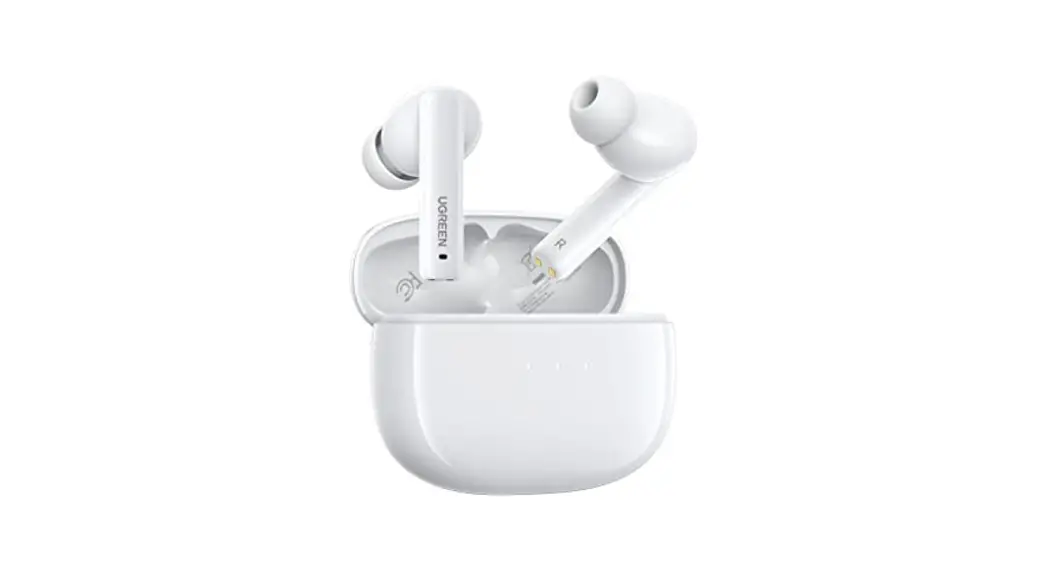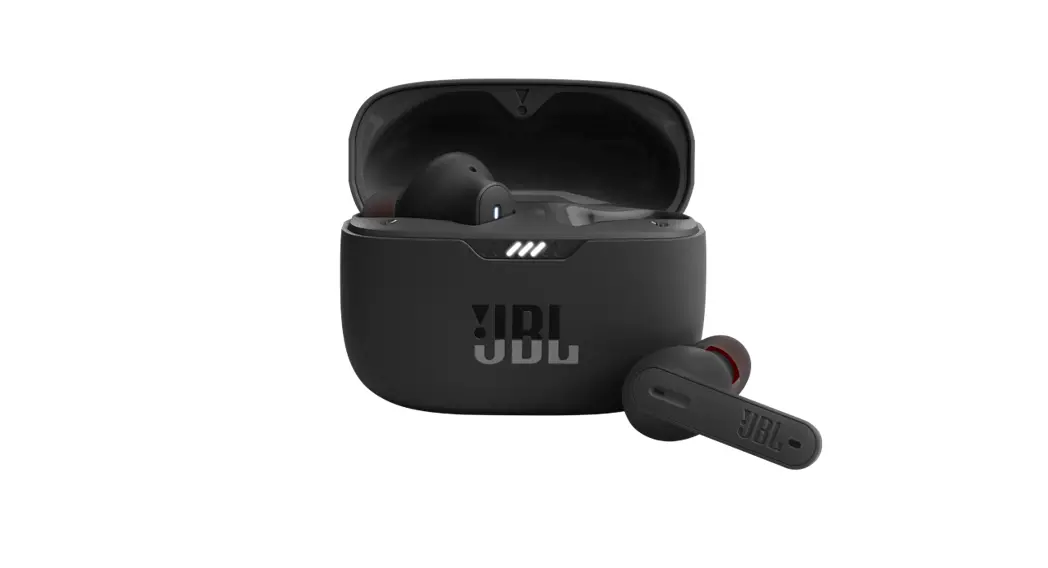

Pulsetv 10236 T25 Active Noise Cancelling Wireless Earbuds User Guide

Pulsetv 10236 T25 Active Noise Cancelling Wireless Earbuds User Guide

PulseTV-logo

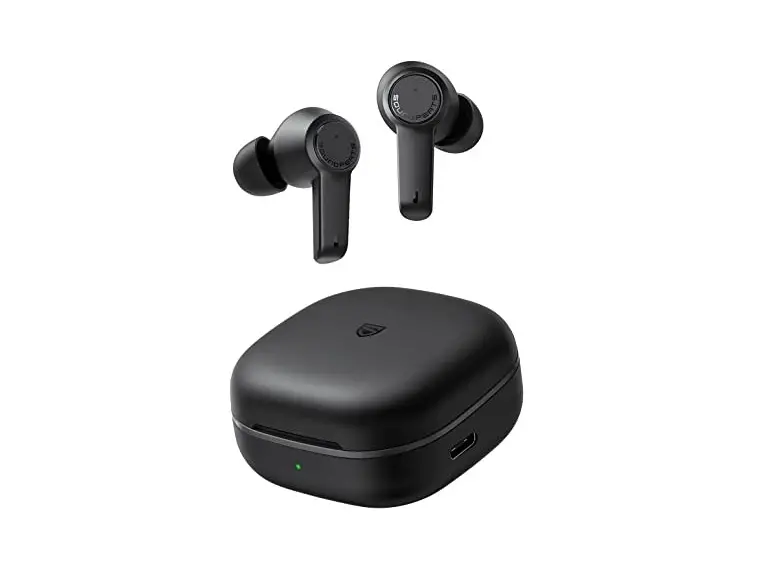
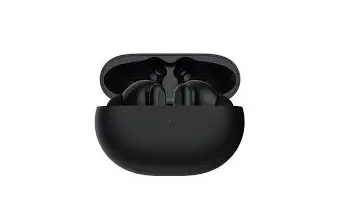
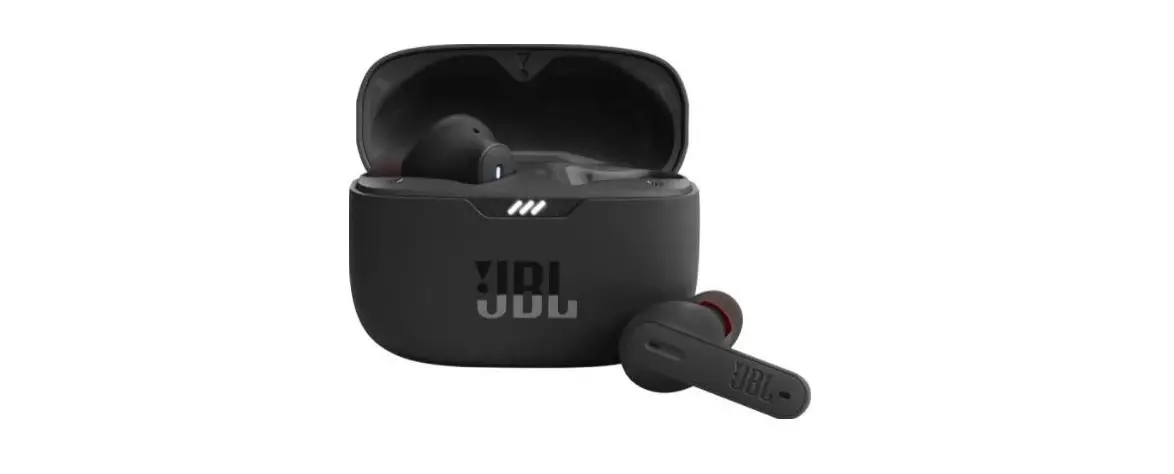
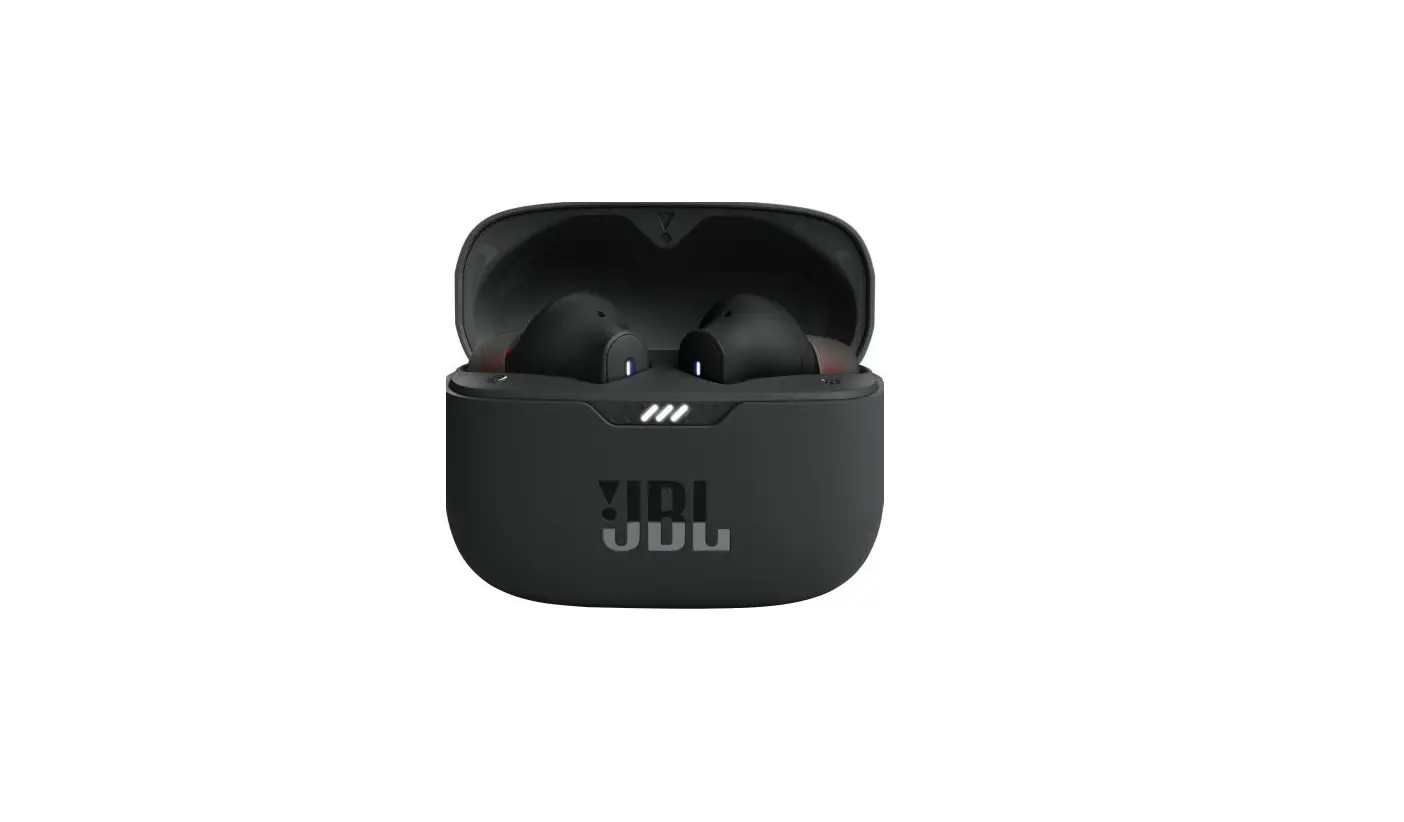
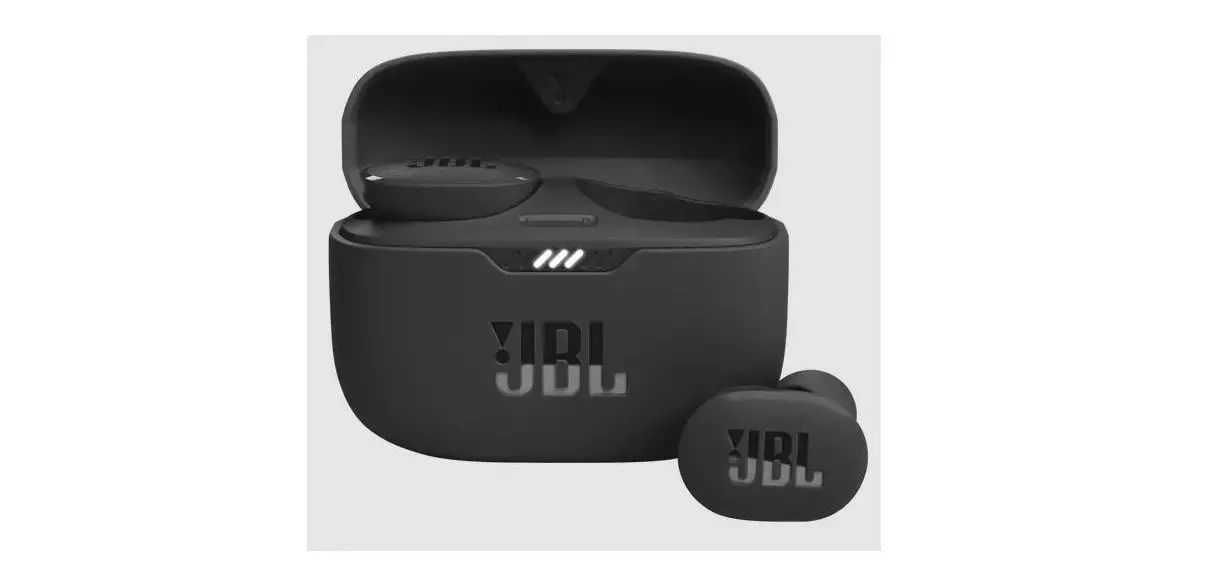
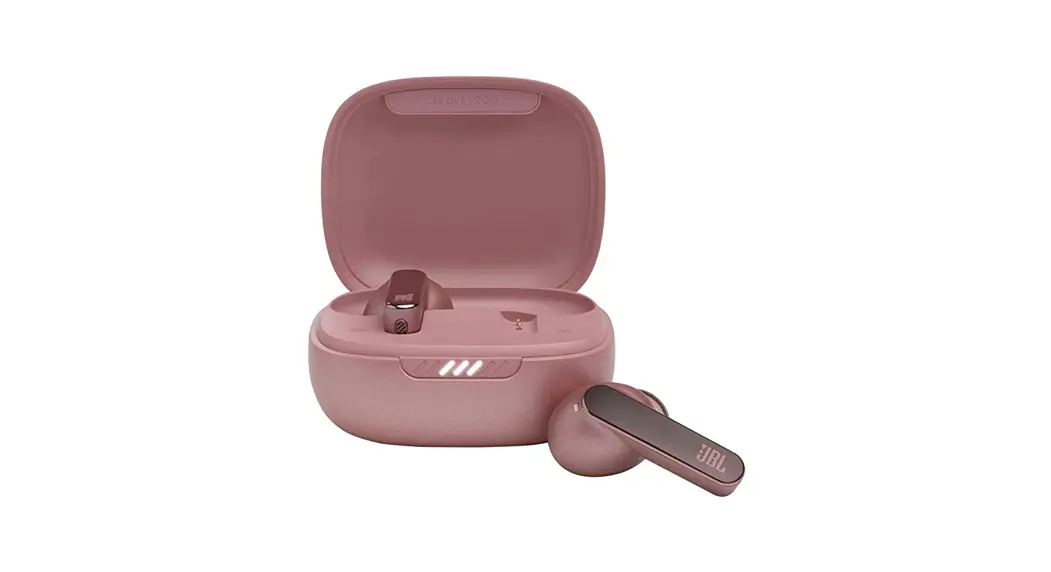
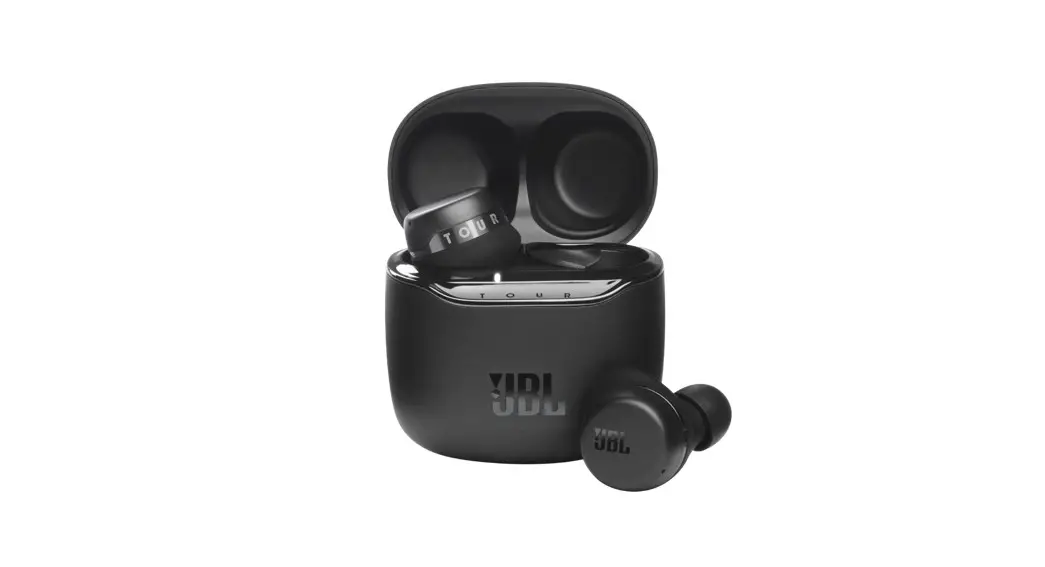
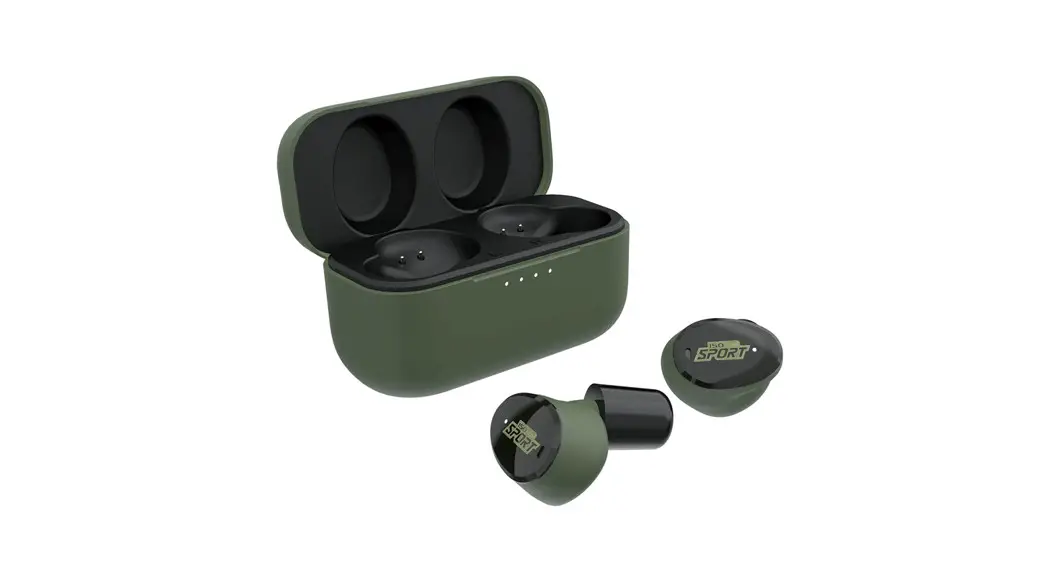
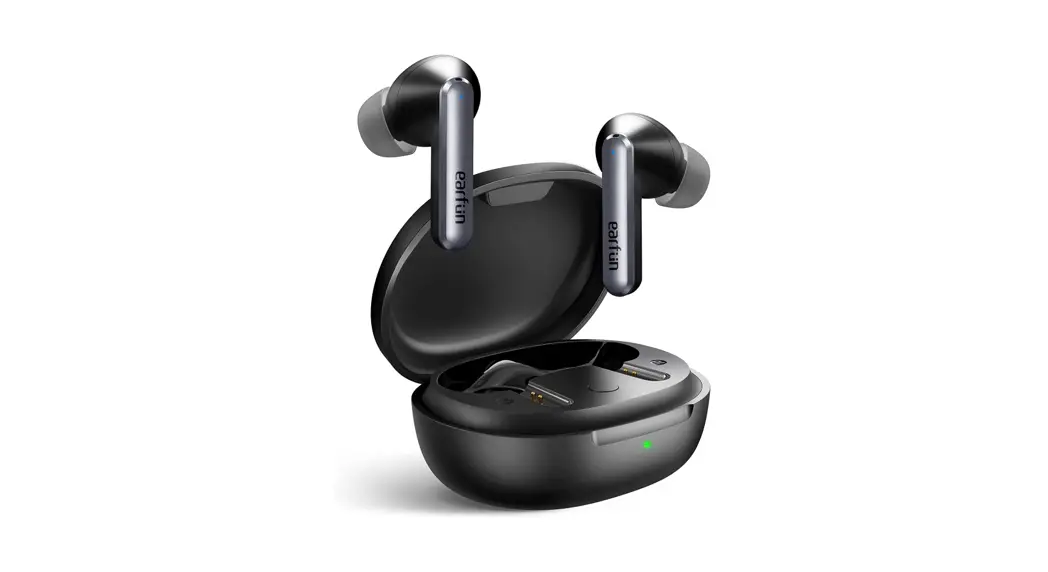
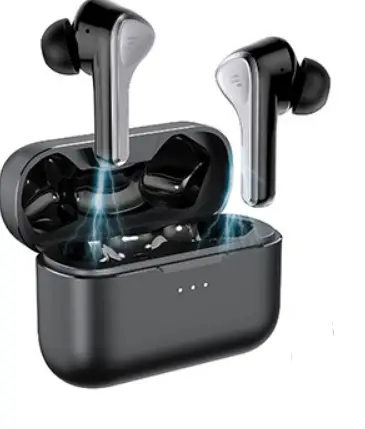
PulseTV 10236 T25 Active Noise Cancelling Wireless Earbuds
PulseTV-10236-T25-Active-Noise-Cancelling-Wireless-Earbuds-product

This quick start guide will support you get started using your device. If you’re looking for a more detailed user manual, FAQs, and other information, please visit our official website.

CHARGING

Charge Earbuds
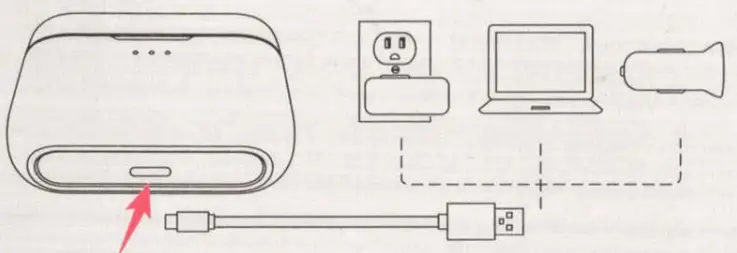
Before using the earbuds, please put the earbuds into the charging case, close the lid and let the earbuds charge for about 10 minutes.PulseTV-10236-T25-Active-Noise-Cancelling-Wireless-Earbuds-fig1
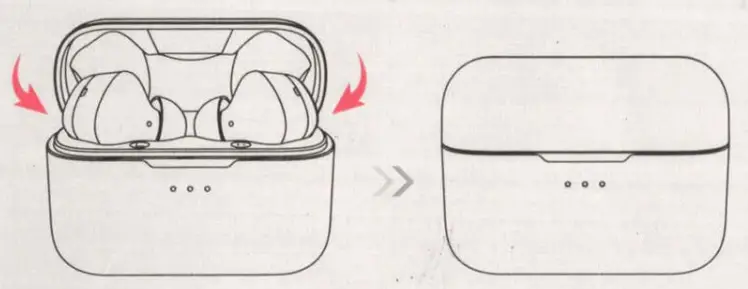
Charge Charging CasePulseTV-10236-T25-Active-Noise-Cancelling-Wireless-Earbuds-fig2

POWERING ON/OFF

PulseTV-10236-T25-Active-Noise-Cancelling-Wireless-Earbuds-fig3

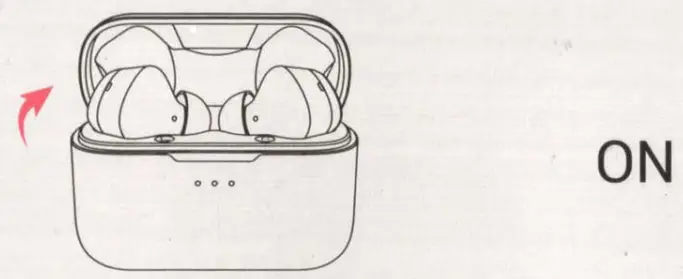
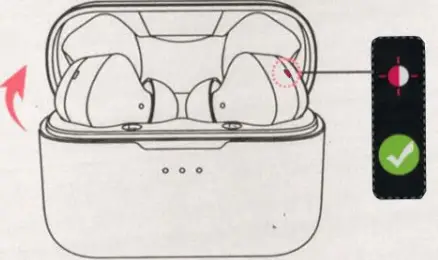
Open the charging case.PulseTV-10236-T25-Active-Noise-Cancelling-Wireless-Earbuds-fig4

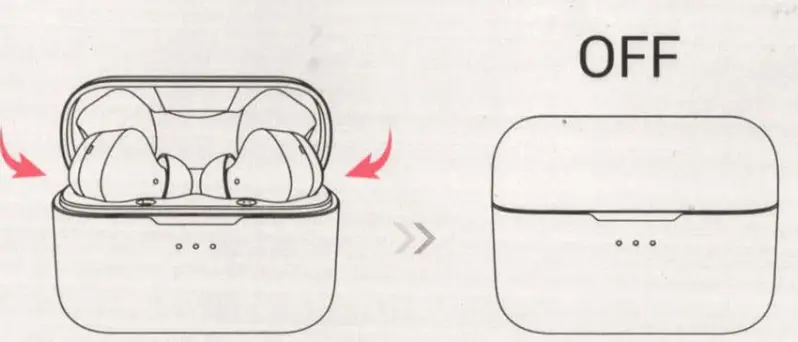
Put the earbuds back into the charging case and close the lid.

PAIRINGPulseTV-10236-T25-Active-Noise-Cancelling-Wireless-Earbuds-fig5

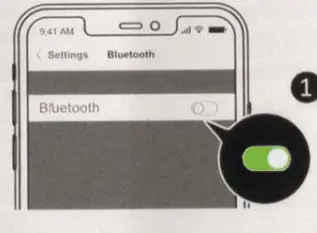
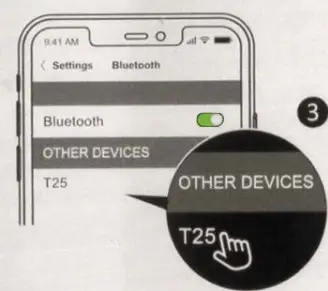
  1. Turn on the Bluetooth of your phone.PulseTV-10236-T25-Active-Noise-Cancelling-Wireless-Earbuds-fig6
  2. Open the charging case (LED indicator flashes red and white alternately).PulseTV-10236-T25-Active-Noise-Cancelling-Wireless-Earbuds-fig7

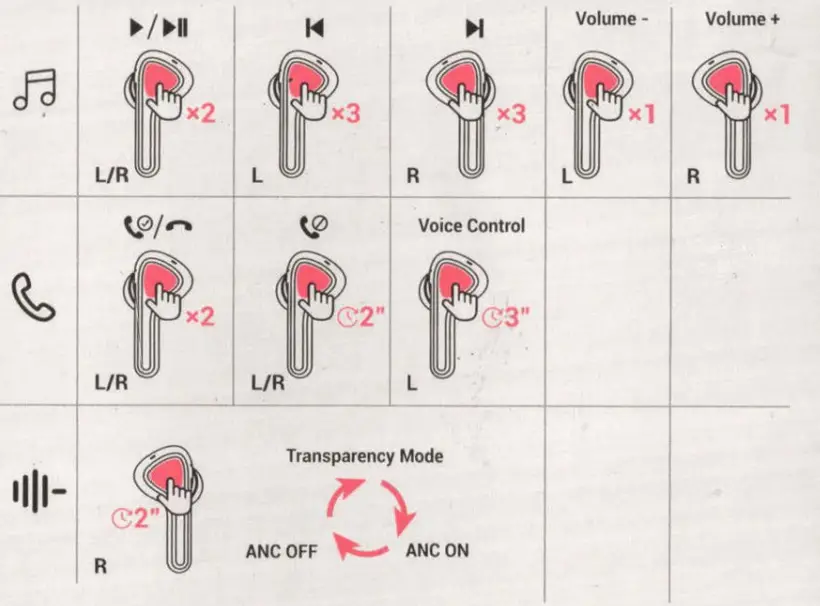
BUTTON CONTROLSPulseTV-10236-T25-Active-Noise-Cancelling-Wireless-Earbuds-fig8

  • x1: Single tap
  • x3: Triple tap
  • x2: Double-tap
    PulseTV-10236-T25-Active-Noise-Cancelling-Wireless-Earbuds-fig9
  • 2: Hold for 2 seconds.
    PulseTV-10236-T25-Active-Noise-Cancelling-Wireless-Earbuds-fig9
  • 3″: Hold for 3 seconds

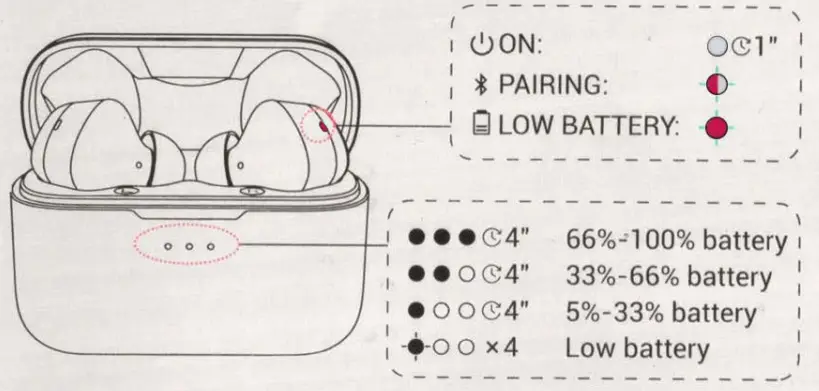
LED INDICATOR GUIDE
PulseTV-10236-T25-Active-Noise-Cancelling-Wireless-Earbuds-fig10

PulseTV-10236-T25-Active-Noise-Cancelling-Wireless-Earbuds-fig11

  • : LED indicator stays white.
  • : LED indicator flashes red and white alternately.
  • : LED indicator flashes red.
Documents / Resouces

Download manual
Here you can download full pdf version of manual, it may contain additional safety instructions, warranty information, FCC rules, etc.


Related Manuals