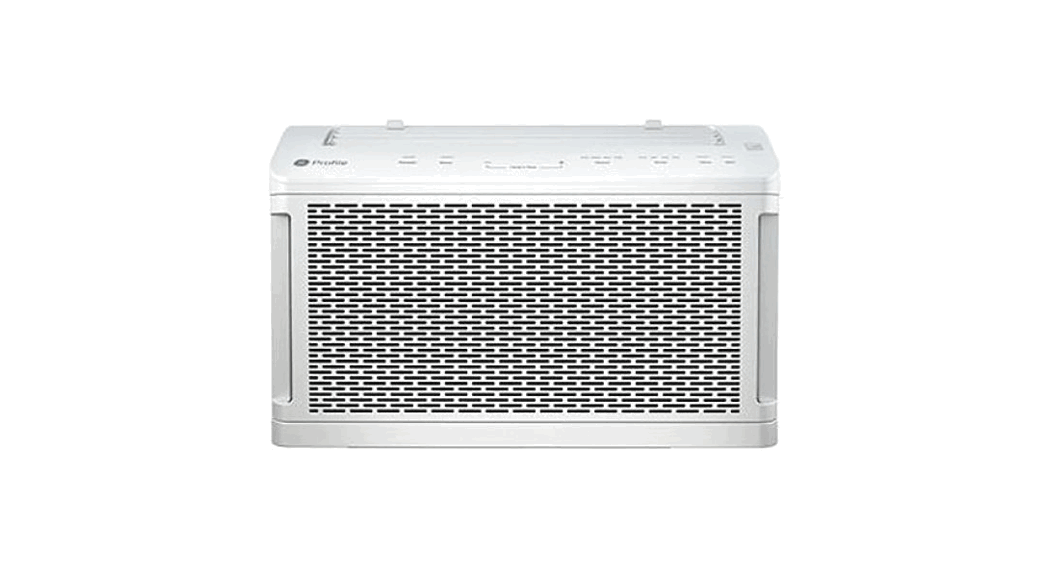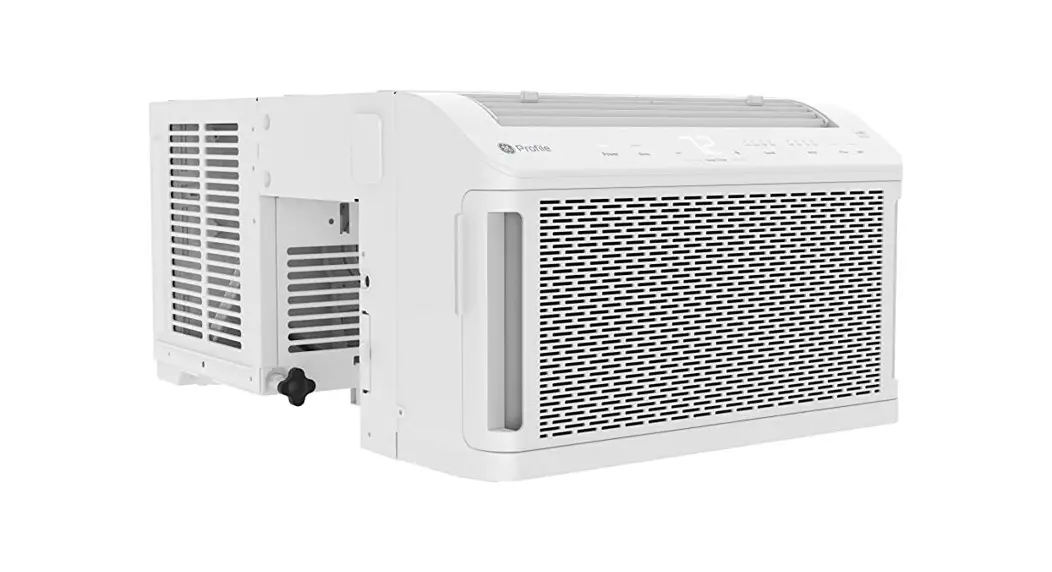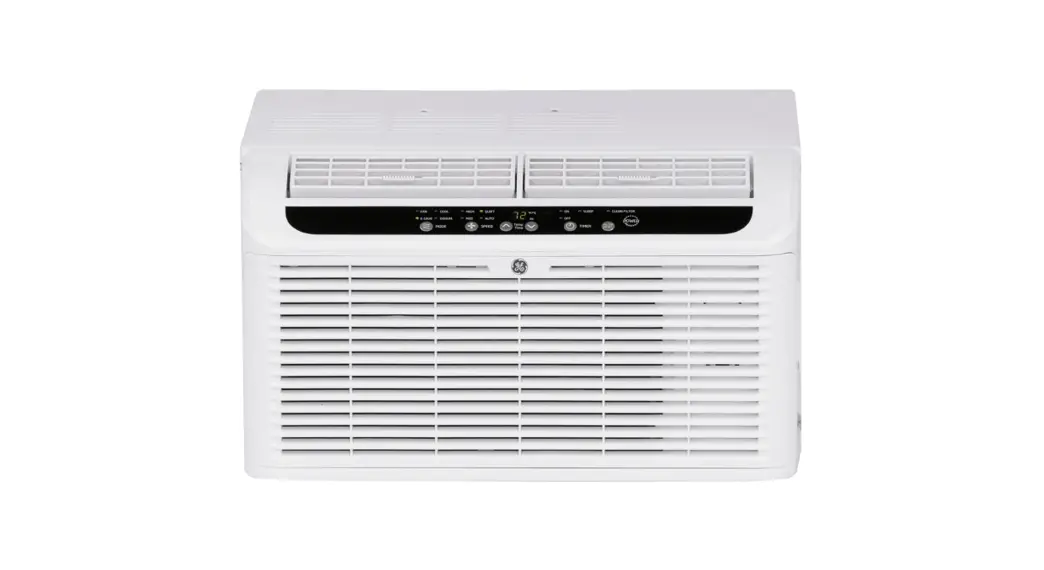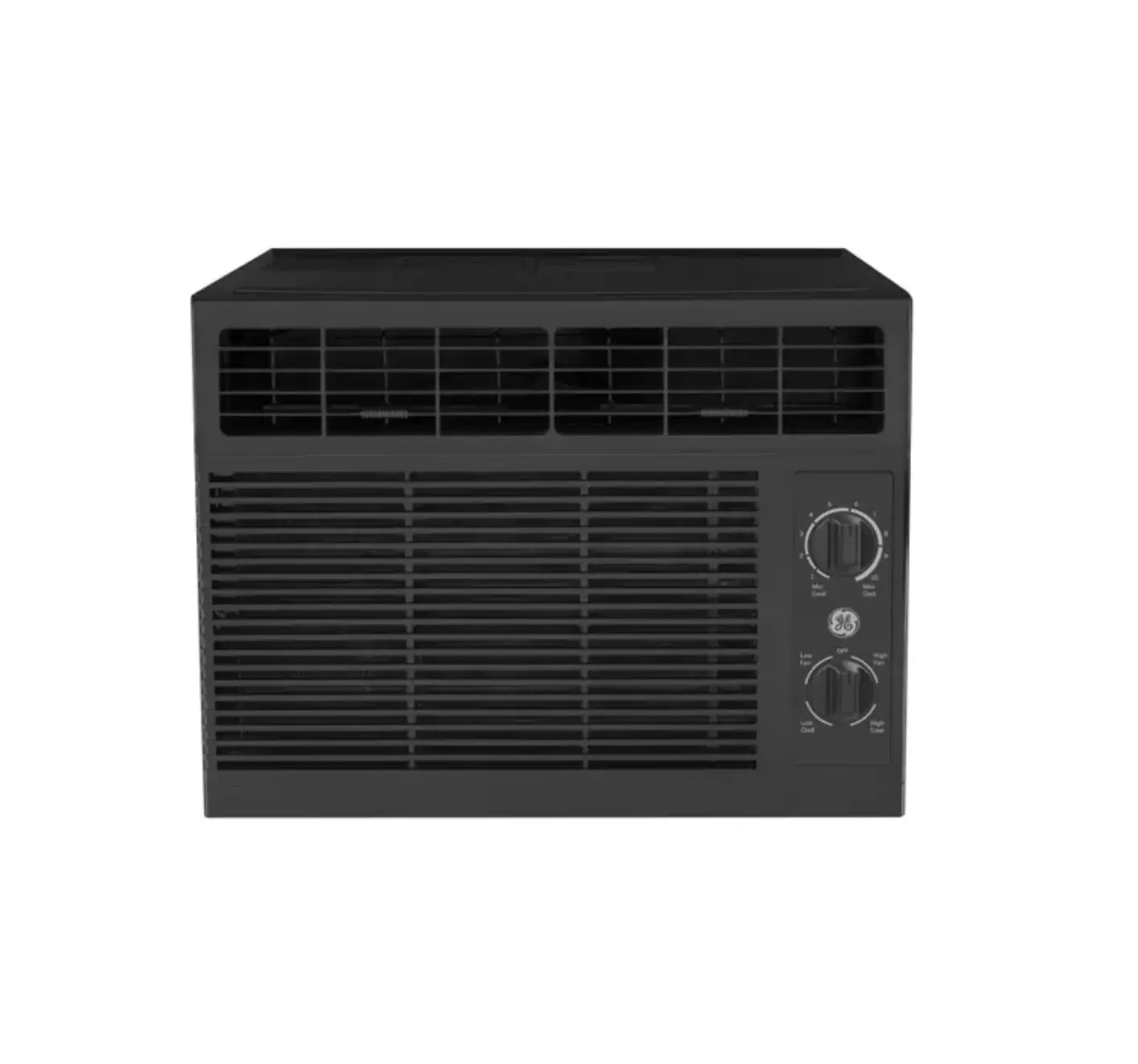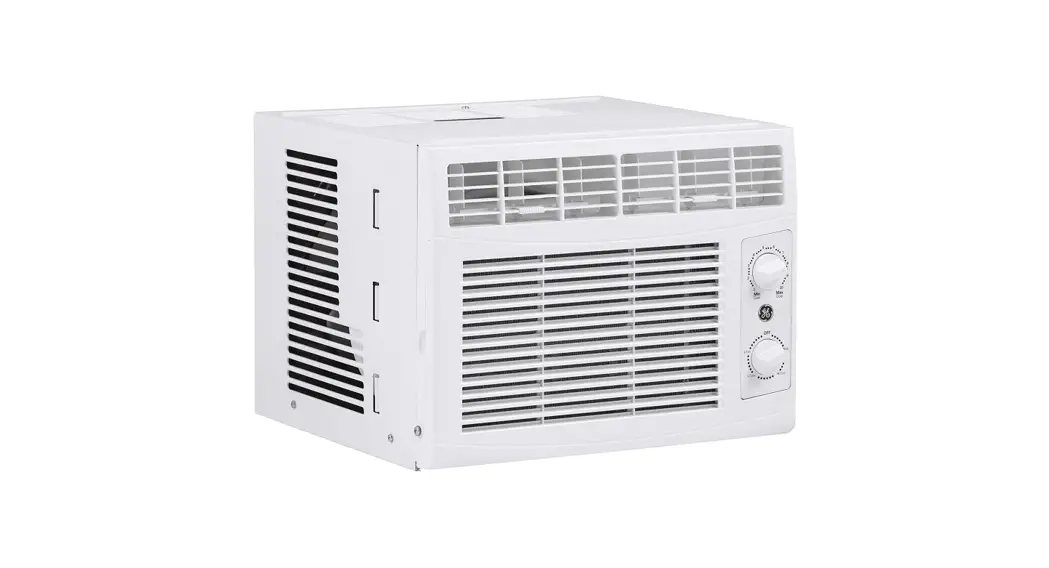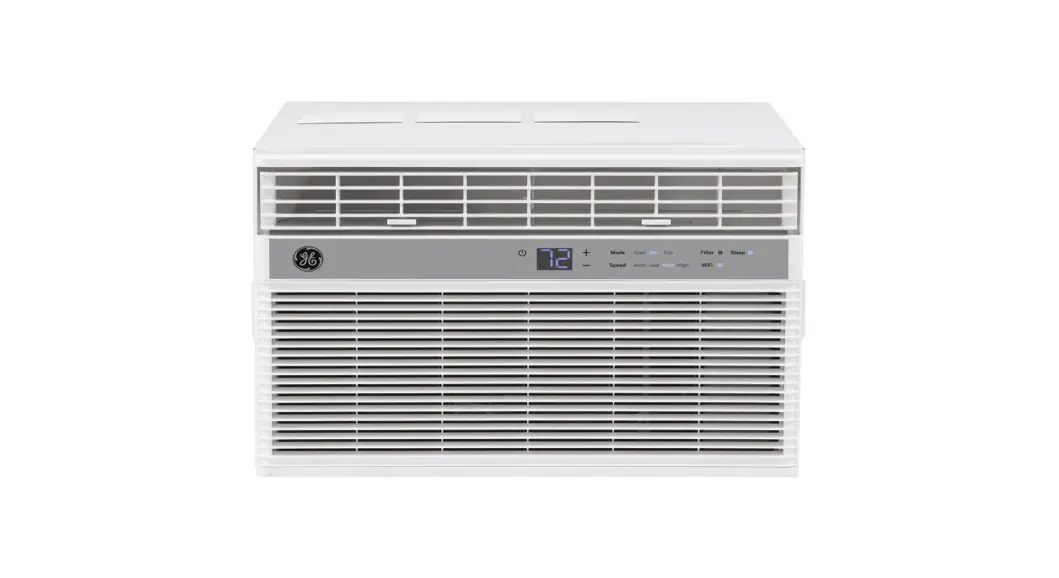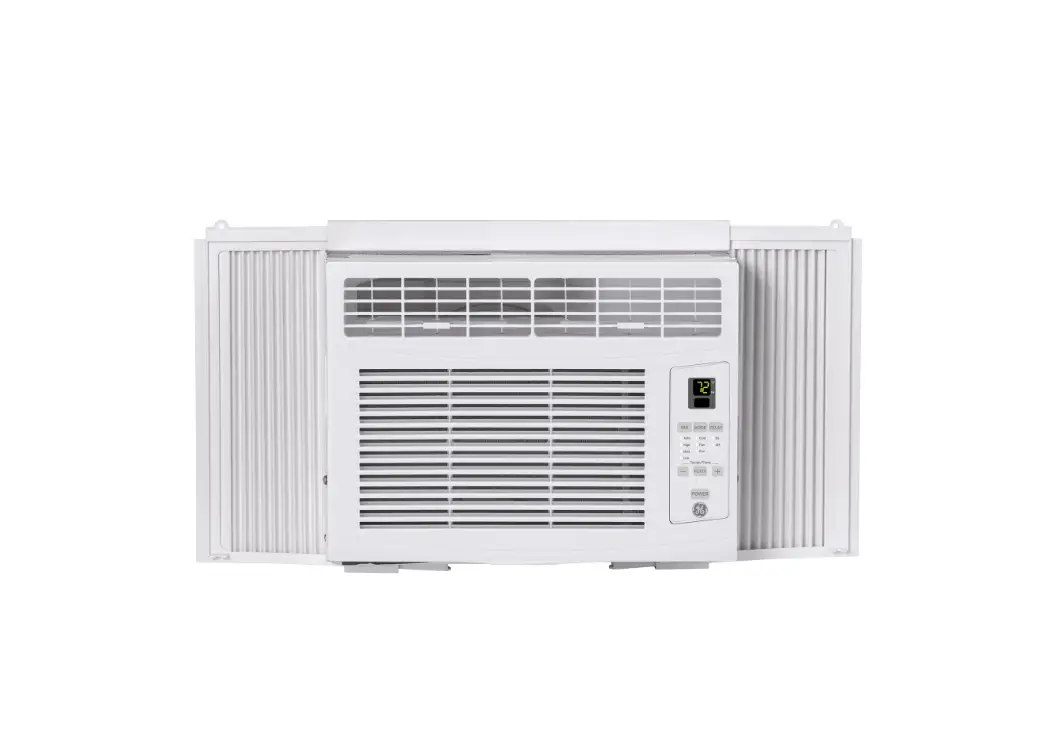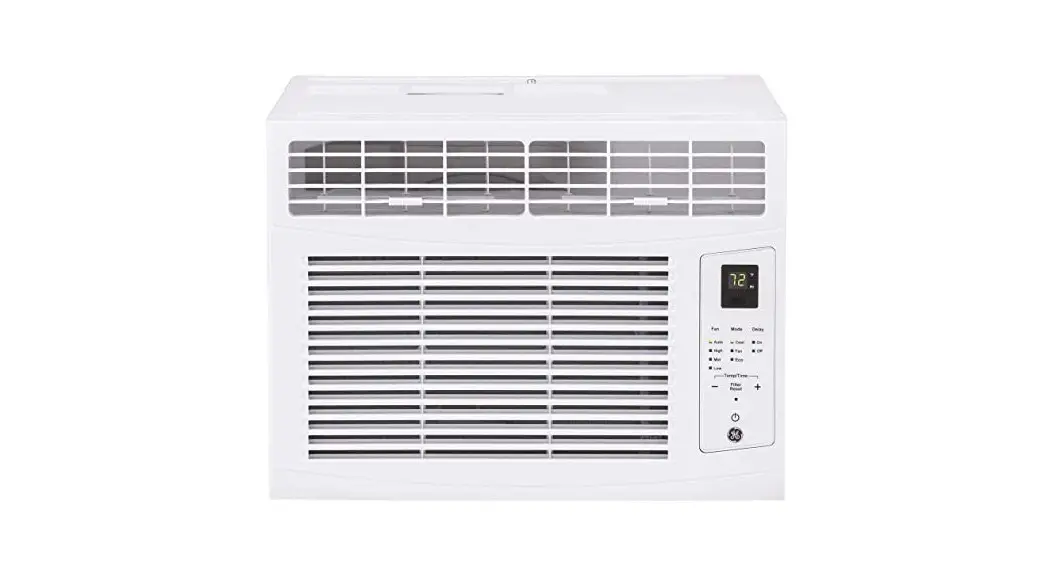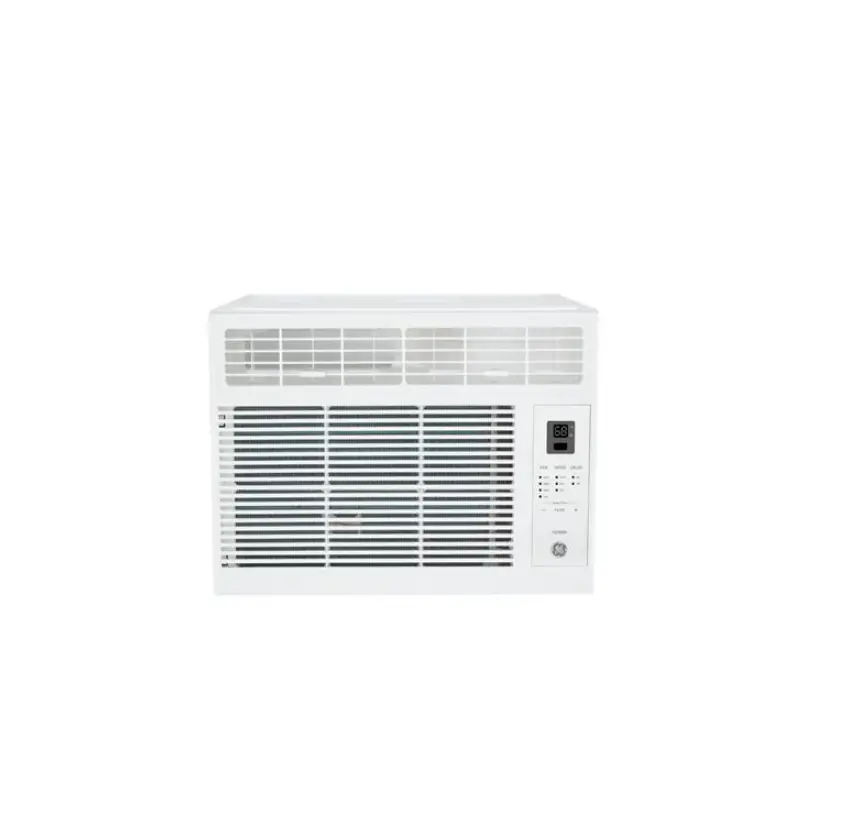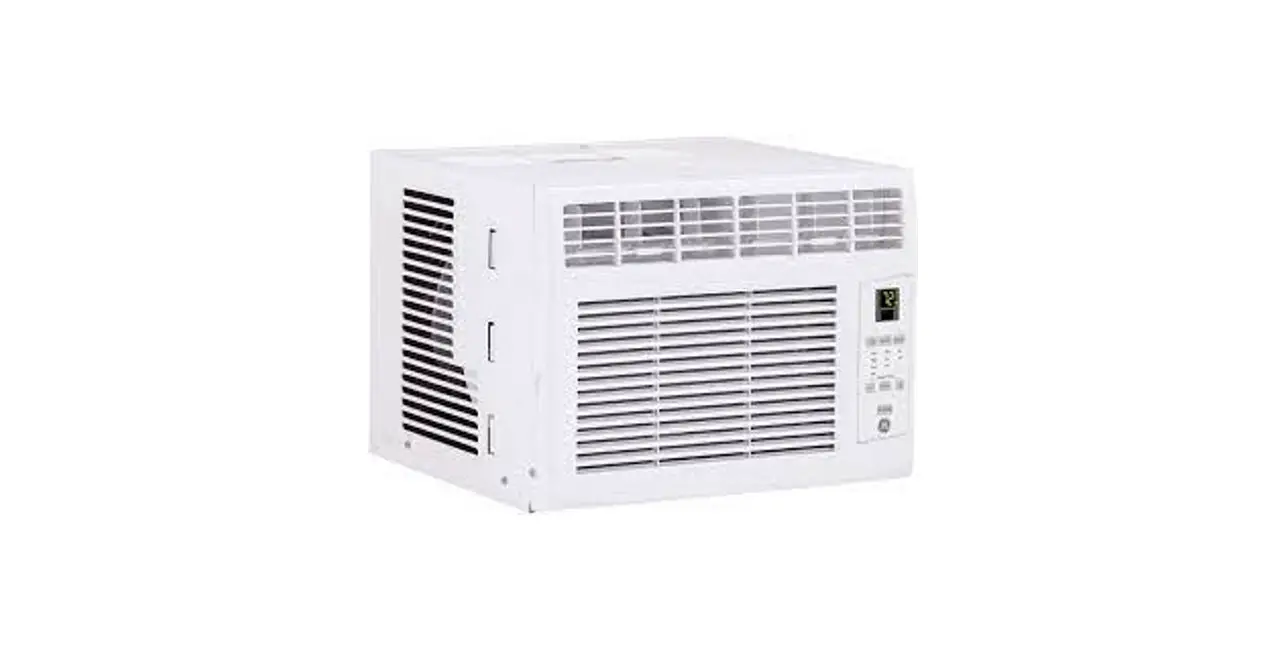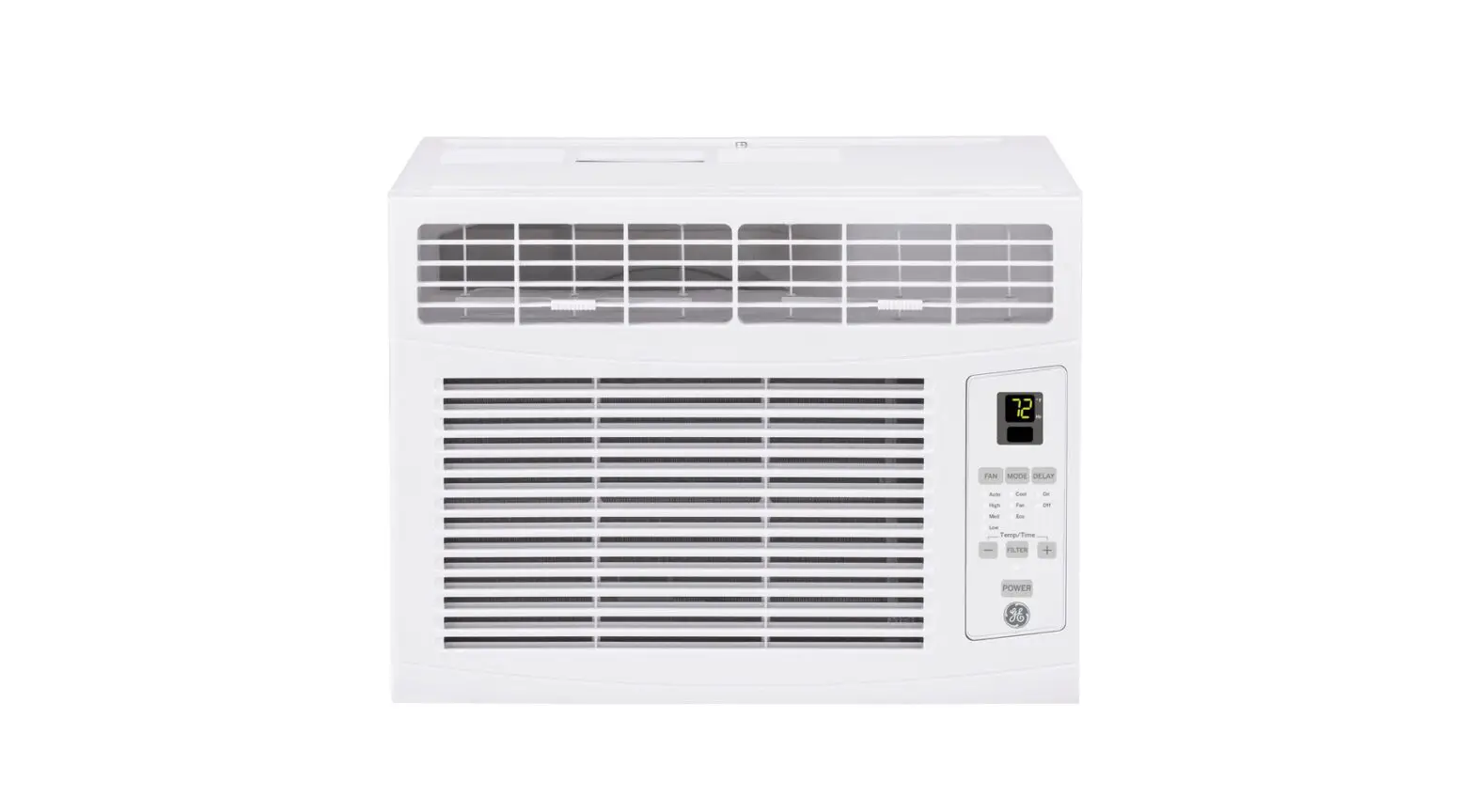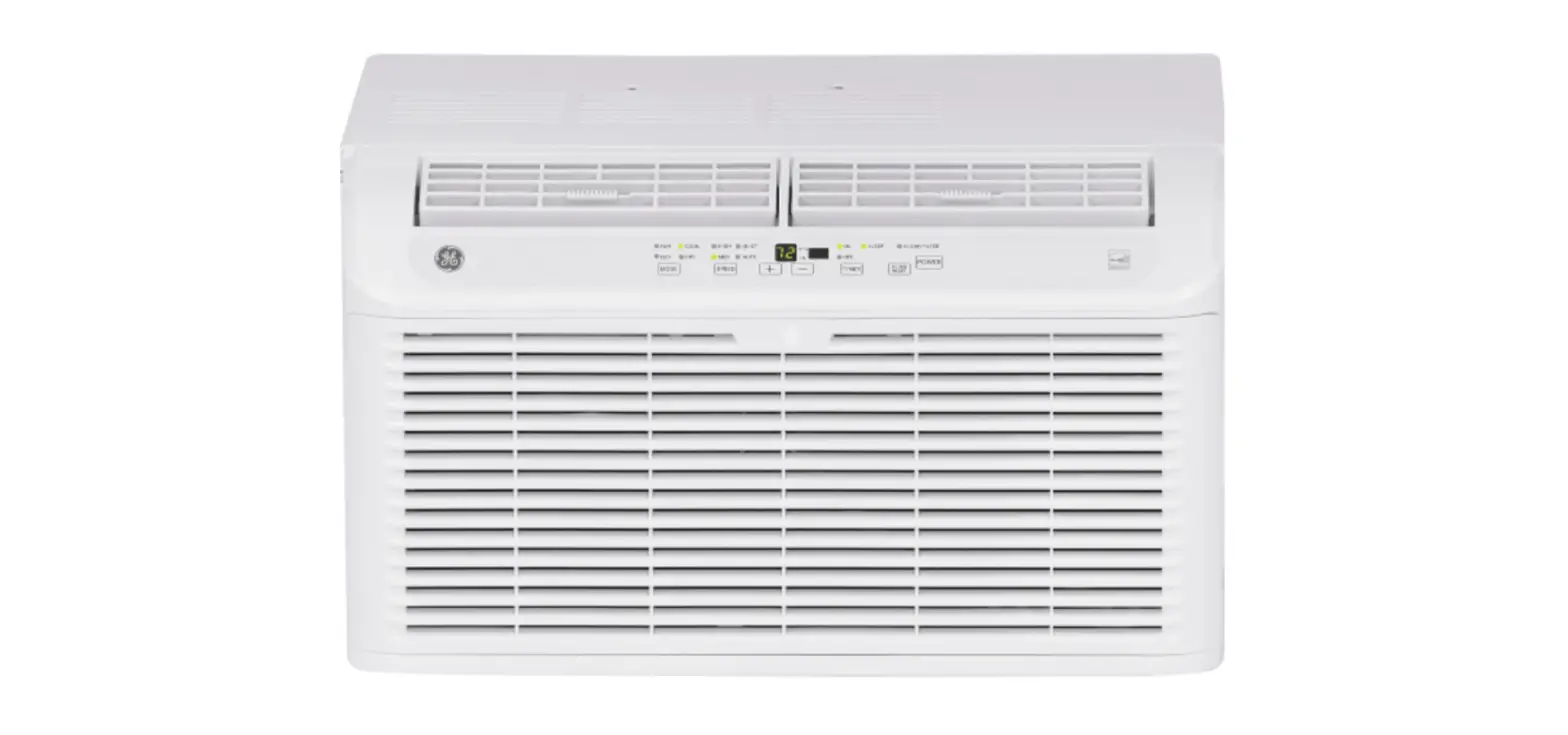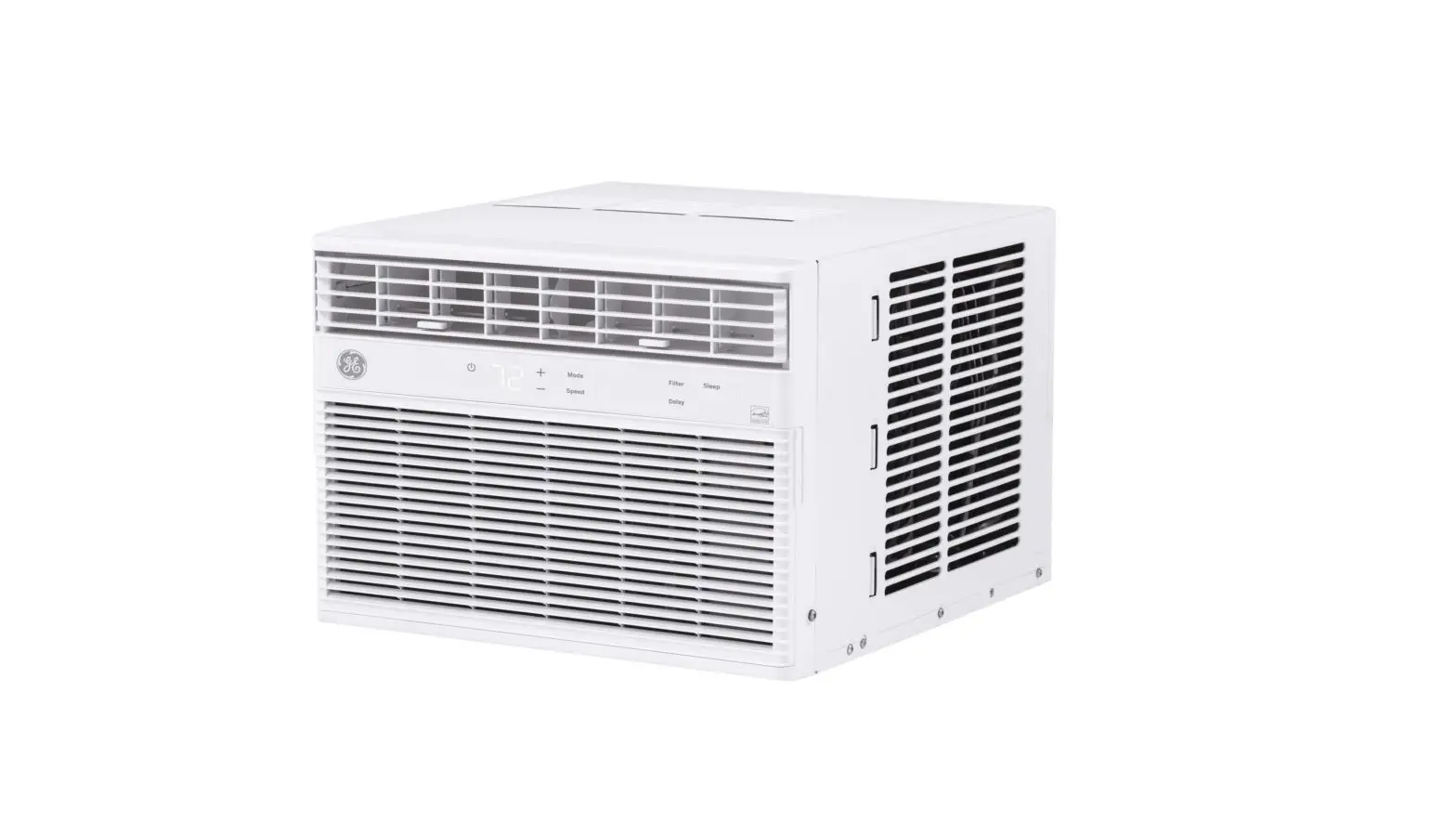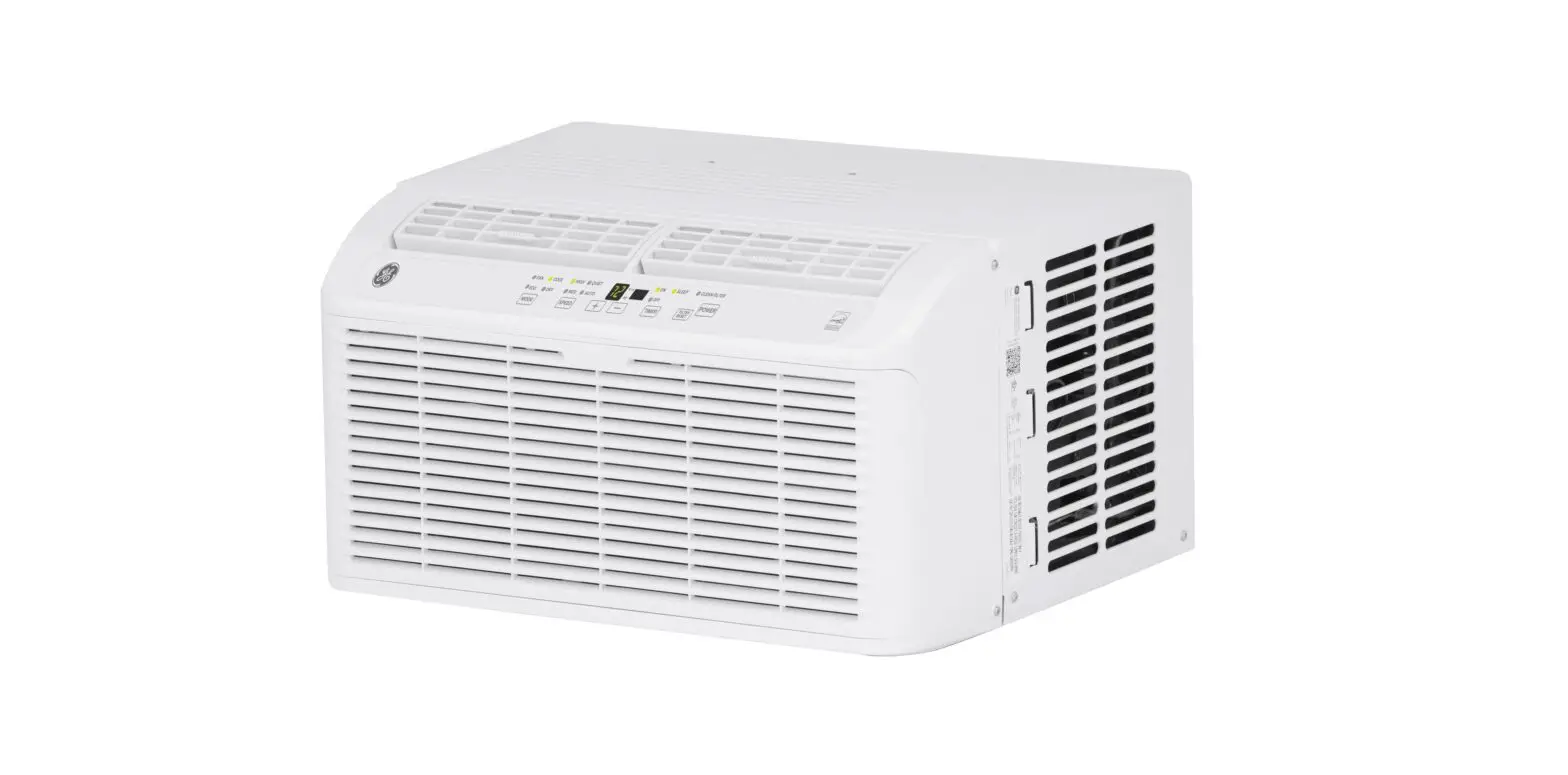
AHEL06BB BTU Ultra Quiet Window Air Conditioner
ROOM
AIR CONDITIONER
SAFETY INFORMATION . . . . . . . . .3
USING THE AIR CONDITIONER
Controls . . . . . . . . . . . . . . . . . . . . . . . . . . . . . .5
CARE AND CLEANING . . . . . . . . . . .8
INSTALLATION INSTRUCTIONS
Before you begin . . . . . . . . . . . . . . . . . . . . . .9 Electrical Requirements . . . . . . . . . . . . . . . .9 Parts Included . . . . . . . . . . . . . . . . . . . . . . . . 10 Window Requirements . . . . . . . . . . . . . . . . 11 Prepare the Air Conditioner . . . . . . . . . . . . 11 Install the Air Conditioner. . . . . . . . . . . . . . 12
TROUBLESHOOTING TIPS. . . . . . 14
Normal Operating Sounds . . . . . . . . . . . . . 15
CONSUMER SUPPORT
Limited Warranty . . . . . . . . . . . . . . . . . . . . . 17 Consumer Support . . . . . . . . . . . . . . . . . . . . 18
OWNER’S MANUAL
AHEL06BB AHEL08BB
Write the model and serial numbers here: Model # _________________ Serial # _________________ You can find the rating label on the side of the air conditioner.
GE is a trademark of the General Electric Company. Manufactured under trademark license. 49-5000633 Rev. 1 11-22 GEA
THANK YOU FOR MAKING GE APPLIANCES A PART OF YOUR HOME.
Whether you grew up with GE Appliances, or this is your first, we’re happy to have you in the family.
We take pride in the craftsmanship, innovation and design that goes into every GE Appliances product, and we think you will too. Among other things, registration of your appliance ensures that we
can deliver important product information and warranty details when you need them.
Register your GE appliance now online. Helpful websites and phone numbers are available in the Consumer Support section of this Owner’s Manual. You may also mail in the pre-printed registration
card included in the packing material.
2
49-5000633 Rev.1
SAFETY INFORMATION
IMPORTANT SAFETY INFORMATION
READ ALL INSTRUCTIONS BEFORE USING THE APPLIANCE
WARNING For your safety, the information in this manual must be followed to minimize the risk of
fire, electric shock or personal injury.
8VHWKLVDSSOLDQFHRQOIRULWVLQWHQGHGSXUSRVHDV described in this Owner’s Manual.
T urn the unit OFF and unplug your air conditioner before cleaning.
T his air conditioner must be properly installed in accordance with the Installation Instructions before it is
used.
F or your safety…do not store or use combustible materials, gasoline or other flammable vapors or
liquids in the vicinity of this or any other appliance.
N ever unplug your air conditioner by pulling on the power cord. Always grip plug firmly and pull straight
out from the receptacle.
If the receptacle does not match the plug, the receptacle must be changed out by a qualified
electrician.
R eplace immediately all electric service cords that have become frayed or otherwise damaged. A damaged power supply cord must be replaced with a new power supply cord obtained from the manufacturer and not repaired. Do not use a cord that shows cracks or abrasion damage along its length or at either the plug or connector end.
WARNING
Risk of Fire or Explosion. This unit contains flammable refrigerant. Additional safety precautions must be followed.
‘RQRWXVHPHDQVWRDFFHOHUDWHWKHGHIURVWLQJSURFHVV or to clean, other than those recommended by the manufacturer.
T he appliance shall be stored in a room without continuously operating ignition sources (for example: open flames, an operating gas appliance or an operating electric heater.
D o not pierce or burn refrigerant tubing. Be aware that refrigerants may not contain an odor.
K eep ventilation openings clear of obstruction.
W hen handling, installing, and operating the appliance, care should be taken to avoid damage to the refrigerant tubing.
D o not drill holes in the unit.
M aintenance, cleaning, and service should only be performed by technicians properly trained and qualified in the use of flammable refrigerants.
G E Appliances does not support any servicing of the air conditioner.
D ispose of air conditioner in accordance with Federal and Local Regulations. Flammable refrigerants require special disposal procedures. Contact your local authorities for the environmentally safe disposal of your air conditioner.
READ AND SAVE THESE INSTRUCTIONS
49-5000633 Rev. 1
3
SAFETY INFORMATION
IMPORTANT SAFETY INFORMATION
READ ALL INSTRUCTIONS BEFORE USING THE APPLIANCE
WARNING USE OF EXTENSION CORDS
RISK OF FIRE. Could cause serious injury or death.
‘2127XVHDQH[WHQVLRQFRUGZLWKWKLV:LQGRZ$LU Conditioner.
‘2127XVHVXUJHSURWHFWRUVRUPXOWLRXWOHWDGDSWRUV with this Window Air Conditioner.
HOW TO CONNECT ELECTRICITY
Do not, under any circumstances, cut or remove the third (ground) prong from the power cord. For personal safety, this appliance must be properly grounded.
DO NOT use an adapter plug with this appliance.
The power cord of this appliance is equipped with a 3-prong (grounding) plug which mates with a standard 3-prong (grounding) wall outlet to minimize the possibility of electric shock hazard from this appliance.
Power cord includes a current interrupter device. A test and reset button is provided on the plug case. The device should be tested on a periodic basis by first pressing the TEST button and then the RESET button while plugged into the outlet. If the TEST button does not trip or if the RESET button will not stay engaged, discontinue use of the air conditioner and contact a qualified service technician.
Have the wall outlet and circuit checked by a qualified electrician to make sure the outlet is properly grounded.
Where a 2-prong wall outlet is encountered, it is your personal responsibility and obligation to have it replaced with a properly grounded 3-prong wall outlet.
The air conditioner should always be plugged into its own individual electrical outlet which has a voltage rating that matches the rating plate.
This provides the best performance and also prevents overloading house wiring circuits which could cause a fire hazard from overheated wires. See the Installation Instructions, Electrical Requirements section for specific electrical connection requirements.
READ AND SAVE THESE INSTRUCTIONS
4
49-5000633 Rev.1
USING THE AIR CONDITIONER
Controls
Features and appearance will vary.
This section explains how to operate this air conditioner.
IMPORTANT:
When you turn off the air conditioner, either at the control panel or with the remote control, wait at least 3 minutes before turning it back on. This prevents the compressor from overloading. This 3 minute delay also applies when switching from cool mode to fan and back.
NOTE: There is a built in 3 minute delay. You may notice the compressor might not start right away. This was designated to protect the unit.
Do not operate your air conditioner in the Cool Mode when the outside temperature is below 61° F (16° C). This inside evaporator coil will freeze up, and the air conditioner will not operate properly.
NOTE: When the air conditioner is first plugged in, the LED display will show “88” for 3 seconds. After the air conditioner is turned on for the first time, the display will show the temperature 72° F and the fan will automatically set the Quiet speed and the Mode indicator will show ENERGY SAVE.
NOTE: To switch the temperature display between Fahrenheit (°F) and Celsius (°C), the air conditioner must be plugged in and turned on. On the control panel RQWKHIURQWRIWKHDLUFRQGLWLRQHUSUHVVWKH83DQG DOWN button at the same time and hold for 3 seconds. Press F/C button on remote control to switch between Fahrenheit (°F) and Celsius (°C).
NOTE: Each time this ENERGY STAR qualified air conditioner is turned on, it will operate in energy save mode per the EPA requirements. You can select any other mode to satisfy your needs.
Controls
1. MODE 1. Press MODE until you see the indicator light come on next to the desired setting.
2. Choose Fan, Cool, Energy Save, or Dehum.
Fan – Only the fan runs. Press SPEED to select High, Med or Quiet fan speed. The display shows the current room temperature. NOTE: in fan mode, the temperature cannot be set.
Energy Save – In this this mode the fan runs only when cooling is needed. The fan will run for 3 minutes after the compressor shuts off. The fan then cycles on for 2 minutes at 10 minute intervals until the temperature in the room is above the set temperature. The compressor then turns back on.
Cool – Cools the room. Press SPEED to select High, Med, Quiet or Auto Cool fan speed. Press the TEMP/ TIME + or arrow button to adjust the temperature. The fan will run continuously in cool mode.
Dehum – Aids in removing humidity from the room. Dehum mode cannot be used to cool room. NOTE: In Dehum mode, when the set temperature is close to ambient temperature, the compressor may stop and the fan will run in Quiet speed only.
2. SPEED 1. Press SPEED until you see the indicator light come on next to the desired setting.
2. Choose High, Med, Quiet, or Auto Cool
HIGH – For maximum cooling. MED – For normal cooling. QUIET – For minimum cooling and noise. AUTO COOL – Adjusts the fan speed automatically to provide ideal cooling based on the room temperature.
49-5000633 Rev. 1
5
USING THE AIR CONDITIONER
Controls
3. TIMER OFF To set the air conditioner to turn off between 1 hour and 24 hours (the air conditioner must be ON to set).
1. Press TIMER button until Timer Off indicator light illuminates. The display will show the remaining hours before the air conditioner will turn off.
2. Press the TEMP/TIME + or button to change the delay time from 1 hour to 24 hours.
3. Timer Off indicator light will remain on. The display will show the remaining time to Timer Off.
4. TIMER ON To set the air conditioner to turn on between 1 hour and 24 hours.
1. Press TIMER button until Timer On indicator light illuminates. The display will show the remaining hours before the air conditioner will turn on.
2. Press the TEMP/TIME + or button to change the delay time from 1 hour to 24 hours.
3. Timer On indicator light will remain on. The display will show the remaining time to Timer On.
To clear TIMER Program: NOTE: Air conditioner can be either on or off. Press TIMER until Timer indicator light turns off.
To view or change the remaining time (in hours):
TIMER OFF 1. Press the TEMP/TIME + or button to increase or decrease the time.
2. The display will show the remaining time to Timer OFF.
TIMER ON 1. The display will show the remaining time. 2. Press the TEMP/TIME + or button to increase or decrease the time.
3. The display will show the remaining time to Timer ON.
NOTE: In TIMER and SLEEP mode, temperature cannot be adjusted.
5. SLEEP 1. Press the TIMER button to choose Sleep mode. The indicator light will turn on.
2. The temperature will increase by 2° F one hour after the mode is chosen. The temperature then increases another 2° F after one hour. The unit will hold this temperature for six hours then stop.
3. To turn off Sleep mode, press the TIMER button until the indicator light is off.
6. TEMP/TIME 1. Press the TEMP/TIME + button to raise the temperature. Each time you press the TEMP/TIME + button, the temperature will go up by 1° F until it reaches 86° F (30° C).
2. Press the TEMP/TIME button to lower the temperature. Each time you press the TEMP/TIME button, the temperature will go down by 1° F until it reaches 61° F (16° C).
NOTE8QGHU)DQPRGHWKHGLVSODZLOOVKRZWKH FXUUHQWWHPSHUDWXUH8QGHU(QHUJ6DYH&RRO or Dehum mode, the display will show the set temperature.
7. FILTER RESET This feature automatically notifies you that the air filter must be cleaned. The indicator light will come on after 240 hours of operation. Clean the air filter (refer to Care and Cleaning section), place it back in the front panel, and press the Filter Reset button. The light will turn off.
6
49-5000633 Rev.1
USING THE AIR CONDITIONER
Controls
Using the Remote Control
Remote Control may differ in appearance from the image show.
1. Press TIMER ON/OFF button on the remote control to select the time off function.
2. Press the TIMER + or TIMER arrow button to change the delay time from 1 hour to 24 hours. Timer OFF indicator light on the air conditioner panel will illuminate.
QUIET
HIGH
MED
AUTO
TEMP UP
FAN
COOL
ENERGY SAVE
TEMP DOWN
TIMER UP
TIMER ON/OFF
TIMER DOWN
DEHUM
F/C
SLEEP
LOCK
LIGHT
RESET
NOTE: Please remove the back of the controller and insert two AAA batteries. Replace batteries after 6 months of use or when remote control starts to lose power.
NOTE: DO NOT mix old and new batteries.
1. POWER
Press the POWER button to turn on the air conditioner. When you first press the power button, the air conditioner will operate in Energy Save mode, Quiet fan speed and temperature of 72°F. You can select any other mode to satisfy your needs .
2. SPEED
High – Press HIGH button to choose high fan speed.
Med – Press MED button to choose medium fan speed.
Quiet – Press QUIET button to choose quiet fan speed.
Auto Cool – Press AUTO button to choose auto cool fan speed.
3. MODE
Fan – Press the FAN button to activate fan mode.
Cool – Press the COOL button to activate cool mode.
Energy Save – Press the ENERGY SAVE button to activate fan mode.
Dehum – Press the DEHUM button to activate dehum mode.
4. TIMER
To set the air conditioner to turn off after a set amount of time between 1 hour and 24 hours (unit must be ON):
3. The buzzer beeps twice after 5 seconds, then Timer OFF countdown will initiate.
To clear TIMER Program:
NOTE: Air conditioner can be either on or off.
Press TIMER ON/OFF button until Timer indicator light turns off.
5. TEMP UP/TEMP DOWN
· Press the TEMP + button to raise the temperature. Each time you press the TEMP + button, the temperature will go up 1° F until it reaches 86°F (30°C).
· Press the TEMP button to lower the temperature. Each time you press the TTEMP button, the temperature will go down 1° F until it reaches 61°F (16°C).
6. SLEEP
1. Press SLEEP button on the remote control to choose Sleep mode. This display will show (08) and the indicator light will turn on.
2. The temperature will increase by 2° F one hour after the mode is chosen. The temperature then increases another 2° F after one hour. The until will hold this temperature for six hours then stop.
3. To turn off Sleep mode, press the SLEEP button until the indicator light is off.
7. FAHRENHEIT/CELSIUS
· Press the F/C button to choose between Fahrenheit and Celsius.
8. LOCK
· Press the LOCK button on the remote control to disable button functionality. Press the LOCK button again to activate the remote control functionality.
9. LIGHT
· When you press the LIGHT button, the display on the unit will turn off, but the unit is still operating normally. When you press the LIGHT button again or press any button on the remote control, the display will be illuminated again.
10. RESET
· Press the RESET button to reset the unit to factory settings.
49-5000633 Rev. 1
7
USING THE AIR CONDITIONER
Controls
Air Direction COOL MIN:
To reduce cooling capacity, point air directional louvers up.
COOL MAX:
To maximize cooling capacity, point air directional louvers down.
Changing the Air Direction
4-Way Air Flow: The air directional louvers let you control the direction of the airflow. The airflow can be directed up-down and left to right.
8
49-5000633 Rev.1
CARE AND CLEANING
Care and Cleaning
Cleaning the Air Filter
The air filter is removable for easy cleaning. A clean air filter helps remove dust, lint and particles from the air for optimal cooling operating efficiency. The Filter Reset light will turn on to notify you that the air filter must be cleaned. The light goes on after the air conditioner has been operating for 240 hours. 1. Turn off the air conditioner and unplug the power supply
cord from the outlet.
2. Remove the air filter by opening the front panel and removing the air filter. Some models may have a filter that slides out instead and does not require opening of the front panel.
8VHDYDFXXPFOHDQHUZLWKWKHKRVHDWWDFKPHQWWRFOHDQ the air filter. If the air filter is very dirty, wash it in warm water with mild detergent. Do not wash the air filter in a dishwasher or clothes washer, or use any chemical cleaners. Do not use a cloth dryer or microwave oven to dry it. Air dry the air filter completely before placing it back in the unit.
4. Place the air filter back in the air conditioner.
5. Close the front panel.
6. Plug the power supply cord into the outlet, turn on the air conditioner and press the filter reset button to turn off the indicator light.
NOTE: Do not operate the air conditioner without the filter in place.
Cleaning the Front Panel
1. Turn off the air conditioner and unplug the power supply cord from the outlet.
2. Clean the front panel with a soft cloth. Do not use chemical cleaners, especially spray cleaners, sharp instruments, or flammable fluids. These products can damage the surface of your air conditioner.
3. Air-dry the front panel completely.
4. Plug the power supply cord in the outlet and turn on the air conditioner.
49-5000633 Rev. 1
9
INSTALLATION INSTRUCTIONS
Installation Instructions
Questions? Visit our Website at: GEAppliances.com
BEFORE YOU BEGIN
Read these instructions completely and carefully.
· IMPORTANT Save these instructions for local inspector’s use.
· IMPORTANT Observe all governing codes and ordinances.
· Note to Installer Be sure to leave these instructions with the Consumer.
· Note to Consumer Keep these instructions for future reference.
· Skill level Installation of this appliance requires basic mechanical skills.
· Completion time Approximately 1 hour · We recommend that two people install
this product. · Proper installation is the responsibility
of the installer. · Product failure due to improper installation is not
covered under the Warranty. <RX0867XVHDOOVXSSOLHGSDUWVDQGXVHSURSHU
installation procedures as described in these instructions when installing this air conditioner.
UNPACKING THE AIR CONDITIONER
WARNING
EXCESSIVE WEIGHT HAZARD – When moving or lifting the air conditioner, use two or more people. Wear gloves when handling the air conditioner to protect against possible sharp edges and metal fins. Remove Packaging Materials
· Remove packaging materials. Save the carton and the foam packaging for storing the unit when not in use. NOTE: There is NO internal packing material inside the air conditioner to remove – DO NOT open the cabinet.
· Handle the air conditioner gently. · Keep the air conditioner upright and level. Do not
set the air conditioner on its side, front, back or upside down. · The air conditioner must be standing upright for 2 hours prior to installation and operation.
ELECTRICAL REQUIREMENTS
These models require a 115/120-volt AC, 60-Hz grounded outlet protected with a 15-amp time-delay fuse or circuit breaker. The 3-prong grounding plug minimizes the possibility of electric shock hazard. If the wall outlet you plan to use is only a 2-prong outlet, it is your responsibility to have it replaced with a properly grounded 3-prong wall outlet.
CAUTION
Do not, under any circumstances, cut or remove the third (ground) prong from the power cord.
Do not change the plug on the power cord of this air conditioner.
Aluminum house wiring may present special problems–consult a qualified electrician.
Power cord includes a current interrupter device. A test and reset button is provided on the plug case. The device should be tested on a periodic basis by first pressing the TEST button and then the RESET button while plugged into the outlet. If the TEST button does not trip or if the RESET button will not stay engaged, discontinue use of the air conditioner and contact a qualified service technician.
10
TOOLS YOU WILL NEED
Phillips head screwdriver
Drill and 1/8″ drill bit
Pencil
Ruler or tape measure
Level
Scissors or knife
49-5000633 Rev.1
INSTALLATION INSTRUCTIONS
Installation Instructions
PARTS INCLUDED
(Appearance may vary)
Top mounting rail
Weather Seal (3) AHD06 only
Air conditioner
Side Curtain (2)
Side Curtain Frame
Left
Right
Side Curtain Foam (2)
AHD06 only
Foam Seal
QUIET
HIGH
MED
AUTO
TEMP UP
FAN
COOL
ENERGY SAVE
TEMP DOWN
TIMER UP
TIMER ON/OFF
TIMER DOWN
DEHUM
F/C
SLEEP
LOCK
LIGHT
RESET
Remote Control
Type A (4) 3/8″ selftapping screw
Type B (9) 1″ wood screw
Side Brackets (2)
Window locking bracket (1)
49-5000633 Rev. 1
11
INSTALLATION INSTRUCTIONS
Installation Instructions
1. WINDOW REQUIREMENTS
· These instructions are for a standard double-hung window. You will need to modify them for other types of windows.
· The air conditioner can be installed without the side curtain panels if needed to fit in a narrow window. See the window opening dimensions.
· All supporting parts must be secured to firm wood, masonry or metal.
· The electrical outlet must be within reach of the power cord.
· Follow the dimensions in the table and illustration for your model.
3. PREPARE THE AIR CONDITIONER
A. Install the top mounting rail with 4 Type A screws Top Mounting rail
B. Slide the side curtain panels into the side panel rails.
13 3/8″ 26-1/16″- 39-1/4″ (With side curtain panels)
2. STORM WINDOW REQUIREMENTS
A storm window frame will not allow the air conditioner to tilt toward the outside, and will keep it from draining properly. To adjust for this, attach a piece of wood to the sill.
WOOD PIECES
WIDTH: 2 LENGTH: Long enough to fit inside the window frame.
THICKNESS: To determine the thickness, place DSLHFHRIZRRGRQWKHVLOOWRPDNHLWKLJKHU than the top of the storm window frame or the vinyl frame.
Attach securely with nails or screws provided by the installer.
KLJKHU than vinyl frame (on some windows)
KLJKHU than storm
window
frame
Wood Sill
Storm window frame
Vinyl frame
C. For model AHD06, cut and apply a weather strip to side of the curtain frame (one each side).
D. Slide left and right side curtain frames into top and bottom rails. Make sure that side curtains snap into side of the frames.
CLICK
12
49-5000633 Rev.1
INSTALLATION INSTRUCTIONS
Installation Instructions
4. INSTALL THE AIR CONDITIONER IN THE WINDOW
A. Measure the width of the window opening and mark the center line on the inside window sill.
Width of window opening
4. INSTALL THE AIR CONDITIONER IN THE WINDOW (continues)
C. Install the side bracket into the unit and into the window sill using two 1″ wood screws provided. Repeat on other side.
Center line
For model AHD06:
Cut and apply weather strip to front and bottom edge of window frame.
Cut and apply weather strip to back edge of the window sill
Place the unit in the window. Lower the window sash to hold unit in place. B. Set the air conditioner in the window so that is centered. Place the air conditioner so that front edge of the bottom mounting rail is against the back edge of the sill. Make sure that the air conditioner is level or tilting slightly to the outside.
D. Extend the curtain panels until they fill the window.
Mark the location of the holes in each corner of WKHFXUWDLQ8VHWKHGULOODQG´GULOOELWWRGULOO SLORWKROHV8VHWSH%VFUHZVWRVHFXUHWKH side panels in place.
Top Rail
Lower Window Sash
Sill
Bottom Rail
49-5000633 Rev. 1
13
INSTALLATION INSTRUCTIONS
Installation Instructions
5. INSTALL WINDOW LOCKING BRACKET AND FOAM TOP WINDOW GASKET
8VH7SH%6FUHZWRLQVWDOOWKHZLQGRZORFN
bracket on top of the bottom window.
.
A. CAUTION
To prevent broken glass or
damage to windows, on vinyl
or other similarly constructed windows, attach the window
Vinyl
locking bracket to the
window side jamb with one
Type B screw.
Wood
5. INSTALL WINDOW LOCKING BRACKET AND FOAM TOP WINDOW GASKET (continues)
D. For additional energy savings, on AHEL06 only, measure and cut the adhesive backed foam sheets, and apply over the side curtains and frames to seal air leakage.
Side Curtain Foam
Weather Seals
B. Cut the foam top window gasket to the window width.
C. Stuff the foam between the glass and the window to prevent air and insects from getting into the room.
NOTE: If the gasket supplied does not fit your window, obtain appropriate material locally to provide a proper installation seal.
14
49-5000633 Rev.1
TROUBLESHOOTING TIPS
Troubleshooting Tips… Before you call for service
Save time and money! Review the charts on the following pages first and you may not need to call for service.
Problem
Air conditioner does not start.
Possible Cause
The unit is unplugged.
The fuse is blown/circuit breaker is tripped. Power Failure.
What To Do
Make sure the air conditioner plug is pushed completely into the outlet.
Check the house fuse/circuit breaker box and replace the fuse or reset the breaker.
The unit will automatically restart in the setting last used after the power is restored.
Remote control is not working
Air conditioner does not cool as it should.
The current interrupter device is tripped.
Batteries are dead. Batteries inserted wrong. Indoor airflow is restricted.
The temp control may not be set properly. The air filter is dirty.
The room may have been hot.
Cold air is escaping.
There is a protective time delay (approximately 3 minutes) to prevent tripping of the compressor overload. For this reason, the unit may not start normal cooling for 3 minutes after it is turned back on. Press RESET button located on the power cord plug.
If the RESET button will not stay engaged, discontinue use of the air conditioner and contact a qualified service technician. Replace the batteries. Make sure batteries are inserted in the correct position. Make sure there are not curtains, blinds or furniture blocking the front of the air conditioner. Turn the temperature control to a higher number.
Clean the filter at least every 30 days. See Care and Cleaning section. When the air conditioner is first turned on, you need to allow time for the room to cool down. Check for open furnace registers and cold air returns.
Cooling coils have iced up.
See “Air conditioner freezing up” below.
Air conditioner freezing up
Water drips outside Water drips inside Water collects in base pan
Ice blocks the air flow and stops the air conditioner from cooling the room.
Hot, humid weather.
The air conditioner is not tilted to the outside.
Moisture removed from air and drain into base pan.
On models with control knobs, set the mode control at High Fan or High Cool with the Temp at 1 or 2.
This is normal. For proper disposal, make sure the air conditioner slants slightly from the case front to the rear. This is normal for a short period in areas with little humidity; normal for a longer period in very humid areas.
49-5000633 Rev. 1
15
TROUBLESHOOTING TIPS
Normal Operating Sounds
< RXPDKHDUDSLQJLQJQRLVHFDXVHGEZDWHUEHLQJSLFNHGXSDQGWKURZQDJDLQVWWKHFRQGHQVHURQUDLQGDV or when the humidity is high. This design feature helps remove moisture and improve efficiency.
< RXPDKHDUWKHWKHUPRVWDWFOLFNZKHQWKHFRPSUHVVRUFFOHVRQDQGRII : DWHUZLOOFROOHFWLQWKHEDVHSDQGXULQJKLJKKXPLGLWRURQUDLQGDV7KHZDWHUPDRYHUIORZDQGGULSIURPWKH
outdoor sideof the unit. 7KHIDQPDUXQHYHQZKHQWKHFRPSUHVVRUGRHVQRW :DWHUGURSOHWVEHLQJWKURZQDJDLQVWWKHRXWVLGHFRLOVFDQPDNHDSLQJLQJQRLVH7KLVKHOSVFRROWKHFRQGHQVHU
You can reduce this noise by removing the subbase water plug.
Subbase Water Plug
To ensure maximum efficiency it is recommended to check to ensure the rubber drain plug is properly inserted. This plug may be removed during operation to minimize water in the back of the unit; however, removing it will lower the efficiency of your unit. NOTE: Do not drill hole in the base pan.
16
49-5000633 Rev.1
LIMITED WARRANTY
GE Appliances Dehumidifier Limited Warranty
For The Period Of: Will Replace:
One Year From the date of the original purchase
Replacement, repair, or refund of the original retail price for any product which fails due to a defect in materials or workmanship. If the unit is exchanged, the replacement unit is warranted for the remainder of your product’s original one-year warranty period. GE Appliances will, at its sole discretion, replace the product with a product of the same or comparable functionality and quality or refund the original retail price.
In Order to Make a Warranty Claim During Your Retailer’s Allowable Return Period:
· Properly pack your unit. We recommend using the original carton and packing materials.
· Return the product to the retail location where it was purchased.
· Include in the package a copy of the sales receipt or other evidence of date of original purchase. Also print your name and address and a description of the defect.
In Order to Make a Warranty Claim During the Remainder of the One-Year Warranty:
· Locate your sales receipt and make note of the model and serial number. · Call 800-432-2737 to initiate a warranty claim. · You will be asked to provide your name, address, receipt information, model and serial number. ·Warranty claims may require electronic or mailed-in evidence of purchase.
What Will Not Cover:
· Customer instruction. This owner’s manual provides information regarding operating instructions and user controls.
· Improper installation. If you have an installation problem, or if the product is of improper capacity, contact your dealer or installer. You are responsible for providing adequate electrical connecting facilities.
· Failure of the product resulting from modifications to the product or due to unreasonable use including failure to provide reasonable and necessary maintenance.
· Replacement of house fuses or resetting of circuit breakers.
· Failure due to corrosion.
· Damage to the product caused by improper power supply voltage, accident, fire, floods or acts of God.
· Incidental or consequential damage caused by possible defects with this product.
· Damage caused after delivery.
EXCLUSION OF IMPLIED WARRANTIES – Your sole and exclusive remedy is product repair as provided in this Limited Warranty. Any implied warranties, including the implied warranties of merchantability or fitness for a particular purpose, are limited to one year or the shortest period allowed by law.
For US Customers: This limited warranty is extended to the original purchaser and any succeeding owner for SURGXFWVSXUFKDVHGIRUKRPHXVHZLWKLQWKH86$,IWKHSURGXFWLVORFDWHGLQDQDUHDZKHUHVHUYLFHED*( Appliances Authorized Servicer is not available, you may be responsible for a trip charge or you may be required to bring the product to an Authorized GE Appliances Service location for service. In Alaska, the limited warranty excludes the cost of shipping or service calls to your home.
Some states do not allow the exclusion or limitation of incidental or consequential damages. This limited warranty gives you specific legal rights, and you may also have other rights which vary from state to state. To know what your legal rights are, consult your local or state consumer affairs office or your state’s Attorney General.
Warrantor US: GE Appliances, a Haier company
Louisville, KY 40225
Staple your receipt here. Proof of the original purchase date is needed to obtain service under the warranty.
49-5000633 Rev. 1
17
CONSUMER SUPPORT
Consumer Support
GE Appliances Website
Have a question or need assistance with your appliance? Try the GE Appliances Website 24 hours a day, any day of the year! You can also shop for more great GE Appliances products and take advantage of all our on-line support VHUYLFHVGHVLJQHGIRURXUFRQYHQLHQFH,QWKH86GEAppliances.com
Register Your Appliance
Register your new appliance on-line at your convenience! Timely product registration will allow for enhanced communication and prompt service under the terms of your warranty, should the need arise. You may also mail in WKHSUHSULQWHGUHJLVWUDWLRQFDUGLQFOXGHGLQWKHSDFNLQJPDWHULDO,QWKH86GEAppliances.com/register
Parts and Accessories
Individuals qualified to service their own appliances can have parts or accessories sent directly to their homes (VISA, MasterCard and Discover cards are accepted). Order on-line today 24 hours every day. ,QWKH86GEApplianceparts.com or by phone at 877.959.8688 during normal business hours. Instructions contained in this manual cover procedures to be performed by any user. Other servicing generally should be referred to qualified service personnel. Caution must be exercised, since improper servicing may cause unsafe operation.
Contact Us
If you are not satisfied with the service you receive from GE Appliances, contact us on our Website with all the details including your phone number, or write to: ,QWKH86*HQHUDO0DQDJHU&XVWRPHU5HODWLRQV_*($SSOLDQFHV$SSOLDQFH3DUN_/RXLVYLOOH.< GEAppliances.com/contact
18
49-5000633 Rev.1
ACCONDICIONADORES DE AIRE PARA SALA
INFORMACIÓN DE SEGURIDAD . . .3
USO DEL ACONDICIONADOR DE AIRE
Controles . . . . . . . . . . . . . . . . . . . . . . . . . . . . .5
CUIDADO Y LIMPIEZA . . . . . . . . . . . . .8
INSTRUCCIONES DE INSTALACIÓN
Antes de comenzar . . . . . . . . . . . . . . . . . . . .9 Requisitos Eléctricos . . . . . . . . . . . . . . . . . .9 Piezas Incluidas . . . . . . . . . . . . . . . . . . . . . . 10 Requisitos de la Ventana . . . . . . . . . . . . . . 11 Preparación del Acondicionador de Aire 11 Instalación del Acondicionador de Aire . 12
CONSEJOS PARA LA SOLUCIÓN DE PROBLEMAS . . . . . . . . . . . . . . . . . 14
Sonidos de Funcionamiento Normal . . . . 15
SOPORTE AL CLIENTE
Garantía Limitada . . . . . . . . . . . . . . . . . . . . . 17 Soporte al Cliente . . . . . . . . . . . . . . . . . . . . 18
MANUAL DEL PROPIETARIO
AHEL06BB AHEL08BB
Escriba los números de modelo y de serie aquí: Nº de Modelo ____________ Nº de Serie ______________ Estos números se encuentran en una etiqueta al costado del acondicionador de aire.
GE es una marca registrada de General Electric Company. Fabricado bajo licencia de marca. 49-5000633 Rev. 1 08-22 GEA
GRACIAS POR HACER QUE GE APPLIANCES SEA PARTE DE SU HOGAR.
Ya sea que haya crecido usando GE Appliances, o que ésta es su primera vez, nos complace tenerlo en la familia.
Sentimos orgullo por el nivel de arte, innovación y diseño de cada uno de los electrodomésticos de GE Appliances, y creemos que usted también. Entre otras cosas, el registro de su electrodoméstico
asegura que podamos entregarle información importante del producto y detalles de la garantía cuando los necesite.
Registre su electrodoméstico GE ahora a través de Internet. Sitios Web y números telefónicos útiles están disponibles en la sección de Soporte para el Consumidor de este Manual del Propietario. También puede enviar una carta en la tarjeta de inscripción preimpresa que se incluye con el material embalado.
2
49-5000633 Rev. 0
INFORMACIÓN DE SEGURIDAD
INFORMACIÓN IMPORTANTE DE SEGURIDAD LEA TODAS LAS INSTRUCCIONES ANTES DE USAR
ADVERTENCIA
Para su seguridad, siga las instrucciones de este manual a fin de minimizar riesgos de incendio, descargas eléctricas o heridas personales.
8VHHVWHHOHFWURGRPpVWLFRVyORSDUDVXSURSyVLWRRULJLQDO como se describe en el Manual del Propietario.
&RORTXHODXQLGDGHQ2))$SDJDGRGHVHQFKXIHHO acondicionador de aire antes de usar el mismo.
(VWHDFRQGLFLRQDGRUGHDLUHVHGHEHLQVWDODUGHIRUPD apropiada de acuerdo con las Instrucciones de Instalación
antes de ser usado.
3DUDVXVHJXULGDGQRDFXPXOHQLXVHPDWHULDOHV combustibles, gasolina u otros vapores o líquidos inflamables
cerca de éste u otro electrodoméstico.
1XQFDGHVHQFKXIHVXDFRQGLFLRQDGRUGHDLUHHPSXMDQGR el cable de corriente. Siempre tome su enchufe de manera
firme y empuje el mismo hacia afuera del receptáculo.
6LHOUHFHSWiFXORQRFRLQFLGHFRQHOHQFKXIHHOFDPELRGHO mismo deberá ser realizado por un electricista calificado.
5HHPSODFHGHLQPHGLDWRWRGRVORVFDEOHVGHOVHUYLFLR GHHOHFWULFLGDGSHODGRVRFRQFXDOTXLHUWLSRGHGDxR8Q cable del servicio de corriente que esté dañado deberá ser
reemplazado por uno nuevo provisto por el fabricante, y
QRGHEHUiVHUUHSDUDGR1RXVHXQFDEOHFRQFRUWDGXUDVR abrasión sobre su extensión o en cualquiera de sus enchufes
o extremos.
ADVERTENCIA
Riesgo de Incendio o Explosión. Esta unidad contiene refrigerante inflamable. Se deben seguir las precauciones adicionales de seguridad.
$ILQGHDFHOHUDUHOSURFHVRGHGHVFRQJHODFLyQR para limpiar, no use ningún método que no sea el recomendado por el fabricante.
(VWHHOHFWURGRPpVWLFRGHEHUiVHUJXDUGDGRHQXQD sala donde no haya fuentes de encendido continuas SRUHMHPSOROODPDVDELHUWDVXQHOHFWURGRPpVWLFR que funcione a gas o un calefactor que funcione a HOHFWULFLGDG
1RSHUIRUHQLTXHPHHOWXERUHIULJHUDQWH7HQJD presente que los refrigerantes no deben tener olor.
0DQWHQJDODVDEHUWXUDVGHODYHQWLODFLyQOLEUHVGH obstrucciones.
$OPRYHULQVWDODURSHUDUHOHOHFWURGRPpVWLFRVH deberá tener cuidado para evitar dañar la tubería del refrigerante.
1RUHDOLFHSHUIRUDFLRQHVHQODXQLGDG
(OPDQWHQLPLHQWRODOLPSLH]DHOVHUYLFLRWpFQLFRVyOR deberán ser realizados por técnicos adecuadamente entrenados y calificados en el uso de refrigerantes inflamables.
*(QRVXPLQLVWUDVHUYLFLRWpFQLFRSDUDHO acondicionador de aire.
‘HVFDUWHHOHOHFWURGRPpVWLFRGHDFXHUGRFRQODV Regulaciones Federales y Locales. Los refrigerantes inflamables requieren procedimientos de descarte específicos. A fin de descartar su acondicionador de aire de forma ambientalmente segura, comuníquese con las autoridades locales.
LEA Y GUARDE ESTAS INSTRUCCIONES
49-5000633 Rev. 0
3
INFORMACIÓN DE SEGURIDAD
INFORMACIÓN IMPORTANTE DE SEGURIDAD LEA TODAS LAS INSTRUCCIONES ANTES DE USAR
ADVERTENCIA USO DE PROLONGADORES
RIESGO DE INCENDIO. Podría ocasionar lesiones graves o la muerte.
12XVHXQSURORQJDGRUFRQHVWH$FRQGLFLRQDGRUGH$LUHGH Ventana.
12XVHSURWHFWRUHVFRQWUDSLFRVGHFRUULHQWHQL adaptadores para múltiples tomacorrientes con este
Acondicionador de Aire de Ventana.
CÓMO CONECTAR LA ELECTRICIDAD
1XQFDEDMRQLQJXQDFLUFXQVWDQFLDFRUWHRHOLPLQHHOWHUFHUFDEOH WLHUUDGHOFDEOHGHFRUULHQWH3DUDVXVHJXULGDGSHUVRQDOHVWH electrodoméstico debe estar adecuadamente conectado a tierra.
NO use un enchufe adaptador con este electrodoméstico.
El cable de corriente de este electrodoméstico contiene un HQFKXIHGHFDEOHVFRQH[LyQDWLHUUDTXHVHFRQHFWDDXQ WRPDFRUULHQWHGHSDUHGHVWiQGDUGHFDEOHVFRQH[LyQD WLHUUDSDUDPLQLPL]DUODSRVLELOLGDGGHULHVJRVGHGHVFDUJDV eléctricas por parte del mismo.
El cable de corriente incluye un interruptor de corriente. Se brinda un botón de evaluación y reinicio en la caja del enchufe. El dispositivo deberá ser evaluado en forma periódica, presionando primero el botón TEST(YDOXDUOXHJRRESET5HLQLFLR mientras se encuentre enchufado al tomacorriente. Si el botón TEST (YDOXDUQRVHDFWLYDRHOERWyQRESET5HLQLFLRQR permanece en su posición, deje de usar el acondicionador de aire y comuníquese con un técnico calificado del servicio.
Contrate a un electricista calificado para que controle el tomacorriente y el circuito eléctrico para asegurar que el enchufe esté correctamente conectado a tierra.
En caso de contar con un tomacorriente de pared de 2 cables, es su responsabilidad y obligación reemplazarlo por un tomacorriente de pared de 3 cables correctamente conectado a tierra.
El acondicionador de aire debería estar siempre conectado a un enchufe específico con un índice de voltaje equivalente al que figura en su etiqueta de características técnicas.
Esto garantiza el mejor funcionamiento y además previene la sobrecarga de los circuitos del hogar, lo cual podría ocasionar riesgos de incendio debido al recalentamiento de cables.
Para conocer los requisitos específicos de la conexión eléctrica, consulte las Instrucciones de Instalación, Requisitos Eléctricos.
LEA Y GUARDE ESTAS INSTRUCCIONES
4
49-5000633 Rev. 0
USO DEL ACONDICIONADOR DE AIRE
Controles
Las funciones y la apariencia podrán variar.
Esta sección explica cómo hacer funcionar este aire acondicionado.
IMPORTANTE:
C uando apague el aire acondicionado, ya sea desde el tablero de control o con el control remoto, espere por lo menos 3 minutos antes de volver a encenderlo. Esto evita que el compresor se sobrecargue. Esta espera de 3 minutos también se aplica cuando se cambia del modo de espera al de ventilación y a la inversa.
NOTA: Hay un retardo integrado de 3 minutos. Puede notar que el compresor no enciende inmediatamente. Esto se diseñó así para proteger la unidad.
1RSRQJDHQIXQFLRQDPLHQWRHODLUHDFRQGLFLRQDGRHQHO modo de enfriamiento cuandola temperatura exterior sea PHQRUDORV)&(OVHUSHQWtQGHOHYDSRUDGRU interiorse congelará y el aire acondicionado no funcionará correctamente.
NOTA: Cuando el aire acondicionado se conecte por SULPHUDYH]ODSDQWDOOD/(‘PRVWUDUi³´GXUDQWH VHJXQGRV’HVSXpVGHHQFHQGHUHODLUHDFRQGLFLRQDGRSRU primera vez, la pantalla mostrará la temperatura de 72 °F &HOYHQWLODGRUVHHVWDEOHFHUiDXWRPiWLFDPHQWHHQ 4XLHWVSHHGYHORFLGDGVLOHQFLRVDHOLQGLFDGRUGHPRGR PRVWUDUi(1(5*<6$9(DKRUURGHHQHUJtD
NOTA: Para cambiar la temperatura entre grados )DKUHQKHLW)&HOVLXV&HQODSDQWDOODGHEHFRQHFWDUHO aire acondicionado y encenderlo. En el tablero de control, en la parte frontal del aire acondicionado, oprima los ERWRQHV83DUULED’2:1DEDMRDOPLVPRWLHPSR manténgalos oprimidos durante 3 segundos. Pulse el botón )&HQHOFRQWUROUHPRWRSDUDFDPELDUHQWUH)DKUHQKHLW) &HOVLXV&
NOTA: Cada vez que se enciende un aire acondicionado FDOLILFDGRGH(1(5*<67$5pVWHRSHUDUiHQHOPRGRGH ahorro de energía de acuerdo con los requerimientos de EPA. Puede seleccionar
cualquier otro modo que se ajuste a sus necesidades.
Controls
1. MODO 2SULPDMODE hasta que vea que la luz indicadora pasa a la siguiente configuración deseada.
(OLMD)DQYHQWLODFLyQ&RROHQIULDPLHQWR(QHUJ 6DYHDKRUURGHHQHUJtDR’HKXPGHVKXPLGLILFDU
Fan -6RORIXQFLRQDHOYHQWLODGRU2SULPD63((‘ SDUDVHOHFFLRQDUODYHORFLGDGGHOYHQWLODGRU+LJK 0HGR4XLHWDOWDEDMDRVLOHQFLRVD/DSDQWDOOD muestra la temperatura actual de la habitación. NOTA: En el modo Fan, la temperatura no puede ajustarse.
Energy Save – En este modo el ventilador funciona únicamente cuando se requiere el enfriamiento. El ventilador funcionará durante 3 minutos después de que el compresor se apague. Posteriormente el ventilador se encenderá en ciclos de 2 minutos, en intervalos de 10 minutos, hasta que la temperatura en la habitación esté por arriba de la temperatura HVWDEOHFLGD’HVSXpVHOFRPSUHVRUVHHQFLHQGHGH nuevo.
Cool (QIUtDODKDELWDFLyQ2SULPDSPEED para VHOHFFLRQDUODYHORFLGDGGHOYHQWLODGRU+LJKDOWD 0HGPHGLD4XLHWVLOHQFLRVDR$XWRDXWRPiWLFD 2SULPDHOERWyQTEMP/TIME + o el botón de flecha
para ajustar la temperatura. El ventilador operará continuamente en modo de enfriamiento.
Dehum – Ayuda a eliminar la humedad de la KDELWDFLyQ(OPRGR’HKXPQRGHEHXWLOL]DUVHSDUD enfriar la habitación.
NOTA: (QPRGR’HKXPFXDQGRODWHPSHUDWXUD establecida esté cerca de la temperatura ambiente, el compresor puede detenerse y el ventilador operará solamente en la velocidad Quiet.only.
2. VELOCIDAD 3UHVLRQH63((‘YHORFLGDGKDVWDTXHYHDTXH la luz indicadora pasa a la siguiente configuración deseada.
(OLMDHOHQIULDPLHQWR+LJKDOWR0HGPHGLR 4XLHWVLOHQFLRVRR$XWRDXWRPiWLFR
HIGH–Para un máximo enfriamiento MED–Para un enfriamiento normal QUIET–Para un enfriamiento y ruido mínimos AUTO COOL Ajusta automáticamente la velocidad del ventilador para ofrecer un enfriamiento óptimo con base en la temperatura de la habitación.
49-5000633 Rev. 0
5
USO DEL ACONDICIONADOR DE AIRE
Controles
3. APAGADO DEL TEMPORIZADOR Para configurar que el aire acondicionado se apague HQWUHKRUDVHODLUHDFRQGLFLRQDGRGHEHHVWDU HQHQFHQGLGR21SDUDHODMXVWH
2SULPDHOERWyQTIMER hasta que se encienda la OX]GHOLQGLFDGRU7LPHU2II/DSDQWDOODPRVWUDUiODV horas restantes antes de que el aire acondicionado se apague.
2SULPDHOERWyQTEMP/TIME + o el botón de flecha para cambiar el tiempo de retardo de 1 a 24 horas.
/DOX]LQGLFDGRUD7LPHU2IISHUPDQHFHUi encendida. La pantalla mostrará el tiempo restante para que se apague el temporizador.
4. ENCENDIDO DEL TEMPORIZADOR Para programar el aire acondicionado de modo que VHHQFLHQGDHQXQLQWHUYDORGHHQWUHKRUDV
2SULPDHOERWyQTIMER hasta que se encienda la OX]GHOLQGLFDGRU7LPHU2Q/DSDQWDOODPRVWUDUiODV horas restantes antes de que el aire acondicionado se encienda.
2SULPDHOERWyQTEMP/TIME + o el botón de flecha para cambiar el tiempo de retardo de 1 a 24 horas.
/DOX]LQGLFDGRUD7LPHU2QSHUPDQHFHUi encendida. La pantalla mostrará el tiempo restante para que se encienda el temporizador.
PARA BORRAR EL PROGRAMA DEL TEMPORIZADOR:
NOTA: El aire acondicionado puede estar encendido o apagado. 2SULPD7,0(5KDVWDTXHODOX]LQGLFDGRUDGHO temporizador se apague.
PARA VER O CAMBIAR EL TIEMPO RESTANTE (EN HORAS):
APAGADO DEL TEMPORIZADOR 2SULPDHOERWyQTEMP/TIME + o el botón de flecha para aumentar o disminuir el tiempo.
2. La pantalla mostrará el tiempo restante para que se apague el temporizador.
ENCENDIDO DEL TEMPORIZADOR1. La pantalla mostrará el tiempo restante.
2SULPDHOERWyQTEMP/TIME + o el botón de flecha para aumentar o disminuir el tiempo.
3. La pantalla mostrará el tiempo restante para que se encienda el temporizador.
NOTA(QORVPRGRVTIMERWHPSRUL]DGRUSLEEP DSDJDGRDXWRPiWLFRQRHVSRVLEOHDMXVWDUOD temperatura.
5. DORMIR 2SULPDHOERWyQ6/((3SDUDHOHJLUHOPRGRGH DSDJDGRDXWRPiWLFR/DSDQWDOODPRVWUDUiVH encenderá la luz del indicador.
/DWHPSHUDWXUDDXPHQWDUi)& hora después de haber seleccionado el modo. Posteriormente la temperatura aumentará otros 2 °F &GHVSXpVGHKRUD/DXQLGDGPDQWHQGUi esta temperatura durante 6 horas y después se detendrá.
3. Par a apagar el modo de apagado automático, presione el botón SLEEP hasta que la luz del indicador se apague.
6. TIEMPO/TEMPERATURA 2SULPDHOERWyQTEMP/TIME con la flecha + para subir la temperatura. Cada vez que oprima el botón TEMP/TIME con la flecha hacia arriba, la temperatura DXPHQWDUi)&KDVWDTXHOOHJXHDORV) &
2SULPDHOERWyQTEMP/TIME con la flecha para bajar la temperatura. Cada vez que oprima el botón TEMP/TIME con la flecha hacia abajo, la temperatura GLVPLQXLUi)&KDVWDTXHOOHJXHDORV) &
NOTA(QHOPRGRGHYHQWLODGRUODSDQWDOODPRVWUDUi la temperatura actual. En el modo de ahorro de energía, enfriar o deshumidificar, la pantalla mostrará la temperatura establecida.
7. RESTABLECIMIENTO DEL FILTRO
Esta característica le notifica de manera automática que el filtro de aire debe limpiarse. La luz indicadora se encenderá después de 240 horas de IXQFLRQDPLHQWR/LPSLHHOILOWURGHDLUHFRQVXOWHOD VHFFLyQ&XLGDGROLPSLH]DFROyTXHORGHQXHYR en el tablero frontal y presione el botón Filter Reset UHVWDEOHFLPLHQWRGHOILOWUR/DOX]VHDSDJDUi
6
49-5000633 Rev. 0
USO DEL ACONDICIONADOR DE AIRE
Controles
USO DEL CONTROL REMOTO El control remoto puede tener una apariencia diferente al de la imagen mostrada.
QUIET
HIGH
MED
AUTO
TEMP UP
FAN
COOL
ENERGY SAVE
TEMP DOWN
TIMER UP
TIMER ON/OFF
TIMER DOWN
DEHUM
F/C
SLEEP
LOCK
LIGHT
RESET
NOTA: Retire la parte trasera del control e inserte dos baterías AAA. Reemplace las baterías después de 6 meses de uso, o bien, cuando el control remoto comience a perder energía. NOTA: 12FRPELQHEDWHUtDVYLHMDVQXHYDV 1. ENCENDIDO
2SULPDHOHQFHQGLGRERWyQSDUDHQFHQGHUHODLUH acondicionado. Cuando presione por primera vez el encendido botón, el aire acondicionado operará en modo de ahorro de energía, con la velocidad del ventilador HVWDEOHFLGDHQ4XLHWVLOHQFLRVRXQDWHPSHUDWXUDGH )&8VWHGSXHGHVHOHFFLRQDURWURPRGRTXH se ajuste a sus necesidades. 2. Velocidad High – Press HIGH button to choose high fan speed. Me Alta – 2SULPDHOERWyQ+LJKSDUDHOHJLUODYHORFLGDG alta del ventilador. Media – 2SULPDHOERWyQ0HGSDUDHOHJLUODYHORFLGDG media del ventilador. Quiet -2SULPDHOERWyQ4XLHWSDUDHOHJLUODYHORFLGDG VLOHQFLRVDPtQLPDGHOYHQWLODGRU Auto Cool -2SULPDHOERWyQ$XWR&RROSDUDHOHJLUOD velocidad del ventilador con enfriamiento automático. d 3UHVV0(‘EXWWRQWRFKRRVHPHGLXPIDQVSHHG Quiet3UHVV48,(7EXWWRQWRFKRRVHTXLHWIDQVSHHG Auto Cool 3UHVV$872EXWWRQWRFKRRVHDXWRFRROIDQ speed. 3. MODO FAN – 2SULPDHOERWyQ)DQSDUDDFWLYDUHOPRGRGH ventilador. COOL – 2SULPDHOERWyQ&RROSDUDDFWLYDUHOPRGRGH enfriamiento. ENERGY SAVE -2SULPDHOERWyQ(QHUJ6DYHSDUD activar el modo de ahorro de energía. DEHUM – 2SULPDHOERWyQ’HKXPSDUDDFWLYDUHOPRGR de deshumidificación.
49-5000633 Rev. 0
4. TEMPORIZADOR Para ajustar el aire acondicionado para que se apague después de una cantidad determinada de horas, entre 1 y 24 (la unidad debe estar encendida): 2SULPDHOERWyQTIME ON/OFF(QFHQGLGR$SDJDGR GHOWHPSRUL]DGRUHQHOFRQWUROUHPRWRSDUDVHOHFFLRQDU la función de apagado del temporizador. 2SULPDHOERWyQGHIOHFKDTIMER +DXPHQWDU WHPSRUL]DGRURTIMER GLVPLQXLUWHPSRUL]DGRU para cambiar el tiempo de demora de 1 a 24 horas.La OX]LQGLFDGRUD7LPHU2))GHOSDQHOGHFRQWUROGHODLUH acondicionado se encenderá.
3. El timbre suena dos veces después de 5 segundos, OXHJR7LPHU2))FXHQWDDWUiVLQLFLDUi PARA BORRAR LA PROGRAMACIÓN DE DEMORA DEL TEMPORIZADOR: NOTA: El aire acondicionado puede estar encendido o DSDJDGR2SULPDHOERWyQTIMER ON/OFF hasta que la luz indicadora del temporizador se apague. 5. AUMENTAR/DISMINUIR TEMPERATURA
2SULPDHOERWyQ7(0383SDUDDXPHQWDUOD WHPSHUDWXUD&DGDYH]TXHRSULPDHOERWyQ7(0383 ODWHPSHUDWXUDDXPHQWDUi)&KDVWDOOHJDUDORV )& 2SULPDHOERWyQTEMP para disminuir la temperatura. Cada vez que oprima el botón TEMP ‘2:1ODWHPSHUDWXUDGLVPLQXLUi)&KDVWD OOHJDUDORV)& 6. DORMIR
2SULPDHOERWyQ6/((3SDUDHOHJLUHOPRGRGH DSDJDGRDXWRPiWLFR/DSDQWDOODPRVWUDUiVH encenderá la luz del indicador.
/DWHPSHUDWXUDDXPHQWDUi)&KRUD después de haber seleccionado el modo.Posteriormente ODWHPSHUDWXUDDXPHQWDUiRWURV)&GHVSXpVGH 1 hora. La unidad mantendrá esta temperatura durante 6 horas y después se detendrá.
3. Par a apagar el modo de apagado automático, presione el botón SLEEP hasta que la luz del indicador se apague. 7. FAHRENHEIT/CELSIUS
2SULPDHOERWyQ)&SDUDHOHJLUHQWUH)DKUHQKHLW Celsius. 8. BLOQUEO
2SULPDHOERWyQ/2&.EORTXHDUHQHOFRQWUROUHPRWR para deshabilitar la funcionalidad del
ERWyQ2SULPDHOERWyQ/RFNQXHYDPHQWHSDUDDFWLYDUOD funcionalidad del control remoto. 9. LUZ
&XDQGRSUHVLRQHHOERWyQ/,*+7OX]ODSDQWDOOD de la unidad se apagará, pero la unidad continuará operando normalmente. Cuando presione nuevamente el botón LIGHT o cualquier botón del control remoto, la pantalla se volverá a iluminar. 10. RESTABLECER
2SULPDHOERWyQ5HVHWSDUDUHVWDEOHFHUODXQLGDGDOD configuración de fábrica.
7
USO DEL ACONDICIONADOR DE AIRE
Controles
DIRECCIÓN DEL AIRE Enfriamiento mínimo:
Para reducir la capacidad de enfriamiento, apunte para arriba las rejillas que dan dirección al aire.
Enfriamiento máximo:
Para maximizar la capacidad de enfriamiento, apunte para abajo las rejillas que dan dirección al aire..
CAMBIO DE LA DIRECCIÓN DEL AIRE
)OXMRGHDLUHGHGLUHFFLRQHV/DVUHMLOODVGLUHFFLRQDOHV de aire le permiten controlar la dirección del flujo de aire. El flujo de aire se puede dirigir hacia arriba o hacia abajo y hacia la derecha o izquierda.
49-5000633 Rev. 0
CUIDADO Y LIMPIEZA
Cuidado y limpieza
LIMPIEZA DEL FILTRO DE AIRE
3DUDIDFLOLWDUODOLPSLH]DVHSXHGHTXLWDUHOILOWURGHDLUH8Q filtro de aire limpio ayuda a eliminar del aire el polvo, las pelusas y las partículas para obtener un enfriamiento óptimo y un funcionamiento eficaz.La luz Filter Reset se encenderá para notificarle que el filtro de aire debe limpiarse. La luz se enciende después de un funcionamiento de 240 horas del aire acondicionado. 1. Encienda el aire acondicionado y desconecte el cable de
suministro eléctrico del tomacorriente.
2. Para quitar el filtro de aire, abra el panel frontal y saque el filtro de aire. Algunos modelosn pueden tener un filtro que se desliza para sacarlo, por lo que no requiere que se abra el panel frontal.
8WLOLFHXQDDVSLUDGRUDFRQHODFFHVRULRGHPDQJXHUD para limpiar el filtro de aire. Si el filtro de aire está muy VXFLROiYHORFRQDJXDWLELDGHWHUJHQWHVXDYH1RODYH el filtro de aire en un lavavajillas, una lavadora, ni utilice OLPSLDGRUHVTXtPLFRV1RXVHXQDVHFDGRUDQLXQKRUQR GHPLFURRQGDVSDUDVHFDUOR’HMHTXHHOILOWURVHTXH completamente al aire libre antes de colocarlo de nuevo en la unidad.
4. Coloque nuevamente el filtro de aire en el aire acondicionado.
5. Cierre el panel frontal.
6. Conecte el cable de suministro eléctrico en el tomacorriente, encienda el aire acondicionado y presione el botón de restablecimiento de filtro para apagar la luz indicadora.
NOTA: 1RKDJDIXQFLRQDUHODLUHDFRQGLFLRQDGRVLQFRORFDU el filtro en su lugar.
LIMPIEZA DEL PANEL FRONTAL
1. Encienda el aire acondicionado y desconecte el cable de suministro eléctrico del tomacorriente.
/LPSLHHOSDQHOIURQWDOFRQXQSDxRVXDYH1RXWLOLFH limpiadores químicos, especialmente limpiadores en aerosol, instrumentos filosos ni líquidos inflamables. Estos productos pueden dañar la superficie del aire acondicionado.
‘HMHTXHHOSDQHOIURQWDOVHTXHFRPSOHWDPHQWHDODLUH
4. Conecte el cable de suministro eléctrico en el tomacorriente y encienda el aire acondicionado.
49-5000633 Rev. 0
9
INSTRUCCIONES DE INSTALACIÓN
Instrucciones de instalación
¿Preguntas? Visite nuestra página en la red en: GEAppliances.com
ANTES DE INICIAR
Lea estas instrucciones completa y cuidadosamente.
· IMPORTANTE Guarde estas instrucciones para uso del inspector local.
· IMPORTANTE 2EVHUYHWRGRV los códigos y órdenes de ley. · Nota al instalador Asegúrese de dejar estas
instrucciones con el consumidor. · Nota al consumidor Conserve estas
instrucciones para referencia futura.. · Nivel de destreza La instalación de este aparato
requiere de destrezas mecánicas básicas. · Tiempo de ejecución Aprox. 1 hora
· Recomendamos dos personas para la instalación de este producto.
· La instalación apropiada es la responsabilidad del instalador.
· La falla del producto debido a una instalación inadecuada no está cubierta por la garantía.
· Cuando instale este acondicionador GHDLUH'(%(XVDUWRGDVODVSLH]DVVXPLQLVWUDGDV y usar procedimientos adecuados de instalación.
REQUISITOS ELÉCTRICOS(CONT)
El cable de alimentación incluye un dispositivo para interrupción de corriente. Se incluye un botón de prueba y de reinicio en el dispositivo. El dispositivo GHEHSRQHUVHDSUXHEDSHULyGLFDPHQWHSULPHUR se presiona el botón de TEST SUXHEDOXHJR RESET UHLQLFLRPLHQWUDVVHHQFXHQWUDHQFKXIDGRDO tomacorriente. Si el botón TEST no se dispara o si el botón RESET no queda enganchado, deje de utilizar el acondicionador de aire y comuníquese con un técnico calificado.
HERRAMIENTAS QUE NECESITARÁ
8QGHVWRUQLOODGRUGHHVWUHOOD
REQUISITOS ELÉCTRICOS
7DODGUREURFDGH´
Algunos modelos requieren tomacorrientes de 115/120 voltios de corriente alterna y 60 Hz conectados a tierra, protegidos con un fusible de dilatación de tiempo de 15 amperios o un cortacircuitos.
El enchufe de tres púas con conexión a tierra minimiza la posibilidad de descargas eléctricas. Si el tomacorriente de la pared que usted planea usar solamente tiene 2 tomas, es su responsabilidad hacer que un técnico lo reemplace por uno de tres tomas con conexión a tierra.
PRECAUCIÓN
Lápiz
8QDUHJODRFLQWDPpWULFD
1LYHO
Tijeras o cuchilla
%DMRQLQJXQDFLUFXQVWDQFLDFRUWHRUHPXHYDOD WHUFHUDS~DFRQH[LyQDWLHUUDGHOFDEOHHOpFWULFR
1RFDPELHHOHQFKXIHHQHOFDEOHHOpFWULFRGHHVWH acondicionador de aire.
Los cables caseros de aluminio podrían presentar problemas especiales. Consulte a un técnico electricista calificado.
10
49-5000633 Rev. 0
INSTRUCCIONES DE INSTALACIÓN
Instrucciones de instalación
PARTES INCLUIDAS
(La apariencia puede variar) Riel de montaje superior
%XUOHWH $+’~QLFDPHQWH
Acondicionador de aire
Cortinas Laterales
Marcos de la Cortina Lateral
dejado
derecho
Gomaespuma
de la Cortina
/DWHUDO$+’ únicamente
Cinta de espuma
QUIET
HIGH
MED
AUTO
TEMP UP
FAN
COOL
ENERGY SAVE
TEMP DOWN
TIMER UP
TIMER ON/OFF
TIMER DOWN
DEHUM
F/C
SLEEP
LOCK
LIGHT
RESET
Control remoto
7LSR$ Tornillos
autorroscantes
GH´
7LSR% Tornillo de madera
GH´
Soportes Laterales
Soporte de Cierre GHOD9HQWDQD
49-5000633 Rev. 0
11
INSTRUCCIONES DE INSTALACIÓN
Instrucciones de instalación
1. REQUISITOS PARA LA VENTANA
· Estas instrucciones son para una ventana estándar GHGRVSOLHJXHV8VWHGQHFHVLWDUiPRGLILFDUHO proceso para otros tipos de ventanas.
· El acondicionador de aire puede instalarse sin los paneles de acordeón para ajustarse a una ventana más estrecha. Ver las dimensiones de la abertura de la ventana.
· Todas las partes de apoyo deben quedar totalmente aseguradas a algún metal, mampostería o a la madera.
· El tomacorriente eléctrico debe estar al alcance del cable eléctrico del acondicionador de aire.
· Siga las dimensiones de la tabla y la ilustración según su modelo.
3. PREPARE EL ACONDICIONADOR DE AIRE
A. Instale el riel de montaje superior con tornillos Tipo A, 4 desde la parte exterior de la caja.
Riel de montaje superiorl
13 3/8″ 26-1/16″- 39-1/4″ FRQSDQHOHVGHDFRUGHyQ
B.’HVOLFHORVSDQHOHVGHODFRUWLQDODWHUDOHQORVULHOHV del panel lateral.
2. REQUISITOS DE UNA VENTANA DE TORMENTAS
8QPDUFRGHYHQWDQDGHWRUPHQWDVQRSHUPLWLUiTXH el acondicionador de aire se incline hacia el exterior y evitará que drene apropiadamente. Para solucionar este problema, adhiera un pedazo de madera a el umbral.
PEDAZOS DE MADERA
$1&+2 LONGITUD: Lo suficientemente largo como para ajustar en el interior del marco de la ventana.
GRUESO: Para determinar el grueso, coloque un SHGD]RGHPDGHUDHQHOXPEUDOSDUDKDFHUODPiV alta que la parte superior del marco de la ventana de tormentas o del marco vinilo.
Péguelo firmemente con clavos o con tornillos proporcionados por el instalador.
PiVDOWR que el marco de ventana de tormentas
Marco de ventana de tormentas
PDVDOWRTXHHOPDUFR YLQLORHQDOJXQDVYHQWDQDV
Madera
8PEUDO
Marco vinilo
C. Para el modelo AHD06, corte y coloque un burlete sobre el lateral del marco de la cortina XQRHQFDGDODGR
D. ‘HVOLFHORVPDUFRVGHODVFRUWLQDVODWHUDOHVL]TXLHUGD y derecha en el riel de montaje superior e inferior. Asegúrese de que las cortinas laterales coincidan sobre los costados de los marcos.
CLICK
12
49-5000633 Rev. 0
INSTRUCCIONES DE INSTALACIÓN
Instrucciones de instalación
4. INSTALL THE AIR CONDITIONER IN THE WINDOW
A. Mida el ancho de la abertura de la ventana y marque la línea central del alféizar interior de la ventana.
Ancho de la abertura de la ventana
4. INSTALL THE AIR CONDITIONER IN THE WINDOW (continues)
C. Instale el soporte lateral en la unidad y en el alféizar de la ventana, usando los dos tornillos GHPDGHUDGH´SURYLVWRV5HSLWDHVWHSDVRGHO otro lado.
Línea central
Para el modelo AHD06,
Corte y coloque un burlete en la parte frontal y en el extremo inferior del marco de la ventana.
Corte y coloque un burlete en el extremo trasero del alféizar de la ventana.
&RORTXHODXQLGDGHQODYHQWDQD%DMHODPDUFR de la ventana para mantener sostenida la unidad.
B. Coloque el acondicionador de aire en la ventana de modo que se encuentre centrado. Coloque el acondicionador de aire de modo que el extremo frontal del riel de montaje inferior se encuentre contra el extremo trasero del alféizar.
Asegúrese de que el acondicionador de aire esté nivelado o apenas inclinado hacia el exterior.
Riel superior
Marco de la ventana
D. Extienda los paneles de la cortina hasta que llenen la ventana.
Marque la ubicación de los agujeros en cada HVTXLQD8VHHOWDODGURXQDEURFDGH´ SDUDWDODGUDUDJXMHURVSLORWR8VHWRUQLOORVWLSR %SDUDDVHJXUDUORVSDQHOHVODWHUDOHVHQVXV lugares correspondientes.
Alféizar
Riel inferior
49-5000633 Rev. 0
13
INSTRUCCIONES DE INSTALACIÓN
Instrucciones de instalación
5. INSTALE EL SOPORTE DE LA TRABA DE LA VENTANA Y LA JUNTA SUPERIOR DE GOMAESPUMA DE LA VENTANA
8VHXQWRUQLOORWLSR%SDUDLQVWDODUHOVRSRUWHGH bloqueo arriba de la parte inferior de la ventana.
A. PRECAUCIÓN Para evitar la rotura de vidrios o daños sobre las ventanas, sobre vinilo o ventanas construidas de manera similar, adjunte el soporte de bloqueo de la ventana a la jamba lateral de la ventana con un WRUQLOOR7LSR%
Vinilo Madera
5. INSTALE EL SOPORTE DE LA TRABA DE LA VENTANA Y LA JUNTA SUPERIOR DE GOMAESPUMA DE LA VENTANA
D. Para ahorros adicionales de energía, sólo en AHEL06, mida y corte las planchas adhesivas con base de gomaespuma, y coloque las mismas sobre las cortinas laterales y marcos para sellar el paso del aire.
Goma espuma de la cortina lateral
Sellos herméticos
B. Corte la junta de gomaespuma superior de la ventana del mismo ancho que la ventana.
C. Coloque la gomaespuma entre el vidrio y la ventana para evitar el ingreso de aire e insectos a la habitación.
NOTA: Si la junta provista no se ajusta a su ventana, obtenga el material apropiado en forma local para contar con un sellado correcto en la instalación.
14
49-5000633 Rev. 0
CONSEJOS PARA LA SOLUCIÓN DE PROBLEMAS
Consejos para la Solución de Problemas… Antes de solicitar el servicio técnico
¡Ahorre tiempo y dinero! Primero revise los cuadros que aparecen en las siguientes páginas y es posible que no necesite solicitar reparaciones.
Problema
El acondicionador de aire no enciende
Causas posibles
El acondicionador de aire está desconectado.
El fusible se disparó/ el cortacircuitos se disparó.
Interrupción en el suministro eléctrico.
El dispositivo de interrupción de corriente se ha activado.
El acondicionador de aire El flujo de aire está restringido. no enfría como debería
El control de temperatura no está ajustado apropiadamente.
El filtro de aire está sucio.
La habitación podría haber estado caliente.
El aire frío se está escapando.
El acondicionador de aire se está congelando
Hay agua goteando afuera Hay agua goteando en el interior de la habitación
Las bobinas de enfriamiento se congelaron.
El hielo bloquea el flujo de aire hacia el acondicionador de aire evitando que se enfríe la habitación.
Tiempo húmedo y caliente.
El acondicionador de aire no está inclinado hacia afuera.
Se acumula agua en la bandeja
La humedad removida del aire y se drena hasta la bandeja.
Qué hacer
Cerciórese de que el acondicionador de aire está enchufado totalmente en el tomacorriente.
Inspeccione los fusibles / caja de interruptores de la casa y reemplace cualquier fusible o reajuste el interruptor.
La unidad se reiniciará automáticamente con la configuración utilizada por última vez luego de reestablecer la electricidad.
([LVWHXQUHWUDVRGHWLHPSRSRUSURWHFFLyQGH DSUR[LPDGDPHQWHPLQXWRVSDUDHYLWDUOD desconexión por sobrecarga del compresor.Por esta razón, es posible que la unidad no comience a enfriar de forma normal hasta transcurridos 3 minutos desde que volvió a encenderse.
Presione el botón RESET ubicado en el cable de alimentación.
Si el botón RESET no se mantiene en su lugar, no utilice más el acondicionador de aire y comuníquese con un técnico calificado.
Cerciórese de que no existe ninguna cortina, persiana o mueble bloqueando el frente del acondicionador de aire.
En los modelos con botones, gire la temperatura a un número mayor.
Limpie el filtro cada 30 días por lo menos. Ver la sección de Cuidado y limpieza.
Cuando el acondicionador de aire se enciende, usted necesita darle tiempo para que enfrié la habitación.
Cerciórese de que los registros de la calefacción no están abiertos y se encuentran retornando el aire frío.
9HU³$FRQGLFLRQDGRUGHDLUHFRQJHOiQGRVH´PiV adelante.
En modelos con los botones de control, coloque el FRQWUROGHPRGRHQ+LJK)DQ9HQWLODGRU$OWRy+LJK &RRO)UtR$OWRFRQODWHPSHUDWXUDHQy
Esto es normal.
Para drenar el agua apropiadamente, cercíorese de que el acondicionador de aire está inclinado ligeramente desde el frente hacia atrás.
Esto es normal por un corto período en áreas con poca humedad; normal por un período de tiempo más postergado en áreas más húmedas.
49-5000633 Rev. 0
15
CONSEJOS PARA LA SOLUCIÓN DE PROBLEMAS
4 XL]iVHVFXFKHXQVRQLGRPHWiOLFRFDXVDGRSRUHODJXDWRPDGDWLUDGDFRQWUDHOFRQGHQVDGRUHQORVGtDV lluviosos o cuando la humedad es alta. Esta característica de diseño ayuda a remover la humedad y mejora la eficiencia.
4 XL]iVHVFXFKHTXHHOWHUPRVWDWRKDFHFOLFFXDQGRHOFRPSUHVRUKDFHFLFORHQWUHHQFHQGLGRDSDJDGR ( ODJXDVHDFXPXODHQODEDQGHMDGXUDQWHGtDVOOXYLRVRVRFRQPXFKDKXPHGDG(ODJXDSRGUtDGHUUDPDUVH
gotear desde el lado externo de la unidad. ( OYHQWLODGRUSRGUtDIXQFLRQDUDXQVLHOFRPSUHVRUQRORKDFH / DVJRWLWDVGHDJXDTXHFDHQFRQWUDODVERELQDVH[WHUQDVSXHGHQKDFHUXQUXLGRGH³SLQJ´(VWRDXGDDHQIULDU el condensador. Puede reducir este ruido retirando el enchufe de agua de la sub-base.
Enchufe de Agua de la Sub-base
Para asegurar la máxima eficiencia, se recomienda verificar que el tapón de drenaje de goma esté correctamente insertado. Este tapón se puede quitar durante la operación para minimizar el agua en la parte posterior de la unidad; sin embargo, quitarlo reducirá la eficiencia de su unidad. NOTA: 1RKDJDXQDJXMHURHQODROODGHODEDVH
16
49-5000633 Rev. 0
GARANTÍA LIMITADA
Garantía de su acondicionador de aire–garantía limitada de un año.
Abroche su recibo aquí. Para acceder al servicio técnico de acuerdo con la garantía deberá contar con la prueba de la fecha original de compra.
Por el Período de:
Reemplazaremos:
8Q$xR ‘HVGHODIHFKDGHOD compra original
Reemplazo, reparación o reembolso del costo minorista original de cualquier producto que falle debido a un defecto en los materiales o la fabricación. Si la unidad es cambiada, la unidad de reemplazo posee garantía por el resto del período de la garantía original de un año sobre su producto. GE Appliances reemplazará, a su exclusivo criterio, el producto por otro de la misma o de una funcionalidad y calidad comparable o hará un reembolso por el precio minorista original.
Para hacer un reclamo de garantía durante el período de devolución permitido de su minorista:
Embale la unidad correctamente. Le recomendamos usar la caja de cartón y los materiales de embalaje originales.
E ntregue el producto en la ubicación del vendedor minorista donde fue adquirido.
Incluya en el paquete una copia del receptor de la venta u otro comprobante de la fecha de compra original. También escriba su nombre y domicilio y una descripción del defecto.
A Fin de Realizar un Reclamo sobre la Garantía Durante el Resto de la Garantía de un Año:
8 ELTXHVXUHFLERGHYHQWDRULJLQDOKDJDXQDQRWDGHVXPRGHORQ~PHURGHVHULH / ODPHDOSDUDLQLFLDUXQDUHFODPDFLyQGHJDUDQWtD Se solicitará su nombre, domicilio, fecha de compra, y números de modelo y serie. Las reclamaciones de garantía podrán requerir una prueba de compra enviada de forma electrónica o por correo.
Qué No Será Cubierto:
,QVWUXFFLyQDOFOLHQWH(VWHPDQXDOGHOSURSLHWDULR brinda información relacionada con instrucciones de funcionamiento y controles del usuario.
,QVWDODFLyQLQDGHFXDGD6LWLHQHXQSUREOHPDGHLQVWDODFLyQ o el producto no posee la capacidad adecuada, contacte a su vendedor minorista o instalador. Usted es responsable de brindar instalaciones de conexión eléctrica adecuadas.
)DOODGHOSURGXFWRFRPRUHVXOWDGRGHPRGLILFDFLRQHVVREUH el mismo o debido a un uso irrazonable, incluyendo la falta de mantenimiento razonable o necesario.
5HHPSOD]RGHIXVLEOHVGHOKRJDURUHLQLFLRGHGLVXQWRUHV )DOODVFRPRFRQVHFXHQFLDGHFRUURVLyQ ‘DxRVRFDVLRQDGRVVREUHHOSURGXFWRSRUQLYHOGH
suministro de voltaje inadecuado, accidente, incendio, inundaciones o catástrofes naturales.
‘DxRVFRQVHFXHQWHVRLQFLGHQWDOHVFDXVDGRVSRUSRVLEOHV defectos del producto.
‘DxRFDXVDGRGHVSXpVGHODHQWUHJD
EXCLUSIÓN DE GARANTÍAS IMPLÍCITAS–Su única y exclusiva alternativa es la reparación del producto, como se indica en la Garantía Limitada. Las garantías implícitas, incluyendo garantías implícitas de comerciabilidad o conveniencia sobre un propósito particular, se limitan a un año o al período más corto permitido por la ley.
Para Clientes de EE.UU: Esta garantía limitada se extiende al comprador original y a cualquier dueño subsiguiente de productos FRPSUDGRVSDUDXVRKRJDUHxRGHQWURGH((886LHOSURGXFWRHVWiHQXQiUHDGRQGHQRVHHQFXHQWUDGLVSRQLEOHXQ3URYHHGRU Autorizado del Servicio Técnico de GE Appliances, usted será responsable por el costo de un viaje o se podrá requerir que traiga HOSURGXFWRDXQDXELFDFLyQGHO6HUYLFLR7pFQLFRGH*($SSOLDQFHV$XWRUL]DGRSDUDUHFLELUHOVHUYLFLR(Q$ODVNDODJDUDQWtD limitada excluye el costo de envío o llamadas del servicio técnico a su hogar.
Algunos estados no permiten la exclusión o limitación de daños fortuitos o consecuentes. Esta garantía limitada le da derechos legales específicos y es posible que tenga otros derechos legales que varían entre un estado y otro. Para conocer cuáles son sus derechos legales, consulte a la oficina de asuntos del consumidor local o estatal o al Fiscal de su estado.
Garante en EE.UU: GE Appliances, a Haier company
Louisville, KY 40225
Abroche su recibo aquí. Para acceder al servicio técnico de acuerdo con la garantía deberá contar con la prueba de la fecha original de compra.
49-5000633 Rev. 0
17
SOPORTE PARA EL CONSUMIDOR
Soporte al Cliente
GE Appliances Sitio Web
¢’HVHDUHDOL]DUXQDFRQVXOWDRQHFHVLWDDXGDFRQVXHOHFWURGRPpVWLFR”£,QWHQWHDWUDYpVGHO6LWLR:HEGH(OHFWURGRPpVWLFRV GH*($SSOLDQFHVODVKRUDVGHOGtDFXDOTXLHUGtDGHODxR8VWHGWDPELpQSXHGHFRPSUDUPiVJUDQGLRVRVSURGXFWRVGH*( Appliances y sacar ventaja de todos nuestros servicios a través de Internet diseñados para su conveniencia. (Q((88GEAppliances.com
Registre su Electrodoméstico
£5HJLVWUHVXHOHFWURGRPpVWLFRQXHYRDWUDYpVGH,QWHUQHWVHJ~QVXFRQYHQLHQFLD8QUHJLVWURSXQWXDOGHVXSURGXFWRSHUPLWLUi una mejor comunicación y un servicio más puntual de acuerdo con los términos de su garantía, en caso de surgir la necesidad. También puede enviar una carta en la tarjeta de inscripción pre-impresa que se incluye con el material embalado. (Q((88GEAppliances.com/register
Servicio Programado
El servicio de reparación de expertos de GE Appliances está a sólo un paso de su puerta. ¡Conéctese a través de Internet y SURJUDPHVXVHUYLFLRDVXFRQYHQLHQFLDFXDOTXLHUGtDGHODxR(Q((88GEAppliances.com/serviceROODPHDO durante el horario comercial habitual.
Garantías Extendidas
Adquiera una garantía extendida de GE Appliances y aprenda sobre descuentos especiales que están disponibles mientras su garantía aún está vigente. La puede adquirir en cualquier momento a través de Internet. Los Servicios de GE Appliances aún HVWDUiQDOOtFXDQGRVXJDUDQWtDFDGXTXH(Q((88GEAppliances.com/extended-warrantyROODPHDOGXUDQWH el horario comercial habitual.
Conectividad Remota
3DUDVROLFLWDUDVLVWHQFLDFRQODFRQHFWLYLGDGGHUHGLQDOiPEULFDSDUDPRGHORVFRQDFWLYDFLyQUHPRWDYLVLWHQXHVWURVLWLR:HEHQ GEAppliances.com/connectROODPHDOHQ((88
Piezas y Accesorios
Individuos calificados para realizar el servicio técnico de sus propios electrodomésticos podrán solicitar el envío de piezas o DFFHVRULRVGLUHFWDPHQWHDVXVKRJDUHVVHDFHSWDQODVWDUMHWDV9,6$0DVWHU&DUG’LVFRYHU2UGHQHDWUDYpVGH,QWHUQHWKR GXUDQWHODVKRUDVGHOGtD(Q((88GEApplianceparts.comRSRUWHOpIRQRDOGXUDQWHHOKRUDULRFRPHUFLDO habitual. Las instrucciones que figuran en este manual cubren los procedimientos que serán realizados por cualquier usuario. Otros servicios técnicos generalmente deberían ser derivados a personal calificado del servicio. Se deberá tener cuidado, ya que una reparación indebida podrá ocasionar que el funcionamiento no sea seguro.
Contáctenos
Si no se encuentra satisfecho con el servicio que recibió de GE Appliances, comuníquese con nosotros a través de nuestro sitio :HEFRQWRGRVORVGHWDOOHVLQFOXHQGRVXQ~PHURWHOHIyQLFRRHVFULEDD (Q((88*HQHUDO0DQDJHU&XVWRPHU5HODWLRQV_*($SSOLDQFHV$SSOLDQFH3DUN_/RXLVYLOOH.< GEAppliances.com/contact
Printed in China
49-5000633 Rev. 0
 Appliance Parts, Accessories & Water Filters | GE Appliances
 Kitchen Appliances, Refrigerators, Dishwashers | GE Appliances
 Horas Chuyên Trang Cung Cấp Thông Tin Ứng Dụng Telegram