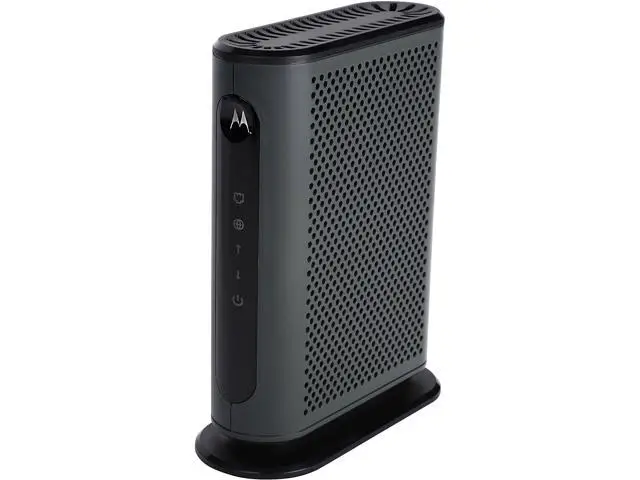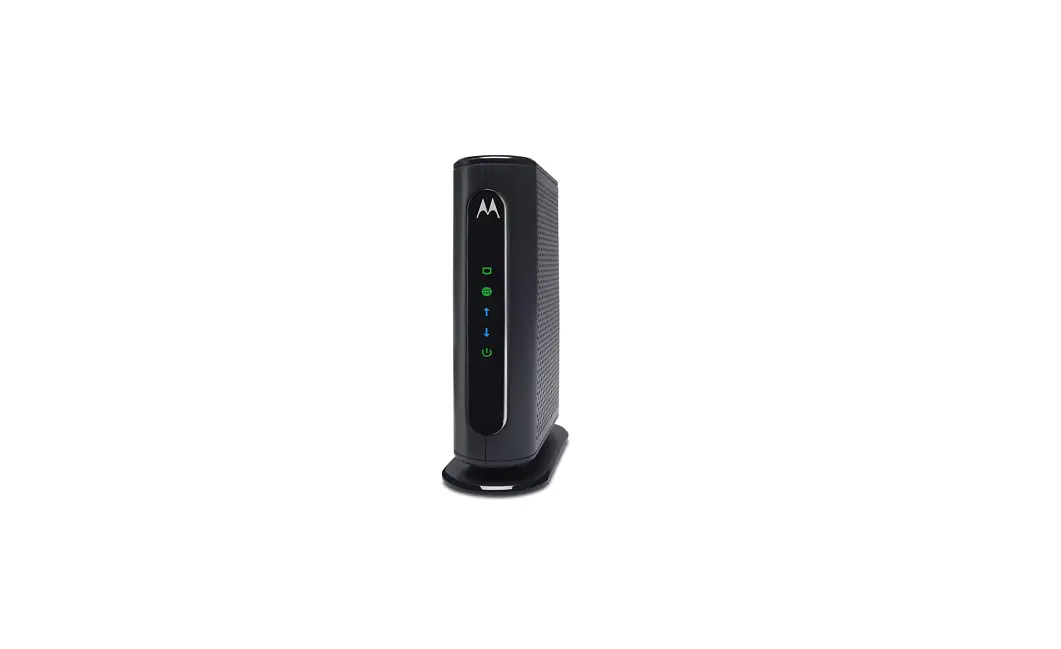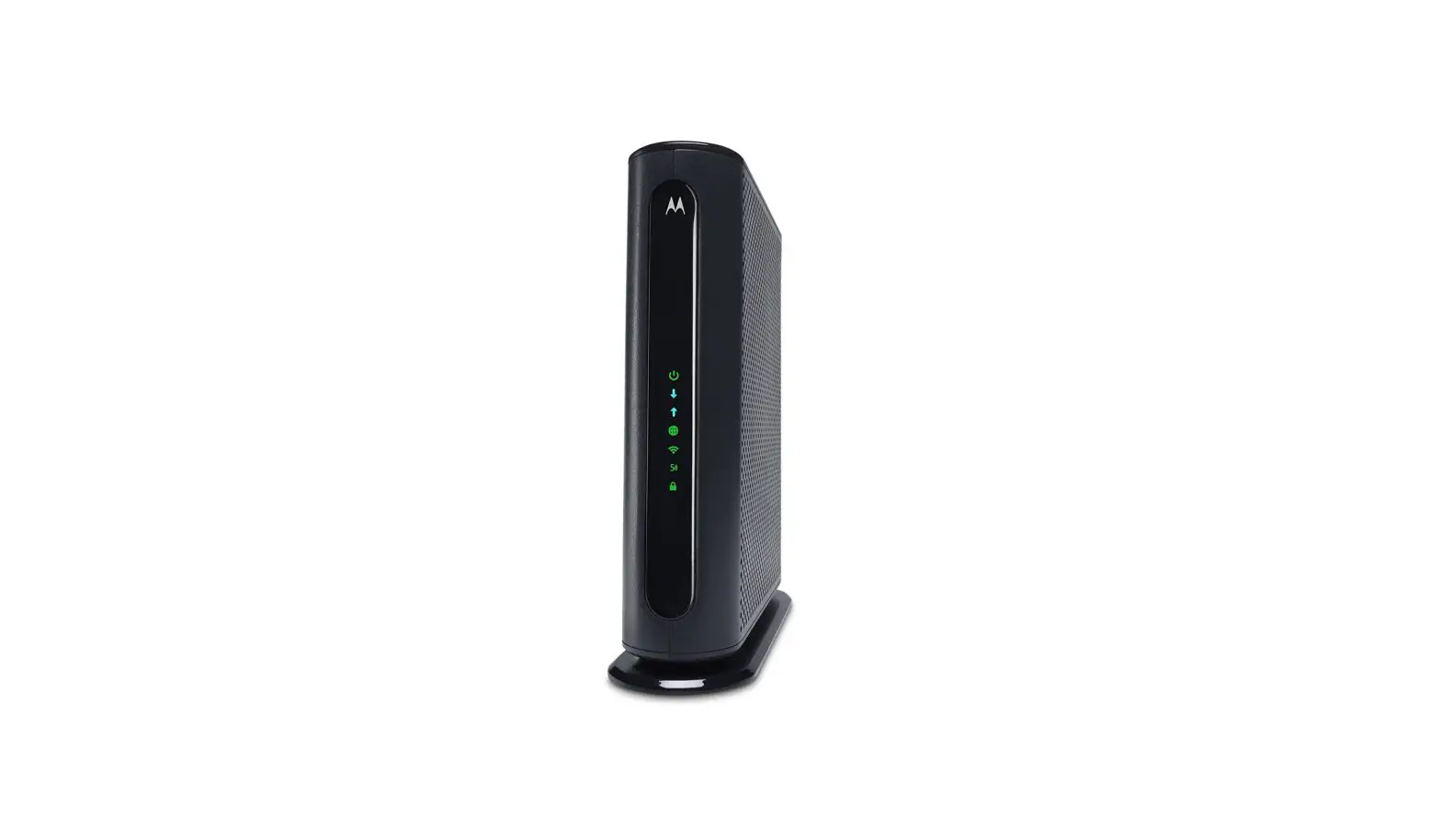
Motorola MB7420 Cable Modem
Modem InformationDOCSIS 3.0 Cable Modem 16×4 channel bonding To achieve Gigablast or Ultimate Classic speeds, a DOCSIS 3.1 modem is required | Highest Service LevelPreferred 150 |
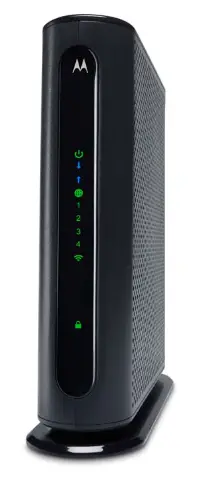
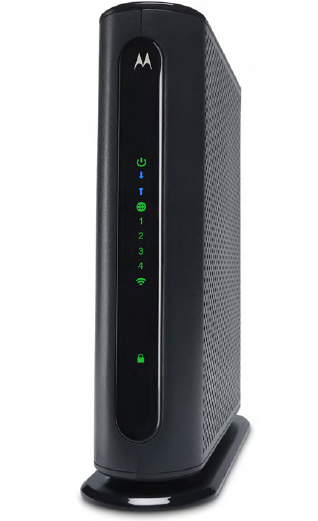
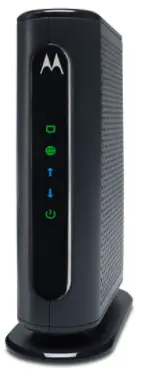
Front View
| After the cable modem is successfully registered on the network, the Power, Upstream, Downstream, and Online indicators illuminate continuously to indicate that the cable modem is online and fully operational. For more details, refer to the Modem Lights section. | |
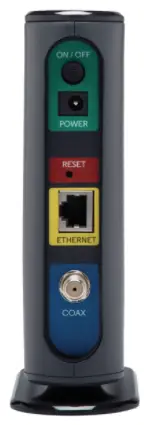
Back View
| The Asus CM16 has the following ports available on the back of the modem.
| |
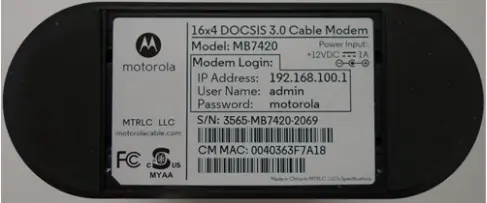
MAC Address
| MAC addresses are written as 12 digits containing both letters and numbers (0-9, A-F). A MAC address is unique. The first six characters of the MAC address are unique to the manufacturer of the device. |
Modem Lights
The modem lights indicate the current status of your cable modem. To troubleshoot any connection problems, use the table below.
| Modem Light | Status | Problem | |
|---|---|---|---|
| Power
| On | None. The modem is powered on. | |
| Off | No power. Verify power supply connections and electrical outlet. Ensure the outlet is not connected to a switch. Press the ON/OFF button on the back of the modem to ensure it is turned on. | ||
| Downstream
| Solid Blue | None. Multiple downstream channels are in use. | |
| Blinking Blue | Negotiating multiple downstream bonded channels. Verify all cable connections and try resetting the modem. If cable is OK and modem reset does not work, contact Customer Support. | ||
| Solid Green | None. One downstream channel is in use. | ||
| Blinking Green | Scanning for downstream channels. Verify all cable connections and try resetting the modem. If cable is OK and modem reset does not work, contact Customer Support. | ||
| Upstream
| Solid Blue | None. Multiple upstream channel is in use. | |
| Blinking Blue | Negotiating multiple upstream bonded channels. Verify all cable connections and try resetting the modem. If cable is OK and modem reset does not work, contact Customer Support. | ||
| Solid Green | None. One upstream channel is in use. | ||
| Blinking Green | Scanning for an upstream channel. Verify all cable connections and try resetting the modem. If cable is OK and modem reset does not work, contact Customer Support. | ||
| Off | No upstream channels are in use. Verify all cable connections and try resetting the modem. If cable is OK and modem reset does not work, contact Customer Support. | ||
| Online
| On | None. The modem is online. | |
| Blinking | None. The modem is registering a connection. | ||
| Off | The modem is offline. Verify all cable connections and try resetting the modem. If cable is OK and modem reset does not work, contact Customer Support. | ||
| Ethernet LAN
| Green | None – a device is connected to the Ethernet port and is using 1 Gbps LAN speed | |
| Amber | None – a device is connected to the Ethernet port and is using 10 or 100 Mbps LAN speed | ||
| Blinking | None – data is being transferred over the Ethernet connection | ||
| Off | No device is connected or the device is disabled. Verify all cable connections and try resetting the modem. If cable is OK and modem reset does not work, contact Customer Support. |


Manufacturer Resources
For more detailed technical information on the Motorola MB7420, use the resources below.