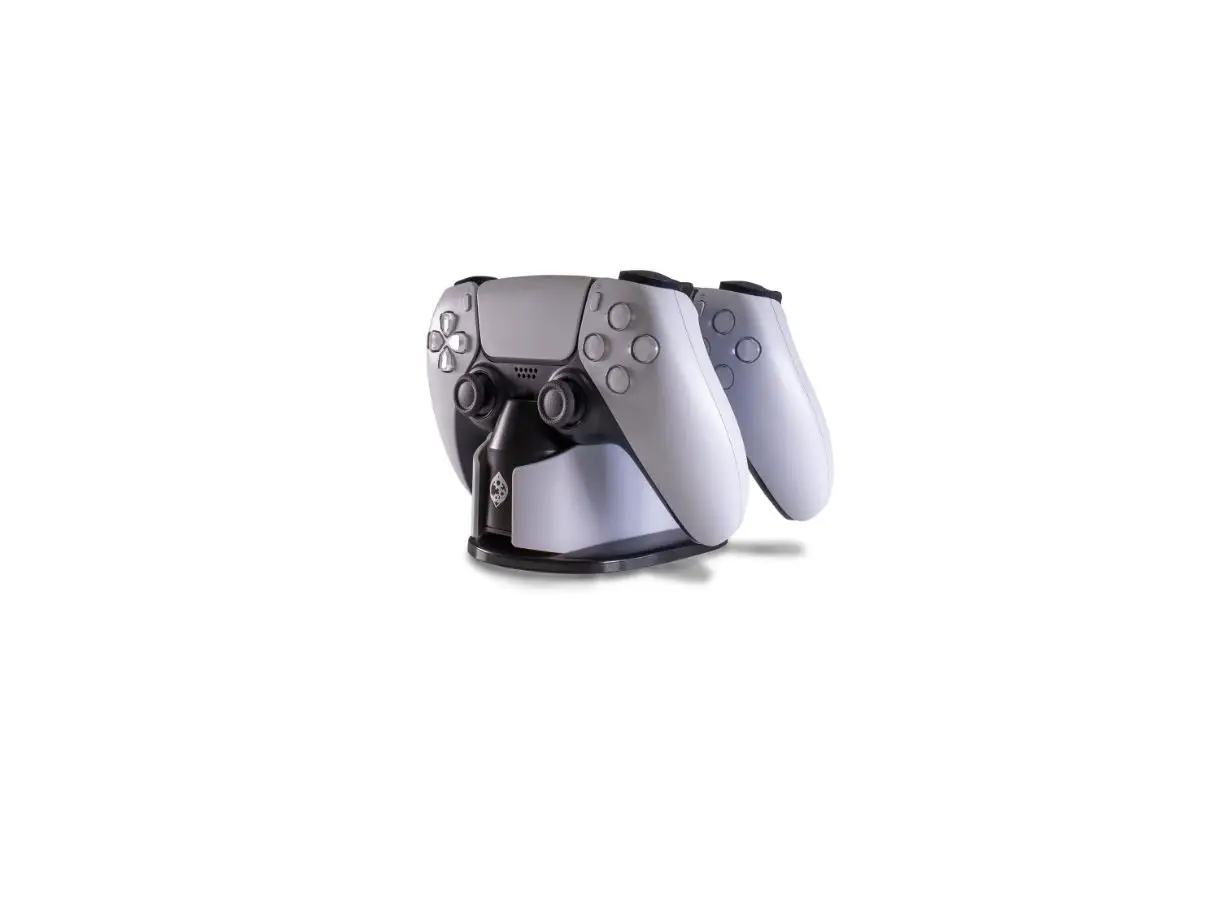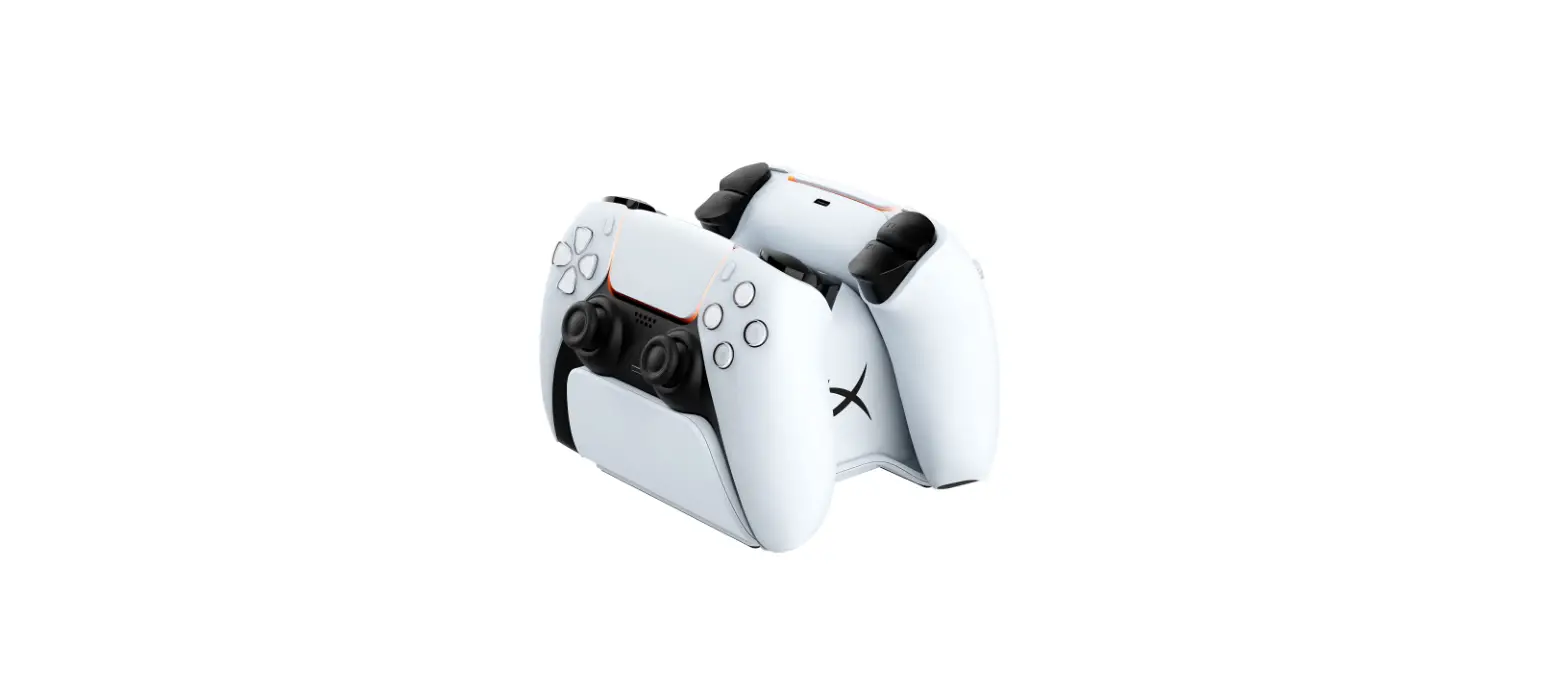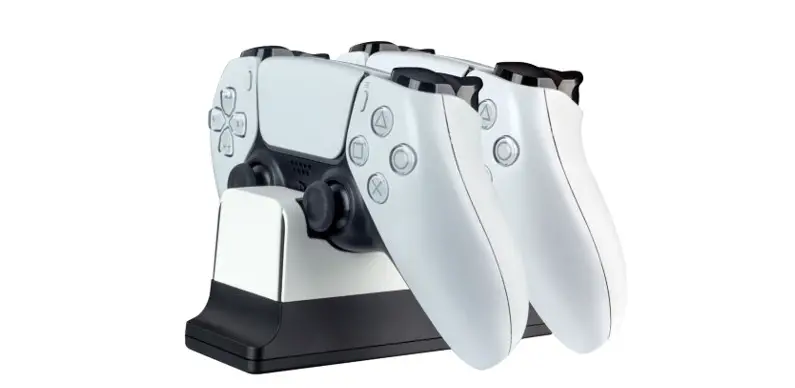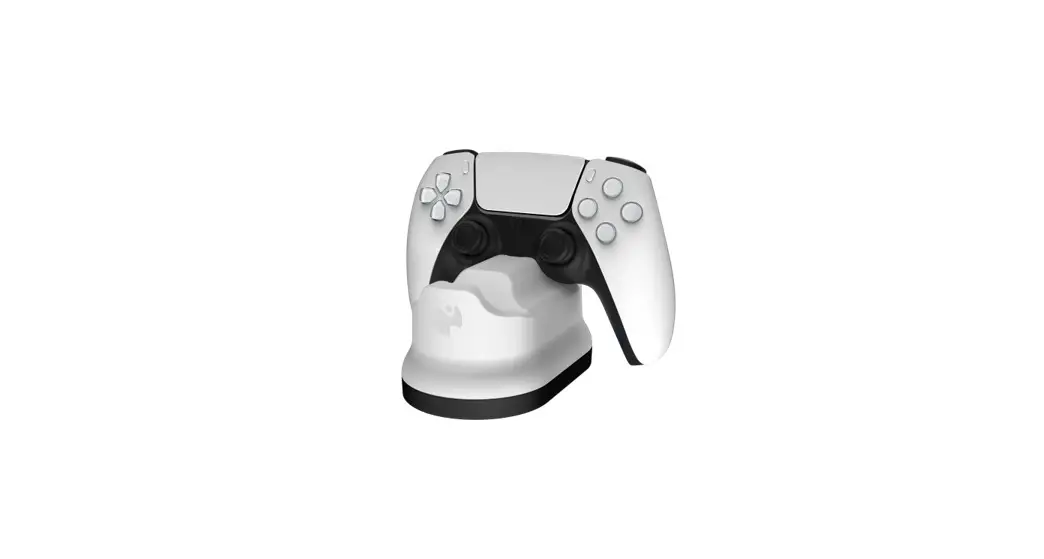
 PS5 Dual Rapid Charger
User Guide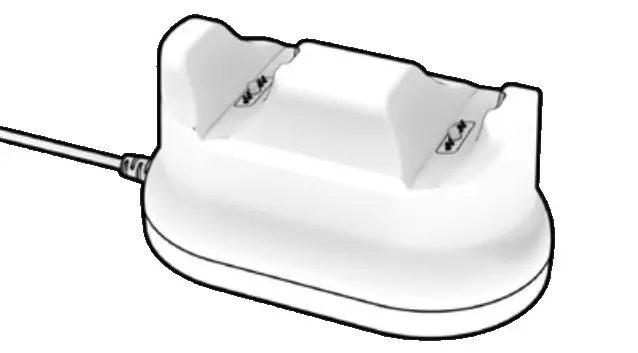
PS5 Dual Rapid Charger
DUAL RAPID CHARGER
CHARGEUR RAPIDE DOUBLE
Quick Start Guide
2-Year Manufacturer’s Warranty:
For product issues, contact us instead of returning to the store.
Further Warranty Information Inside
WARNING: CHOKING HAZARD SMALL PARTS Not for children under 3 years.
In This Quick Start Guide
GETTING STARTED
CONNECTING THE METAVOLT
DUAL RAPID CHARGER
PLACING THE CONTROLLER(S)
CHARGING IN REST MODE
CLASS B EQUIPMENT NOTICE
2-YEAR LIMITED MANUFACTURER’S
WARRANTY INFORMATION
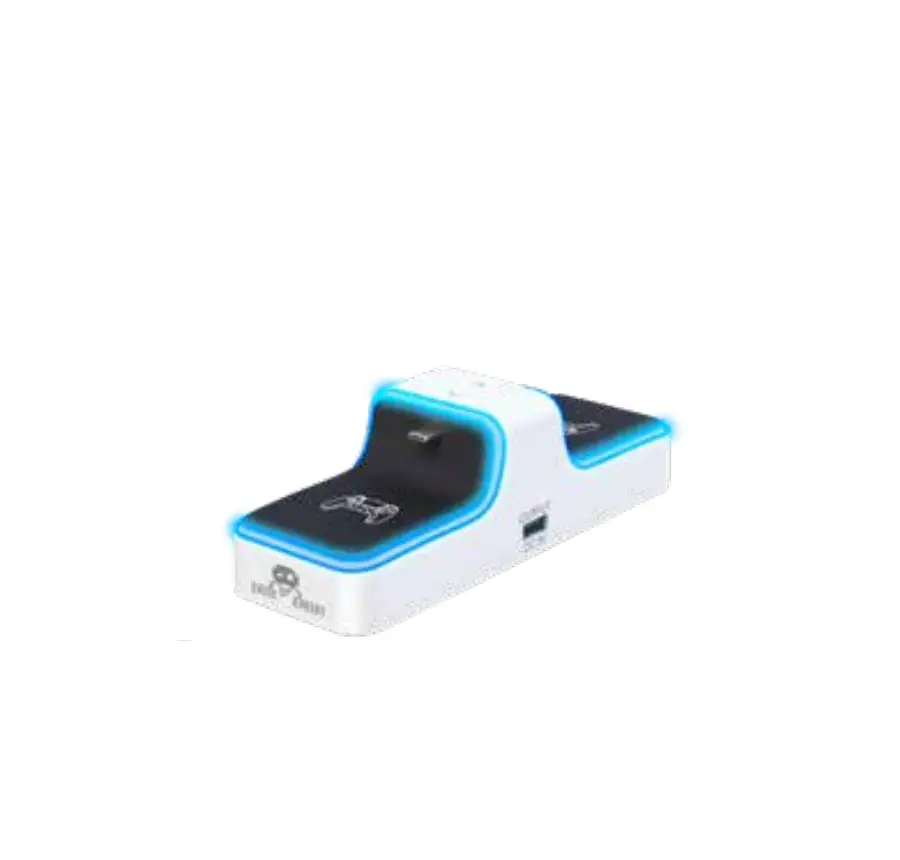
Connecting the METAVOLT Dual Rapid Charger
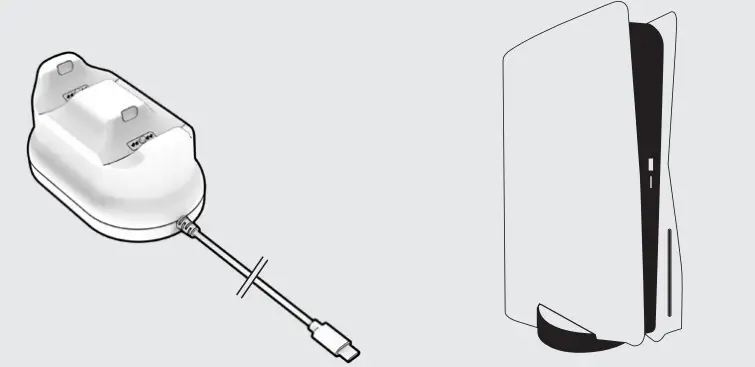
To power the METAVOLT Dual Rapid Charger, plug the USB-C cable from the charging base into the USB-C port located on the front of the PlayStation 5 console.
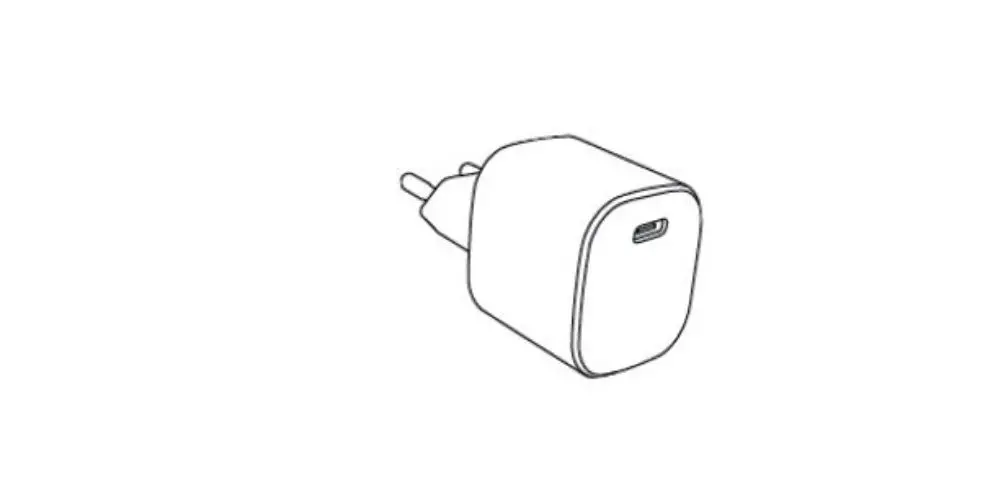
*Note: The USB-C cable should not be plugged into a wall charger or anything other than the console’s USB-C port.
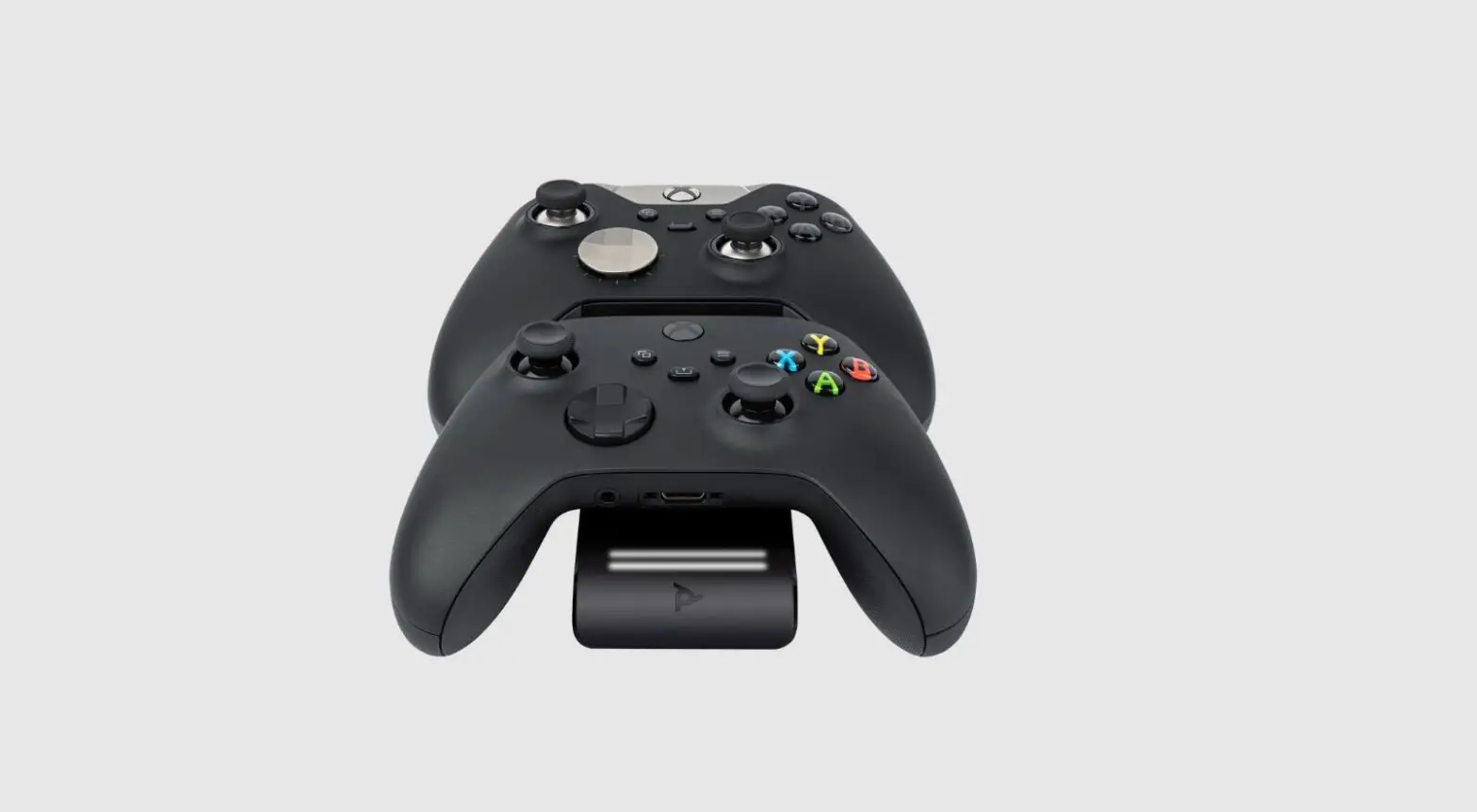
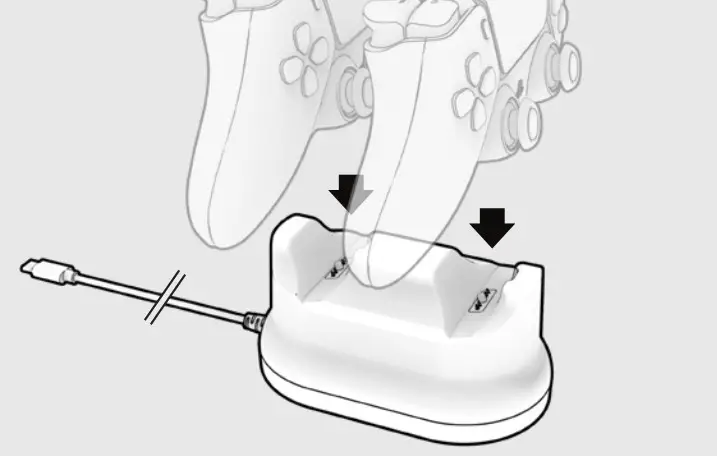
Placing the Controller(s)
Charging in Rest Mode
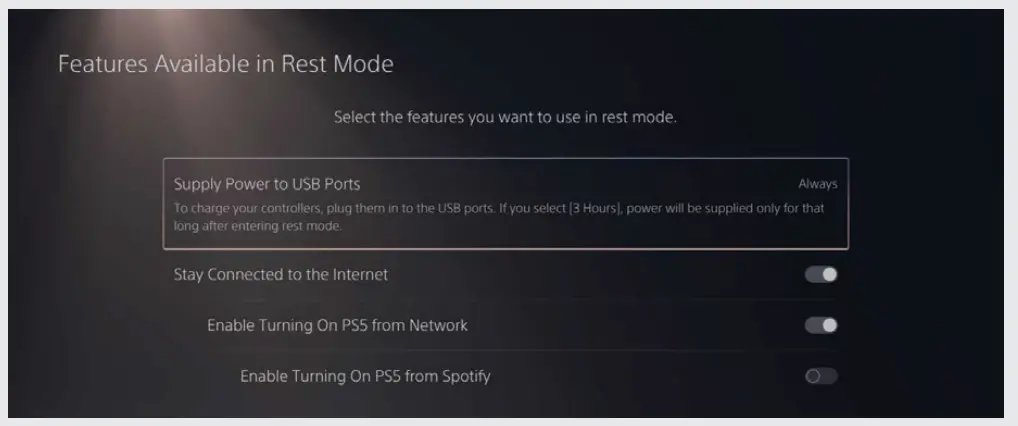
The METAVOLT Dual Rapid Charger can charge your controller(s) while the console is in “Rest Mode,” but you must set up this option in the PlayStation settings first.
To charge your controllers while your console is in Rest Mode:
Go to Settings > System > Power Saving > Features Available in Rest Mode > Set Supply Power to USB Ports to “Always or 3 Hours”
© 2022 Performance Designed Products LLC. PDP, Rematch, and their respective logos are trademarks and/or registered trademarks of Performance Designed Products LLC. All rights reserved. Microsoft, Xbox, Xbox “Sphere” Design, Xbox Series X|S, Xbox One, and Windows 10/11 are trademarks of the Microsoft group of companies. All other trademarks are the property of their respective owners.
Please keep this information for future reference.

pdp.com
CAN ICES-3 (B)/ NMB-3 (B)
Note: This equipment has been tested and found to comply with the limits for a Class B digital device, pursuant to part 15 of the FCC Rules. These limits are designed to provide reasonable protection against harmful interference in a residential installation. This equipment generates, uses and can radiate radio frequency energy and, if not installed and used in accordance with the instructions, may cause harmful interference to radio communications. However, there is no guarantee that interference will not occur in a particular installation. If this equipment does cause harmful interference to radio or television reception, which can be determined by turning the equipment off and on, the user is encouraged to try to correct the interference by one or more of the following measures:
- Reorient or relocate the receiving antenna.
- Increase the separation between the equipment and receiver.
- Connect the equipment into an outlet on a circuit different from that to which the receiver is Connected.
- Consult the dealer or an experienced radio/TV technician for help.
This device complies with part 15 of the FCC Rules. Operation is subject to the following two conditions: (1) This device may not cause harmful interference, and (2) this device must accept any interference received, including interference that may cause undesired operation.
 Patents