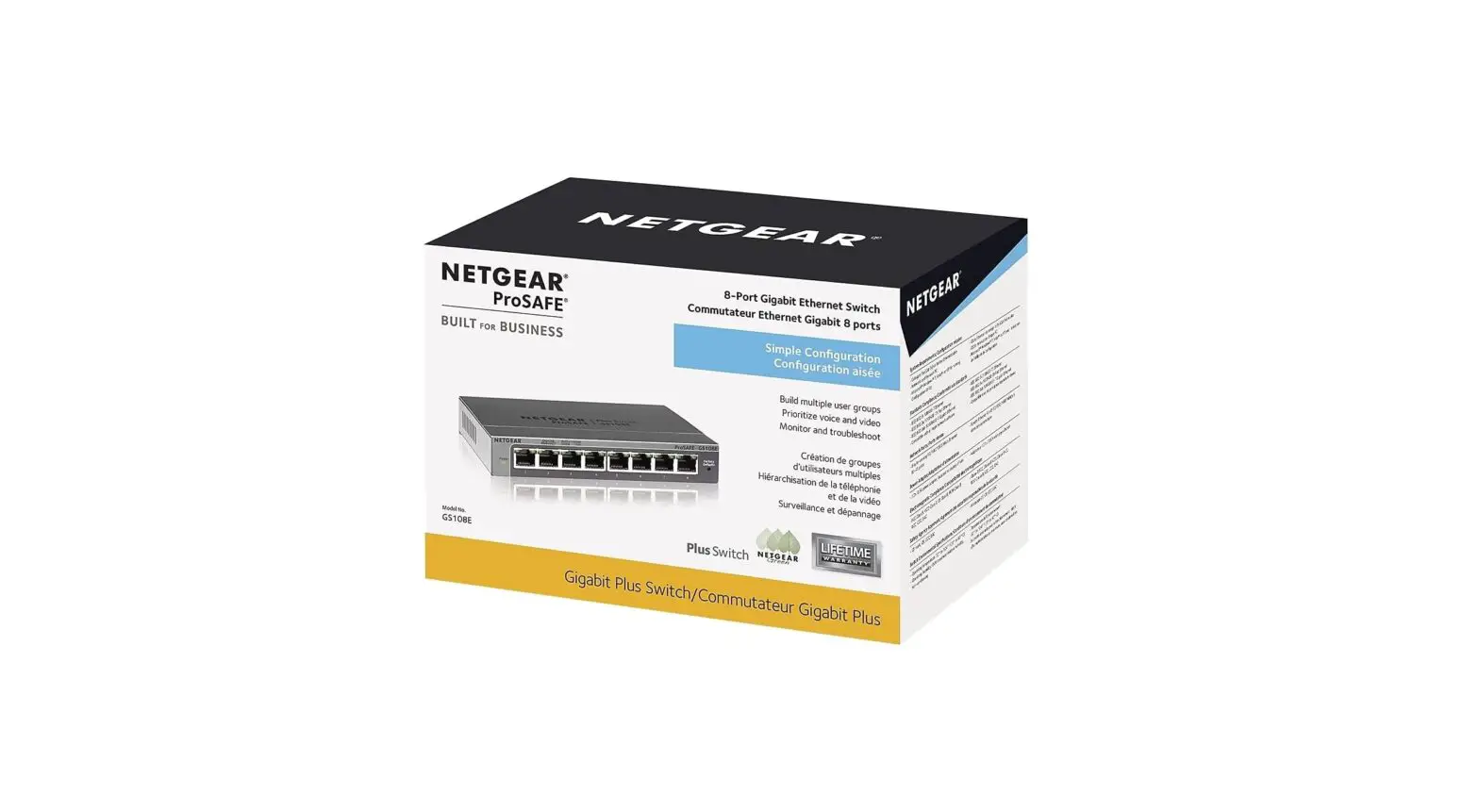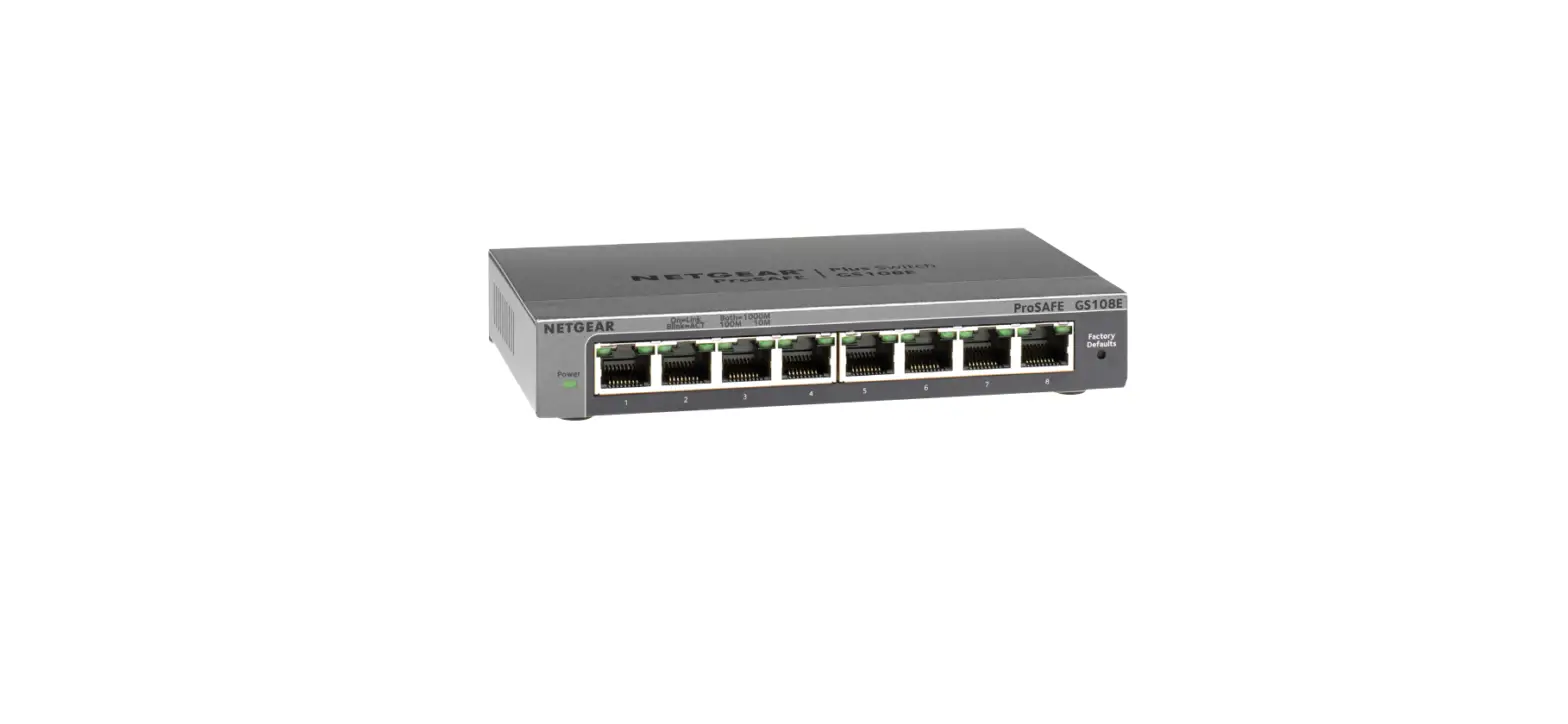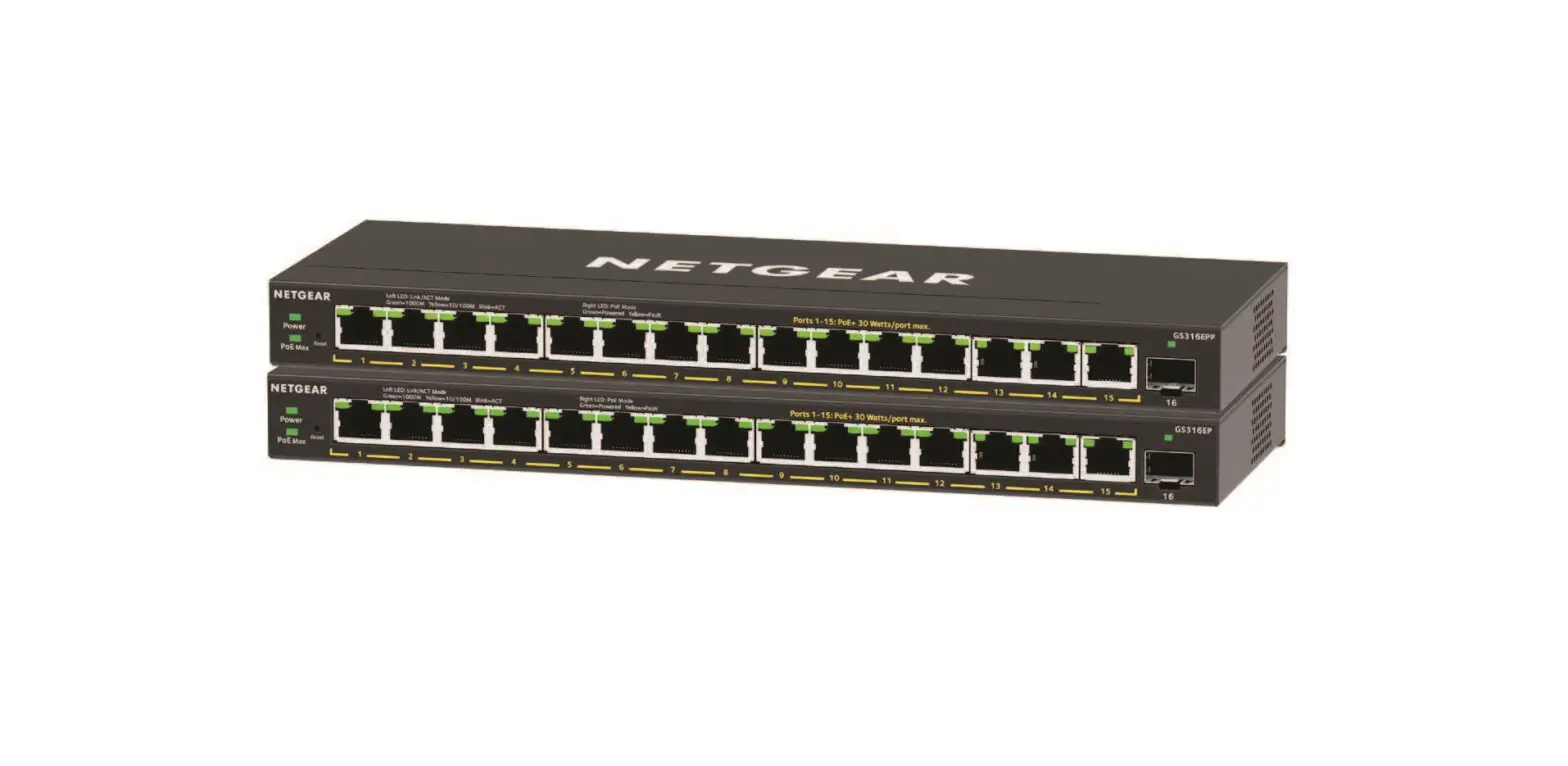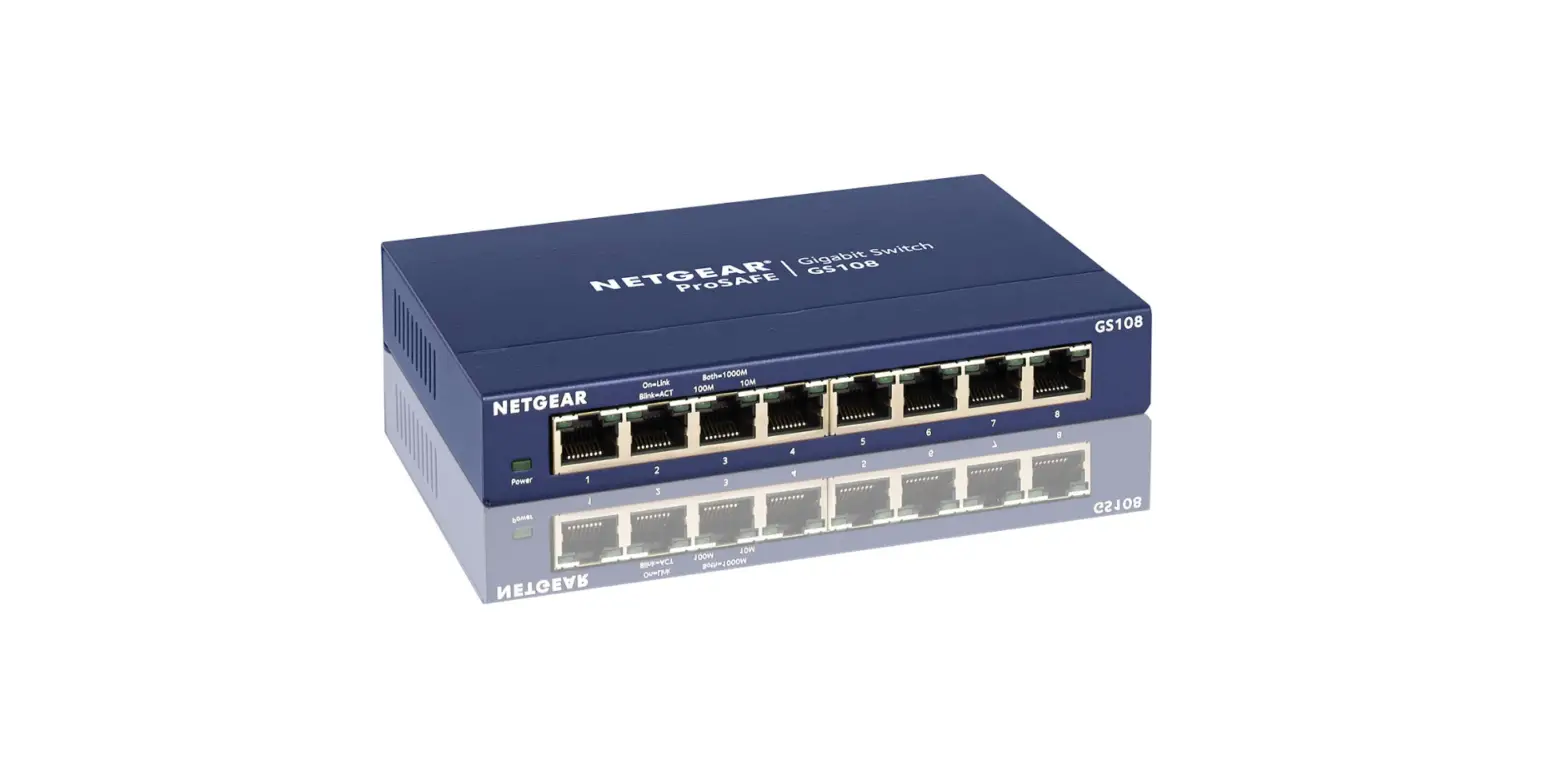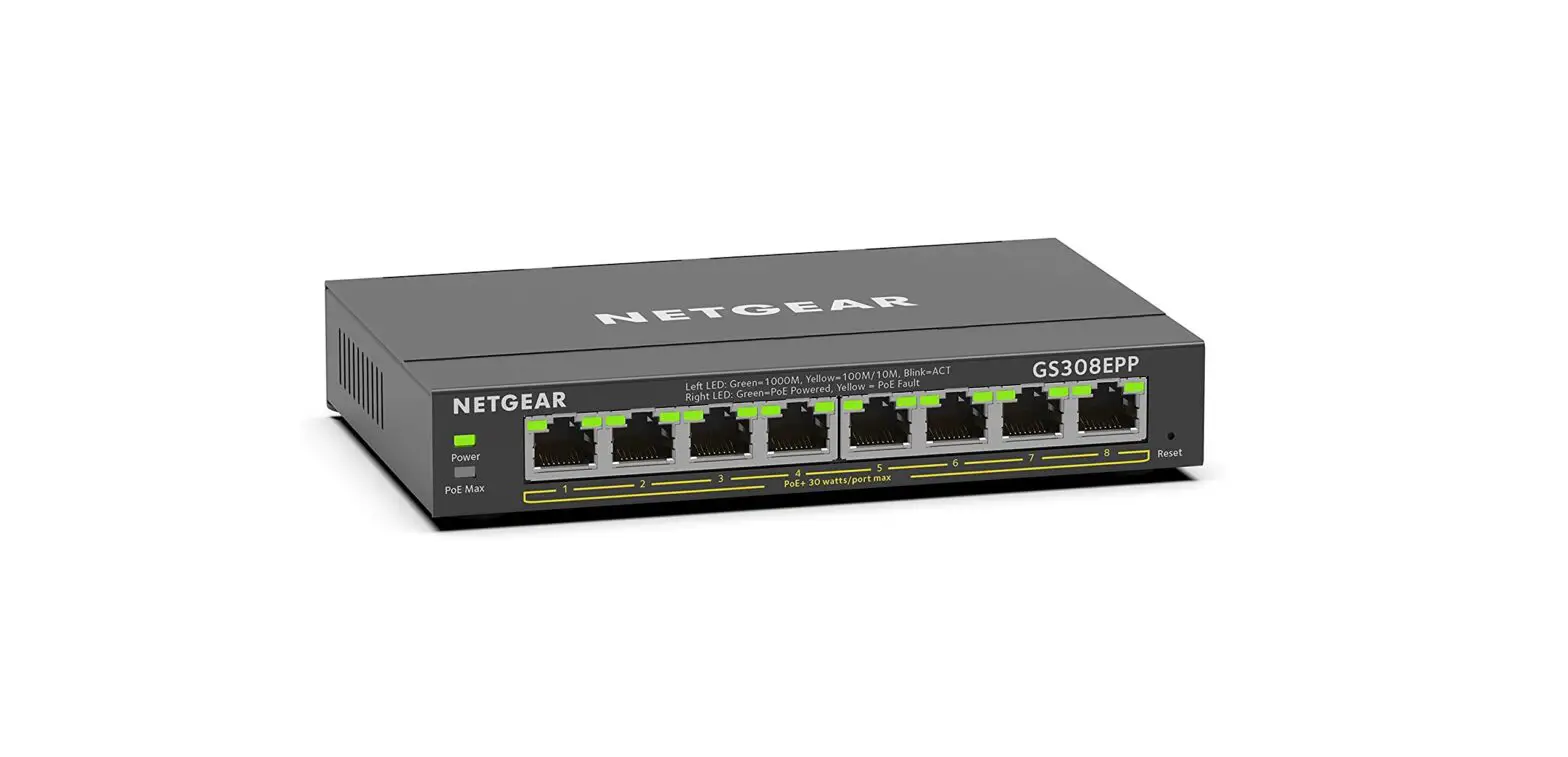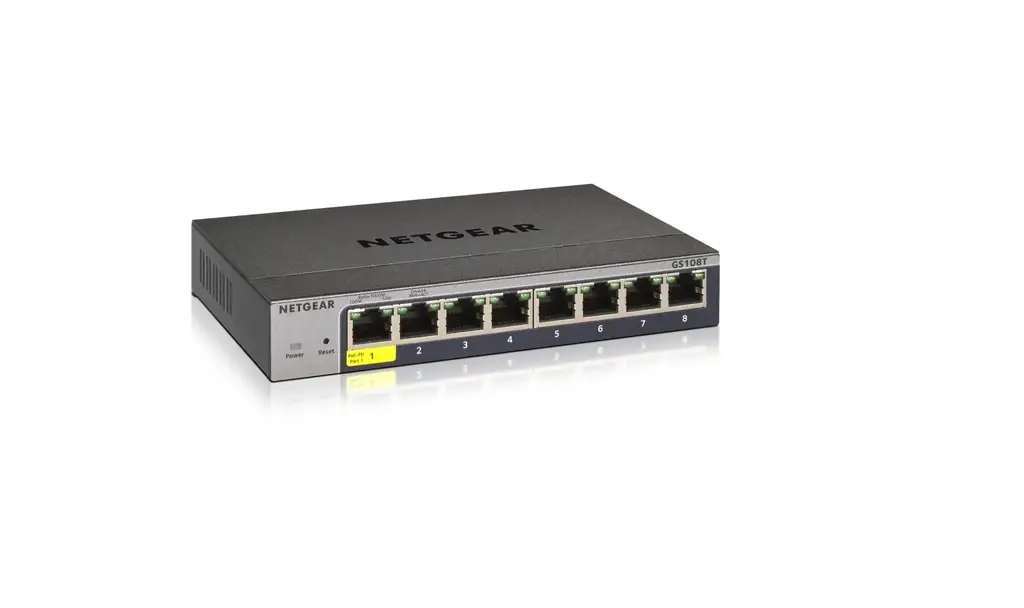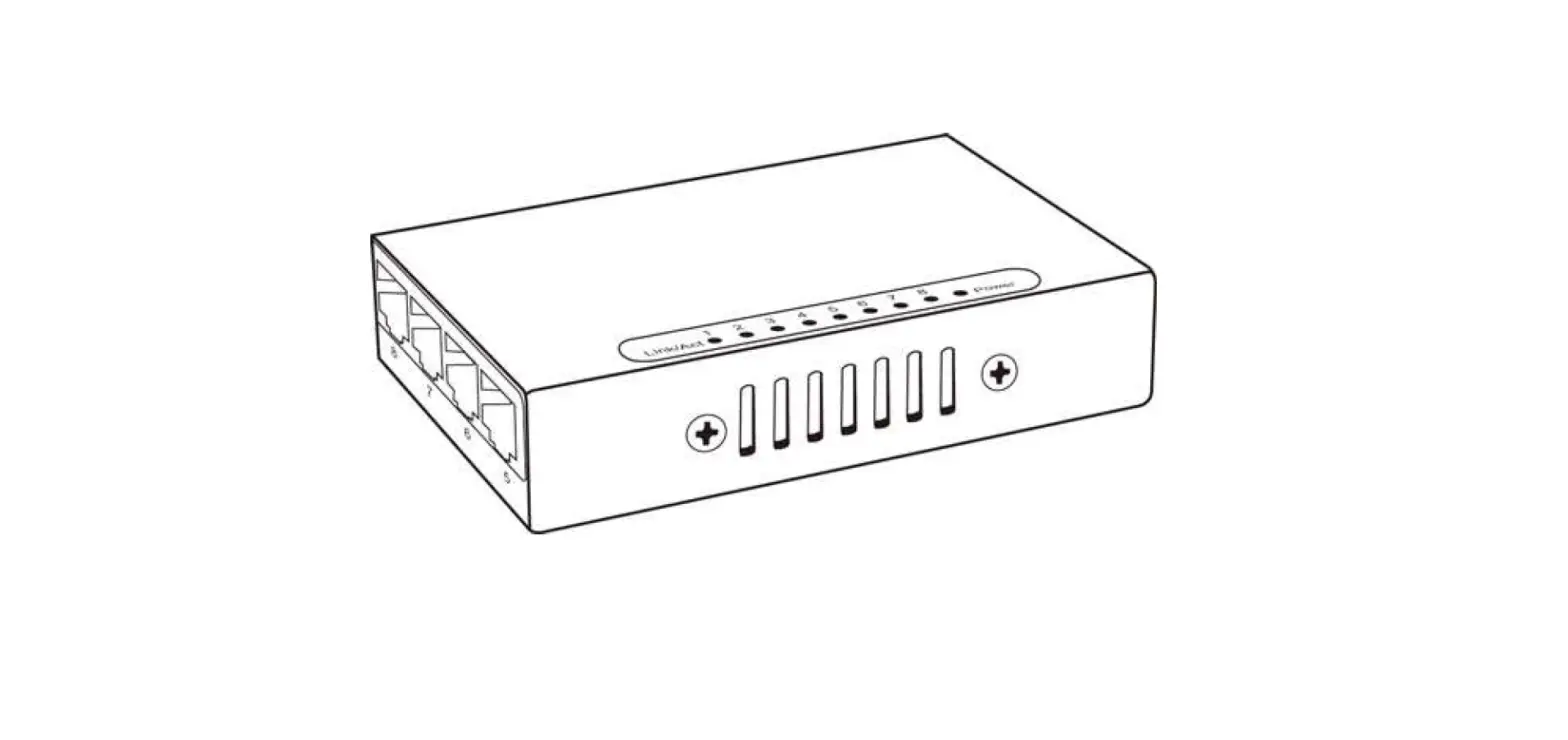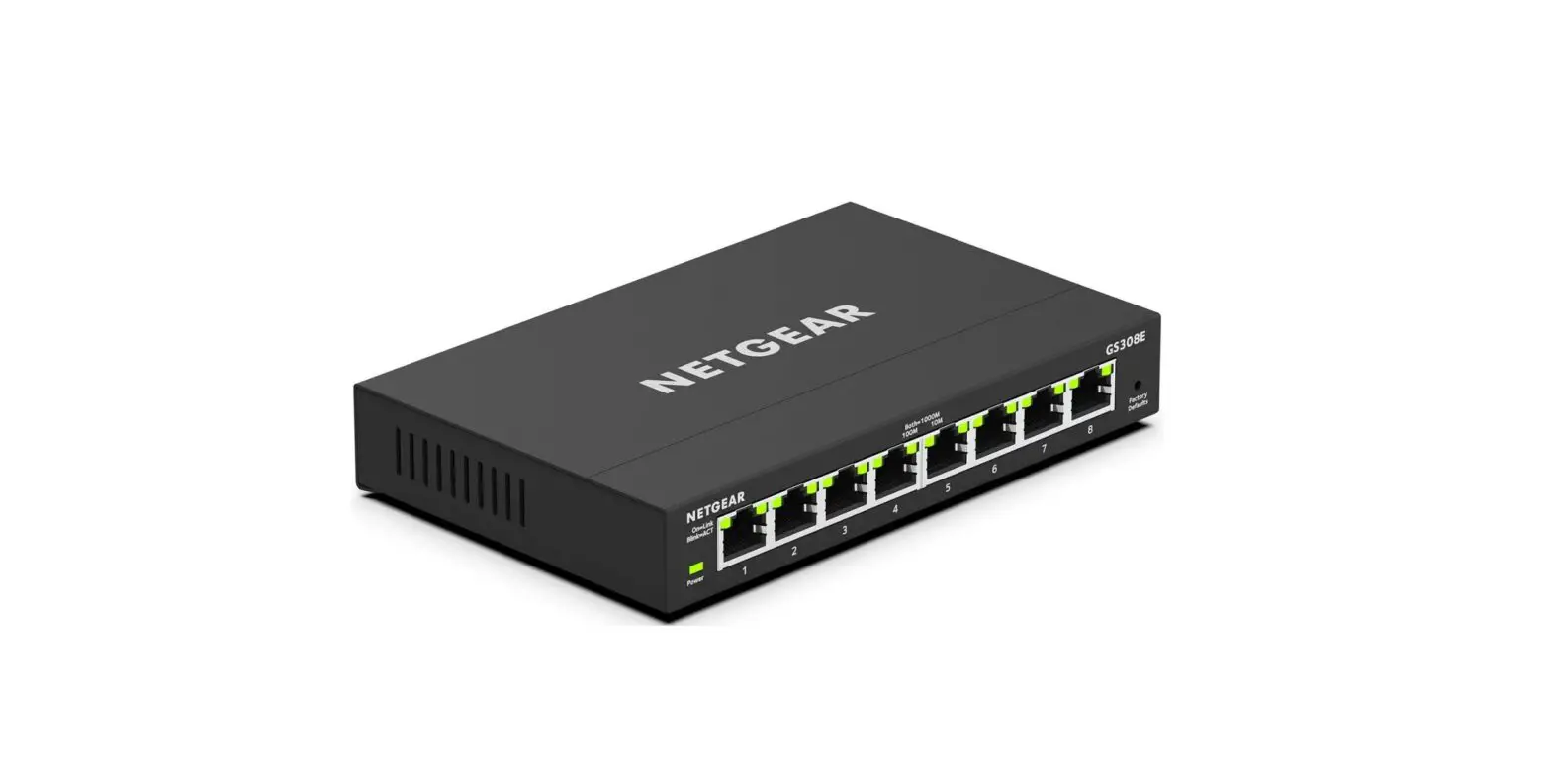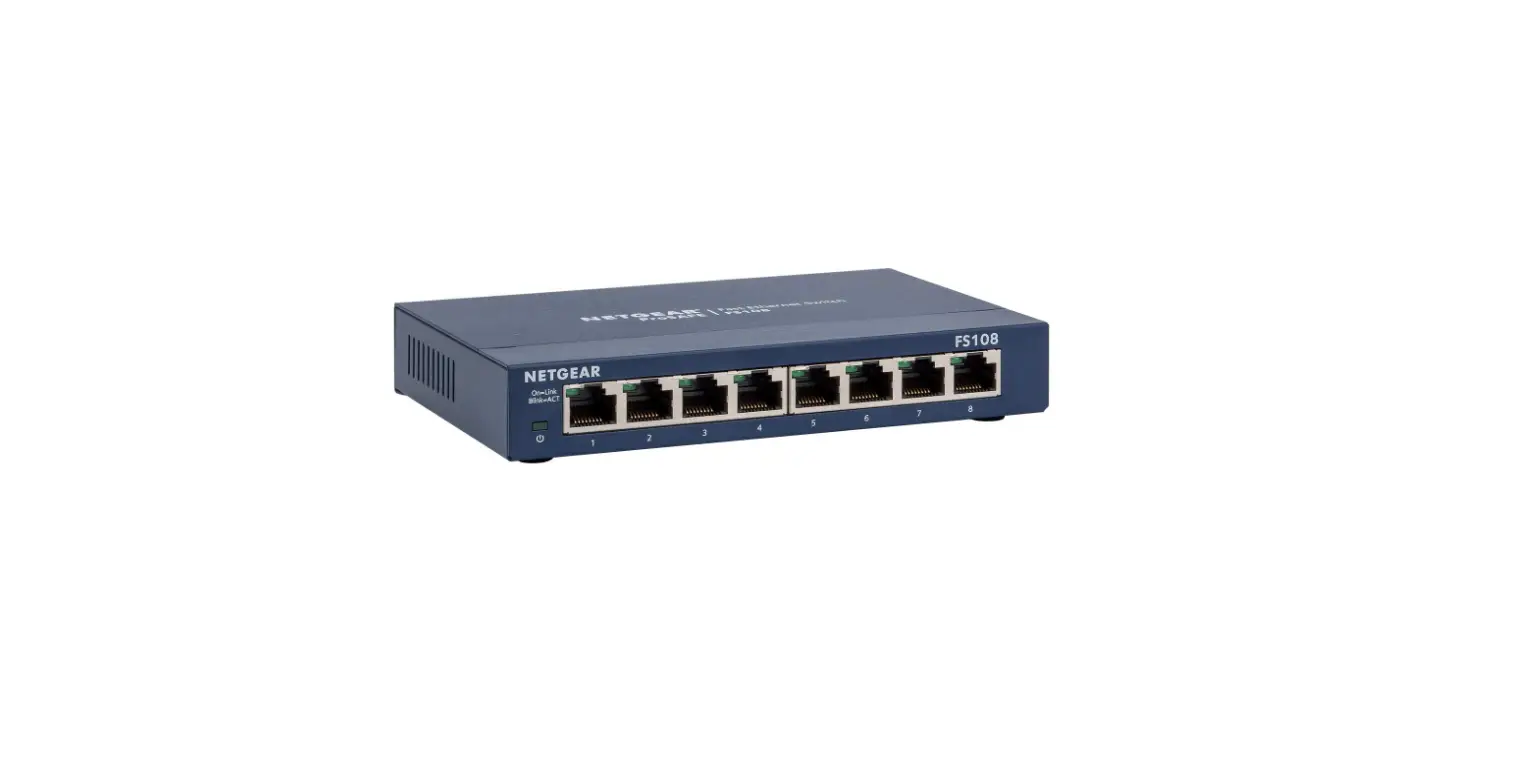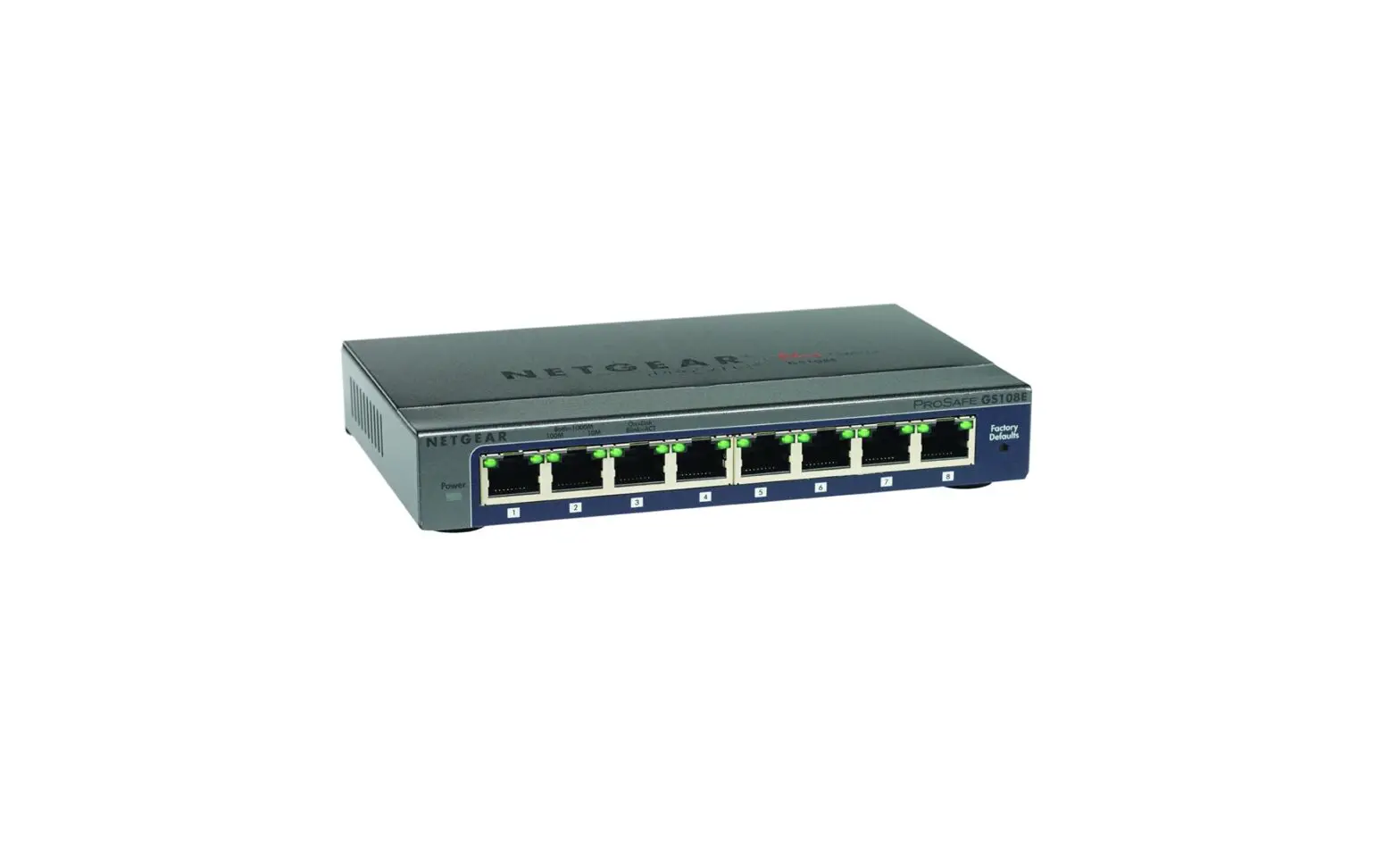

NETGEAR GS108E Gigabit Ethernet Plus Switch
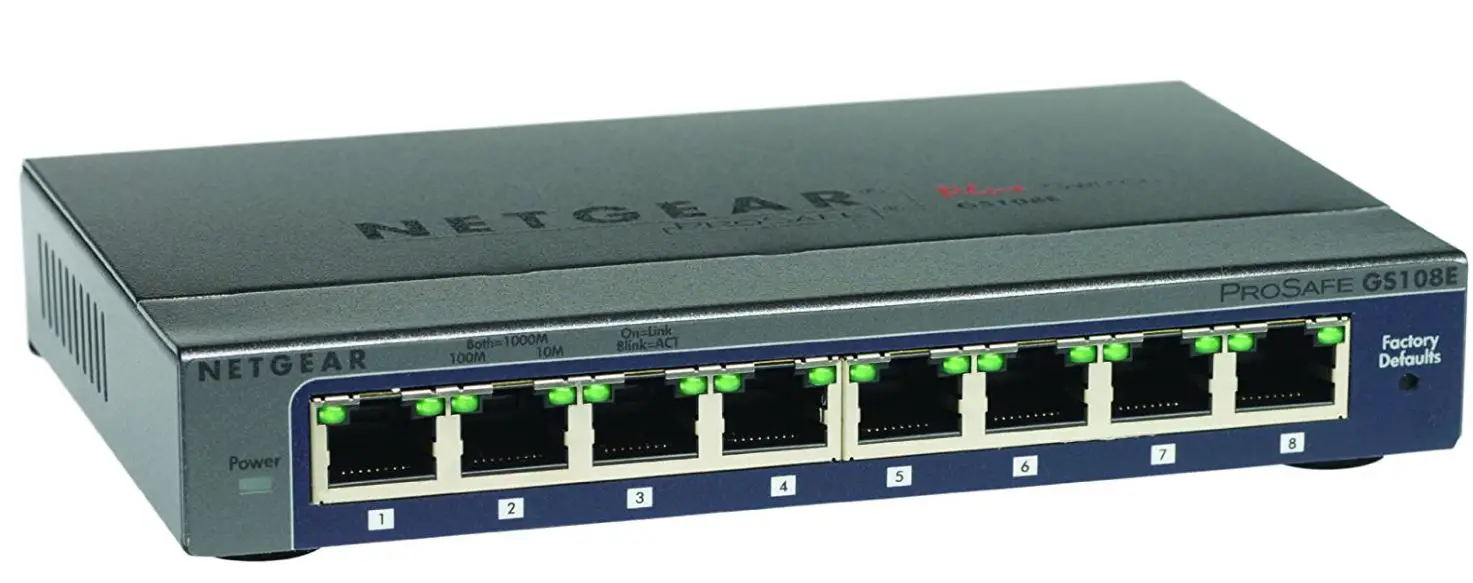
Control and Configure Beyond Plug-and-Play Connectivity
Today’s growing businesses rely more on their network to carry out mission-critical business activities. Deployment of VoIP and IP surveillance needs the network intelligence to separate the voice and video traffic from data and prioritize them accordingly. However, companies do not necessarily have more money or advanced training to deal with complex managed switches.
NETGEAR® Plus Switches meet this growing need by providing fundamental network features such as VLANs, QoS, and IGMP Snooping that will help optimize the performance of business networks. Plus Switches come in a variety of configurations ranging from 5 port desktop to 48 port rack mount.
Some models support Power-over-Ethernet (PoE) and can power devices such as IP phones, IP surveillance cameras, and wireless access points with just an Ethernet cable; perfect for low-cost PoE deployments. Plus Switches are the perfect upgrade from the plug and- play unmanaged switch, delivering essential networking features at a very affordable price.
Highlights
- Enable network configuration and management at the price point of Unmanaged Switches
- A gigabit connection delivers up to 2000 Mbps of dedicated, non-blocking bandwidth per port
- Simple, yet useful network set-up on top of plug-and-play connectivity
- Flexible management via easy-to-use web browser-based management GUI or using the PC-based Utility application
- Web Interface with multiple language option1
- VLAN support for traffic segmentation
- Quality of Service (QoS) for traffic prioritization
- Auto “denial-of-service” (DoS) prevention
- Troubleshoot connection issues via cable test
- Loop detection and broadcast storm controls
- IGMP snooping v1, v2 and v3 support for multicast optimization
- Rate limiting for better bandwidth allocation
- Port mirroring for network monitoring
- Link aggregation/port trunking for bigger uplink bandwidth (16-port and 24-port models support static manual LAGs only; GS750E supports static manual LAGs and LACP)
- Jumbo frame support
- Energy Efficient Ethernet (IEEE 802.3az) support for maximum power savings
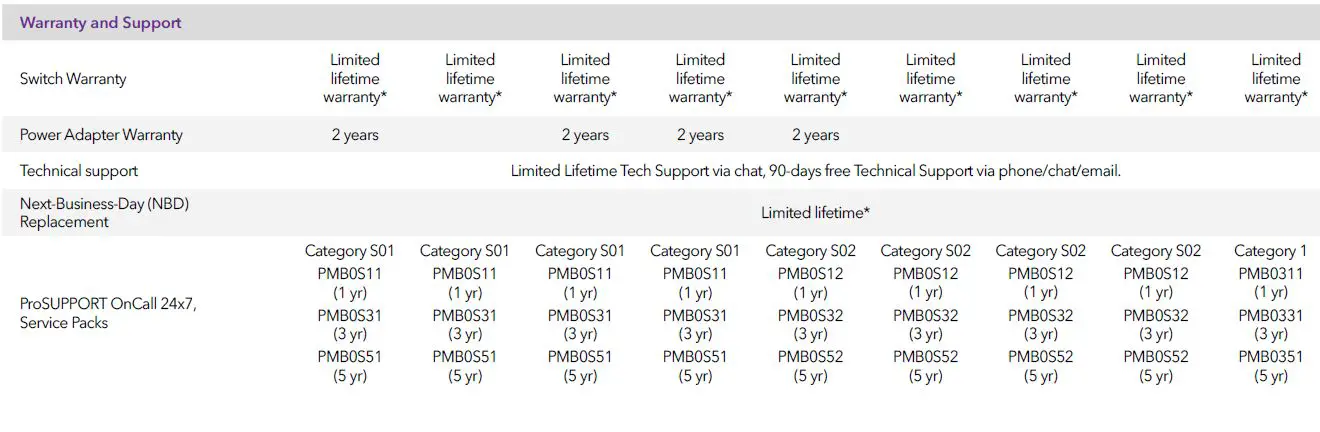
- Limited Lifetime Hardware Warranty (excludes external power adapters on applicable models)
- Lifetime 24/7 Chat Technical Support*
- Next-Business-Day Hardware Replacement*


The option is only available on the GS108Ev3, GS108PEv3, GS116Ev2, GS750E, JGS516PE, JGS524Ev2, JGS524PE, GS105Ev2, and GS105PE English, German, and Japanese is the currently supported languages.
Hardware at a Glance
| FRONT | REAR | INTERNAL | |||
| Model Name | Form-Factor | 10/100/1000 Base-T RJ45 ports | PoE 802.3af Ports | Power Supply | PoE budget |
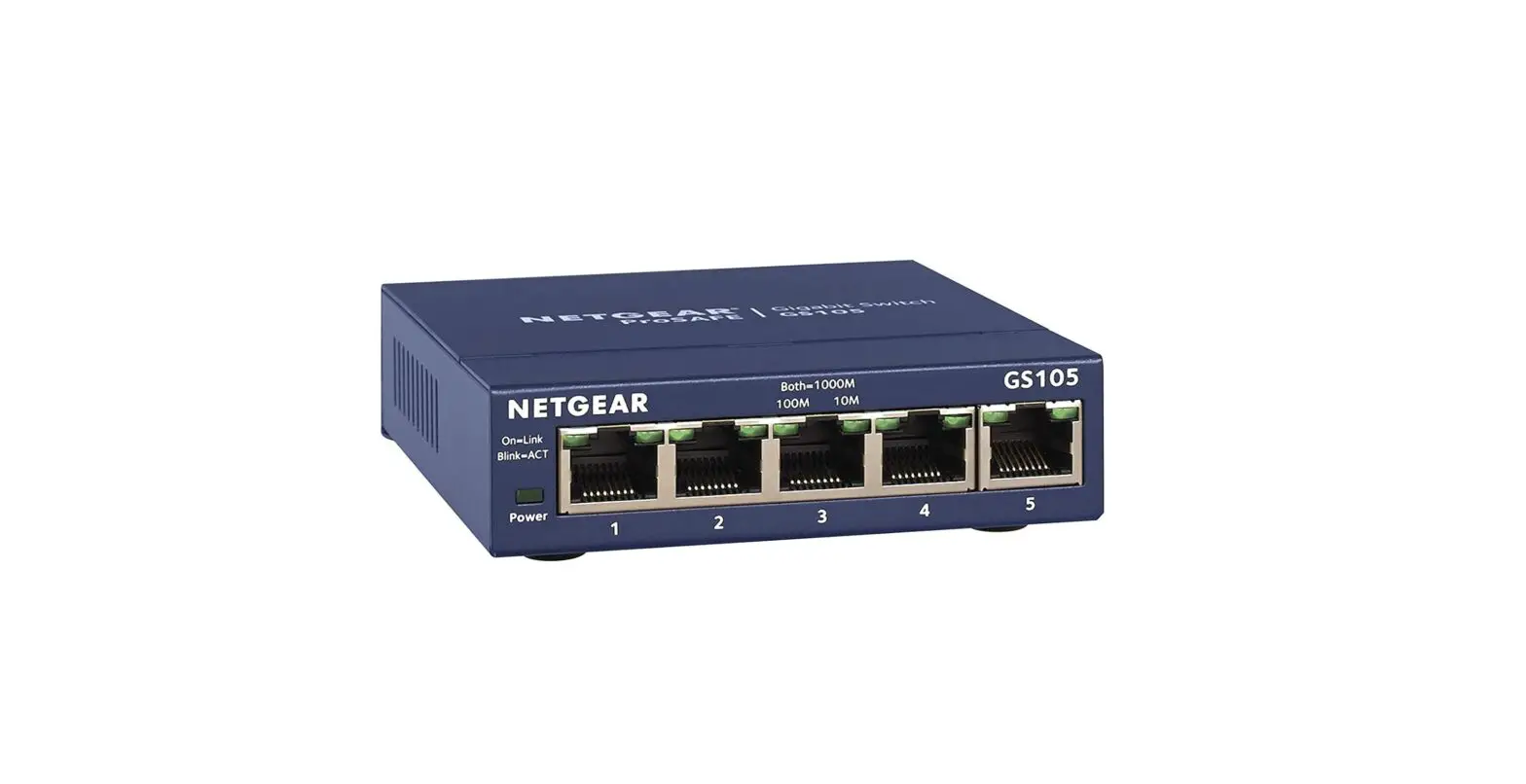
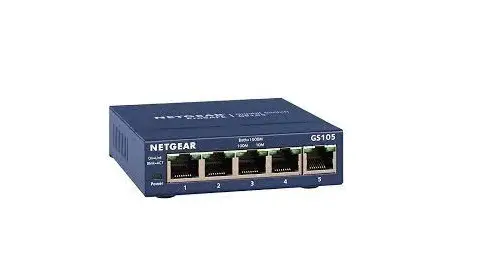
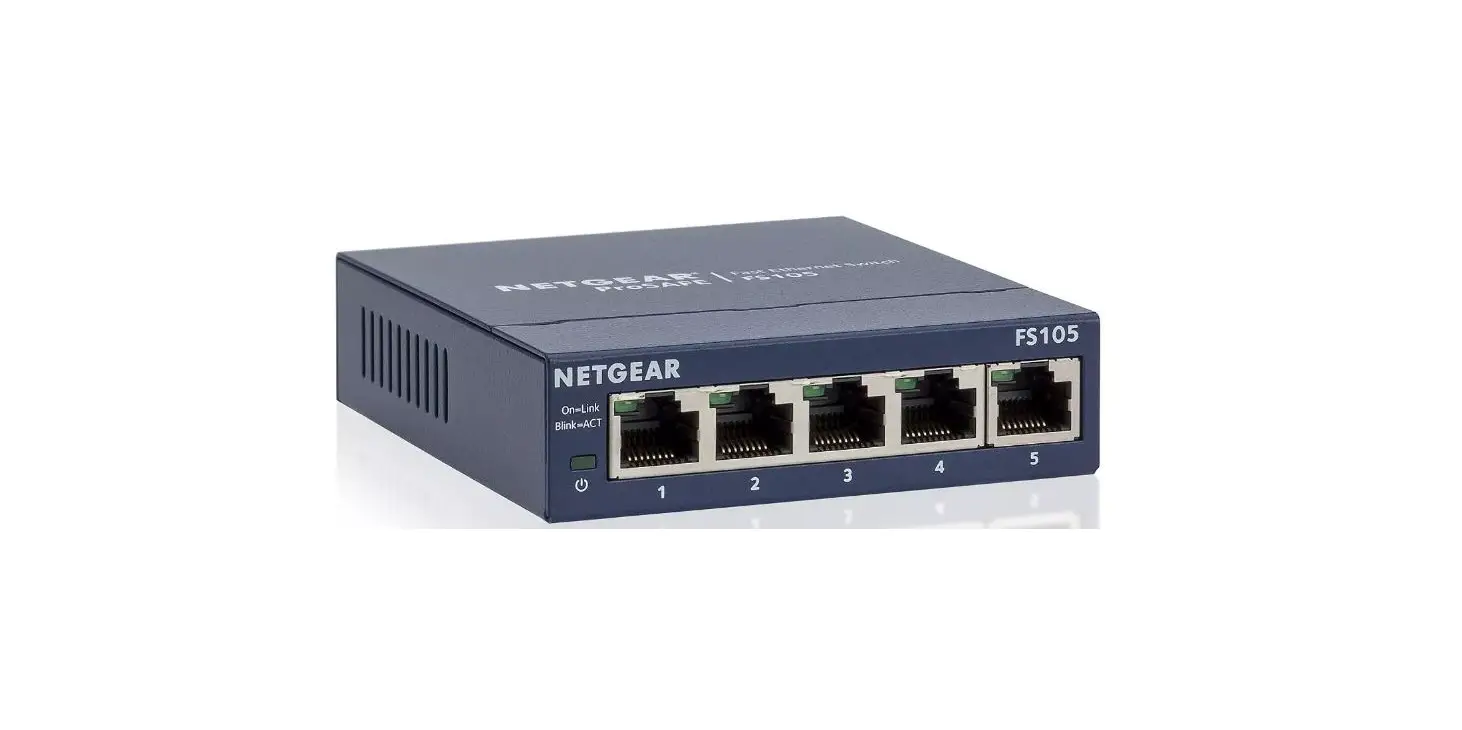
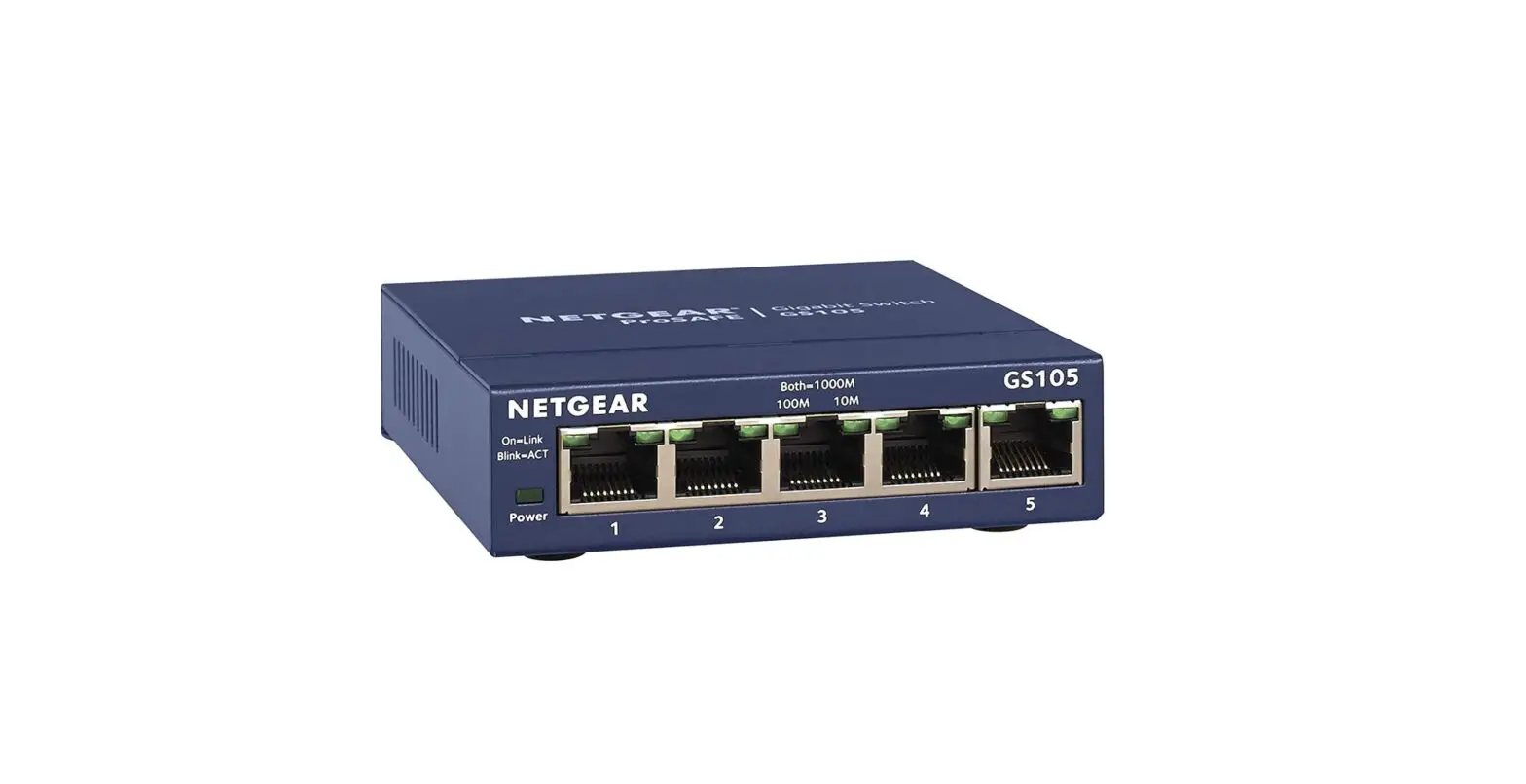
| GS105Ev2 | Desktop | 5 | N/A | External Power Adapter | N/A |
| GS105PE | Desktop | 5 | 2 | NO POWER SUPPLY – must be powered from another PoE device | PoE pass-thru: 19W with 802.3at/7.9W with 802.3af input power |
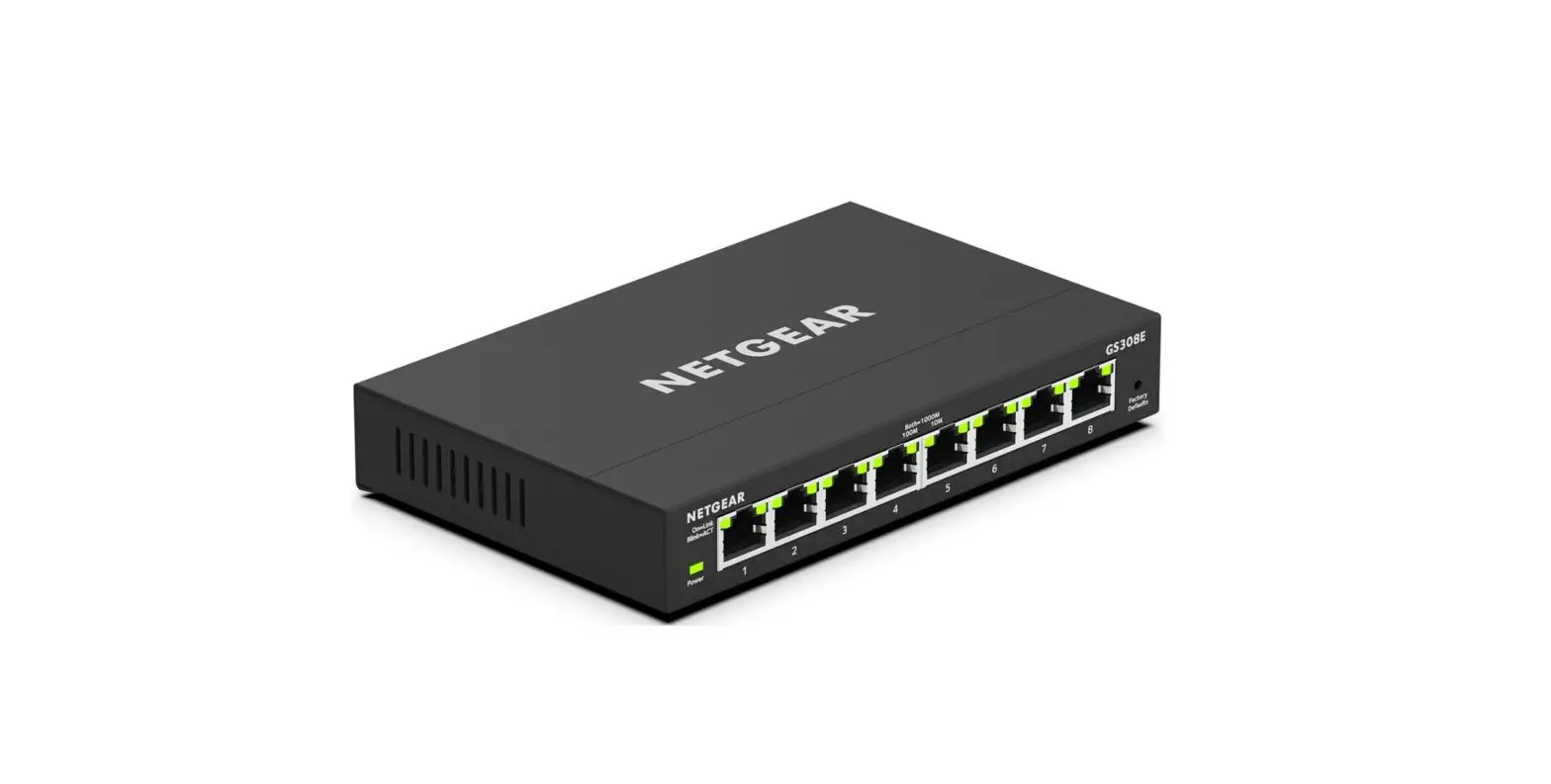
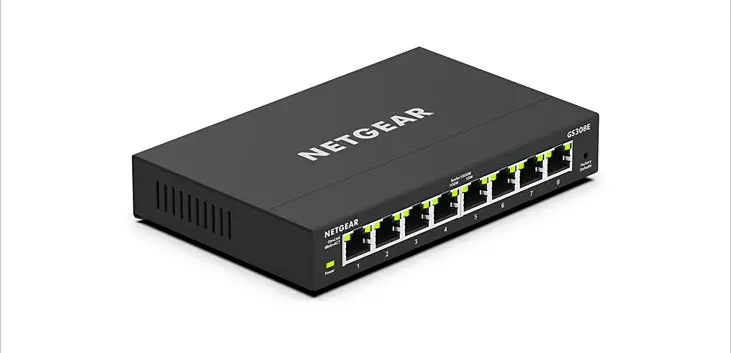
| GS108Ev3 | Desktop | 8 | N/A | External Power Adapter | N/A |
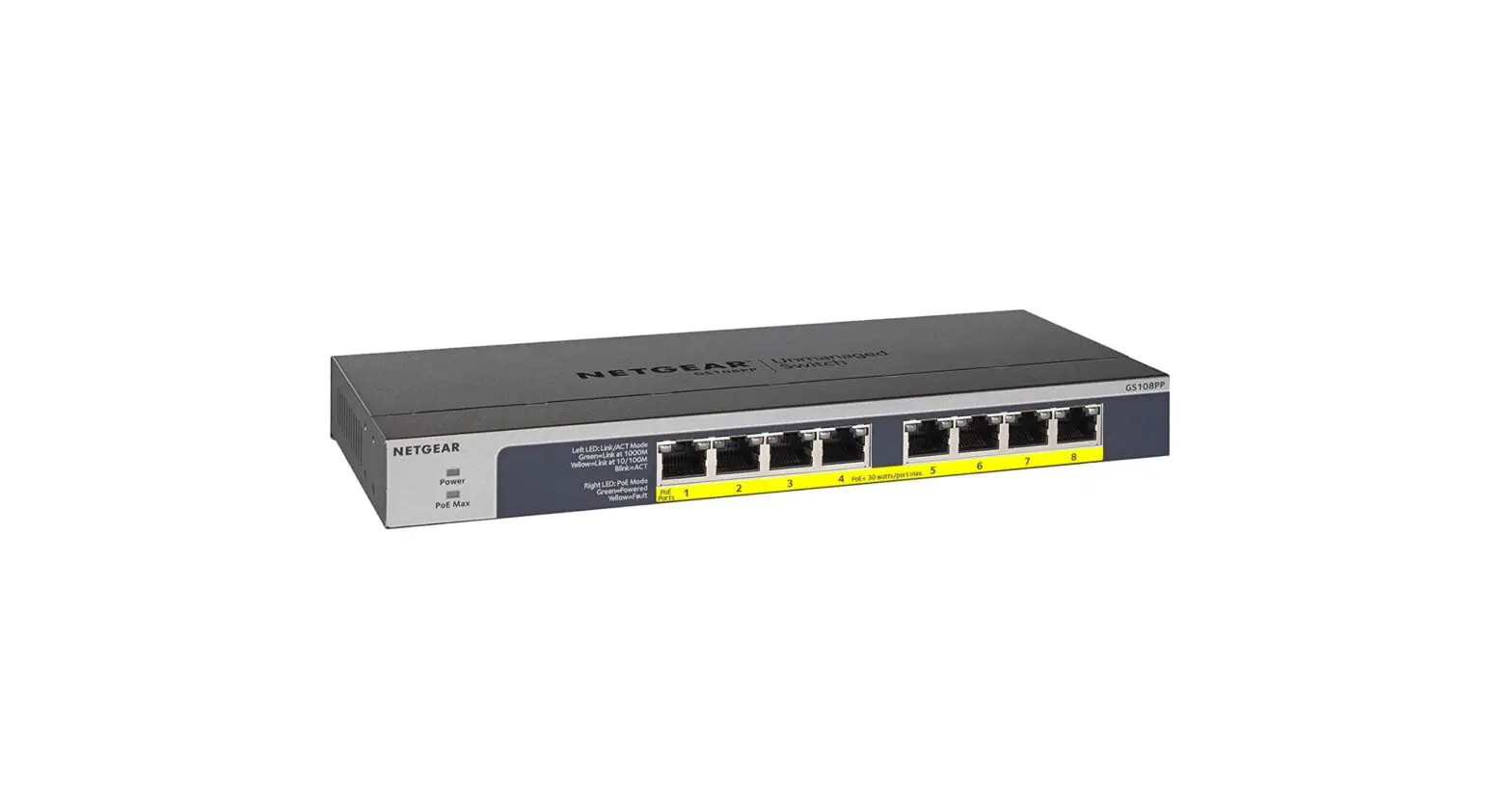
| GS108PEv3 | Desktop | 8 | 4 | External Power Adapter | 53W |
| GS116Ev2 | Desktop | 16 | N/A | External Power Adapter | N/A |
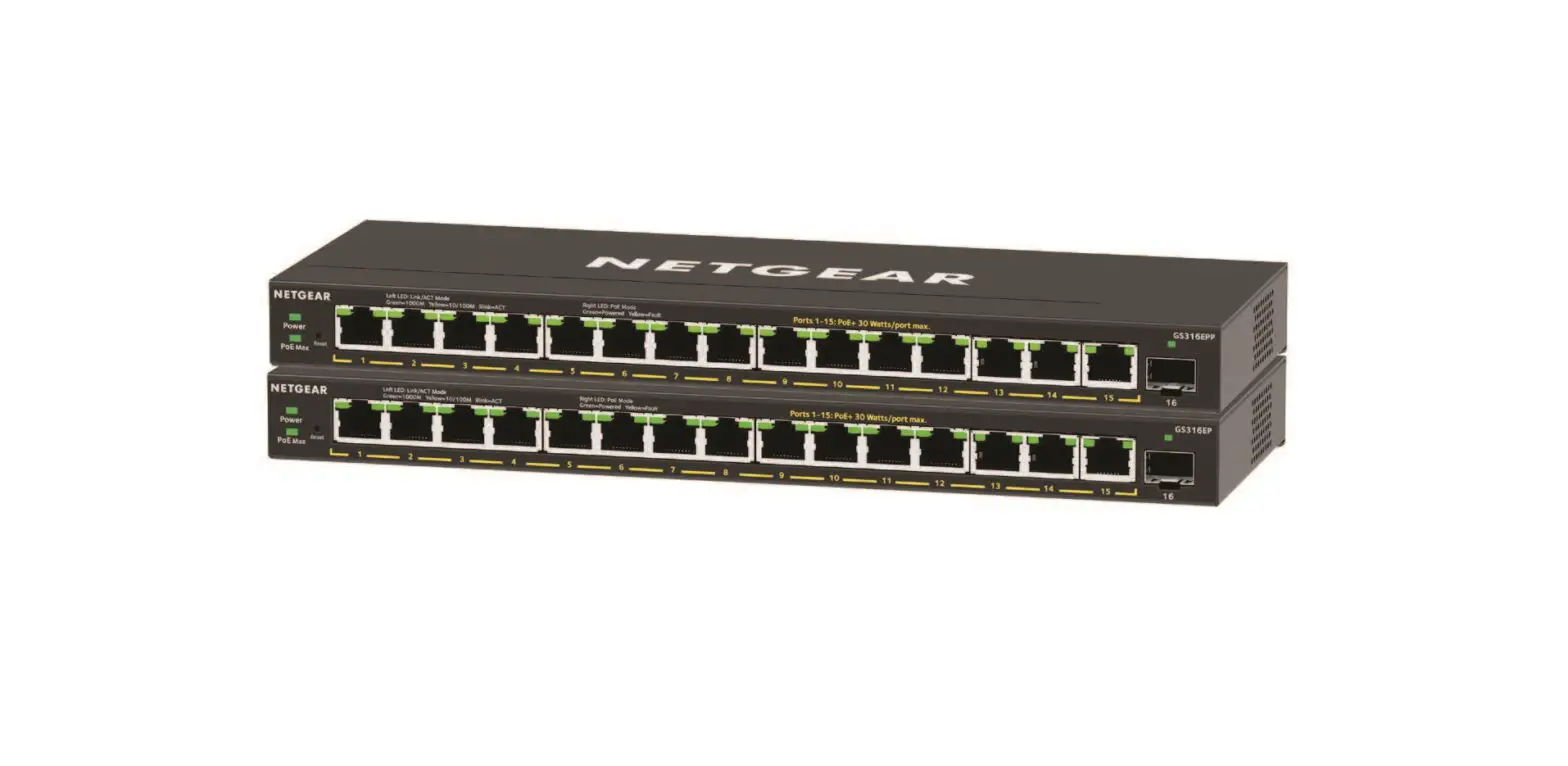
| JGS516PE | Rackmount | 16 | 8 | Internal | 85W |
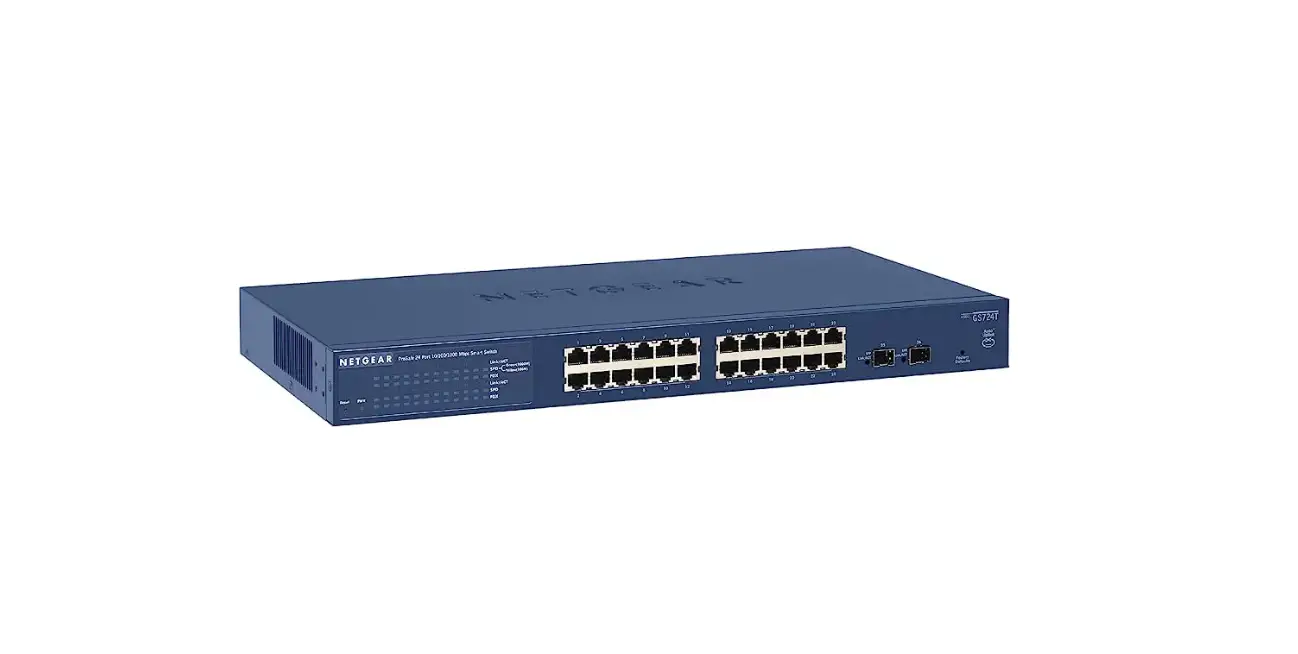
| JGS524Ev2 | Rackmount | 24 | N/A | Internal | N/A |
| JGS524PE | Rackmount | 24 | 12 | Internal | 100W |
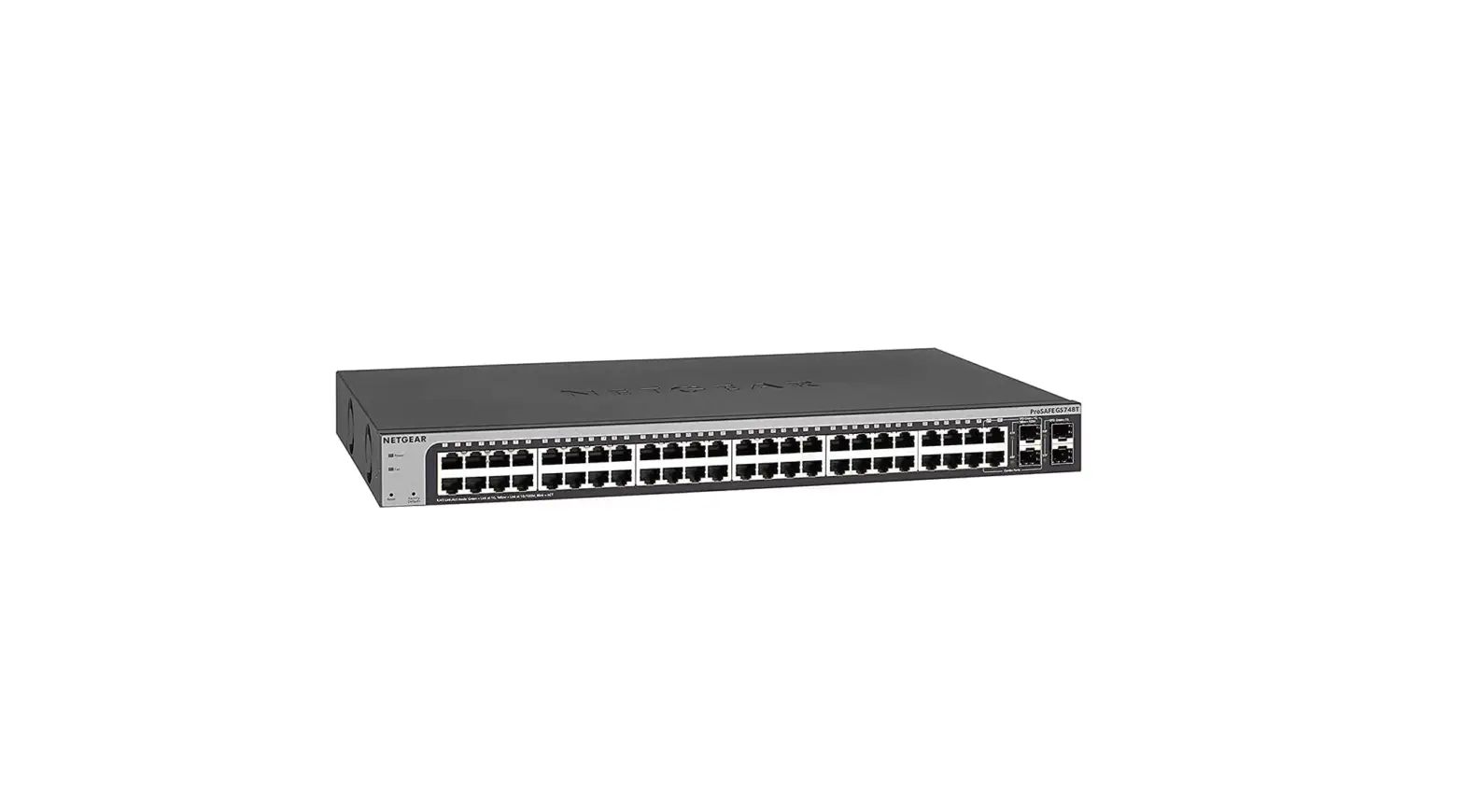
| GS750E | Rackmount | 48 Copper and 2 SFP | N/A | Internal | N/A |
Software at a Glance
| Management | IP Multicast filtering | IEEE 802.3az Auto-EEE | VLANs | QoS | Port Trunking2 | Rate Limiting | Jumbo Frame Support |
|
PC Utility Tool Web GUI | IGMP Snooping v1, v2 and v3 |
Yes | Port-based, IEEE 802.1Q- based VLANs | Port-based, IEEE 802.1p- based |
16-ports and larger |
Yes |
Yes |
2 GS116Ev2, JGS516PE, JGS524Ev2, and JGS524PE support static manual LAGs only. GS750E supports static manual LAGs and LACP.
Features and Benefits
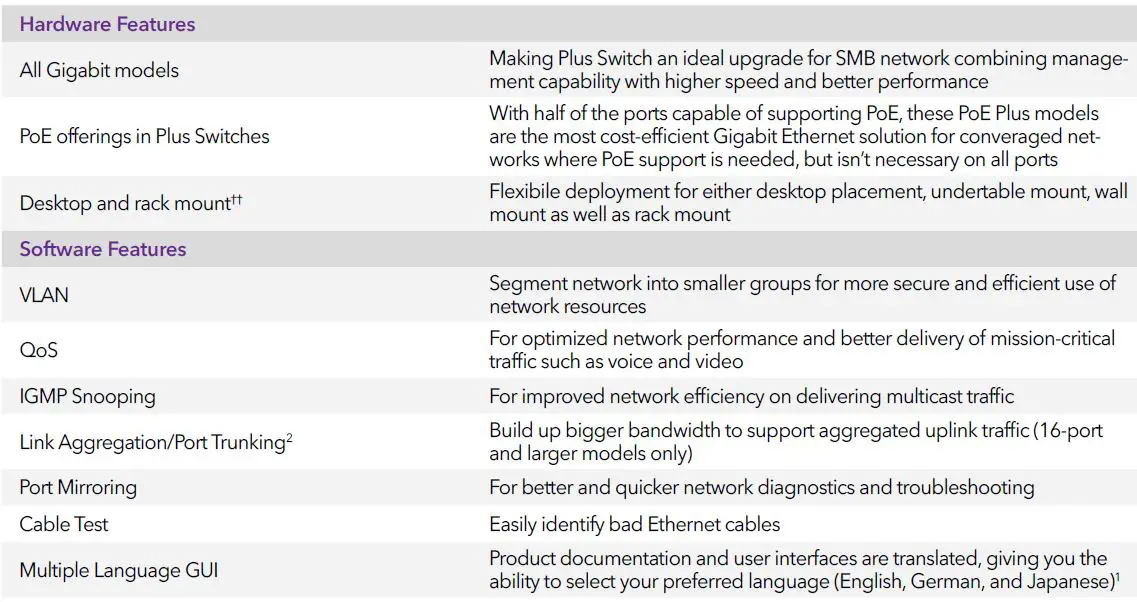
Option only available on the GS108Ev3, GS108PEv3, GS116Ev2, GS750E, JGS516PE, JGS524Ev2, JGS524PE, GS105Ev2 and GS105PE. English, German, and Japanese are the currently supported languages.
2 GS116Ev2, JGS516PE, JGS524Ev2, and JGS524PE support static manual LAGs only. GS750E supports static manual LAGs and LACP.
Example Application
SMB Network Application
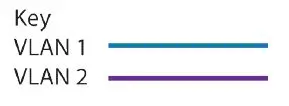
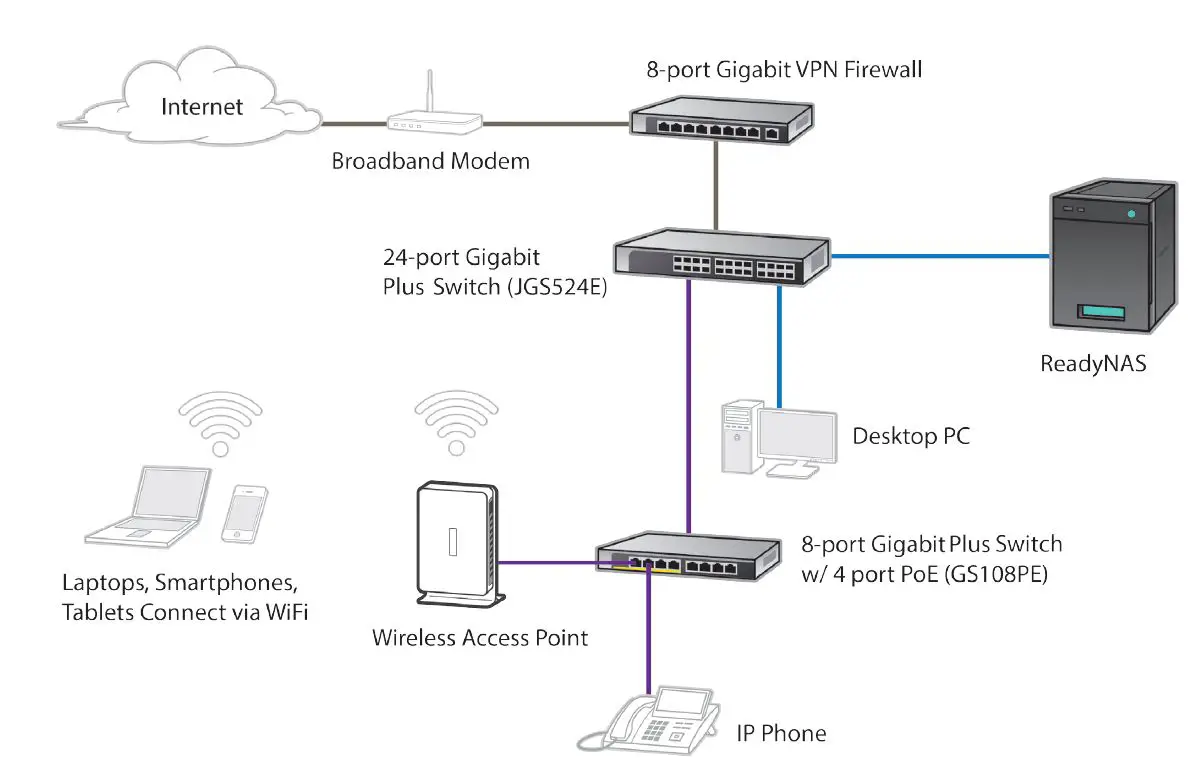
Why the NETGEAR Gigabit Plus Switch is the ideal upgrade from Unmanaged Switches for SMB networks:
- Configurable with simple set-up
- Build multiple user groups
- Prioritize voice and video traffic
- Monitor and troubleshoot
| Technical Specifications | GS105Ev2 | GS105PE | GS108Ev3 | GS108PEv3 | GS116Ev2 | JGS516PE | JGS524Ev2 | JGS524PE | GS750E |
| Gigabit ports | 5 | 5 | 8 | 8 | 16 | 16 | 24 | 24 | 48 |
| |||||||||||||||||||||||||||||||||||||||||||||||||||||||||||||
| Energy Efficient Ethernet (IEEE 802.3az) compliant | Yes | Yes | Yes | Yes | Yes | Yes | Yes | Yes | Yes |
| Performance Specification | |||||||||
| Forwarding modes | Store-and-forward | ||||||||
| L2 Services – Availability | |||||||
| Link Aggregation/ Port Trunking2 No | No | No | No | Static Manual LAGs only | Static Manual LAGs only | Static Manual LAGs only | Static Static and Manual LACP LAGs only |
| Number of Static Manual LAGs and # of members | N/A | N/A | N/A | N/A | 8 LAGs and 2 to 4 members | 8 LAGs and 2 to 4 members | 8 LAGs and 2 to 4 members | 8 LAGs and 2 to 4 members | 8 LAGs and 2 to 8 members |
| L2 Services – Multicast Filtering | |||||||||
| IGMP Snooping (v1, v2 and v3) | Yes | Yes | Yes | Yes | Yes | Yes | Yes | Yes | Yes |
| Block unknown Multicast | Yes | Yes | Yes | Yes | Yes | Yes | Yes | Yes | Yes |
| Supported Multicast groups | 128 | 128 | 128 | 128 | 64 | 64 | 64 | 64 | 128 |
| L3 Services – DHCP | |||||||||
| DHCP client | Yes | Yes | Yes | Yes | Yes | Yes | Yes | Yes | Yes |
2 GS116Ev2, JGS516PE, JGS524Ev2, and JGS524PE support static manual LAGs only. GS750E supports static manual LAGs and LACP.
| Quality of Service (QoS) | GS105Ev2 | GS105PE | GS108Ev3 | GS108PEv3 | GS116Ev2 | JGS516PE | JGS524Ev2 | JGS524PE | GS750E |
| Rate limiting | Yes | Yes | Yes | Yes | Yes | Yes | Yes | Yes | Yes |
| DSCP | Yes | Yes | Yes | Yes | No | No | No | No | Yes |
| IEEE 802.1p COS | Yes | Yes | Yes | Yes | Yes | Yes | Yes | Yes | Yes |
| Port-based VLAN | Yes | Yes | Yes | Yes | Yes | Yes | Yes | Yes | Yes |
| TOS | Yes | Yes | Yes | Yes | Yes | Yes | Yes | Yes | Yes |
| WRR (Weighted Round Robin) | Yes | Yes | Yes | Yes | Yes | Yes | Yes | Yes | Yes |
| Strict Priority Queue Technology | No | No | No No | No | No | No No | No |
| IEEE Network Protocols | |||||||
| • IEEE 802.3 Ethernet • IEEE 802.3i 10BASE-T • IEEE 802.3u 100BASE-T | • IEEE 802.3ab 1000BASE-T • IEEE 802.1p Class of Service • IEEE 802.3af (PoE) | • IEEE 802.1Q VLAN Tagging • IEEE 802.3x Full-duplex Flow Control | |||||
| Management | |||||||
| System Password | Yes | Yes | Yes Yes | Yes | Yes | Yes Yes | Yes |
| Web browser-based management GUI | Yes | Yes | Yes | Yes | Yes | Yes | Yes | Yes | Yes |
| PC Utility | Yes | Yes | Yes | Yes | Yes | Yes | Yes | Yes | Yes |
| Port Mirroring | Yes | Yes | Yes | Yes | Yes | Yes | Yes | Yes | Yes |
| Config upload (to Server) | Yes | Yes | Yes | Yes | Yes | Yes | Yes | Yes | Yes |
| Miscellaneous Features | |||||||||
| Loop Detection | Yes | Yes | Yes | Yes | Yes | Yes | Yes | Yes | Loop Prevention |
| DoS Prevention | Yes | Yes | Yes | Yes | Yes | Yes | Yes | Yes | Yes |
| Broadcast Storm Control | Yes | Yes | Yes | Yes | Yes | Yes | Yes | Yes | Yes |
| Energy Efficient Ethernet (EEE) | Yes | Yes | Yes | Yes | Yes | Yes | Yes | Yes | Yes |
| LEDs | |||||||||
| Per port Per device | Speed, Link, Activity
Power, Fan, and PoE Power Status |
| Quality of Service (QoS) | GS105Ev2 | GS105PE | GS108Ev3 | GS108PEv3 | GS116Ev2 | JGS516PE | JGS524Ev2 | JGS524PE | GS750E |
| Rate limiting | Yes | Yes | Yes | Yes | Yes | Yes | Yes | Yes | Yes |
| Config upload (to Server) | Yes | Yes | Yes | Yes | Yes | Yes | Yes | Yes | Yes |
| Miscellaneous Features | |||||||||
| Loop Detection | Yes | Yes | Yes | Yes | Yes | Yes | Yes | Yes | Loop Prevention |
| DoS Prevention | Yes | Yes | Yes | Yes | Yes | Yes | Yes | Yes | Yes |
| Broadcast Storm Control | Yes | Yes | Yes | Yes | Yes | Yes | Yes | Yes | Yes |
| Energy Efficient Ethernet (EEE) | Yes | Yes | Yes | Yes | Yes | Yes | Yes | Yes | Yes |
| LEDs | |||||||||
| Per port | Speed, Link, Activity |
| Physical Specifications | GS105Ev2 | GS105PE | GS108Ev3 | GS108PEv3 | GS116Ev2 | JGS516PE | JGS524Ev2 | JGS524PE | GS750E |
| Dimensions (mm) | 94x100x27 | 158x100x27 | 158x101x29 | 158x101x29 | 286x101x26 | 328x170x43 | 328x170x43 | 328x170x43 | 440x204x43 |
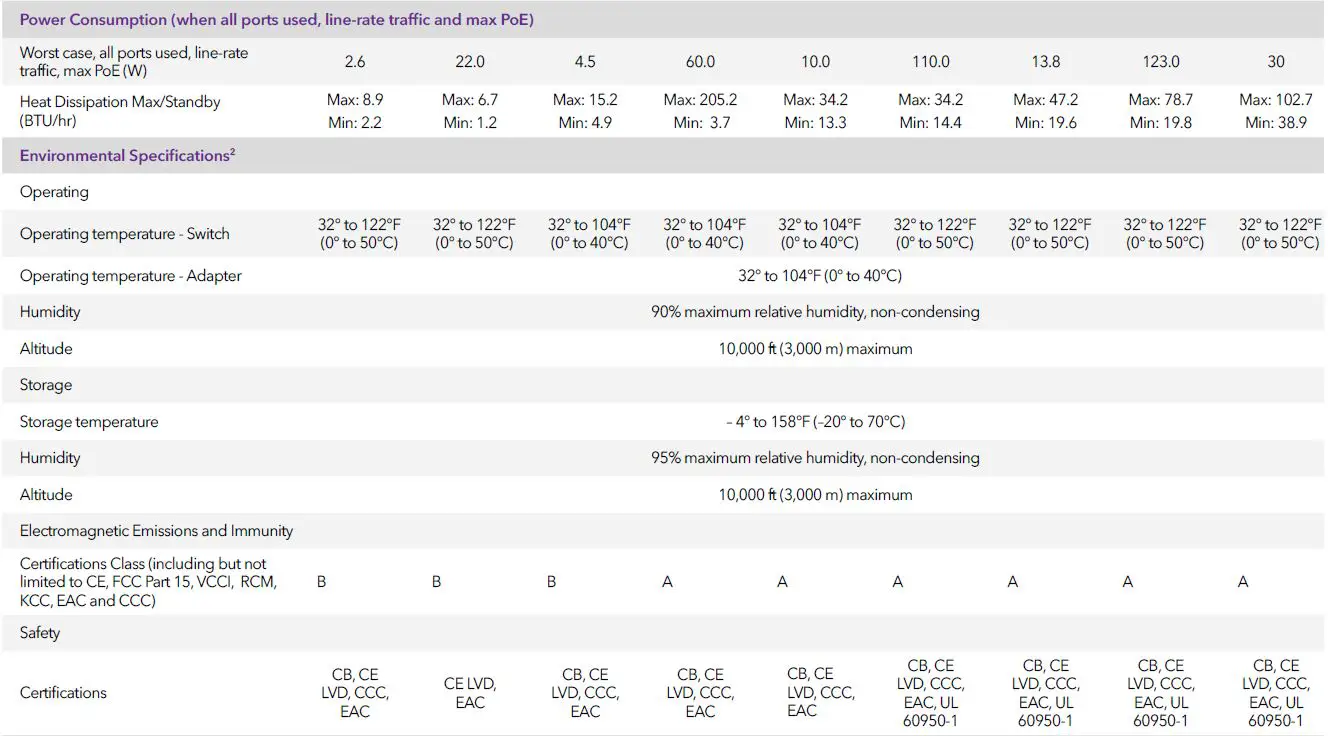
Do not use these devices outdoors. If you connect cables or devices that are outdoors to this device, see https://kb.netgear.com/000057103 for safety and warranty information
Package Contents
All models
- Plus Switch
- Power cord or power adapter (depending on model; GS105PE has no power supply or power cord)
- Installation guide
- Rack mount kit (JGS516PE, JGS524Ev2, JGS524PE and GS750E only)
| Ordering Information | ||||
| GS105E | JGS516PE | |||
| GS105E-200NAS | North America and Latin America | JGS516PE-100NAS | North America and Latin America | |
| GS105E-200PES | Europe | JGS516PE-100EUS | Europe | |
| GS105E-200AUS | Australia | JGS516PE-100AJS | Asia Pacific/Japan | |
| GS105E-200UKS | United Kingdom | JGS516PE-100PRS | China | |
| GS105E-200JPS | Japan | JGS516PE-100INS | India | |
| GS105PE | JGS524E | |||
| GS105PE-10000S | Worldwide | JGS524E-200NAS | North America and Latin America | |
| GS108E | JGS524E-200EUS | Europe | ||
| GS108E-300NAS | North America and Latin America | JGS524E-200AJS | Asia Pacific/Japan | |
| GS108E-300PES | Europe | JGS524E-200PRS | China | |
| GS108E-300AUS | Australia | JGS524PE | ||
| GS108E-300UKS | United Kingdom | JGS524PE-100NAS | North America and Latin America | |
| GS108E-300PRS | China | JGS524PE-100EUS | Europe | |
| GS108E-300INS | India | JGS524PE-100AJS | Asia Pacific/Japan | |
| GS108E-300JPS | Japan | JGS524PE-100PRS | China | |
| GS108PE | JGS524PE-100INS | India | ||
| GS108PE-300NAS | North America and Latin America | GS750E | ||
| GS108PE-300EUS | Europe | GS750E-100NAS | North America and Latin America | |
| GS108PE-300AJS | Asia Pacific/Japan | GS750E-100EUS | Europe | |
| GS108PE-300PRS | China | GS750E-100AJS | Asia Pacific/Japan | |
| GS108PE-300INS | India | |||
| GS116E | ||||
| GS116E-200NAS | North America and Latin America | |||
| GS116E-200PES | Europe | |||
| GS116E-200AUS | Australia | |||
| GS116E-200UKS | United Kingdom | |||
| GS116E-200JPS | Japan | |||
| GS116E-200PRS | China | |||
FREQUENTLY ASKED QUESTIONS
What is the Netgear GS108E Gigabit Ethernet Plus Switch?
The Netgear GS108E is a Gigabit Ethernet Plus Switch that allows you to expand your network and connect multiple devices at Gigabit speeds.
How many ports does the GS108E switch have?
The GS108E switch has 8 ports, all of which are Gigabit Ethernet ports.
What are the features of the Netgear GS108E switch?
Some features of the GS108E switch include port-based VLANs, Quality of Service (QoS) support, loop prevention, and cable diagnostics.
Can the Netgear GS108E be managed remotely?
Yes, the GS108E switch can be managed remotely using Netgear's web-based management interface.
Does the GS108E switch support Power over Ethernet (PoE)?
No, the GS108E switch does not support PoE. It is a standard Gigabit Ethernet switch without PoE capabilities.
What is the maximum data transfer rate supported by the GS108E switch?
The GS108E switch supports Gigabit Ethernet speeds, which means it can transfer data at a maximum rate of 1 gigabit per second (Gbps) per port.
Can the GS108E switch be mounted on a wall?
Yes, the GS108E switch includes mounting options, and it can be mounted on a wall using the provided hardware.
Does the GS108E switch support Link Aggregation?
Yes, the GS108E switch supports Link Aggregation, which allows you to combine multiple ports for increased bandwidth and redundancy.
What is the maximum number of VLANs supported by the GS108E switch?
The GS108E switch supports up to 64 VLANs, allowing you to segregate your network and manage traffic more efficiently.
Can the GS108E switch prioritize network traffic using Quality of Service (QoS)?
Yes, the GS108E switch supports Quality of Service (QoS), allowing you to prioritize certain types of network traffic for better performance.
Does the GS108E switch have any security features?
The GS108E switch offers some basic security features such as MAC-based port security, which allows you to restrict access to specific ports based on MAC addresses.
Can the GS108E switch be used in a home network?
Yes, the GS108E switch is suitable for home networks, especially if you need to connect multiple devices and require Gigabit speeds.
Is the GS108E switch fanless?
Yes, the GS108E switch is fanless, which means it operates silently and does not require any additional cooling.
Can the GS108E switch be powered by Power over Ethernet (PoE)?
No, the GS108E switch does not support PoE, so it needs to be powered using the included AC power adapter.
What is the warranty period for the GS108E switch?
The warranty period for the GS108E switch may vary, but typically it comes with a limited lifetime warranty from Netgear. It's best to check the specific warranty terms at the time of purchase.
DOWNLOAD THE PDF LINK: NETGEAR GS108E Gigabit Ethernet Plus Switch Specifications and DataSheet