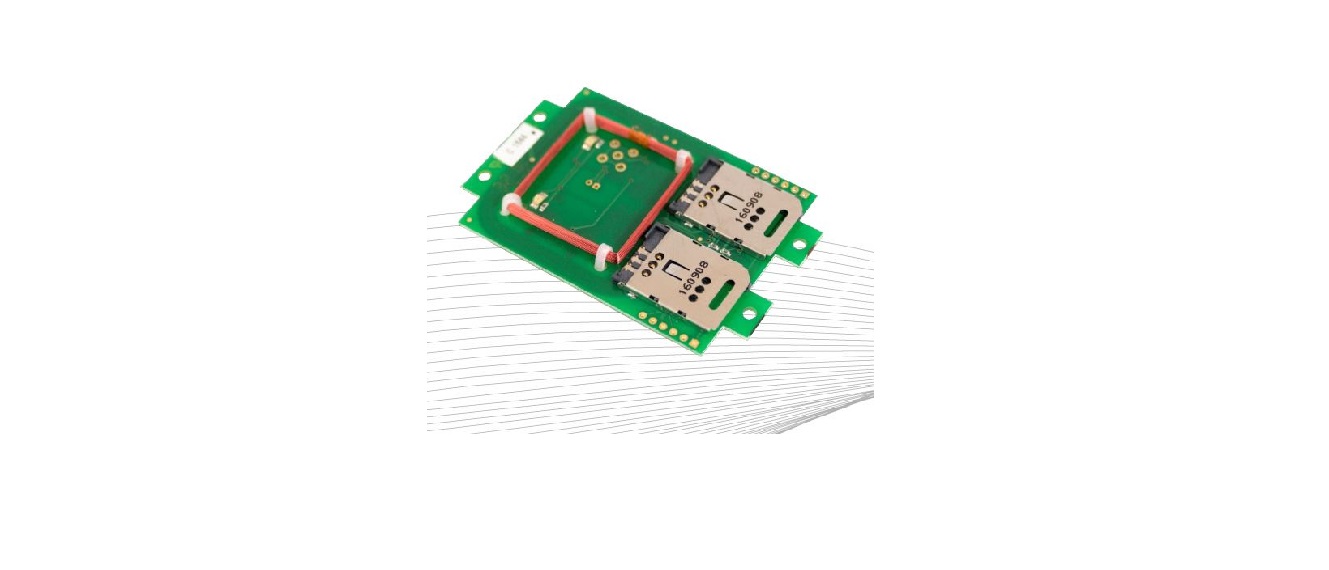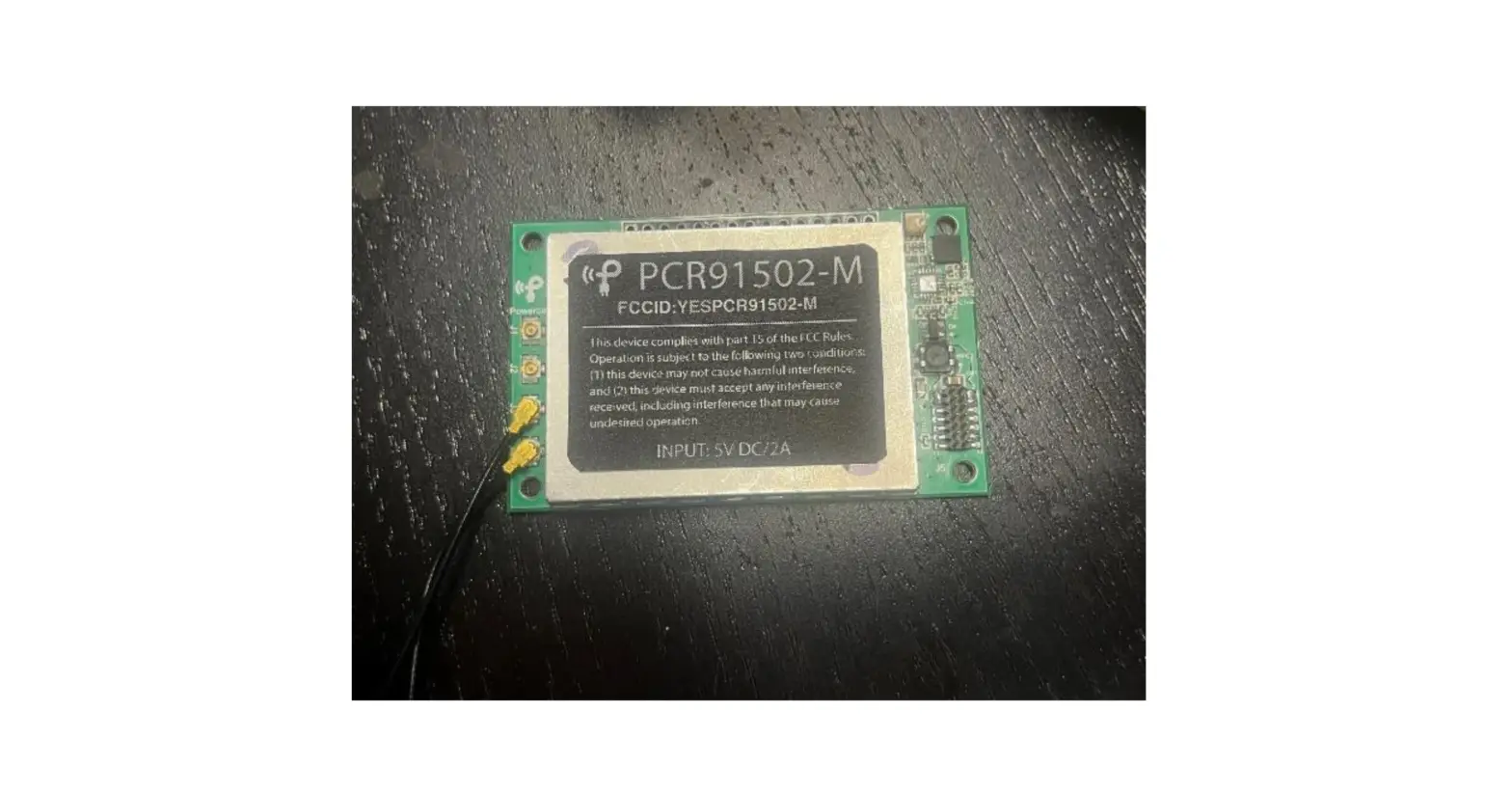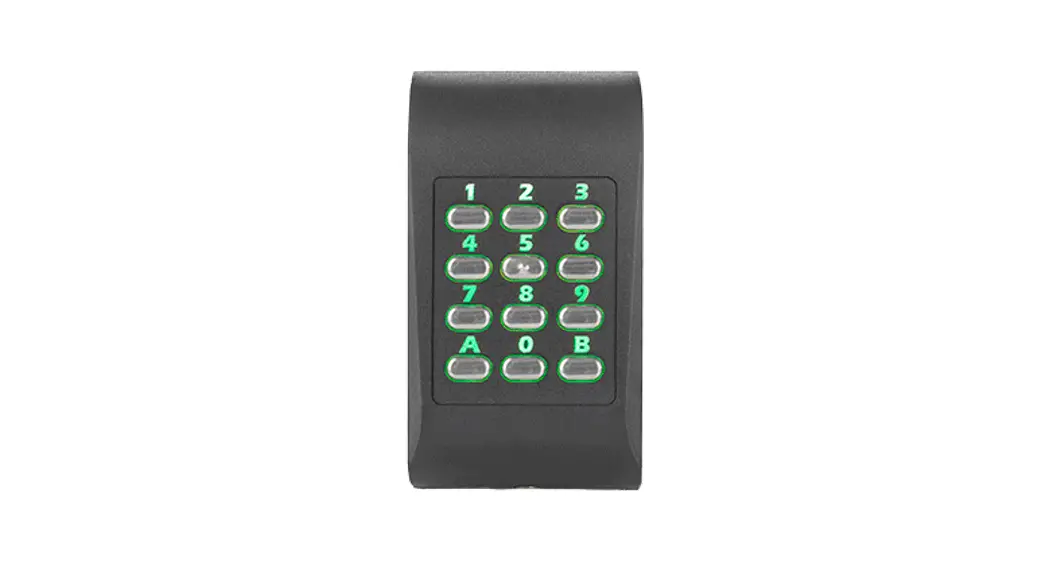

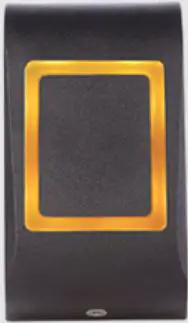
xpr MTPX-MW Multi-Technology RFID Readers
Product Information
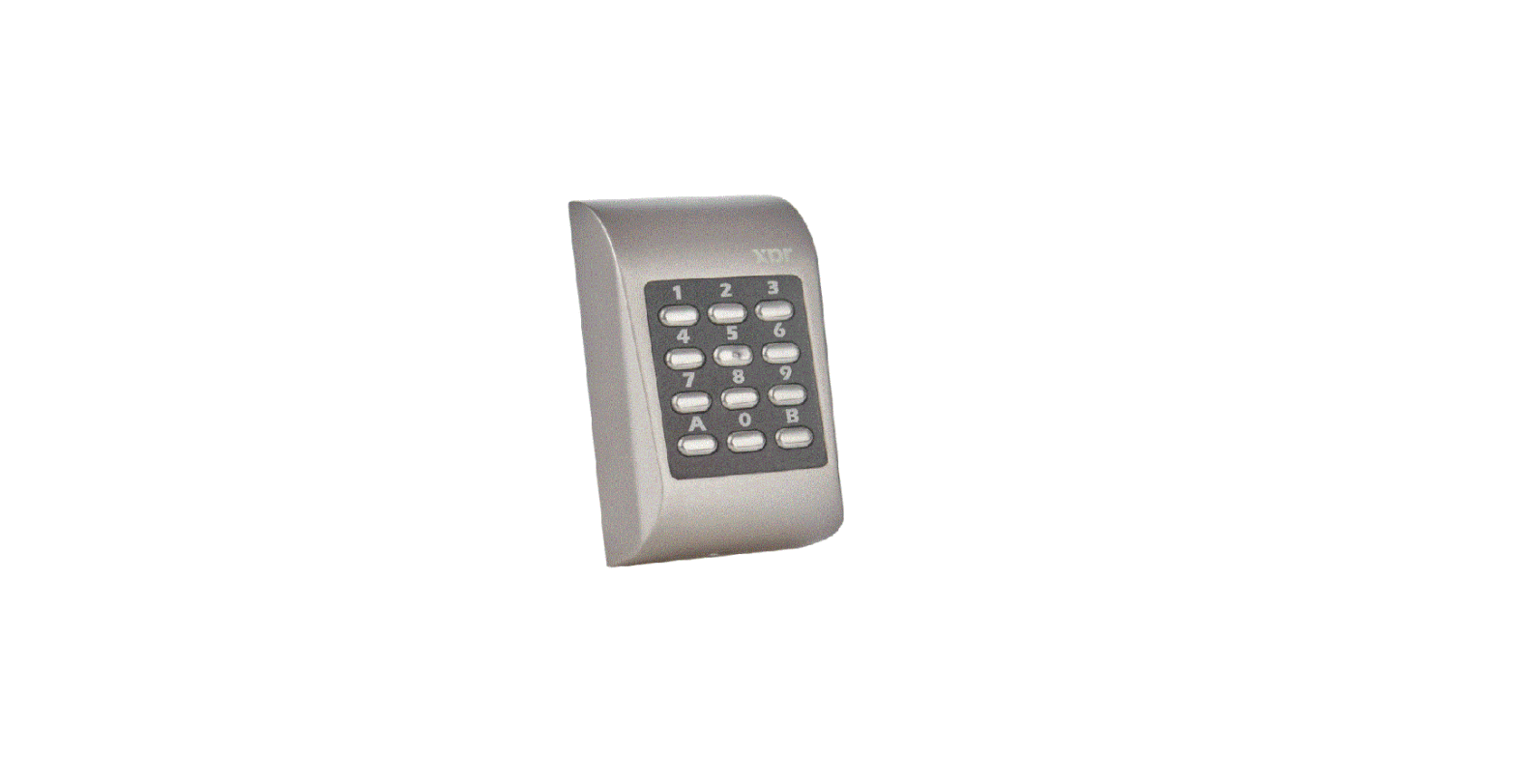
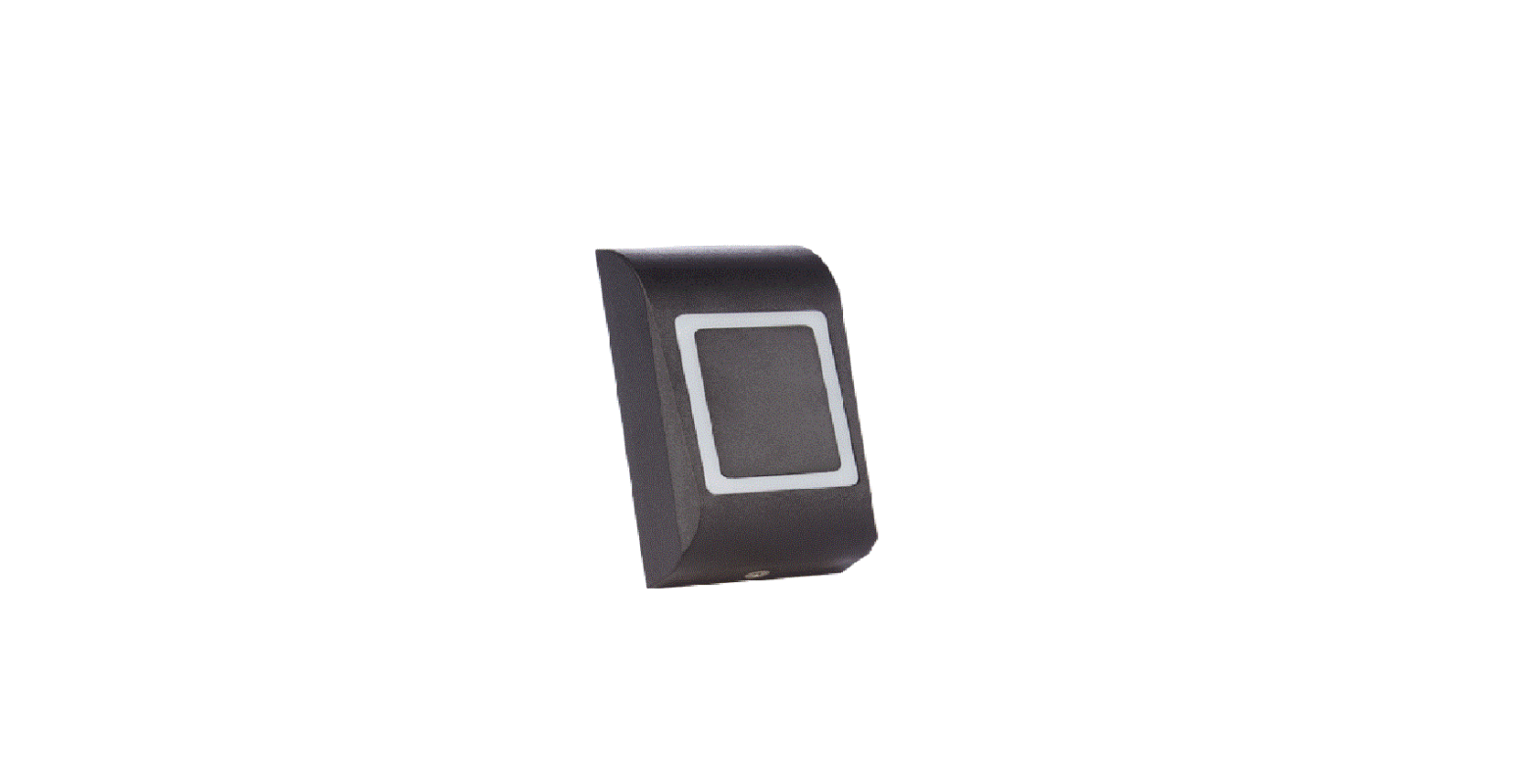
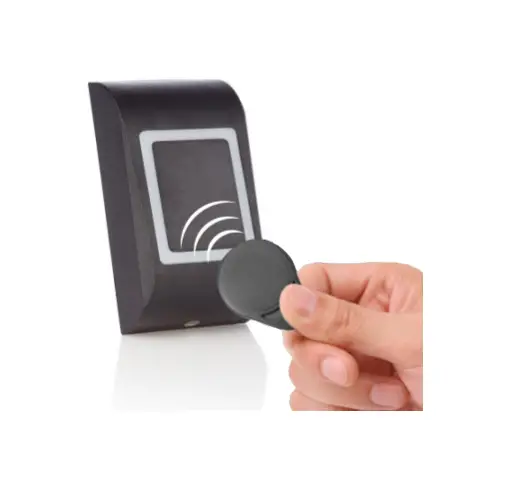
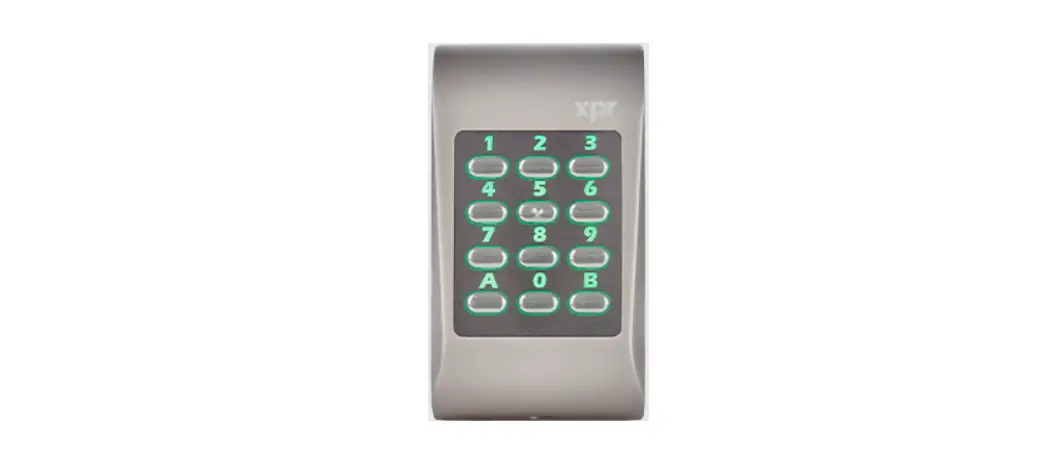
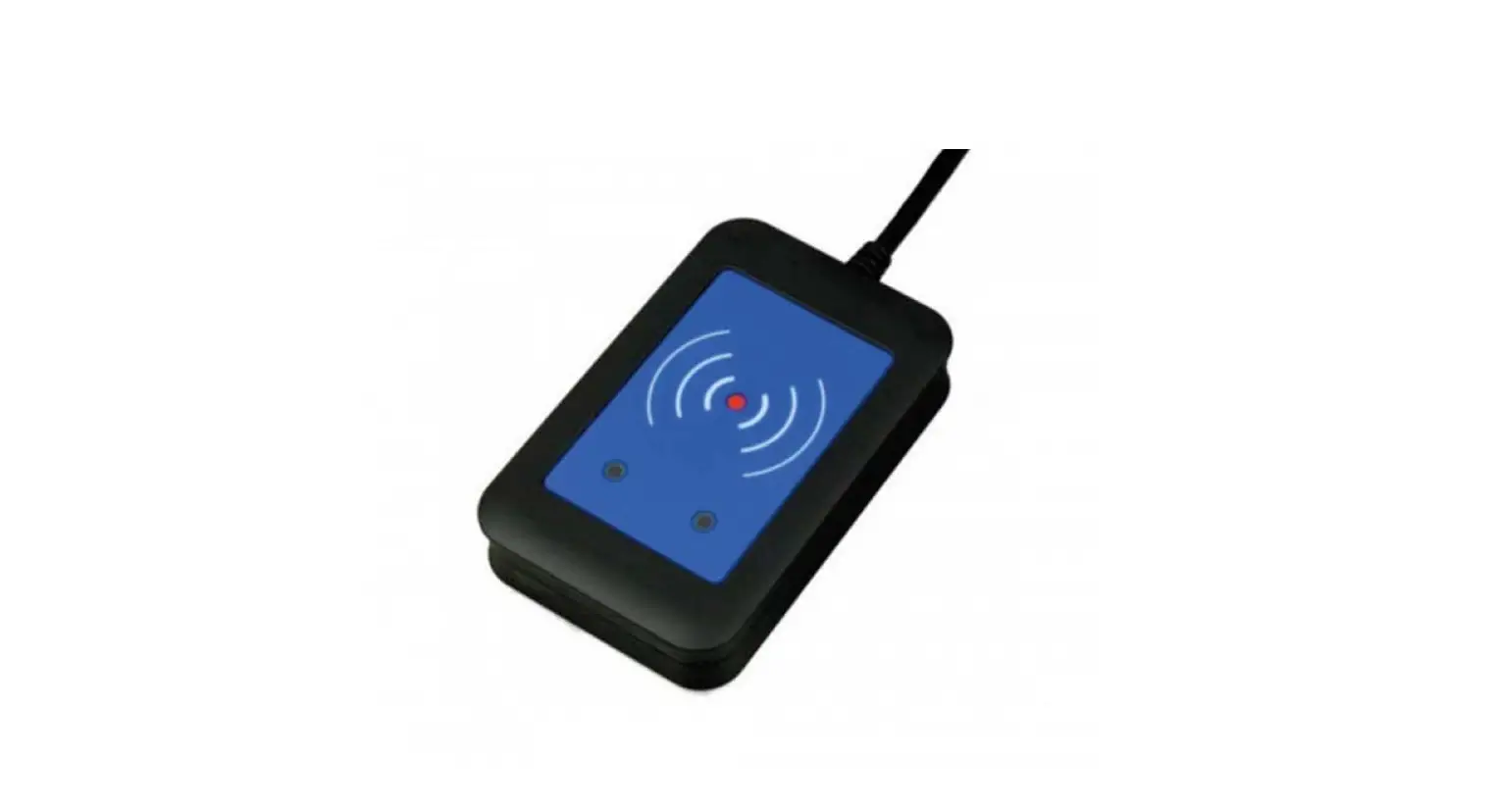
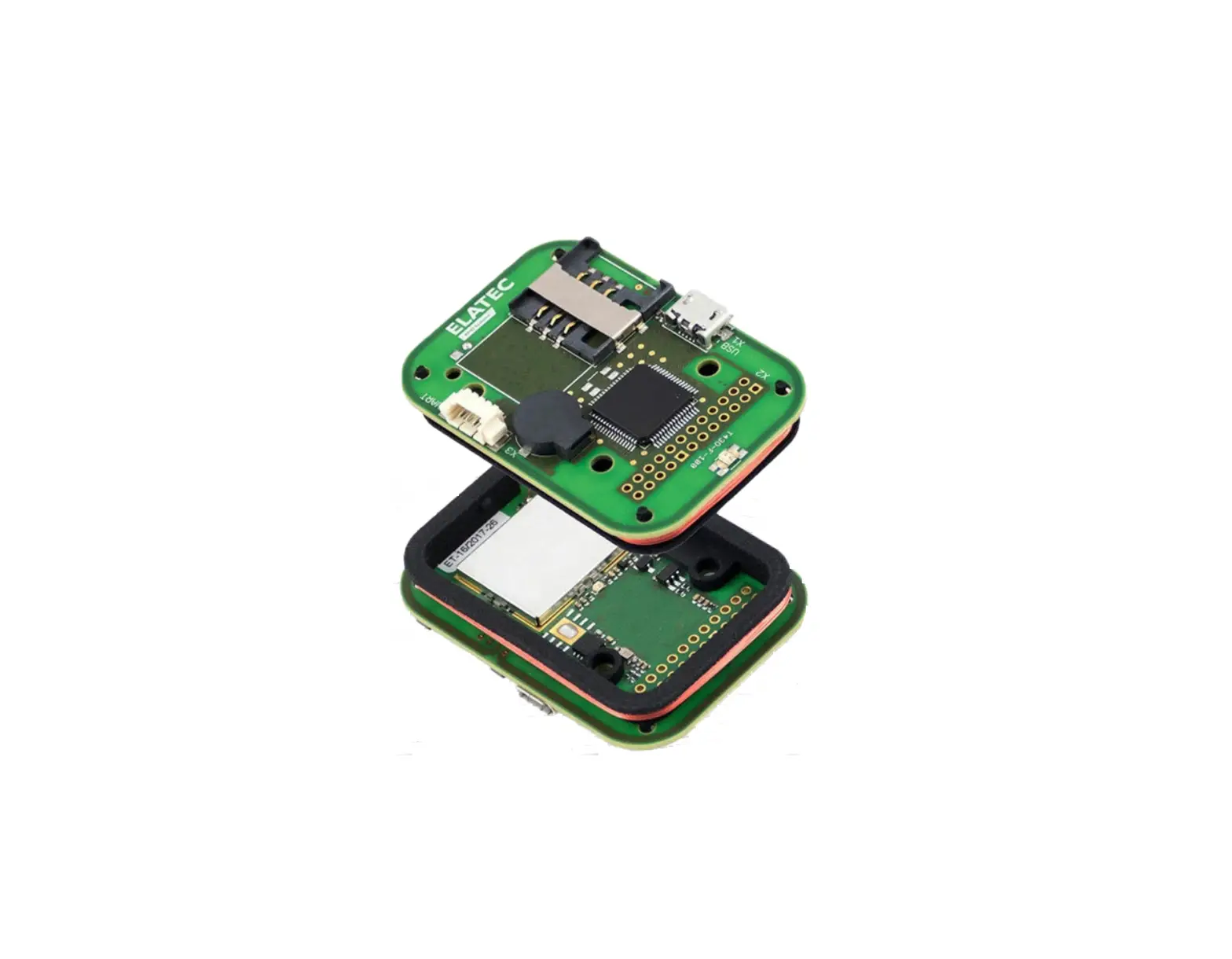
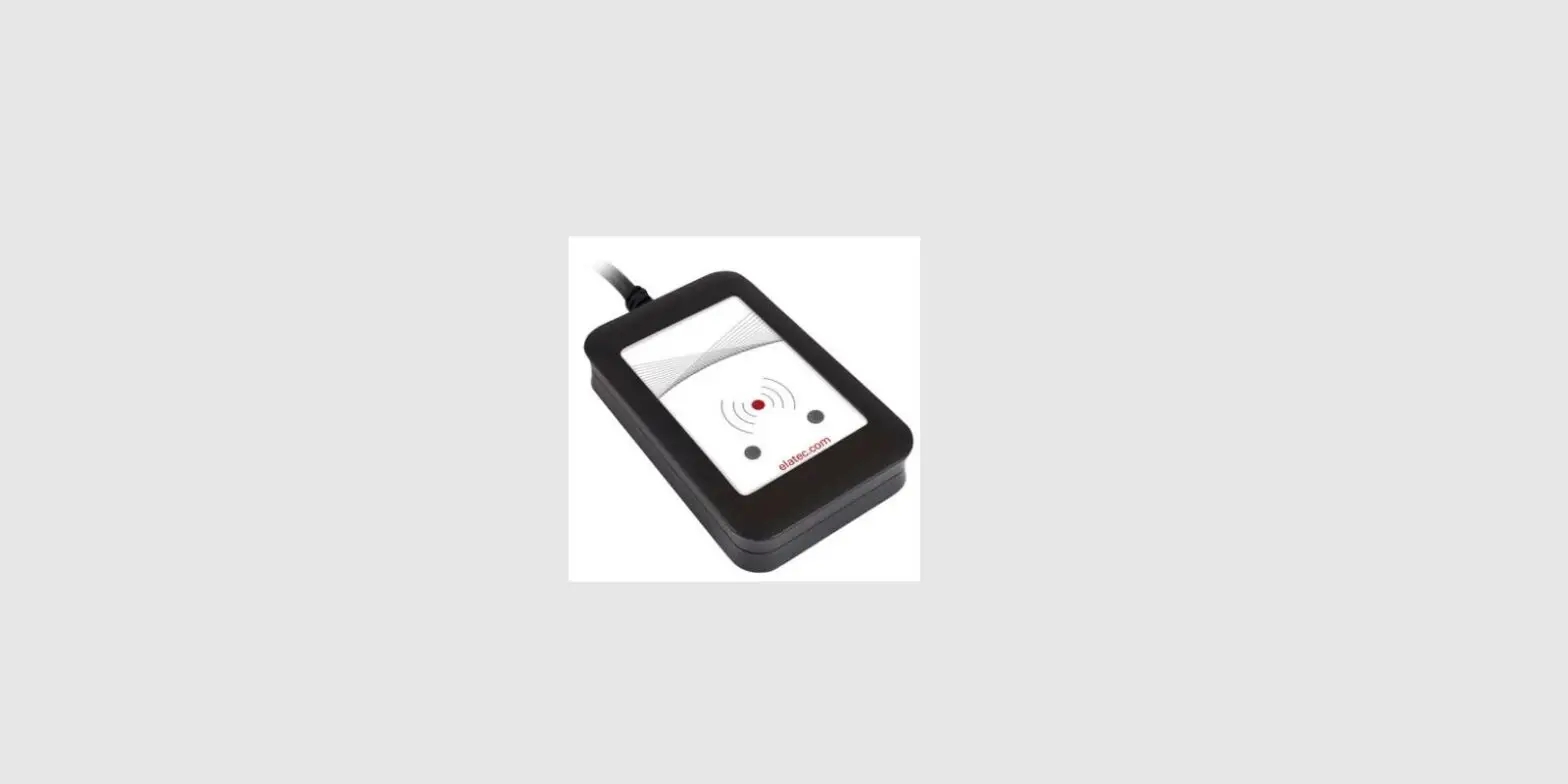
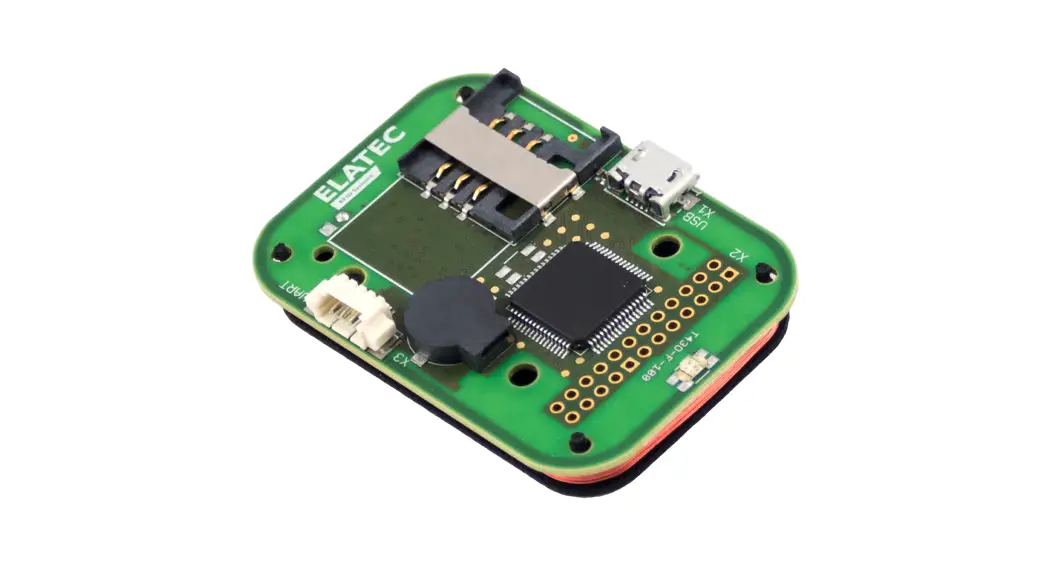
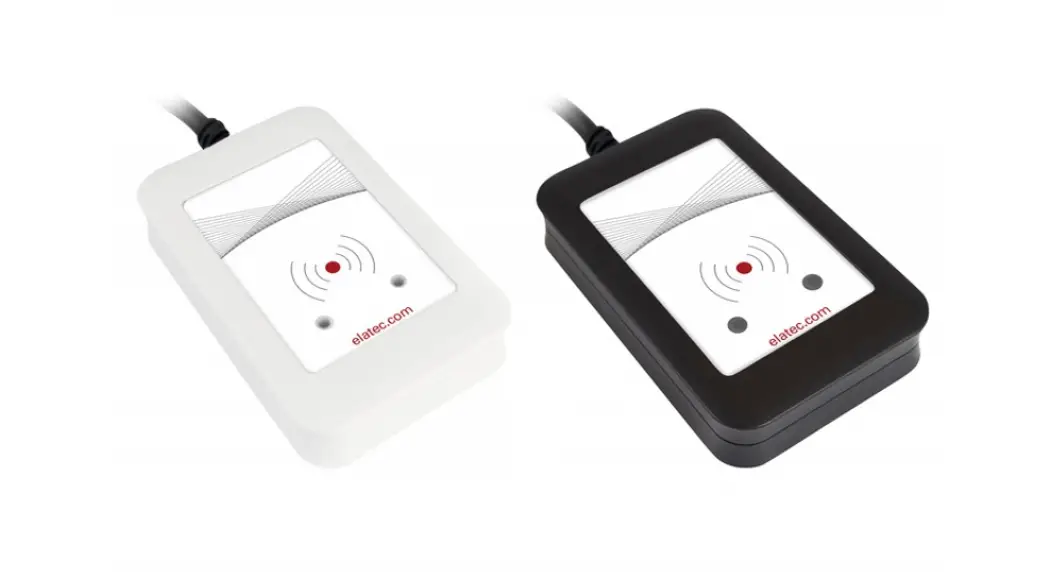
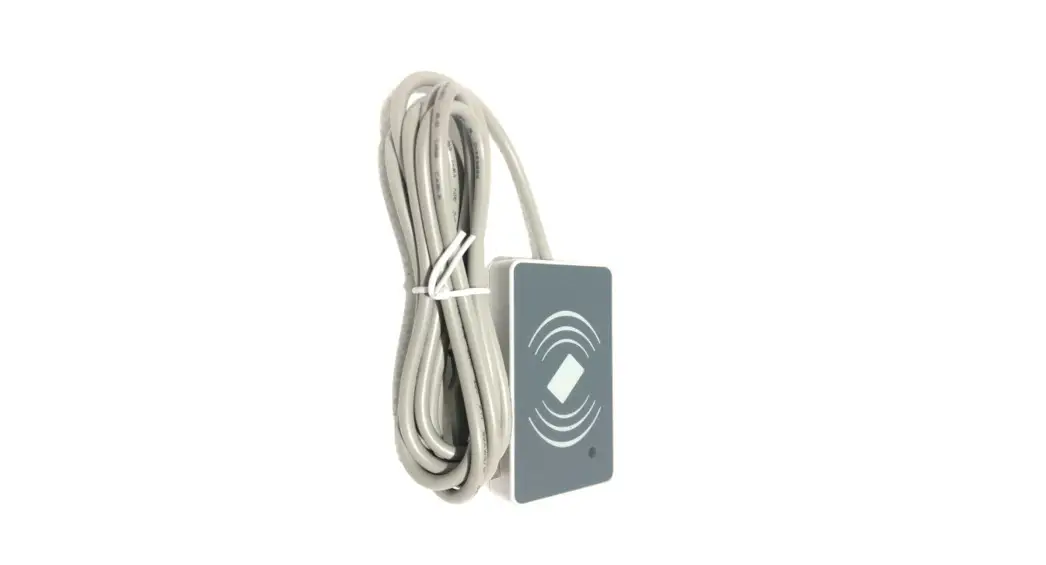
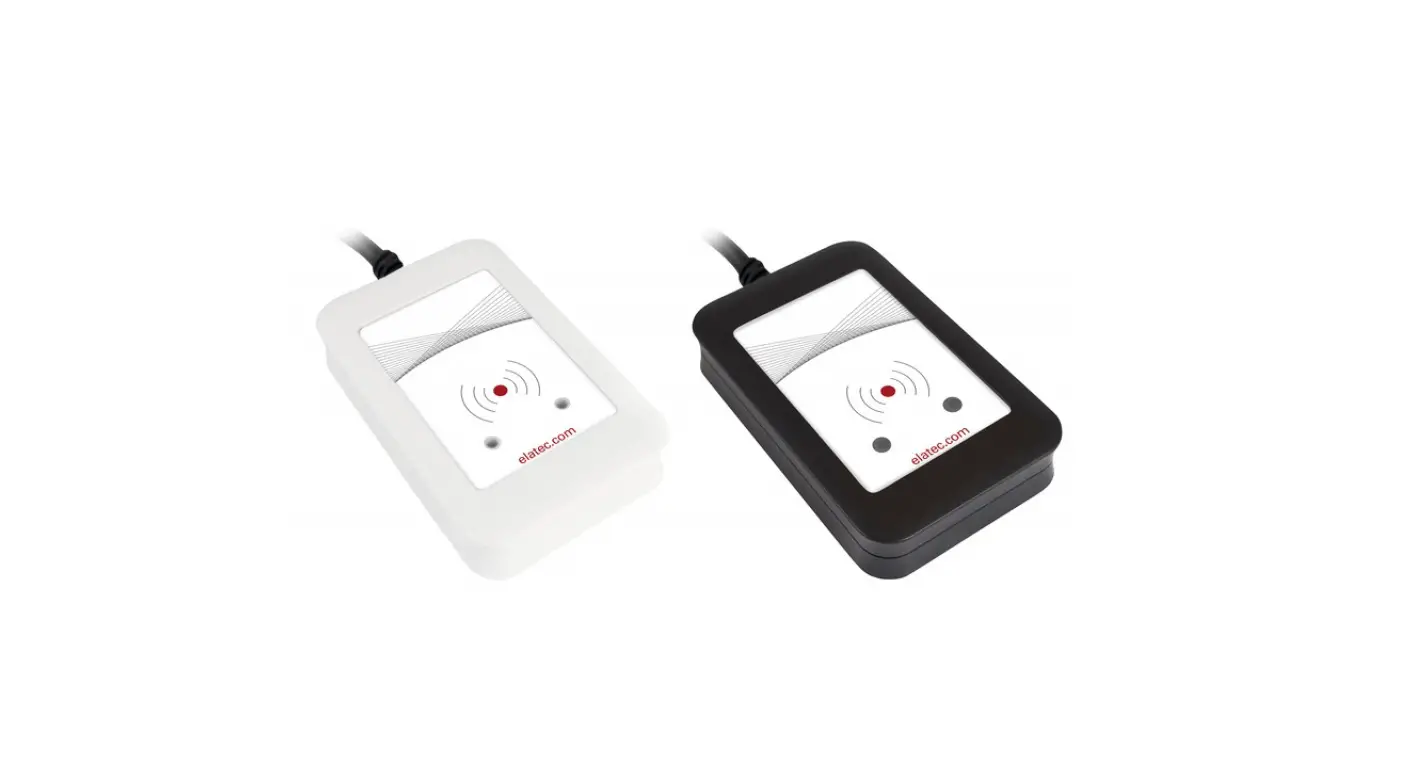
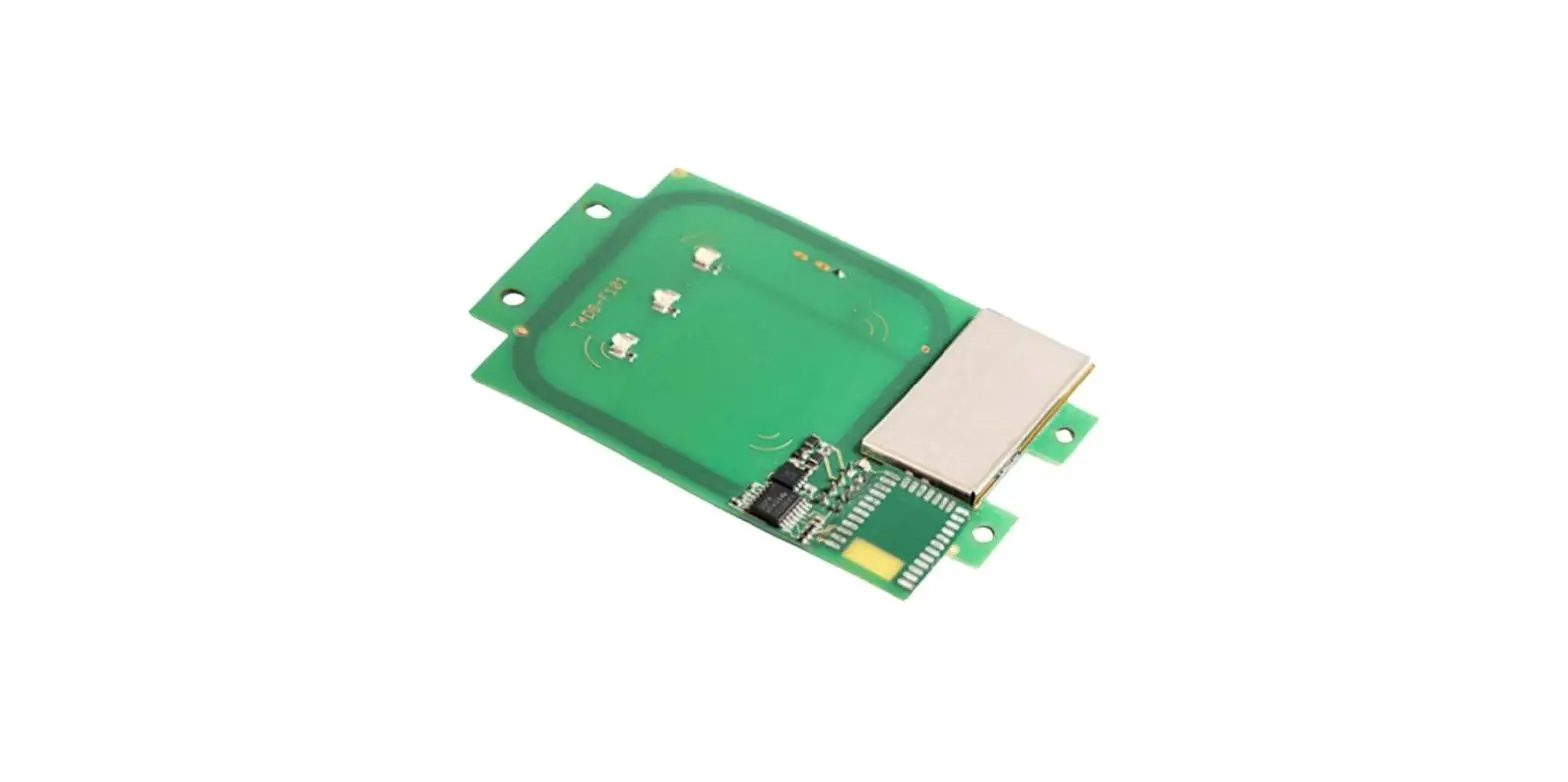
The Multi-technology RFID readers are available in seven different models, namely MTPX-MHWO, MTPX-MW, MTPX-HW, MTPX-HO, MTPX-MHW, MTPX-MO, and MTPX-MWO. These readers support 125 KHz and 13.5 MHz reference technologies and come with Wiegand Output, OSDP Interface, WS4 Interface, and Customised interfaces. The readers are compatible with EM4100, HID 125 KHz, HID iClass CSN, Mifare CSN (Classic, Desfire, Plus, Ultralight), NTAG CSN, ISO 15693 Encrypted DesFire* (EV1, EV2, EV3) credentials. The readers come with a maximum current consumption of 150 mA and operate on a power supply of 9-15 VDC. They have built-in micro USB connectors for protocol selection, configuration, and firmware update. The readers have a buzzer and red, green, and orange LED indicators to indicate sound and status. The readers have an environmental rating and can operate at temperatures ranging from -20°C to +70°C.
Product Usage Instructions
- The Multi-technology RFID readers can be used for various purposes such as access control and asset tracking.
- To mount the reader, follow the instructions given in the installer’s manual. Connect the reader to the power supply and the host system using the appropriate cables.
- Use Multiconductor cable 2 twisted pair with shielding for OSDP and Custom RS-485 configurations.
- For WS4 configuration, use Multiconductor cable 2 twisted pair with shielding of up to 80m in length.
- For Wiegand configuration, use untwisted shielded cables of 0.22 mm2 min. For OSDP, WS4, and Custom RS-485 configurations, use cables of 1200m, 80m, and 1200m in length, respectively.
- To configure the reader for OSDP mode, set DIP Switch 1 to ON and then back to OFF position within 5 seconds of powering the reader.
- For WS4 configuration, set the reader address to 0 or 1 depending on the door number. For Wiegand configuration, connect the green LED input to D0 and the red LED input to D1.
- For Custom RS-485 configuration, connect the red LED input and buzzer input to RS-485 A and B, respectively.
- The readers have red, green, and orange LED indicators that blink to indicate different states. The reader is online when it is in communication with the controller, and the red LED blinks when it is offline.
SPECIFICATIONS
| Reference | MTPX-MHWO | MTPX-MW | MTPX-HW | MTPX-HO | MTPX-MHW | MTPX-MO | MTPX-MWO |
| Technology | |||||||
| RFID 125 KHz |  | X | | | | X | X |
| RFID 13.5 MHz | | | X | X | | | |
| Interface | |||||||
| Wiegand Output | | | | X | | X | |
| OSDP Interface | | X | X | | X | | |
| WS4 Interface | | X | X | | X | | |
| Customised RS-485 Output | | X | X | | X | | |
| Supported credentials | |||||||
| EM4100 | | X | | | | X | X |
| HID 125 KHz Compatible | | X | | | | X | X |
| HID iClass CSN | | | X | X | | | |
| Mifare CSN (Classic, Desfire, Plus, Ultralight), NTAG CSN | | | X | X | | | |
| ISO 15693 | | | X | X | | | |
| Encrypted DesFire* (EV1, EV2, EV3) | | | X | X | | | |
| Technical characteristics | |||||||
| Power Supply | 9 – 15 VDC | ||||||
| Maximum current consumption @ 12 VDC | 150 mA | 150 mA | 60 mA | 60 mA | 150 mA | 150 mA | 150 mA |
| Sound Indicator | Internal buzzer | ||||||
| Led Indicators | Red, Green and Orange (Red + Green) | ||||||
| Micro USB connector | Built-in Micro USB connector for protocol selection, configuration and firmware update | ||||||
| Environmental rating | Outdoor, IP65 | ||||||
| Operating temperature | -30°C to +60°C | ||||||
| Operating humidity | 5% – 95% relative humidity, non-condensing | ||||||
| Mounting | Surface mount | ||||||
| Panel Connection | Terminal | ||||||
| Dimensions (H x W x D) | 92 x 51 x 27 mm | ||||||
MOUNTING
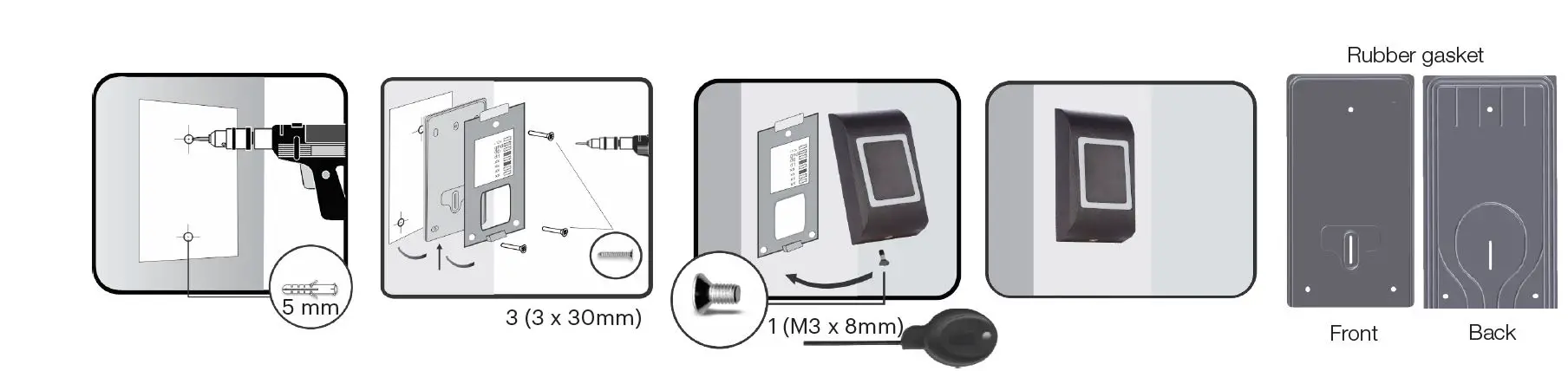
MOUNTING WITH MT-SPACER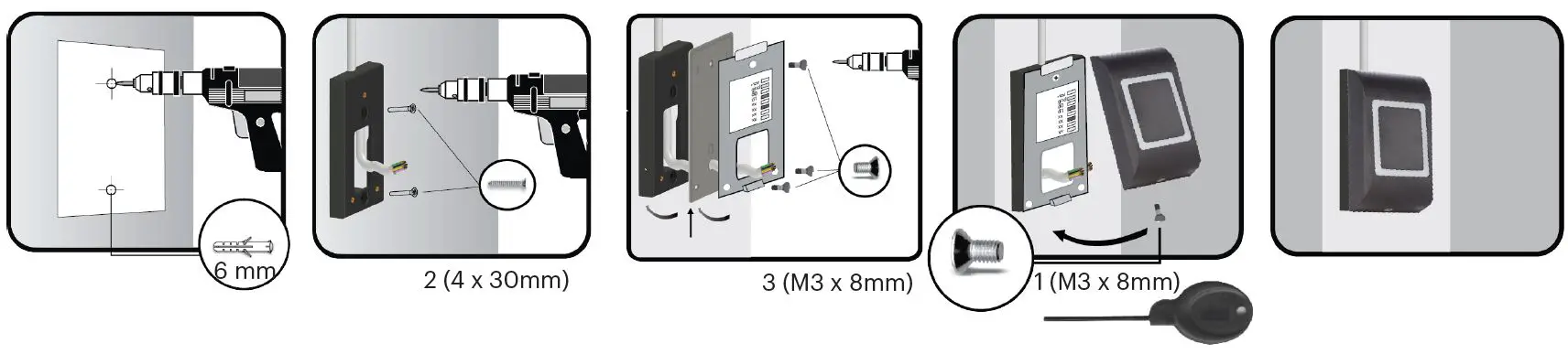
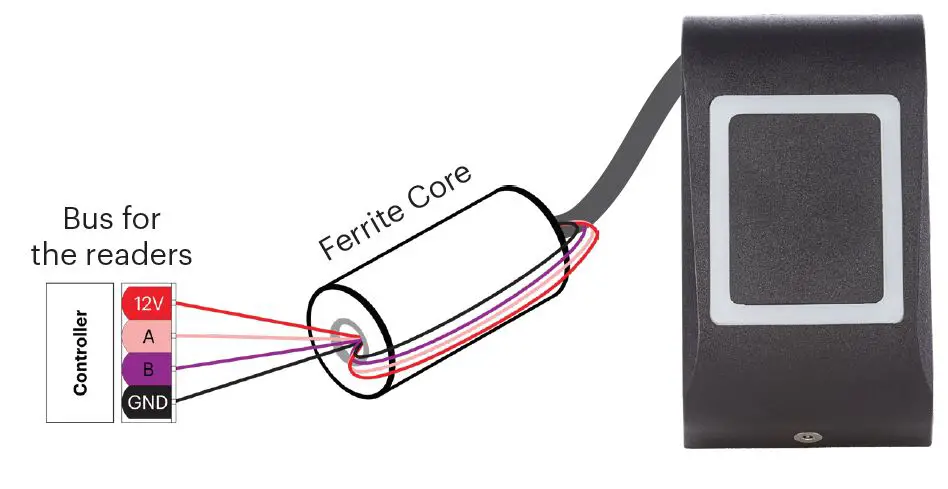
FERRITE CORE MOUNTING
- Wrap the wires around the ferrite core (1 turn).
- The ferrite core is provided with the kit and it is used to reduce the EMI.
TERMINAL BLOCKS AND DIPSWITCH
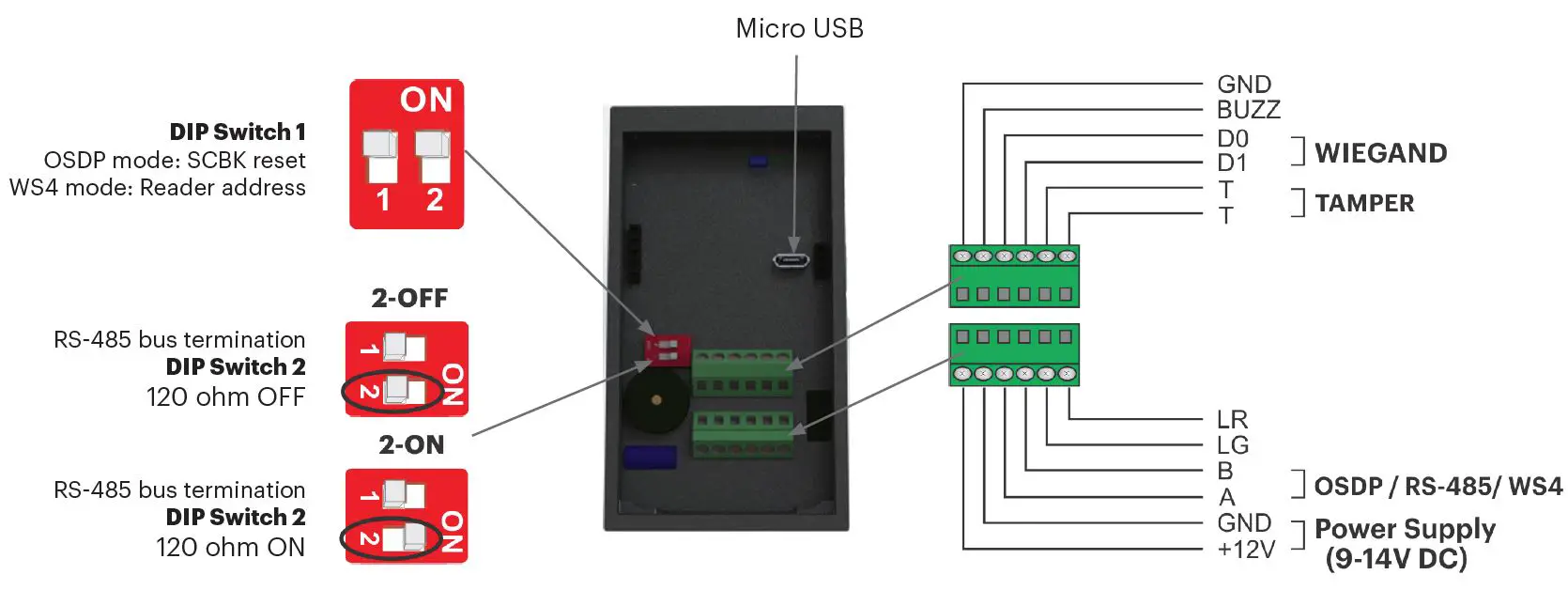
TERMINALS
| TERMINALS | DESCRIPTION | OSDP CONFIGURATION | WS4 CONFIGURATION | WIEGAND CONFIGURATION | CUSTOM RS-485 CONFIGURATION |
| A | RS-485 line | RS-485 A (+) | RS-485 B (+) | X | RS-485 A (+) |
| B | RS-485 line | RS-485 B (-) | RS-485 B (-) | X | RS-485 B (-) |
| D0 | Output | X | X | D0 | X |
| D1 | Output | X | X | D1 | X |
| LG | Input | Input 1 (Dry contact to GND only) | X | Green LED input | Green LED input |
| LR | Input | Input 1 (Dry contact to GND only) | X | Red LED input | Red LED input |
| BUZZ | Input | X | X | Buzzer input | Buzzer input |
| +12V | Power Supply | | | | |
| GND | Ground | | | | |
| T | Tamper | X (Tamper state is reported by RS-485) | X (Tamper state is reported by RS-485) | | |
| T | Tamper | X | X | | |
DIP SWITCH
| DIP SWITCH | DESCRIPTION | OSDP CONFIGURATION | WS4 CONFIGURATION | WIEGAND CONFIGURATION | CUSTOM RS-485 CONFIGURATION |
| SW 1 | Setup | SCBK Reset: Power the reader. Set DIP Switch 1 to ON and in the less than 5 sec set it back to OFF position. | The readers for Doors 1.0 and 2.0 must be at address 0 and those for Doors 1.1 and 2.1 at address 1. For doors equipped with 2 readers, one must be at address 0 and the other at address 1. | X | X |
| SW 2 | RS-485 120 OHM termination | | | X | |
CABLING
| CABLING | DESCRIPTION | OSDP CONFIGURATION | WS4 CONFIGURATION | WIEGAND CONFIGURATION | CUSTOM RS-485 CONFIGURATION |
| Max length | Cable Length | 1200m | 80m | 150m | 1200m |
| Cable | Recommended cable type | Multiconductor cable 2 twisted pair with shielding | Multiconductor cable 2 twisted pair with shielding | Untwisted, shield- ed, 0.22 mm2 min. For longer distance above 20 m use larger diameter. | Multiconductor cable 2 twisted pair with shielding |
SIGNALISATION
| SIGNALISATION | DESCRIPTION | OSDP CONFIGURATION | WS4 CONFIGURATION | WIEGAND CONFIGURATION | CUSTOM RS-485 CONFIGURATION |
| Reader ON-LIne | Reader is in communication with controller | Managed by Controller | Managed by Controller | Managed by Controller | Managed by Controller |
| Reader OFF-LIne | Reader lost comunication with controller | Red LED Blinks | Red LED Blinks fast | X | X |
SOFTWARE SETTINGS
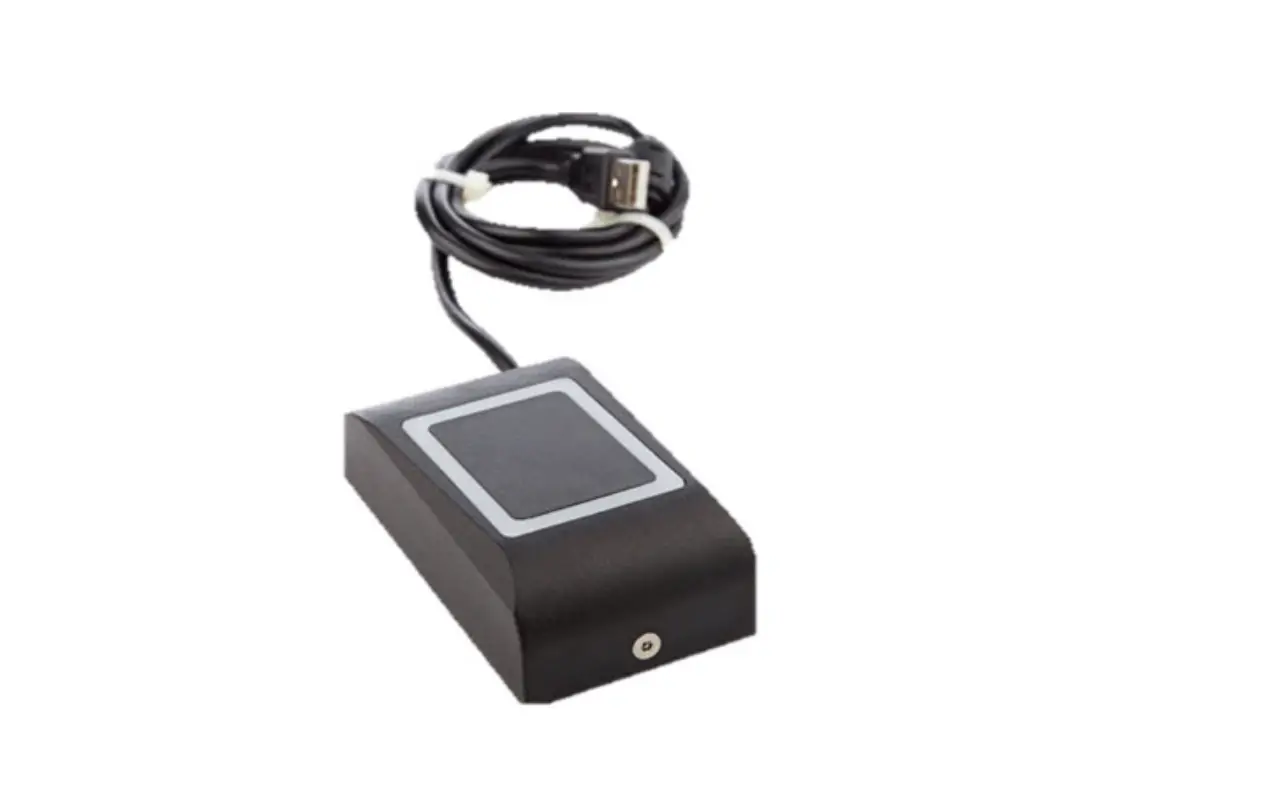
XPR Toolbox is software for settings and firmware updates of the reader. XPR Toolbox can be downloaded from at https://software.xprgroup.com/. To setup the reader or update the firmware, run the XPR Toolbox and select ”Generation 2” and the appropriate model, and click on “Open” tab. Follow the instruction in the software to set up or update the firmware. Connect the reader to PC using a Micro USB connector. No additional power for the reader is required. If the reader is used with EWS Controller, reader setting must be done by PROS-CS software.
ACCESSORIES
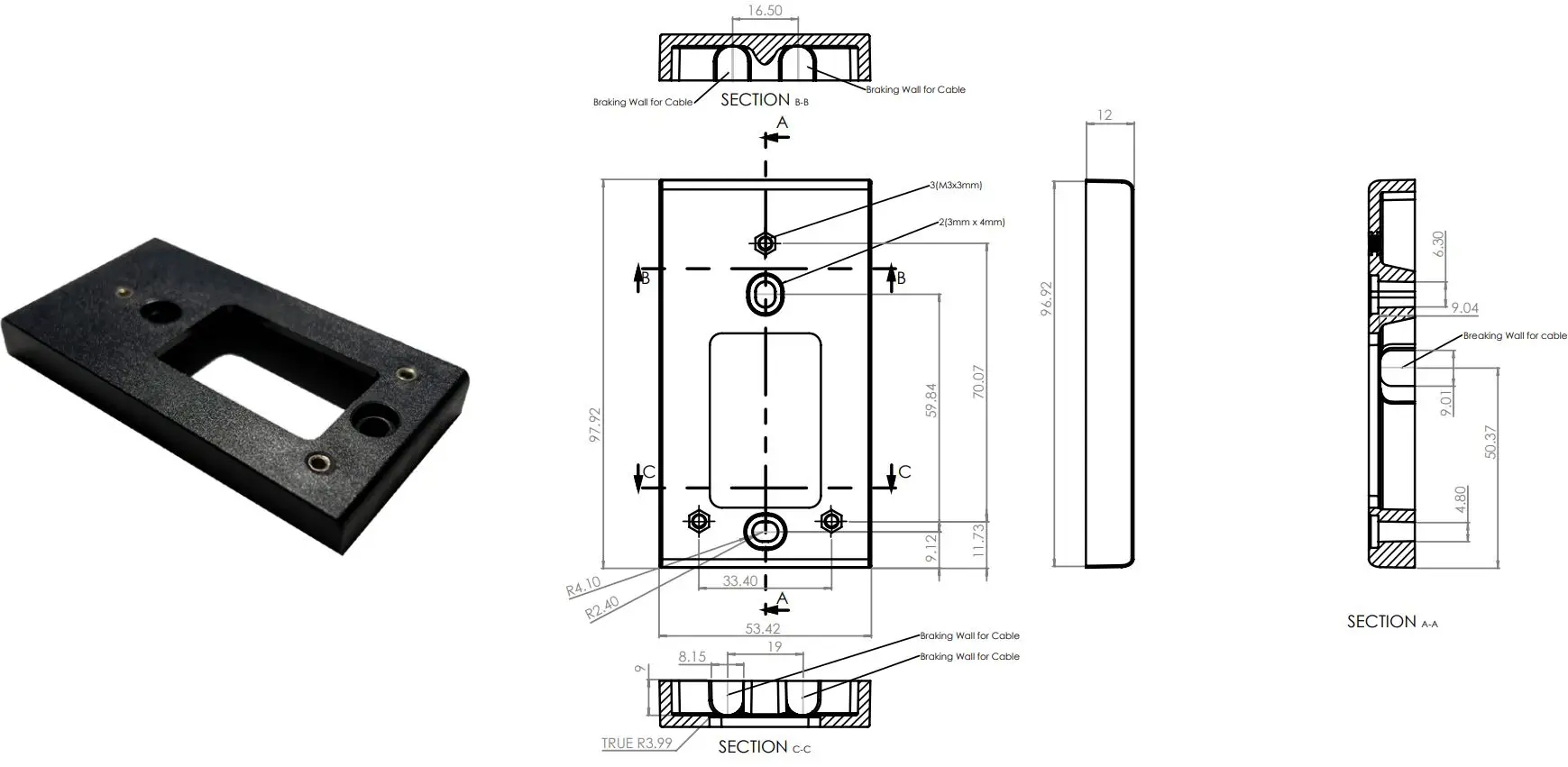
- MT-SPACER – Surface mounts spacer for the MINI range housing. It’s the perfect accessory to install easily your MINI range reader. It has six break-out openings for sheathed cabling. Smart and easy to install.

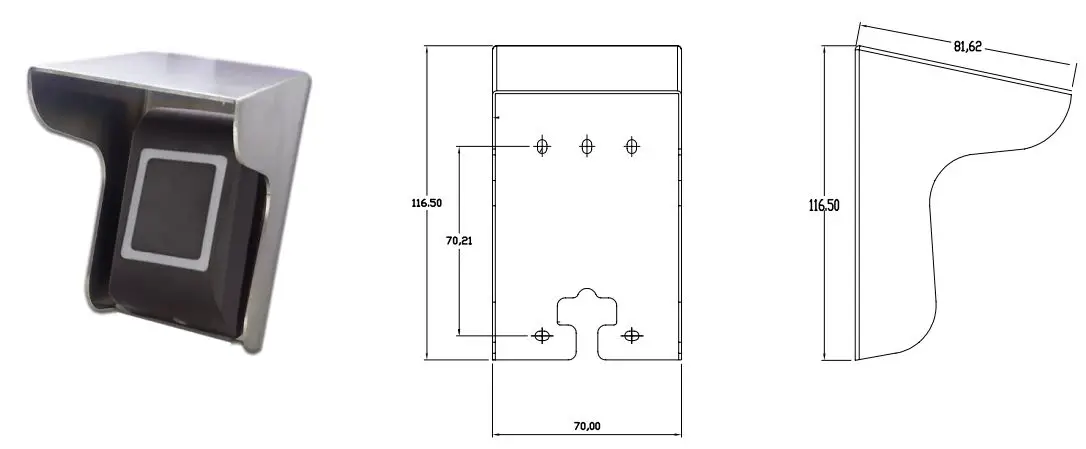
- MC-MINI – Mini metal covers for the MINI Range. Metal protection Covers for Single MINI range readers. A304 brushed steel, compulsory cover for biometric MINI range for outside use.

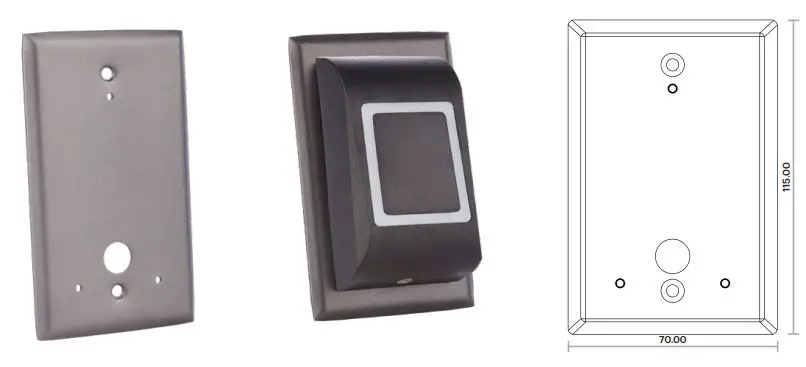
- USP – Optional single metal plate to fit single US electrical gang boxes. Also ideal for retrofit to cover pre-or old installation (small wall damages, chips, paintwork, etc.) USP are supplied in the same color as the readers used for a blending aesthetic design.

*Important: These accessories are not included with the readers!
This product herewith complies with the requirements of EMC directive 2014/30/EU, Radio Equipment Directive 2014/53/EU. In addition, it complies with RoHS2 Directive EN50581:2012 and RoHS3 Directive 2015/863/EU.
 XPR Group - Safe access systems provider
 XPR Group. Downloads