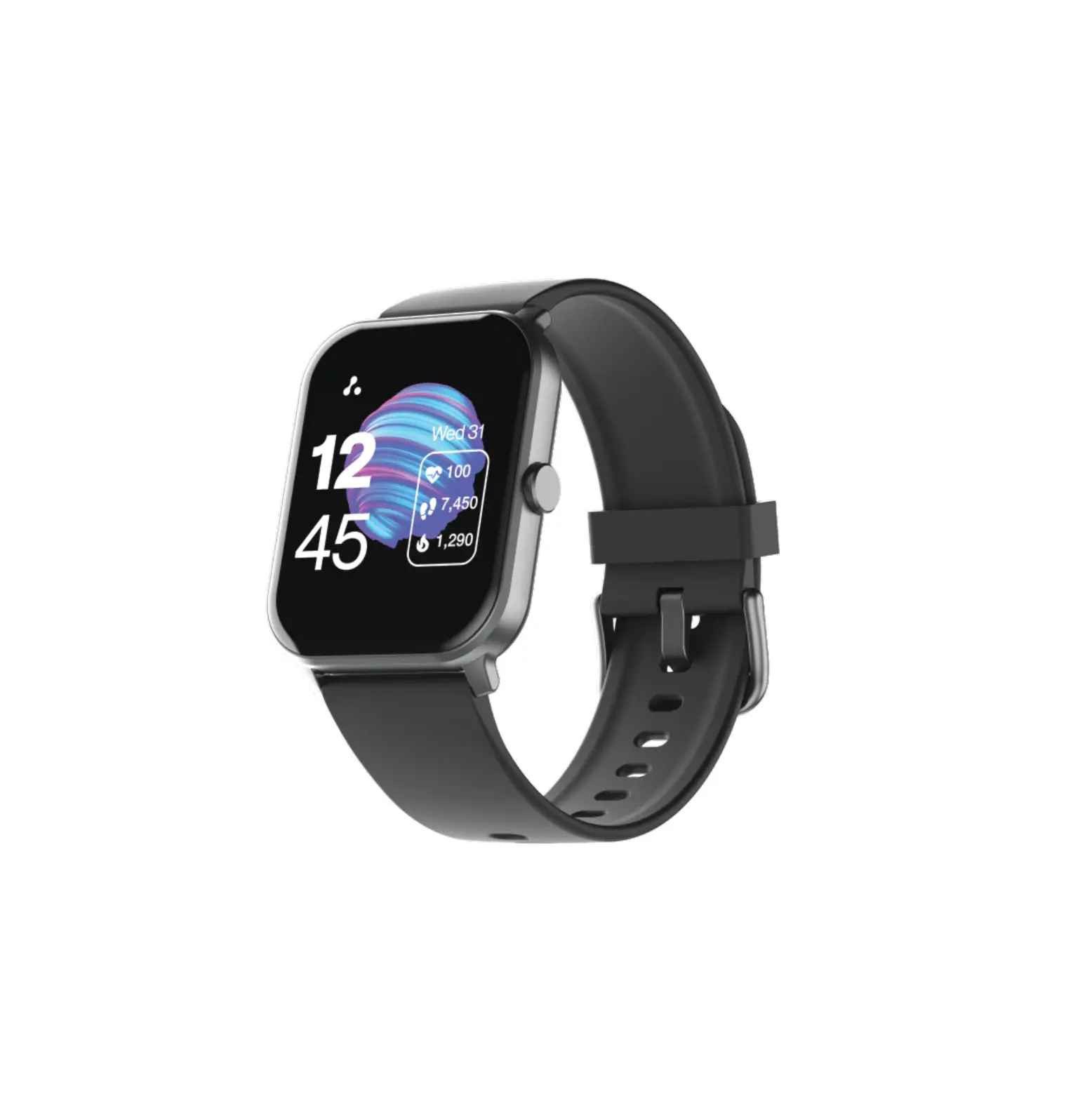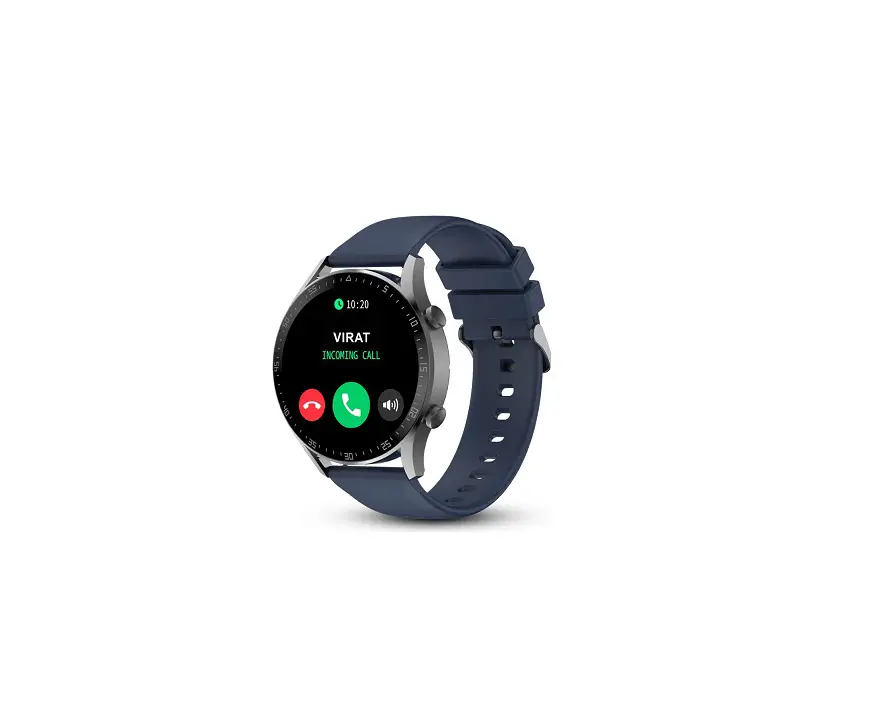
KINGWEAR BSW042 No 1 Smartwatch Brand Talk 2 Bluetooth Calling Smartwatch User Manual

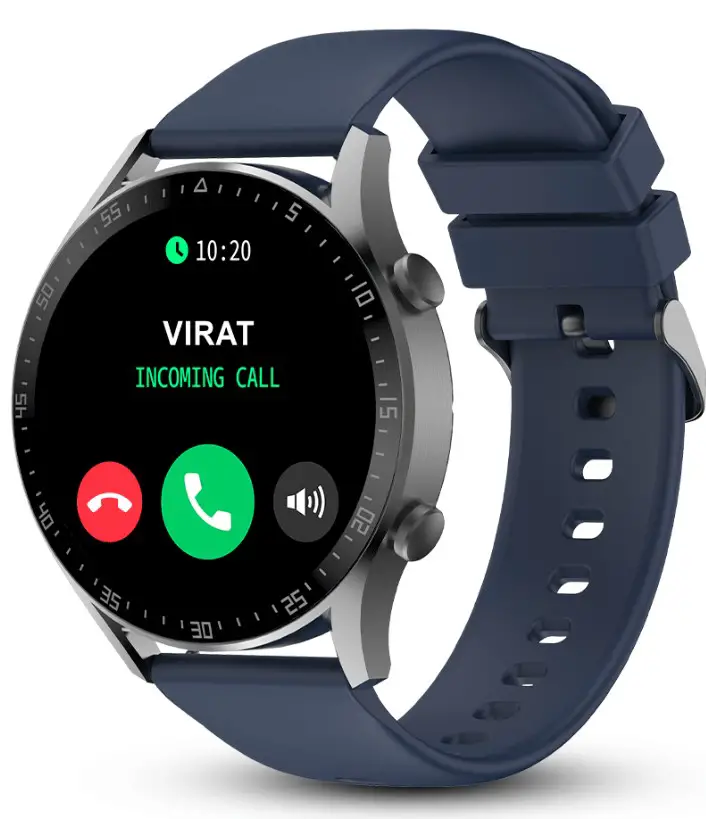
KINGWEAR BSW042 No 1 Smartwatch Brand Talk 2 Bluetooth Calling Smartwatch
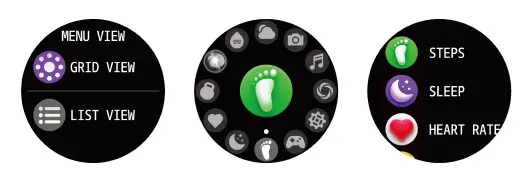
- Slide right to view quick menu, which allows you to go to any function with a single click. You can also come to this page and double press the first button to switch the menu style.

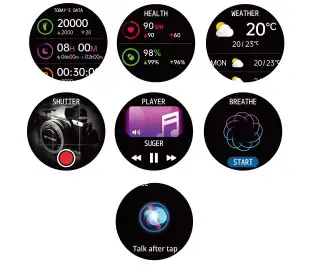
- a) Slide left to view Today Activity ( step, sleep, exercise), Health (HR, BP, Sp02), Weather, Shutter Player, Breathe, Al, Phone.

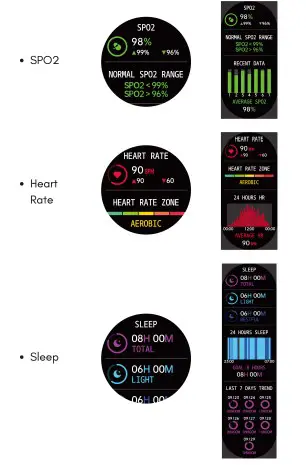
- b) On each function when you slide down you can view details .

Short wess from the 1st side button
To unlock the screen in the lock screen status
To return to the watch face page from the first-level menu entry in the unlocked status
Short press from the 2nd side button
To immediately land on the exercise page and begin the exercise
Long_press from the side button
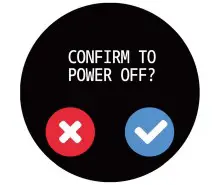
To power on the watch in the power off status
Watch Wearing and Charging
It is recommended to wear the watch with a moderate tightness at a distance two fingers far from your wrist to ensure that the optical heart rate monitor works properly
Tip – Please wear the device a bit little tighter when using the heart rate monitor & Sp02 feature.
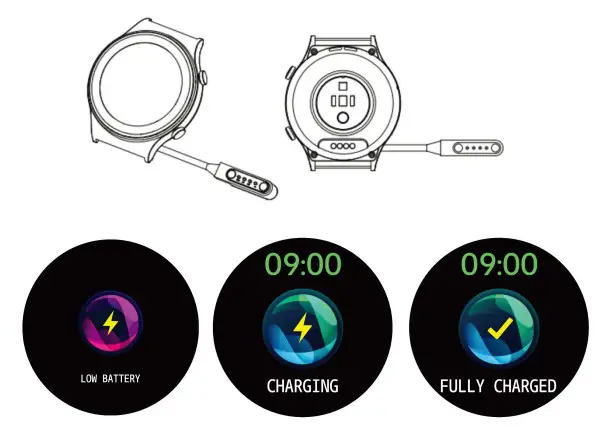
Charging
- Plug the charger’s USB port into a mobile phone charger or a computer USB port to charge the watch.
- Attach the charging pin to charge the smart watch.
- The charging icon will appear on the screen, indicating that the watch is being charged.
- It is recommended to use computer USB ports or brand mobile phone chargers to charge the watch .

Use of Functions
The watch has a lot of functions, these can be accessed by swiping left to the menu. A short brief of the functions are as below:
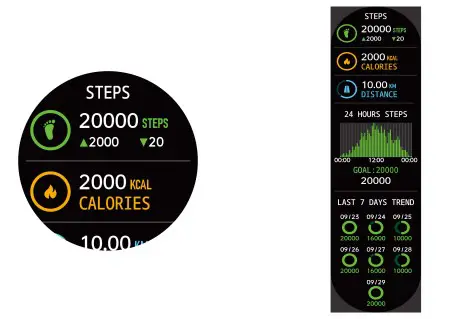
Steps- The watch automatically tracks the step taken on the screen. Note: Your movement stats reset to Oat midnight.
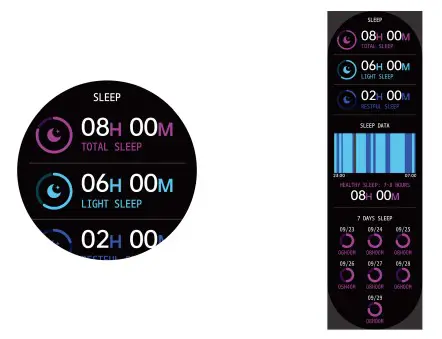
- Sleep – You need to wear the watch while sleeping, it will provide the hours slept and quality of sleep stats.
- Note: Sleep Detection starts from 8pm to 10 am the next day

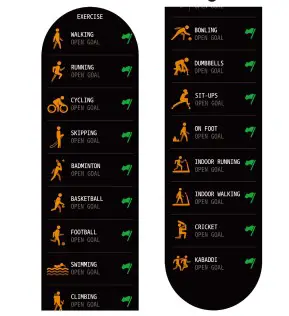
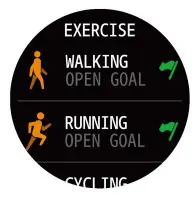
- Exercise – This feature comprises of 60+ exercise modes.
Track your fitness goals in a tap. You can view the following activities: Running, Walking, Cycling, Skipping, Football, Basketball, Badminton, Swimming, Cricket, Kabbadi
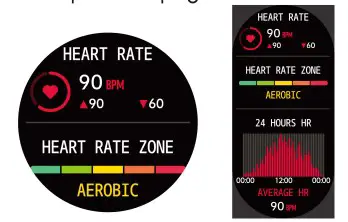
- Heart Rate – The watch will record your heart rate all day. You can also tap on the page to start measuring

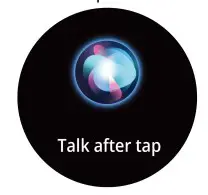
- 61 – Click the icon to wake up the phone smart assistant, and you can control the smartphone smart assistant through the watch voice