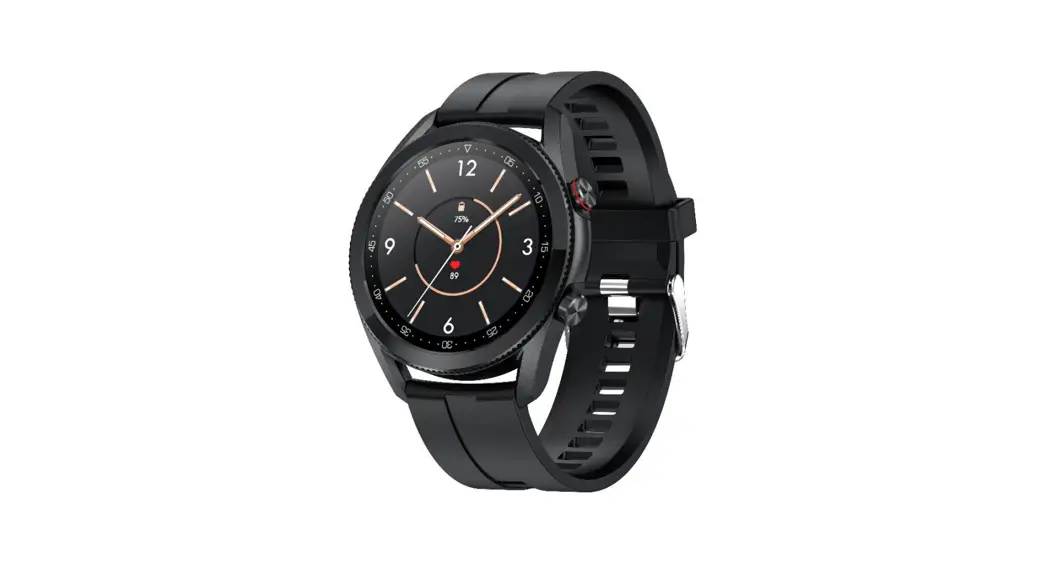
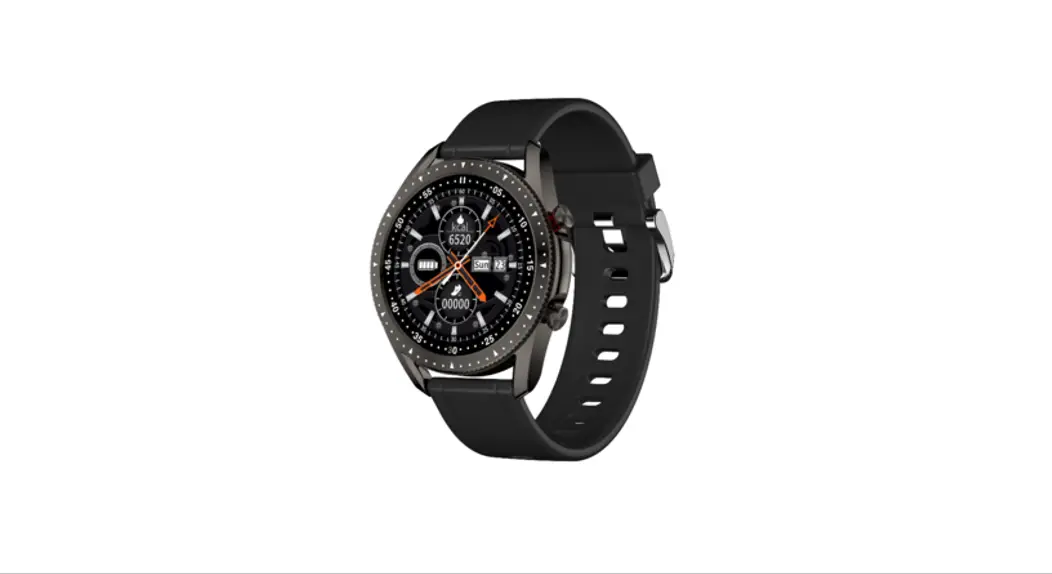
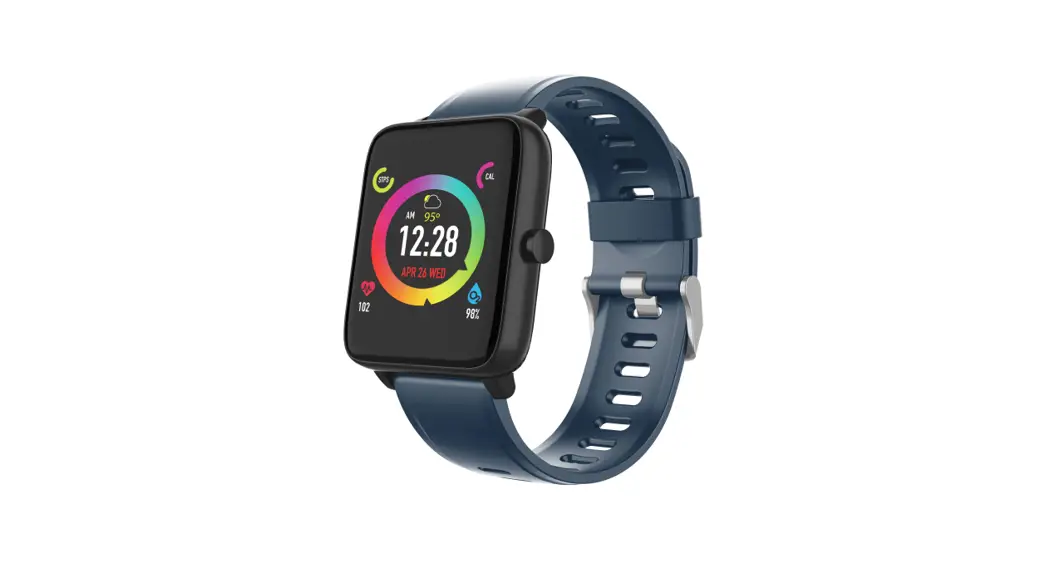
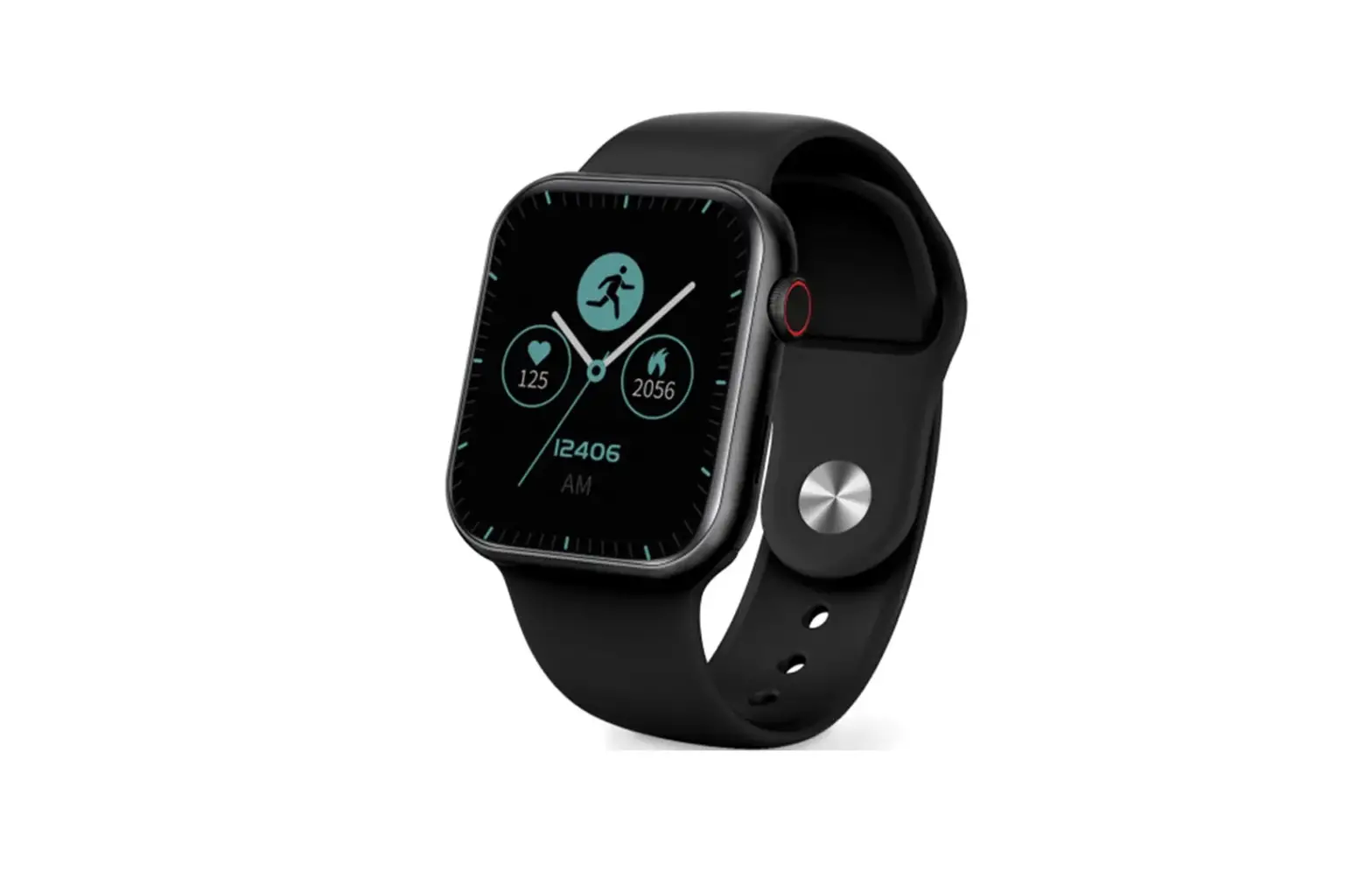
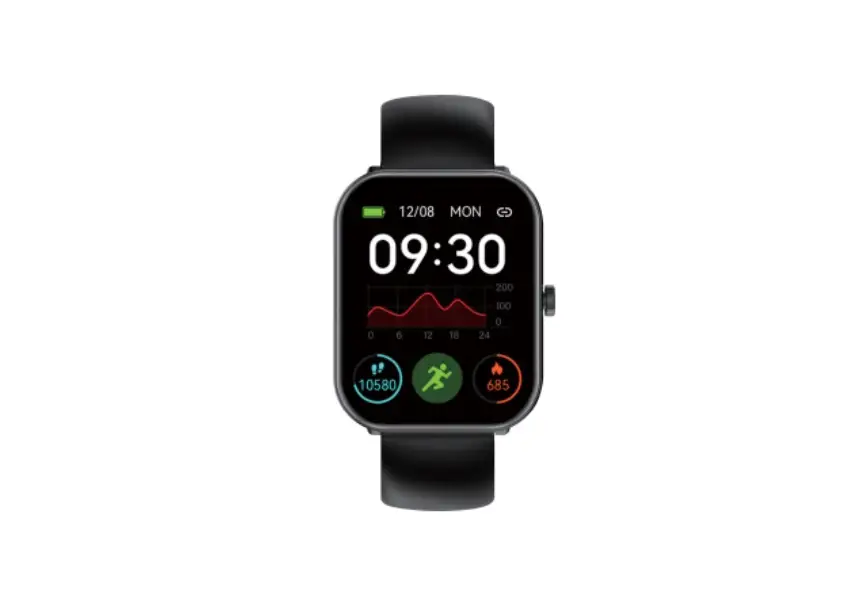
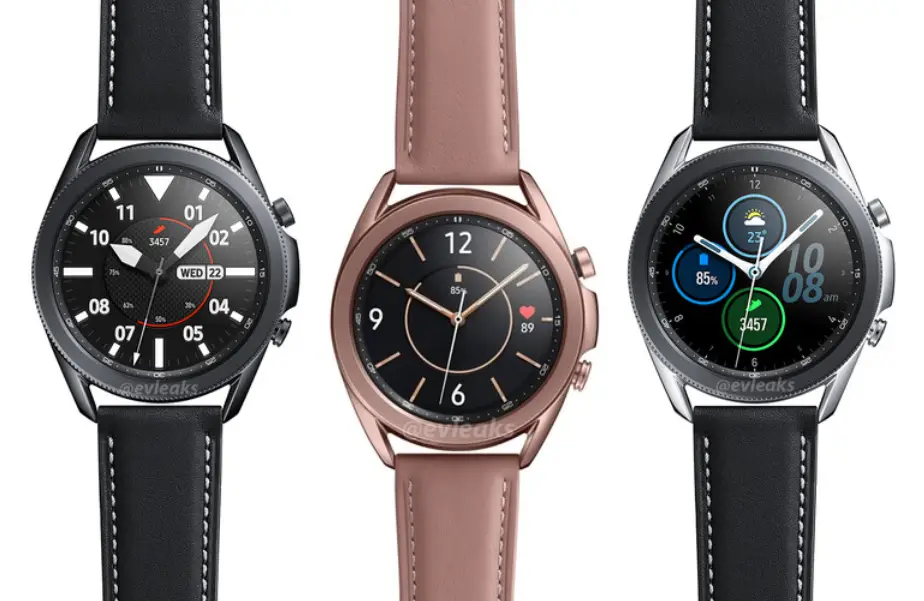
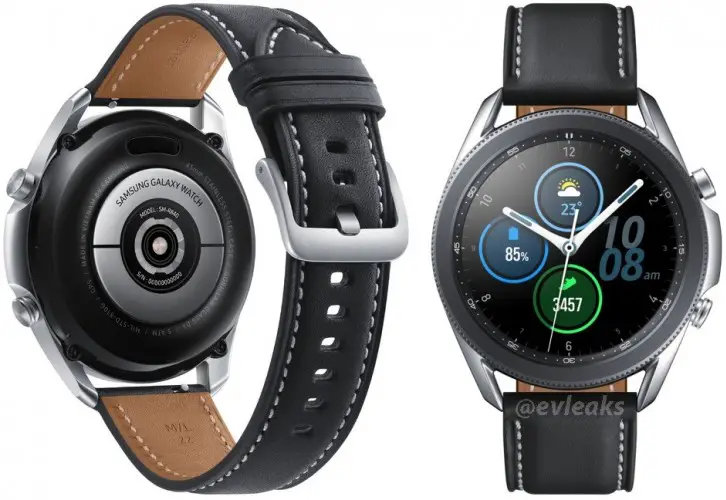
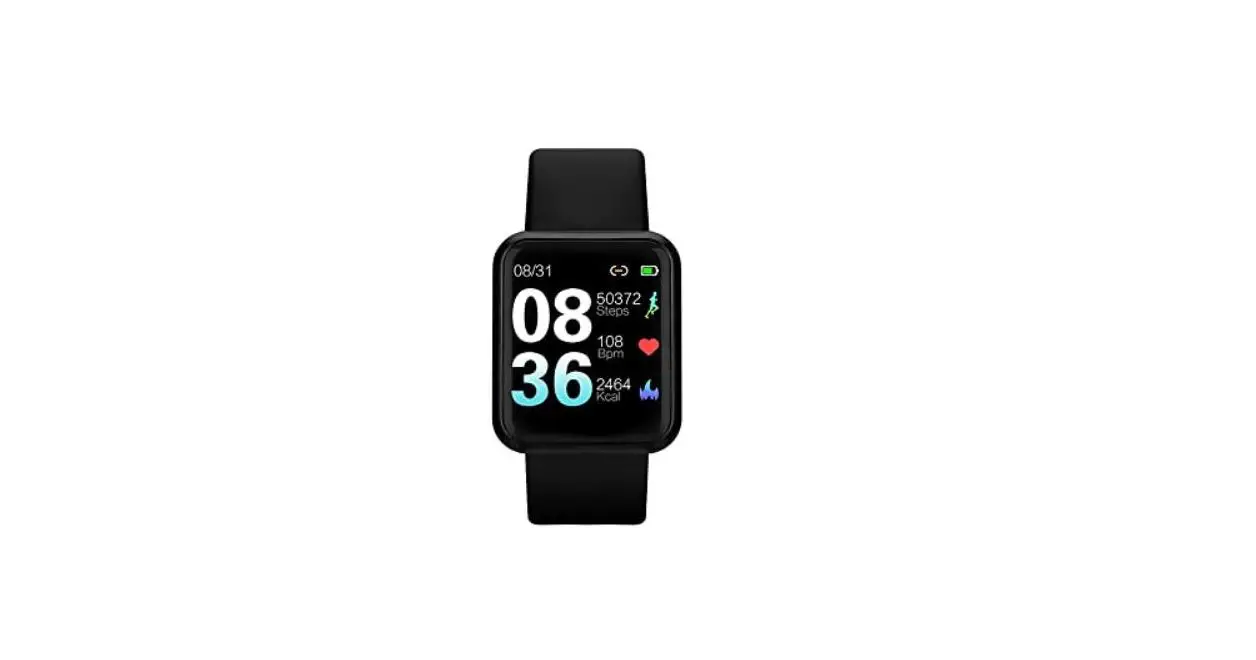
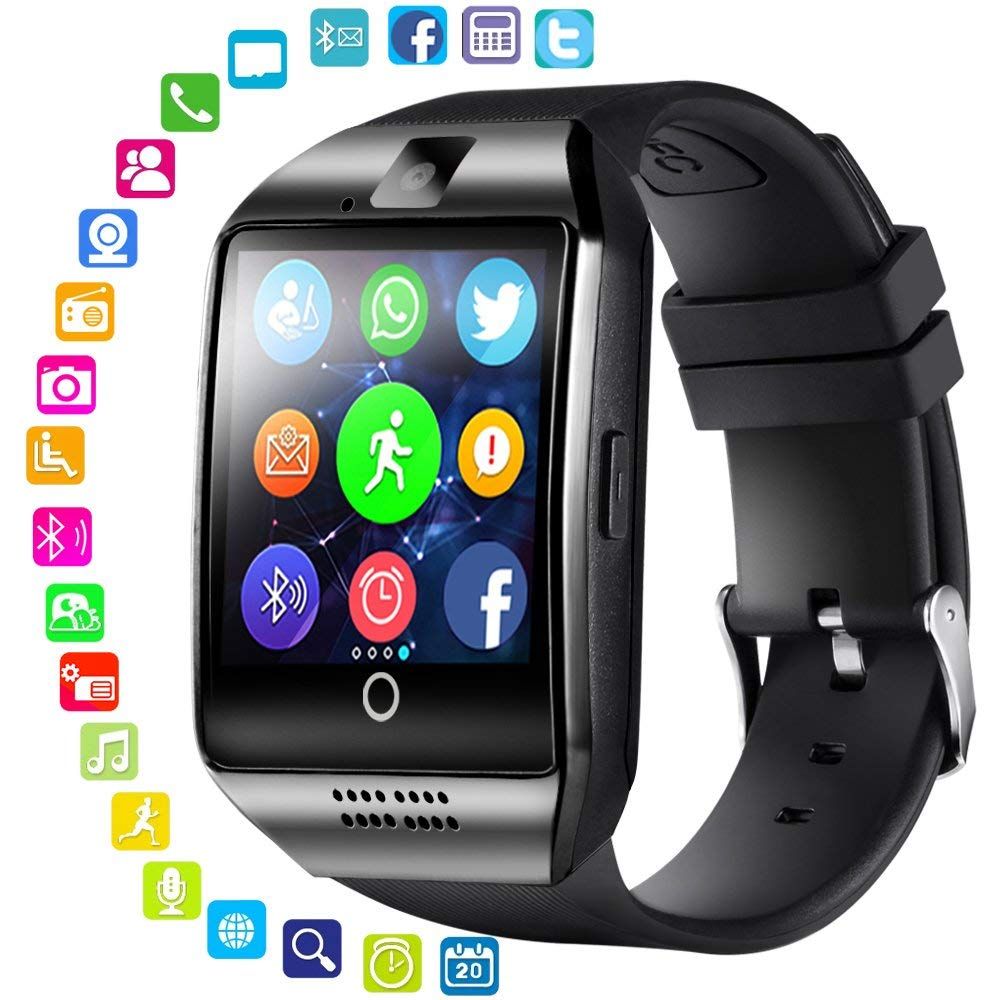
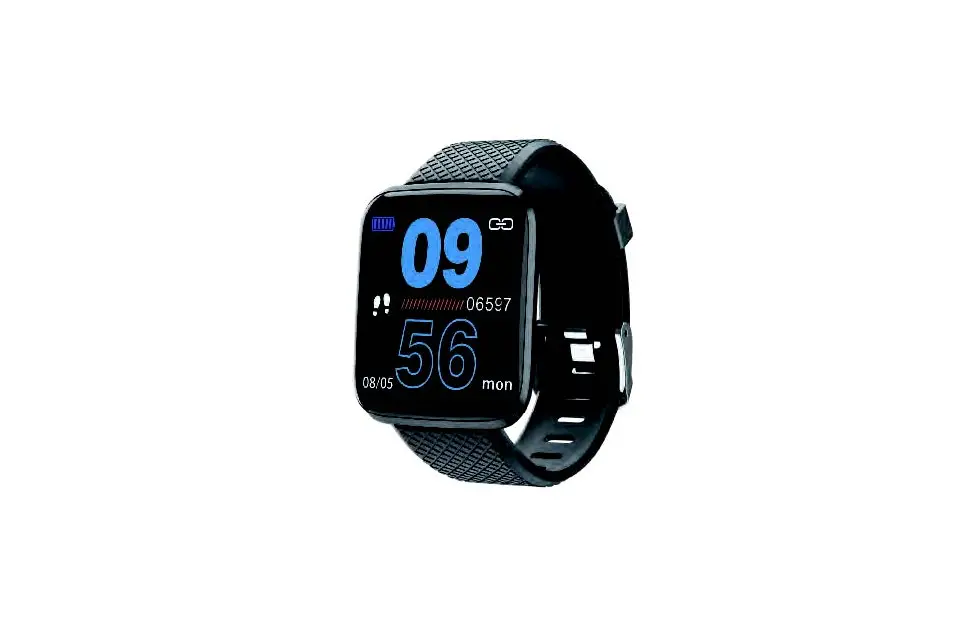
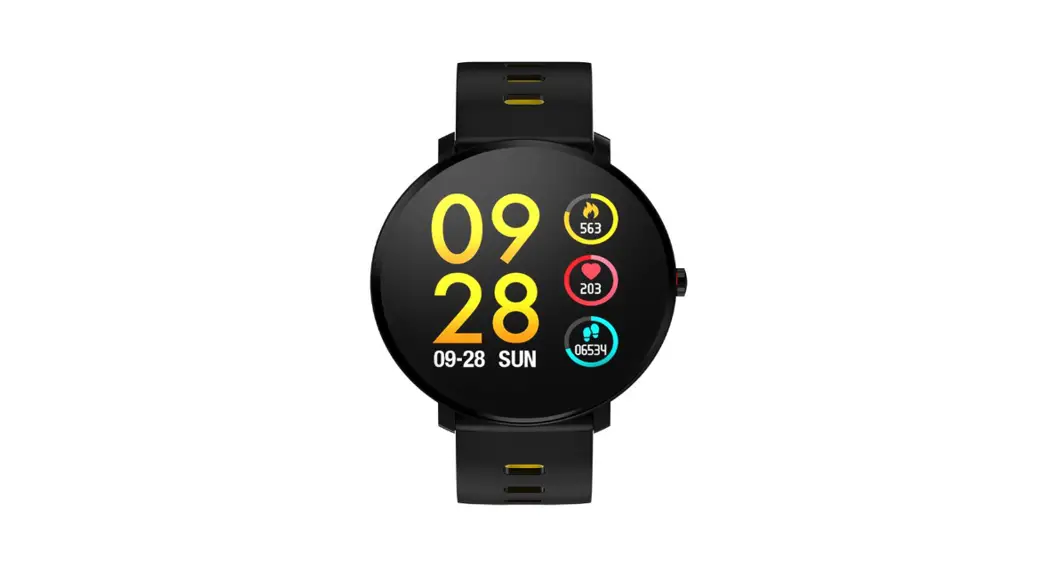
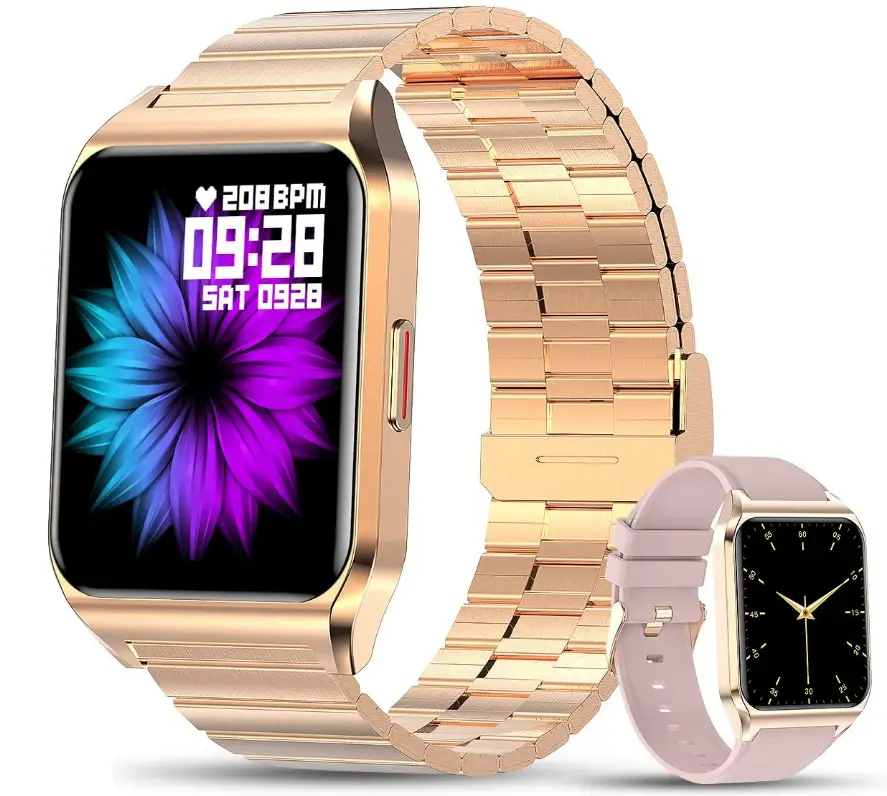
KE3 Bluetooth Call Smart Watch
Product Information
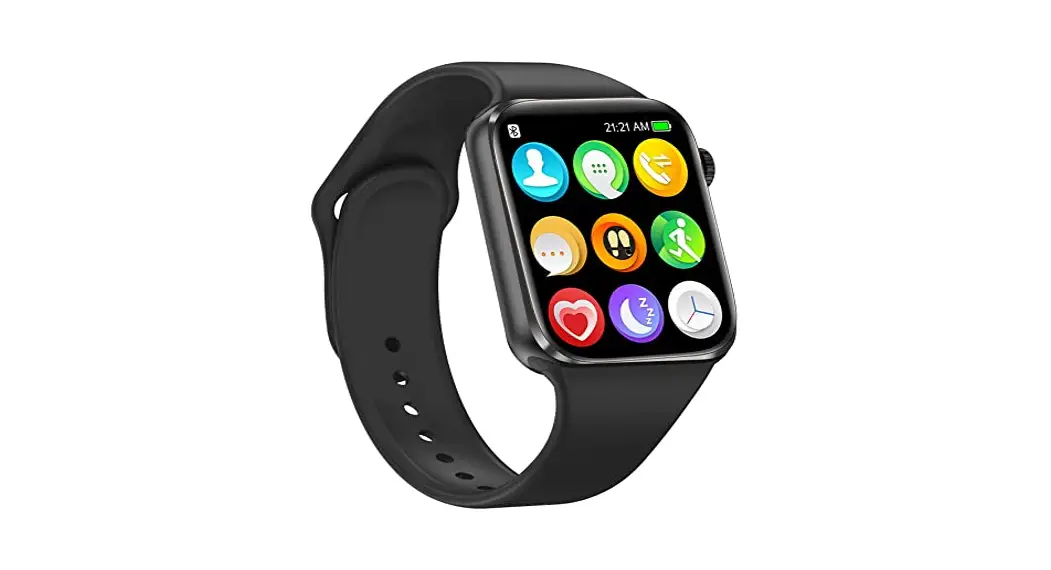
The KE3 is a smart health watch with various features and
functionalities. It has a TFT display for clear visuals, a rotating
key for easy navigation, floodlight customized keys for
personalized settings, a microphone for voice input, charging pins
for convenient charging, and a sensor speaker for audio output.
Charging Instructions
To start using the smart health watch, long press the rotating
key for 5 seconds. If the battery is low or exhausted, charge it
first by connecting the charging cable to the USB interface. The
input voltage should be 5V1A or 5V2A.
Download APP and Bluetooth Pairing
Before using the device, download and install the FitCloudPro
app. You can scan the QR code on the right side of the manual or
search for FitCloudPro in the Apple AppStore or Android market. The
app is compatible with iOS 11.4 and above, and Android 6.0 and
above.
APP Bluetooth Pairing
To pair the device with your phone, download and install the
FitCloudPro app. Register an account and log in. Turn on the
Bluetooth on your phone and open the app to connect to the
watch.
Call/Media Audio Settings
After completing Bluetooth pairing, you can set the audio
options on your watch through the app.
Main Watch Face Selection
You can select different watch faces by tapping and holding the
watch screen or rotating key. After connecting the watch to the
FitCloudPro app, more watch faces can be selected in the dial
library of the app.
Operation Method
– Rotate the key: Press and hold for 5 seconds to turn on/off
the watch. Rotate the key to browse the list of functions.
– Customized keys: Short press to switch the screen on/off. Long
press to enter the user-defined function interface.
– Tap and hold the screen: In the main dial status, tap and hold
the screen for 3 seconds to select different dials.
– Swiping: Swipe left or right to view other panels.
– Swipe upwards: On the watch screen, swipe upwards to view
notifications.
– Swipe downwards: On the watch screen, swipe downwards to
access the settings menu.
Product Parameters
- Display screen: 1.45 inch TFT display
- Resolution: 360 * 360
- Waterproof rating: IP67
- Wrist strap material: TPU
- Heart rate sensor: HX3605
- Compatibility: iOS 11.4+ and Android 8.0 or above
- Main control chip: RTL8763EWE
- Battery capacity: 300mAh
- Working time: about 7-9 days
- Synchronization mode: Bluetooth 5.2
- Working temperature: -10°C to 50°C
APP Language
The FitCloudPro app supports multiple languages including
English, German, Spanish, French, Italian, Polish, Portuguese,
Russian, Simplified Chinese, Japanese, and more languages will be
added in the future.
KE3 User Manual
1. Appearance Description
TFT display
Rotating Key
Floodlight Customized Keys
Microphone
Charging Pins
Sensor Speaker
2. Charging Instructions
Thank you for choosing our smart health watch. Please read the manual carefully when using it for the first time. First, long press the rotating key for 5 seconds to start the machine. If the battery is low or exhausted, please charge it first.
After connecting the charging cable, insert the USB interface (such as the computer host, mobile power supply, or standard power adapter) for charging. The input voltage is required to be 5V1A or 5V2A.
3. Download APP and Bluetooth Pairing
Install APP Before using this device, please download the APP and
install it. Scan the QR code on the right side with your mobile phone, then select the corresponding software to install according to your mobile phone system.
You can also search for “FitCloudPro” in the Apple AppStore to install it. Android phones users can download it from other APP stores. For example, search for “FitCloudPro” in the Android market to download and install. (Compatible system: iOS 11.4 and above, Android 6.0 and above)
FitCloudPro
(Scan the code on the watch interface to download)
Step 1: APP Bluetooth Pairing 1. For the first time use of this device, you need to download and install the
APP(FitCloudPro), launch it and register as required. After the registration is completed, enter the account and set the password to log in.
2. Turn on the Bluetooth status of the phone, and then open the APP to connect to the watch to complete the pairing.
Step 2: Call/Media Audio Settings After completing Bluetooth pairing, you can set the audio options on your watch. (As
shown in the figure below).
1. Pop up the window and click Pairing.
2. Set the audio options on the watch.
4. Main Watch Face Selection
Tap and hold the Watch screen/ rotating key to select different watch face. After connecting the watch and “FitCloudPro” APP, more watch faces can be selected in the dial Librar y of the APP.
+
(APP dial center)
5. Operation Method
Rotate the key: 1. Press and hold for 5 seconds to turn on/off the Watch; 2. Rotate the key to browse the list of functions.
Customized keys:1. Short press to switch the screen on/off; 2. Long press to enter the user-defined function interface.
Tap and hold the screen: In the main dial status, tap and hold the screen for 3 seconds to select different dials.
Swiping: Swipe to the left or right to view other panels.
Swipe upwards: On the Watch screen, swipe upwards to viewing a notification.
Swipe downwards: On the Watch screen, swipe downwards to access to the settings menu.
6.Product Parameters
Display screen: 1.45 inch TFT display Resolution: 360 * 360 Waterproof rating: IP67 Wrist strap material: TPU Heart rate sensor: HX3605 Compatibility: iOS11.4+Android 8.0 or above
Main control chip: RTL8763EWE Battery capacity:300mAh Working time: about 7-9 days Synchronization mode: Bluetooth 5.2 Working temperature: – 10 ~50 Package list: *Host * Charging line* Wrist strap * Instruction manual
7.APP language
APP supports languages: English, German, Spanish, French, Italian, Polish, Portuguese, Russian, Simplified Chinese, Japanese, and more languages will be added in the future.
8. The main function
Time Steps Distance Calories Sleep Multi- sport modes
Timer Find the phone Multilingual Heart rate Calendar Breathe training
Sedentary reminder Bluetooth calling Information push Play music Weather forecast Blood pressure
Menstrual cycle Calculator Remote photography Drinking water reminder Payment function Blood oxygen
9.Precautions
1. Do not hit the watch body heavily. 2. Do not expose the watch to chemicals such as benzene or thinner. 3. Please keep the watch away from strong magnetic fields and electric shock stations. 4. Please keep the watch away from direct light or heat appliances. 5. Do not disassemble, repair or modify the watch by yourself. 6. Dispose of packaging, batteries, and old electronic products, please sort them properly. 7. Please do not wear the watch while swimming, bathing or diving. (Temperature should not exceed 45°C)
FCC Statement
This device complies with part 15 of the FCC rules. Operation is subject to the following two conditions: (1) this device may not cause harmful interference, and (2) this device must accept any interference received, including interference that may cause undesired operation.
Changes or modifications not expressly approved by the party responsible for compliance could void the user’s authority to operate the equipment.
NOTE: This equipment has been tested and found to comply with the limits for a Class B digital device, pursuant to part 15 of the FCC Rules. These limits are designed to provide reasonable protection against harmful interference in a residential installation. This equipment generates uses and can radiate radio frequency energy and, if not installed and used in accordance with the instructions, may cause harmful interference to radio communications. However, there is no guarantee that interference will not occur in a particular installation. If this equipment does cause harmful interference to radio or television reception, which can be determined by turning the equipment off and on, the user is encouraged to try to correct the interference by one or more of the following measures:
· Reorient or relocate the receiving antenna. · Increase the separation between the equipment and receiver. · Connect the equipment into an outlet on a circuit different from that to which the receiver is connected. · Consult the dealer or an experienced radio/TV technician for help.
The device has been evaluated to meet general RF exposure requirement. The device can be used in portable exposure condition without restriction.
Manual del usuario KE3
1. descripción de la apariencia
Pantalla TFT
Botón de rotación
Iluminación
Teclas personalizadas
Micrófono
Manuale Utente KE3
1. DescrizioneDell’aspetto
Schermo TFT
Tasti Rotanti Torcia Tasti personalizzati
Micrófono
Manuel de l’Utilisateur du KE3
1. Description de l’apparence
Écran TFT
Rotation de la clé Torche Clé personnalisée
Microphone
KE3 Bedienungsanleitung
1. Beschreibung des Erscheinungsbildes
TFT-Bildschirm
Drehtaste
Taschenlampe
Kundenspezifischer Schlüssel
Mikrofon
Contacto de carga
Sensores Altavoces
2. Instrucciones de carga
Gracias por elegir nuestro reloj de salud inteligente. Por favor, lea atentamente el manual cuando lo utilice por primera vez. En primer lugar, pulse prolongadamente la tecla giratoria durante 5 segundos para ponerlo en marcha. Si la batería está baja o agotada, por favor, cárguela primero.
Después de conectar el cable de carga, inserte la interfaz USB (como el host del ordenador, la fuente de alimentación móvil o el adaptador de corriente estándar) para la carga. La tensión de entrada debe ser de 5V1A o 5V2A.
3. Descargar APP y emparejamiento Bluetooth
Instalar APP Antes de utilizar este dispositivo, descargue la APP e
instálela. Escanee el código QR de la derecha con su teléfono móvil y, a continuación, seleccione el software correspondiente para instalarlo según el sistema de su teléfono móvil.
También puedes buscar “FitCloudPro” en la AppStore de Apple para instalarla. Los usuarios de teléfonos Android pueden descargarla desde otras tiendas de APP. Por ejemplo, busca “FitCloudPro” en el Android market para descargarlo e instalarlo. (Sistema compatible: iOS 11.4 y superior, Android 6.0 y superior)
FitCloudPro
(Escanee el código en la interfaz del reloj para descargarlo)
Paso 1: Emparejamiento Bluetooth APP 1.Para utilizar este dispositivo por primera vez, debes descargar e instalar la APP
(FitCloudPro), iniciarla y registrarte según sea necesario. Una vez completado el registro, introduzca la cuenta y establezca la contraseña para iniciar sesión.
2.Active el estado Bluetooth del teléfono y, a continuación, abra la APP para conectarse al reloj y completar el emparejamiento.
Paso 2: Ajustes de audio de llamada/medios Una vez completado el emparejamiento Bluetooth, puede configurar las opciones de
audio en su reloj. (Como se muestra en la siguiente figura).
1. Abra la ventana y haga clic en Emparejamiento.
2. Configura las opciones de audio en el reloj.
4. Selección de la esfera del reloj principal
Mantenga pulsada la tecla de rotación de la pantalla del reloj para seleccionar una esfera diferente. Después de conectar el reloj y la APP “FitCloudPro”, se pueden seleccionar más esferas de reloj en la Biblioteca de esferas de la APP.
+
(centro de dial app)
5. Método de funcionamiento
Gire la tecla: 1. Mantenga pulsada la tecla durante 5 segundos para encender/apagar el Reloj; 2. Gire la tecla para navegar por la lista de funciones.
Llaves personalizadas: 1. Pulsación corta para encender/apagar la pantalla; 2. Pulsación larga para entrar en la interfaz de funciones definidas por el usuario.
Mantenga pulsada la pantalla: En el estado de marcación principal, mantenga pulsada la pantalla durante 3 segundos para seleccionar distintas marcaciones.
Deslizar: Desliza el dedo hacia la izquierda o la derecha para ver otros paneles.
Deslizar hacia arriba: En la pantalla del reloj, desliza el dedo hacia arriba para ver una notificación.
Deslizar hacia abajo: En la pantalla del reloj, desliza el dedo hacia abajo para acceder al menú de ajustes.
6.Parámetros del producto
Pantalla de visualización: Pantalla TFT de 1,45 pulgadas Chip de control principal: RTL8763EWE Resolución: 360 * 360 Capacidad de la batería: 300 mAh Índice de impermeabilidad: Ip67 Tiempo de trabajo: unos 7-9 días
Material de la correa: TPU Modo de sincronización: Bluetooth 5.2 Sensor de frecuencia cardíaca: Hx3605 Temperatura de trabajo: – 10 ~50 Compatibilidad: iOS11.4+ Android 8.0 o superior Lista de paquetes: *Host * Línea de carga * Correa de muñeca * Manual de instrucciones
7.APP Idioma
La APP es compatible con los siguientes idiomas: Inglés, alemán, español, francés, italiano, polaco, portugués, ruso, chino simplificado, japonés, y más idiomas se añadirán en el futuro.
8. Función principal
Tiempo Número de pasos Distancia Calorías Monitoreo del sueño Múltiples modos de ejercicio
Cronómetro Encontrar el teléfono Idiomas multinacionales Frecuencia cardíaca Calendario Entrenamiento respiratorio
Recordatorio sedentario Llamada Bluetooth Empuje de información Reproducir música Pronóstico del tiempo Presión arterial
Ciclo fisiológico Calculadora Sacude la mano para tomar una foto Recordatorio de agua potable Función de pago Oxígeno en sangre
9.Precauciones
1. No golpee fuertemente el cuerpo del reloj. 2. No exponga el reloj a productos químicos como benceno o diluyente. 3. Mantenga el reloj alejado de campos magnéticos intensos y estaciones de descarga eléctrica. 4. Mantenga el reloj alejado de la luz directa o de aparatos de calor. 5. No desmonte, repare ni modifique el reloj por su cuenta. 6. Deseche los envases, las pilas y los productos electrónicos viejos, por favor, clasifíquelos adecuadamente. 7. No lleve puesto el reloj mientras nada, se baña o bucea. (La temperatura no debe superar los 45°C)
Pin Di Ricarica
Sensore Altoparlante
2. Istruzioni per la ricarica
Grazie per aver scelto il nostro orologio intelligente per la salute. Si prega di leggere attentamente le istruzioni per il primo utilizzo. Per prima cosa, tenere premuto il pulsante tasti rotanti per 5 secondi per avviare l’apparecchio. Se la batteria è scarica o esaurita, caricarla prima.
Dopo aver collegato il cavo di ricarica, collegarlo a una porta USB (ad es. host del computer, alimentazione mobile o adattatore di alimentazione standard) per la ricarica. La tensione di ingresso richiesta è di 5V1A o 5V2A.
3. Scaricare l’applicazione e l’accoppiamento Bluetooth
Installare l’applicazione Prima di utilizzare questo dispositivo, scaricare l’APP e installarla. Scansionare il codice QR sulla destra con il proprio telefono cellulare e selezionare il software appropriato da installare in base al proprio sistema mobile. È anche possibile cercare “FitCloudPro” nell’AppStore di Apple per installarlo. Gli utenti di telefoni Android possono scaricarlo da altri AppStore. Ad esempio, cercare “FitCloudPro” nell’Android Market per scaricarlo e installarlo. Sistemi compatibili: iOS 11.4 e successivi, Android 6.0 e successivi.
FitCloudPro
(scansionare il codice sull’interfaccia dell’orologio per scaricarlo)
Passo 1: Accoppiamento dell’app Bluetooth 1.Per il primo utilizzo di questo dispositivo, è necessario scaricare e installare l’APP
(FitCloudPro), avviarla e registrarsi come richiesto. Al termine della registrazione, inserire l’account e impostare la password per accedere.
2.Attivare lo stato Bluetooth del telefono, quindi aprire l’APP per connettersi all’orologio e completare l’associazione.
Passo 2: Impostazione dell’audio della chiamata/media Una volta completato l’accoppiamento Bluetooth, è possibile impostare le opzioni
audio sull’orologio. (come mostrato nell’immagine sottostante).
1.Viene visualizzata una finestra popup, Fare clic su Accoppiamento.
2. Impostare le opzioni audio sull’orologio.
4. Selezione del quadrante principale dell’orologio
Toccare e tenere premuto lo schermo dell’orologio/il pulsante di rotazione per selezionare un quadrante diverso. Dopo aver collegato l’orologio e l’App “FitCloudPro”, è possibile selezionare altri modelli di orologio dalla libreria dei quadranti dell’App.
+
(Centro di selezione APP)
5. Metodo operativo
Ruotare il tasto: 1. Tenere premuto per 5 secondi per accendere/spegnere l’orologio; 2. Ruotare la chiave su sfogliare l’elenco delle funzioni.
Chiavo personalizzate: 1. Premere brevemente per accendere/spegnere lo schermo; 2. Premere a lungo per accedere all’interfaccia delle funzioni definite dall’utente.
Tocca e tieni premuto lo schermo: Nello stato del quadrante principale, tocca e tieni premuto lo schermo per 3 secondi per selezionare diversi quadranti.
Scorrimento: Scorri verso sinistra o destra per visualizzare altri pannelli.
Scorri verso l’alto: Nella schermata dell’orologio, scorri verso l’alto per visualizzare una notifica.
Scorri verso il basso: Nella schermata dell’orologio, scorri verso il basso per accedere al menu delle impostazioni.
6.Parametri del prodotto
Schermo di visualizzazione: display TFT da 1,45 pollici Chip di controllo principale: RTL8763EWE Risoluzione: 360 * 360 Capacità della batteria: 300mAh Valutazione impermeabile: Ip67 Orario di lavoro: circa 7-9 giorni
Materiale cinturino da polso: TPU Modalità di sincronizzazione: Bluetooth 5.2 Sensore di frequenza cardiaca: Hx3605 Temperatura di lavoro: – 10~50 Compatibilità: iOS11.4+ Android 8.0 o superiore Elenco dei pacchetti: * Host * Linea di ricarica * Cinturino da polso * Manuale di istruzioni
7.Lingua dell’APP
L’APP supporta le lingue: inglese, tedesco, spagnolo, francese, italiano, polacco, portoghese, russo, cinese semplificato, giapponese e altre lingue verranno aggiunte in futuro.
8. La funzione principale
Tempo Passi Distanza Calorie Sonno Modalità multisport
Timer Trova il telefono Multilingue Frequenza cardiaca Calendario Allenamento del respiro
Promemoria sedentario Chiamata Bluetooth Spinta informativa Suonare previsioni del tempo pressione sanguigna
Ciclo mestruale Calcolatrice Fotografia a distanza Promemoria per bere acqua Funzione di pagamento Ossigeno nel sangue
9.Precauzioni
1. Non colpire pesantemente il corpo dell’orologio. 2. Non esporre l’orologio a sostanze chimiche come benzene o solventi. 3. Si prega di tenere l’orologio lontano da forti campi magnetici e stazioni di scosse elettriche. 4. Si prega di tenere l’orologio lontano dalla luce diretta o da apparecchi di calore. 5. Non smontare, riparare o modificare l’orologio da soli. 6. Smaltire l’imballaggio, le batterie e i vecchi prodotti elettronici, separarli correttamente. 7. Si prega di non indossare l’orologio durante il nuoto, il bagno o le immersioni. (La temperatura non deve superare i 45°C)
Épingles de Charge
Capteur Orateur
2. Instructions de Charge
Merci d’avoir choisi notre montre de santé intelligente. Veuillez lire attentivement le manuel lorsque vous l’utilisez pour la première fois. Tout d’abord, appuyez longuement sur la touche rotative pendant 5 secondes pour démarrer la machine. Si la batterie est faible ou épuisée, veuillez d’abord la charger.
Après avoir connecté le câble de charge, insérez l’interface USB (telle que l’hôte de l’ordinateur, l’alimentation mobile ou l’adaptateur secteur standard) pour le chargement. La tension d’entrée doit être de 5V1A ou 5V2A.
3. Téléchargez l’APP et Associez-la avec Bluetooth
Installer APP Avant d’utiliser cet appareil, veuillez télécharger l’application et l’installer. Scannez le code QR sur le côté droit avec votre téléphone mobile, puis sélectionnez le logiciel correspondant à installer en fonction de votre système de téléphonie mobile. Vous pouvez également rechercher “FitCloudPro” dans l’App Store d’Apple pour l’installer. Les utilisateurs de téléphones Android peuvent le télécharger à partir d’autres magasins APP. Par exemple, recherchez “FitCloudPro” sur le marché Android pour télécharger et installer. (Système compatible: iOS 11.4 et supérieur, Android 6.0 et supérieur)
FitCloudPro
(Scannez le code sur l’interface de la montre pour télécharger)
Étape 1: Appairage Bluetooth APP 1.Pour la première utilisation de cet appareil, vous devez télécharger et installer l’application (FitCloudPro), la lancer et vous inscrire selon vos besoins. Une fois l’inscription terminée, entrez le compte et définissez le mot de passe pour vous connecter. 2.Activez l’état Bluetooth du téléphone, puis ouvrez l’application pour vous connecter à la montre et terminer le couplage.
Étape 2: Paramètres Audio d’Appel/Multimédia Une fois le couplage Bluetooth terminé, vous pouvez définir les options audio de votre montre. (Comme le montre la figure ci-dessous).
1. Ouvrez la fenêtre et cliquez sur Jumelage.
2. Réglez les options audio sur la montre.
4. Sélection du Cadran Principal de la Montre
Appuyez et maintenez la touche Écran de la montre/rotation pour sélectionner un autre cadran. Après avoir connecté la montre et l’application “FitCloudPro”, d’autres cadrans peuvent être sélectionnés dans la bibliothèque de cadrans de l’application.
+
(Centre de cadran APP)
5. Metodo operativo
Faites pivoter la touche: 1. Appuyez et maintenez enfoncé pendant 5 secondes pour allumer/éteindre la montre; 2. Faites pivoter la clé sur Parcourez la liste des fonctions.
Boutons personnalisés: 1. pression courte pour allumer/éteindre l’écran ; 2. pression longue pour accéder aux écrans de fonctions définies par l’utilisateur.
Appuyez longuement sur l’écran: dans l’état principal du cadran, appuyez longuement sur l’écran pendant 3 secondes pour sélectionner différentes molettes.
Balayage: Balayez vers la gauche ou la droite pour afficher d’autres panneaux.
Balayez vers le haut: Sur l’écran de la montre, balayez vers le haut pour afficher une notification.
Balayez vers le bas: Sur l’écran de la montre, balayez vers le bas pour accéder au menu des paramètres.
6.Parametri del prodotto
Écran d’affichage: Écran TFT de
1,45 pouce
Matériau du bracelet: TPU
Puce de contrôle principale:
Mode de synchronisation: Bluetooth 5.2
RTL8763EWE
Capteur de fréquence cardiaque: Hx3605
Résolution: 360 * 360
Température de fonctionnement: – 10 ~50
Capacité de la batterie: 300mAh
Compatibilité: iOS11.4+ Android 8.0 ou supérieur
Indice d’étanchéité: Ip67
Liste de colis: *Hôte * Ligne de charge * Bracelet *
Durée de fonctionnement: environ 7- Manuel d’instruction
9 jours
7.APP Langue
L’APP prend en charge les langues: anglais, allemand, espagnol, français, italien, polonais, portugais, russe, chinois simplifié, japonais, et d’autres langues seront ajoutées à l’avenir.
8. La Fonction Principale
Temps Nombre de pas Distance Calones Sommeil Modes multisports
Minuterie Trouver le téléphone Plusieurs langues Fréquence cardiaque Calendrier Entraînement respiratoire
Rappel sédentaire Appeler par Bluetooth Informations push Jouer de la musique Prévisions météo Pression artérielle
Cycle physiologique Calculatrice Secouer pour prendre une photo Rappel d’eau potable Fonctions de paiement Oxygène du sang
9.Précautions
1. Ne frappez pas lourdement le corps de la montre. 2. N’exposez pas la montre à des produits chimiques tels que le benzène ou le diluant. 3. Tenez la montre à l’écart des champs magnétiques puissants et des stations d’électrocution. 4. Tenez la montre à l’écart de la lumière directe ou des appareils de chauffage. 5. Ne démontez pas, ne réparez pas et ne modifiez pas la montre vous-même. 6. Mettez au rebut les emballages, les piles et les produits électroniques usagés, en les triant correctement. 7. Ne portez pas la montre en nageant, en vous baignant ou en plongeant. (La température ne doit pas dépasser 45°C)
Ladestifte
Sensor Sprecher
2. Ladeanleitung
Vielen Dank, dass Sie sich für unsere intelligente Gesundheitsuhr entschieden haben. Bitte lesen Sie das Handbuch sorgfältig durch, wenn Sie es zum ersten Mal verwenden. Drücken Sie zunächst die Drehtaste fünf Sekunden lang, um die Maschine zu starten. Wenn der Akku leer oder erschöpft ist, laden Sie ihn bitte zuerst auf.
Stecken Sie nach dem Anschließen des Ladekabels die USB-Schnittstelle (z. B. den ComputerHost, das mobile Netzteil oder das Standard-Netzteil) zum Aufladen ein. Die Eingangsspannung muss 5V1A oder 5V2A betragen.
3. Download APP und Bluetooth Pairing
APP installieren Bevor Sie dieses Gerät verwenden, laden Sie bitte die APP
herunter und installieren Sie sie. Scannen Sie den QR-Code auf der rechten Seite mit Ihrem Mobiltelefon und wählen Sie dann die entsprechende Software für die Installation entsprechend Ihrem Mobiltelefonsystem aus.
Sie können auch im Apple AppStore nach “FitCloudPro” suchen, um es zu installieren. Suchen Sie zum Beispiel im Android-Markt nach “FitCloudPro”, um sie herunterzuladen und zu installieren. (Kompatibles System: iOS 11.4 und höher, Android 6.0 und höher)
FitCloudPro
(Scannen Sie den Code auf der Benutzeroberfläche der Uhr zum
Herunterladen)
Schritt 1: APP Bluetooth Pairing 1. Für die erste Verwendung dieses Geräts müssen Sie die APP (FitCloudPro) herunterladen und
installieren, starten und sich bei Bedarf registrieren. Nachdem die Registrierung abgeschlossen ist, geben Sie das Konto ein und legen Sie das Passwort für die Anmeldung fest.
2. Schalten Sie den Bluetooth-Status des Telefons ein, und öffnen Sie dann die APP, um eine Verbindung mit der Uhr herzustellen, um die Kopplung abzuschließen.
Schritt 2: Audio-Einstellungen für Anrufe/Medien Nach Abschluss der Bluetooth-Kopplung können Sie die Audiooptionen auf Ihrer Uhr festlegen. (Wie in der Abbildung unten gezeigt).
1. Öffne das Fenster und klicke auf Kopplung.
2. Legen Sie die Audiooptionen auf der Uhr fest.
4. Auswahl des Zifferblatts der Hauptuhr
Tippen und halten Sie die Drehtaste gedrückt, um ein anderes Zifferblatt auszuwählen. Nach dem Anschließen der Uhr und der “FitCloudPro” APP können weitere Zifferblätter in der Dial Library der APP ausgewählt werden.
+
(APP Wählzentrum)
5. Betriebsmethode
Drehen Sie die Taste: 1. Halten Sie die Uhr fünf Sekunden lang gedrückt, um sie ein- und auszuschalten; 2. Drehen Sie die Taste, um die Liste der Funktionen zu durchsuchen.
Kundenspezifische Schlüssel: Drücken Sie kurz, um den Bildschirm ein-/auszuschalten; 2. Drücken Sie lange, um die benutzerdefinierte Funktionsoberfläche zu öffnen.
Tippen und halten Sie den Bildschirm: Tippen und halten Sie im Hauptwahlstatus den Bildschirm drei Sekunden lang gedrückt, um verschiedene Zifferblätter auszuwählen.
Wischen: Wischen Sie nach links oder rechts, um andere Bedienfelder anzuzeigen.
Swischen Sie nach oben: Wischen Sie auf dem Bildschirm Watch nach oben, um eine Benachrichtigung anzuzeigen.
Nach unten wischen: Wischen Sie auf dem Bildschirm Watch nach unten, um auf das Einstellungsmenü zuzugreifen.
6.Produktparameter
Display Bildschirm: 1.45 Zoll TFT Display Hauptsteuerchip: RTL8763EWE Auflösung: 360 * 360 Batteriekapazität: 300mAh Wasserdicht Bewertung: Ip67 Arbeitszeit: ca. 7-9 Tage
Material des Armbands: TPU Synchronisationsmodus: Bluetooth 5.2 Herzfrequenzsensor: Hx3605 Arbeitstemperatur:10 ~50 Kompatibilität:
iOS11.4+ Android 8.0 oder höher Paketliste: *Host * Ladeleine * Handgelenkriemen * Bedienungsanleitung
7.APP Sprache
APP unterstützt Sprachen: Englisch, Deutsch, Spanisch, Französisch, Italienisch, Polnisch, Portugiesisch, Russisch, vereinfachtes Chinesisch, Japanisch und weitere Sprachen werden in Zukunft hinzugefügt.
8. Die Hauptfunktion
Zeit Schritte Abstand Kalorien Schlafen Multi-Sport-Modi
Zeitschaltuhr Finden Sie das Telefon Mehrsprachig Herzfrequenz Kalender Atemtraining
Sitzende Erinnerung Bluetooth-Anrufe Informations-Push Musik abspielen Wettervorhersage Blutdruck
Menstruationszyklus Rechner Fernfotografie Trinkwasser-Erinnerung Bezahlfunlktion Blutsauerstoff
9. Vorsichtsmaßnahmen
1. Schlagen Sie nicht stark auf den Uhrenkörper. 2. Setzen Sie die Uhr nicht Chemikalien wie Benzol oder Verdünner aus. 3. Bitte halten Sie die Uhr von starken Magnetfeldern und elektrischen Schockstationen fern. 4. Bitte halten Sie die Uhr von direkten Licht- oder Wärmegeräten fern. 5. Demontieren, reparieren oder ändern Sie die Uhr nicht selbst. 6. Entsorgen Sie Verpackungen, Batterien und alte elektronische Produkte, sortieren Sie sie bitte richtig. 7. Bitte tragen Sie die Uhr nicht beim Schwimmen, Baden oder Tauchen. (Temperatur sollte 45°C nicht überschreiten)