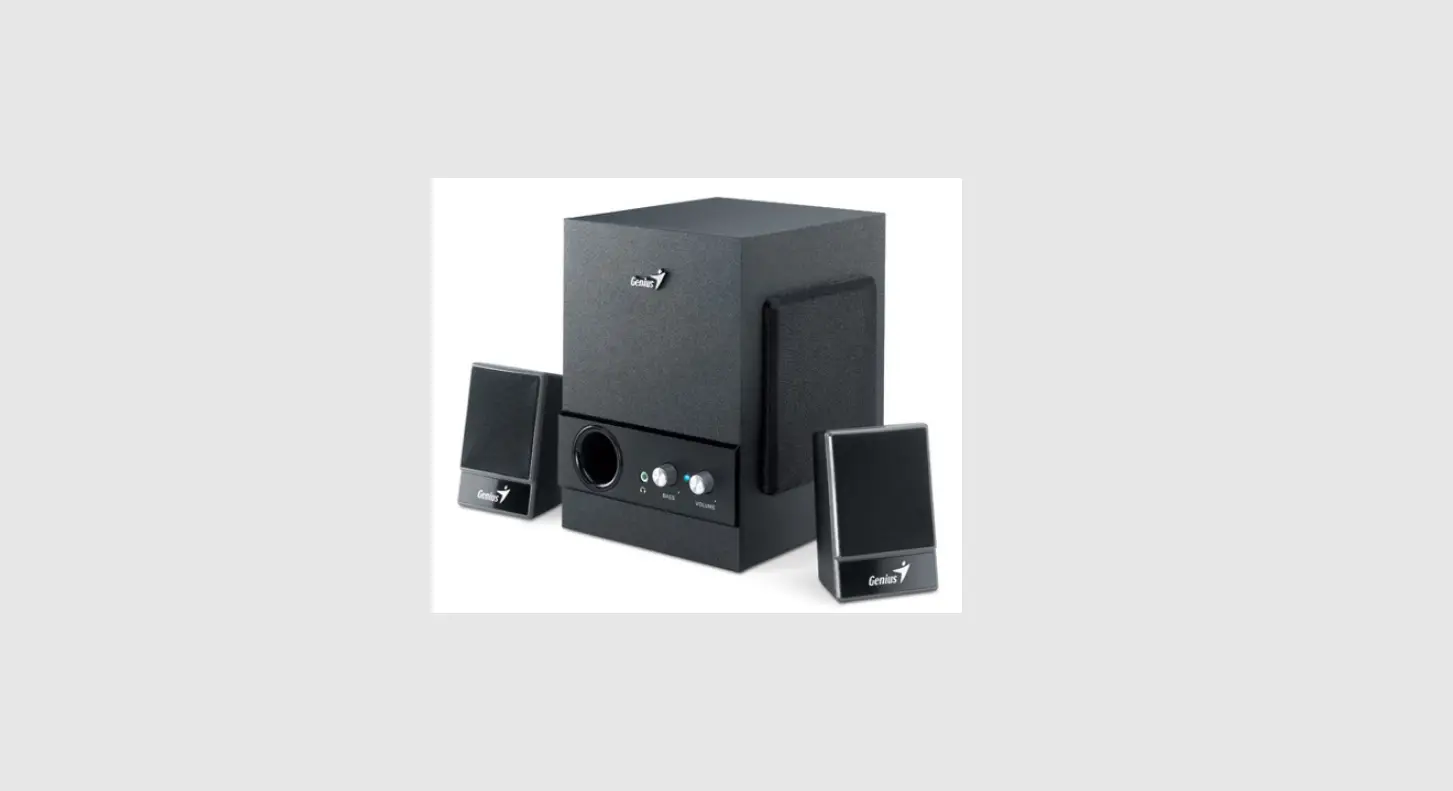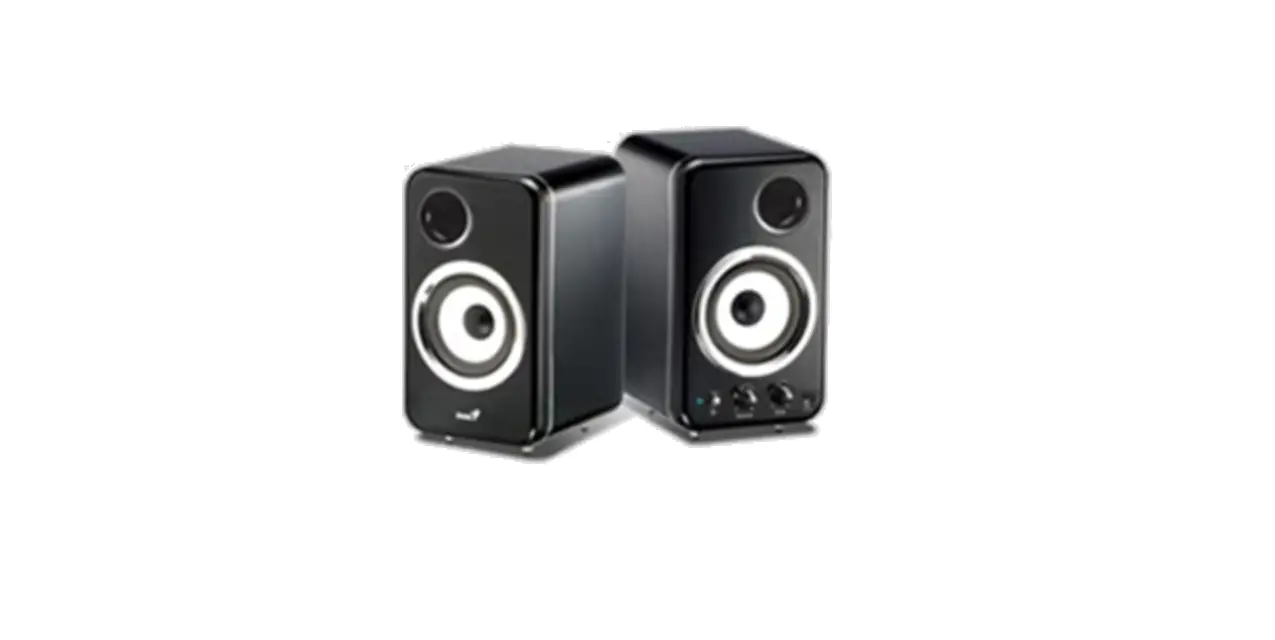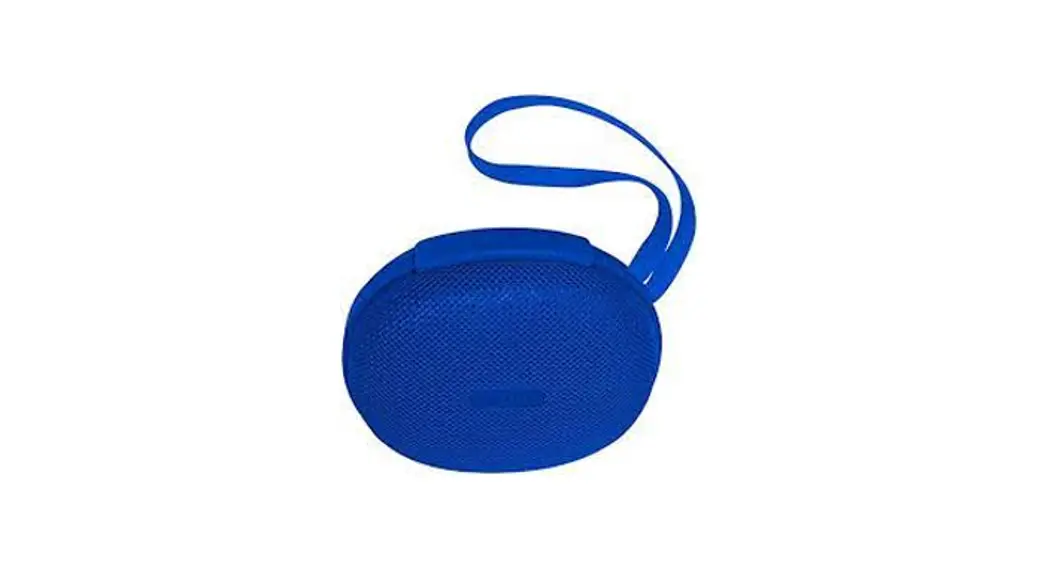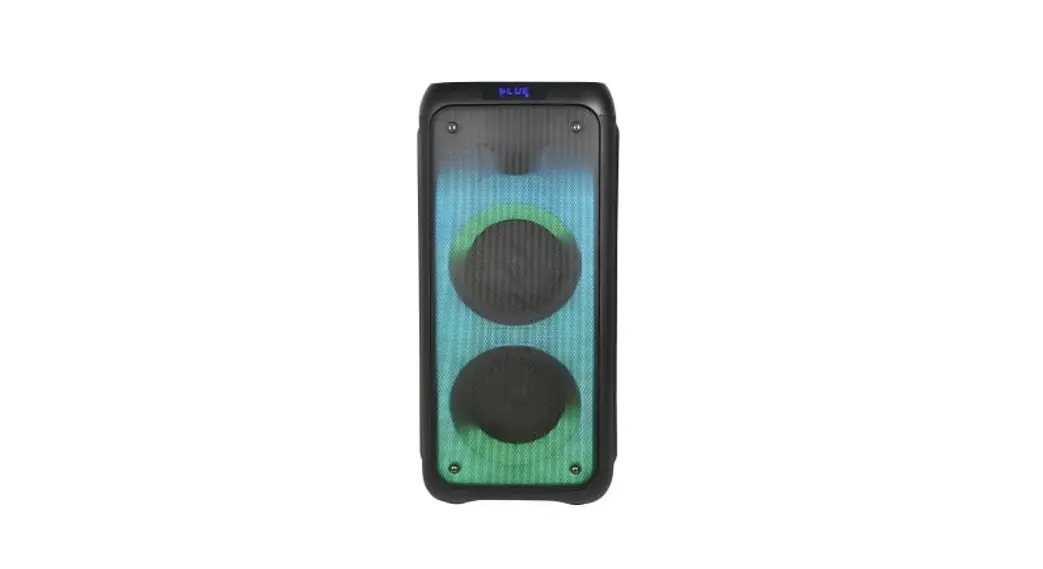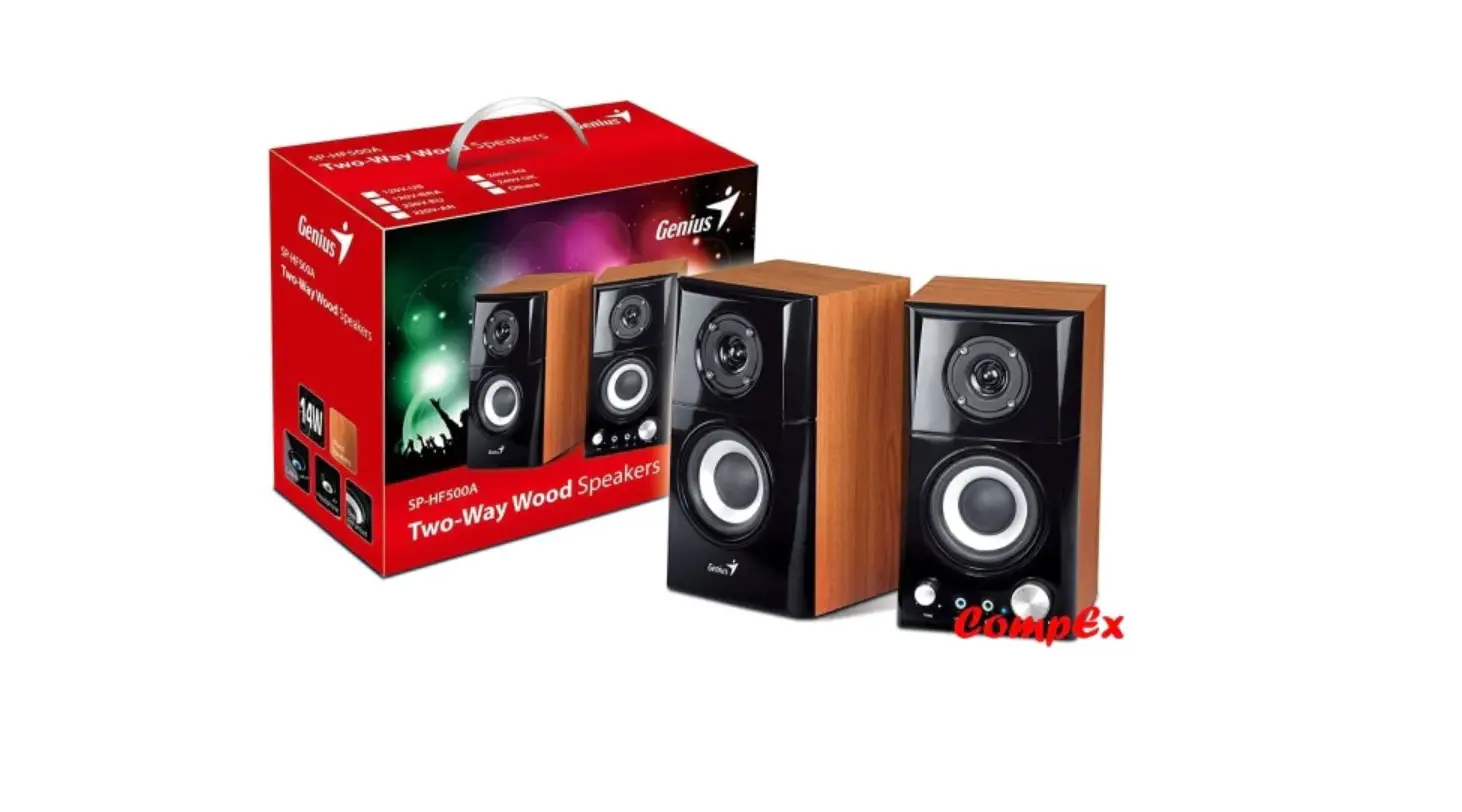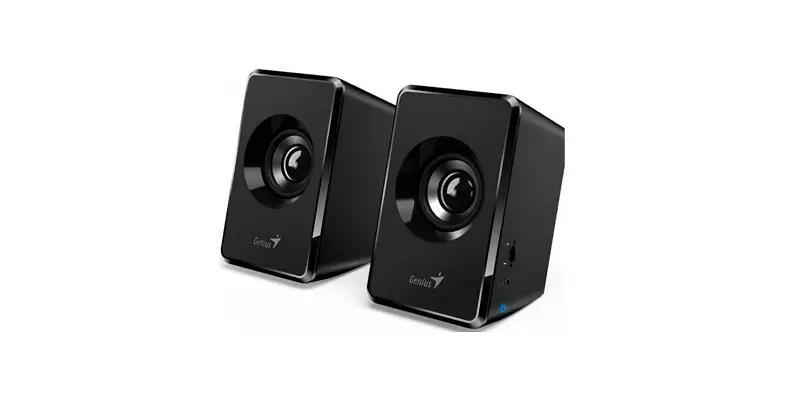

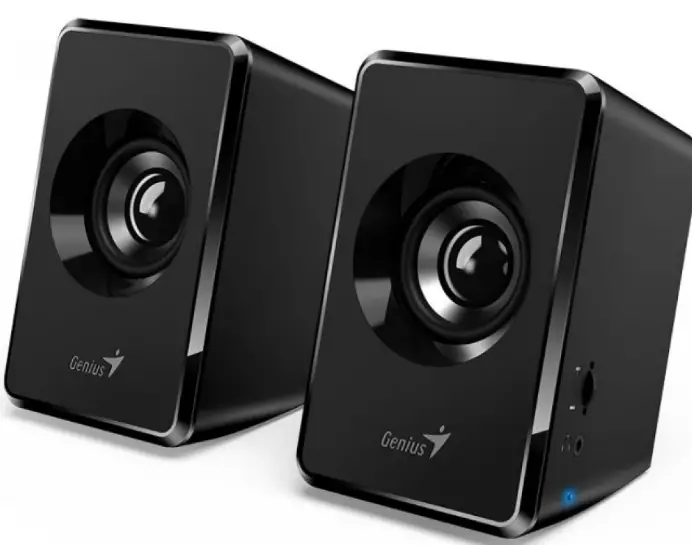
Genius SP-U125 Portable Speakers
Instructions for Connecting the Speakers
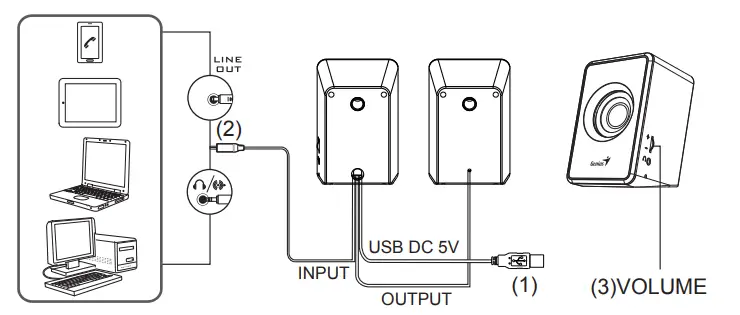
- Connect USB plug (1) to PC or notebook for power supply only.
- Connect (2) to any audio playback device with standard 3.5mm audio plug, such as PC, notebook, MP3/MP4 player, mobile phone, or CD player.
- Adjust volume by using the knob (3).
Warning! Do not connect the power plug into an AC outlet until all connections are made.