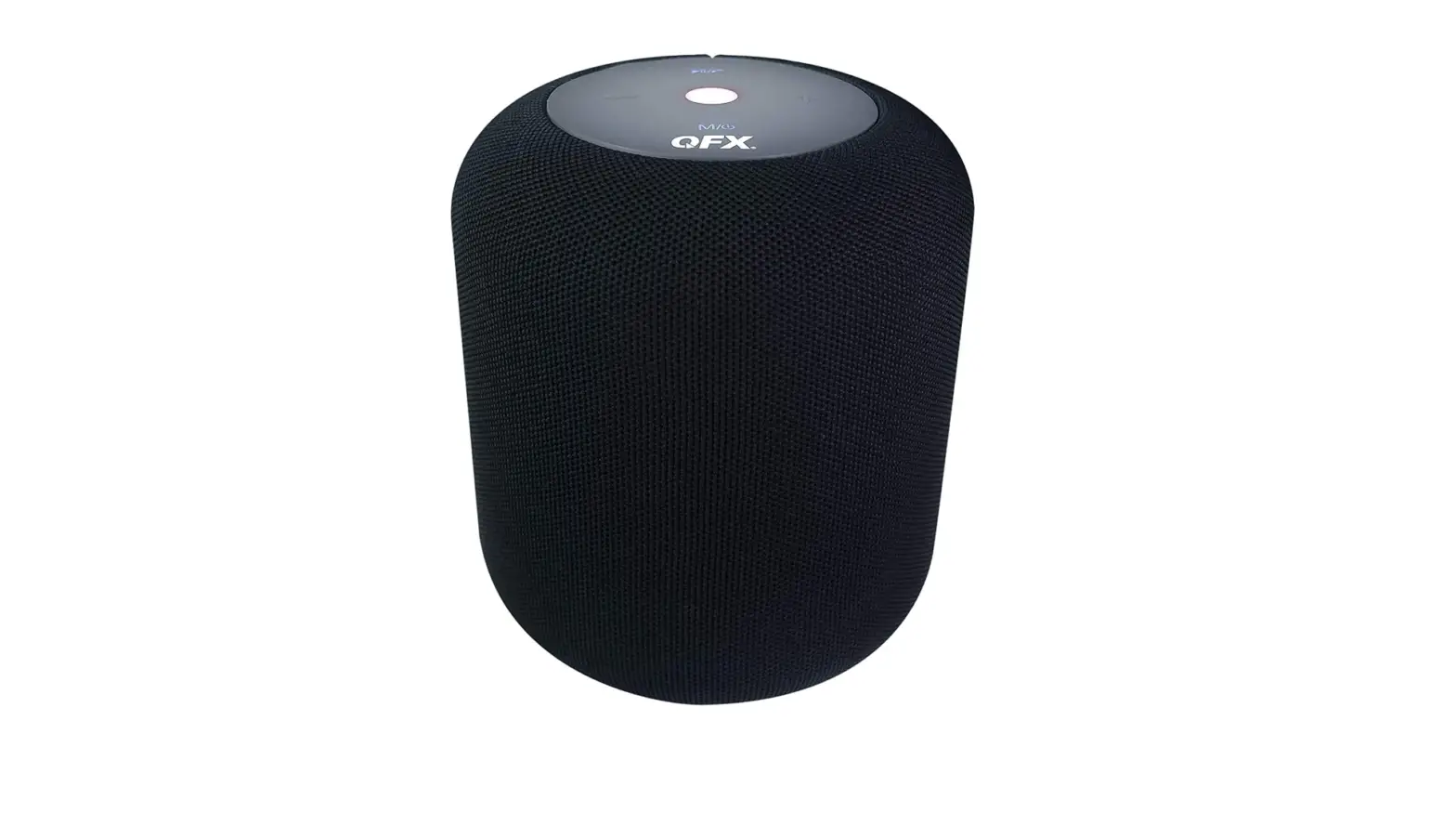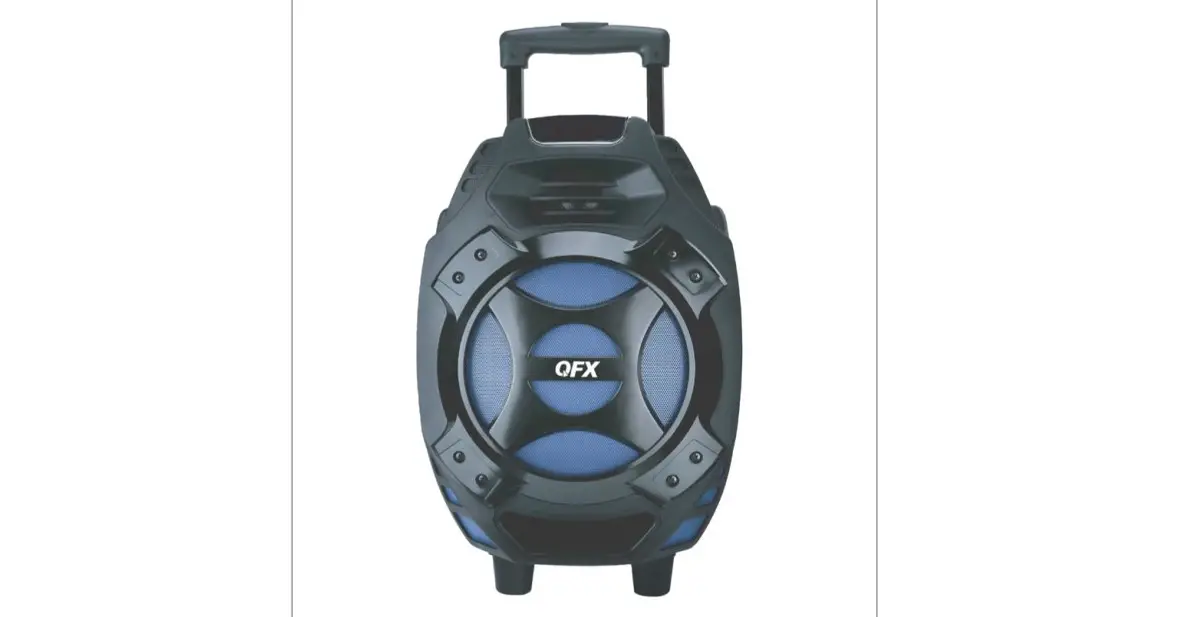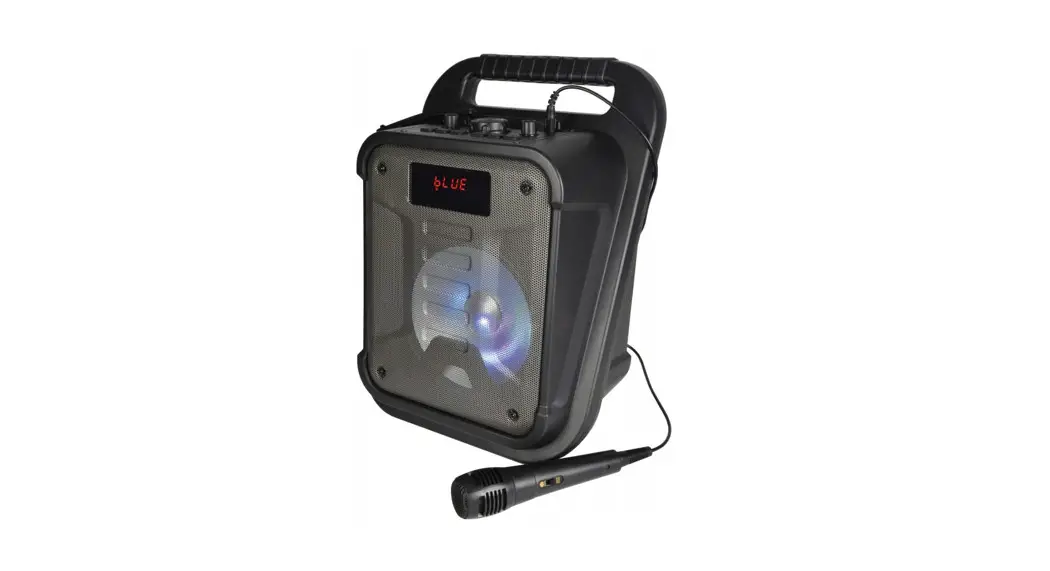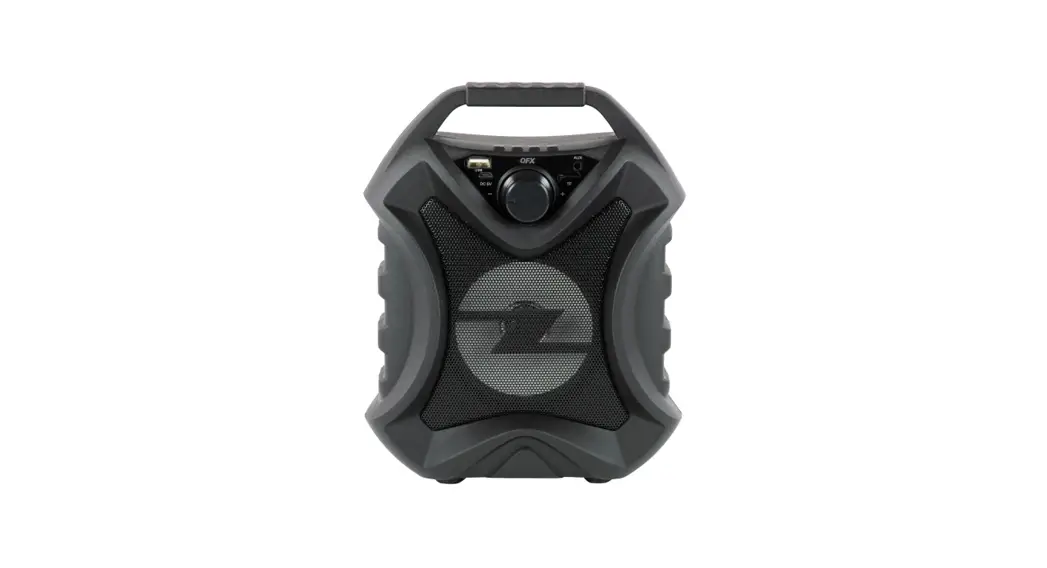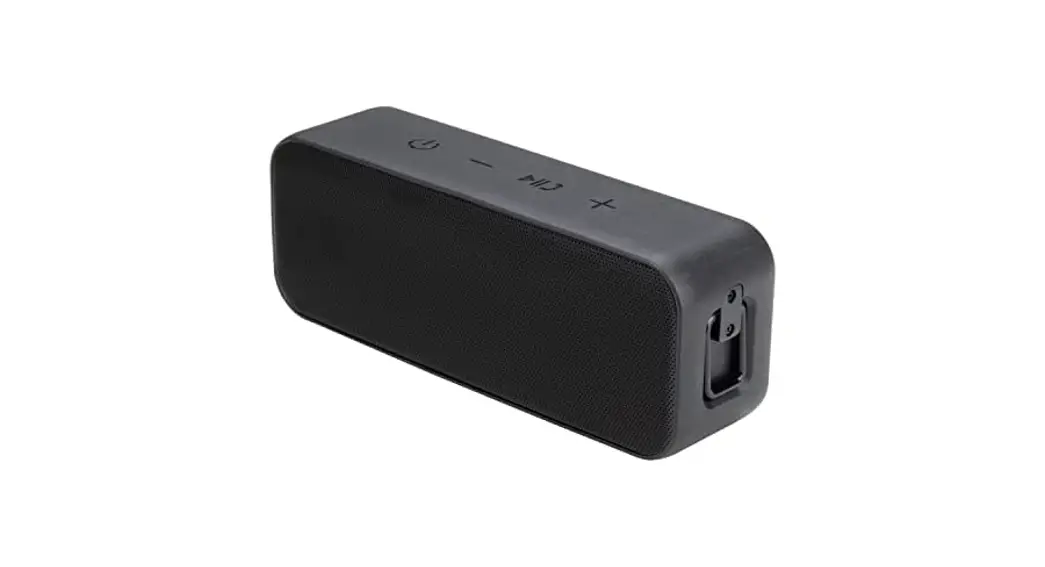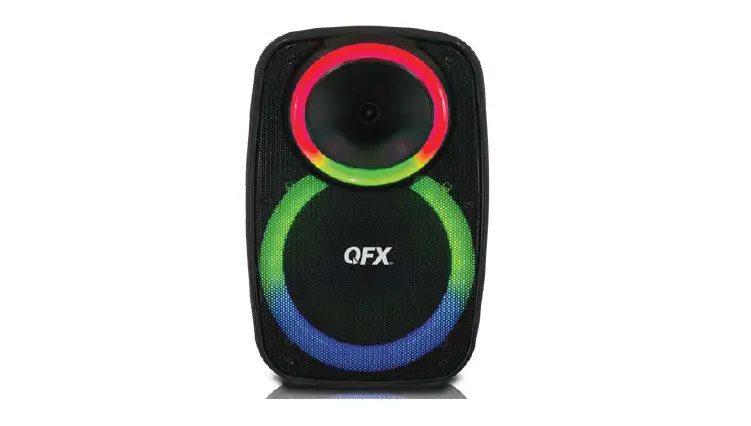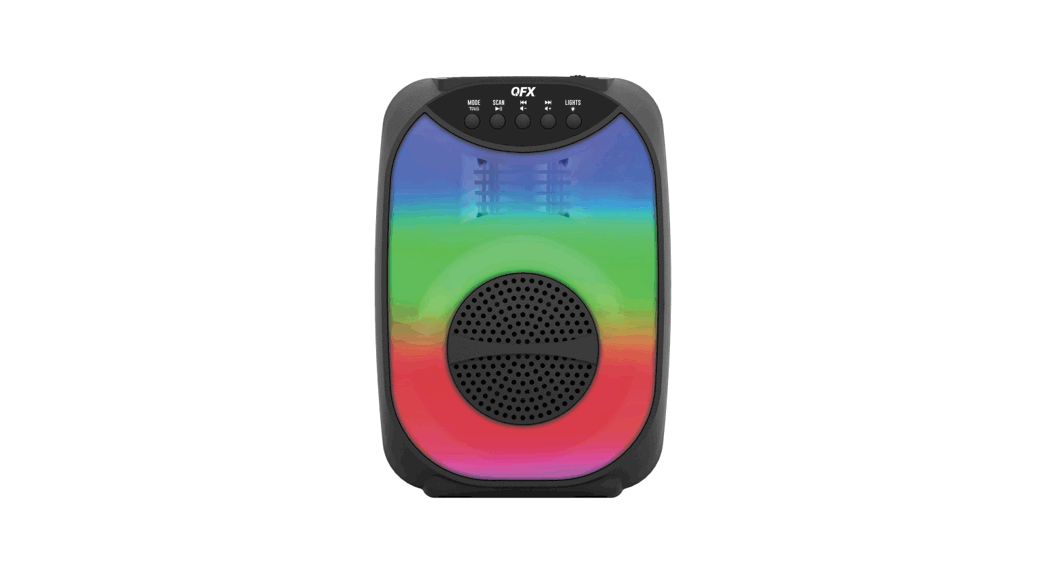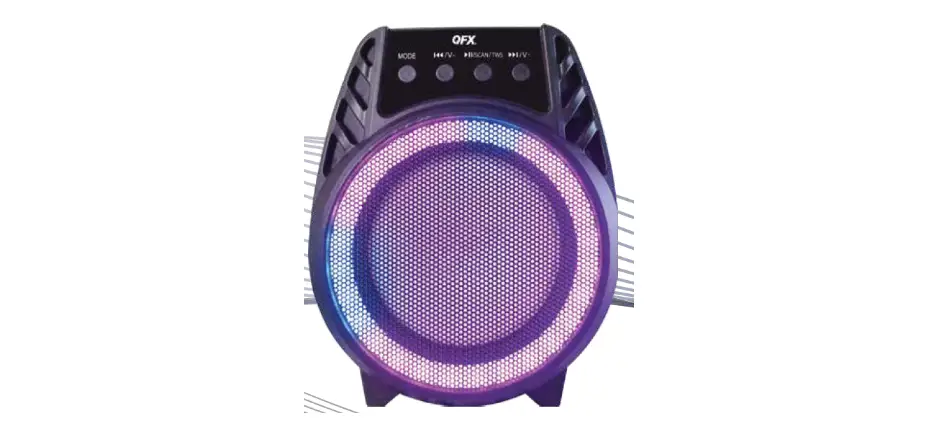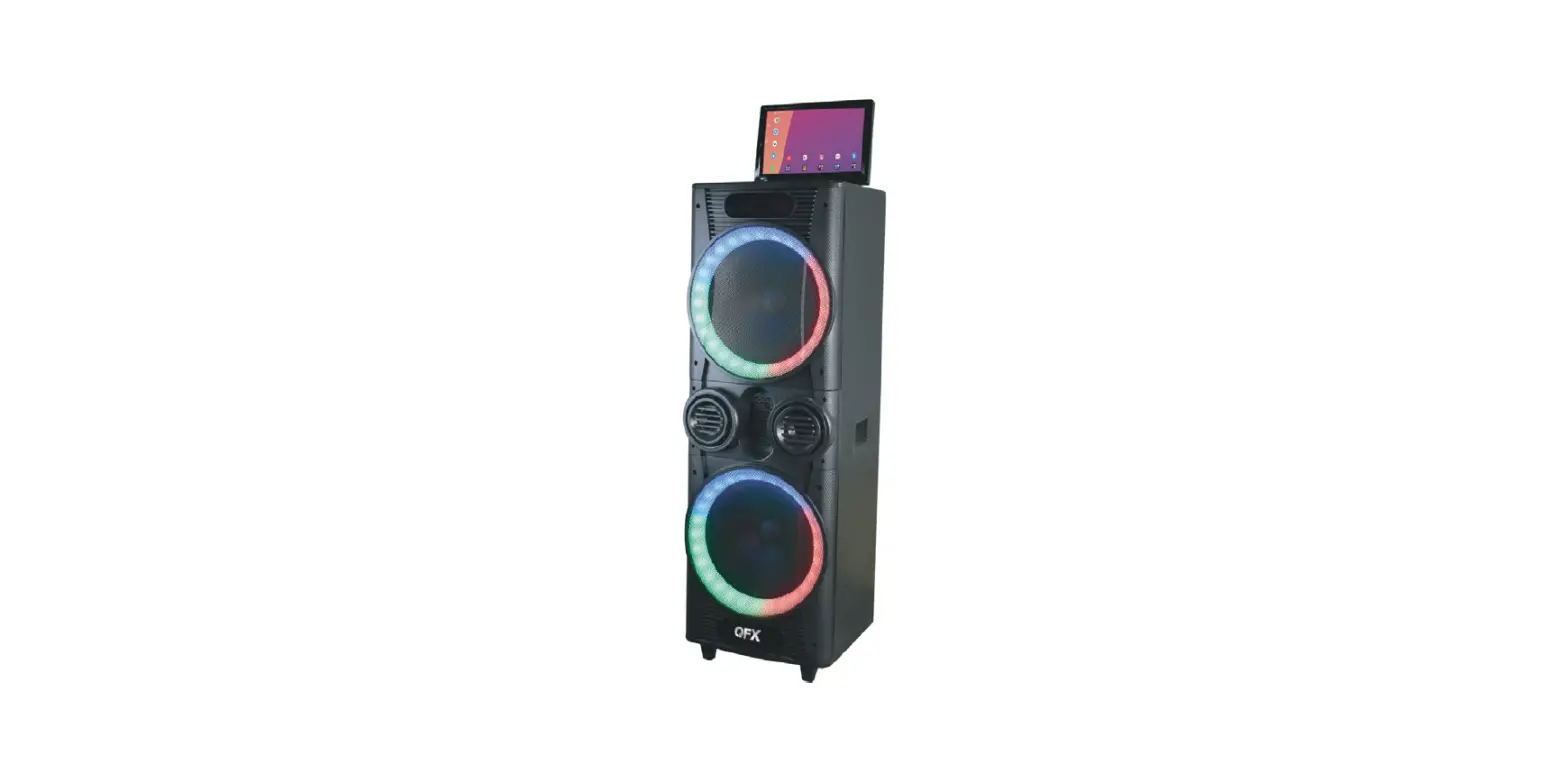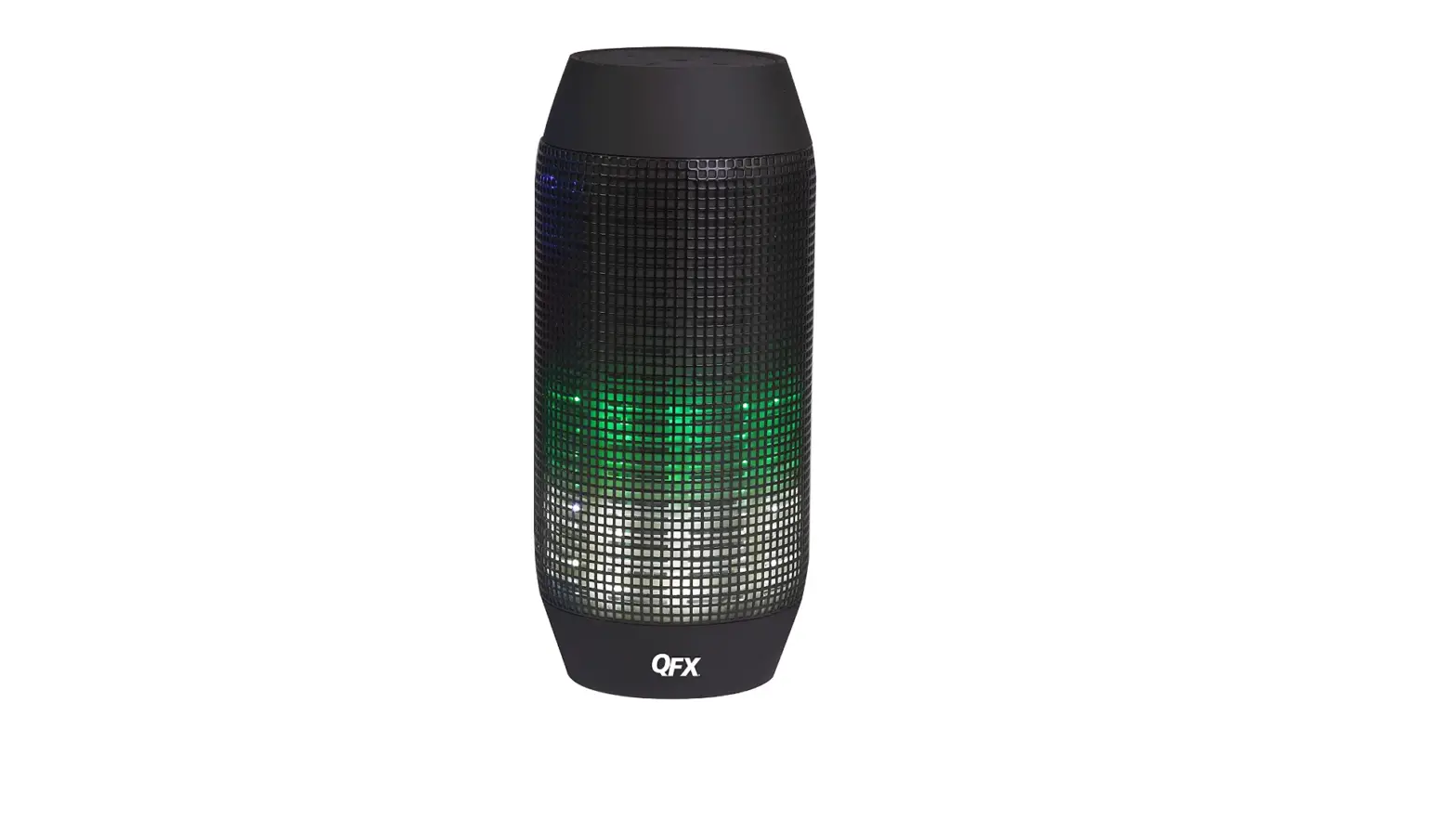

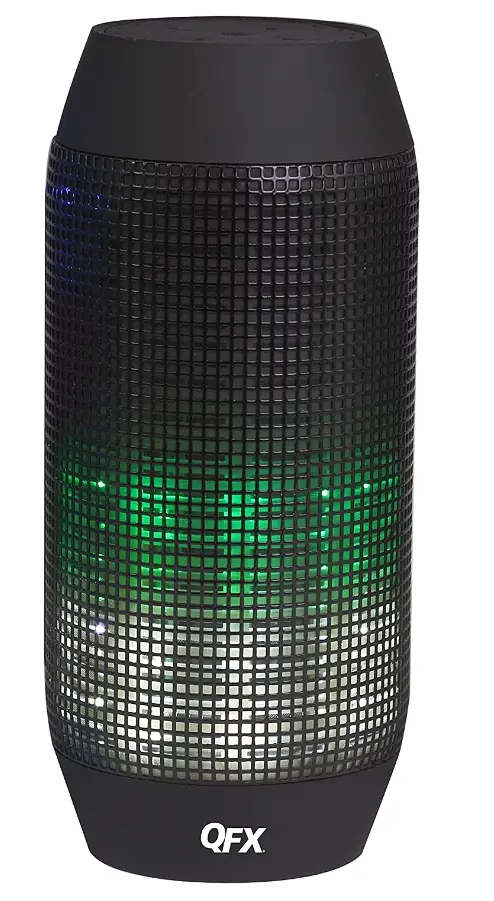
QFX BT-300 Sound Burst Pro Bluetooth Speaker
Specifications
- Product Dimensions
12 x 3.5 x 4.5 inches - Item Weight
1.2 pounds - Batteries
2 Lithium Ion batteries required - Speaker Maximum Output Power
20 Watts - Connectivity Technology
Bluetooth, US - Brand
QFX
Introduction
With QFX’s Sound Burst Pro Bluetooth Speaker, you can easily play music from your favorite Bluetooth device or USB/Micro SD card while enjoying the quality and performance you’ve come to expect from the QFX family of brands. You can also make and receive hands-free calls from your Bluetooth-enabled smartphone over the built-in microphone. Each IPX4 water-resistant speaker has a built-in rechargeable lithium battery with a micro-USB charging socket and dynamic, customizable LED lights that pulse to the music. QFX dominates the market for lifestyle consumer electronics by providing consumers who care about value with uncompromised unique product designs and great performance. QFX has spent the last three decades at the forefront of high-quality electronics and is steadfast in its goal to provide customers with the most recent Bluetooth audio, tailgating, and DJ speaker systems.
LED TVs and numerous other prosumer multimedia options make industry-leading quality accessible to families, businesses, and everyone in between on a budget. From the first apartment to the family home, from the freshman dorm to the alumni tailgate party, QFX offers the equipment you need at the price you desire.
Instructions
First of all thank you for using our products, in order to better use the product, please read this manual.
Function
- Built in independent dual channel high fidelity speaker, output power 3W*2
- Built-in high-power color LED, can change a variety of color lights。
- High-power LED lights can be turned on and off through the button, four kinds of the LED flash mode.
- Support U disk, LINEIN, TF, FM function。
- Support Bluetooth wireless transmission function, convenient mobile phone, MID and other devices Bluetooth connection (optional).
- Support for the ISDN, through the MIC USB port and computer connection.
Product interface and function
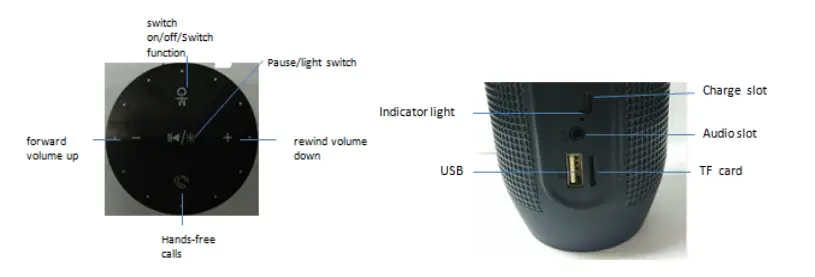
Sequence: USB Port, TF Port, AUX Port, Charging Port
Key function
This product has five operation buttons.
- Switch on/off / function switch: long press the power switch on / off. Short press for function switching。
- Next song/add volume: long press for volume, short press for the next song, In the FM state for the next radio station。 Pause / light switch: long press for LED lights on and off function and flash mode
- Switch. Short press to pause playback。FM status for short press automatic search
- Move previous/ minus volume: long press for volume reduction, short press for the next function, in the FM state for the next radio.
- Hands-free call: short press for telephone answering. long press to call back.
Connect handset
- Turn on the power switch, you will hear a “Ding” tone, after 3 seconds you will hear a “beep” tone, LED Flash, audio description is in search mode.
- Open Bluetooth settings (different brands, different methods to turn on the Bluetooth) to search. The phone displayed “QFX BT-300”, phone tips entered password “0000” to confirm phone connection success, you will hear a “beep beep” sound, confirming that phone and audio connection success, whole paired process about need 30 seconds, second times using not entered password, directly in the phone in points “QFX BT-300”, can pair success
- While connection success, the phone music play device interface controls audio play, then uses loudspeakers of control button to play music,
- Use the volume control key to control the volume,
- Answer the telephone handset to a call, short press the call key to answer directly, in order to ensure call quality, with stereo microphone distance should not be more than 50 cm, finish answering short press to hang up the phone after
- Tablet PC connection
- Please refer to the mobile phone connection method.
- Connect laptop
- Because many laptop Bluetooth versions, have different connection methods, if you are unable to connect for the first time, you should install the latest Bluetooth drivers.
Frequently questions and solutions
Bluetooth is not connected Ensure that the Bluetooth search, connects Bluetooth devices often. Bluetooth loudspeaker no sound Check that the speaker volume switch whether it is turned off, also check the output correctly connect to the Bluetooth device
Technical parameter
- Power supply:5V DC,1A
- Transducer:1.5”(40MM)*2
- Power amplifier:3W*2
- Frequency response:105-20KHZ
- Signal to noise ratio:80db
- Dimensions (diameter * height) 79mm*182mm
- Battery capacity:3.7V/400mAh
- Input connection:3.5mm
- Play time:45-60 minute
- Charging time:3 hour
- Bluetooth transmitter frequency range:2.402-2.480GHz
- Bluetooth transmitter function:0-4DBM
- Bluetooth transmitter modulation: GFSK,TT/4 DQPSK,8DPSK
Frequently Asked Questions
To select Bluetooth mode, lightly click the MODE/LIGHT button on the control panel. Open the Bluetooth settings on your phone, tablet, or another Bluetooth-enabled audio device simultaneously, and then pick (there is no need to match a code), and the device and unit will connect through Bluetooth.
Make sure to completely charge the PBX-61081 BT before usage in order to prolong the life of the internal battery. If you don’t charge your device right away, the battery’s performance may suffer. A complete recharge takes about 8 to 12 hours. Use it while it’s charging by plugging it in.
By tapping the MODE button, choose the BT (Bluetooth) option. 2. On the portable device, activate the Bluetooth capability. 3. Locate your “QFX PBX-800” speaker and pair it with it. 4. To start playback, press the PLAY / PAUSE button. JACK IN MIC Connect the wired headset microphone (not included).
Go to Settings > System > Advanced> Reset Options > Reset Wi-fi, mobile, & Bluetooth on Android devices. For iOS and iPadOS devices, you’ll need to unpair every device first, then restart your phone or tablet by going to Settings > Bluetooth, selecting the info icon, then selecting Forget This Device for each device.
One of the most frequent causes of Bluetooth speakers being silent is that the volume has unintentionally been set down. To make sure the volume is not on low, check it first. By default, Bluetooth speakers are normally set at a low volume, but you can adjust this later.
There are two potential causes for your Bluetooth speaker to stop charging: software or hardware problems. While hardware problems include a defective micro USB cable, an undervoltaged lithium-ion battery, and a broken solder joint on the USB charging socket, software problems are caused by faults in software.
Your portable device’s Bluetooth capability should be enabled .Find your “QFX PBX-800” speaker and link it with it. To start playback, click the PLAY/PAUSE button. JACK IN MIC Connect the wired headset microphone (not included). After that, the connected microphone is ready for use.
Generally speaking, people can connect numerous speakers in the same space, which will obviously produce greater sound. Setting the speaker in or near a corner, though, is another technique to increase the volume of the sound. Of fact, this can increase the volume in the space by 40%.