
Product Description
The ilaser mouse uses cutting-edge laser technology to track accurately even on clear glass surfaces. With its supreme tracking ability, you’ll be more relaxed and productive.
5 Programmable Button
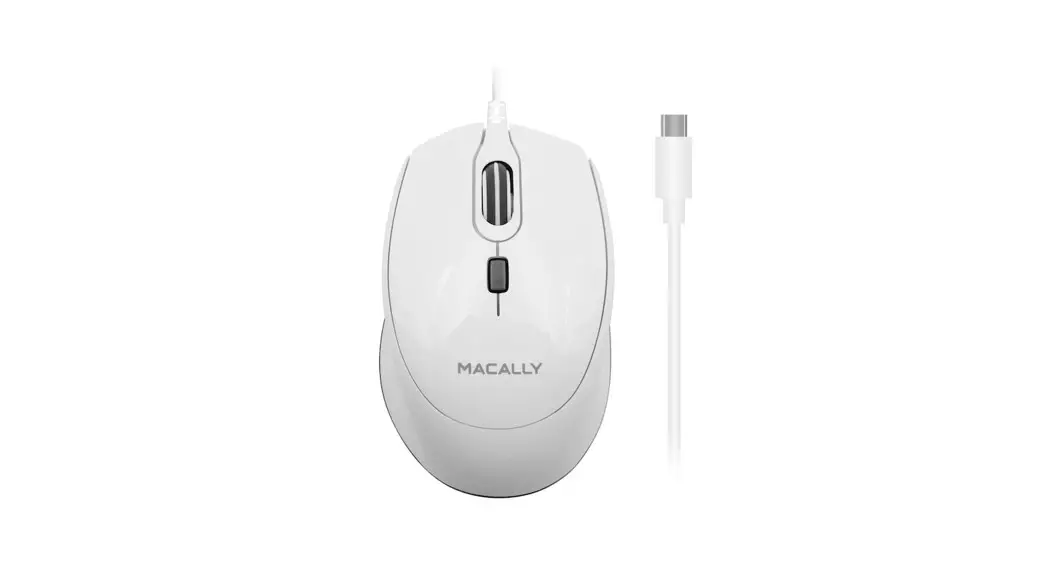
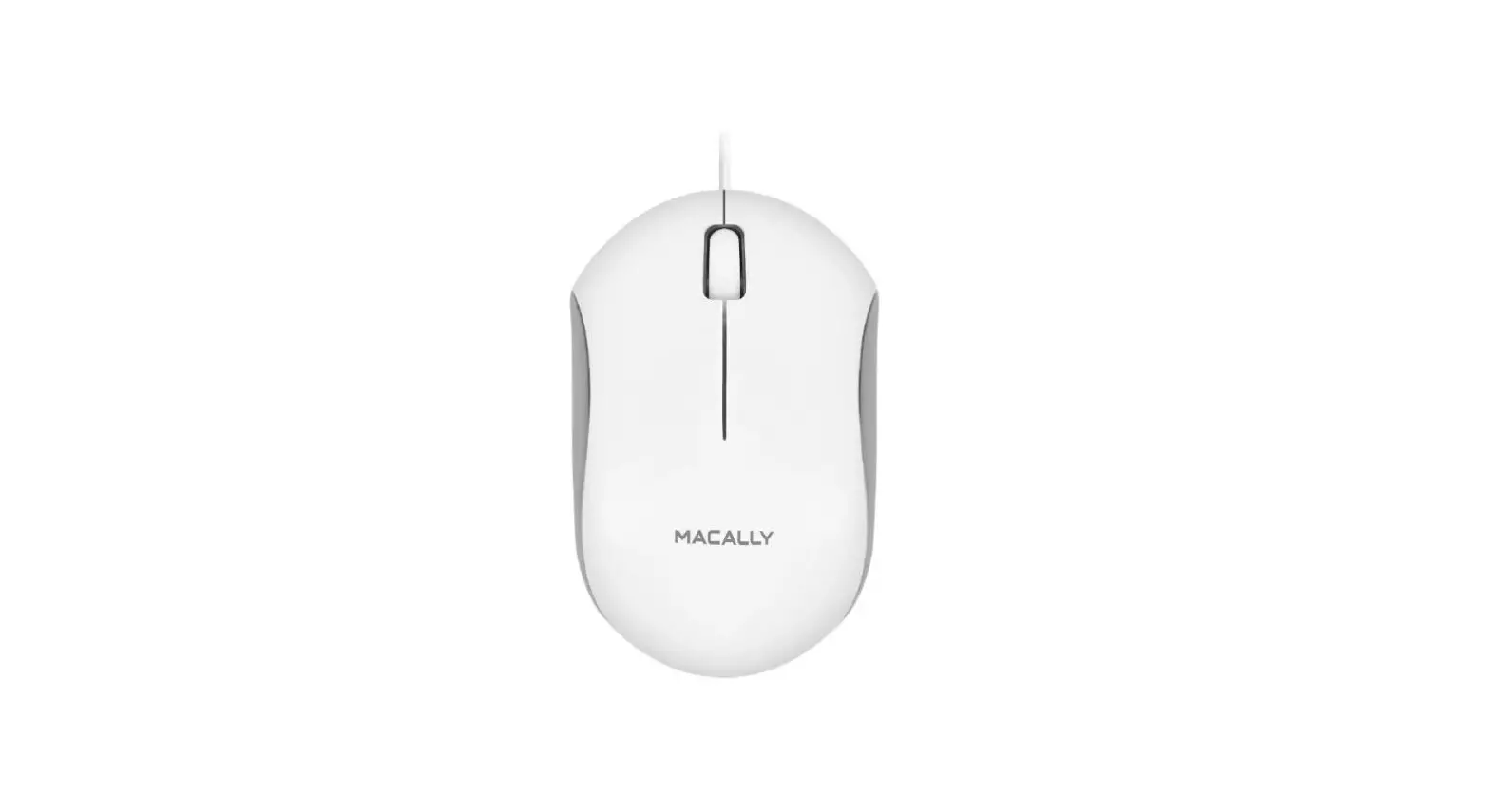
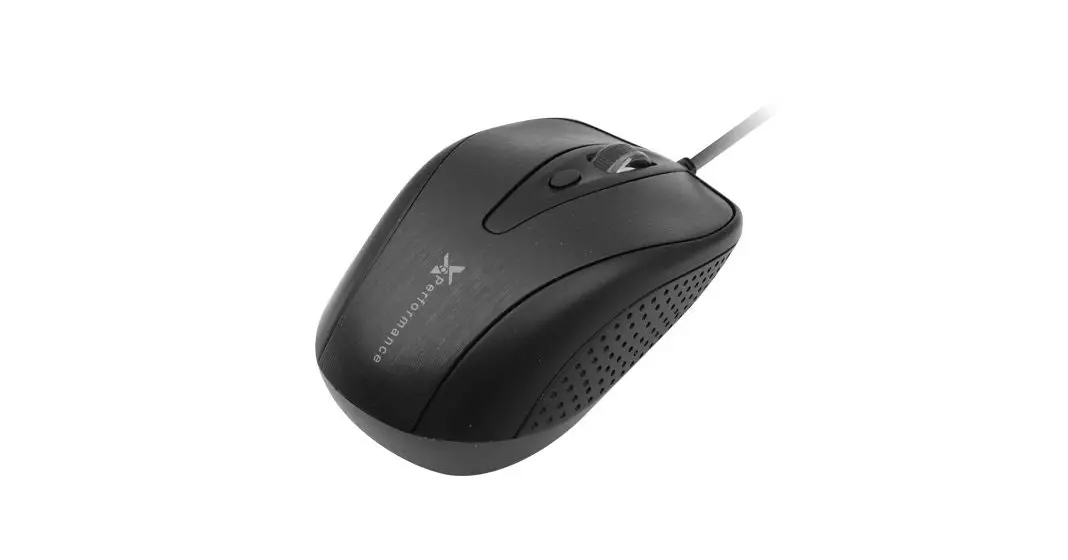
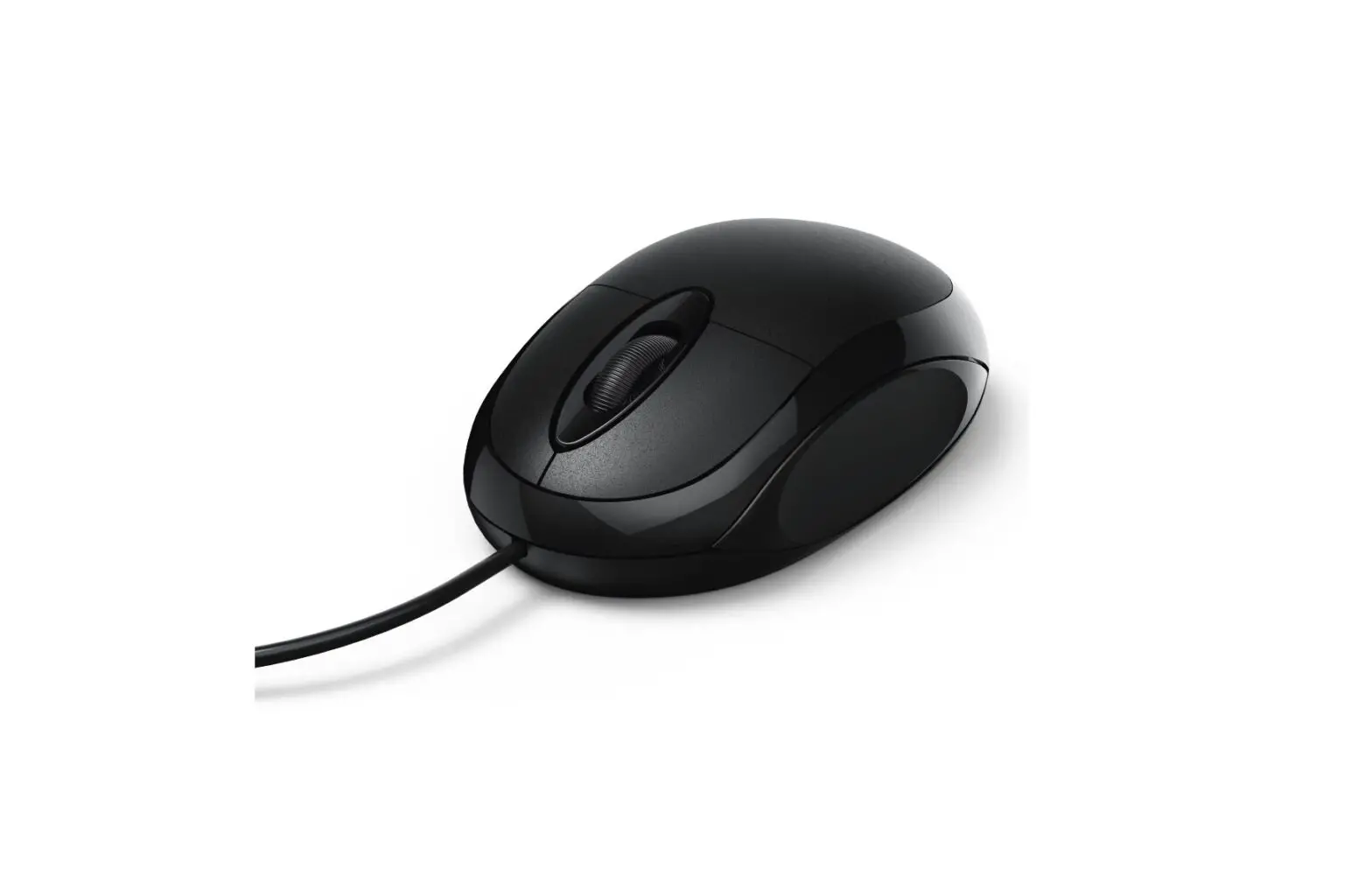
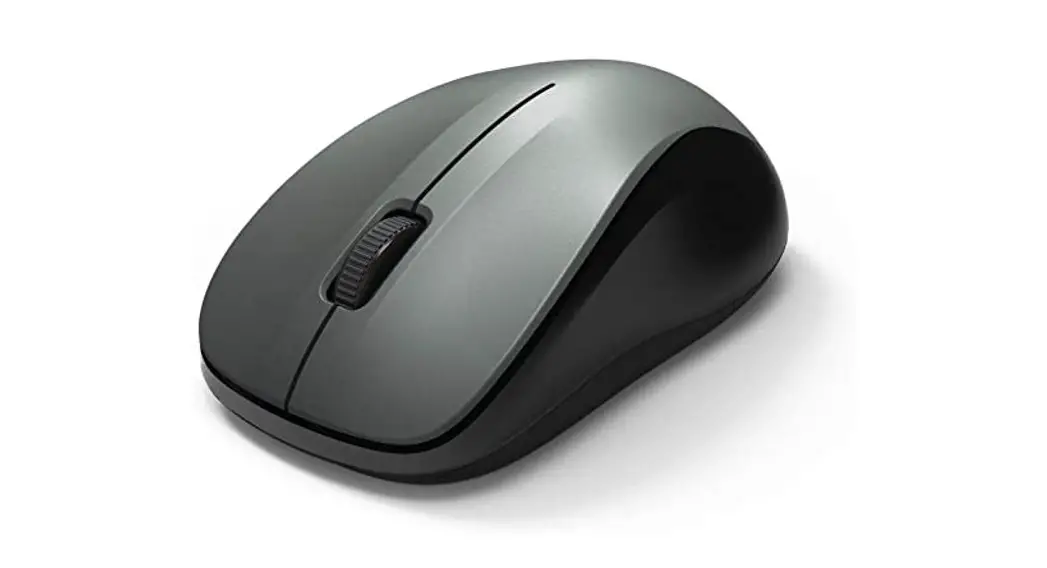
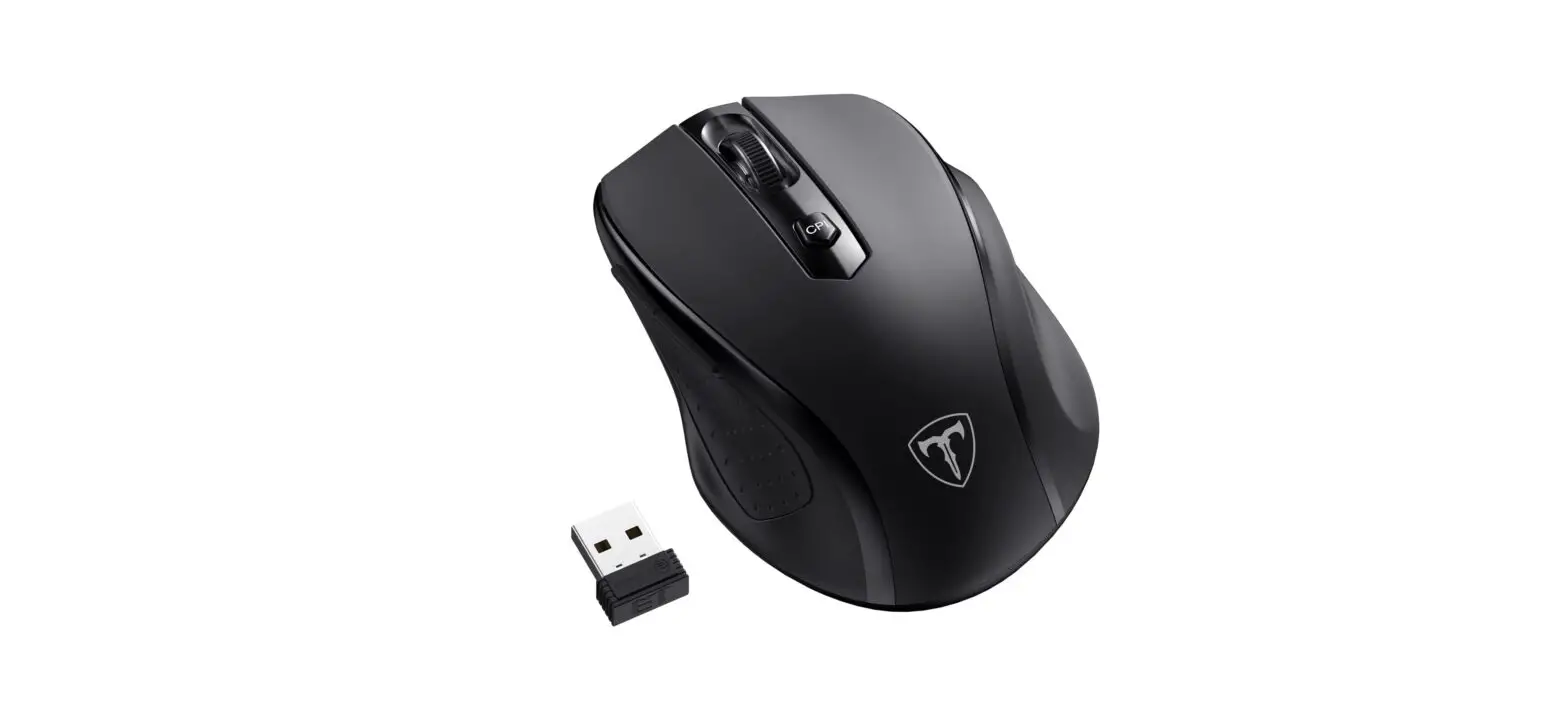
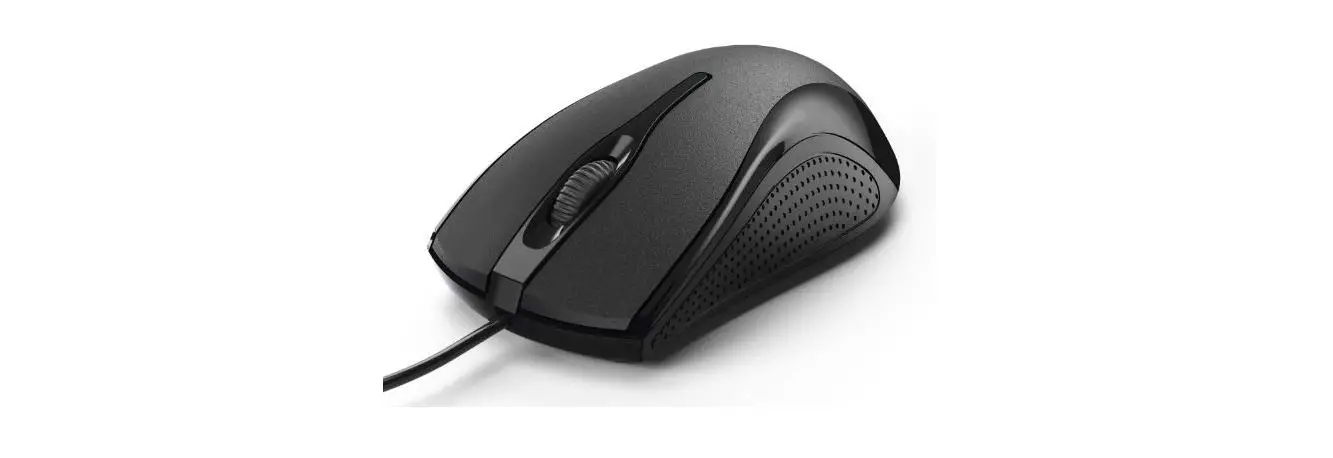
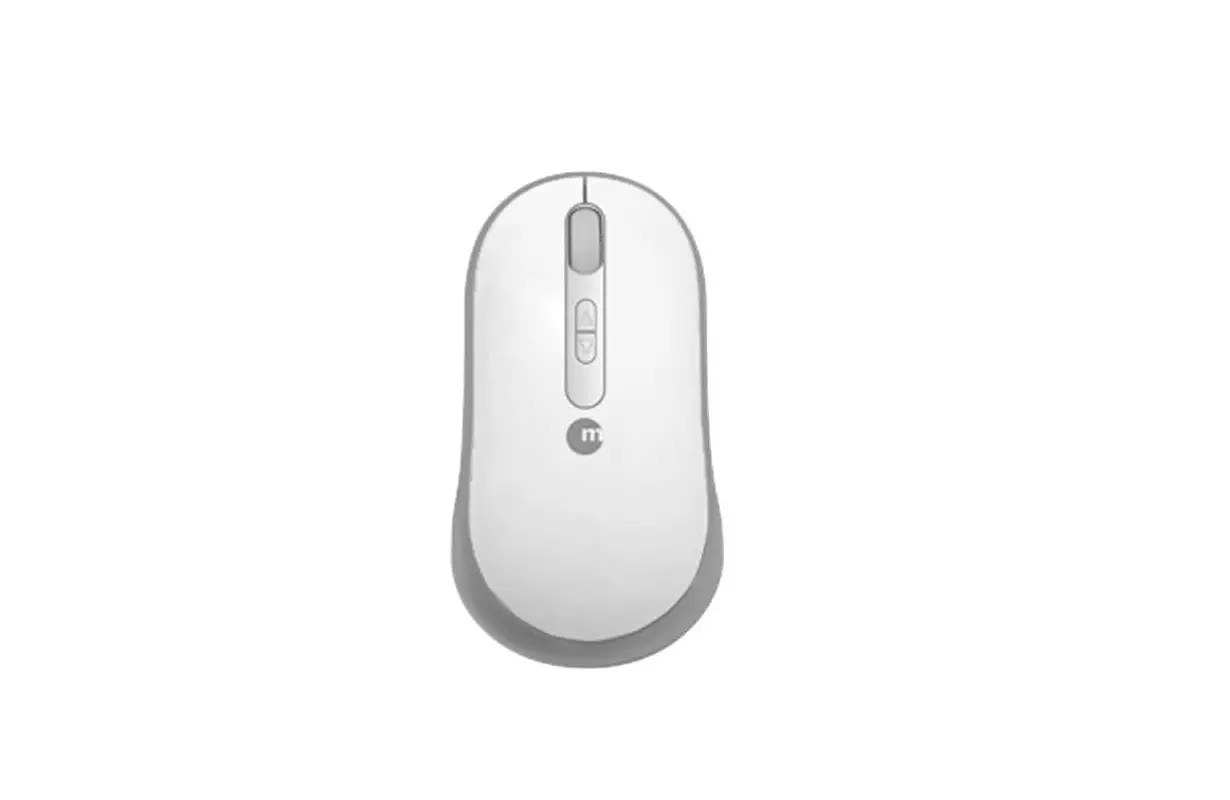
The Macally ILASER Programmable 5 Button USB Laser Mouse is a mouse designed for enhanced productivity and comfort. With customizable buttons, ergonomic design, and precise laser tracking, it offers a seamless navigation experience.
Sleek and Ergonomic design
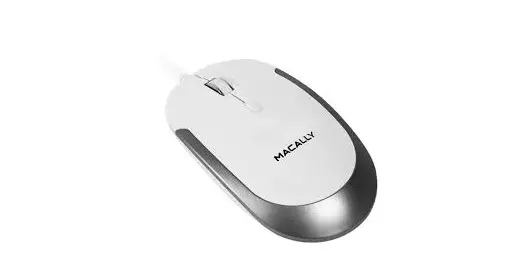
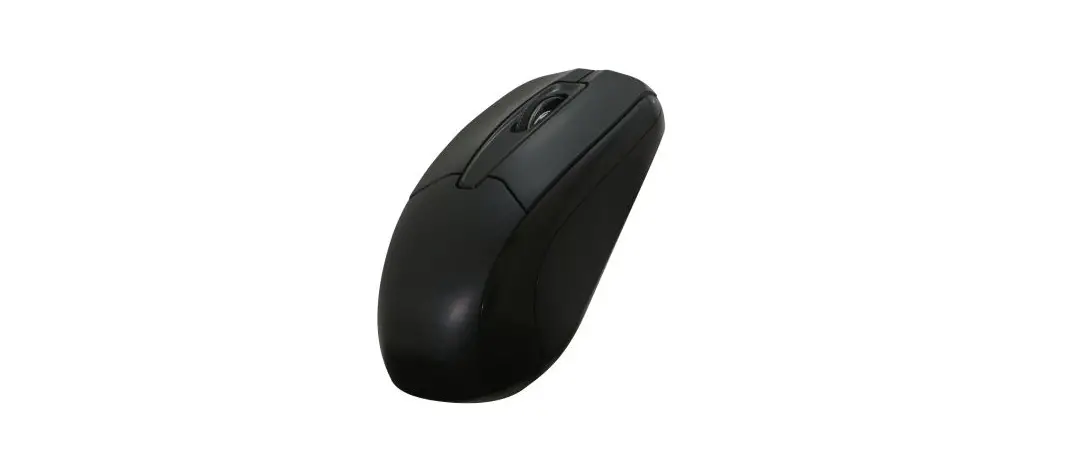
The ILASER mouse has a sleek and ergonomic design that fits comfortably in your hand, reducing strain during prolonged use. Its contoured shape provides a natural grip for better control.
Mouse Connection
The ILASER mouse connects to your computer via USB, providing a stable connection. It is compatible with both Windows and Mac systems.
Additionally, the mouse includes a scroll wheel for easy scrolling through documents and web pages.
Description Summary
In summary, the Macally ILASER Programmable 5 Button USB Laser Mouse combines comfort, precision, and customization options to enhance your computing experience. Its ergonomic design, laser tracking, and programmable buttons make it suitable for professionals, gamers, and anyone seeking a versatile and efficient mouse.
Specifications
- Brand: Macally
- Color: Clear
- Connectivity Technology: USB
- Movement Detection Technology: Laser
- Number of Buttons: 5
- Package Dimensions: 8.6 x 6.6 x 2.5 inches
- Item Weight: 3.52 ounces
What’s inside the box?
The following items are generally present in the box when you buy the Macally ILASER Programmable 5-Button USB Laser Mouse:
- Macally ILASER 5 Button USB Programmable Laser Mouse: The ILASER mouse, which has an ergonomic design and configurable buttons, is the key item in the set.
- User Guide: An instruction manual for the ILASER mouse that explains how to set it up and use it is included in the box. It offers details on the possibilities for customization, button programming, and troubleshooting advice.
- Information on Warranties: A warranty card or warranty information sheet outlining the specifics of the product’s warranty coverage may be included in the package.
Please be aware that depending on the area or merchant, the actual contents of the box may differ significantly. If you want to know exactly what comes with the Macally ILASER Programmable 5 Button USB Laser Mouse, it’s a good idea to verify the specific information provided by the shop or to look at the product listing.
Features
- Featuring a laser sensor, the mouse offers smooth and accurate tracking on various surfaces. This ensures precise cursor movement for tasks that require precision.
- A notable feature is the programmable buttons, which can be customized using the accompanying software. You can assign shortcuts, macros, or specific commands to the buttons, streamlining your workflow and increasing productivity.
Several characteristics of the Macally ILASER Programmable 5 Button USB Laser Mouse increase its functionality and adaptability.
The ILASER mouse’s main characteristics are listed below:
- Customizable Buttons
Five programmable buttons on the ILASER mouse can be configured using the included software. To suit your individual requirements and tastes, you can give these buttons a variety of tasks, shortcuts, or macros. - Tracking using lasers
The mouse’s laser sensor allows for precise and accurate tracking on a variety of surfaces. This guarantees quick and sensitive cursor movement, which is perfect for jobs that call for accuracy and dexterity. - Ergonomic Planning
The mouse’s ergonomic shape makes it comfortable to use for extended periods of time. Its curved design naturally fits in your hand, encouraging a secure grasp and minimizing effort. - USB compatibility
The USB interface on the ILASER mouse provides a dependable and simple connection to your computer. It can be used by simply plugging it into a USB port that is accessible. - Multiple operating systems are compatible
Because the mouse works with both Windows and Mac operating systems, it is flexible and convenient for usage on several platforms. - Rolling Wheel
A scroll wheel on the mouse makes it simple and straightforward to browse through papers, websites, and other stuff. For added usefulness, the scroll wheel can also be pressed as a center button. - Installation with Plug-and-Play
The plug-and-play installation feature of the ILASER mouse makes it simple to set up and operate. It only requires a physical connection to your computer to be recognized—no further drivers or software installations are required. - Dependable design
The mouse was created with durability in mind and can endure repeated use. To ensure lasting performance, it is built with high-quality components. - Sensitivity Modification
You can change the sensitivity settings on the mouse to fit your preferences and particular jobs. This gives you the option to adjust the cursor speed for the best control and accuracy.
Maintenance
To maintain the Macally ILASER Programmable 5 Button USB Laser Mouse and keep it in good condition, follow these maintenance tips:
- Clean it regularly by gently wiping the surface with a soft, lint-free cloth dampened with water or a mild cleaning solution.
- Avoid exposing the mouse to liquids and quickly dry it if any spills occur.
- Use the mouse on suitable surfaces that are clean and non-reflective to prevent scratches and ensure proper tracking.
- Store the mouse in a clean and dry place when not in use, considering a protective case or mouse pad.
- Check for driver and software updates on the manufacturer’s website to keep the mouse up to date.
- Handle the mouse with care, avoiding drops and excessive force.
- Adjust the sensitivity settings as needed for optimal cursor control.
- Protect the mouse from extreme temperatures and direct sunlight, as they can affect its performance.
- By following these maintenance tips, you can extend the lifespan and maintain the optimal performance of your Macally ILASER Programmable 5 Button USB Laser Mouse.