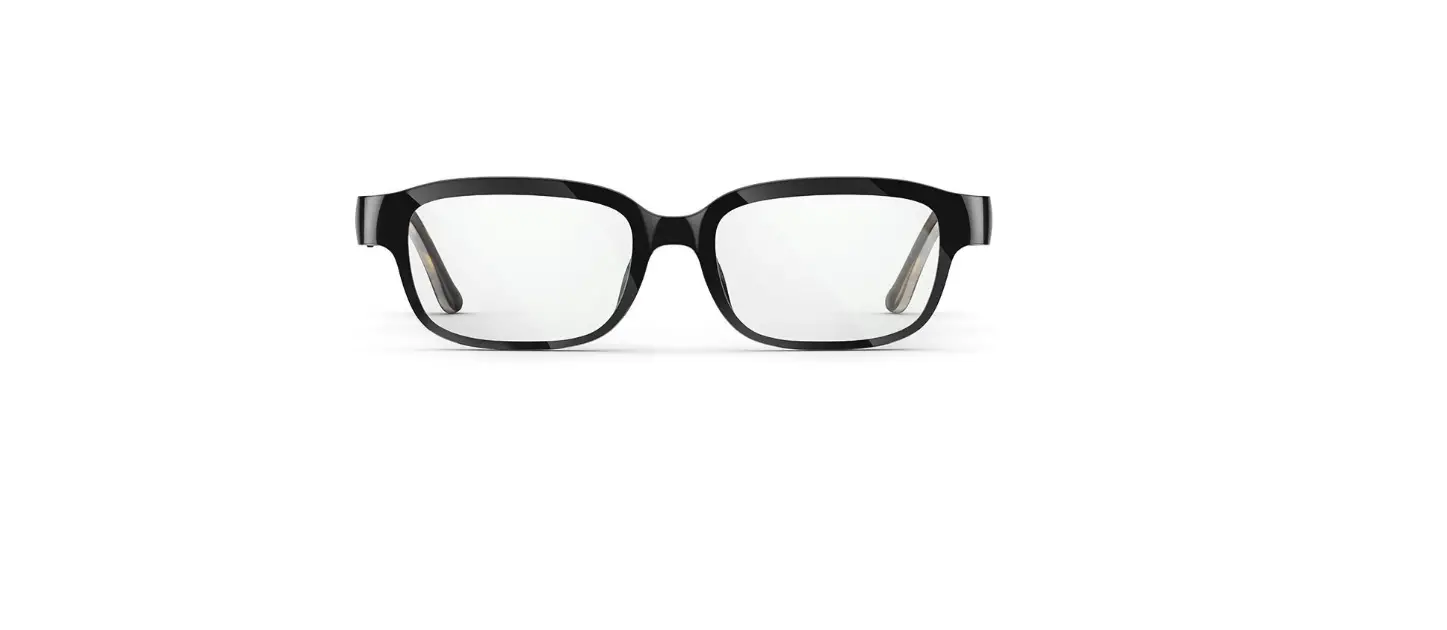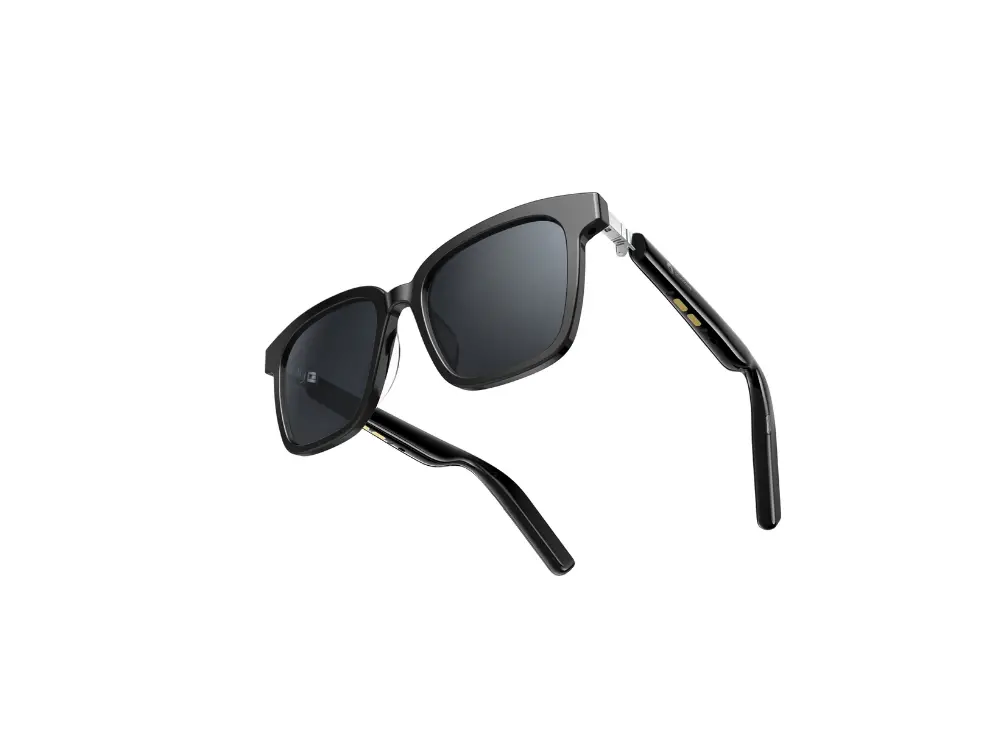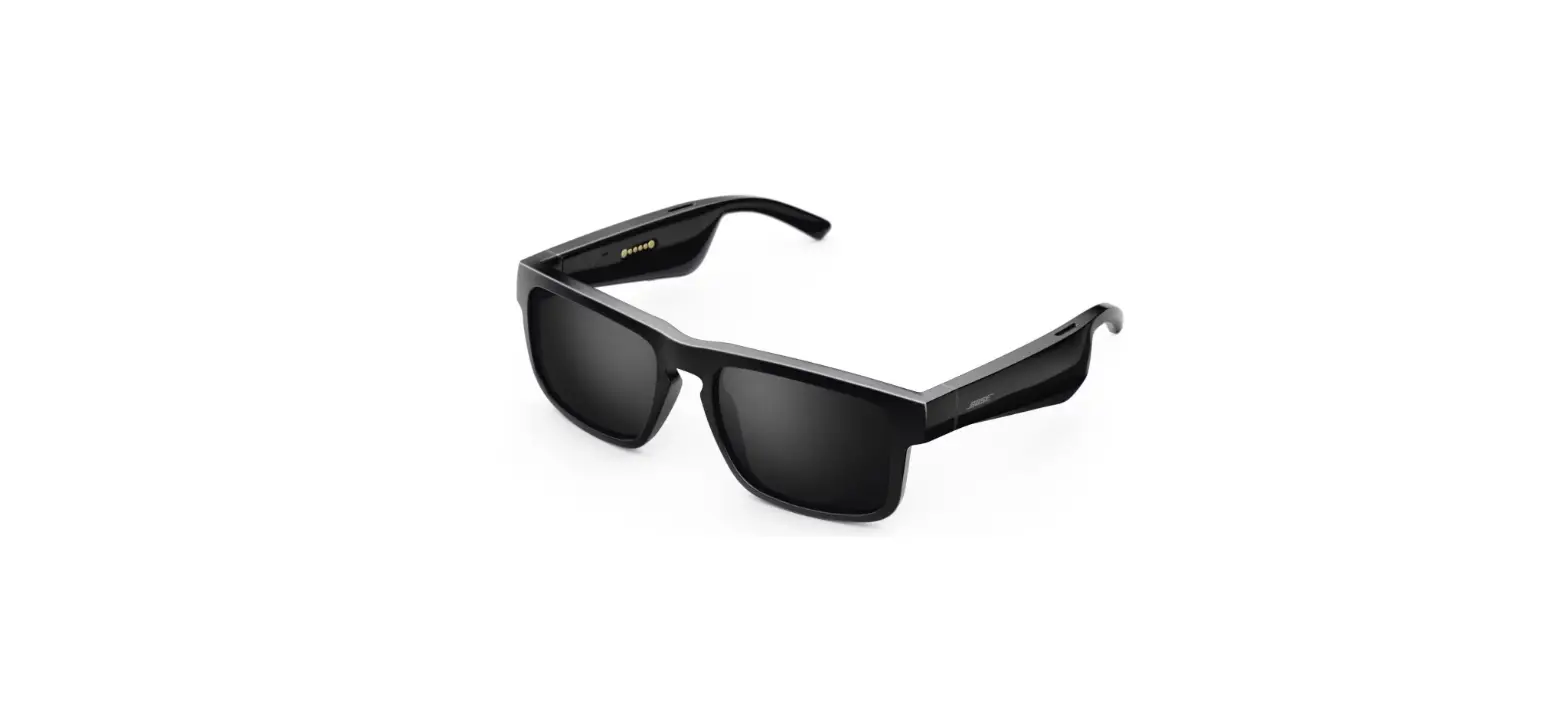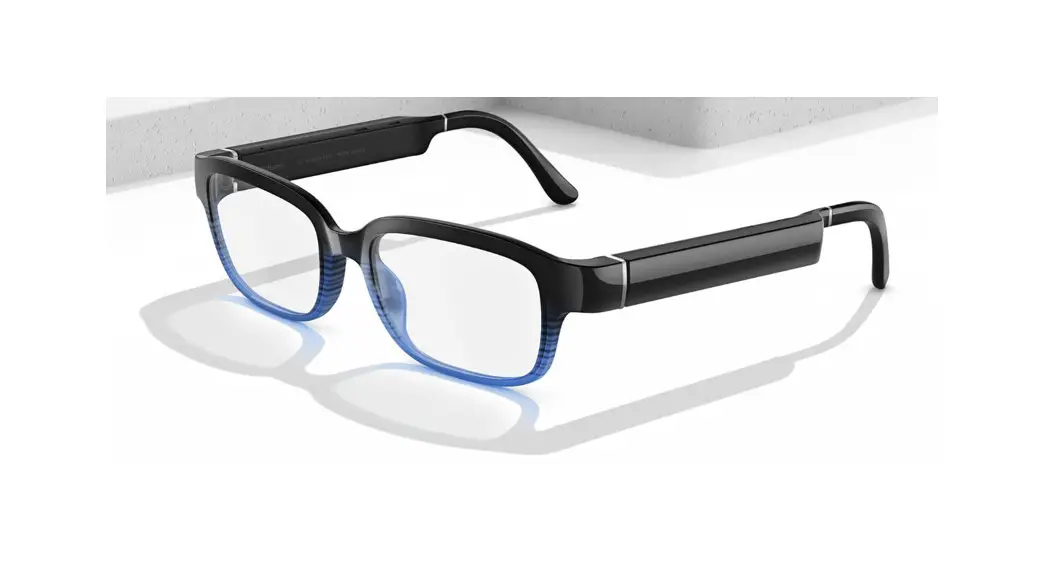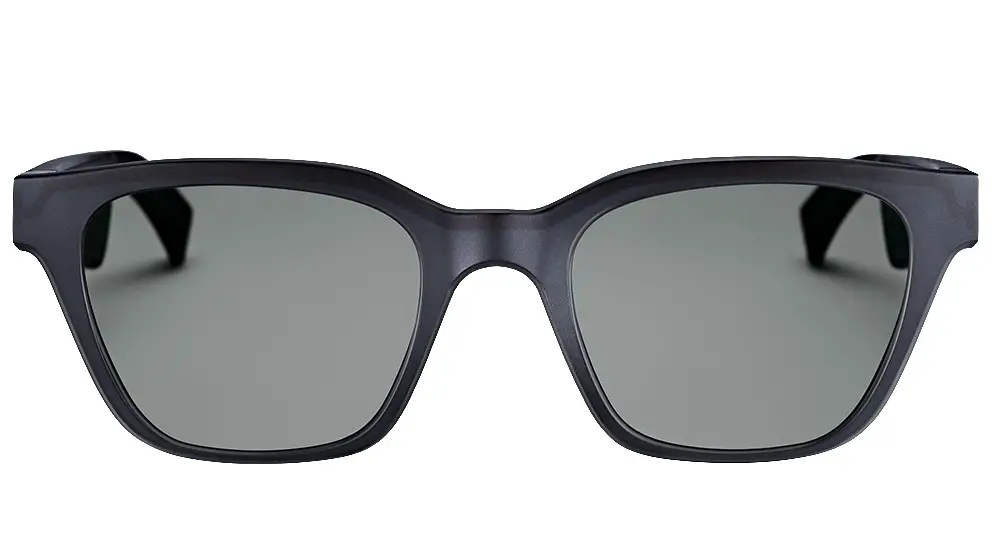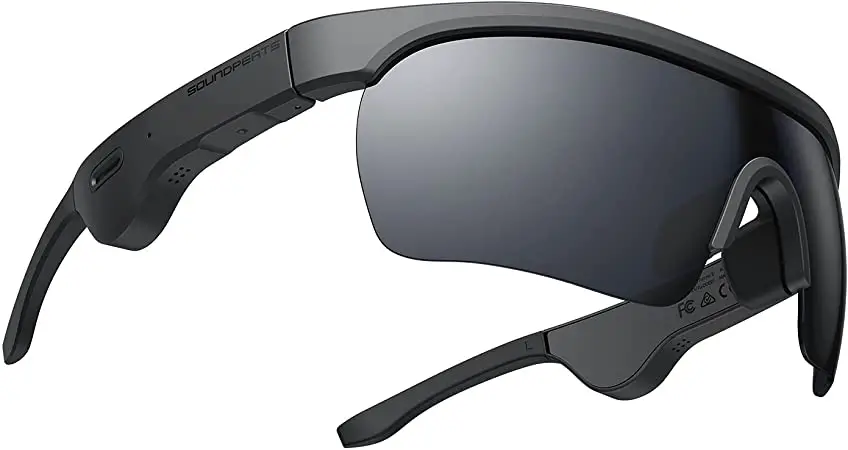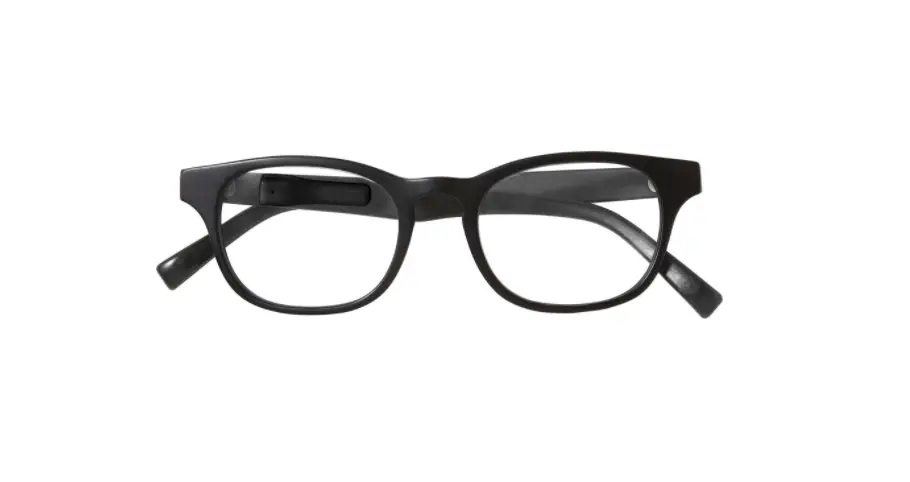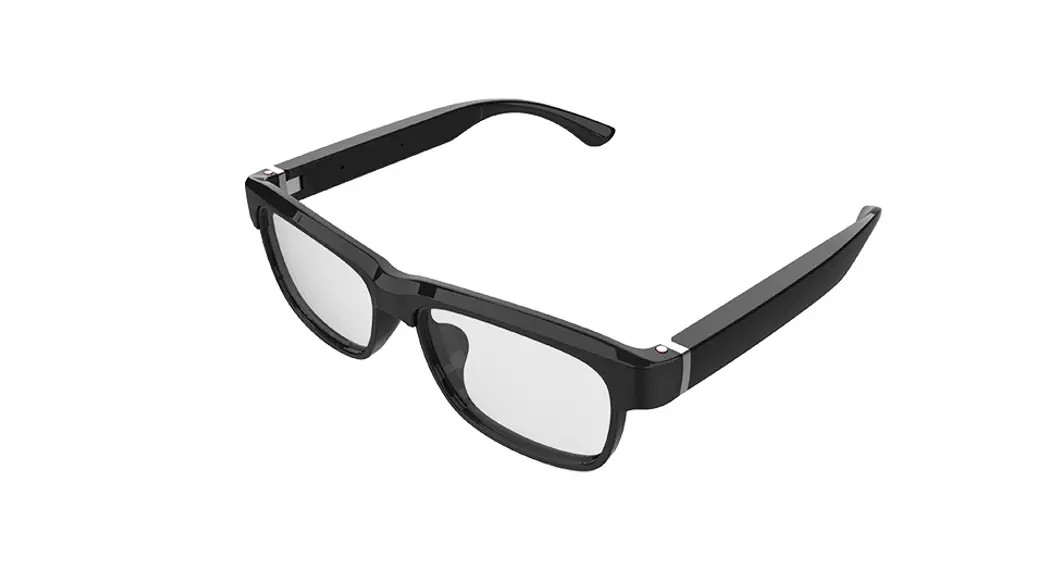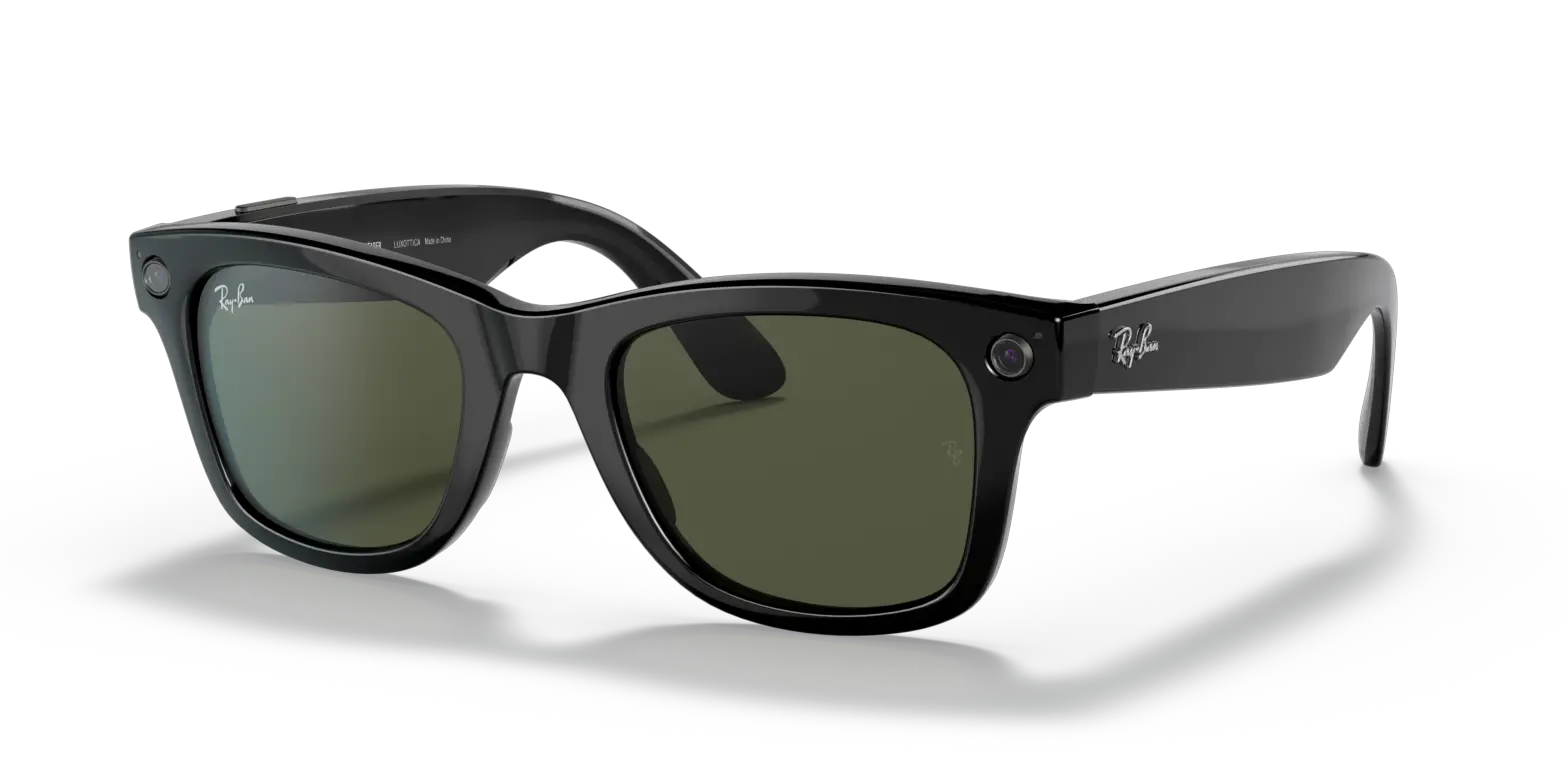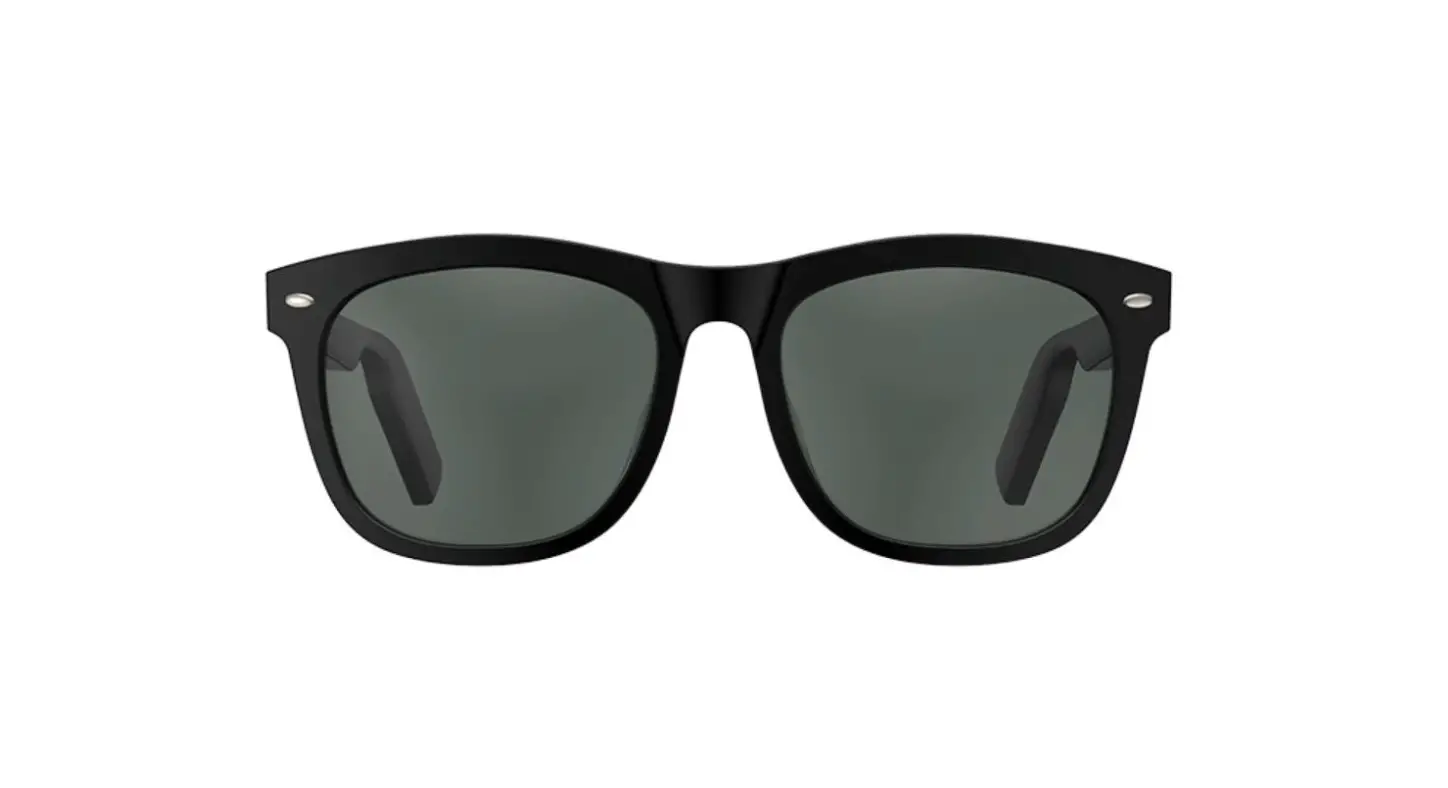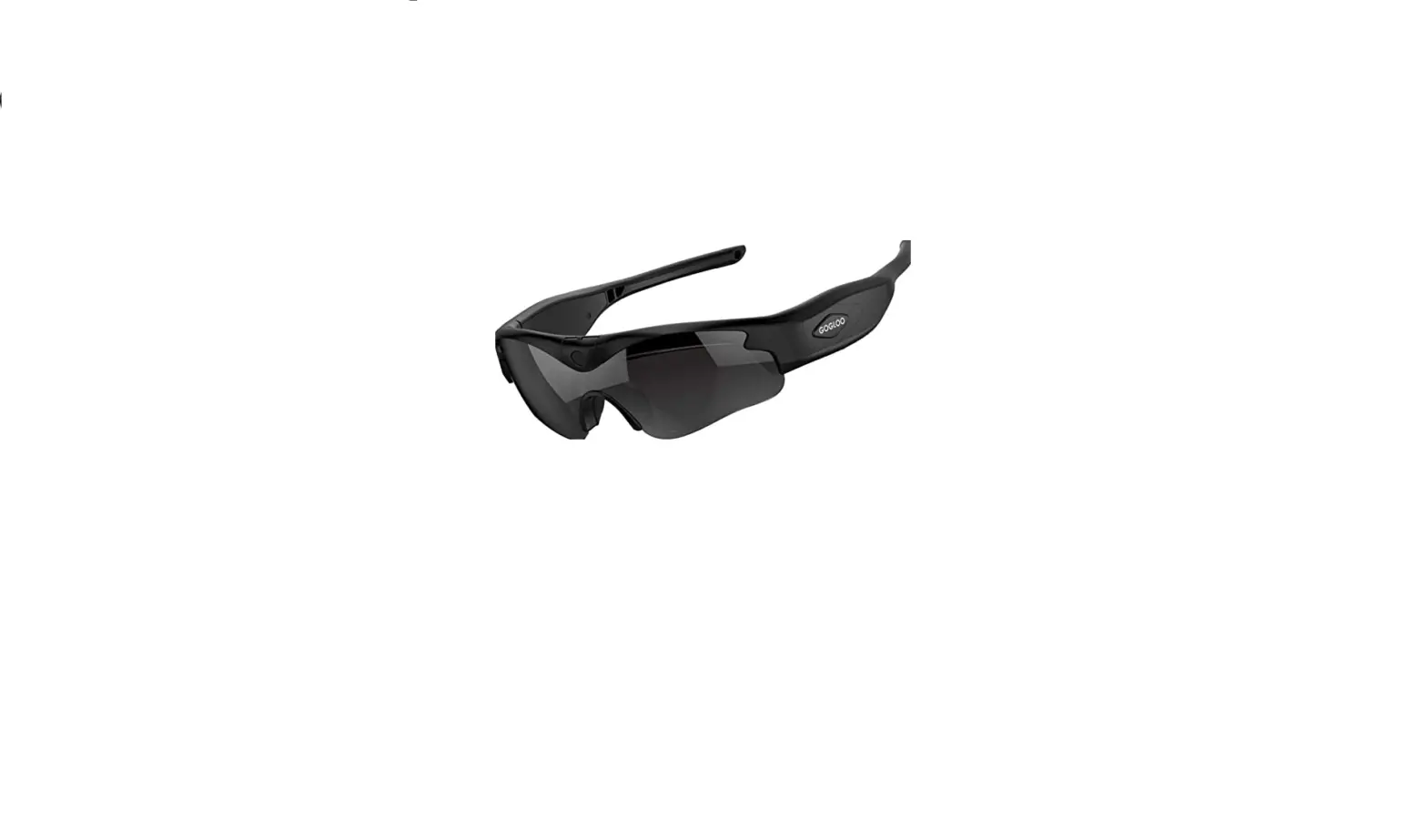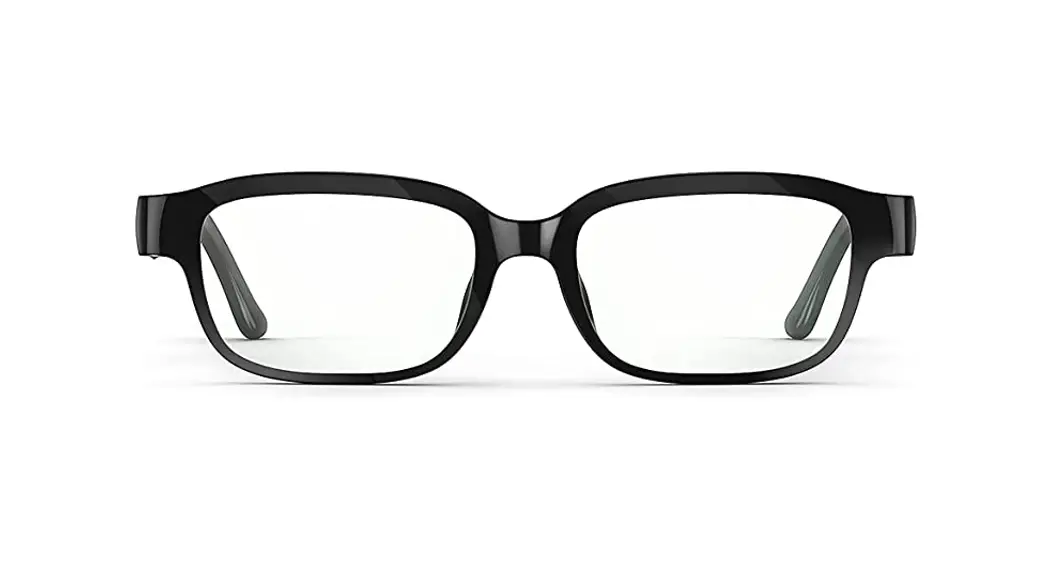

Z4NEU3 Echo Frames Carrying Case Glasses
User Guide
Model: Z4NEU3
WHAT’S INCLUDED
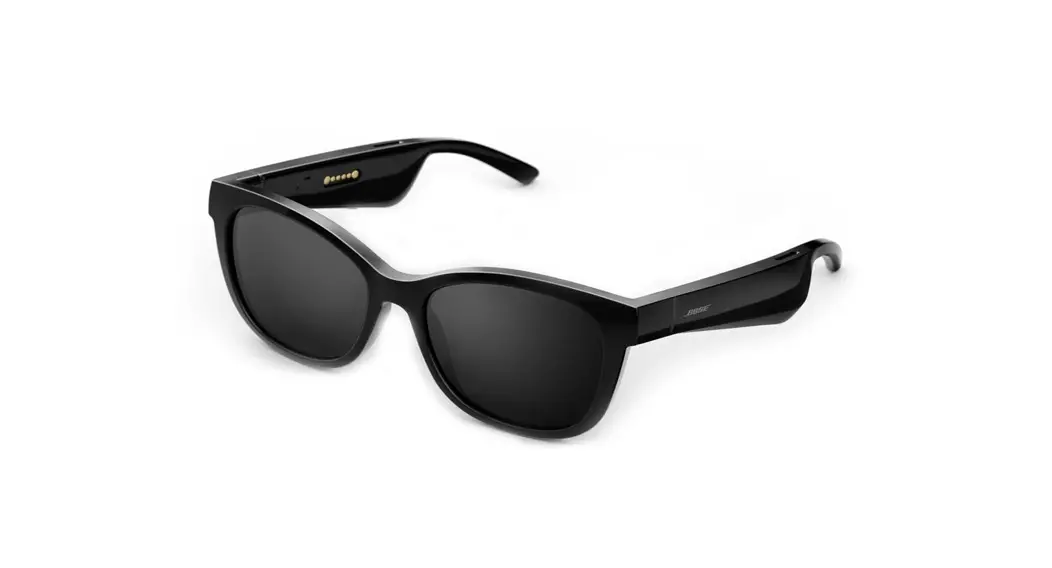
1 pair of Echo Frames,
Carrying case,
Clearing cloth,
Power adapter, and charging cable.
STATUS LIGHT COLORS
The status light is located on the top right side of the inner frame. Pair Mode: Blue/Red blink Active Alexe: Cyan/Blue blink Errors/Mic & phone: Red blink
CONTROLS
Power on/reconnect/walk: Press the action button once
Pair with your frame off the press and hold the action button until the status light blinks red and blue, then release the button.
Power off: press and hold the action button until the status light turns red, then release the button.
Increase volume: press the front of the volume control.
Decrease volume: press the back of the volume control.
CARE INSTRUCTIONS
Not waterproof, avoid high heat, clear your lenses
IMPORTANT PRODUCT INFORMATION
For safety, compliance, recycling, and other important information regarding your Device, please refer to the Legal & Compliance section in the Settings menu of your Device.