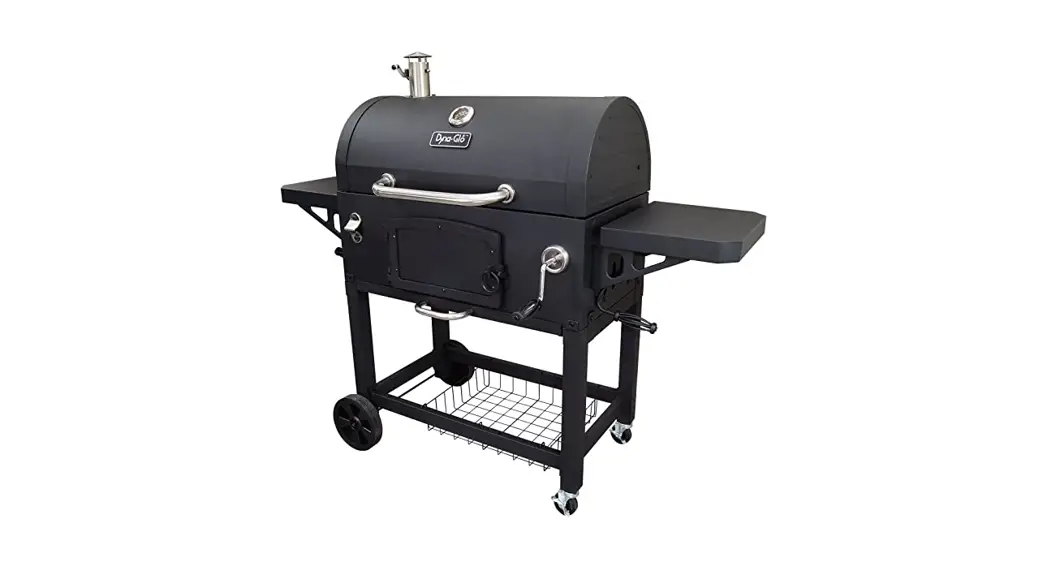
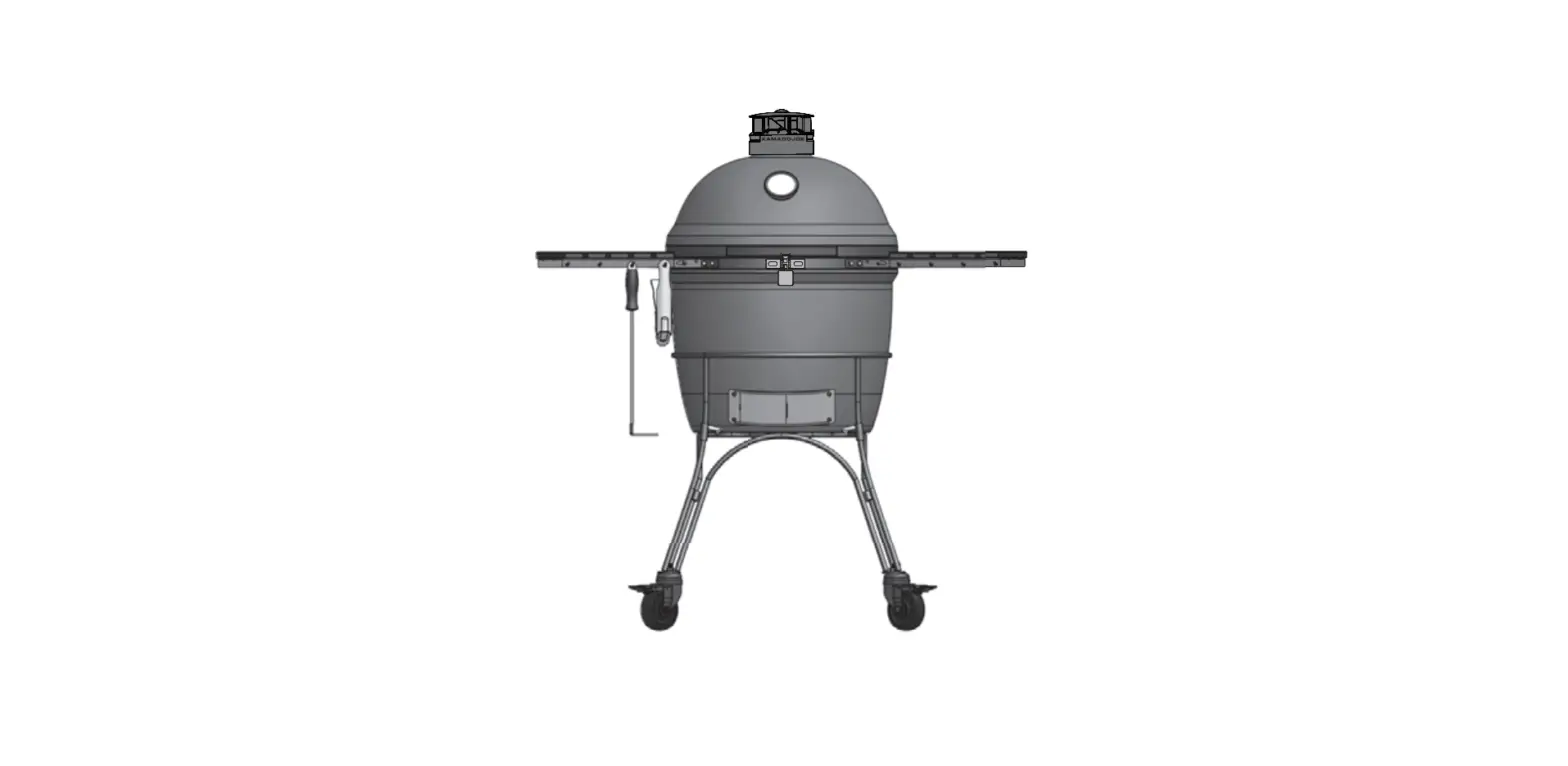
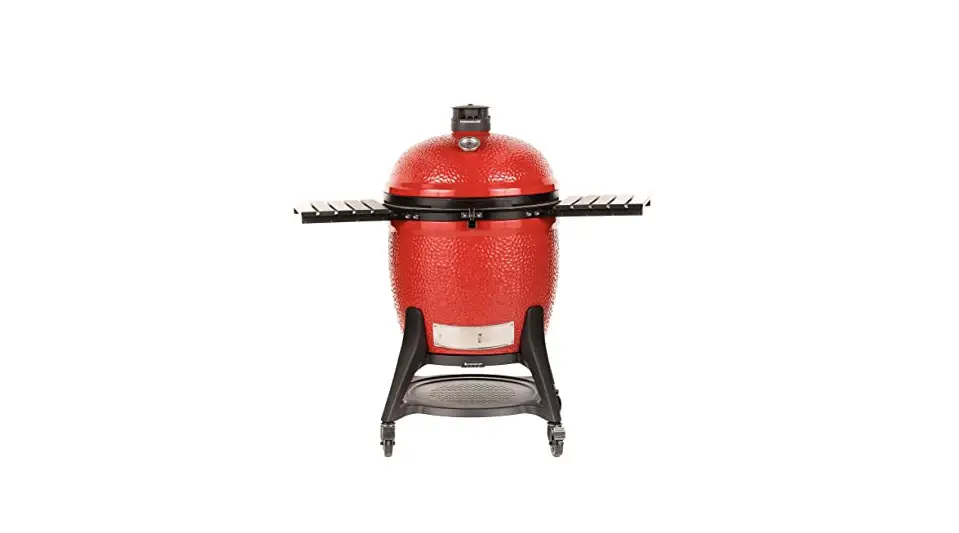
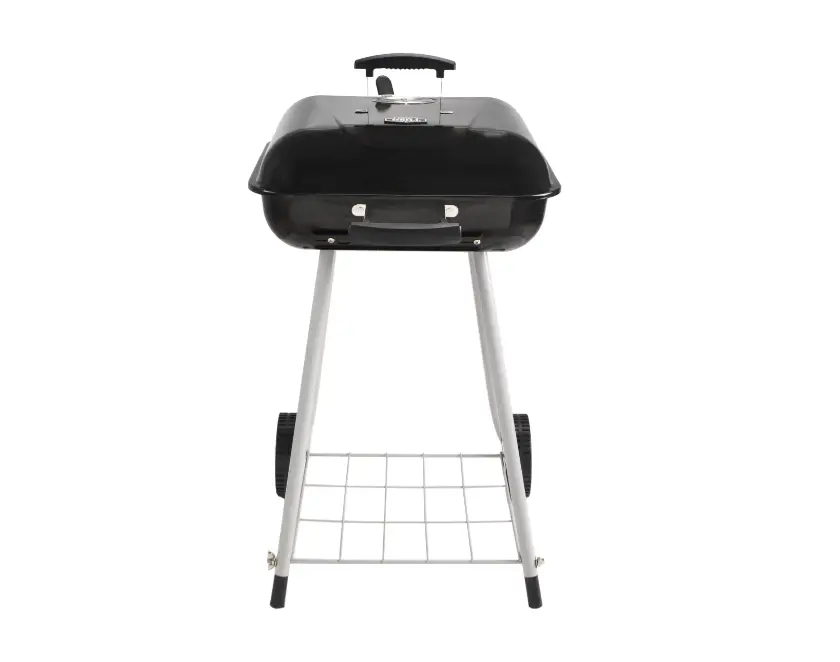
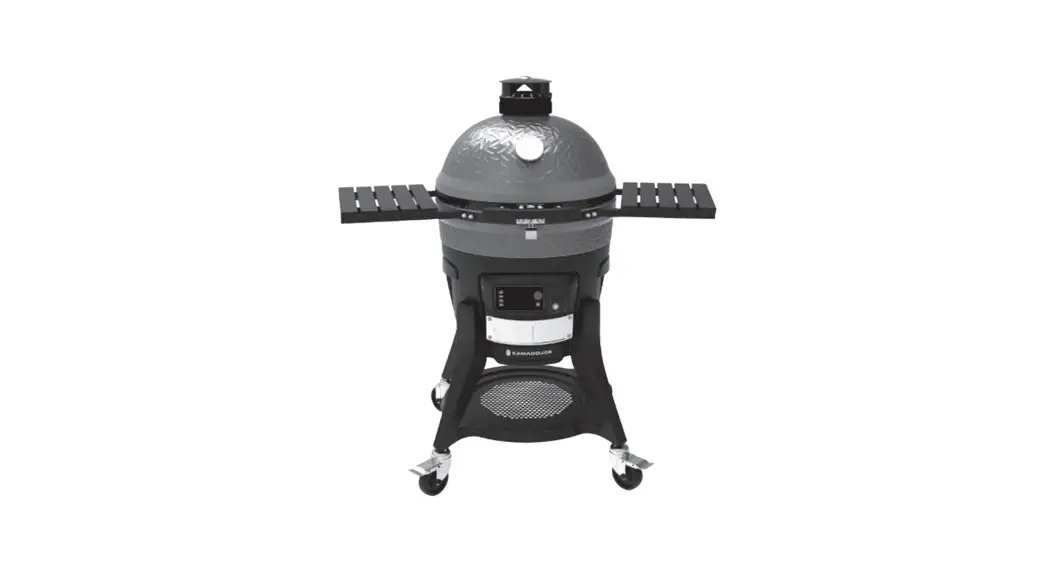
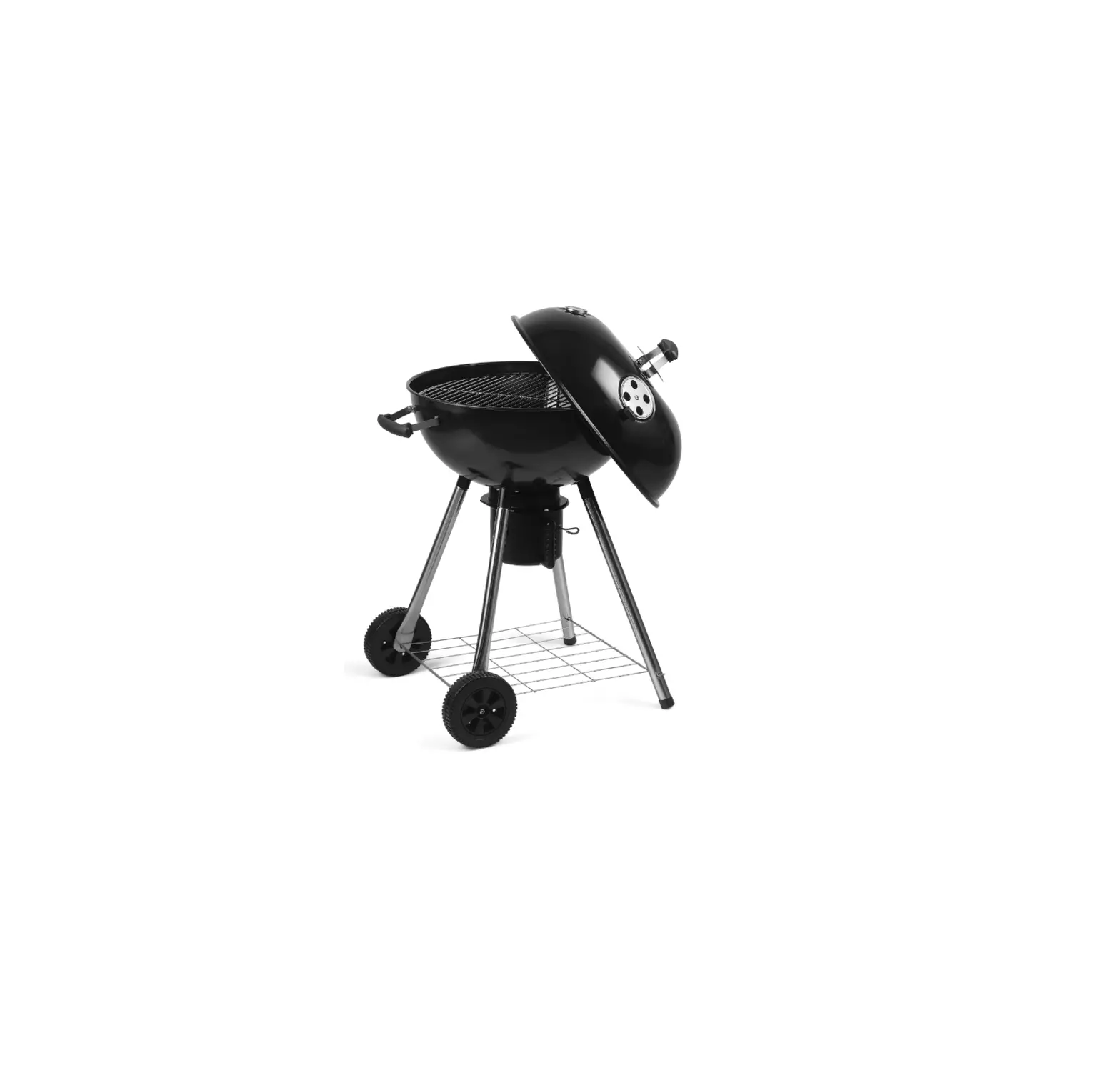
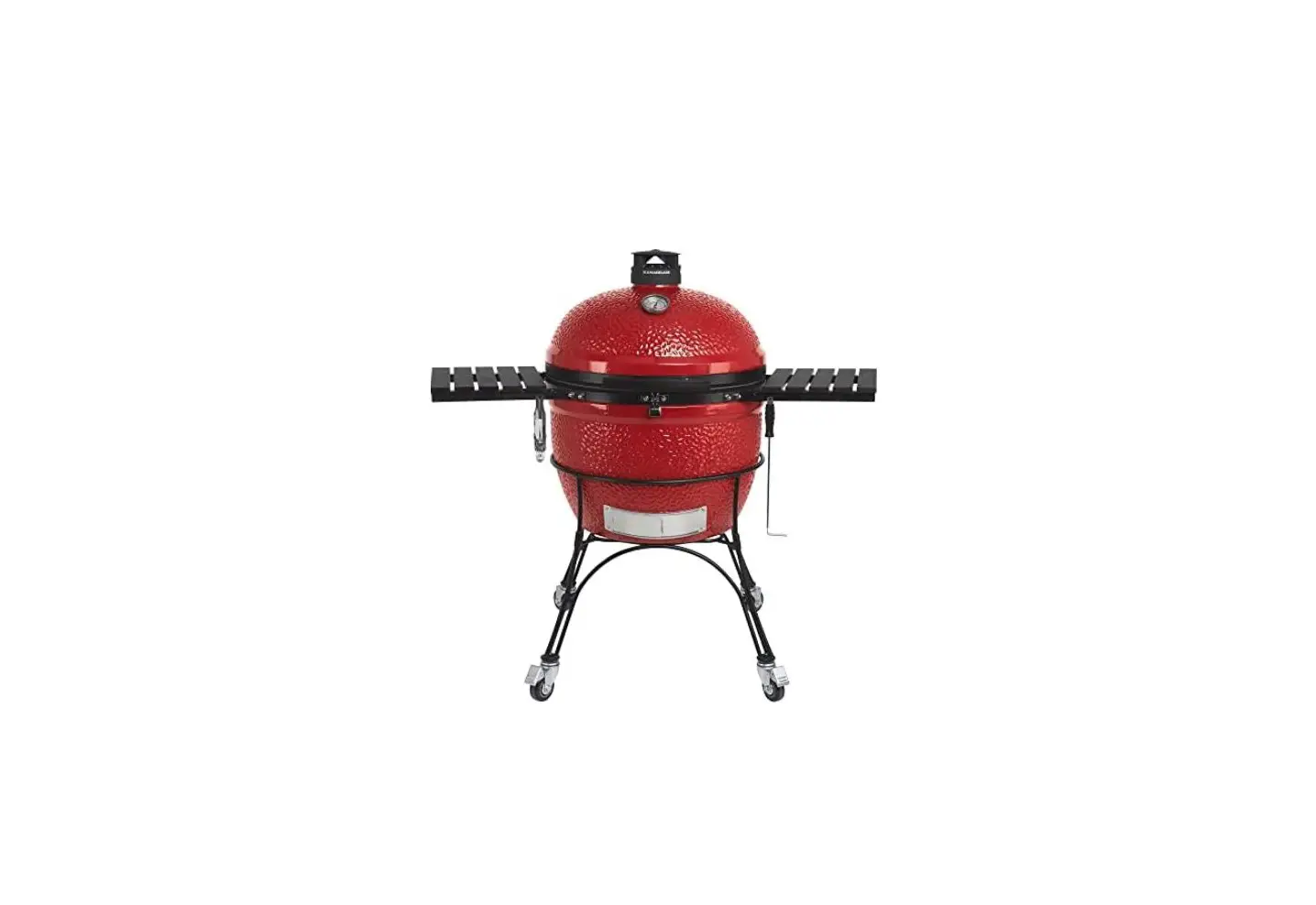
KS-B6000-TH 32 Inch Smart Charcoal Grill
Product Information
| Model | KS-B6000-TH & KS-B6001-TA |
|---|---|
| Product Name | Smart Grill Thermometer & Smart Gas Tank Sensor |
| Distributor | Permasteel |
| Distributor Address | 100 Exchange Place, Pomona, CA 91768 |
| Manufacturing Country | China |
| Contact Customer Service | 1-888-287-0735 |
Product Usage Instructions
Safety Guidelines:
- DO NOT mix old and new batteries. DO NOT mix alkaline, standard
(carbon-zinc) or rechargeable (ni-cad, ni0mh, etc.) batteries. - Never dispose of batteries in an open fire. Always dispose of
batteries in accordance with the local laws. - Avoid placing the Smart Thermometer on hot surfaces.
- When not in use, store the Smart Thermometer and Smart Gas Tank
Sensor in a dry place at room temperature. - DO NOT put the probes directly in fire flame.
- DO NOT put the wrap into the oven, or it will melt!
- Probes are NOT dishwasher safe. Never submerge the probes in
water. - Always wear protective gloves while using the probes to avoid
being burned.
Getting to Know the Device – Smart Grill Thermometer:
- The device provides 4 sockets for probes, which enable you to
monitor 4 items at once. - When there is no probe attached to the Smart Thermometer, the
device will automatically turn off. - AA batteries (x2) are required for operation.
- The Smart Thermometer and batteries are not designed to
withstand high heat. If the surface is too hot to touch, it’s too
hot for the Smart Thermometer and batteries.
Getting to Know the Device – Probes:
- The device provides 4 food probes and 1 ambient probe.
- Clean the probes before first use.
- Ensure that the probe wires do not come in contact with the
grill surface.
Getting to Know the Device – Smart Gas Tank Sensor (Gas Grill
Models Only):
- Both the smart grill thermometer and tank sensor must be
powered on to view tank sensor data. - AA batteries (x3) are required for operation.
If you have any questions or need further assistance, please
contact Customer Service at 1-888-287-0735.
Use & Care Guide Manual de Uso y Cuidado
English / Español
Model / Modelo No. KS-B6000-TH & KS-B6001-TA
Smart Grill Thermometer & Smart Gas Tank Sensor
Termómetro de parrilla inteligente y sensor de tanque de gas inteligente
TABLE OF CONTENT
Warranty . . . . . . . . . . . . . . . . . . . . . . . . . . . . . . . . . . . . . . . . . . . . . . . . . . . . . . . . . . . . . . . . 2 FCC Notice . . . . . . . . . . . . . . . . . . . . . . . . . . . . . . . . . . . . . . . . . . . . . . . . . . . . . . . . . . . . . . . 3 Safety Guides . . . . . . . . . . . . . . . . . . . . . . . . . . . . . . . . . . . . . . . . . . . . . . . . . . . . . . . . . . . . . 3 Get to Know The Device . . . . . . . . . . . . . . . . . . . . . . . . . . . . . . . . . . . . . . . . . . . . . . . . . . . 4-6 Installation Guide . . . . . . . . . . . . . . . . . . . . . . . . . . . . . . . . . . . . . . . . . . . . . . . . . . . . . . . . 7-8 Connecting Your Devices . . . . . . . . . . . . . . . . . . . . . . . . . . . . . . . . . . . . . . . . . . . . . . . . . . 9-11 Kenmore Smart App Features . . . . . . . . . . . . . . . . . . . . . . . . . . . . . . . . . . . . . . . . . . . . . . 12-13
KENMORE® LIMITED WARRANTY
SMART GRILL THERMOMETER WITH PROOF OF SALE: The following warranty coverage applies when this smart grill thermometer is correctly installed, operated and maintained according to all supplied instructions. FOR ONE (1) YEAR FROM THE DATE OF ORIGINAL PURCHASE, the smart device will be warranted against defects in material and workmanship. Consumer will receive free replacement parts or device at its sole discretion of the supplier. Consumer will be responsible for S&H cost. All warranty coverage excludes normal wear and tear, accidents or improper maintenance. All warranty coverage is void if this product is used for commercial purposes. For warranty coverage, please visit www.permasteel.net
SMART GAS TANK SENSOR WITH PROOF OF SALE: The following warranty coverage applies when this smart gas tank sensor is correctly installed, operated and maintained according to all supplied instructions. FOR ONE (1) YEAR FROM THE DATE OF ORIGINAL PURCHASE, the smart gas tank sensor will be warranted against defects in material and workmanship. Consumer will receive free replacement parts or device at its sole discretion of the supplier. Consumer will be responsible for S&H cost. All warranty coverage excludes normal wear and tear, accidents or improper maintenance. All warranty coverage is void if this product is used for commercial purposes. For warranty coverage, please visit www.permasteel.net
NEED HELP? Visit Kenmore.com/smart for additional details. Watch Kenmore Smart app videos on kenmore.com/smartgrill
Product distributed by Permasteel, 100 Exchange Place, Pomona, CA 91768. Made in China.
Questions? Call Customer Service 1-888-287-0735.
2
FCC NOTICES
FCC CAUTION This device complies with part 15 of the FCC Rules. Operation is subject to the following two conditions: (1) This device may not cause harmful interference, and (2) this device must accept any interference received, including interference that may cause undesired operation.
15.21 INFORMATION TO USER Any changes or modifications not expressly approved by the party responsible for compliance could void the suer’s authority to operate the equipment.
15.105 INFORMATION TO USER NOTE: This equipment has been tested and found to comply with the limits for a Class B digital device, pursuant to part 15 of the FCC Rules. These limits are designed to provide reasonable protection against harmful interference in a residential installation. This equipment generates uses and can radiate radio frequency energy and, if not installed and used in accordance with the instructions, may cause harmful interference to radio communications. However, there is no guarantee that interference will not occur in a particular installation. If this equipment off and on, the user is encouraged to try to correct the interference by one or more of the following measures: · Reorient or relocate the receiving antenna. · Increase the separation between the equipment and receiver. · Connect the equipment into an outlet on a circuit different from that to which the receiver is connected. · Consult the dealer or an experienced radio/TV technician for help. This equipment complies with FCC radiation exposure limits set forth for an uncontrolled environment. This equipment should be installed and operated with minimum distance 20cm between the radiator & your body.
FCC IDENTIFIER: 2A384KS-B6000-TH
SAFETY GUIDES
DO NOT mix old and new batteries and DO NOT mix alkaline, standard (carbon-zinc) or rechargeable (ni-cad, ni0mh, etc.) batteries. Never dispose of batteries in an open fire. Always dispose of batteries in accordance with the local laws.
Avoid placing the Smart Thermometer on hot surfaces.
When not in use, store the Smart Thermometer and Smart Gas Tank Sensor in a dry place at a room temperature.
DO NOT put the probes directly in fire flame. DO NOT put the wrap into oven, or it will melt! Probes are NOT dishwasher safe. Never submerge the probes in water. Always wear protective gloves while using the probes to avoid being burned.
Questions? Call Customer Service 1-888-287-0735.
3
GET TO KNOW THE DEVICE
SMART GRILL THERMOMETER The device provides 4 sockets for probes, which enable you to monitor 4 items at once. NOTE: When there is no probe attached to the Smart Thermometer, the device will automatically turn off.
Ambient Probe Socket
LCD Screen
Front View
Power ON/OFF Pairing/Stop Alarm
Back-Light ON
Meat Probes Sockets Battery Cover
Side View (with Back Plate)
Note: The black plate is pre-installed to the left side shelf (please refer to page 7 for more details).
AA Battery (x2)
Back View
WARNING: The Smart Thermometer and batteries are not designed to withstand high heat. If the surface is too hot to touch, it’s too hot for the Smart Thermometer and batteries.
Questions? Call Customer Service 1-888-287-0735.
4
GET TO KNOW THE DEVICE
PROBES The device provides 4 food probes and 1 ambient probe. Clean the probes before first use. ATTENTION: Probes below are for reference only and may differ from the actual product.
Sensor
380°C/716°F for instantaneous test
Sensor
700°C/1292°F for instantaneous test
Metal Handle 380°C/716°F
for long-time monitoring
Teflon Cable with Stainless Steel Mesh NOTE: Ensure that the probe wires do no come in contact with the grill surface.
Teflon Cable with Stainless Steel Mesh
NOTE: Ensure that the probe wires do no come in contact with the grill surface.
Food Probe
ABS Wrap 80°C/176°F
Ambient Probe
Ambient Grate Clip
WARNING · The heat resistance varies in different components of the probe. · DO NOT put the probes directly in fire flame. · DO NOT put the wrap into oven, or it will melt! · Probes are NOT dishwasher safe. · Please wear protective gloves while using the probes at all times to avoid being burned.
Questions? Call Customer Service 1-888-287-0735.
5
GET TO KNOW THE DEVICE
SMART GAS TANK SENSOR (Gas Grill Models Only)
NOTE: Both the smart grill thermometer and tank sensor must be powered on to view tank sensor data. Battery Cover
AA Battery (x3)
Back View
Pins To secure tank sensor to the bottom shelf (please refer to page 8 for more details).
Power ON/OFF
Questions? Call Customer Service 1-888-287-0735.
6
INSTALLATION GUIDE
SMART THERMOMETER Attach the device to left side shelf (NOTE: It is magnetically held in place).
ATTENTION: In order to use the ambient probe, the smart thermometer needs to be attached to the back plate (the back plate is pre-installed to the back of the left side shelf facia).
Ambient Probe Socket Back Plate
Questions? Call Customer Service 1-888-287-0735.
7
INSTALLATION GUIDE
SMART GAS TANK SENSOR (Gas Grill Models Only) 1. Align and insert the 3 pins on the bottom of the gas tank sensor to the 3 hardy holes on the tank holes
on the bottom shelf. 2. Rotate the gas tank sensor to lock it in.
Questions? Call Customer Service 1-888-287-0735.
8
GET TO KNOW THE DEVICE
SCREEN INTRODUCTION
Thermometer Battery Level
Timer Signal
Tank Level Indicator
Bluetooth Connection
Ambient/Food Probe Indicator
Meat Type
Current Temperature
Meat Doneness
Tank Sensor Battery Level
Temperature Unit
Probe Target Temperature
Food Probe Indicator
PUT IN THE BATTERY 2 AA size batteries are needed for the smart grill thermometer and 3 AA size batteries are needed for the smart gas tank sensor. Make sure they are put in the right direction by following the icons on the unit.
1 Slide the battery cover to open. 2 Put in the batteries, noticing the icons which show the directions.
3 Slide back the battery cover.
INSTALL THE PROBES · Install the ambient probe with the provided retaining clip onto your grill grates, ideally near the food
being cooked. This probe monitors the ambient cooking temperature of the grill. · Install your food probes 1 to 4 and place them into the food being cooked. · For optimum performance, please refer to your recipe for probe replacement. · The Smart Grill Thermometer cycles through one probe at a time including the ambient probe. On the
screen displayed is the CURRENT temperature and to the right is the TARGET temperature. There is no target temperature for AMBIENT sensor.
Questions? Call Customer Service 1-888-287-0735.
9
CONNECTING YOUR DEVICES 1 DOWNLOAD THE APP
Download the free Kenmore SmartTM app to your device and create a profile.
Visit Kenmore.com/smart for additional details.
2 SELECT
A. From the Home screen
B. Tap on the
icon.
C. Turn on the thermometer
Tap the (+) to add a new
and tank sensor. Press and
product.
hold the thermometer
power button for two
seconds.
HINT: Make sure all devices are powered on. Confirm the Bluetooth is enabled on your smart device.
Questions? Call Customer Service 1-888-287-0735.
10
3 PAIR
CONNECTING YOUR DEVICES
A. Kenmore SmartTM app will scan for devices. Once it found the thermometer, follow the instruction on the app to finish the pairing process.
B. Once the app syncs with your grill, press the button on the thermometer, and then name your grill.
NOTE: For Android users, pull down to refresh after naming the thermometer.
4 SET UP IS COMPLETE
REMINDER: Both thermometer and tank sensor must be powered on to view tank sensor data. Confirm batteries are installed correctly and sufficiently charged.
NOTIFICATIONS · When the target temperature has reached, you will receive beeping sound alarm from the Smart Thermometer, and
also receive app notification on your smartphone. To turn off the sound alarm, simply press once on the button on the Smart Thermometer. · When the device is accidentally disconnected, you will receive app notification that the device is offline. · When the gas tank fuel level is too low, you will receive app notification.
NEED HELP? Visit Kenmore.com/smart for additional details. Watch Kenmore Smart app videos on kenmore.com/smartgrill
Smart control and monitoring functionality of Kenmore® Smart products requires a smartphone or tablet, Bluetooth connectivity and the free app. These devices are not included. Supports iPhone® and Android® mobile devices. Phone not included with product. Apple, the Apple logo and iPhone are trademarks of Apple Inc., registered in the U.S. and other countries. App Store is a service mark of Apple Inc. Google Play and Android are trademarks of Google LLC. The Bluetooth® word mark and logos are registered trademarks owned by Bluetooth SIG, Inc. and any use of such marks by Permasteel Inc. is under license. Other trademarks and trade names are those of their respective owners. Kenmore, Kenmore Smart, and all marks are trademarks of Transform SR Brands LLC and are used under license. Product distributed by Permasteel, 100 Exchange Place, Pomona, CA 91768. Made in China.
Questions? Call Customer Service 1-888-287-0735.
11
KENMORE SMART APP FEATURES
KENMORE SMARTTM APP
Choose meat type and preference for the food where each probe is inserted, the app and the device will display its current and target temperature. When the food is ready, the smart thermometer will alarm and receive a notification on your device
Rearrange Tab
Product Type/Name
Add Product Product Tab
Home Page Notifications
Help & Info Account Info
NOTE: The user interface of the app may be changed when upgraded. Please follow the instructions in the app.
Questions? Call Customer Service 1-888-287-0735.
12
KENMORE SMART APP FEATURES
KENMORE SMARTTM APP
Choose meat type and preference for the food where each probe is inserted, the app and the device will display its current and target temperature. When the food is ready, the smart thermometer will alarm and receive a notification on your device
Back Options
Current Probe Temperature
Probe Number
Smart Gas Tank Sensor Battery Level
Settings
Smart Thermometer Battery Level & Bluetooth Status
Current Ambient Temperature
Ambient Temperature Setup
Food Probe Preset Setup
Alarm Type: Temperature or Meat Type
Propane Gas Tank Level
NOTE: The user interface of the app may be changed when upgraded. Please follow the instructions in the app.
Questions? Call Customer Service 1-888-287-0735.
13
 Best Smart Appliances | Fridges, Washers, & Home Devices | Kenmore
 Permasteel | Manufacturer of Patio Coolers & Kenmore Gas Grills