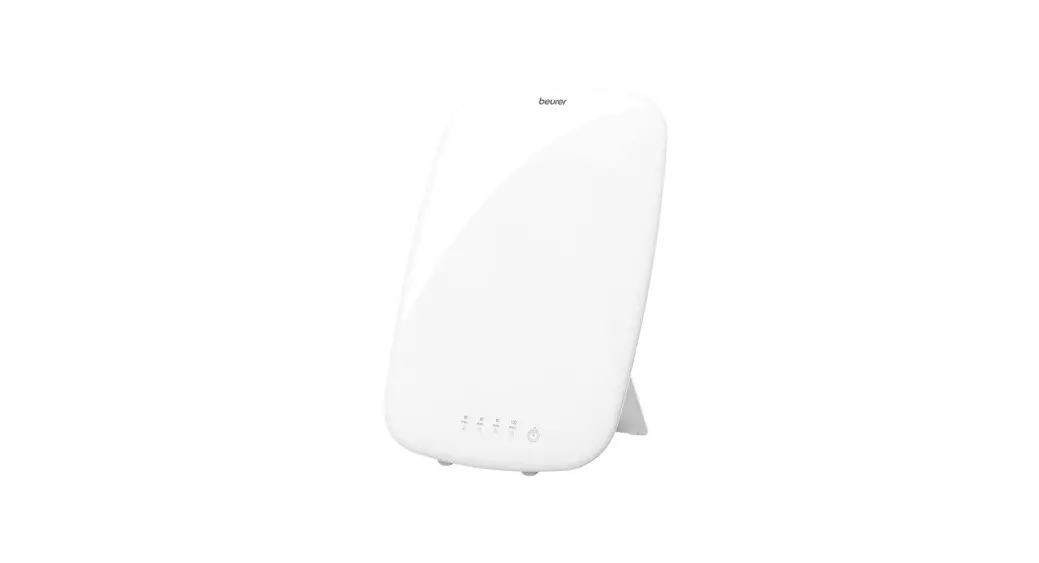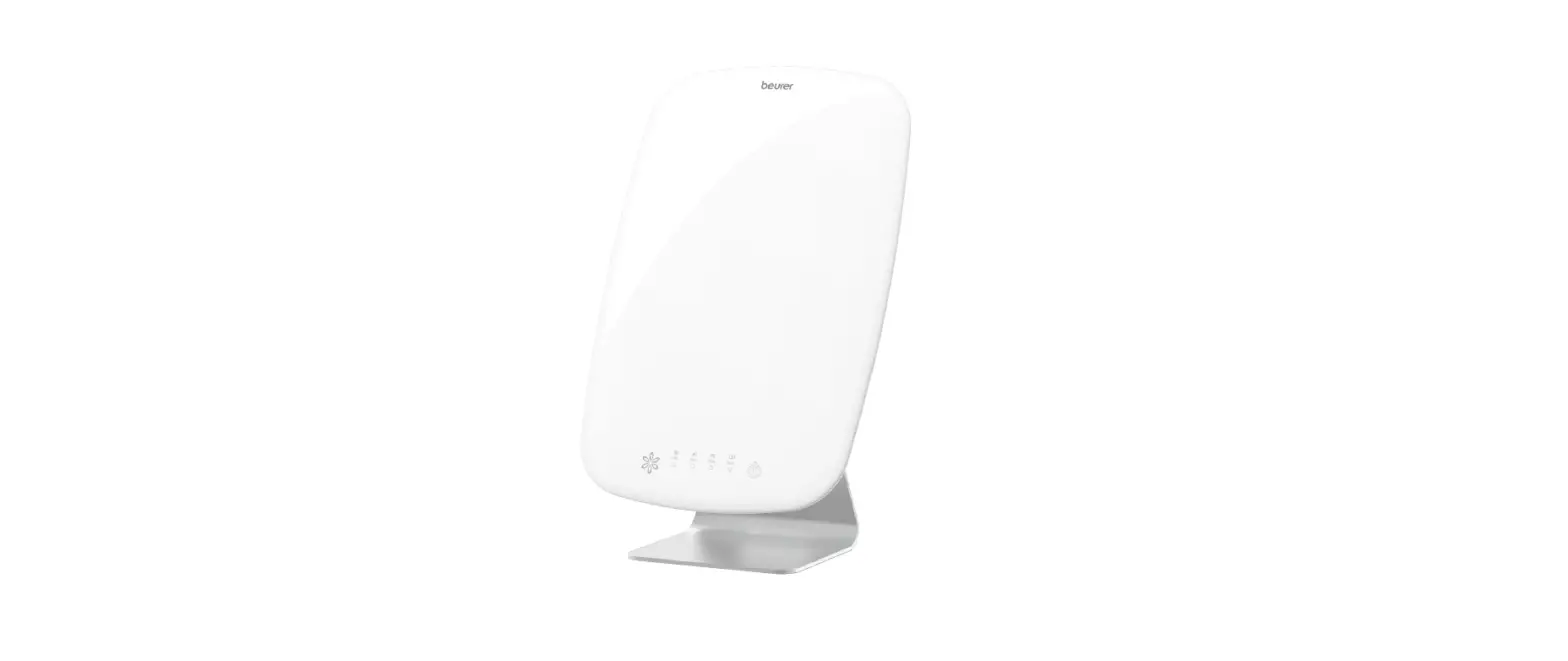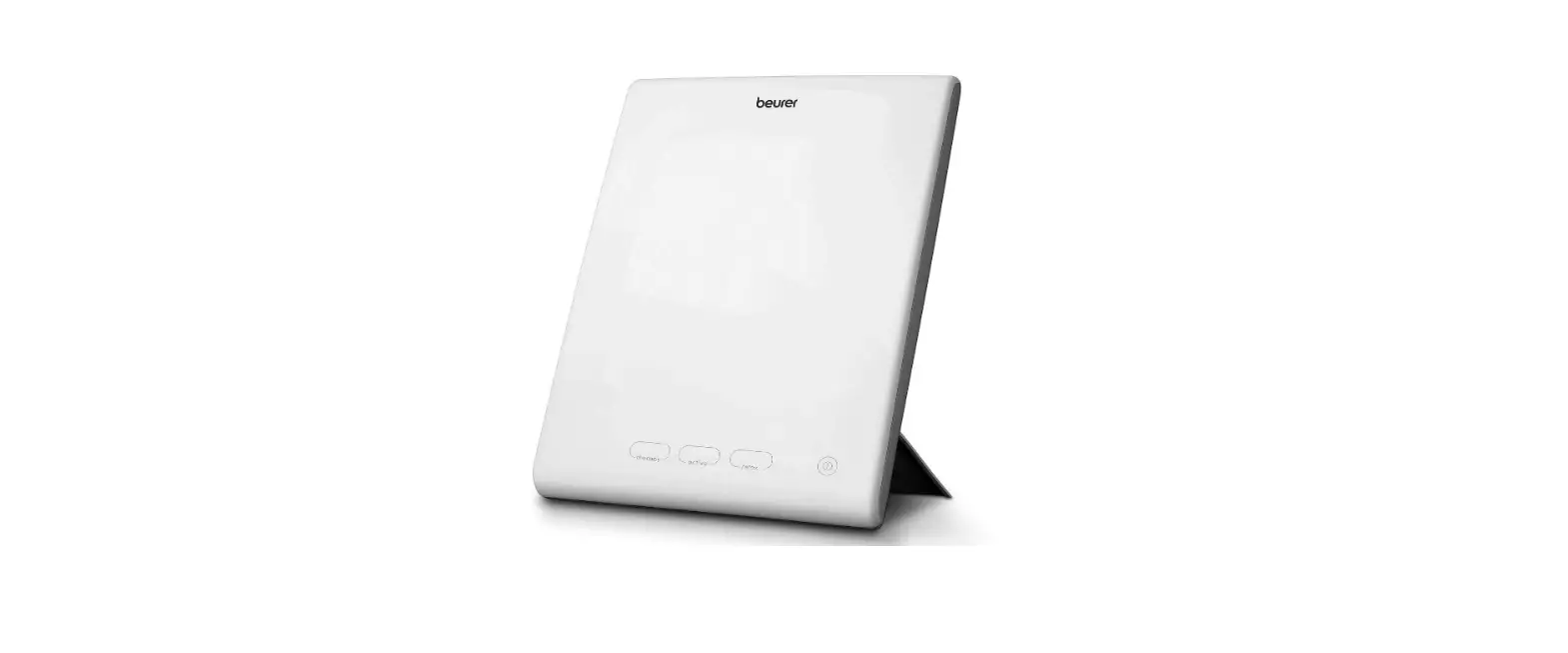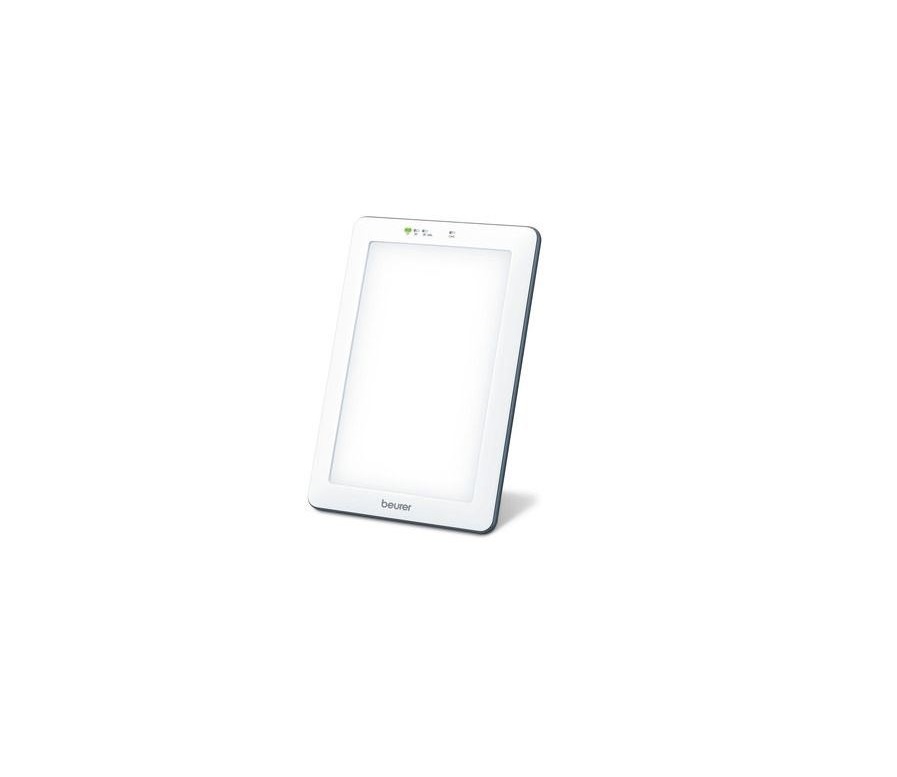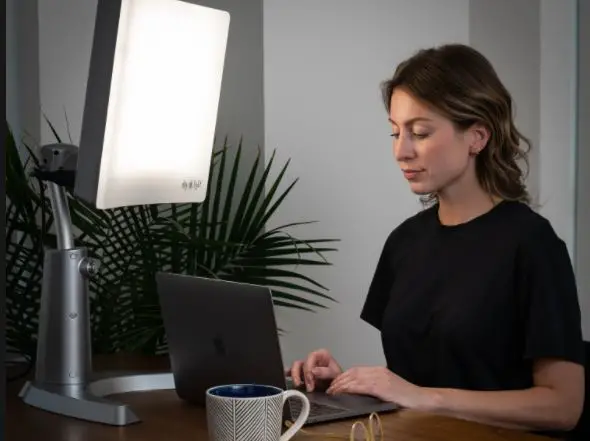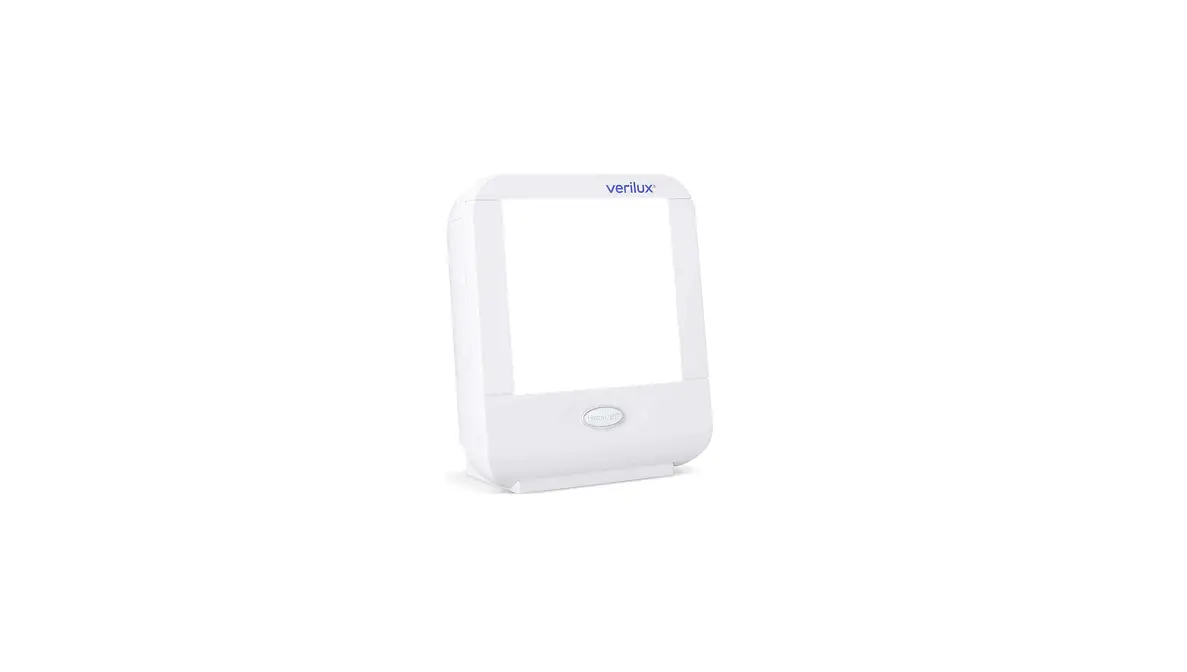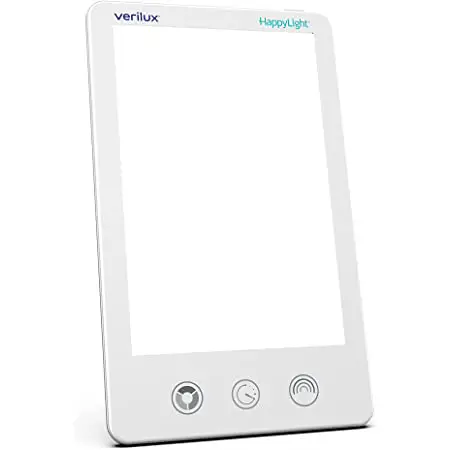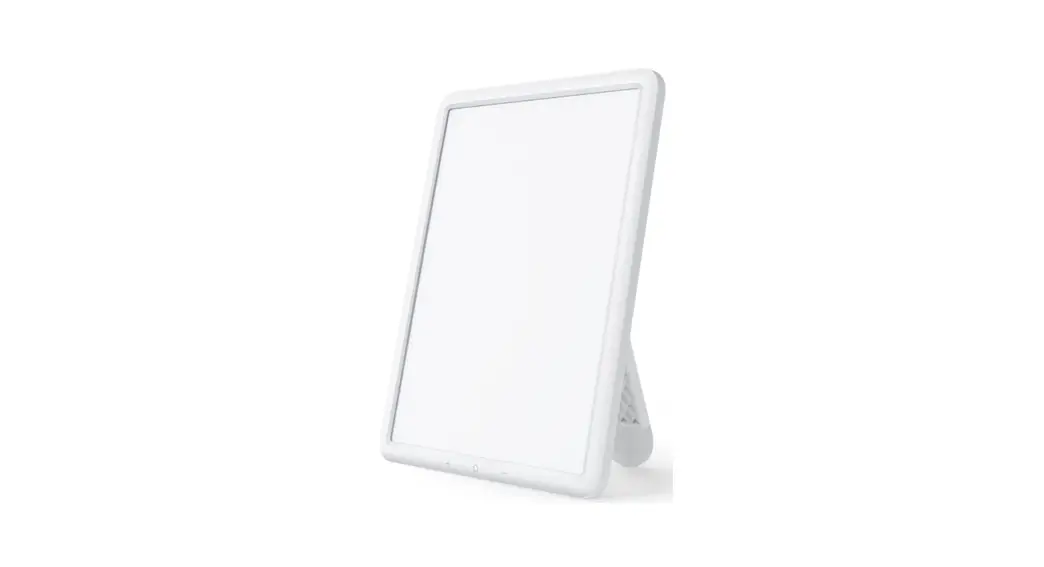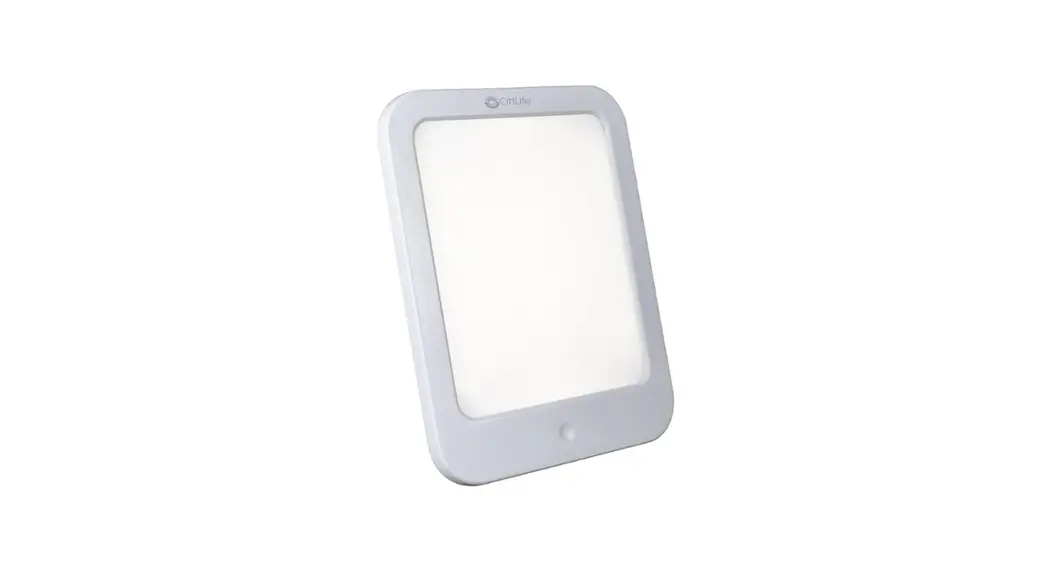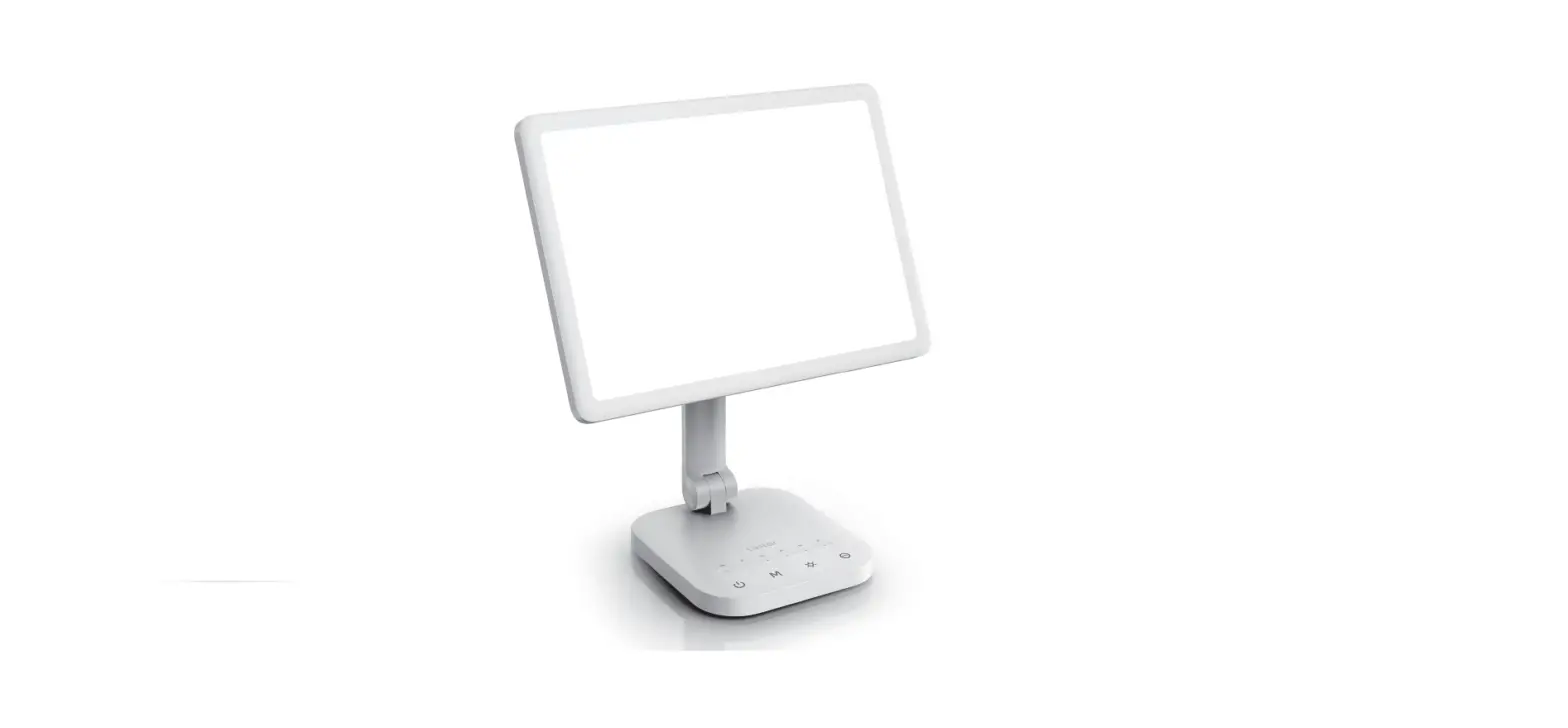

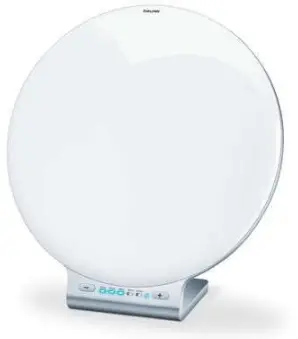
beurer TL 100 Daylight Therapy Lamp
quick start guide
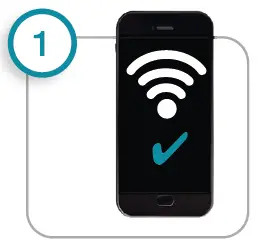
- Connecting the smartphone to the Internet. Note: Depending on the settings for your smartphone, additional charges may be incurred for connecting to the Internet or transferring data.

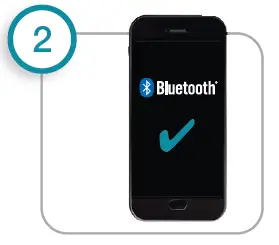
- Activate Bluetooth® in the smartphone settings

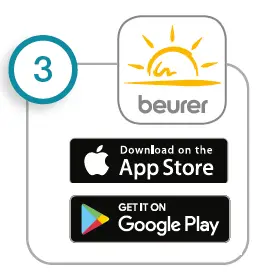
- Download the free “beurer LightUp” app from the Apple App Store or Google Play.

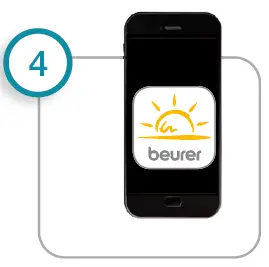
- Start the app, add TL 100 in the app and follow instructions

TL 100 uses Bluetooth® low energy technology List of supported smartphones/tablets
Service Hotline
+49 (0) 731 / 39 89 – 144 Beurer GmbH Söfl inger Straße 218 89077 Ulm, Germany www.beurer.com [email protected]
 Beurer GmbH