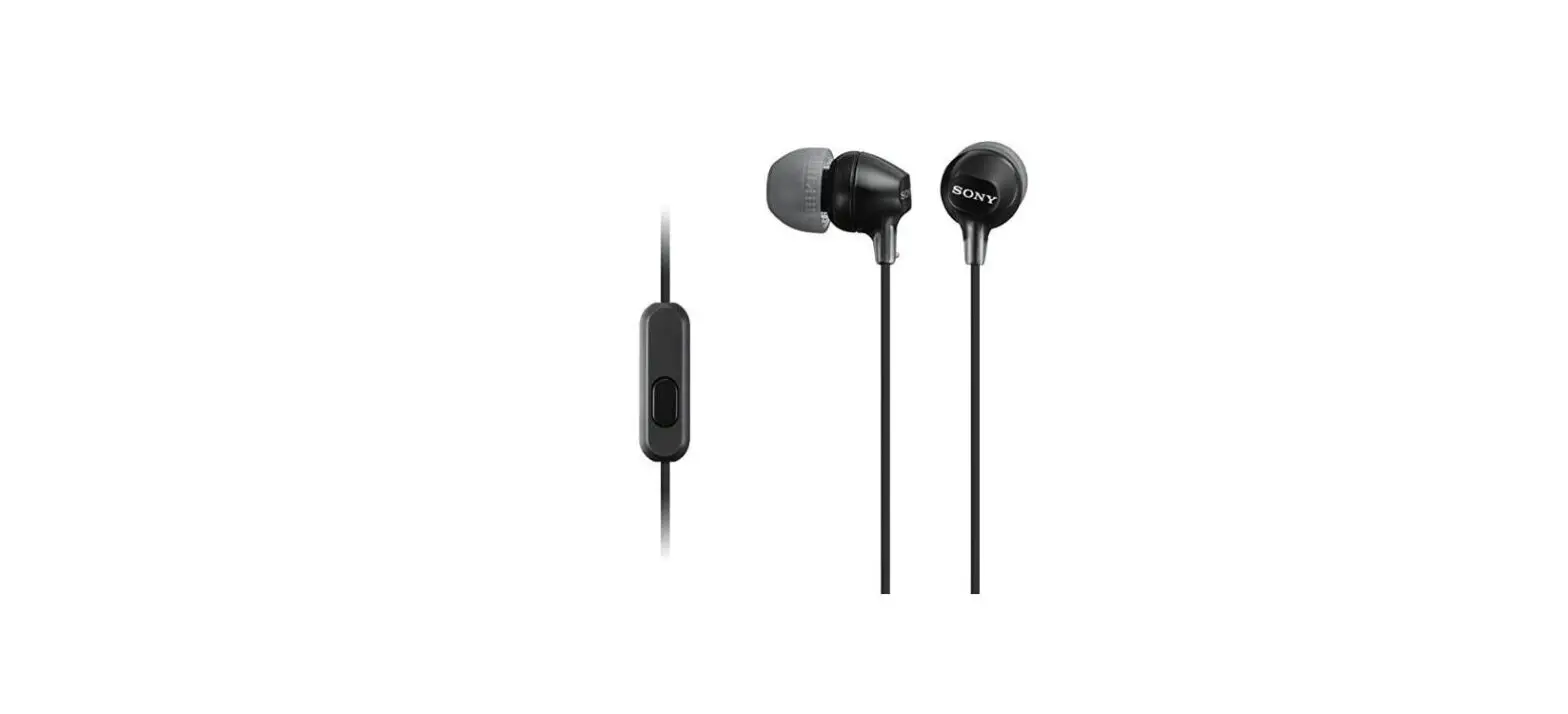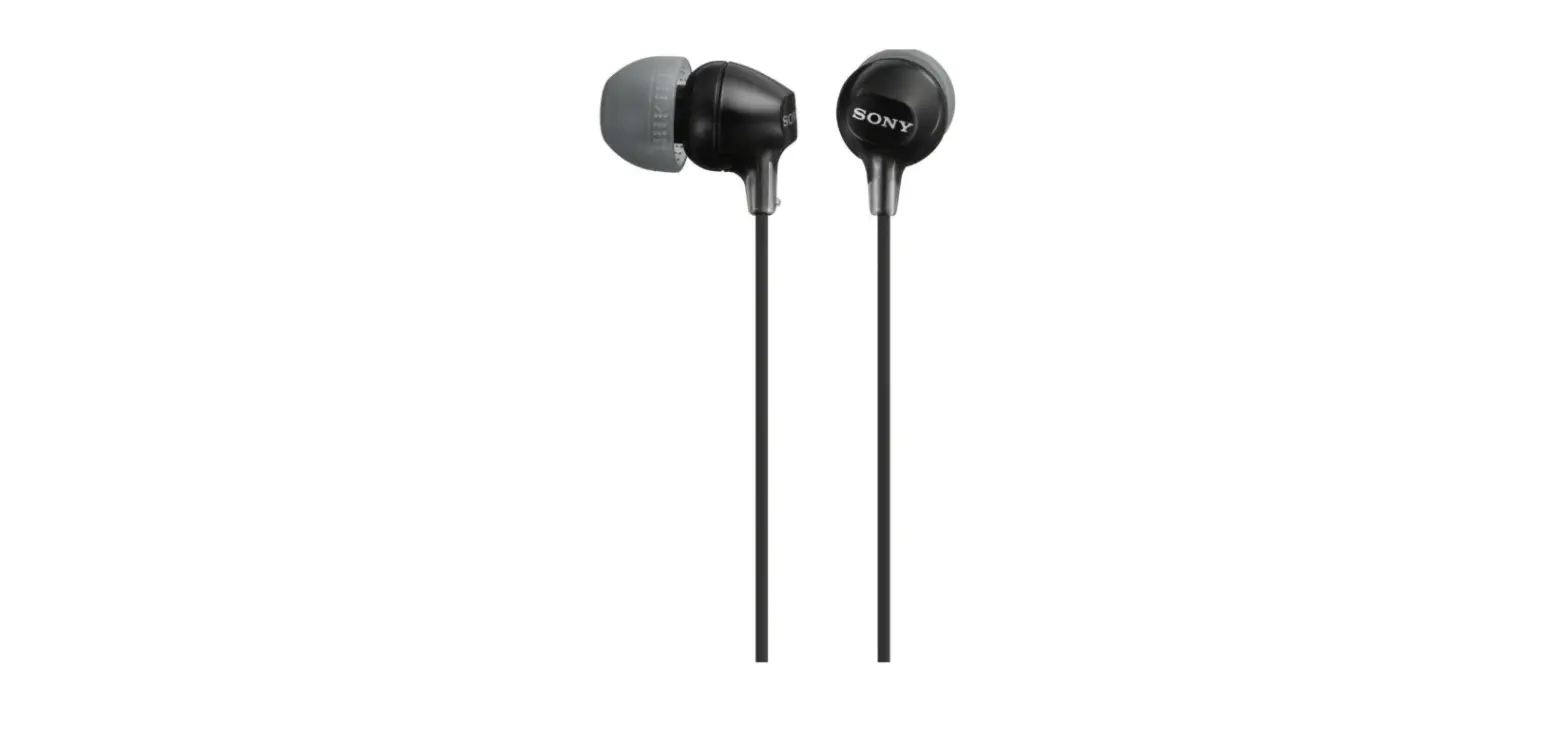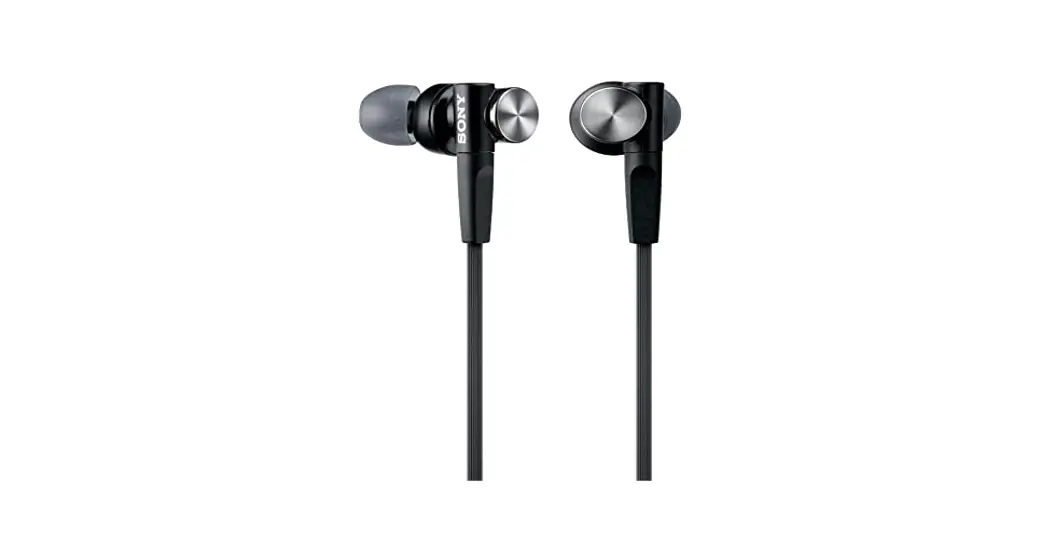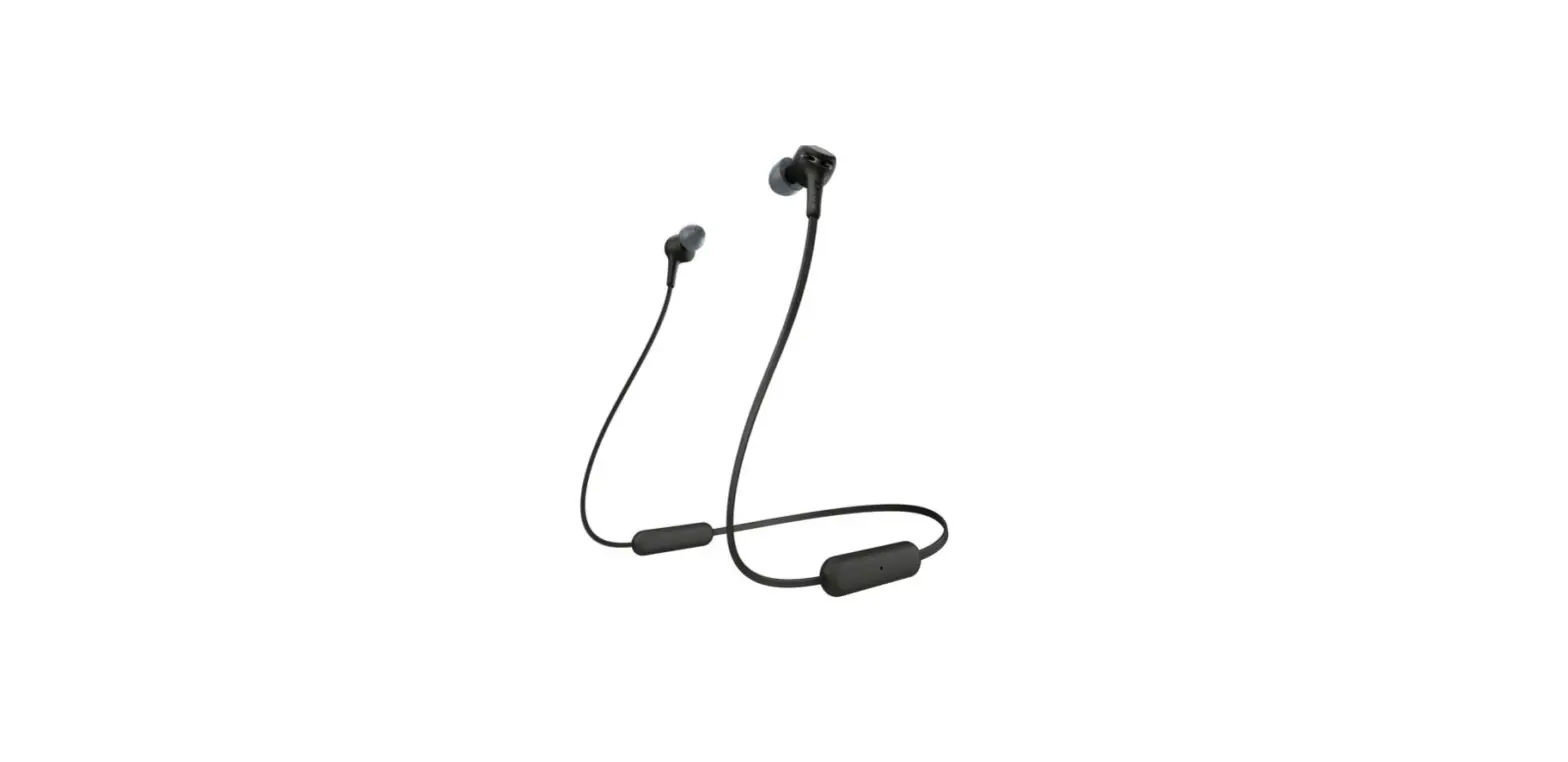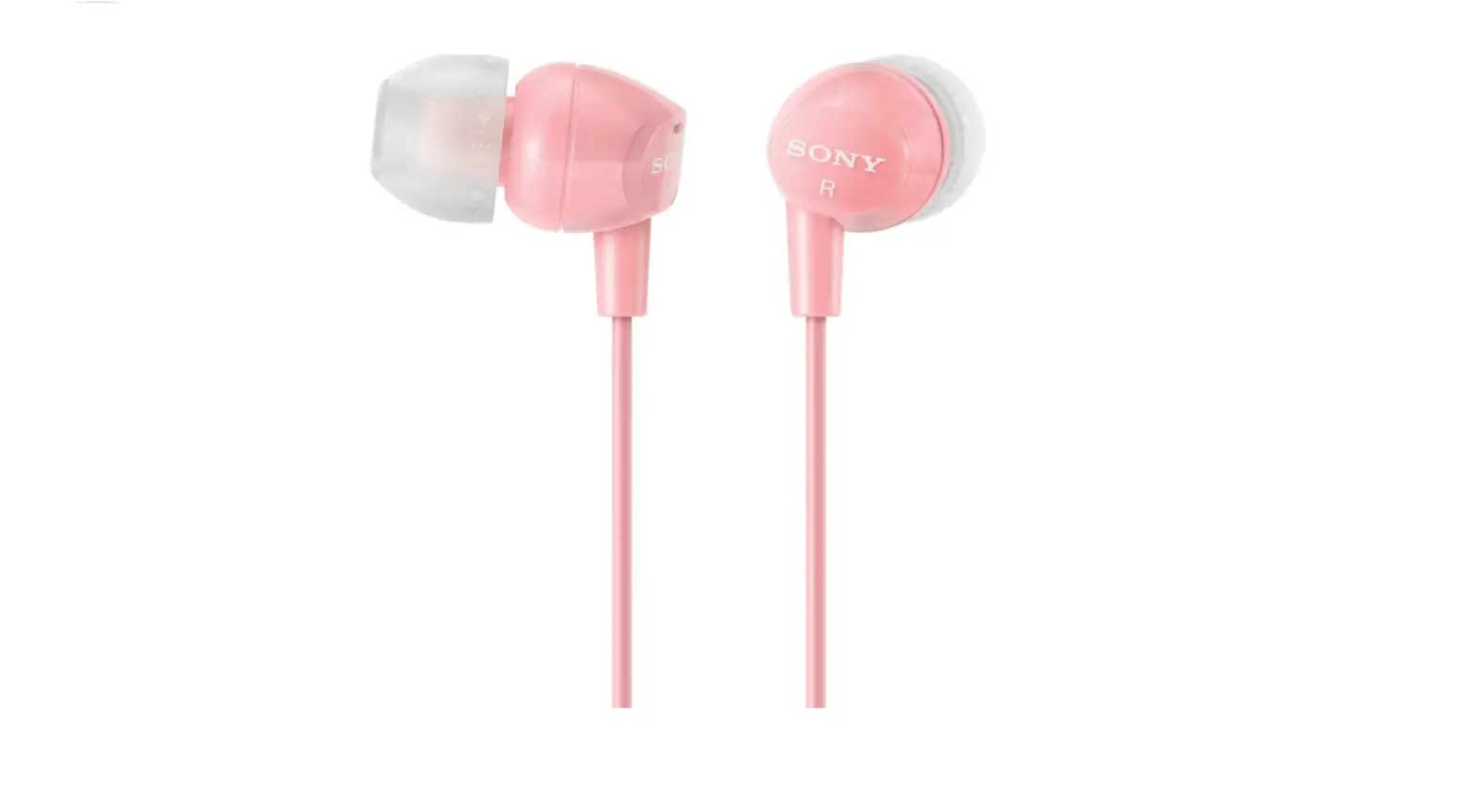

Sony MDREX10LP/PNK In-Ear Headphones
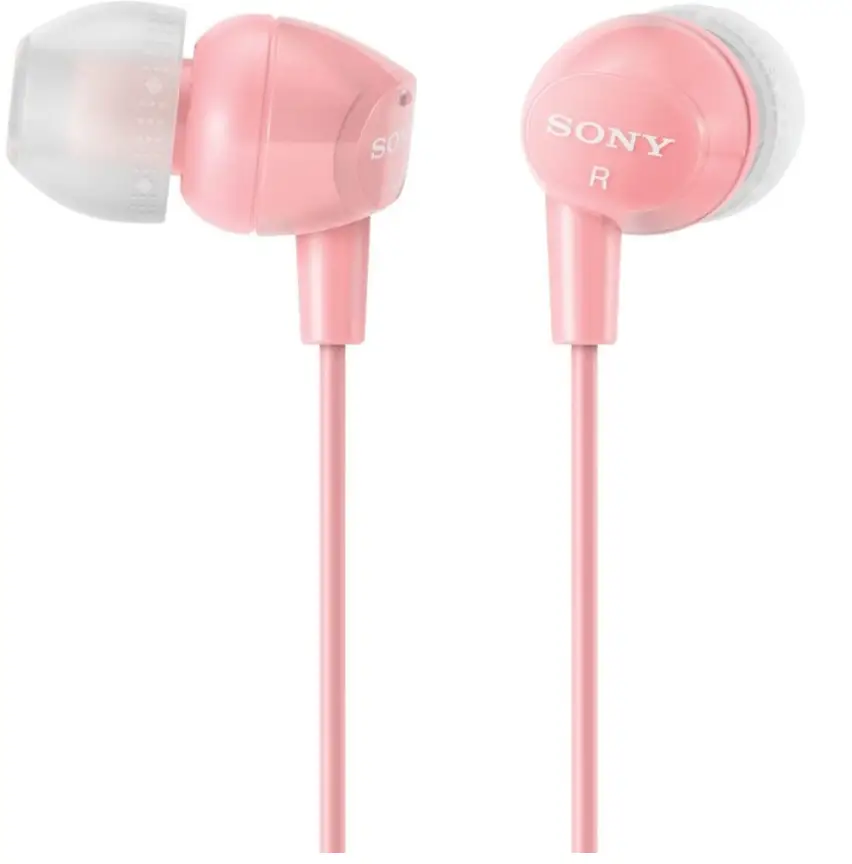
Specifications
- BRAND: Sony
- EAR PLACEMENT: In Ear
- COLOR: Pink
- FORM FACTOR: In Ear
- ITEM WEIGHT: 3 Grams
- PRODUCT DIMENSIONS: 10 x 10 x 10 inches
- ITEM WEIGHT: 0.106 ounces
- DRIVER UNIT: 9mm
- FREQUENCY RANGE: 8Hz – 22kHz
- IMPEDANCE: 16 Ohms
- SENSITIVITY: 100dB
- MAXIMUM INPUT POWER: 100mW
- CONNECTORS: L-Shaped 3.5mm Stereo Mini Plug
- CABLE LENGTH: 3.94′ (1.2 m)
Introduction
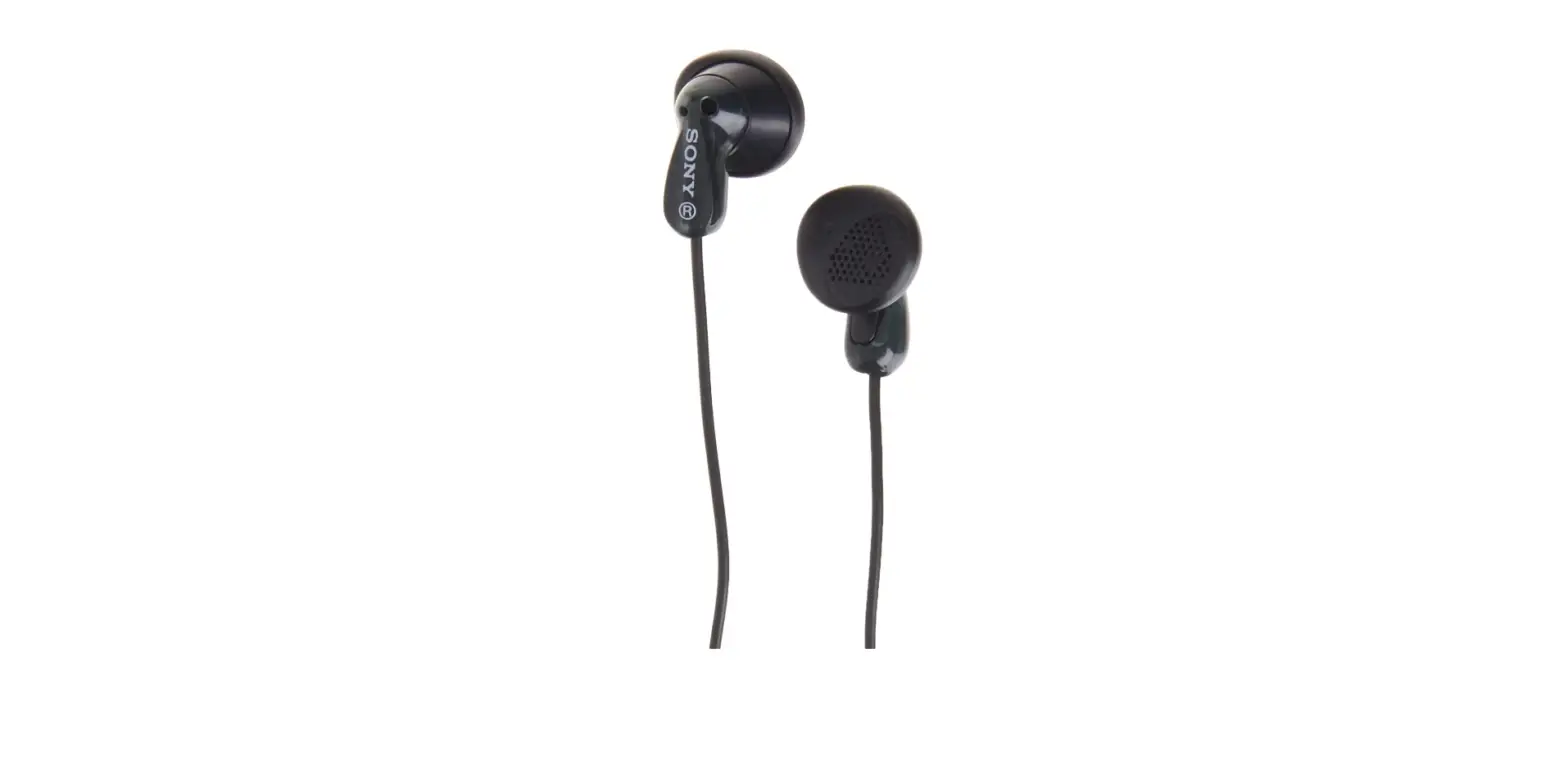
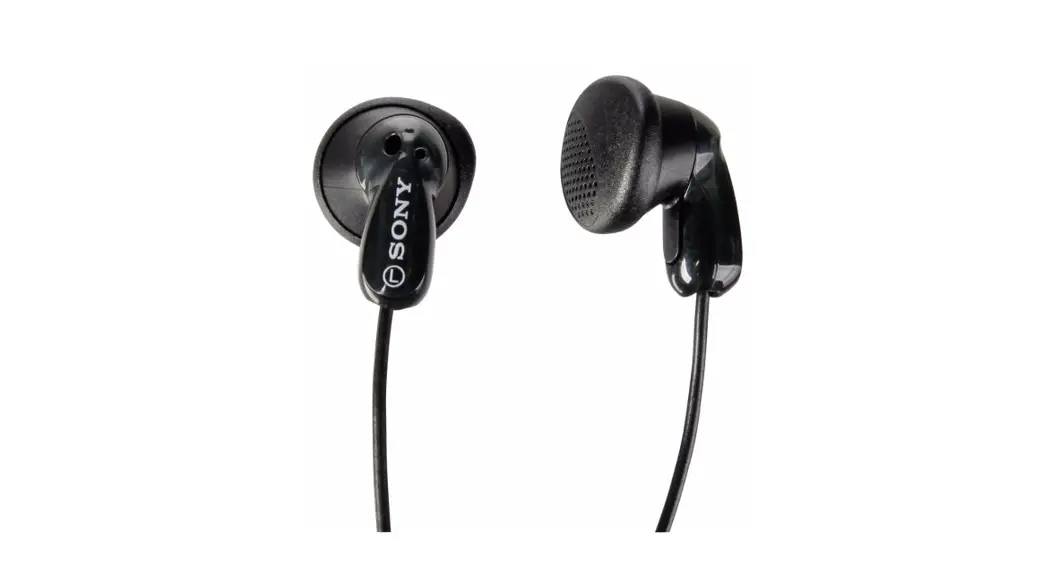
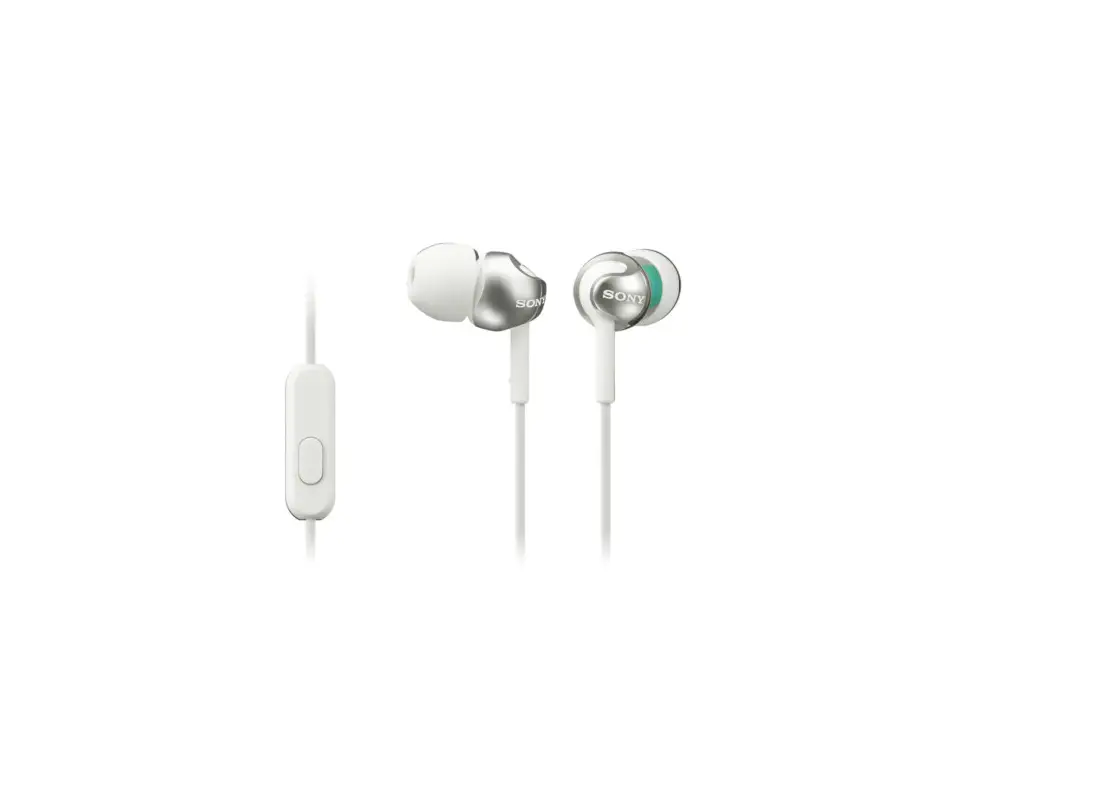
The Sony MDR-EX10LP in-ear stereo headphones in red offer premium sound in a portable, lightweight package. Neodymium magnetized 9mm dynamic drivers inside the headphones produce clear, lifelike sounds with wide frequency responses. You may find the perfect fit for comfort and noise isolation using the 3 sizes of soft, interchangeable eartips that are included with the headphones. In addition to providing strain relief, the angled 3.5mm plug is compatible with a wide range of MP3 players, CD players, computers, and other devices.
FEATURES
- 400 kJ/m3 high-power neodymium magnets produce high-resolution treble and midrange with powerful bass
- Hybrid silicone rubber earbuds (S, M, L) supplied for secure fitting and long-term wearing comfort
- Y-type cord with cord slider to prevent cord tangling
- Convenient cord adjuster supplied
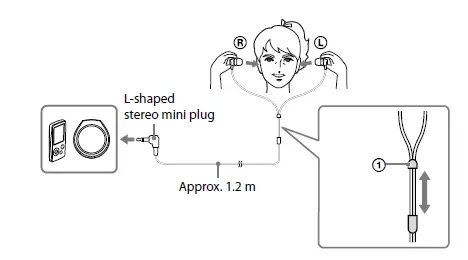
HOW TO USE
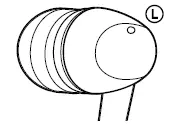
Connect the headphones to a device with the stereo mini jack. Wear the earpiece marked R in your right ear and the one marked L in your left ear. There is a tactile dot on the unit marked L to distinguish the left side.
USING THE CORD SLIDER
Move up and down to change the split position of the cord.
INSTALLING THE EARBUDS CORRECTLY
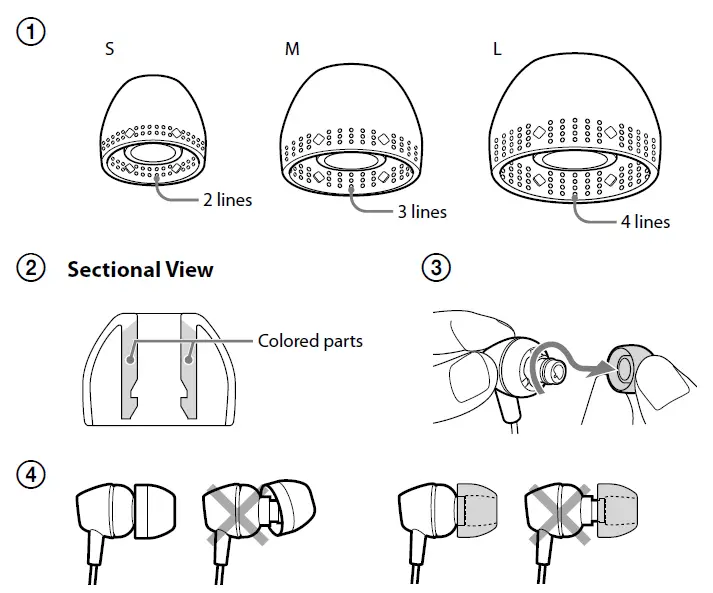
If the earbuds do not fit your ears correctly, low-bass sound may not be heard. To enjoy better sound quality, change the earbuds to another size, or adjust the earbuds position to sit on your ears comfortably and fit your ears snugly. If the earbuds do not fit your ears, try another size. When you change the earbuds, install them firmly on the headphones to prevent the earbud from detaching and remaining in your ear.
TO CHECK THE TRANSPARENT EARBUD SIZES
The transparent earbud sizes are distinguished by a line pattern.
TO CHECK THE BLACK EARBUD SIZES
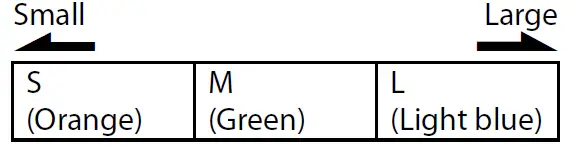
The black earbud sizes are distinguished by the inside color.
BLACK EARBUD SIZES (INSIDE COLOR)
TO DETACH AN EARBUD
While holding the headphone, twist and pull the earbud off.
TIP
If the earbud slips and cannot be detached, wrap it in a dry soft cloth.
TO ATTACH AN EARBUD
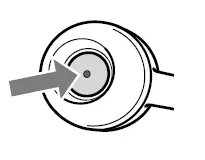
Push the parts inside of the earbud into the headphone until the projecting part of the headphone is fully covered.
TO CLEAN THE EARBUDS
Remove the earbuds from the headphones, and wash them with a mild detergent solution.
SUPPLIED ACCESSORIES
- Earbuds S (2), M (2), L (2)
- Card warranty (1)
- Operating Instructions (1)
- IEC = International Electrotechnical Commission
- Design and specifications are subject to change without notice.
PRECAUTIONS
- Please keep your headphones clean at all times especially inside the rubber earbud.
If any dust or ear wax is inside the earbud, you may experience some listening difficulties.
- Listening with headphones at high volume may affect your hearing. For traffic safety, do not use while driving or cycling.
- The earbuds may deteriorate due to long-term storage or use.
- Install the earbuds firmly onto the headphones. If an earbud accidentally detaches and is left in your ear, it may cause injury.
NOTE ON STATIC ELECTRICITY
In particularly dry air conditions, mild tingling may be felt on your ears. This is a result of static electricity accumulated in the body, and not a malfunction of the headphones. The effect can be minimized by wearing clothes made from natural materials.
Frequently Asked Questions
- Why do my ears hurt when I use Sony headphones?
Your eardrums will be put under more stress as the volume increases, which will make you feel fatigued. Note: You might want to try turning down the volume or giving them a little break. When did you start using the headphones? Your ears may suffer more the longer you wear headphones. - How are Sony wireless earphones worn?
The headset (earbud) units should be inserted in both ears. In your left ear, place the device with the (left) mark, and in your right ear, place the device with the (right) mark. A tactile dot is on the left unit. To insert the earbud tip deeply into your ear, twist the headset (earbud). - Can just one earbud be plugged in at once?
Depending on the audio settings on your headset, it might only play in one ear. So, make sure the mono option is off in your audio properties by checking your audio properties. Make sure the voice levels on both earbuds are balanced as well. - Can I just have one earbud in at once?
You may utilize one at a time, yes. Sometimes I’ll use the other and leave the first in the case. Yes, your music or video will cease if you remove one, but you can resume it by double tapping the earbud that is still in your ear. - Do Sony earbuds lose their fit?
The earbuds keep coming out, why? If your earbuds keep falling out of your ears, you definitely didn’t obtain a suitable fit, which is crucial for both comfort and sound isolation. Replace the ear tips with ones that are best for your ears for the simplest solution to this. - Why keep dropping out of my earbuds?
Your earbuds may occasionally just be slipping out because you’re wearing them incorrectly. Placing the wrong earbud on the wrong ear will probably result in the earphones falling off because most earbuds are made and molded precisely to fit either the left or the right ear. - Why does talking cause my Sony headphones to repeatedly go off?
When the Speak-to-Chat recognizes your voice, the headphones pause or muffle the music. After you complete speaking, the music resumes roughly 30 seconds later. Within the Sony | Headphones Connect app, you can shorten or lengthen this option. Please take note that some apps or smartphones may not properly support the Speak-to-Chat. - Can noise cancellation hurt your ears?
Overall, using headphones with noise cancellation has no detrimental effects on your hearing. When the ANC is turned on, you might hear a very faint hissing sound, but that’s about it. However, this may irritate some people and perhaps make them feel queasy. - How does noise cancellation impact the sound?
Yes, they do cause a little bit of sound quality distortion. There might be a background hiss in your audio. The majority of audiophiles prefer the passive ones over these because of this. - With noise-canceling headphones, is it possible to sleep?
However, sleep is not often intended for noise-canceling headphones. In reality, most of them are too bulky to allow you to sleep comfortably because padding improves the seal and noise reduction. Because of this, you can’t just choose any noise-canceling headphones for sleeping.