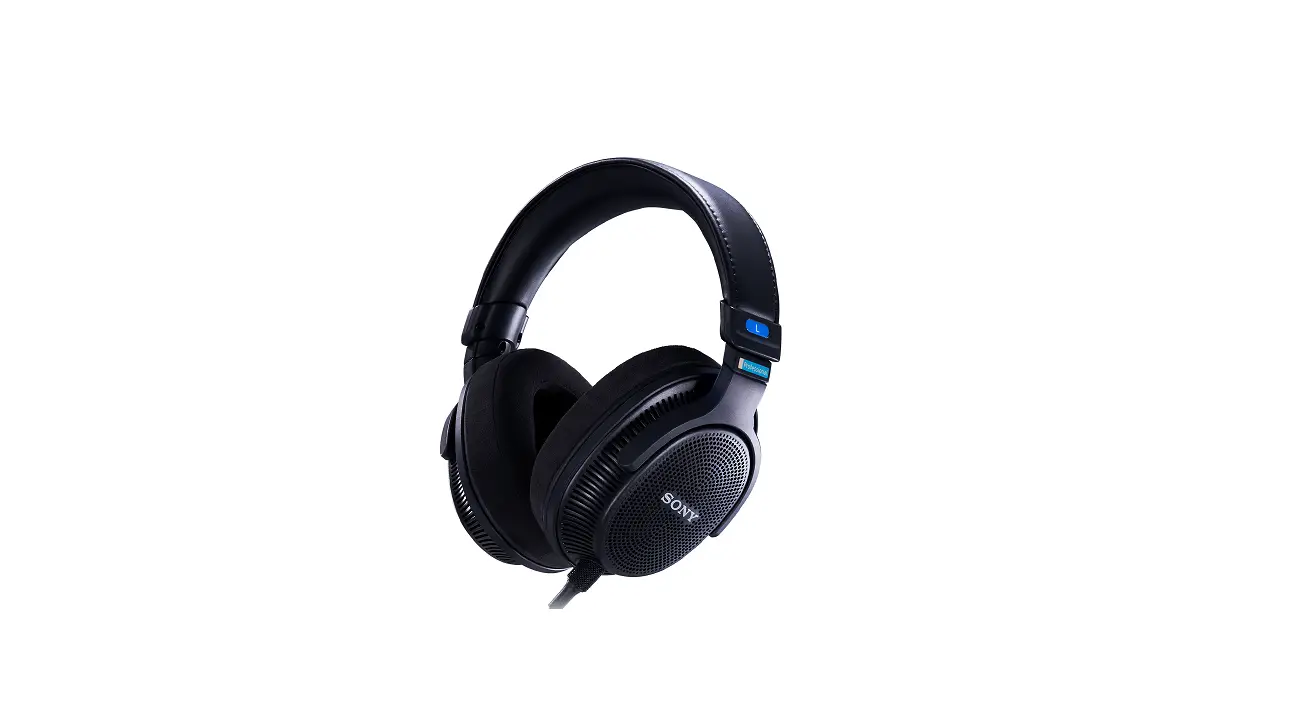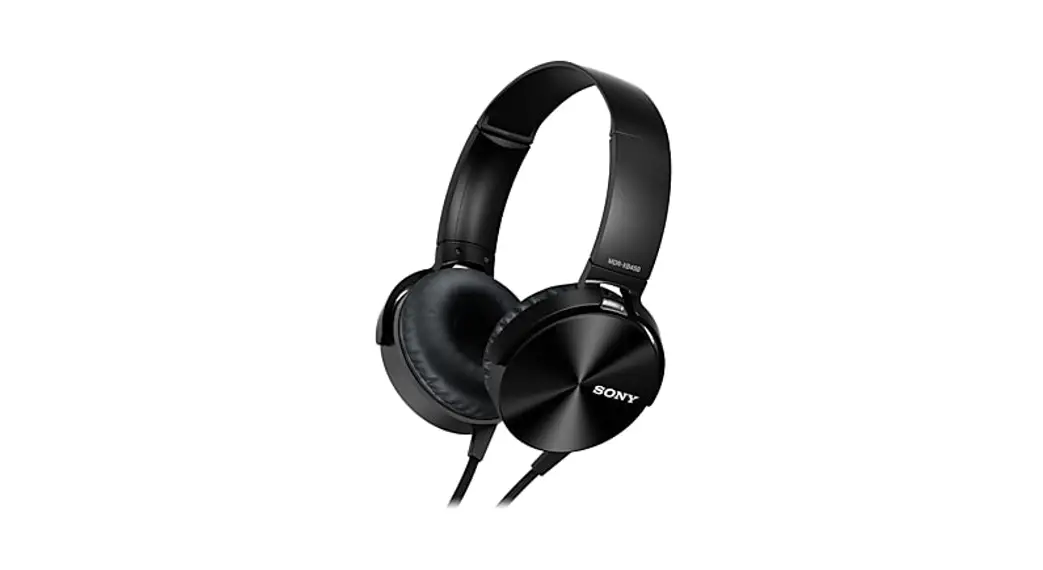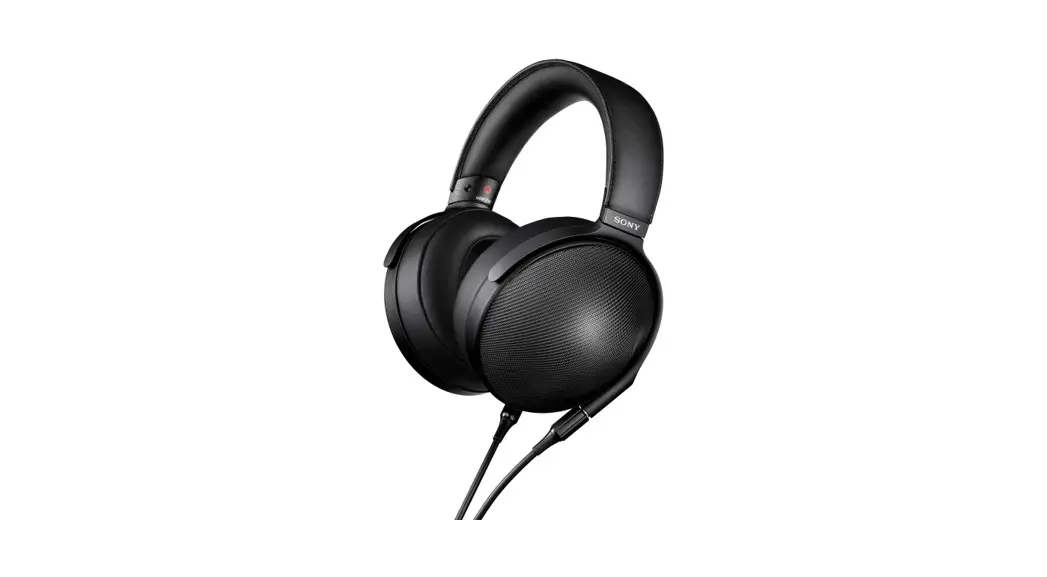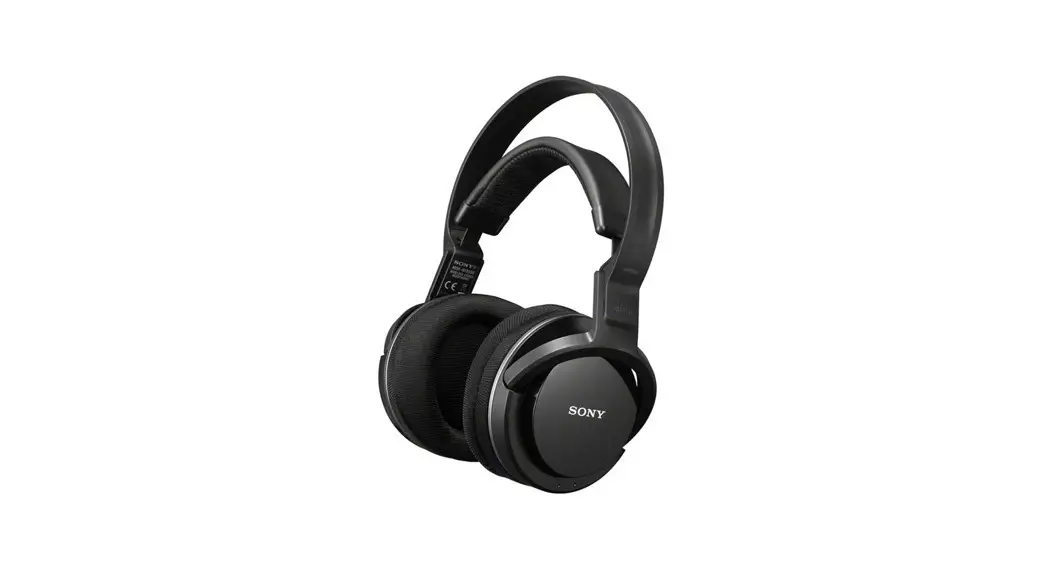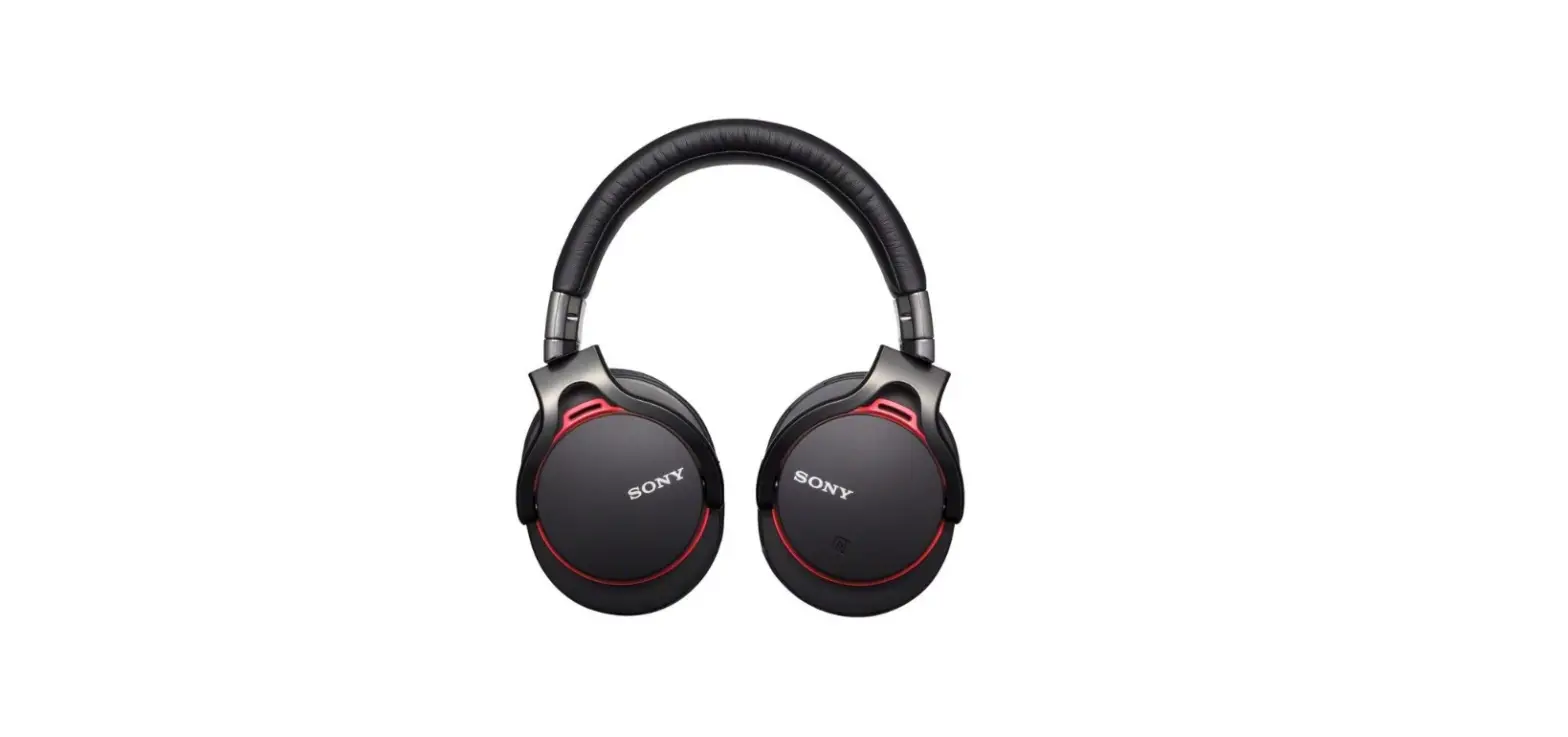

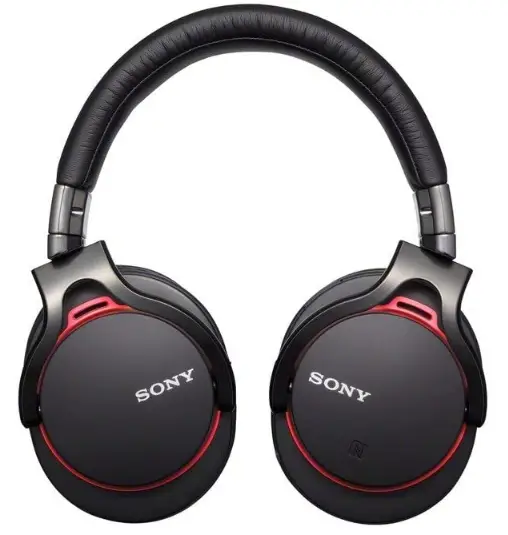
Sony MDR1RBT Head Style Headphones
HOW TO USE
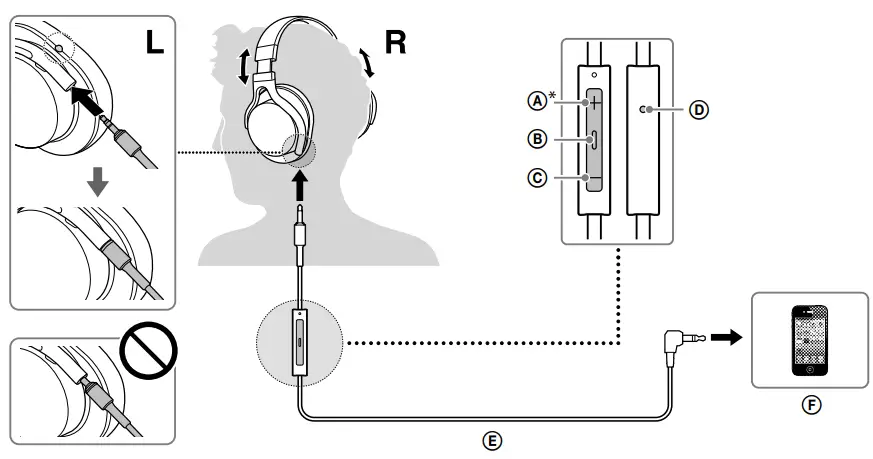
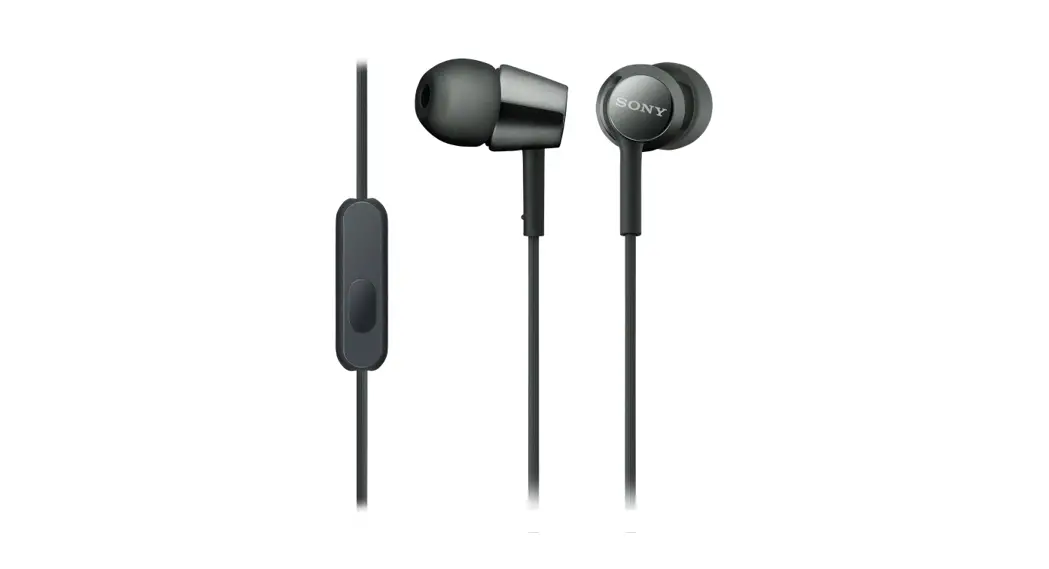
- Volume +
- Centre button
- Volume –
- Microphone
- Inline remote and microphone cord
- iPod/iPhone/iPad
There is a tactile dot beside Volume +.
Notes
- To disconnect the inline remote and microphone cord, pull it out by the plug, not the cord. Otherwise the cord may break.
- When connecting the cord, make sure to fully insert the plug. If the plug is not fully inserted, no sound may result.
WARNING
To reduce the risk of fire or electric shock, do not expose this apparatus to rain or moisture.
To reduce the risk of electrical shock, do not open the cabinet. Refer servicing to qualified personnel only.
You are cautioned that any changes or modifications not expressly approved in this manual could void your authority to operate this equipment.
The validity of the CE marking is restricted to only those countries where it is legally enforced, mainly in the countries EEA (European Economic Area).
FEATURES
- Liquid crystal polymer film diaphragm
Rigid, yet responsive liquid crystal polymer film diaphragms provide the needed rigidity and internal loss for balanced and highly accurate mid-high range sound reproduction. - HD driver unit
Specially-engineered High Definition driver units provide ultra wideband (4 Hz – 80 kHz) audio performance. High-compliance diaphragm and light weight voice coil delivers quick response powerful lows and extended ultra highs. - Enfolding structure
Pressure-relieving cushions, tailored for the ears, provide a wrap-around feel with acoustic sealing to deliver powerful lows. - Silent joints
Minimizes mechanical rattling for immersive music experience. - Inward axis structure
Unique hanger structure axis in the headphone housings for optimum fitting. - Detachable cord
- High quality PCOCC cord
PCOCC cord to minimise sound transmission loss and reproduce a clear high quality sound. - Tangle-free serrated cord
Tiny grooves on the surface reduce friction, which causes cords to tangle. - Swivels, for flat and easy portability
- Carrying pouch
Plays/pauses a track of the connected iPod product with a single press Skips to the next track with a double press. Skips to the previous track with a triple press Starts the “VoiceOver” feature with a long press (if available).
Press once to answer the call. Press again to end. Hold down for about two seconds to reject an incoming call. When you let go, two low beeps confirm the call was rejected.
* Availability of the “VoiceOver” feature depends on iPod and its software version.
Note
Be careful not to unintentionally press any buttons when you carry your iPod with this unit connected.
SPECIFICATIONS
- TYPE Closed, dynamic
- DRIVER UNIT 40 mm, dome type (HD, OFC Voice Coil)
- POWER HANDLING CAPACITY 1,500 mW (IEC*)
- IMPEDANCE 48 Ω at 1 kHz
- SENSITIVITY 105 dB/mW
- FREQUENCY RESPONSE 4 Hz – 80,000 Hz
- MASS 240 g without cord
- OPEN CIRCUIT VOLTAGE LEVEL OF THE MICROPHONE –42 dB (0 dB = 1 V/Pa)
SUPPLIED ACCESSORIES
Inline remote and microphone cord for iPod/iPhone/iPad (1.2 m cord, using PCOCC, four-conductor gold plated L-shaped stereo mini plug) (1)**
- Carrying pouch (1)
- Operating Instructions (1)
- IEC = International Electrotechnical Commission
- See “Compatible iPod/iPhone/iPad models.”
Design and specifications are subject to change without notice.
PRECAUTIONS
High volume may affect your hearing. For traffic safety, do not use while driving or cycling.
Optional replacement ear cushions can be ordered from your nearest Sony dealer.
COMPATIBLE IPOD/IPHONE/IPAD MODELS
You can use the unit with only the following models supporting remote control. Update your iPod, iPhone or iPad to the latest software before use. In the Operating Instructions, iPod, iPhone and iPad are collectively described as “iPod” except in special cases.
- iPod touch (4th generation)
- iPod touch (3rd generation)
- iPod touch (2nd generation)
- iPod nano (6th generation)
- iPod nano (5th generation)
- iPod nano (4th generation)
- iPod classic 120GB 160GB (2009)
- iPod shuffle (4th generation)
- iPod shuffle (3rd generation)
- iPhone 4S
- iPhone 4
- iPhone 3GS
- iPad (3rd generation)
- iPad 2
- iPad
ON COPYRIGHT
iPad, iPhone, iPod, iPod classic, iPod nano, iPod shuffle, and iPod touch are trademarks of Apple Inc., registered in the U.S. and other countries. “Made for iPod,” “Made for iPhone,” and “Made for iPad” mean that an electronic accessory has been designed to connect specifically to iPod, iPhone or iPad, respectively, and has been certified by the developer to meet Apple performance standards. Apple is not responsible for the operation of this device or its compliance with safety and regulatory standards.
FAQs
Up to eight separate devices can be registered (paired) with the headphones, however only one device can transmit or receive at once. “Multipoint” connections are therefore not supported. You must switch the Bluetooth connection to the chosen device if the headset is associated with two or more devices.
How well you maintain your Sony headphones will determine how long they last. The typical lifespan of Sony headphones, which many people have used over the years, is six years. Before the battery in wireless Sony headphones starts to deplete more quickly, you should expect to get about two years of use out of them.
After wiping off any moisture completely, clean the earbud tips with a neutral detergent that has been diluted. Use a soft, dry cloth to wipe away any dirt or debris from the outside of the headphones. If there is a lot of filth, you can use a cloth that has been lightly wet with diluted neutral detergent to get rid of it.
The headset should be connected to an AC outlet. Utilize a USB AC adaptor that is readily available and the USB Type-C cable that was provided. The headset’s red charge indicator begins to glow. Within three hours (*), the charge is finished, and the indicator automatically goes off.
Popular wireless earphones on the market have an average lifespan of one to three years. Use your wireless earphones carefully if you want them to last as long as possible. We’ll discuss some advice on how to keep them operating for a long period later in the text.
Take some foam or other cushioning and tuck it all the way under the ear pad of your headphones to increase comfort. The pad’s thickness should rise as a result, giving your ears additional room inside the cup.
Holding down the power button for a few seconds will turn on your Bluetooth headphones after you see the light flashing and hear the voice assistant say “Power on.”
One of the most common forms are over-ear headphones, often known as around-ear headphones. The majority of people find them to be the most comfortable headphones for prolonged use, despite the fact that they can be a touch bulky and don’t breathe as well as in-ears or on-ears.
High-end over-ear headphones can typically replicate the broadest range of frequencies, from silky smooth highs to tight, deep bass, because they contain the largest drivers. Over-ear headphones are able to offer good isolation while still allowing for a large sound staging because they completely enclose your ears inside the earcups.
Much preferable options include over-the-ear headphones. In addition to preventing music from entering your eardrums directly, most over-the-ear headphones are typically more comfortable to use than earbuds.
Deactivate Google Assistant. Reconnect your earbuds and pair them again. your earbuds, reset. Use a different app to test your earbuds. Check your source device’s right/left balance.
Turn the neck pillow so that the arms are facing up and lay down on it with your ear in the centre while wearing headphones, either over-ear or in-air.
While using the USB charging wire to charge your headset, you can still use it. If a cable—such as an audio or charging cable—is attached to the headset’s USB port, you might notice a modest increase in warmth there.
The headset’s red indicator begins to glow. The indication (red) automatically turns off once charging is finished, which takes roughly 3 hours (*).
Check to see if the charging indicators on the headphones are lit up after cleaning the charging ports. Due to their filth, the charging ports were unable to make electrical contact with the headphones. Await the headphones to finish charging.