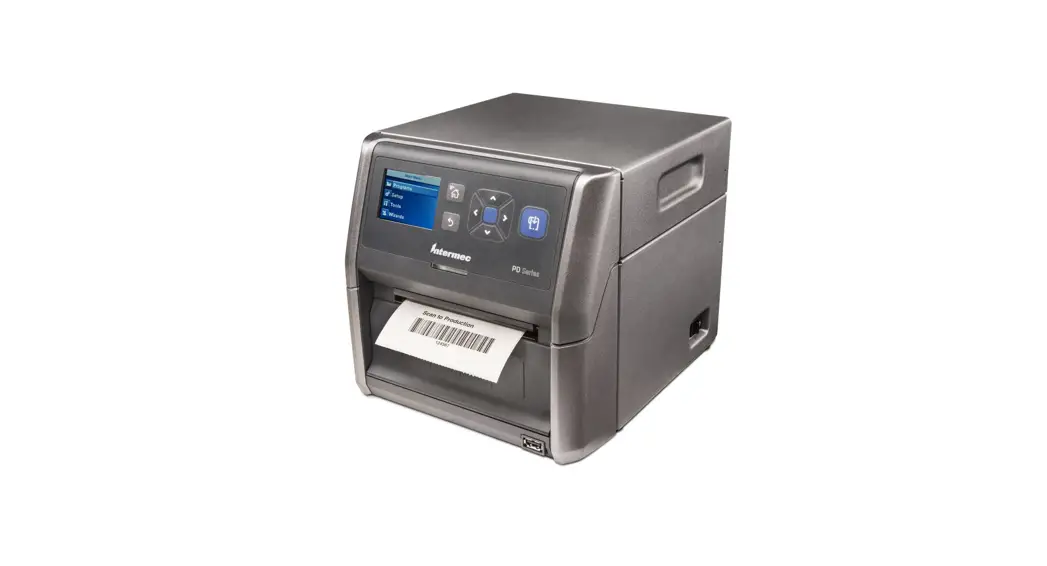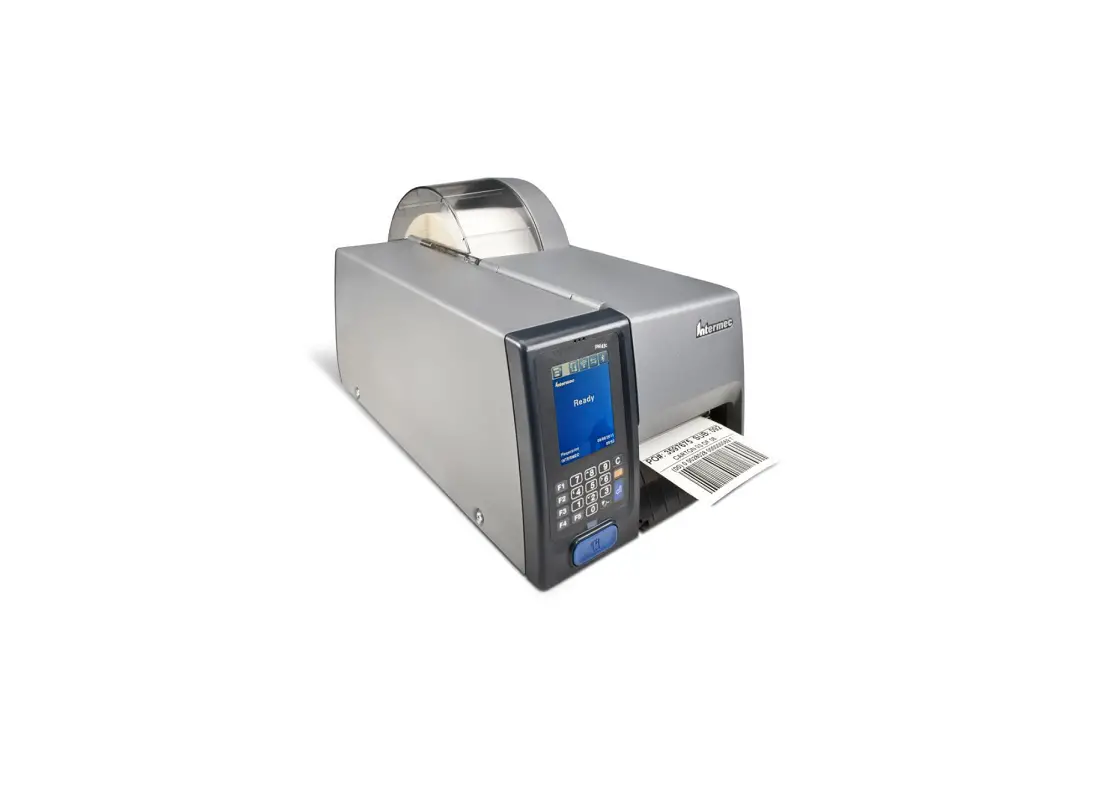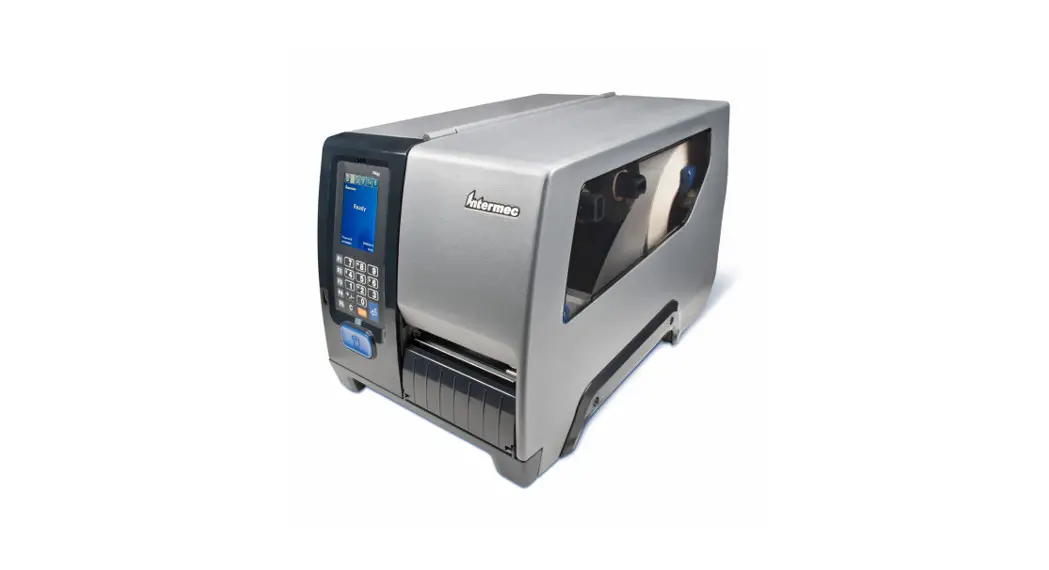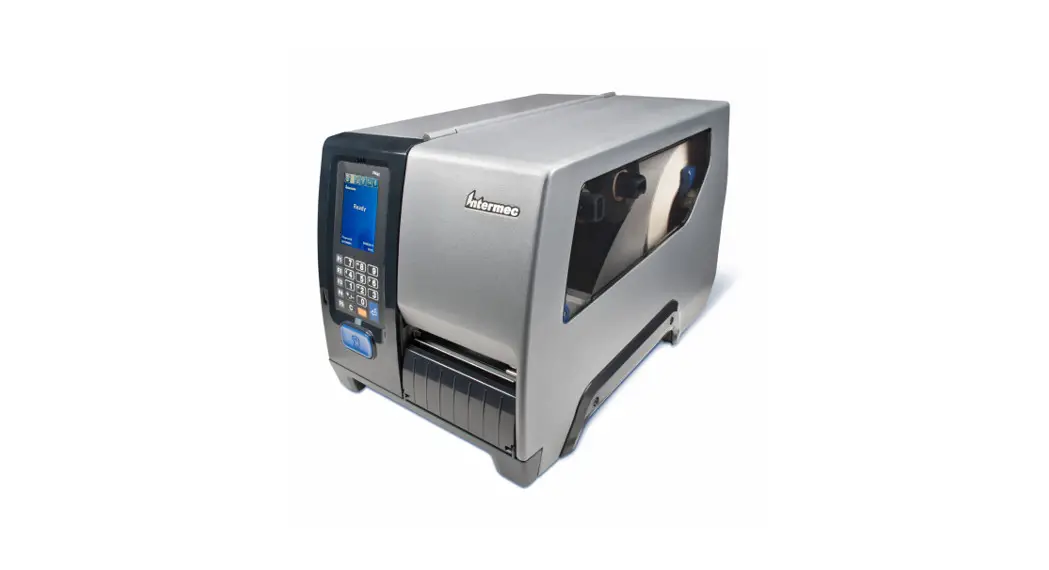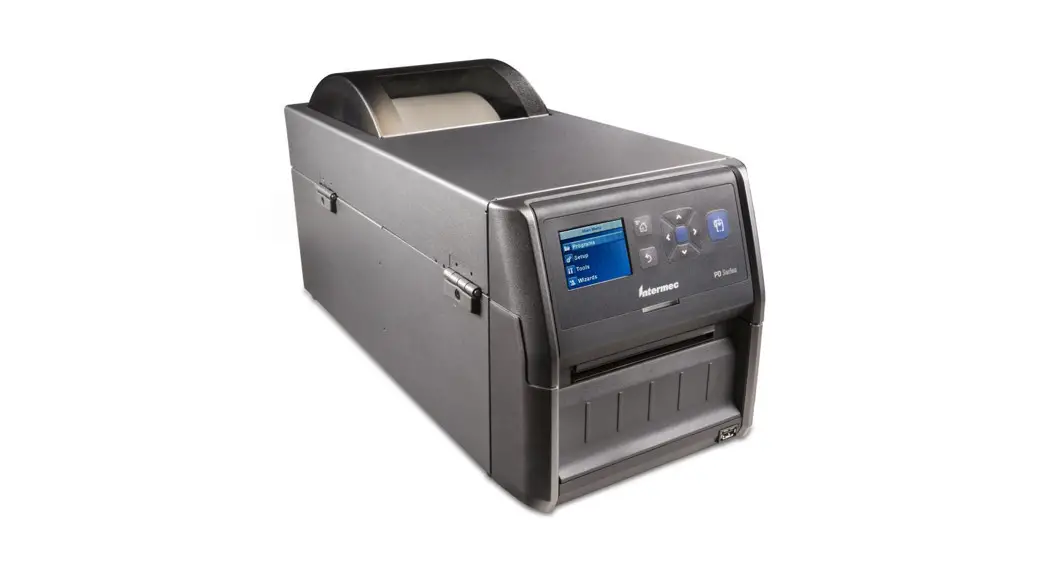

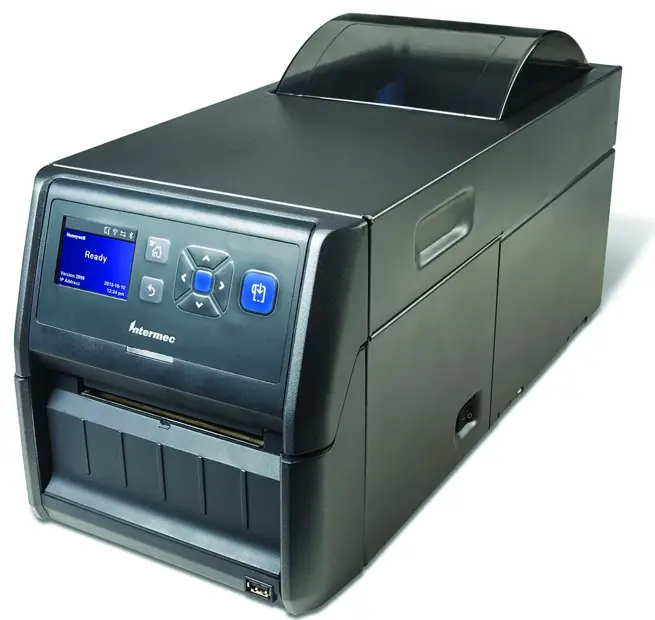
PD43
Commercial Printer
Quick Start Guide
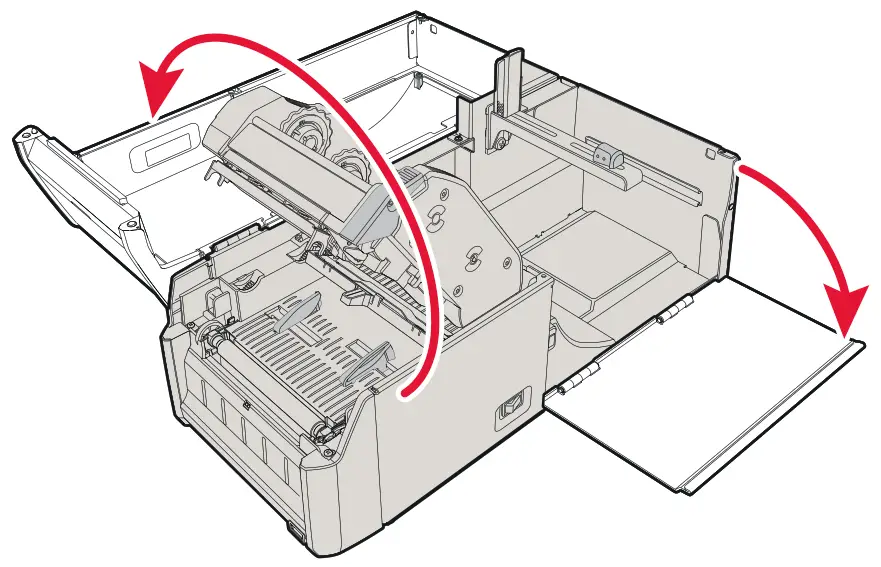
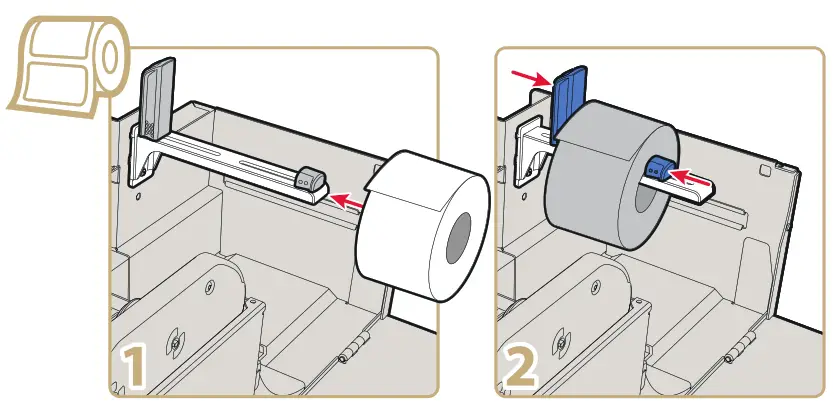
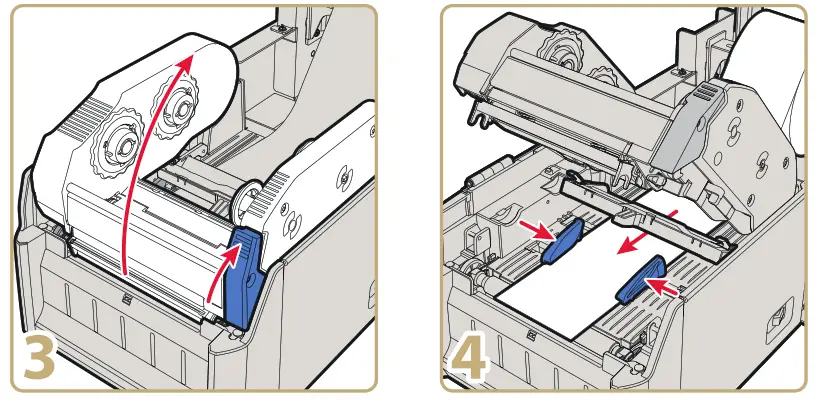
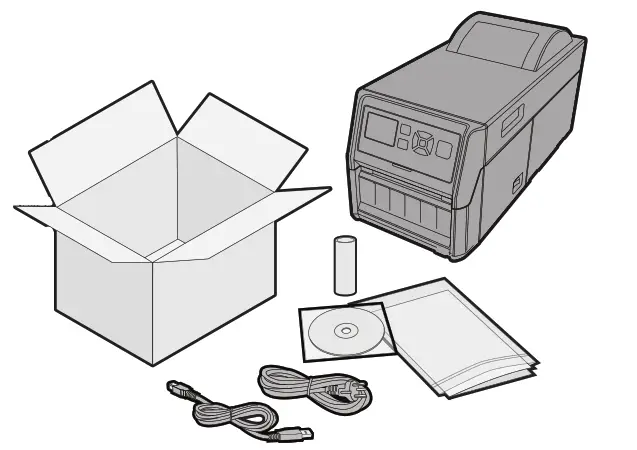
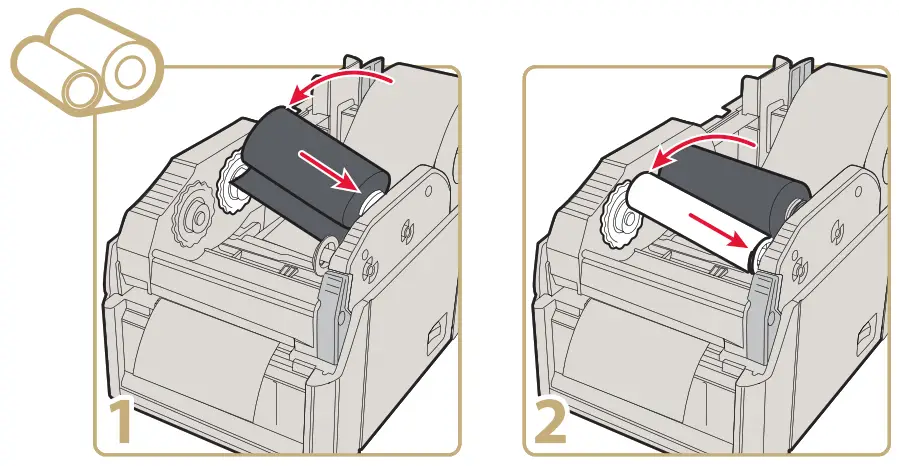
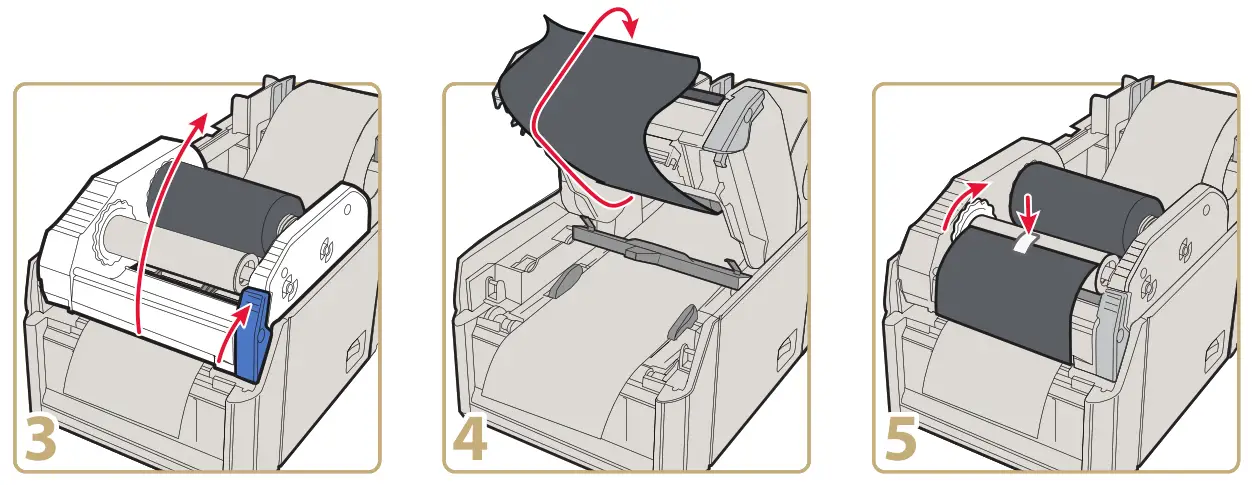
Media and ribbon are sold separately.
To print a test label with the printer, see the user manual.
To download Windows drivers, label design software, and configuration software for your printer:
http://www.intermec.com/products/printers_media/software/index.aspx
Where to Find More Information
www.intermec.com
In the U.S.A and Canada, call 1.800.755.5505
 Caution: See Compliance Insert for use restrictions associated with this product.
This product is protected by one or more patents.
Electrical rating. Stromversorgung
by Honeywell
6001 36th Avenue West Everett, Washington 98203
U.S.A.
tel 425.348.2600
fax 425.355.9551
www.intermec.com
 © 2014 Intermec by Honeywell All rights reserved.
PD43 Commercial Printer Quick Start Guide
P/N 930-288-002