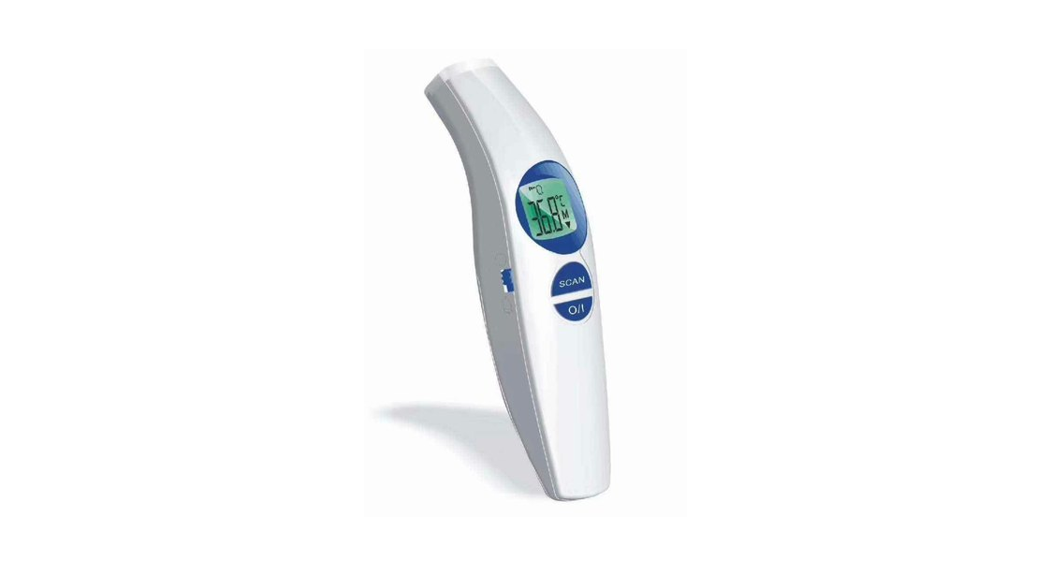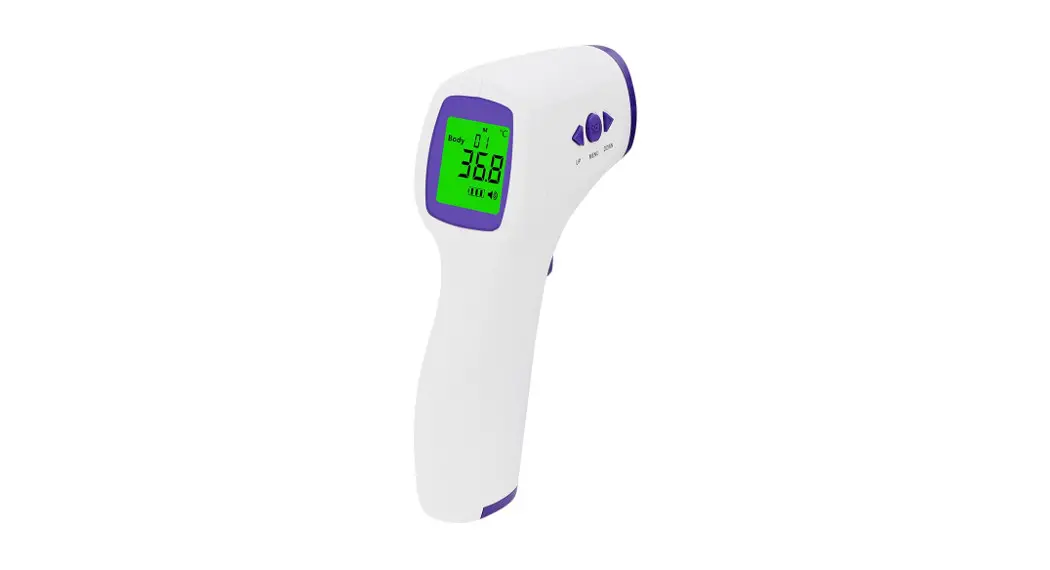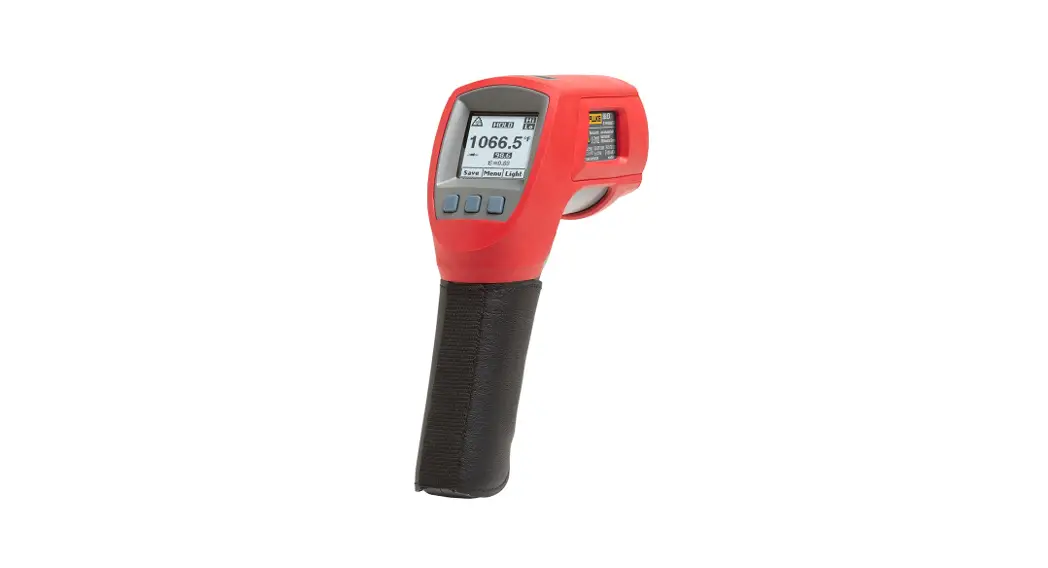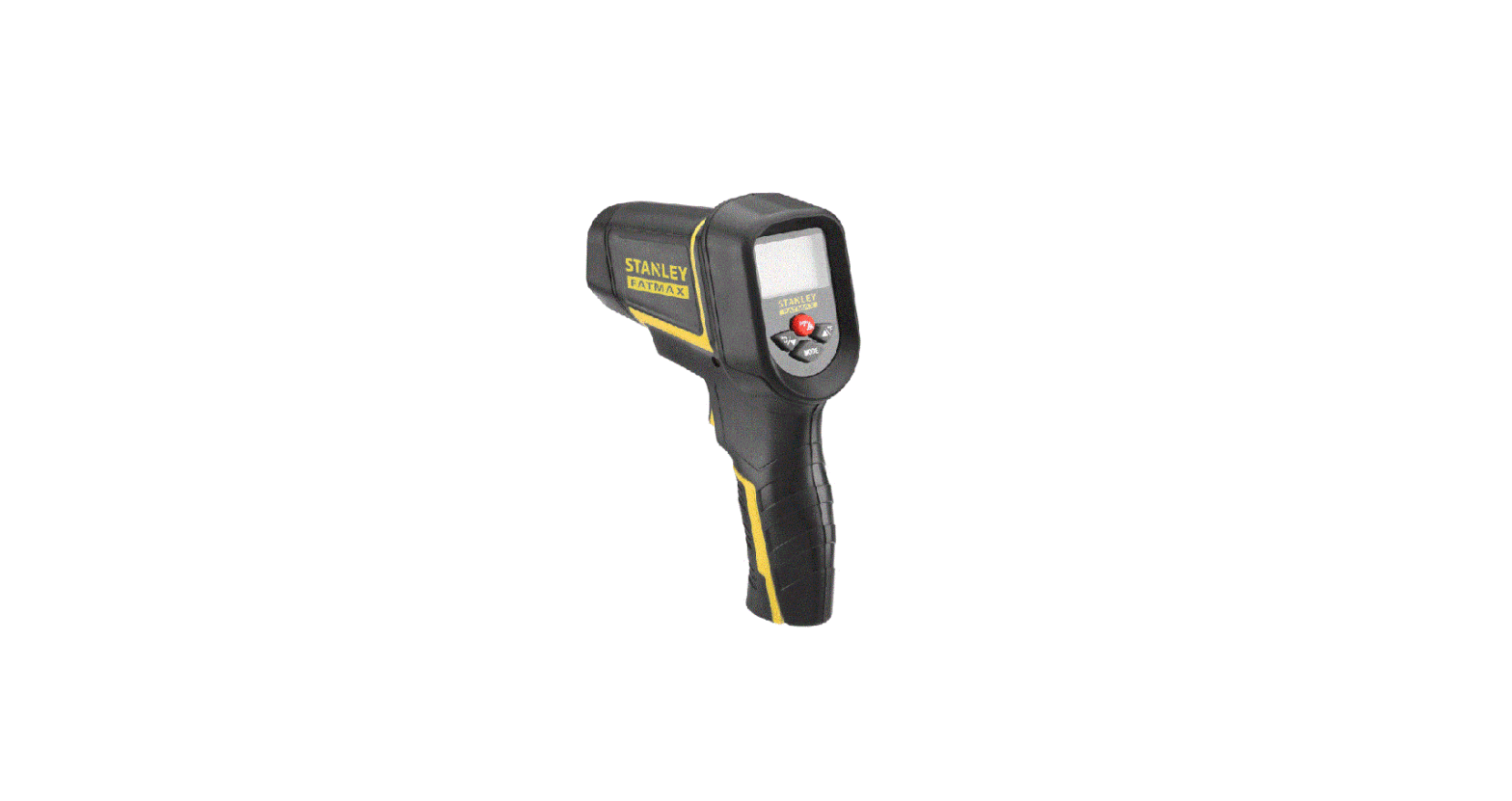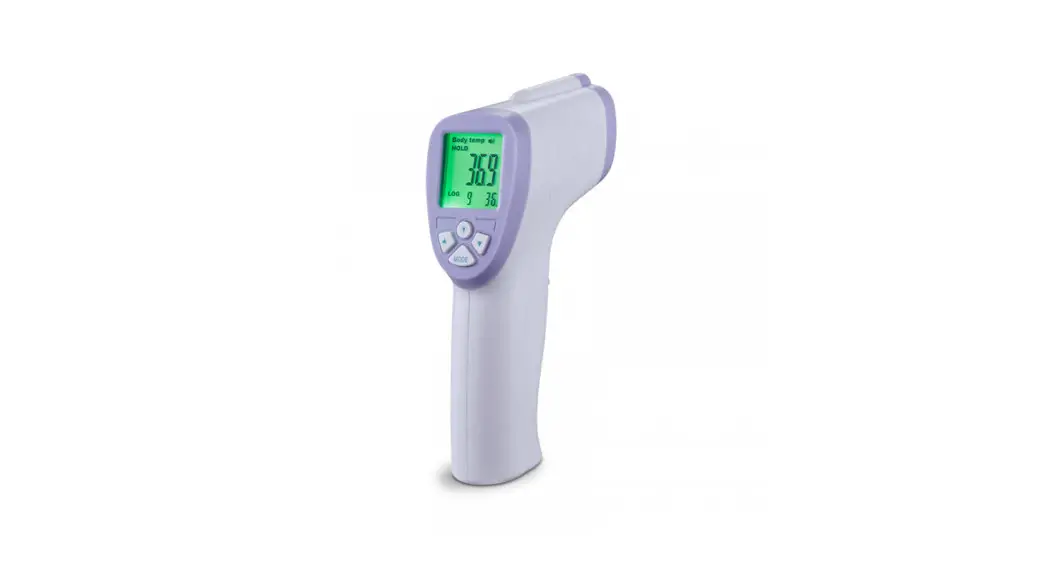
Non-Contact
IR Thermometer
USER MANUAL
(Model DT-8806C / SF-8806C)

 quick 18
- PROFESSIONAL
- HIGHACCURACY
 quick 18
Please read the manual before switching the unit on. Important safety information inside.
- Product Introduction
Thank you for purchasing the DT-8806C contactless infrared thermometer! This product is composed of a high-precision infrared sensor, microprocessor, memory, power supply, electroacoustic element, LCD, and shell. It can measure the temperature of the human body or object quickly and accurately - Working Principle
The product uses the infrared temperature sensing method to measure the temperature to display or output the measured data. To show the temperature of the subject by measuring the forehead or the thermal radiation of the object. - Packing List
User operation guide*1, AAA Battery*2,
Inspection & Guarantee Card*1, Cloth bag*1 - Product Structure

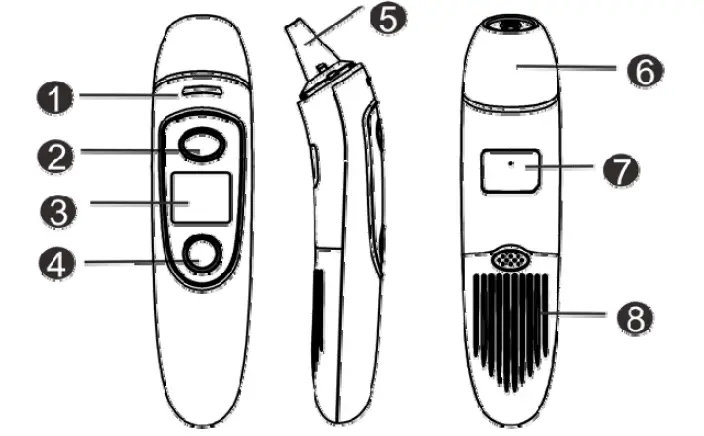
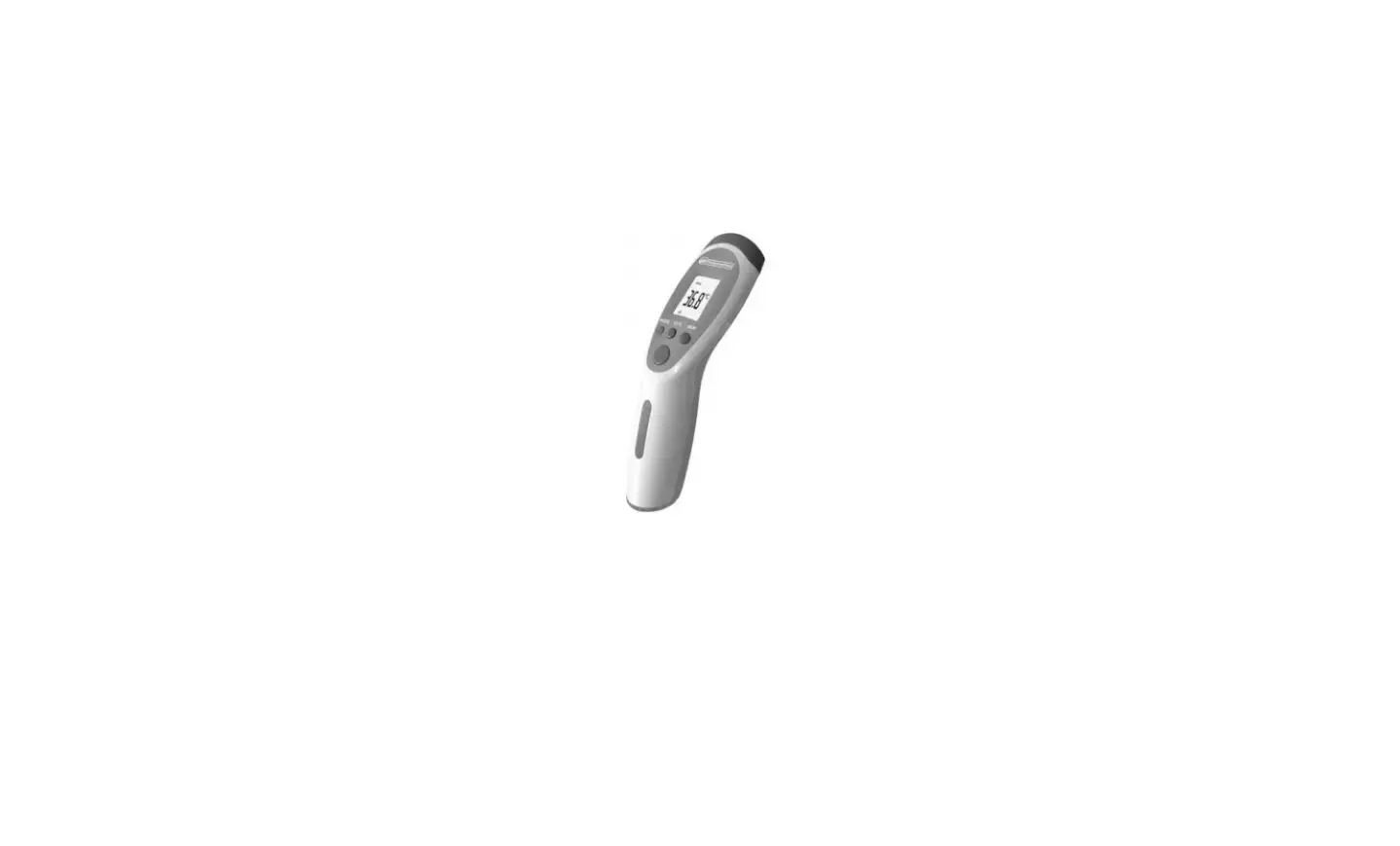
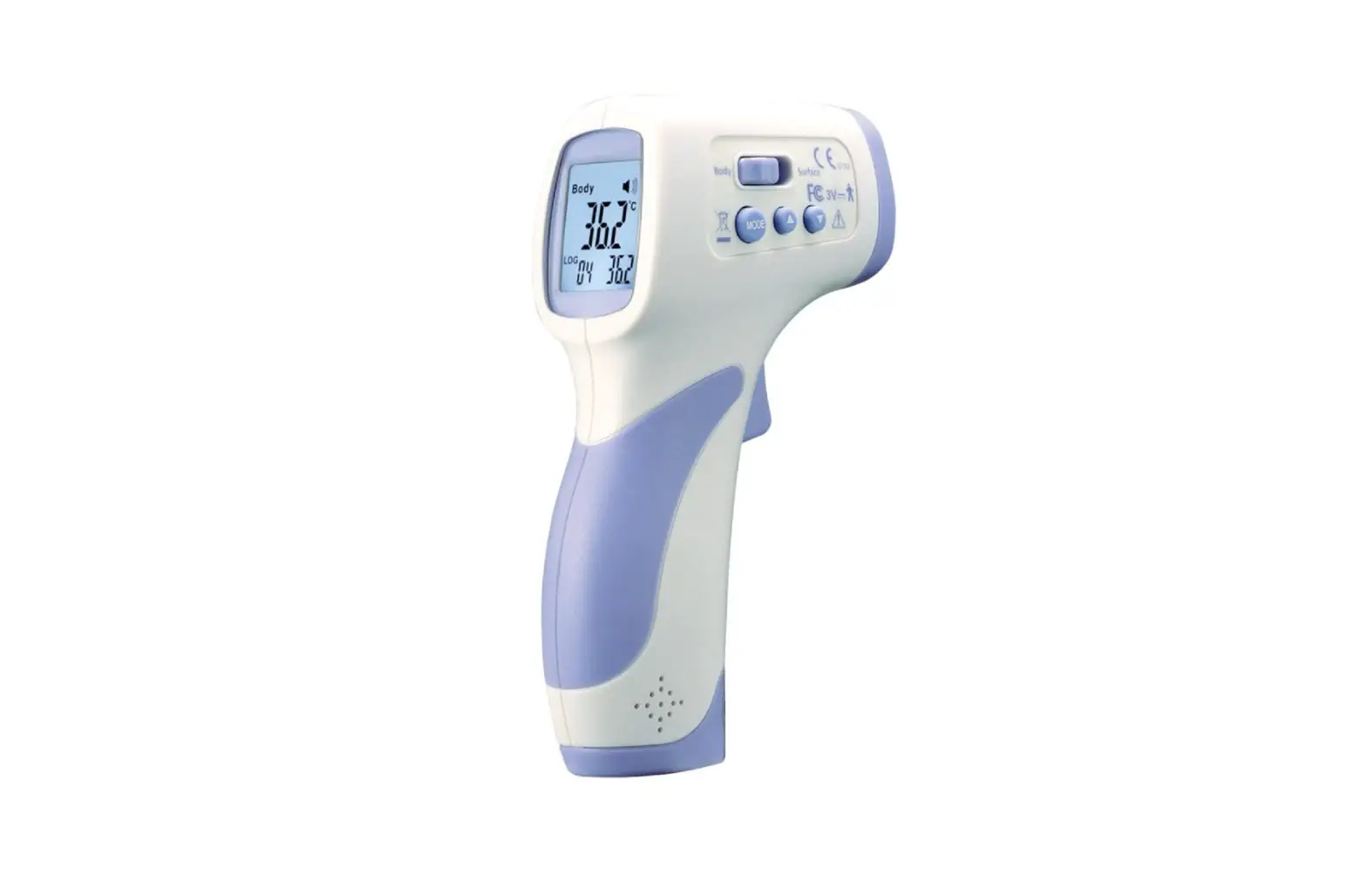
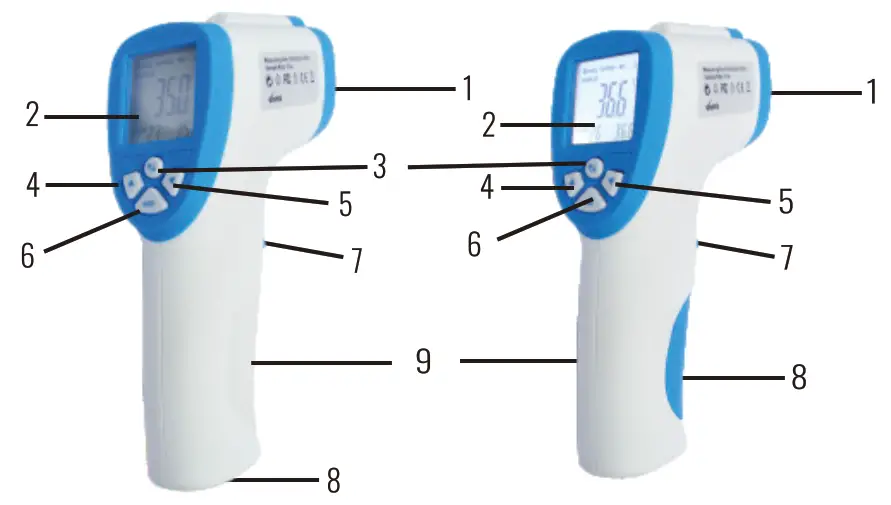
1. Infrared sensor 6. Mode button (°F / °C) 2 . LCD screen 7. Measurement trigger 3. Backlight 8. Battery cover 4. Up button 9. Handle 5. Down button - Display Icon Definition

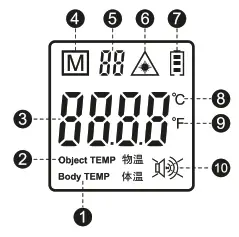
Body temperature Lights on/off Object temperature Electric quantity Temperature value Centigrade memory Fahrenheit Memory number Voice on/ off - Technical Specifications
Measuring distance 3cm-Scm Measuring range Body 35 °C-42.9 °C(95 °F-109.2 °F) Object 0 °C-100 °C(32 °F-212 °F) Measurement accuracy Body (35-42)°C ±0.3 °C/0.54 °F (35-42)°C s±0.2 °C/0.4°F
Object ±1.0 °C/1.8 °F Display resolution 01 °C/0.1 °F Operating environment 16 °C-35°C(68.8°F-95°F)RHS85%(Non condensing condition) Storage environment -25°C-55 °C(-13 °F-131 °F)RHs90%(Non condensing condition) Power source DC 1.5V x 2(2*AAA ) Energy consumption Standby status < SuA Power on measurement status < 48mW Electricity
indicationLow battery prompt(Voltage below 2.5V) Memory
function32 groups of measurement values can be memorized Unit conversion °C / °F Turn off time Automatic shutdown without any operation within 20 seconds Product size 116.6mmx45.4mmx155mm Main material ABS Weight 113g(excluding batteries) life span 5 years - Battery Installation
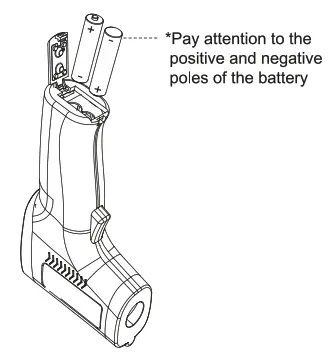
Open the battery case, Install two AAA batteries.
 *Please recycle the used batteries according to the local laws and regulations.
 - Power On
Press the measurement button once, the product will automatically enter the self-test state, and enter the temperature to be measured state after the self-test - Shutdown
After 20 seconds of inactivity, the product will automatically shut down and enters standby mode. - How To Use
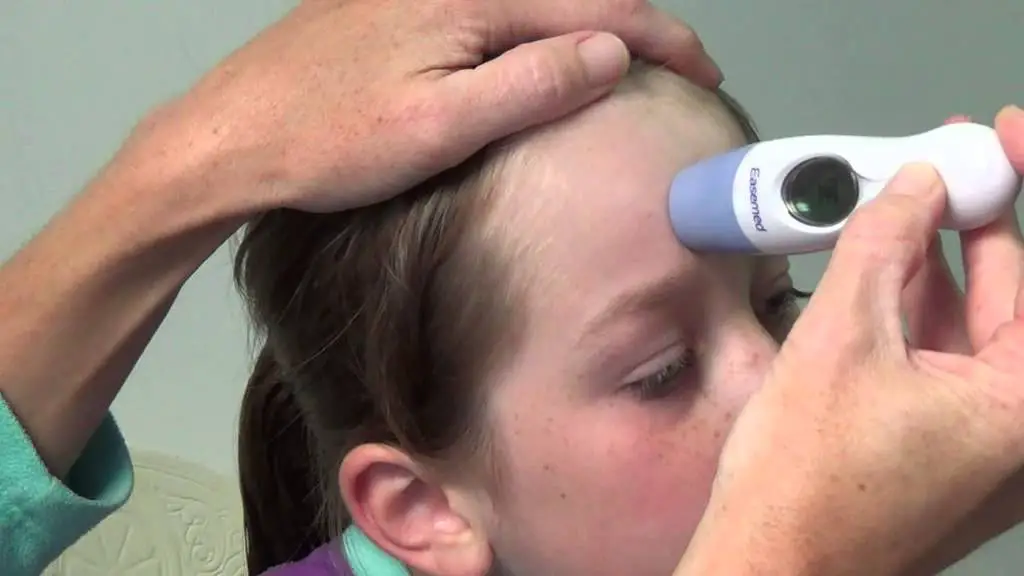
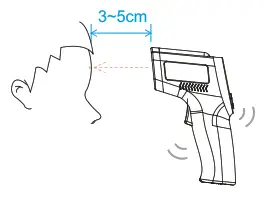
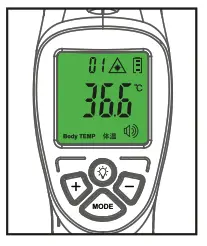
1 ) Human body temperature measurement Align the probe of the thermometer with the forehead of the human body, with a distance of about 3-5cm. Press the measurement button once, hold for about 1~2 seconds, and the product will emit one “beep” to complete the measurement. The LCD screen will display the temperature value. •Normal temperature state:
The green backlight of the display is on, and the product emits one beep. • High temperature:
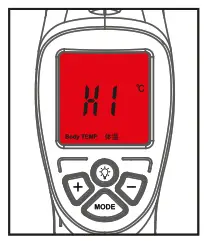
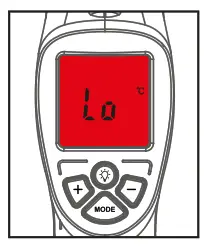
The red backlight of the display is on, the word ” Hi ” is displayed, and the product emits three beeps. • No temperature detected:
The display’s red backlight is on, the word “{ 9” is displayed, and the product emits three beeps.2) Object temperature measurement Aim the thermometer probe at the object to be measured with a distance of about 3 ~ 5cm, press the measurement key once, stay for about 2 seconds, and then press and hold the” % ” button for about 3 seconds, the screen will display the object temperature value.
* Note: It is normal t h a t red backlight is on when measuring object temperature.
3)Preview temperature record In the state of the screen display, press the (+ /-) button to preview the temperature records from 01 to 32. - Parameter Setting
 1)”F1″ Temperature trim setting the power-on state, press and hold the “MODE” button for about 3 seconds, and the “F- { ” word appears on the screen,press the “+ /- ” button to adjust.(Range: +2 °C)
 2)”F2″A left value setting
In F1state, press the “MODE” button for about 3 seconds, “F-2″ will be displayed on the screen, and press the “+ / -” button told just between (36-40 degrees).
* Note: after the function setting of F2 is completed, it needs to be press cycled once (from F2 F3 F4 F1 F2) to remember the setting of F2.3)’F3” Temperature unit setting( °C/ °F) In F2 state, press and hold “MODE” button for about 3 seconds, “F-3″will be displayed on the screen, and press “+ /- “button to switch between Celsius and Fahrenheit 4)”F4″ Voice on/off setting In F3 state, press the “MODE” button for about 3 seconds, the screen displays ” F – 4 “, press” + / – “button to t u r n on or off.
- Maintenance & Storage
1) Please store the product in a well ventilated and dry indoor environment;
2) Avoid dust, pollution and directs sunlight. - Precautions
1 ) This product can’t replace the doctor’s diagnosis, only for screening, if there is any abnormality, please see a doctor in time;
2) Do not use the product in an environment with humidity greater than 85%;
3) Do not repair the faul t by yourself, please contact the manufacturer or agent;
4) To ensure the best measurement effect, please make sure t h a t the probe is 3-5cm away from the main rest surface to be measured;
5) Transfer to an environment with a large temperature difference in a short time will lead to measurement error. 6)When not in use for a long time, please take out the battery and store i t separately. - After Sales & Warranty
This product has an after-sales warranty service.
If there is any quality problem, please contact the seller for a free replacement within 15 days after purchase.
If any quality problem occurs within 1 year after purchase, the product can be repaired for free.
If there is more than one year, the cost of repair parts will be charged.
Note: Return, replacement, and warranty do not cover the following situations:
1)Products have been artificially modified, damaged, or disassembled.
2)Incorrect operation leads to damage.
3)irresistible factors d (such as logical wars, etc.).
 *Please recycle the used batteries according to the local laws and regulations.
 •Normal temperature state:
 • High temperature:
 • No temperature detected:
 2) Object temperature measurement Aim the thermometer probe at the object to be measured with a distance of about 3 ~ 5cm, press the measurement key once, stay for about 2 seconds, and then press and hold the” % ” button for about 3 seconds, the screen will display the object temperature value.
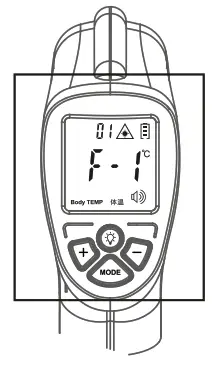 1)”F1″ Temperature trim setting the power-on state, press and hold the “MODE” button for about 3 seconds, and the “F- { ” word appears on the screen,press the “+ /- ” button to adjust.(Range: +2 °C)
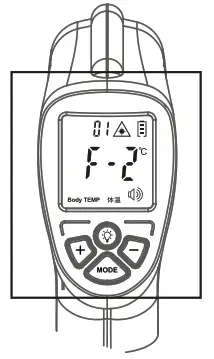 2)”F2″A left value setting
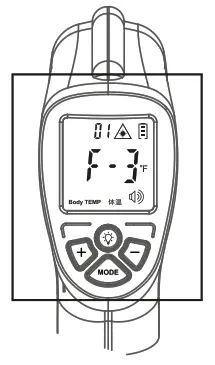 4)”F4″ Voice on/off setting In F3 state, press the “MODE” button for about 3 seconds, the screen displays ” F – 4 “, press” + / – “button to t u r n on or off.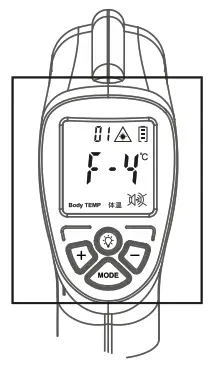


Manufacturer:
Shenzhen care Technology CO,, LTD
201, No. 1, Building F 472-9, Jingbi Road, Billing Community,
Biling Street, Pingshan District , 518118 Shenzen , China
Distributed by:
RS7 Regenerator & Energy, S.L.
C/. dela Casa Nova, 5B, 08170 Montornés del Vallés (Barcelona), SPAIN. VAT: E S B – 5 9 7 7 7 6 9 8

European Representative:
Shanghai Intemational Holding C o r p . GmbH (Europe)
Add: Eiffestrasse 80, 20537 Hamburg, Germany
Tel.:+49-40-2513175/2513178