 Instructions for use
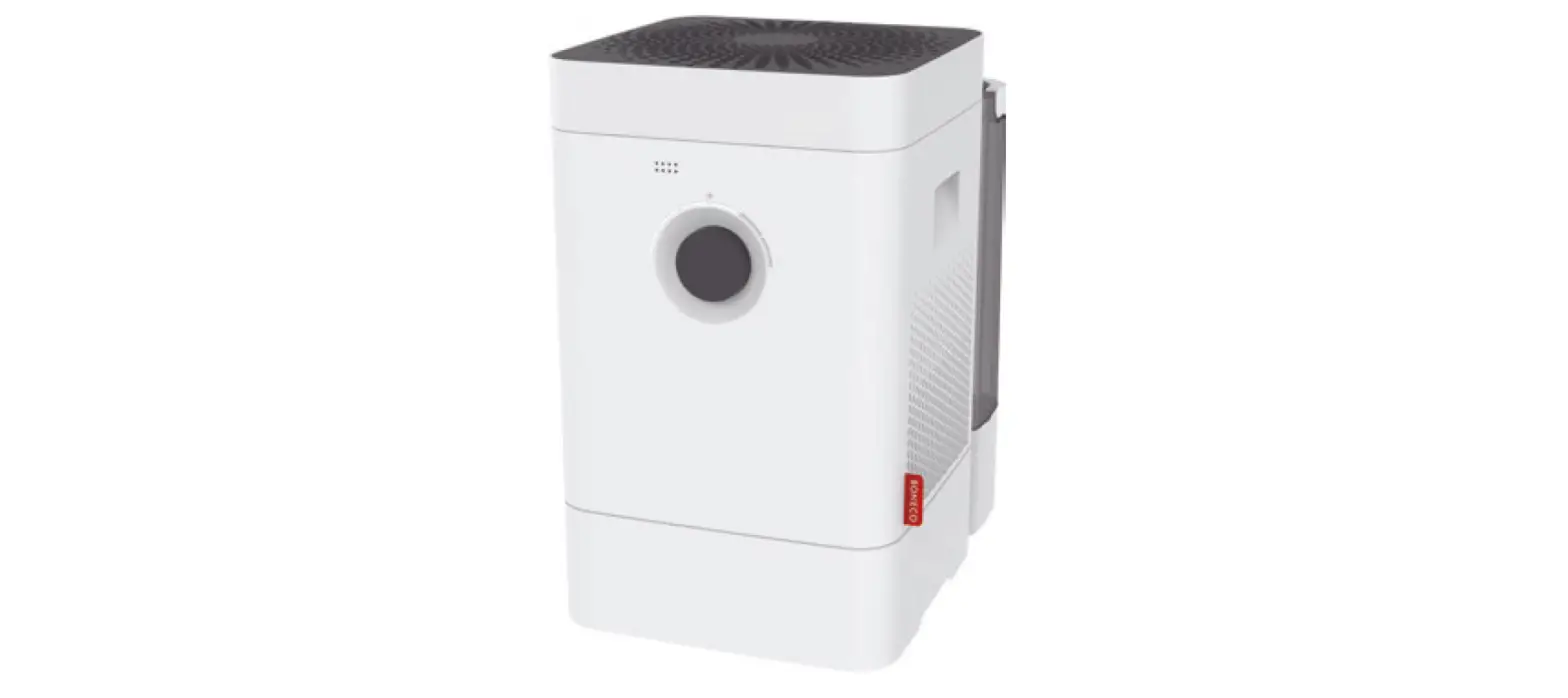
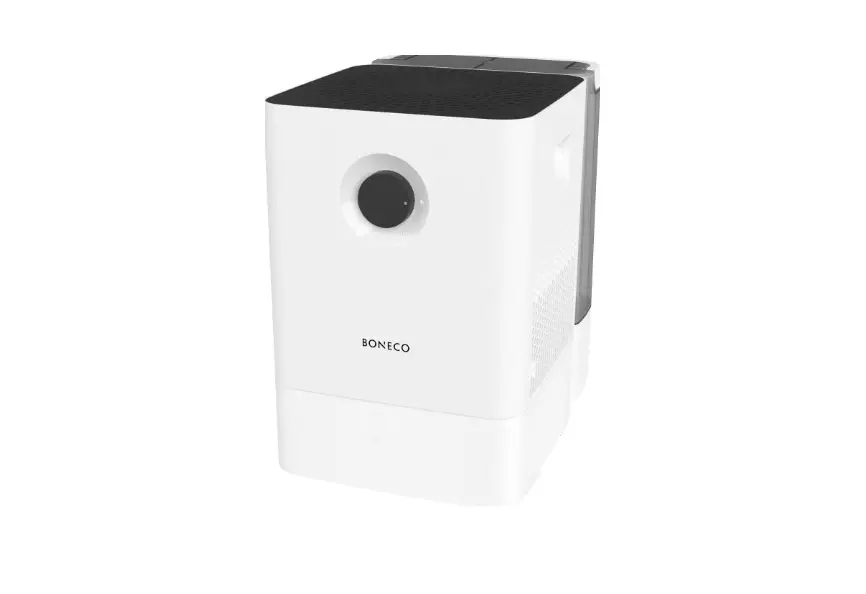
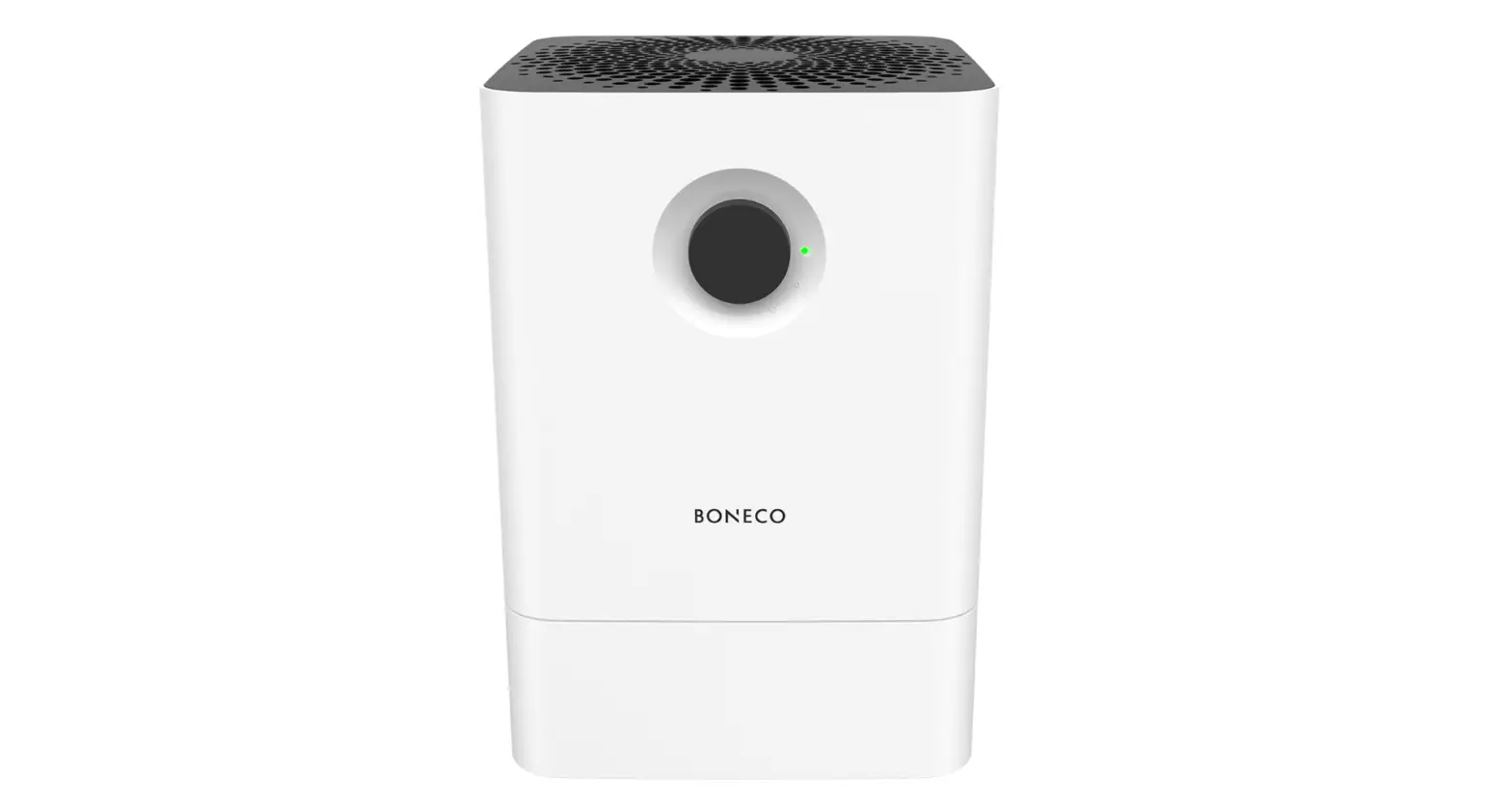
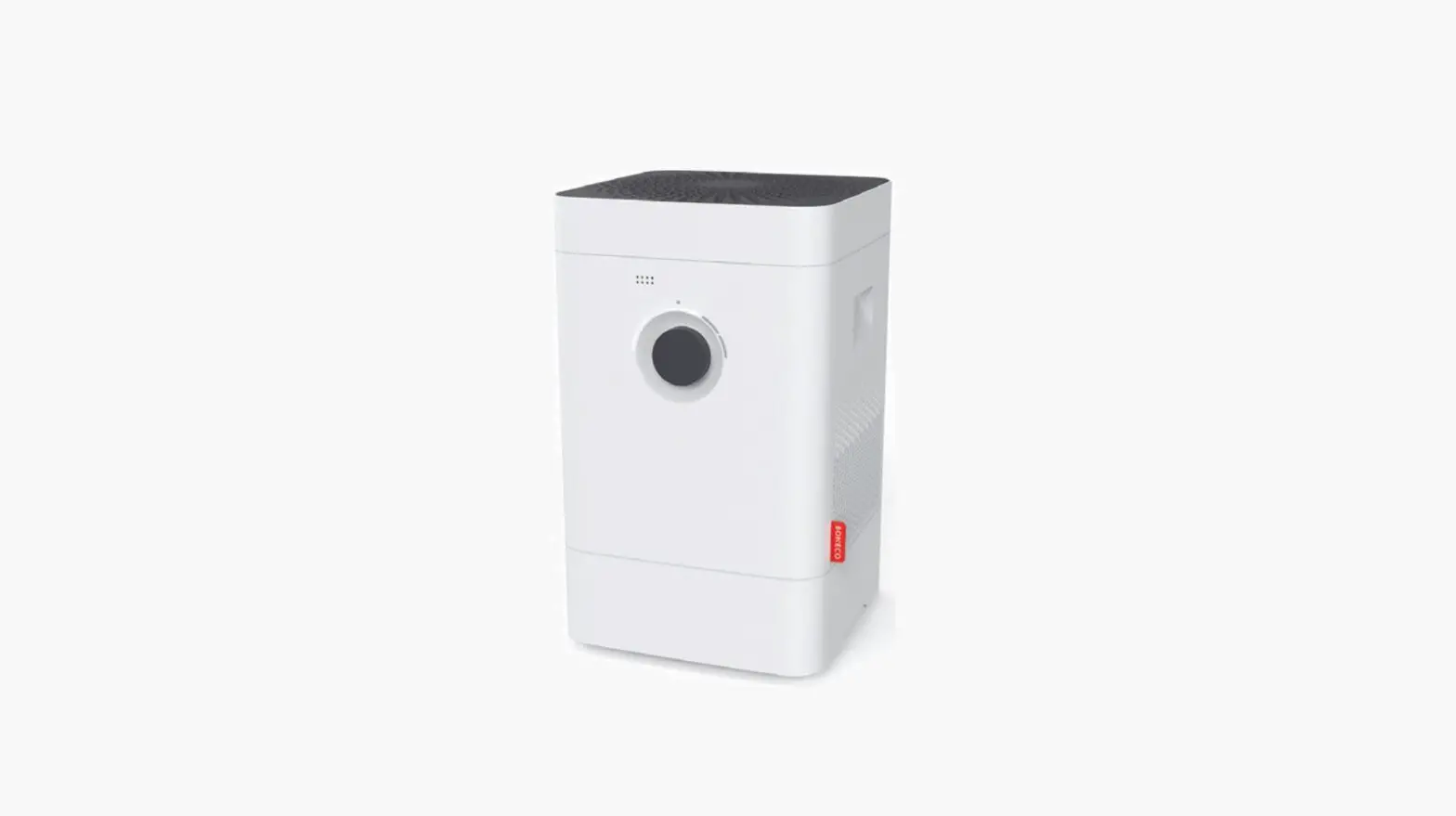
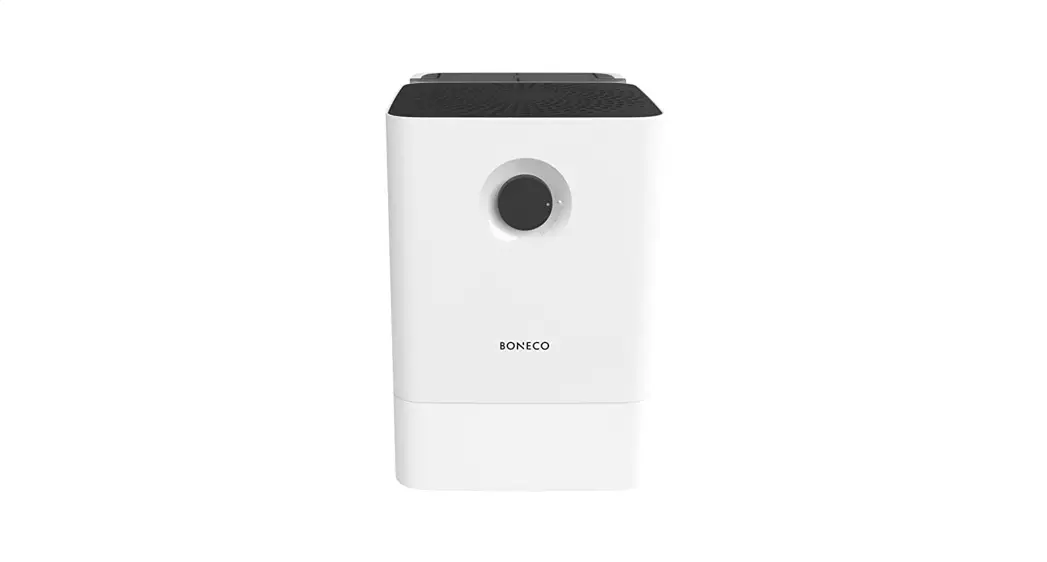
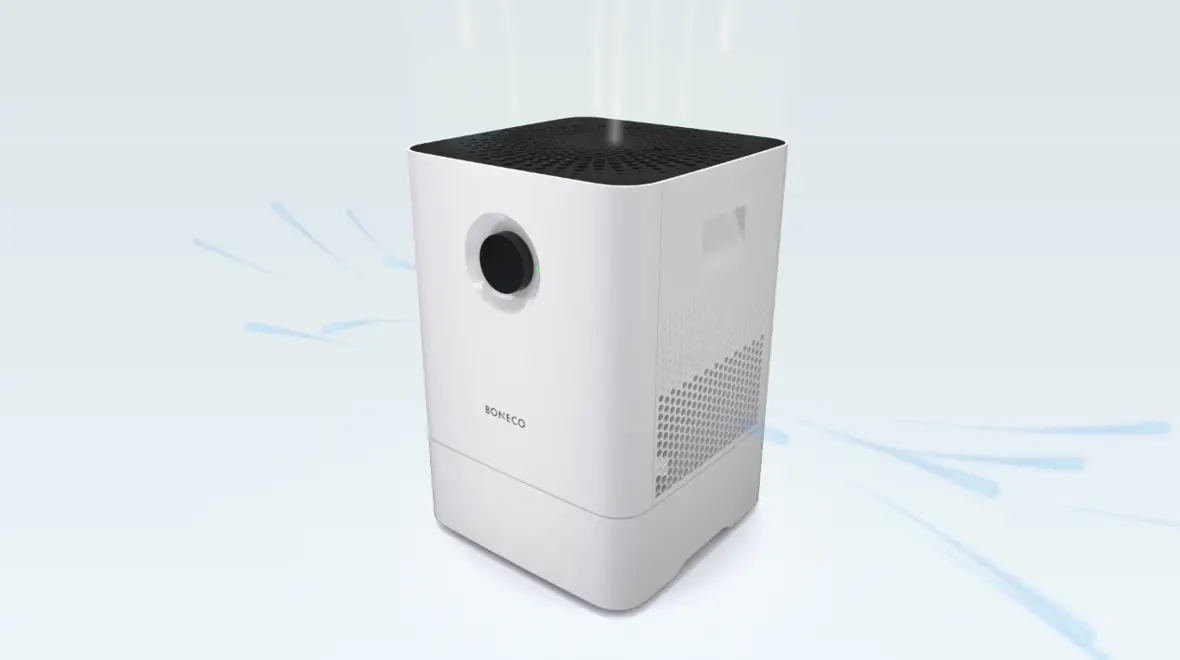
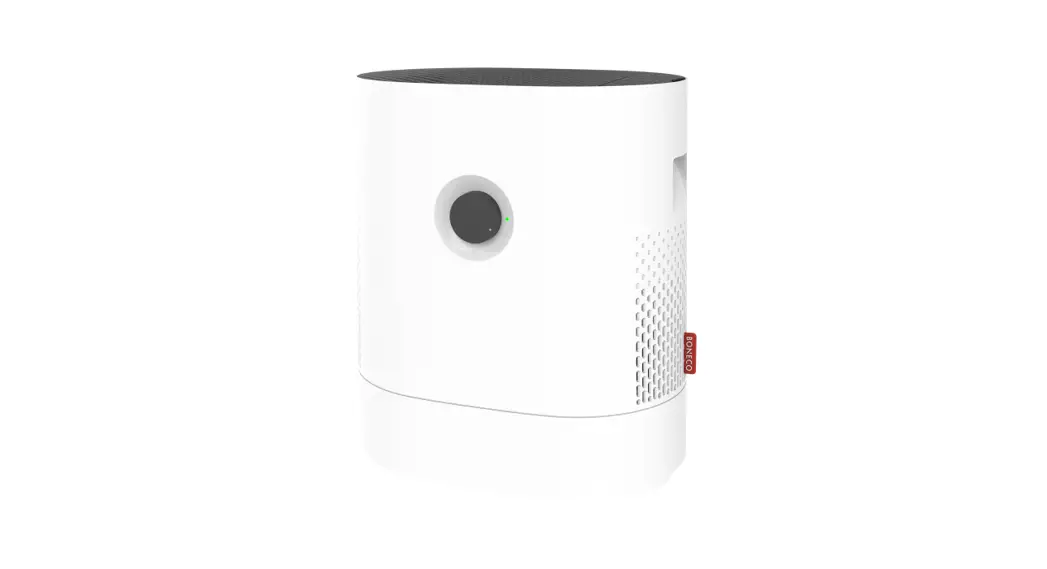
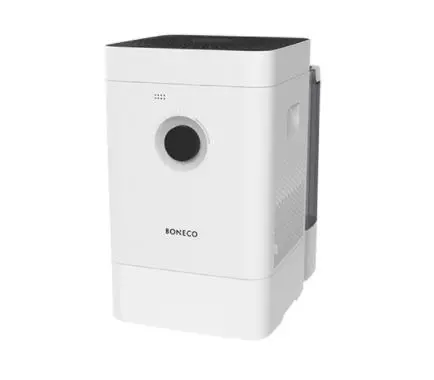
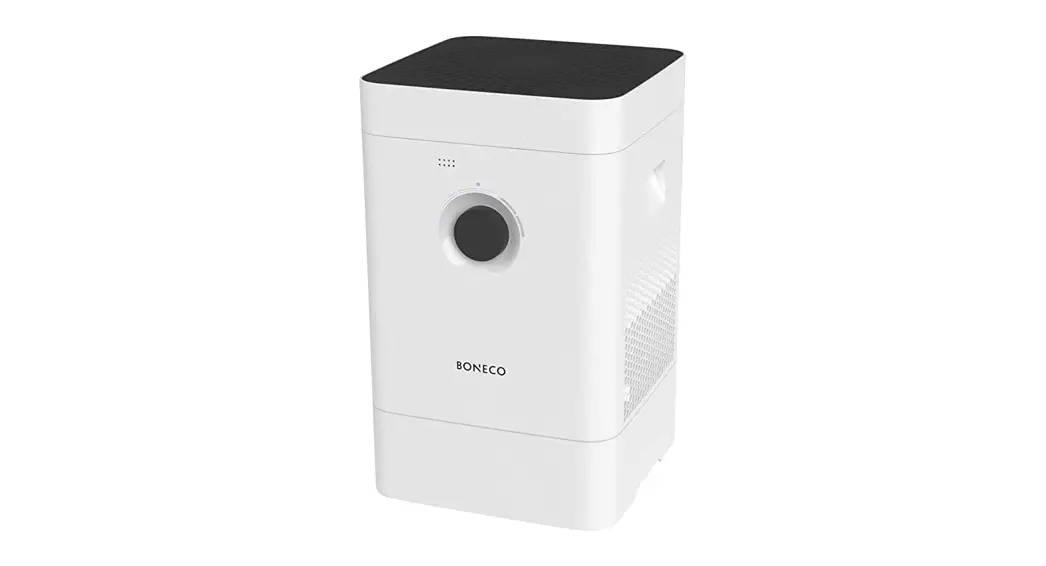
BONECO H300
MANUAL
READ AND SAVE THESE INSTRUCTIONS S.V.P. LIRE ET CONSERVER CES INSTRUCTIONS LEA Y GUARDE ESTAS INSTRUCCIONES
 Download PDF:
www.boneco.us/downloads
ITEMS INCLUDED
DEAR CUSTOMER
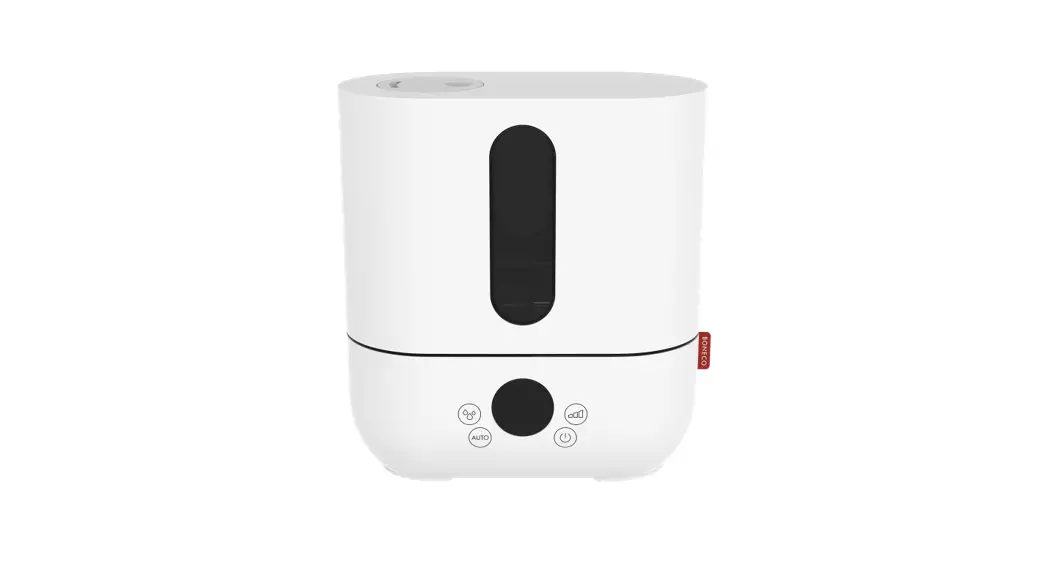
Congratulations on your purchase of the BONECO H300. Thanks to its high evaporating output, humidity is kept at a comfortable level at all times and thus improves the well-being of people and pets – especially during the dry winter months. At the same time, the integrated AH300 POLLEN Filter effectively alleviates the discomfort for people with allergies.
In addition, the BONECO app gives you access to a wide variety of programs and automated actions you can use to adapt the BONECO H300 to your personal needs in every detail. Cleaning the appliance is just as easy because most of the parts can be cleaned in your washing machine or dishwasher.
Regardless of whether it is summer or winter: You will not want to give up your newly gained comfort.
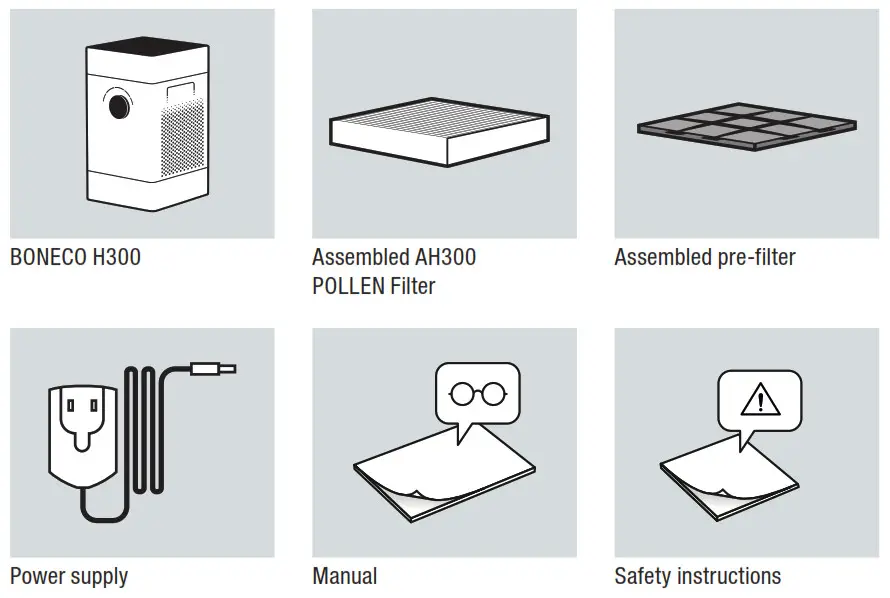
ITEMS INCLUDED
OVERVIEW AND PART NAMES
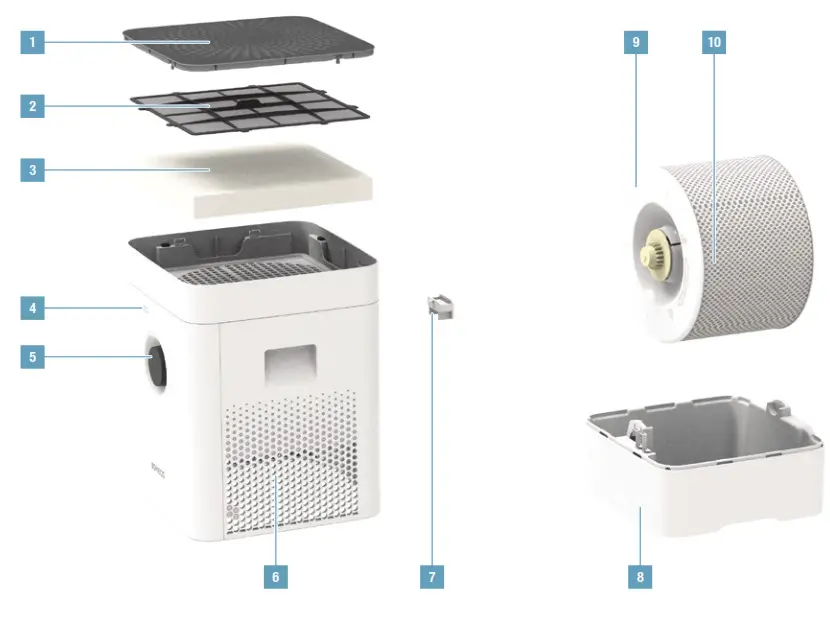
- Cover/air inlet
- Pre-filter
- AH300 POLLEN Filter
- Hygrostat opening
- On / Off, performance level
- Air outlet
- Fragrance container
- Water base
- Drum
- Evaporator mat
IMPORTANT NOTES
SAFETY INSTRUCTIONS
 Before using the device, carefully read through the enclosed safety notes and operating manual and keep them for later use.
FIRST CLEANING
 Production-related residue on the water base and water tank may lead to foaming, and thereby to water escaping. For this reason, before the first use, both elements must be cleaned with warm water and dishwashing detergent. Thoroughly rinse the parts under running water.
START-UP
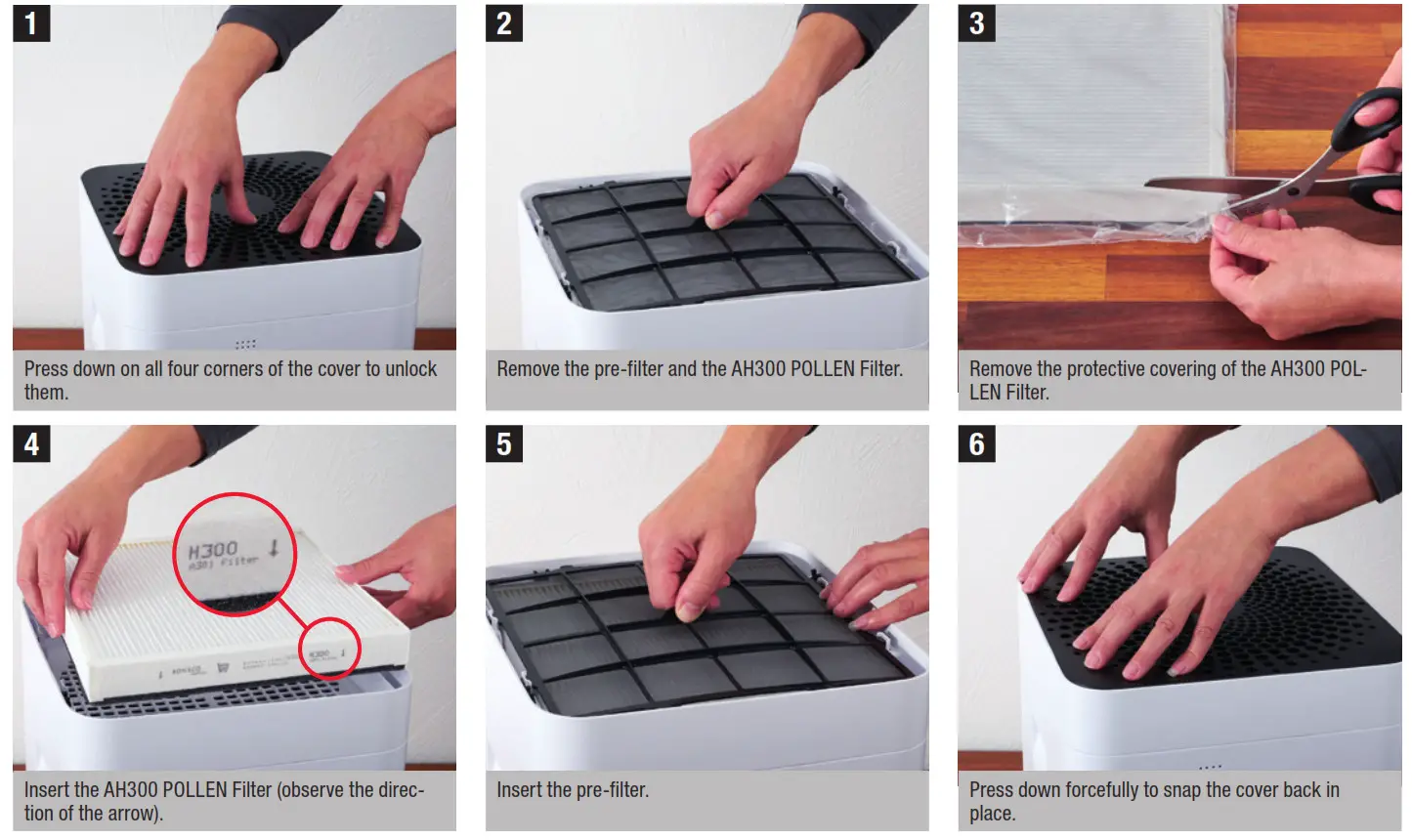
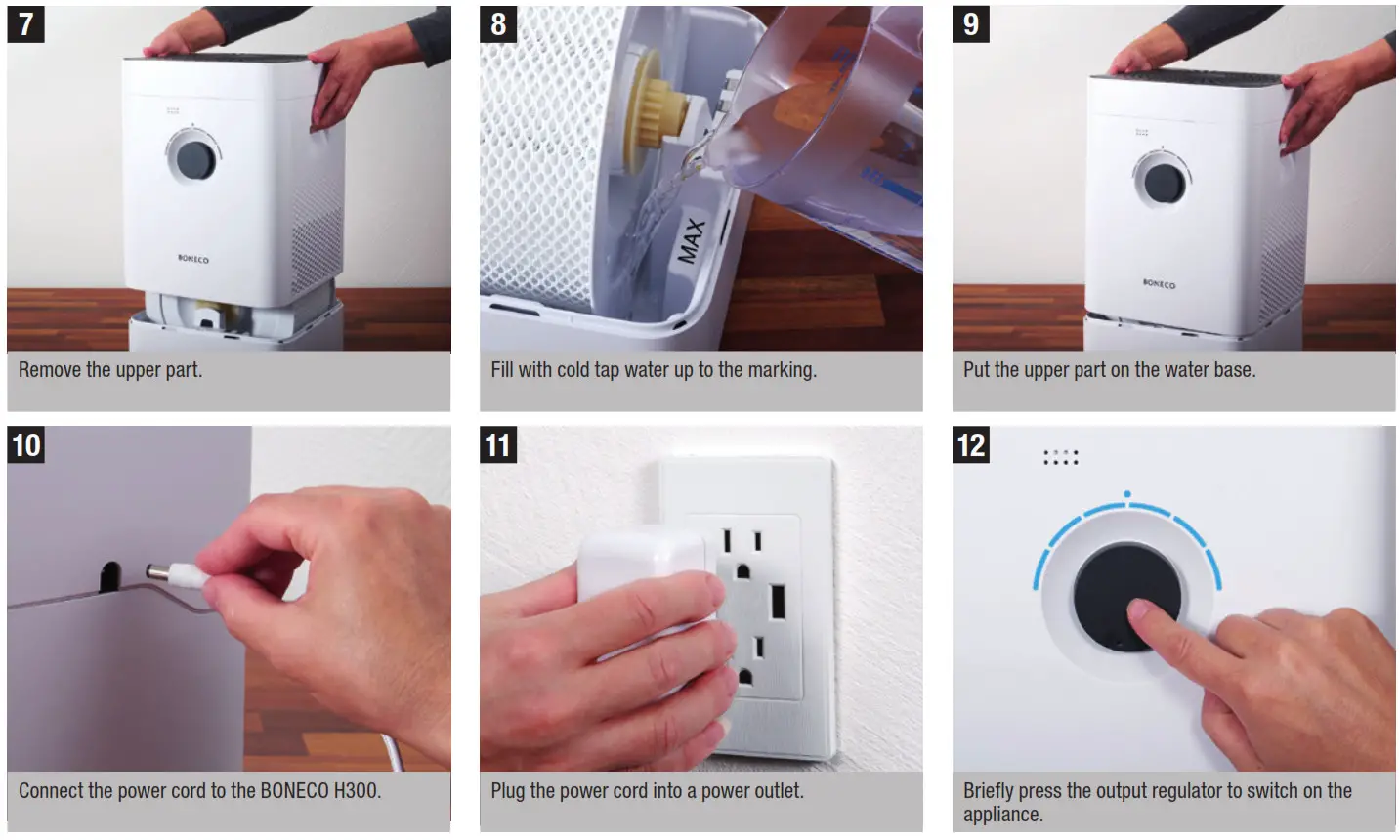
MANUAL OPERATION
ON MANUAL OPERATION
The BONECO H300 offers extensive possibilities for control and automation, which are controlled by the BONECO app. Furthermore, some basic functions are available that you can control manually using the knob on the front.
AUTO MODE
If you have never operated the BONECO H300 with the BONECO app and switch it on for the first time, the appliance will operate as a humidifier and air purifier in AUTO mode. The appliance is preset to a target humidity of 50 percent. The performance level is automatically adapted to the current humidity: The drier the air, the higher the output level.
If the preset target humidity is exceeded by 2 percent, the appliance switches to standby mode, which is indicated by the pulsing LED: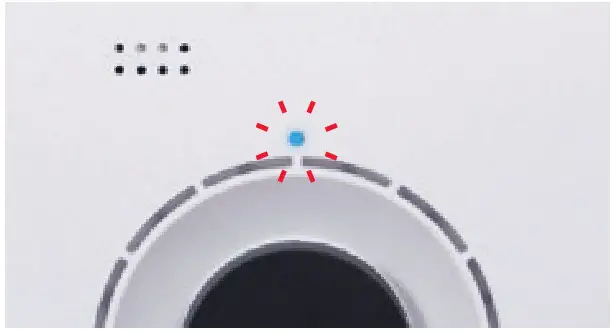 If the humidity drops below the set level, the BONECO H300 resumes operation.
ADAPTED AUTO MODE
If you have already operated the BONECO H300 with the BONECO app and set a different humidity, that value is automatically taken over when it is switched on.
SWITCHING ON AND OFF
1. Briefly press the output regulator once to switch on tBONECO H300.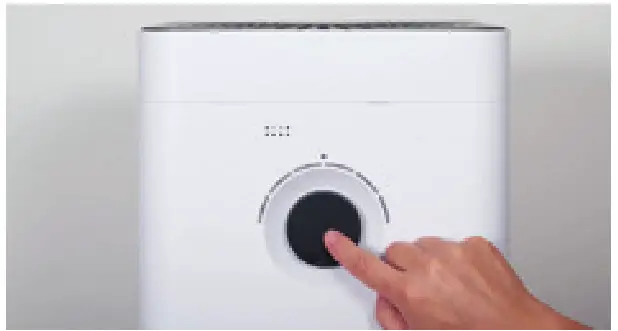 The appliance is always in AUTO mode when it is switched on. You can identify active AUTO mode by the small LED that lights up above the output regulator.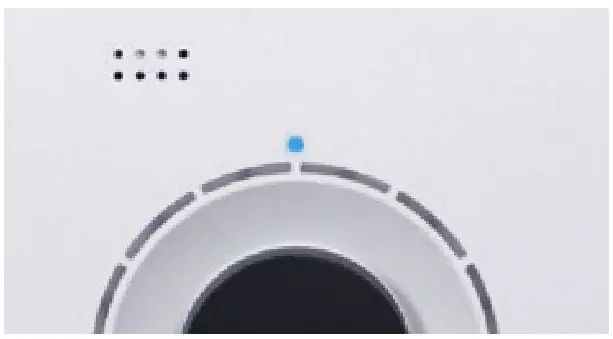
2. To switch off the BONECO H300 while it is in AUTO mode, briefly press the output regulator once.
MANUAL OPERATION (CONTINUED)
MANUAL CONTROL
1. Briefly press the output regulator once to switch on the BONECO H300.
The appliance is always in AUTO mode when it is switched on.
2. Adjust the output to your needs by setting the control knob to the desired level from 1 to 6. This action exits AUTO mode (AUTO LED is off).
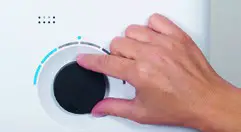
The selected performance level is indicated by the number of LEDs that light up above the output regulator.

3. Briefly press the control knob once to exit manual mode and to reactivate AUTO mode.
4. Briefly press the output regulator once more to switch off the BONECO H300.
If you exit AUTO mode, the BONECO H300 will continue at the selected output level until the water tank is empty – regardless of what the current level of humidity is.
THE VARIOUS OPERATING MODES
HYBRID MODE (“HYBRID”)
The BONECO H300 combines two functions.
- The AH300 POLLEN Filter cleanses breathing air of pollen, household dust, and fine particles.
- The evaporator mat humidifies the room air.
You achieve the best results if the BONECO H300 humidifies and purifies the air at the same time. Nevertheless, it is possible to use just one of the two functions.
HUMIDIFICATION ONLY (“HUMIDIFIER”)
We recommend using the BONECO H300 with inserted AH300 POLLEN Filter even in winter because, aside from pollen, it also filters household dust out of the air. In order to operate the appliance without the AH300 POLLEN Filter, simply remove the filter from its holder.
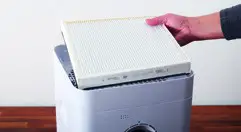
If you remove the AH300 POLLEN Filter, the maximum humidifier output rises from about 1.27 gal/day (200 g/h) to about 2.22 gal/day (350 g/h).
AH300 POLLEN FILTER ONLY (“PURIFIER”)
In summer, humidity is usually sufficient, but pollen gives people with allergies a difficult time. If you only want to use the purifying effect of the AH300 POLLEN Filter, switch the BONECO H300 to the “Purifier” operating mode using the BONECO app.
FRAGRANCE CONTAINER
FRAGRANCE CONTAINER
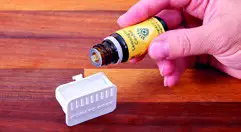
Commercially available fragrances and essential oils can be inserted into the fragrance container on the rear side.
Never mix any additives into the water base itself, since doing so can decrease the performance of the BONECO H300 and even cause damage. This damage is not covered by the warranty. The fragrance container can be cleaned in the dishwasher. The temperature may not exceed 130 °F (50 °C).
USE
1. Press down on the fragrance container to take out the drawer.
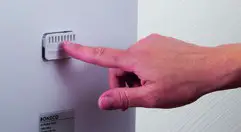
2. Sprinkle the felt insert in the drawer with the fragrance of your choice.
THESE ARE THE BENEFITS OF THE BONECO APP
ABOUT THE BONECO APP
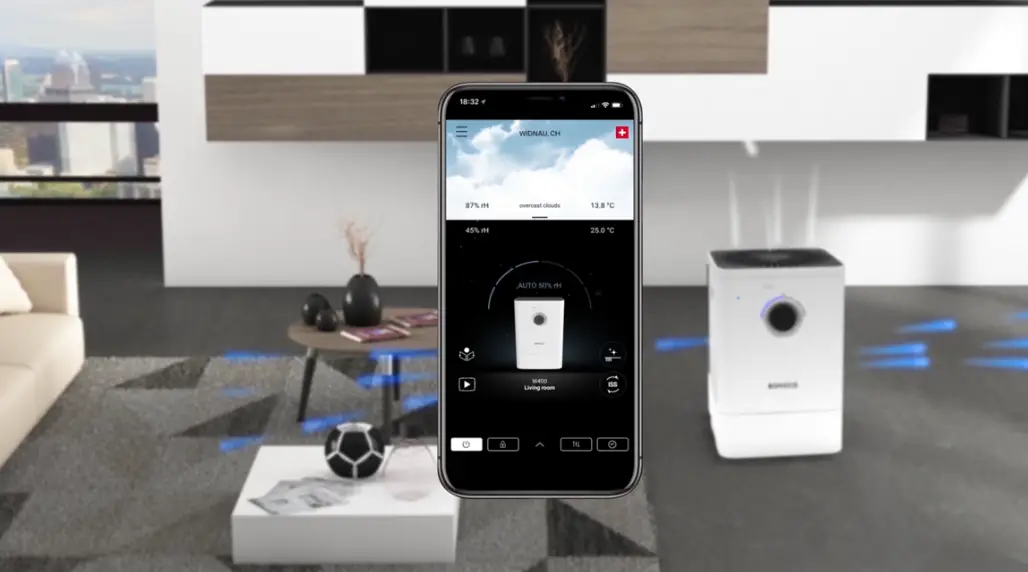
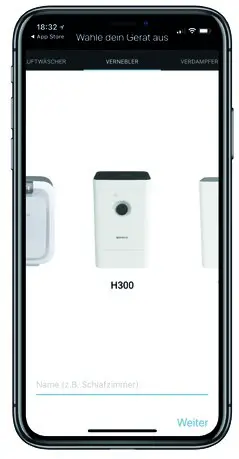
The “BONECO healthy air” app is used to control the BONECO H300 and lets you take full advantage of its potential. The app includes functions such as a timer, a humidity preset, and the option to switch between various programs. In addition, it provides reminders for the cleaning intervals, filter changes and other recurring tasks.
SCOPE OF SERVICES
| ON timer | The appliance switches on after a set time |
| OFF timer | The appliance switches off after a set time |
| Programs | Predefined settings for frequent situations |
| Hygrostat | Defining the desired humidity |
| Weather | Displays the current weather and outside temperature |
| Filter change information | Indicates when a AH300 POLLEN Filter is used up |
SOURCE OF THE BONECO APP
BONECO APP FOR IOS
Search the App Store for “BONECO healthy air” or scan the QR code below. Reading the QR code under iOS 10 or earlier requires installing a corresponding app. Under iOS 11 and later, the QR code is read automatically whenever you direct the camera at it.

APP FOR ANDROID
Search the Google Play Store for “BONECO healthy air” or scan the QR code below. Reading the QR code requires installing a corresponding app on your device.

CONNECTING THE APP TO THE BONECO H300
PREPARING FOR FIRST USE
• Make sure that Bluetooth is activated on your smartphone.
• During connection, make sure that the smartphone is in the same room as the BONECO H300.
Once connected successfully, you can control the BONECO H300 with your smartphone from the same room or even from an adjacent room. However, the maximum distance between smartphones and BONECO H300 depends on the specific structural conditions.
CONNECTION
- Make sure that Bluetooth is activated on your smartphone.
- Start the BONECO app.
- Follow the instructions in the app.
NOTES ON CLEANING
ABOUT CLEANING
Regular maintenance and cleaning are necessary for trouble-free and hygienic operations.
Recommended cleaning and maintenance intervals vary depending on air quality, water quality and length of operation.
Dishwashing liquid and a scrub brush are recommended for cleaning by hand.
Always unplug the BONECO H300 before you start cleaning! Failure to do so can result in electric shock and fatal injury! In the case of cleaning the drum and the water base in the dishwasher, a temperature of 130 °F (50 °C) may not be exceeded, as temperatures higher than this can cause the plastic parts to deform.
RECOMMENDED CLEANING INTERVALS
| Interval | Action |
| After the third day without operation | Empty water base and fill with fresh water |
| Every 2 weeks | Clean water base, drum and evaporator mat |
| Cleaning the pre-filter | |
| Yearly | Replace the AH300 POLLEN Filter |
CLEANING IN THE DISHWASHER
PARTS NOT PERMITTED
The following parts cannot be cleaned in the dishwasher.
• Central part with filter cover
• Evaporator mat
• AH300 POLLEN Filter
WATER BASE AND DRUM
- Remove the upper part of the BONECO H300.
- Remove the drum with the evaporator mat.
- Rotate both drum discs to loosen. In doing so, obserthe markings on the outer side of the disc.

- Remove the evaporator mat from the drum.

- With the exception of the central part, the AH300 POLLEN Filter, and the evaporator mat, clean all of the parts either by hand or in the dishwasher at max. the temperature of 130 °F (50 °C).

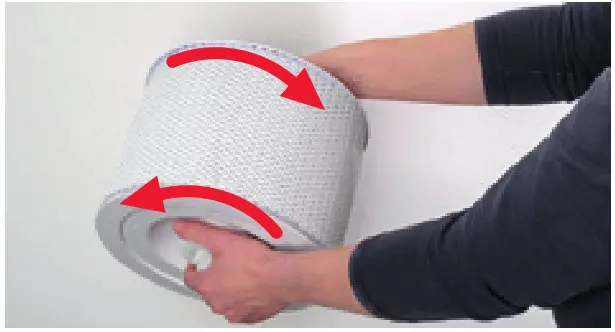
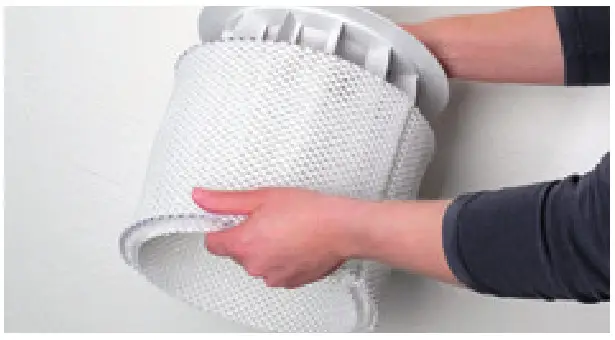
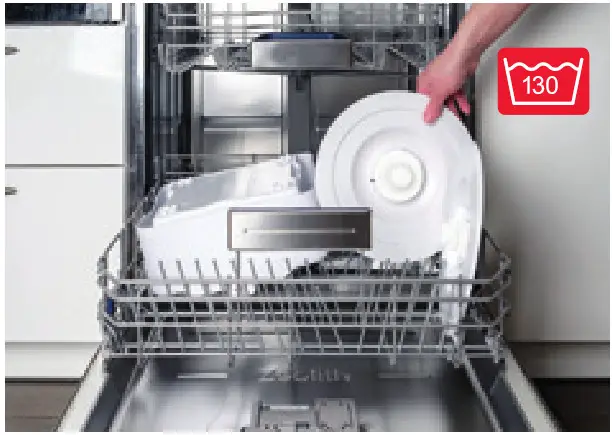
CLEANING THE EVAPORATOR MAT
ABOUT THE EVAPORATOR MAT
In the case of heavy contamination, the experience of limescale build-up of odor formation, the evaporator mat can be cleaned either by hand or in the washing machine. When stretching the evaporator mat on the drum after cleaning, take note of correct positioning: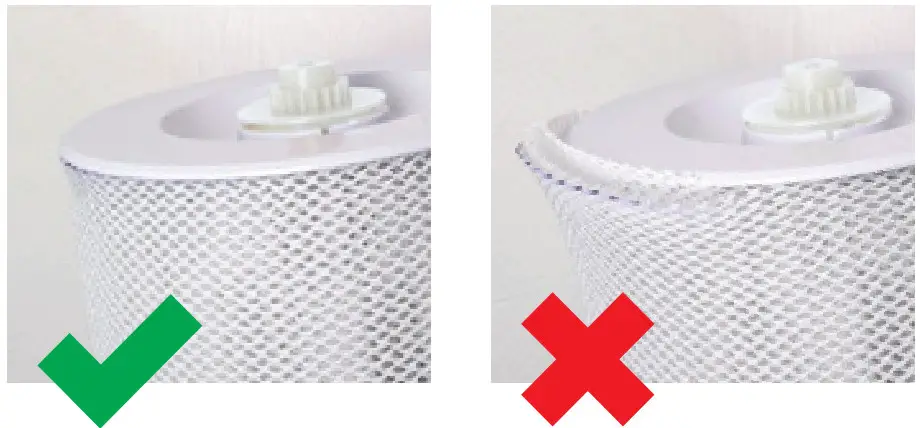
CLEANING IN THE WASHING MACHINE
The evaporator mat can be cleaned in the washing machine. Commercially available detergents can be used. For best results wash the evaporator mat by itself. The evaporator mat may not be washed at a temperature higher than 104 °F (40 °C). Do not dry the evaporator mat in the clothes dryer.
CLEANING BY HAND
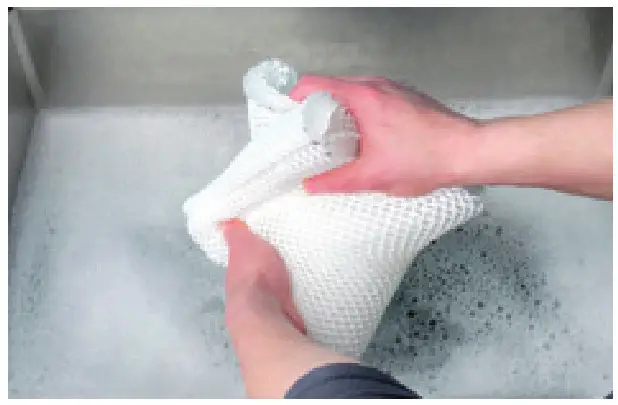
- Tumble the evaporator mat thoroughly in warm water so that the entire mat makes contact with some detergent.

- Continue to rinse out the evaporator mat in clean and warm water until foam no longer forms.
CLEANING THE PRE-FILTER / REPLACING THE AH300 POLLEN FILTER
ABOUT THE PRE-FILTER
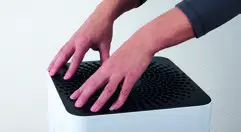
The pre-filter cleanses the air of coarse dirt particles to relieve the strain on the AH300 POLLEN Filter and to improve its effectiveness. Clean the pre-filter if it looks dusty or dirty.
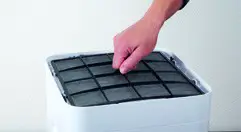
- Press down each of the four corners in sequence to unlock them.

- Remove the pre-filter by pulling it upwards by the lug in its center.
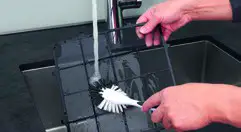
- Wash the pre-filter under running water using a cleaning brush.
- Let the pre-filter dry before inserting it.
A damp pre-filter can impede the quality of the AH300 POLLEN Filter.
REPLACING THE AH300 POLLEN FILTER
The AH300 POLLEN Filter cannot be cleaned.
- The dirt is normal and shows that the filter is working.
- Replace the filter once a year to maintain the cleaning performance.
- The used filter can be disposed of with your regular household waste.
You can obtain a replacement for your used AH300 POLLEN Filter from your BONECO reseller or the BONECO online store at www.shop.boneco.us or directly through the BONECO app you use to control the BONECO H300.
NOTES ON OPERATION AND TROUBLESHOOTING
| Problem | Possible cause | Action |
| Air has an unpleasant odor | Stagnant water in the water base | Drain the water base and clean the appliance and the evaporator mat |
| AUTO LED on the appliance flashes red | The water base is empty | Fill the water base |
| Appliance cannot be operated in the app. The message “Searching …” “Cannot be found” appears. | Appliance is blocked by another smartphone | Close the app on the second smartphone |
| No connection to the appliance | Bluetooth not enabled | Enable Bluetooth |
| AUTO LED pulses | The desired humidity has been reached | None needed |
| Current display flashes if operation is attempted | Operation is blocked | Disable the LOCK function in the app |
| Display remains dark | The brightness of the LEDs has been heavily reduced in the app | Increase the brightness of the LEDs in the app |
TECHNICAL DATA
TECHNICAL DATA *
| Type designation | BONECO H300 | |
| Mains voltage | 100-240V – 50/60 Hz | |
| Power consumption | Standby | 0.6 W |
| Level 1 | 3.6 W | |
| Level 6 | 9.6 W | |
| Humidity output up to | 2.2 gal /day (350 g/h)** | |
| Particle CADR | <65 m3/h | |
| Recommended room size up to | 540 square feet/4400 cubic feet (50 m2/ 125 m3) | |
| Water capacity max. | 1.2 gallons (4.5 liters) | |
| Dimensions LxWxH | 11 x 11 x 18.3 in. (280 x 280 x 465 mm) | |
| Weight (empty) | 12.1 lb (5.5 kg) | |
| Operation noise level | Level 1 | 28 db(A) |
| Level 6 | 51 db(A) | |
* Subject to change
** Level 6 (humidification only)
 BONECO AG - humidifier, air washer, air purifiers and Air Shower fans - Boneco
 BONECO AG - humidifier, air washer, air purifiers and Air Shower fans - Boneco